How to share your WiFi password from iPhone or iPad with any device including MacBooks
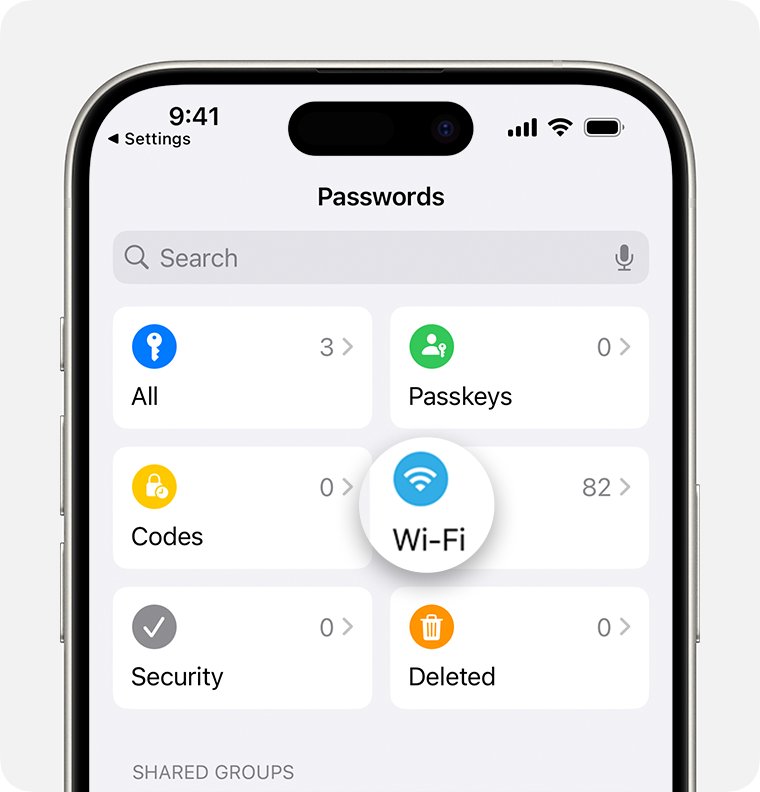
Share your WiFi password from iPhone or iPad with a tap for Apple devices, or a QR code for Android and Windows. Includes MacBook steps and fixes.
1,996 articles

Share your WiFi password from iPhone or iPad with a tap for Apple devices, or a QR code for Android and Windows. Includes MacBook steps and fixes.
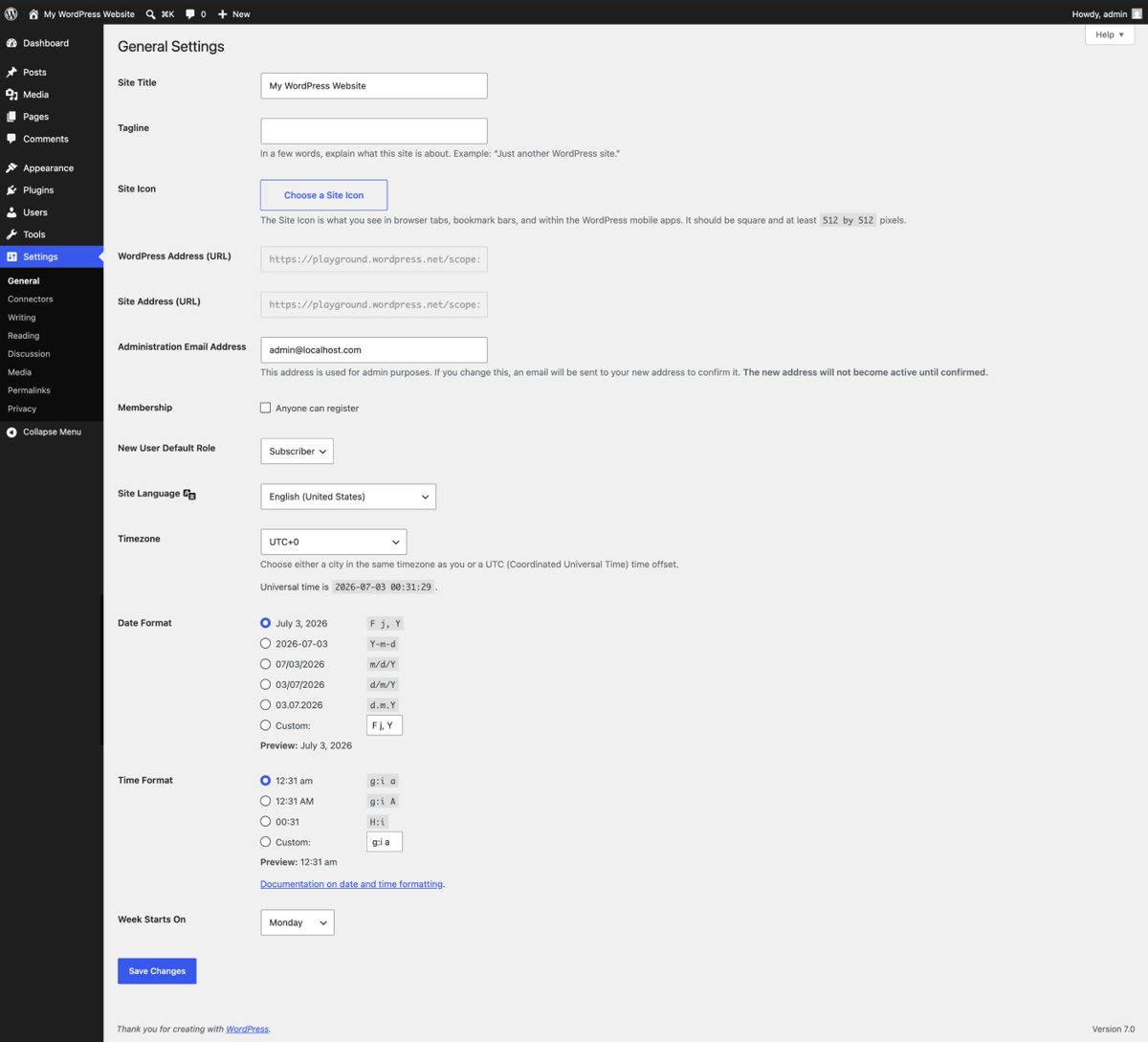
Fix ERR_TOO_MANY_REDIRECTS by deleting the site’s cookies in Chrome or Edge, then check WordPress URLs, Cloudflare SSL mode and IIS redirects if you run the site.
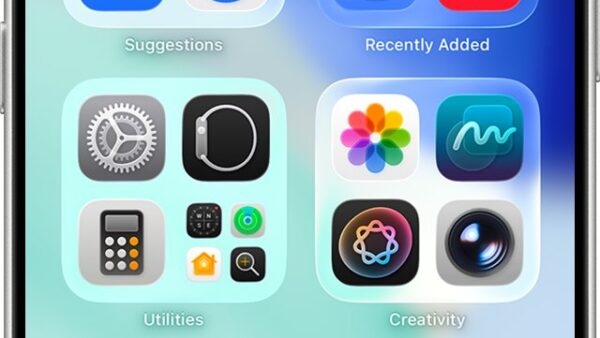
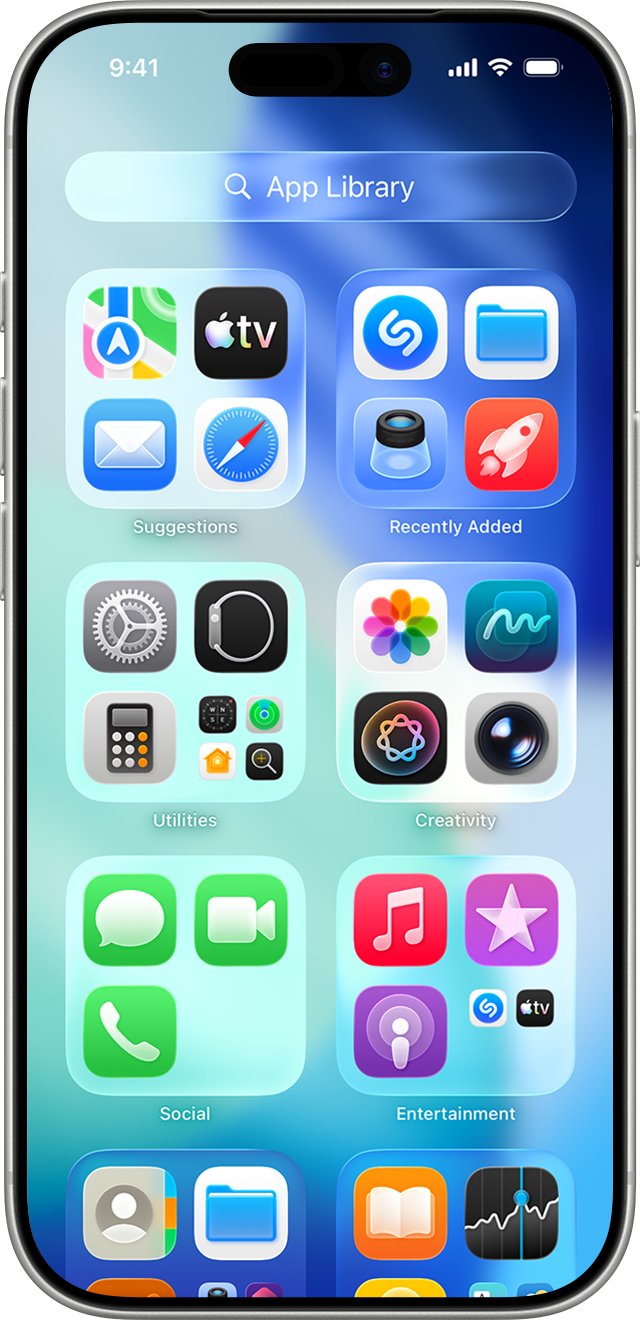
Add Google Chrome to your home screen on Android, iPhone and iPad, pin it to the Windows desktop or taskbar, and save any website from Chrome as a home screen icon.
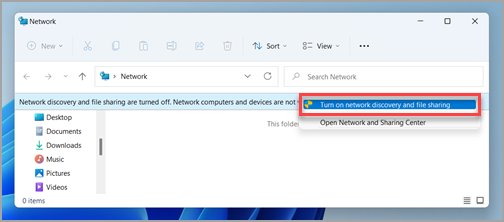
Enable the DLNA media server in Windows 11: set the network to Private, turn on media streaming in Control Panel, then play your libraries on a TV, VLC or console.
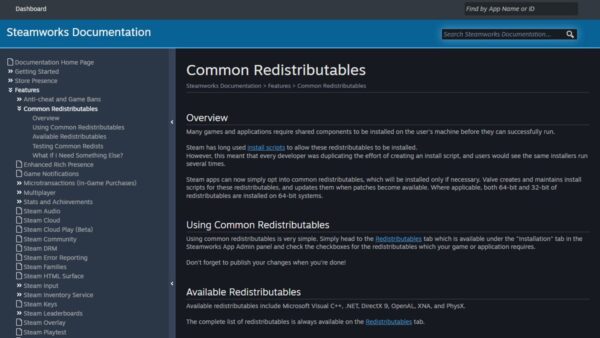
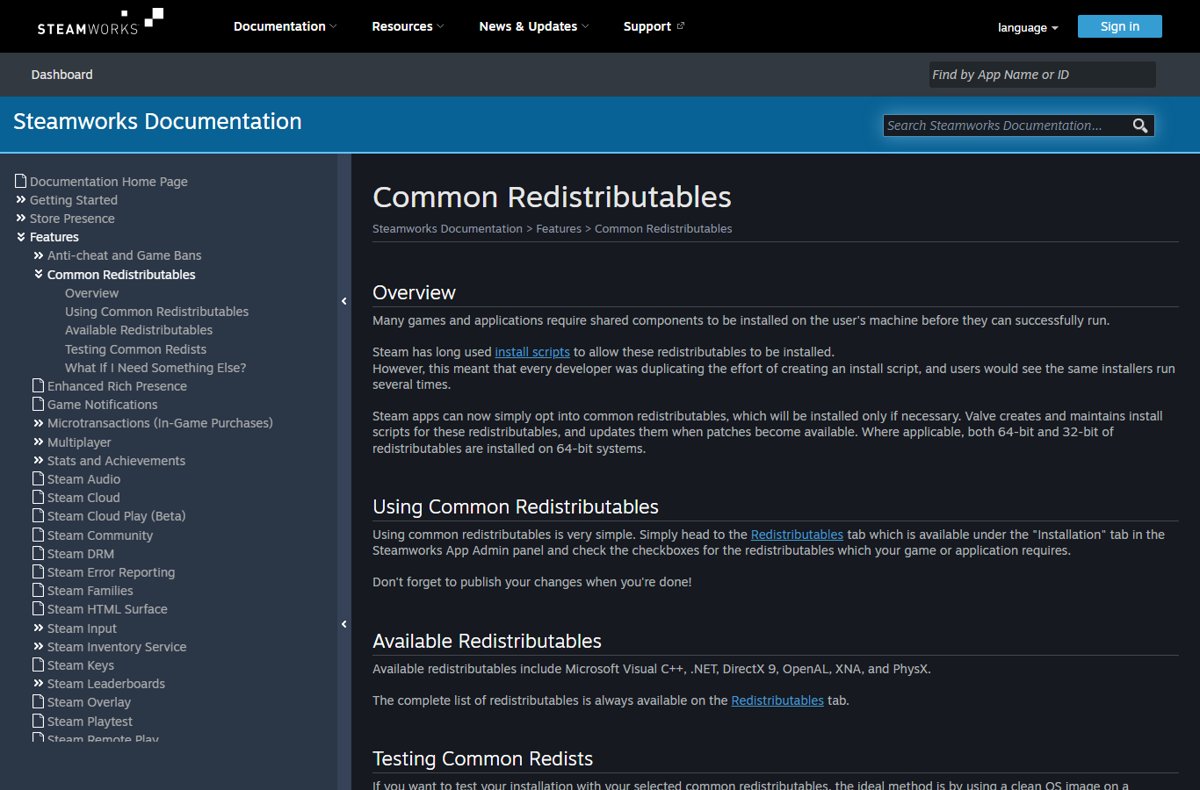
Steamworks Common Redistributables are shared runtimes like Visual C++, .NET and DirectX 9 that Steam installs for games. What they are, and how to fix their errors.
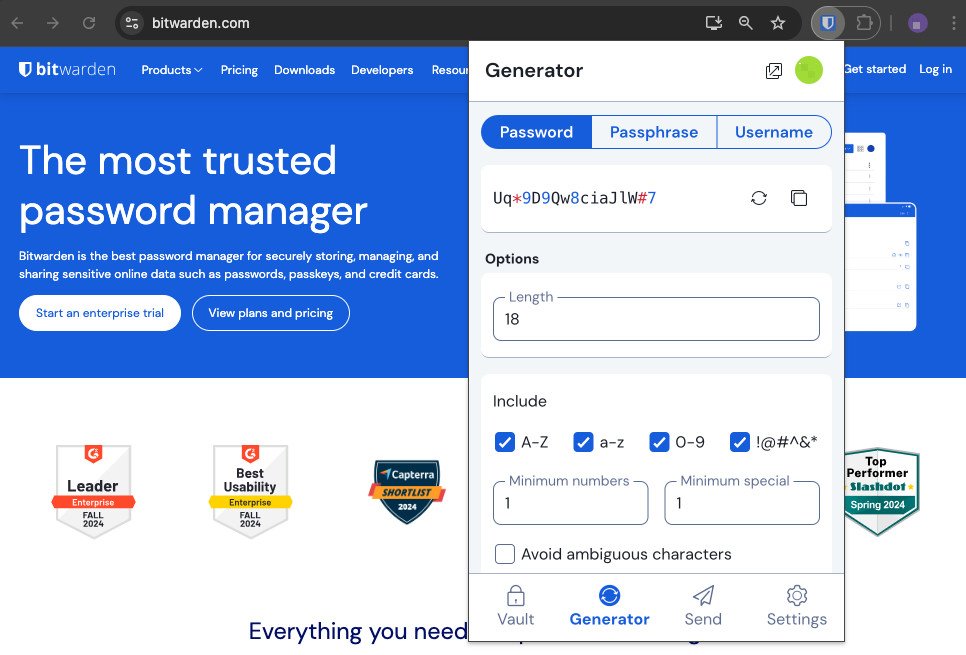
Use the Bitwarden extension in Chrome: install it, log in, save and autofill passwords, generate strong ones, organise folders and fix locking or autofill issues.
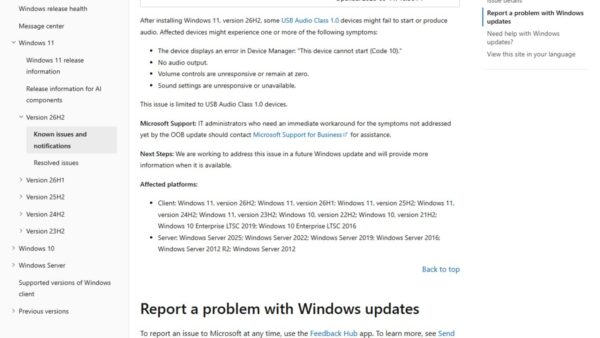
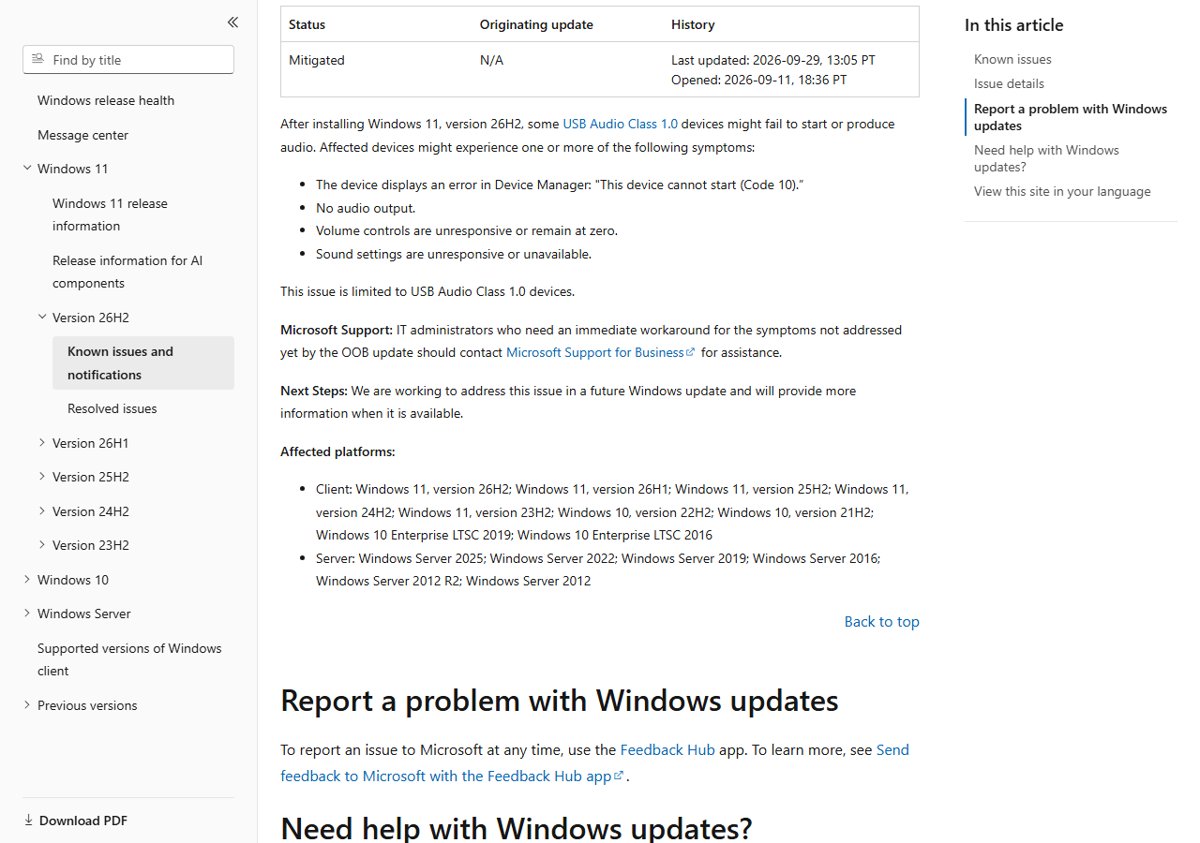
USB audio not working after a Windows 11 update, with Code 10 in Device Manager? See Microsoft’s known issue, its status and the official driver and update fixes.
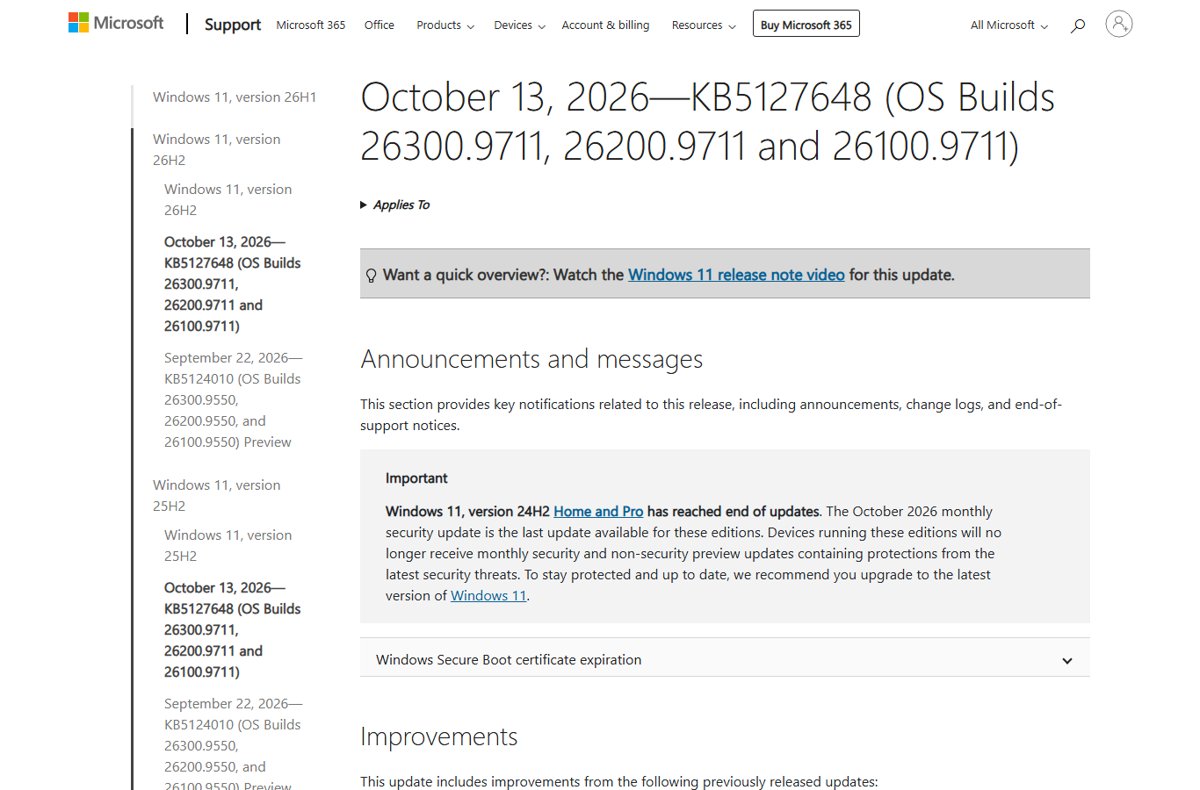
Windows 11 24H2 end of updates hit Home and Pro on October 13, 2026. Check your version, upgrade to 26H2 or 25H2, and see what happens if you stay.
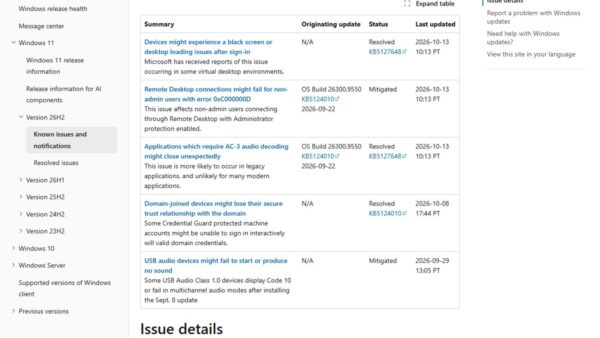
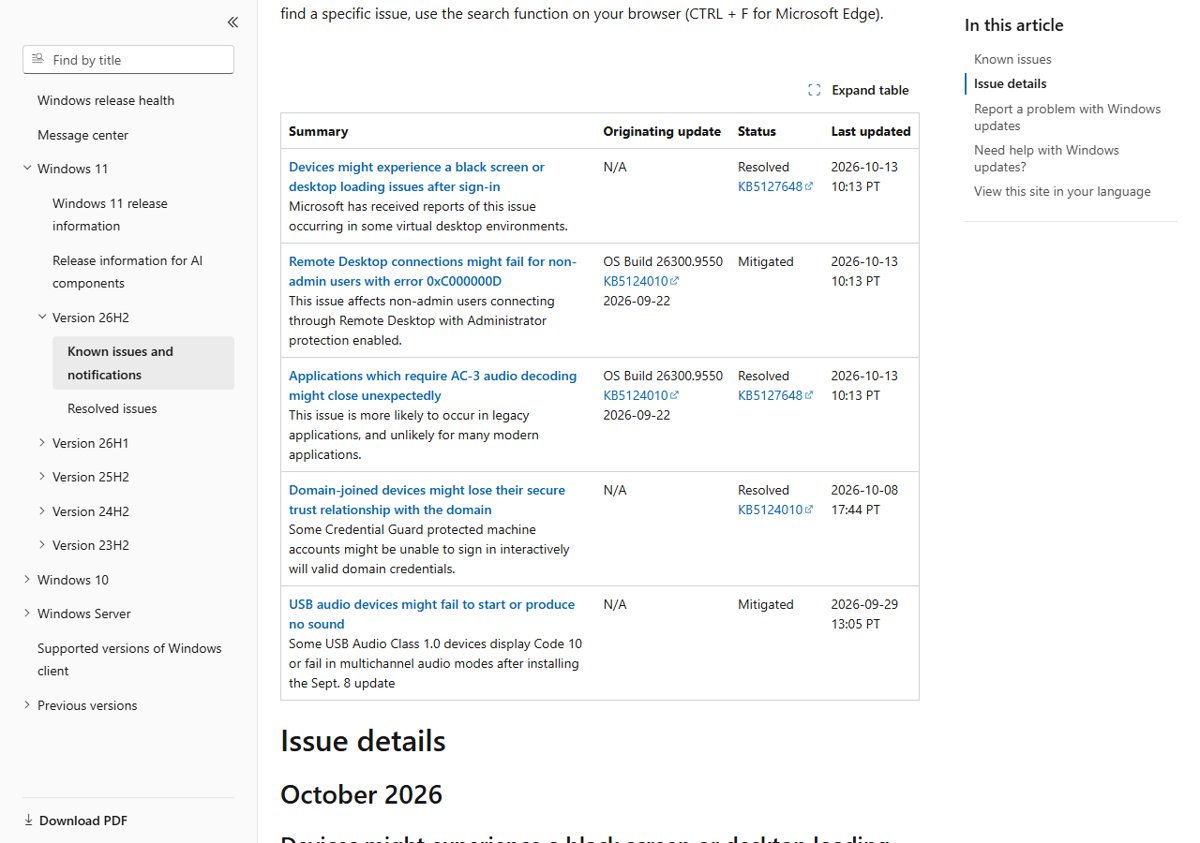
Windows 11 October 2026 Update issues by version: USB audio Code 10, Remote Desktop 0xC000000D, fixed black screen and AC-3 bugs, workarounds and rollback.
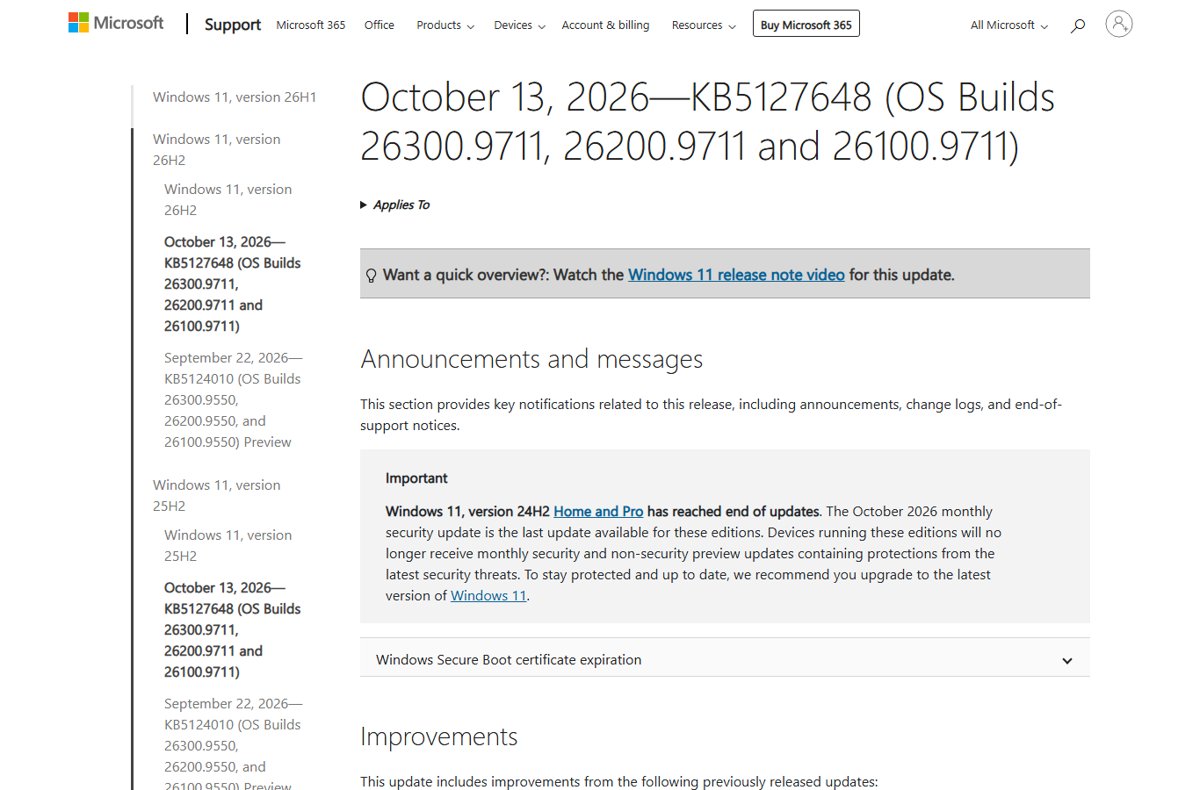
Windows 11 October 2026 Update review: KB5127648, KB5126653 and KB5127646 explained, new features, fixes, known issues, 24H2 end of updates and whether to install.
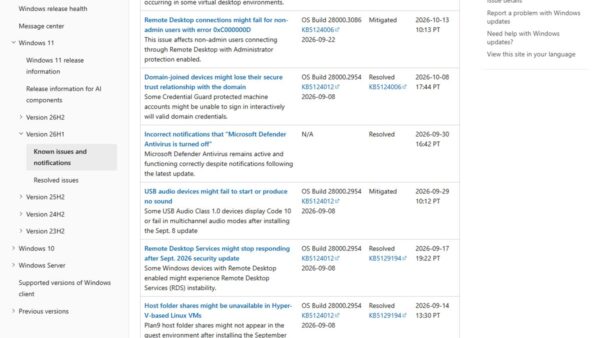
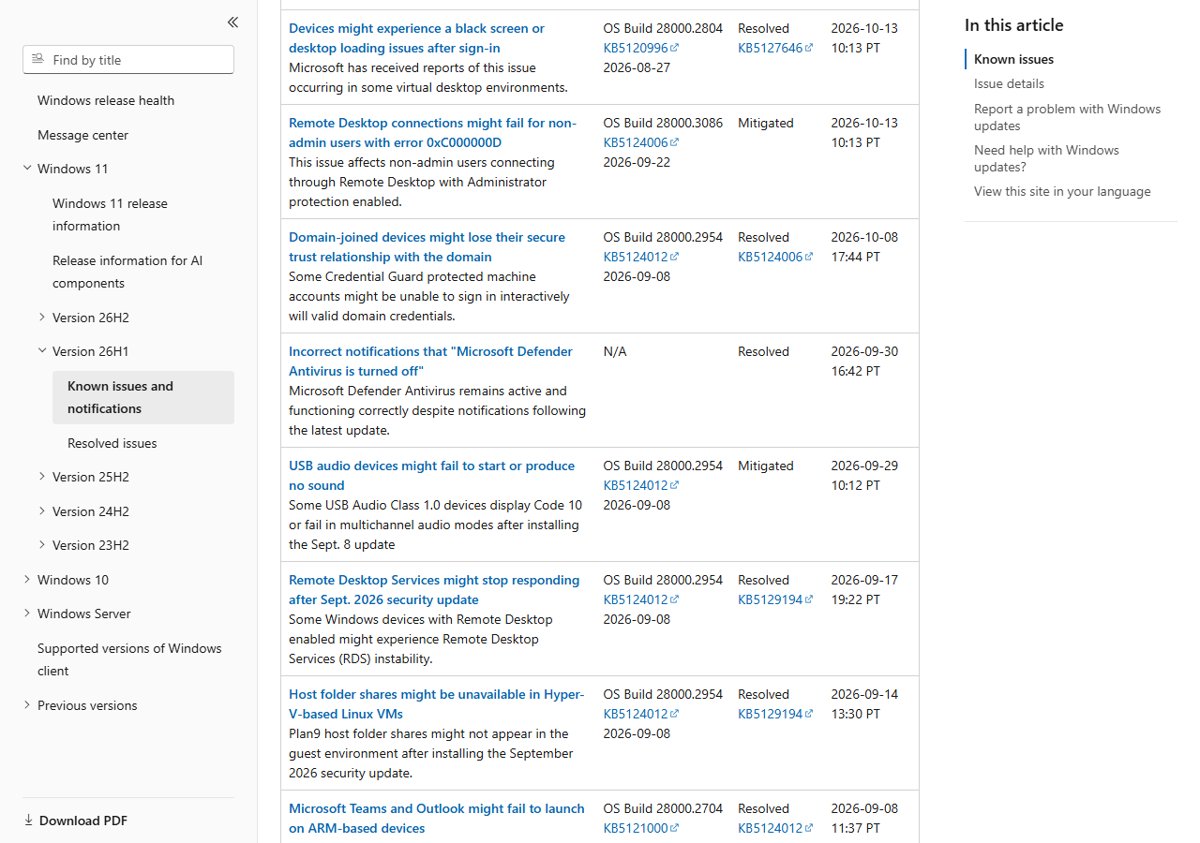
Windows 11 KB5127646 issues: the open USB audio and Remote Desktop problems, what the 26H1 update fixes, who should wait, and how to uninstall or pause it.
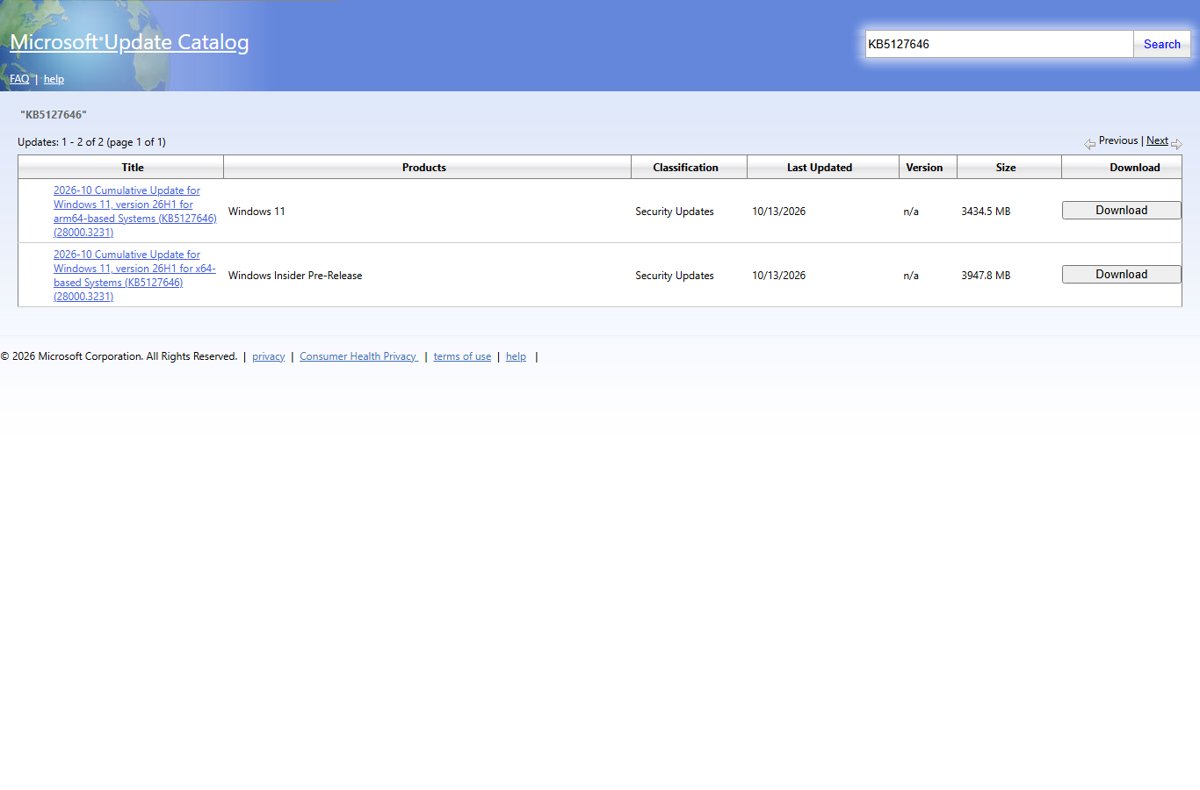
Windows 11 KB5127646 download for 26H1: direct x64 and ARM64 .msu links, how to install it, build 28000.3231, and every change in the October 2026 update.