
How to enable developer mode on Samsung TV in 5 easy steps?

Enable developer mode on a Samsung TV: open Smart Hub > Apps, type 12345, switch Developer mode on, enter your PC’s IP address and reboot. Fixes included.
3,345 articles

Enable developer mode on a Samsung TV: open Smart Hub > Apps, type 12345, switch Developer mode on, enter your PC’s IP address and reboot. Fixes included.


Run HTML code from Notepad on Windows 11/10: type the code, save it as index.html with UTF-8 encoding, then open the file in Edge, Chrome or any web browser.


Enable SSH server on Windows 11 and 10 with OpenSSH: install it from Optional features or PowerShell, configure sshd_config and keys, connect, and check the logs.


Always run Windows Terminal as administrator on Windows 10 with the elevate setting or an admin desktop shortcut. Per-profile option, admin check and undo steps.


Fully remove OneDrive from Windows 11: unlink this PC, uninstall Microsoft OneDrive in Settings, delete the leftover folder and stop it coming back after updates.

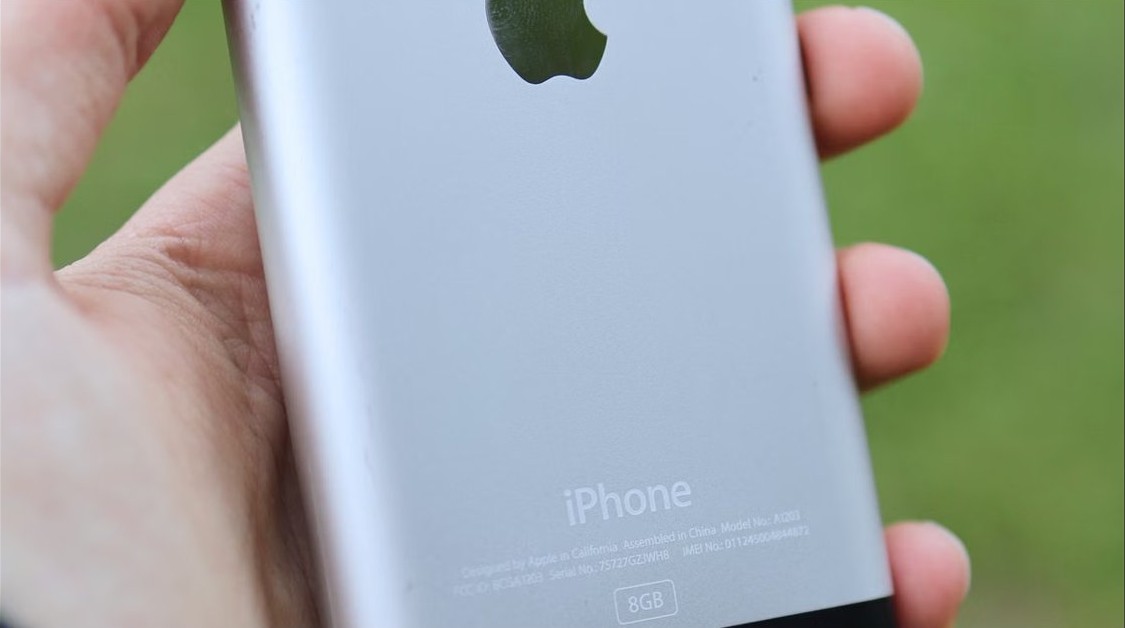
Put an iPhone 4 into recovery mode by holding the Home and top buttons while it is connected to a computer, then choose Update or Restore.

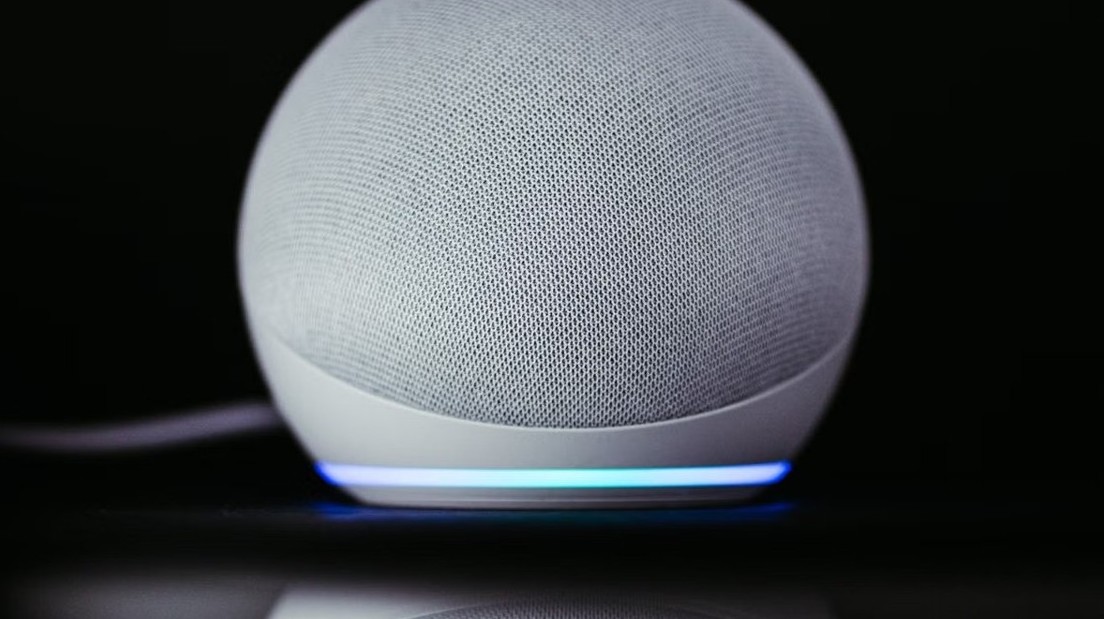
Connect Alexa to WiFi from the Alexa app: Devices, your Echo, Device Settings, Change or remove a Wi-Fi network. Echo Show steps, reset and fixes included.
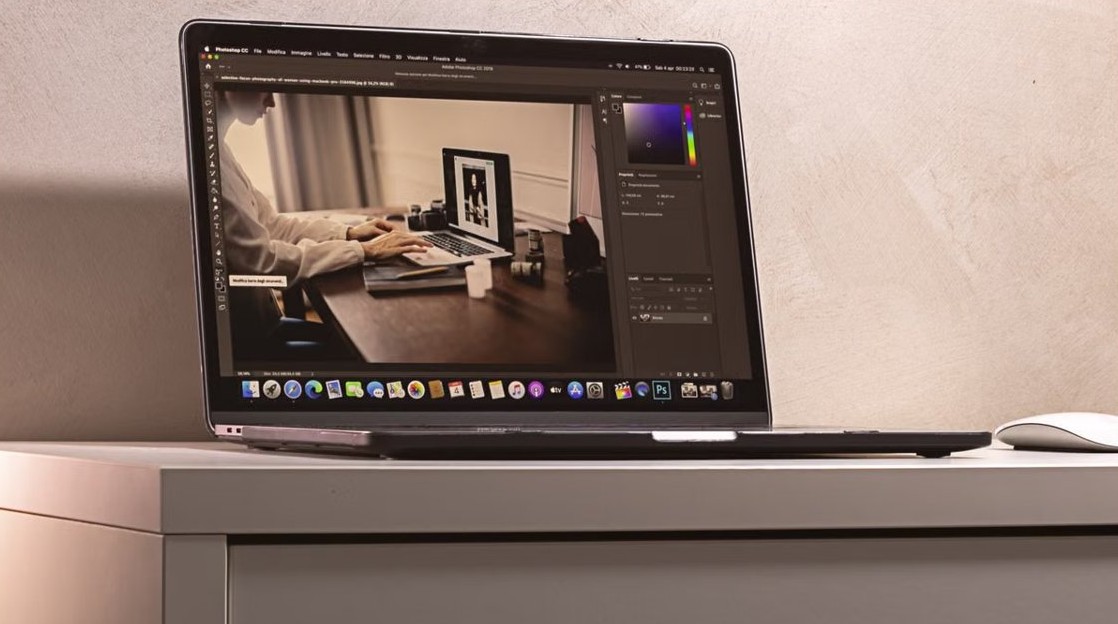
Troubleshooting apps that aren’t working in Windows 11/10: restart, update, repair or reset the app, run SFC, clean boot and reinstall, in the order that works.


Set up Windows Hello on a local account in Windows 11 with a PIN, fingerprint or face, keep a way back in if you forget the PIN, and see what a local account loses.
Windows Installer patch (.MSP) files update MSI apps and sit in C:\Windows\Installer. Why deleting them breaks updates, and how to remove a patch safely.

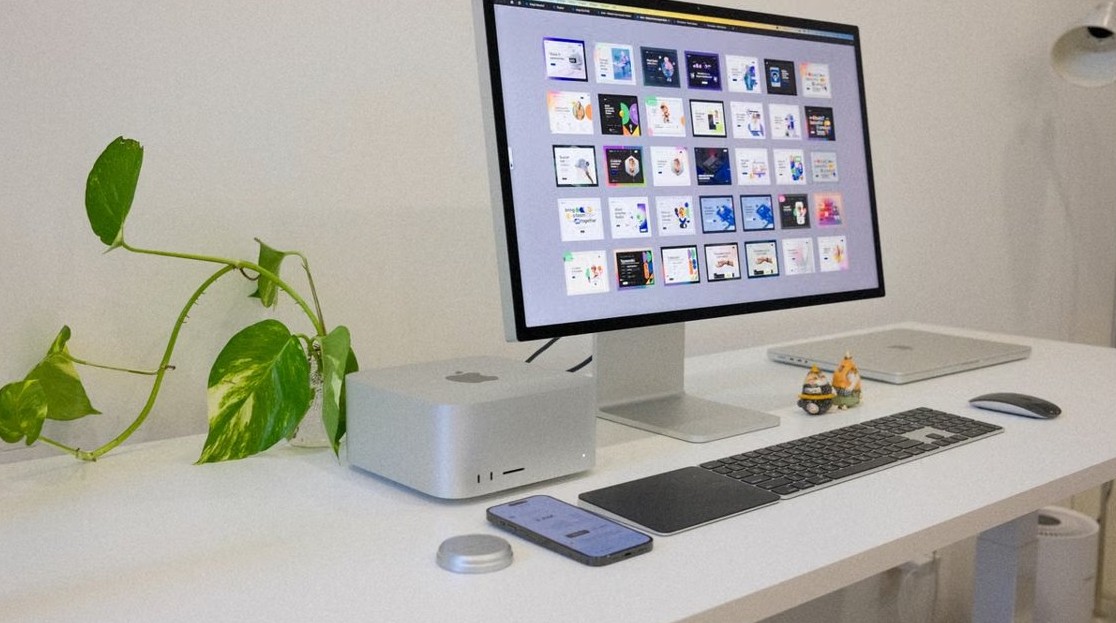
Widget Launcher pins clocks, weather, notes and CPU widgets on the Windows 11 desktop. Install it safely, see costs, privacy facts and fixes for common problems.


Set up OpenSSH Server on Windows 11 and 10: install the feature, start sshd, open port 22, add SSH keys, turn off passwords and fix connection errors.