How to Reinstall Calculator in Windows 10 & 11
Reinstall Calculator in Windows 10 and 11 from Microsoft Store, winget or PowerShell. Repair or reset it first, and fix Store or debloat-tool removals.
3,340 articles

Reinstall Calculator in Windows 10 and 11 from Microsoft Store, winget or PowerShell. Repair or reset it first, and fix Store or debloat-tool removals.


Change cursor size and color in Windows 11 and 10 from Accessibility settings: pointer size slider, color styles, custom colors and a thicker text cursor.
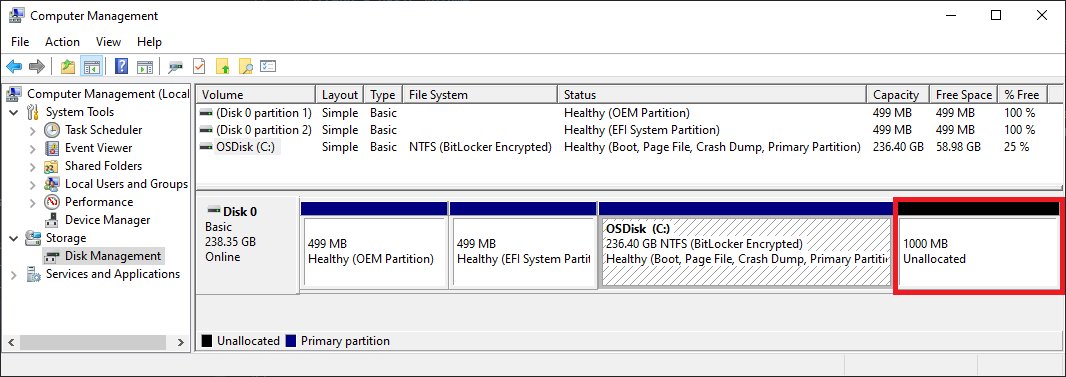
Add an E drive in Windows 11 by shrinking C: or initializing a new disk in Disk Management, then creating a new volume with the letter E. Back up first.
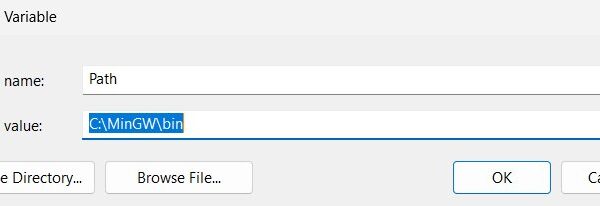
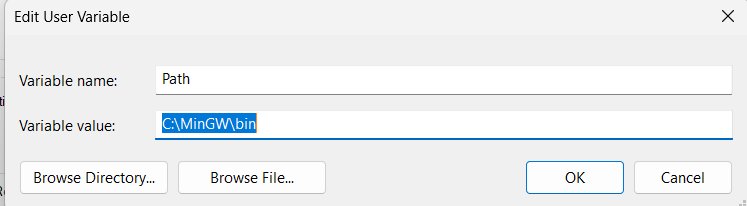
Edit environment variables on Windows 10 or 11 from Edit the system environment variables, setx or PowerShell. Covers PATH, user vs system, backups and fixes.
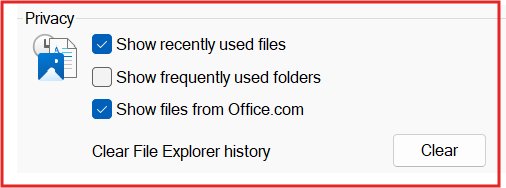
Open Folder Options in Windows 11 from File Explorer: See more > Options. Windows 10 uses View > Options. Plus Run, Command Prompt and Group Policy fixes.
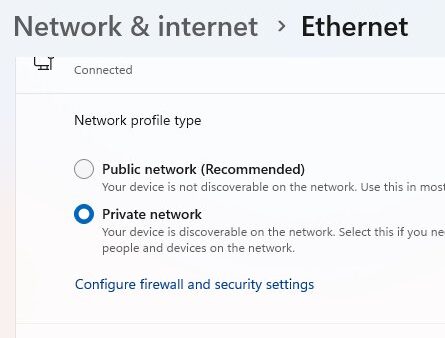
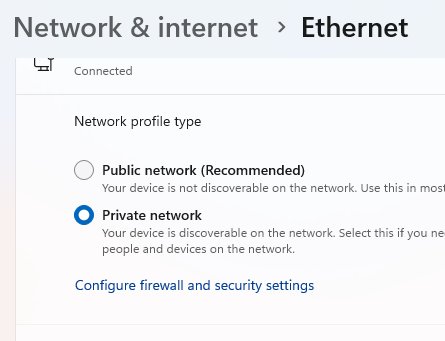
Turn on Wi-Fi Direct on Windows 11 by switching on Wi-Fi, then using Windows + K, Nearby sharing or Add device for printers. Support checks and fixes.
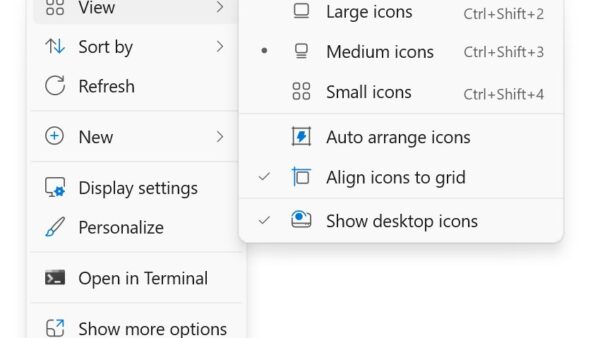
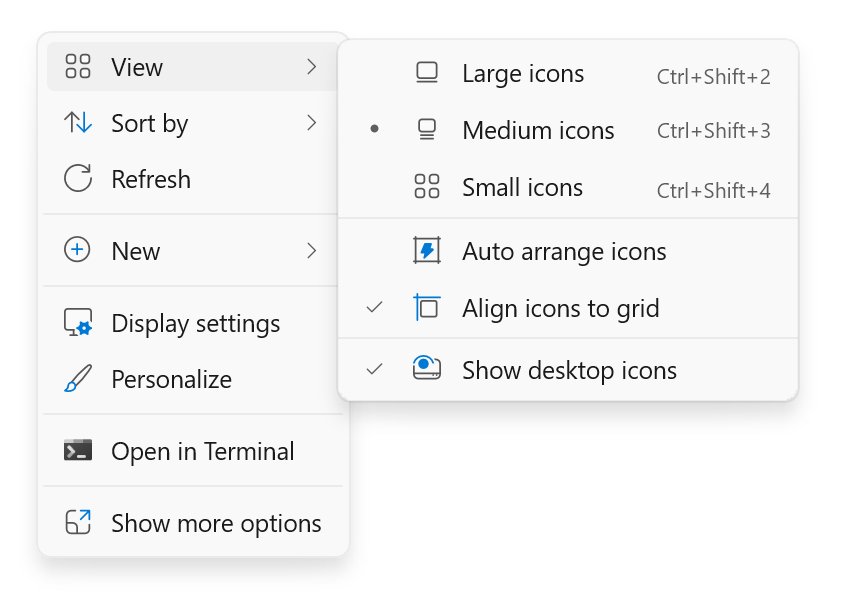
Show desktop icons on Windows 11: right-click the desktop, select View, then Show desktop icons. Add This PC and Recycle Bin, resize icons and fix missing ones.


Access Microsoft Bing at bing.com in any browser, through Edge and Windows Search, or with the Bing app on iPhone and Android. Set it as default and open Copilot.
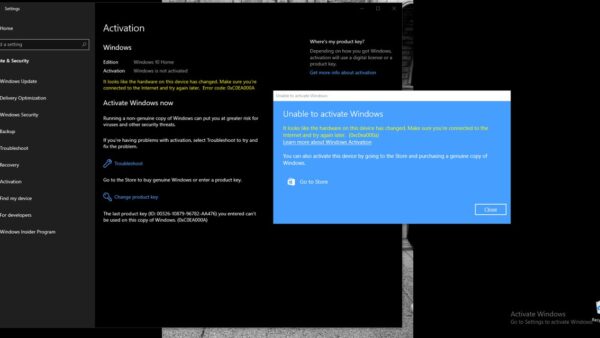
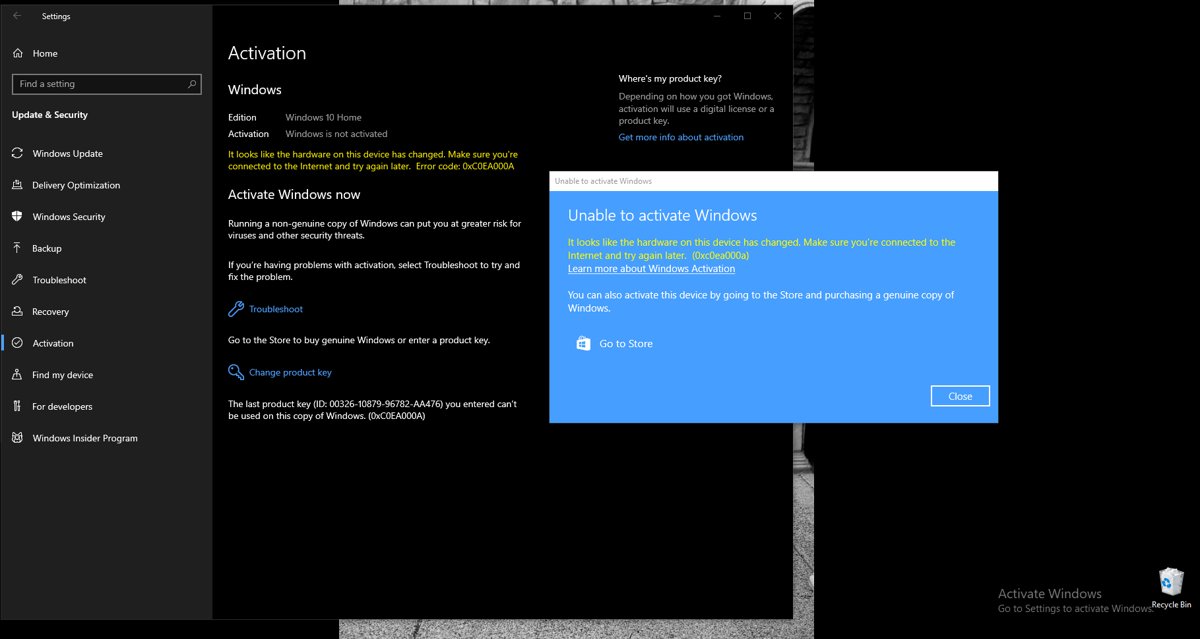
Activate a Windows 10 product key in Settings > Update & Security > Activation > Change product key, or with slmgr. Plus key locations and activation error fixes.
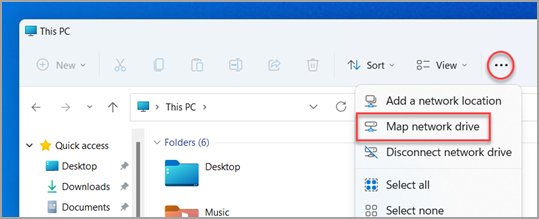
Add your C, D, E or F drive to the File Explorer navigation pane by pinning it to Quick access. Steps for Home on Windows 11 and Windows 10, plus how to remove it.
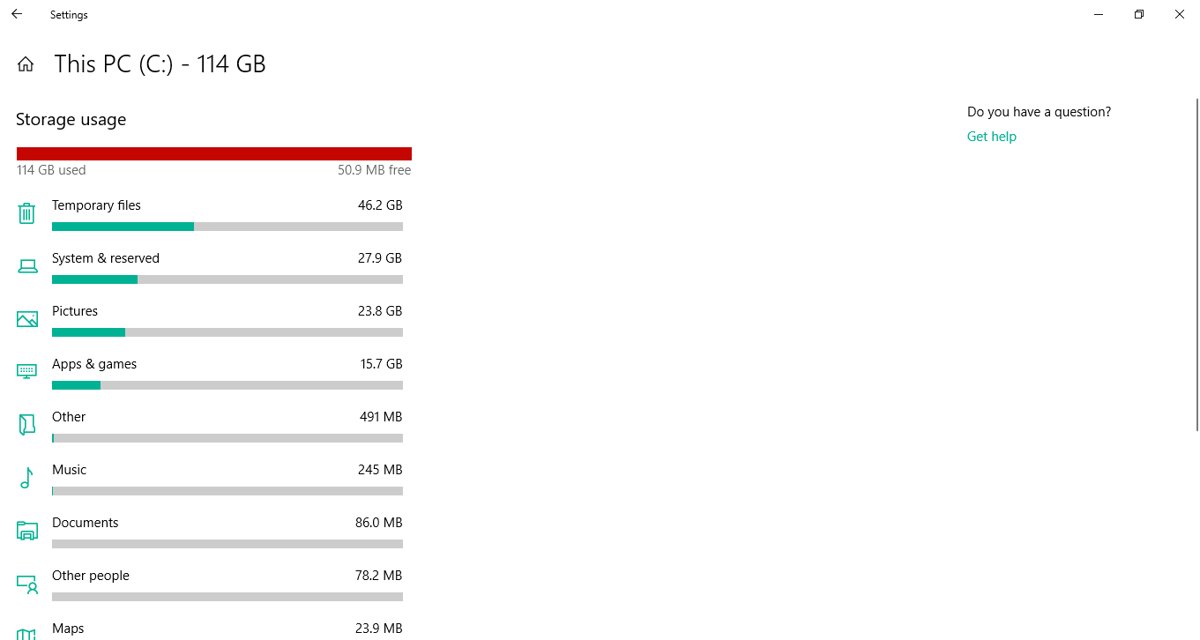
Delete temporary files in Windows 10 from Settings > System > Storage > Temporary files, or use Storage Sense, Disk Cleanup, %temp% and safe commands.
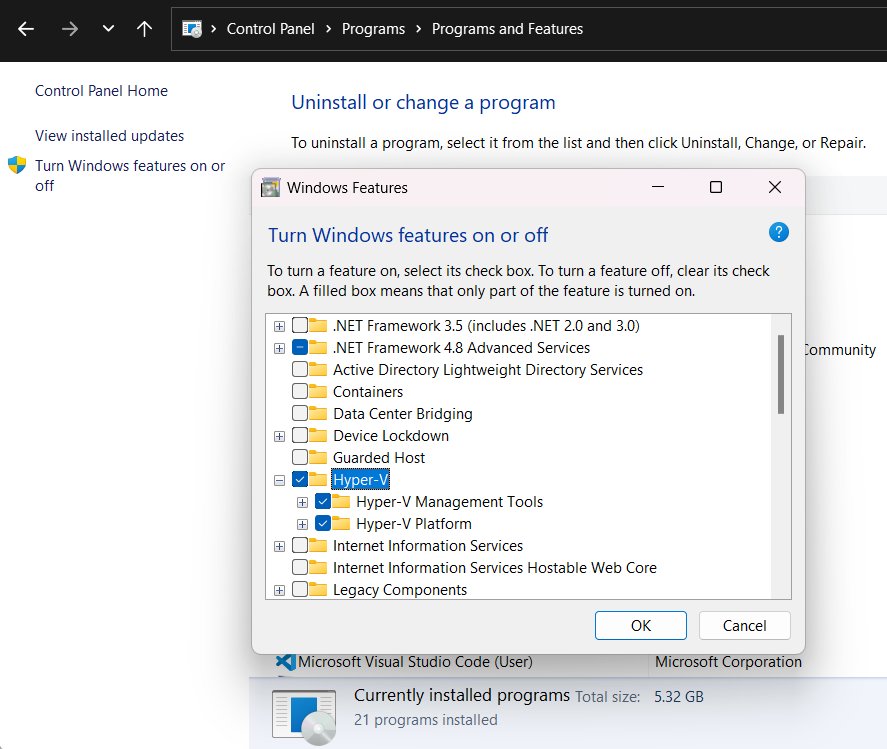
Upgrade Windows 11 Home to Pro from Settings > System > Activation: buy Pro in Microsoft Store or enter a Pro product key. Plus costs, checks and activation fixes.