How to open aae files on Windows 11
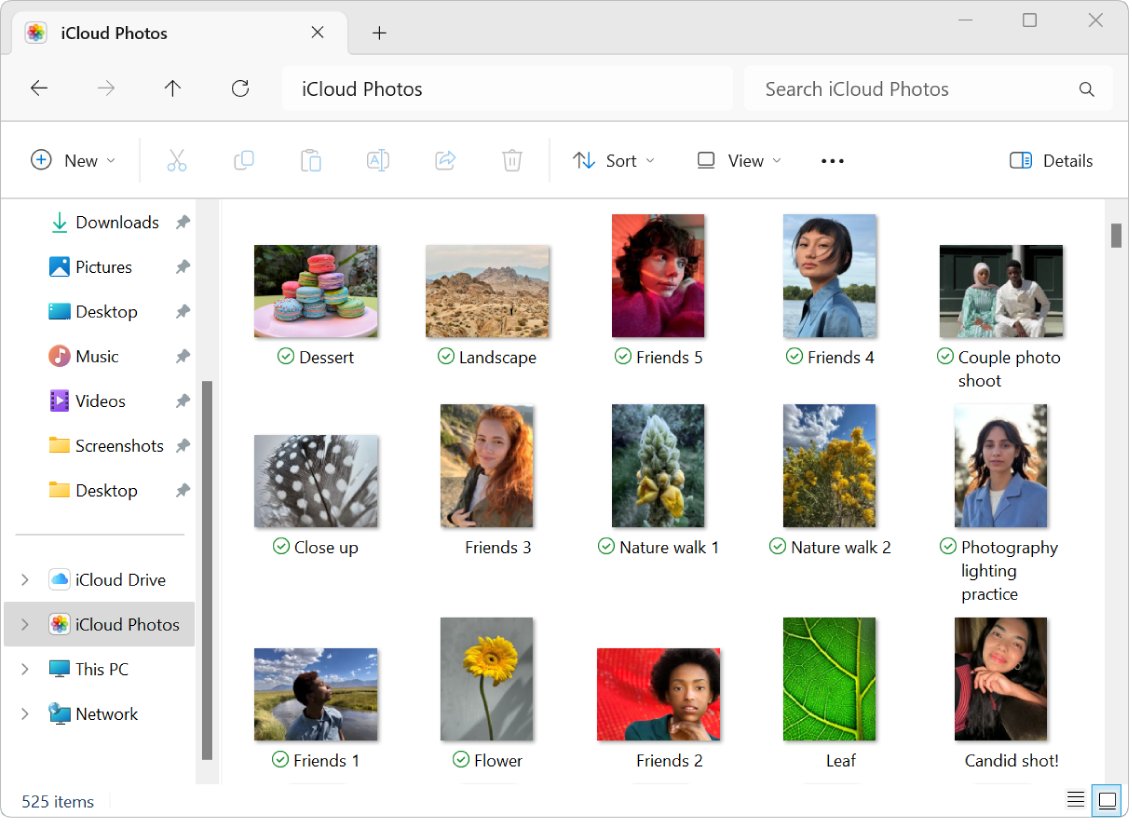
Open AAE files on Windows 11 in Notepad to read the edit record, and get the edited iPhone photo itself through iCloud for Windows or iCloud.com.
3,343 articles

Open AAE files on Windows 11 in Notepad to read the edit record, and get the edited iPhone photo itself through iCloud for Windows or iCloud.com.
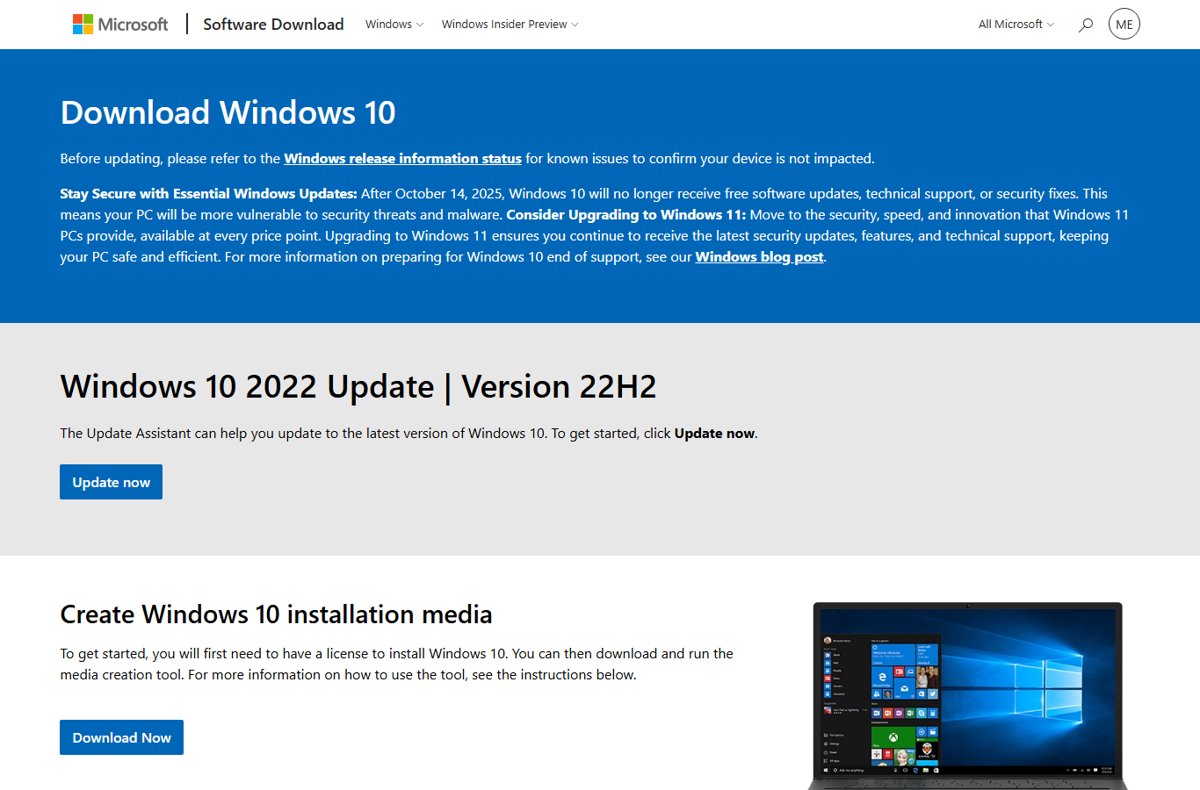
Restore your computer to a previous version of Windows 10 with System Restore, Go back, update removal, a system image or Reset this PC. Steps and fixes.
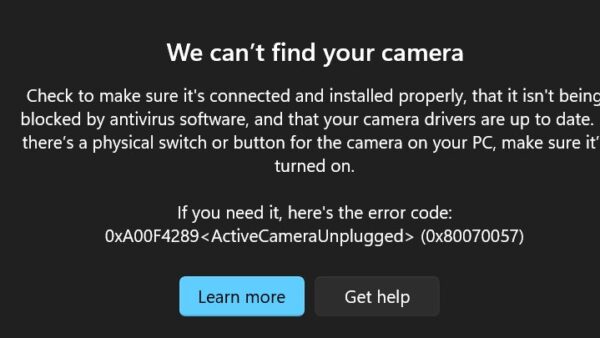
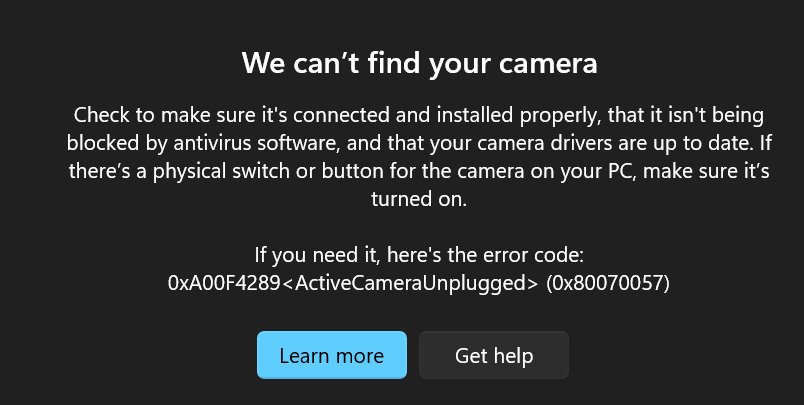
Turn on the camera on Windows 11: open the Camera app, switch on Camera access in Privacy & security, enable it under Bluetooth & devices, and fix drivers.
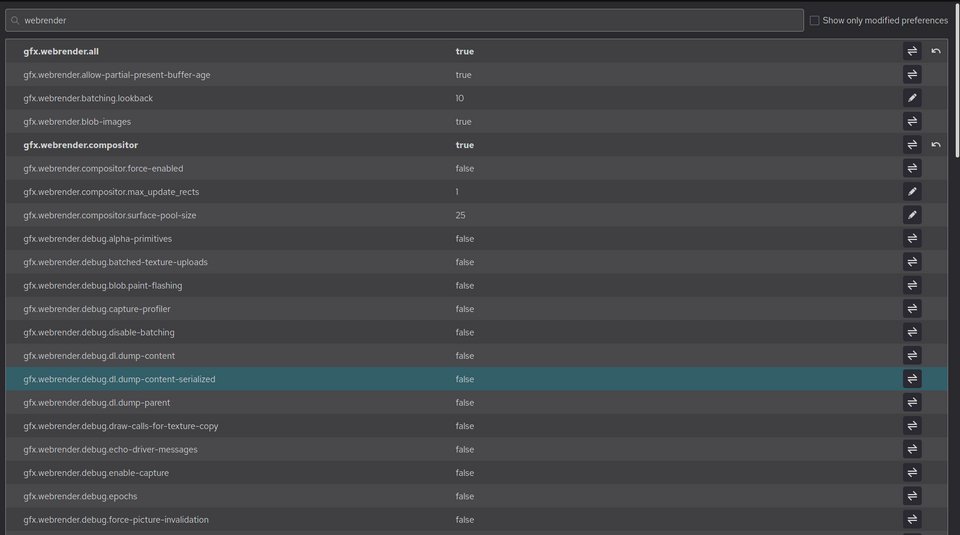
Use Firefox’s about:config by typing it in the address bar, accepting the warning, then searching, toggling, editing or resetting any preference by name.
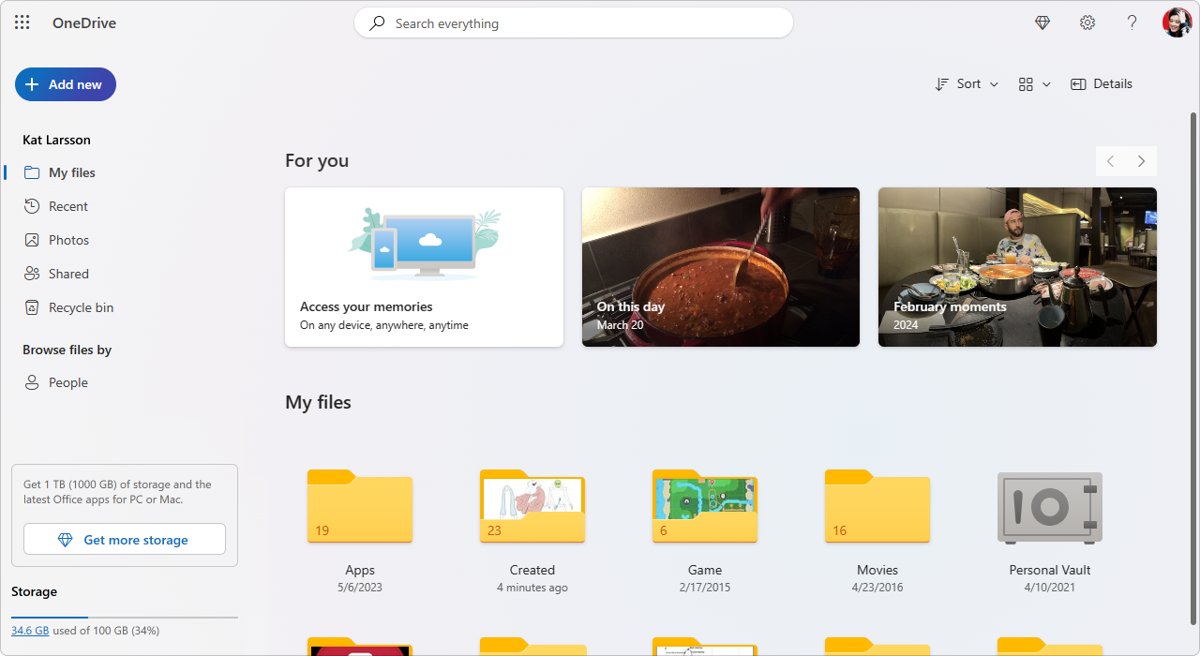
Set up OneDrive sync between Windows PCs: sign in with one account on each PC, back up Desktop and Documents, use Files On-Demand, and fix sync problems.
GoTo Meeting download for Windows 11, 10 and Mac from GoTo’s official page, with install steps, MSI options, pricing, the free trial and requirements.
Rufus download for Windows 11 and 10: get the free official Rufus from rufus.ie or the Microsoft Store, pick the right x64, ARM64 or portable file and use it.
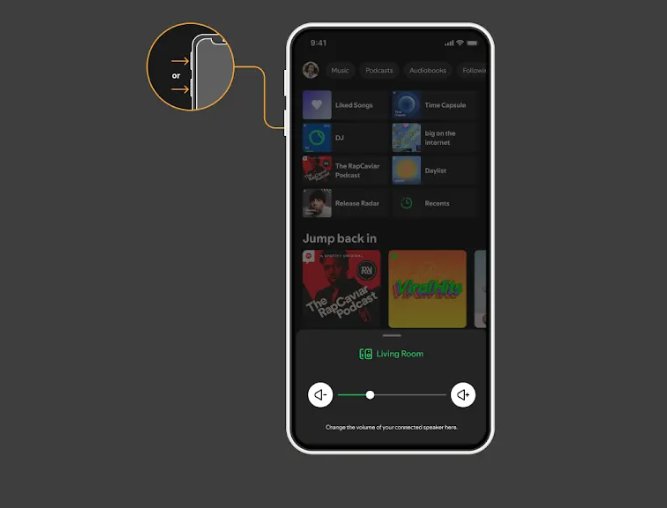
Pair Spotify with speakers, TVs, consoles and cars using Spotify Connect or Bluetooth. Exact steps, PIN login, voice assistants and fixes for missing devices.
Google Chat download for PC and Mac: install the Chat desktop app from Chrome on Windows 11, 10 and macOS, set it to launch at startup, and get the phone apps.
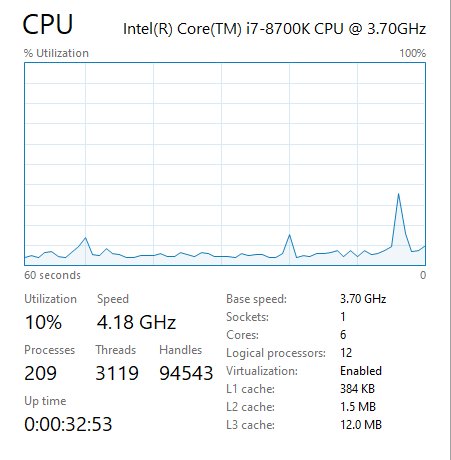
Check CPU usage in Windows 11 with Task Manager, find the process behind a spike, reduce it with efficiency mode and startup apps, or raise the power mode limit.
LinkedIn download for Windows 11, 10 and Mac is free: get the 103.9 MB Microsoft Store app on PC, add linkedin.com to the Dock on Mac, or use the phone apps.
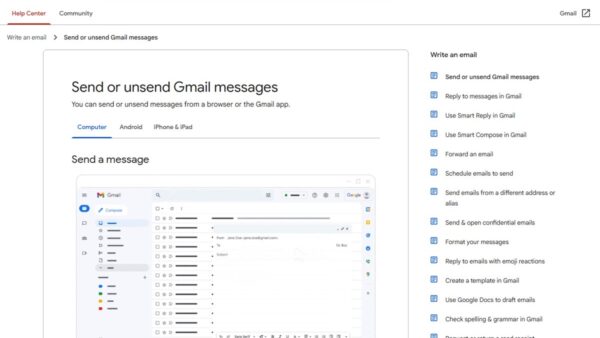
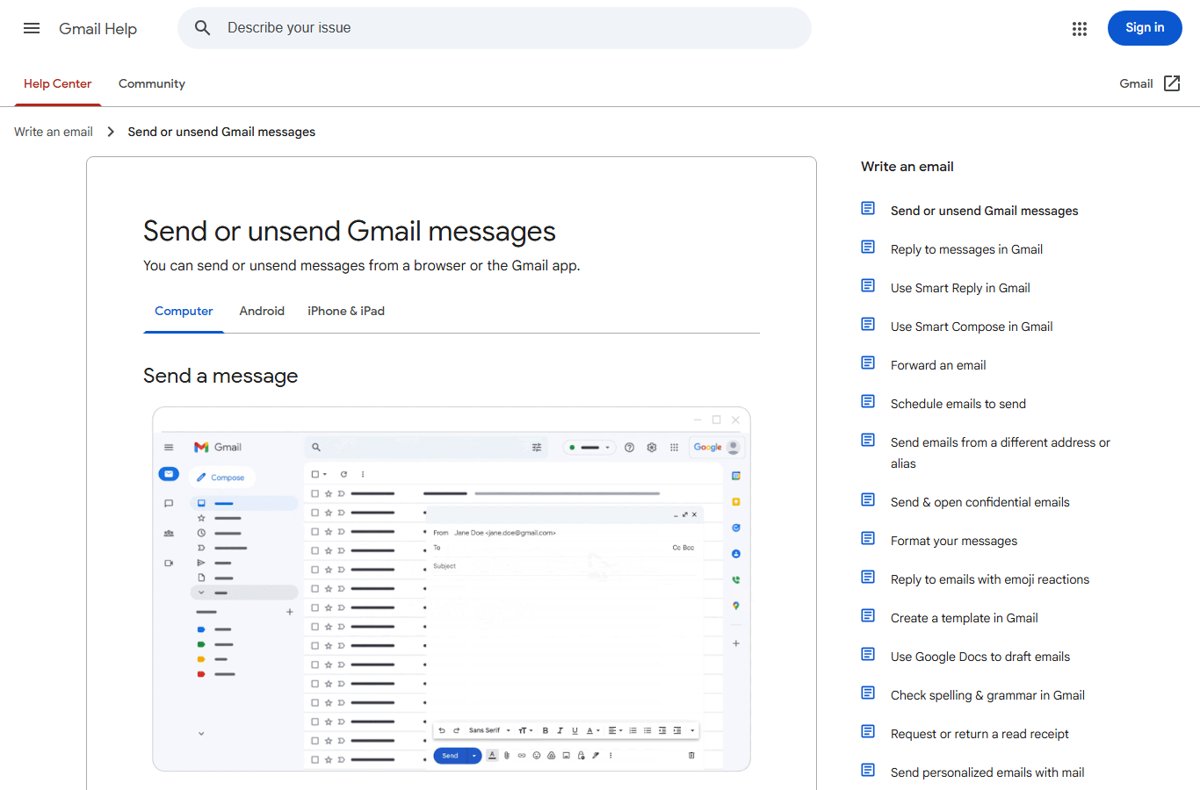
Check sent emails in Gmail from the Sent label on the web, Android or iPhone, search them with from:me, and find out why a message you sent is missing.