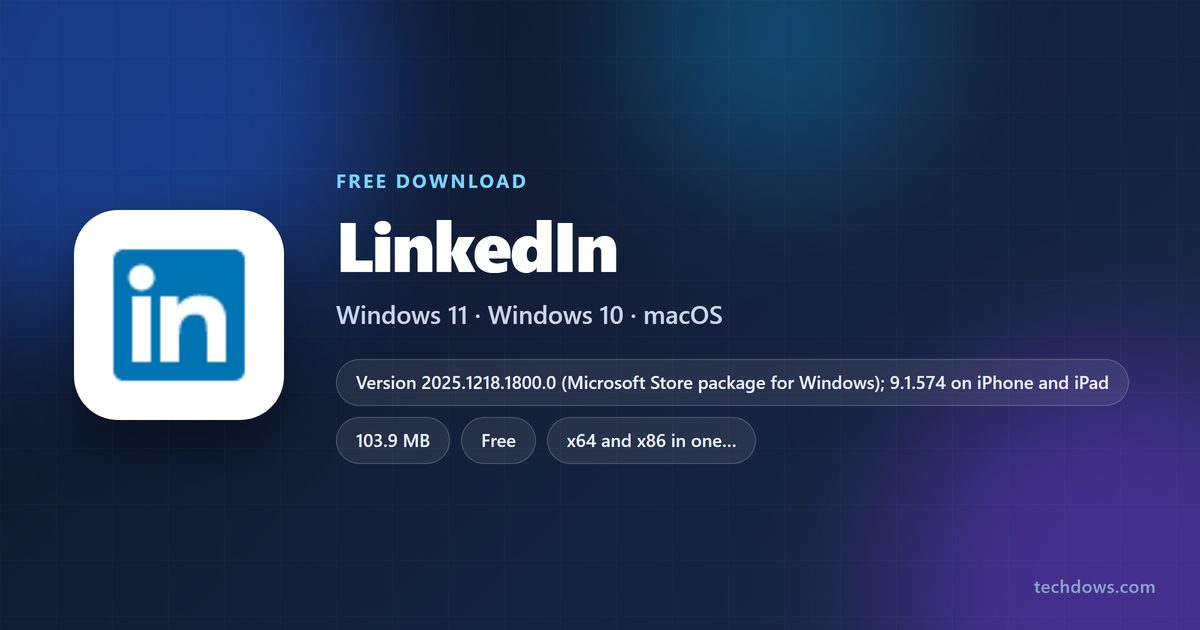
You can install LinkedIn on a Windows 11 or Windows 10 PC for free from the Microsoft Store, and add it to a Mac as a web app in under a minute. Both open in their own window with your feed, messages and job alerts.
The Windows app is a 103.9 MB Store download published by LinkedIn. On a Mac, Safari or Chrome turns linkedin.com into an app that sits in the Dock and Launchpad.
Below are the official links, install steps for Windows and Mac, what Premium costs, and fixes for an app that will not install or sign in.
Which LinkedIn download do you need?
Match the device in front of you to a row. Every route is free and signs in to the same LinkedIn account.
| Your device | What to get | Size |
|---|---|---|
| Windows 11 or Windows 10 PC | LinkedIn on the Microsoft Store | 103.9 MB |
| Mac on macOS Sonoma 14 or later | linkedin.com, added to the Dock from Safari | No download |
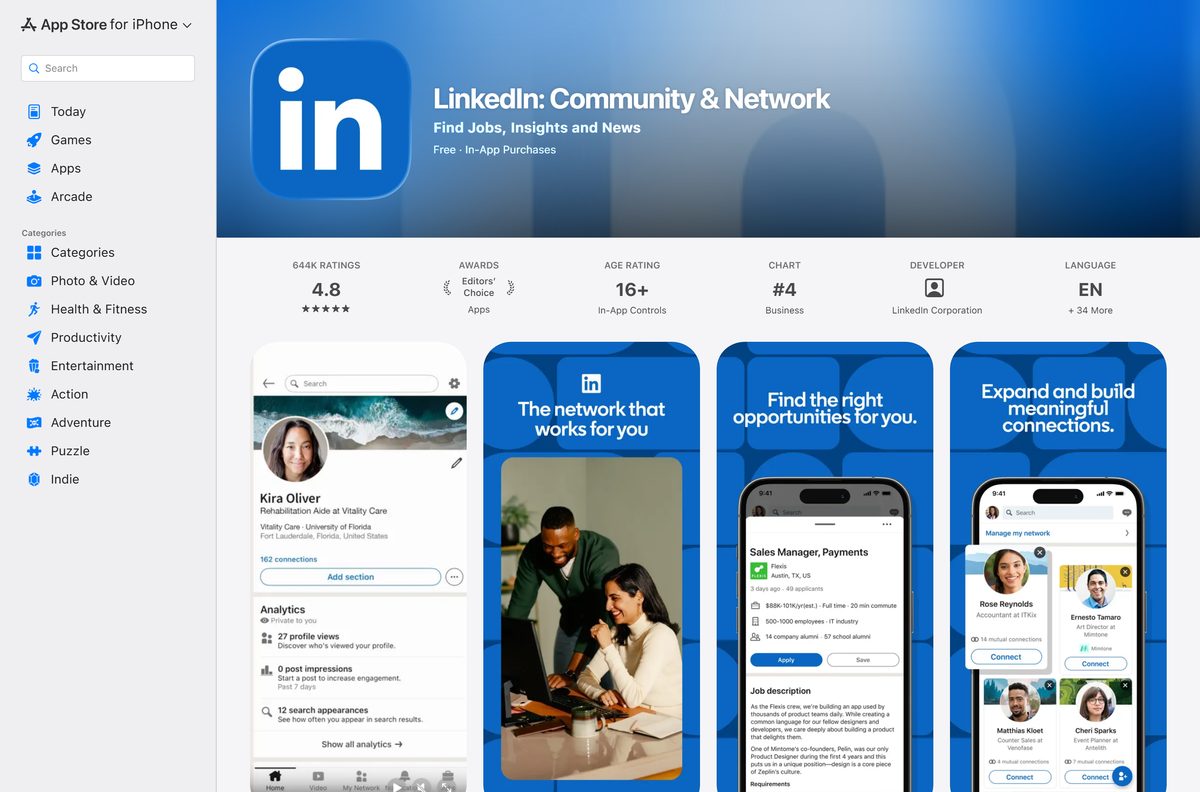
| iPhone or iPad on iOS 18 or later | LinkedIn: Community & Network on the App Store | 442.6 MB |
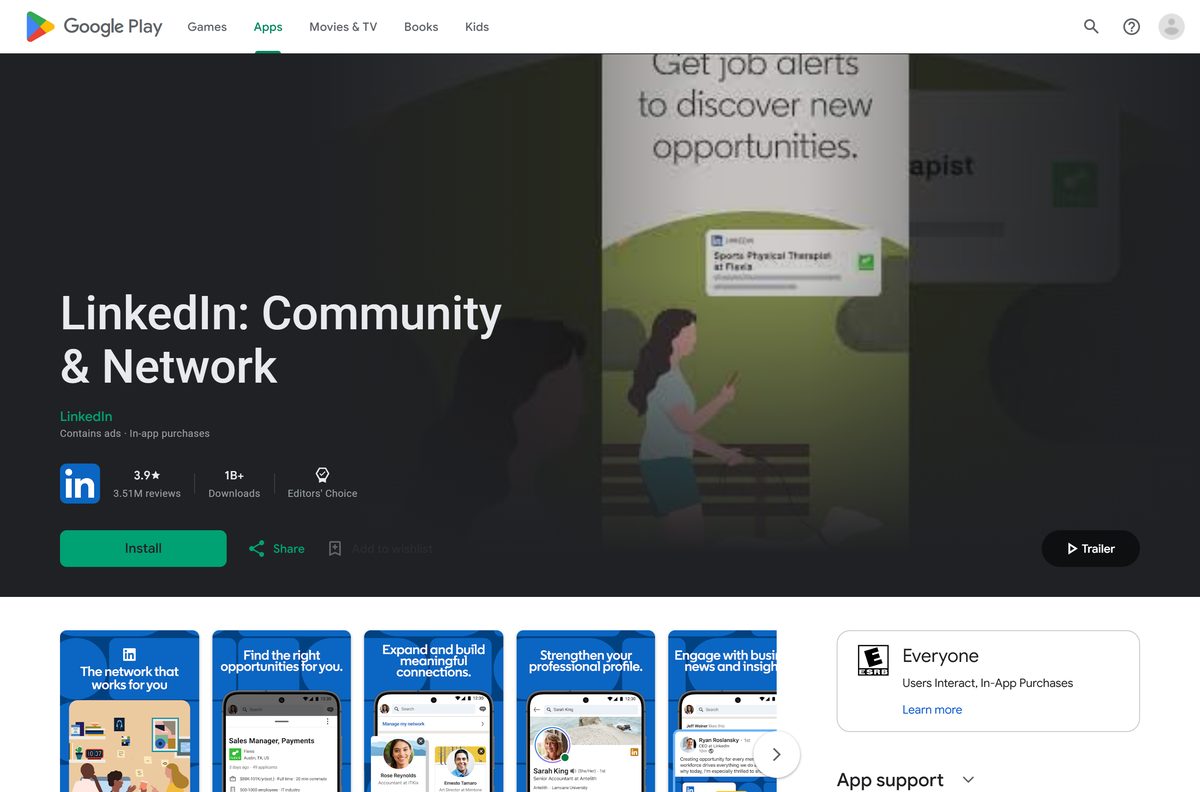
| Android phone or tablet | LinkedIn: Community & Network on Google Play | Not listed |
| A shared or locked-down computer | linkedin.com in any browser | No download |
The Store figure covers the whole bundle, which carries both the x64 and x86 builds. Windows installs only the one your PC needs.
Download LinkedIn from the official Microsoft, Apple and Google links
LinkedIn ships its apps through three stores and runs the full service at linkedin.com. Use these links and nothing else.
- LinkedIn on the Microsoft Store, product 9WZDNCRFJ4Q7 — 103.9 MB · publisher LinkedIn, Windows 10 version 1809 or later
- LinkedIn: Community & Network on the App Store — 442.6 MB · seller LinkedIn Corporation, iPhone and iPad
- LinkedIn: Community & Network on Google Play — Android, more than 1 billion downloads
- linkedin.com — the web version, and the source of the Mac web app
LinkedIn publishes no .exe, .msi or .dmg. A LinkedIn installer offered on any other site did not come from LinkedIn, so delete it.
The Mac App Store lists several apps named App for LinkedIn. Their sellers are independent developers, not LinkedIn Corporation, so they get your password without LinkedIn’s backing.
Check the LinkedIn system requirements before you install
Any PC on Windows 10 version 1809 or newer clears the Store floor, and Windows 11 uses the same package.
| Field | Value |
|---|---|
| Software | LinkedIn for Windows |
| Developer | LinkedIn Corporation |
| Latest version | 2025.1218.1800.0 (Microsoft Store package) |
| Store listing updated | 12 August 2026 |
| License | Free app; Premium is an optional paid plan |
| Supported OS | Windows 11, Windows 10 build 17763 or later |
| Architecture | x64 and x86; no ARM64 package listed |
| Download size | 103.9 MB from the Microsoft Store |
| Installed size | 142.0 MB |
| Microsoft Store product | 9WZDNCRFJ4Q7, category Social |
| Offline installer | No |
| Mac | Web app from Safari on macOS Sonoma 14 or later, or from Chrome |
| iPhone and iPad | Version 9.1.574, iOS 18.0 or later |
| Last verified | 2026-09-24 |
Press Windows + R, type winver and select OK to read your Windows build before you start.
How to install LinkedIn from the Microsoft Store or with winget
The Store route is the only native Windows app, and the Store keeps it updated for you.
- Open Microsoft Store from the Start menu.
- Search for LinkedIn, or open product 9WZDNCRFJ4Q7 directly.
- Confirm the publisher line reads LinkedIn and the category reads Social.
- Select Get, or Install if the app was on this PC before.
- Select Open when the download finishes.
- Select Sign in and enter the email or phone number and password of your account.
- For a command line instead, run winget install 9WZDNCRFJ4Q7 –source msstore in Terminal.
Allow notifications when Windows asks. The Windows app delivers message replies as desktop notifications.
How to install LinkedIn on Windows without the Microsoft Store
Use this route when an administrator has turned off the Store. Chrome installs linkedin.com as an app with its own taskbar icon.
- Open Chrome and go to linkedin.com.
- Sign in to your account.
- Select More, the three-dot button at the top right.
- Select Cast, save, and share, then Install page as app.
- Keep the name LinkedIn and follow the prompts to finish.
- Right-click the new window’s taskbar icon and select Pin to taskbar.
Some pages show an Install icon in the Chrome address bar instead. It does the same job in one click.
How to get LinkedIn on your Mac
On a Mac, LinkedIn runs as a web app built from linkedin.com. Pick the row that matches your browser.
| Your Mac | What to do | Where to go |
|---|---|---|
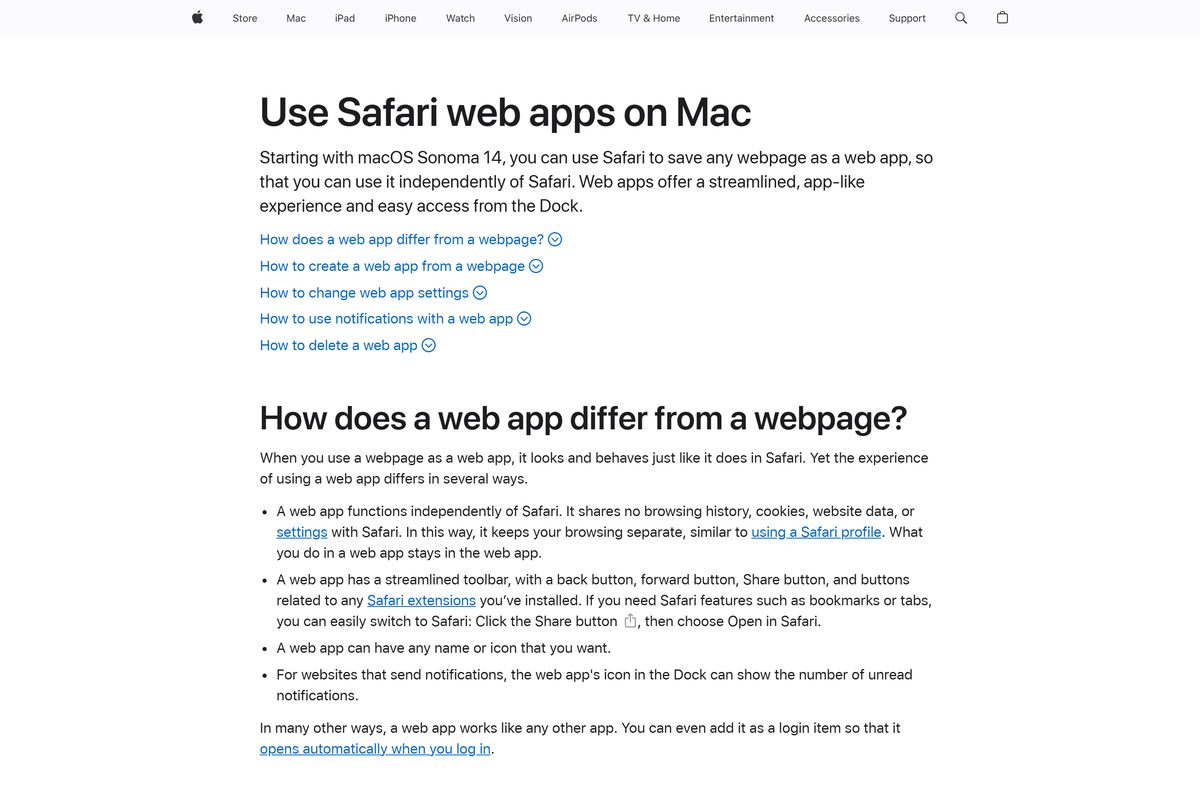
| macOS Sonoma 14 or later with Safari | Open linkedin.com, choose File > Add to Dock, type a name and click Add | Apple’s web app guide |
| Any Mac with Chrome | Open linkedin.com, then select More > Cast, save, and share > Install page as app | Google’s install guide |
| Older macOS with Safari only | Use linkedin.com in a normal Safari tab | linkedin.com |
Safari saves the web app in the Applications folder inside your home folder. It opens from the Dock, Launchpad or Spotlight, apart from your Safari windows.
Should you use the LinkedIn Store app or the web app on Windows?
Install the Microsoft Store app on Windows 11 and 10. It is published by LinkedIn, updates through the Store, and winget can install it on many PCs. The Chrome web app is the fallback when the Store is blocked, and it is the route on a Mac, where LinkedIn publishes no desktop app.
Is LinkedIn free, and what does Premium cost?
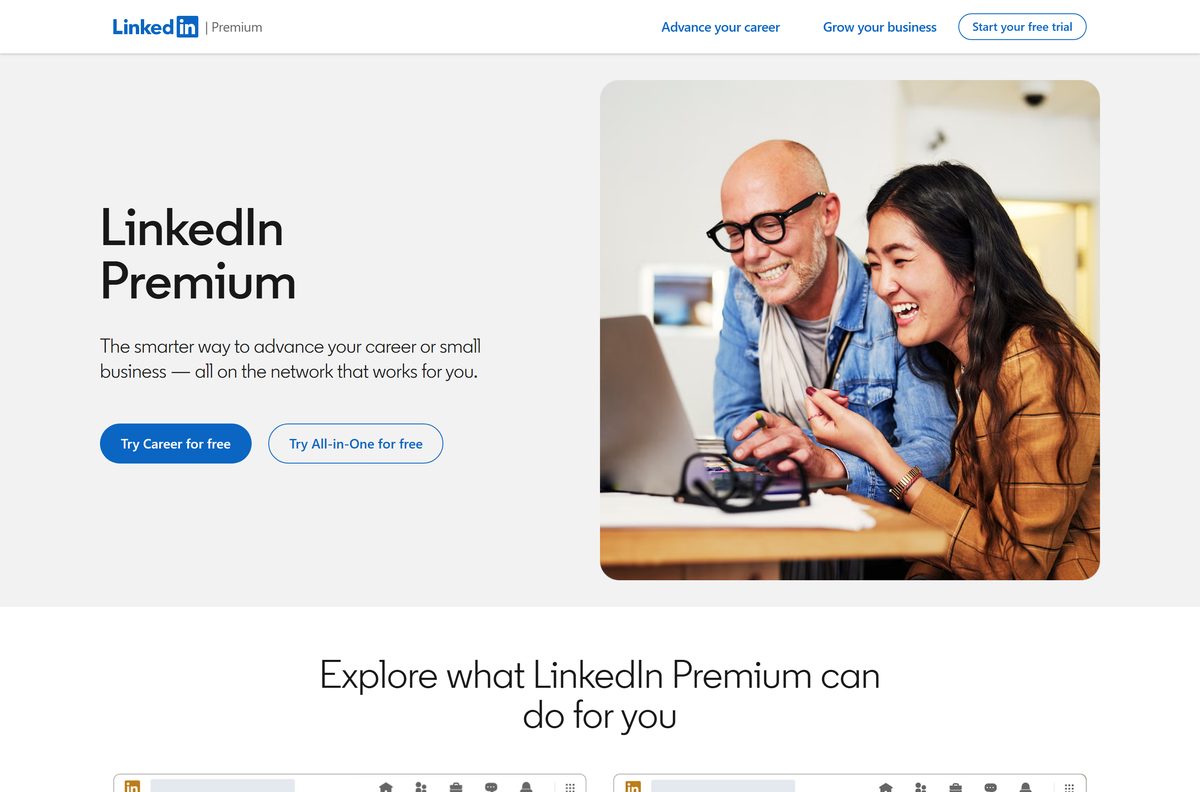
Yes. The app and a basic account are free, and Premium is optional. The Microsoft Store lists LinkedIn at $0.00, and the App Store lists the iPhone app as Free. In the US, Premium Career starts at $39.99 a month or $329.99 a year. LinkedIn also sells Premium Business, Premium All-in-One and Premium Company Page. Eligible members can try Premium for free, unless they redeemed a trial in the last 12 months. Google Play marks the Android app as containing ads and in-app purchases.
How to check your LinkedIn version and update it
A Store install updates through the Store, so the version check starts in Windows Settings.
- Open Settings, select Apps, then Installed apps.
- Select the three dots beside LinkedIn and choose Advanced options.
- Read the number next to Version under Specifications.
- Open Microsoft Store and select Library in the sidebar.
- Select Get updates and install anything listed for LinkedIn.
The web app on a Mac or in Chrome never needs updating, because it loads the current linkedin.com each time.
Fix LinkedIn not installing or not opening on Windows 11 and 10
The Microsoft Store will not download LinkedIn
A stale Store cache or a pending restart.
- Restart the PC if Windows installed updates since the last reboot.
- Press Windows + R, type wsreset.exe and select OK. A blank window closes and the Store reopens.
- Check that the date, time and region on the PC are correct, then select Get again.
The Store says the app does not work on this device
Windows is older than Windows 10 build 17763.
- Press Windows + R, type winver and select OK.
- If the build is lower than 17763, open Settings > Update & Security > Windows Update and install the offered updates.
- Return to the Store listing and select Get, or use the Chrome route above.
LinkedIn installed but opens to a blank window or will not open
A damaged install or corrupted app data.
- Open Settings > Apps > Installed apps.
- Select the three dots beside LinkedIn, then Advanced options.
- Select Repair and reopen the app.
- If it still fails, select Reset and sign in again.
Add to Dock is missing in Safari on a Mac
The Mac runs a macOS version older than Sonoma 14.
- Open the Apple menu and choose About This Mac to read the macOS version.
- Update to macOS Sonoma 14 or later if the Mac supports it.
- Otherwise install Chrome and use Install page as app instead.
How to uninstall LinkedIn from Windows or Mac
Removing the app leaves your LinkedIn account, connections and messages untouched. Closing the account is a separate step on linkedin.com.
- On Windows, open Settings, select Apps, then Installed apps.
- Select the three dots beside LinkedIn, choose Uninstall, then confirm.
- For a Chrome web app, open it, select More, then Uninstall LinkedIn and Remove.
- On a Mac, open Finder and choose Go > Home.
- Open the Applications folder there and drag the LinkedIn web app to the Trash.
Tick Also delete data from Chrome when removing the Chrome web app to sign it out on that computer.
Which way to use LinkedIn without installing the desktop app?
The same account works on every device, so pick whichever one is closest.
| Option | Best for | Link |
|---|---|---|
| Website | Work PCs, Chromebooks and shared computers with no install rights | linkedin.com |
| iPhone and iPad app | Messages and job alerts on the go, iOS 18.0 or later | App Store listing |
| Android app | Phones and tablets, with the same account and Premium | Google Play listing |
LinkedIn lists only the App Store and Google Play apps on its mobile page at mobile.linkedin.com.
Frequently asked questions
Is the LinkedIn app free to download?
Yes. The Microsoft Store lists LinkedIn at $0.00, and the App Store and Google Play charge nothing. Premium is optional, with Premium Career from $39.99 a month or $329.99 a year in the US.
Where is the official LinkedIn download for PC?
The Microsoft Store listing for product 9WZDNCRFJ4Q7, published by LinkedIn. It installs on Windows 11 and on Windows 10 version 1809 or later. LinkedIn offers no .exe or .msi on its own site.
Does LinkedIn work on Windows 11?
Yes. The Store package runs on Windows 11 and on Windows 10 build 17763 or later. The same listing and the same winget command cover both systems.
How big is the LinkedIn download?
The Microsoft Store bundle is 103.9 MB with both the x64 and x86 builds, and it takes 142.0 MB once installed. The iPhone and iPad app is a separate 442.6 MB download.
Is there a LinkedIn app for Mac?
Yes, as a web app. On macOS Sonoma 14 or later, open linkedin.com in Safari and choose File, then Add to Dock. Chrome’s Install page as app does the same on any Mac.
Are the App for LinkedIn apps on the Mac App Store official?
No. They come from independent developers, not LinkedIn Corporation. LinkedIn’s own App Store app covers iPhone and iPad only, so use the Safari or Chrome web app on a Mac instead.
Can I install LinkedIn with winget?
Yes. Run winget install 9WZDNCRFJ4Q7 –source msstore in Terminal. It installs the same Microsoft Store package published by LinkedIn and updates through the Store afterwards.
Is there a LinkedIn offline installer?
No. LinkedIn publishes no .exe, .msi or .dmg, and the Microsoft Store and winget both download the package over the internet. The app also needs a connection to load your feed.
Does the LinkedIn Windows app run on ARM PCs?
The Store lists x64 and x86 builds and no ARM64 package. On an ARM PC, install linkedin.com from Chrome with Install page as app if the Store app does not suit you.
Why will LinkedIn not open after installing?
Usually a damaged install. Open Settings, then Apps, then Installed apps, choose Advanced options for LinkedIn and select Repair. If that fails, select Reset and sign in again.






