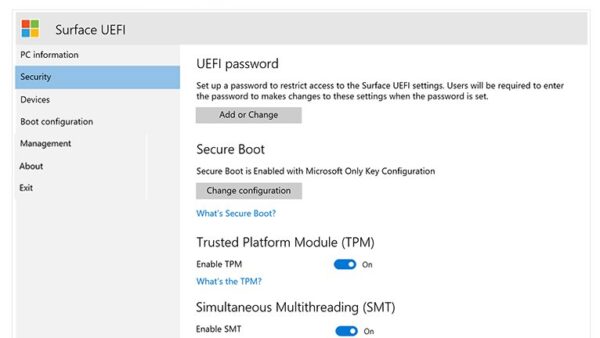
List of All Windows 11 Hardware Requirements
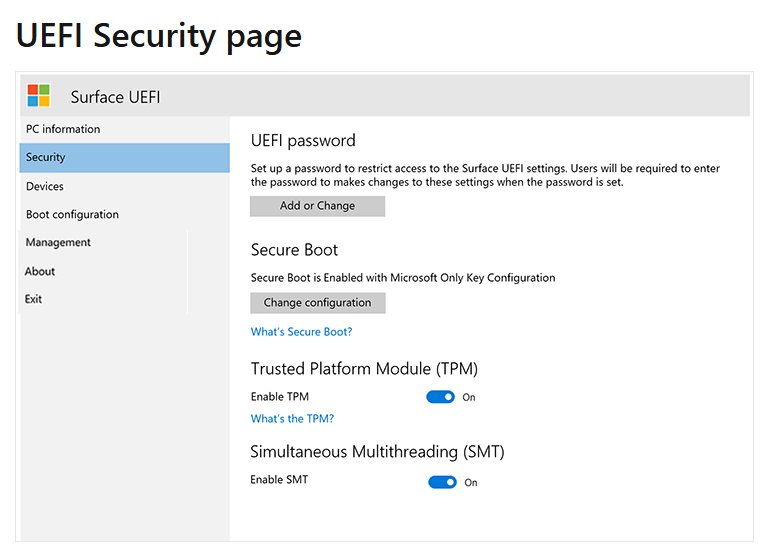
Windows 11 hardware requirements: 64-bit CPU on Microsoft’s list, 4 GB RAM, 64 GB storage, UEFI with Secure Boot, TPM 2.0, DirectX 12 GPU and a 720p display.
3,342 articles

Windows 11 hardware requirements: 64-bit CPU on Microsoft’s list, 4 GB RAM, 64 GB storage, UEFI with Secure Boot, TPM 2.0, DirectX 12 GPU and a 720p display.
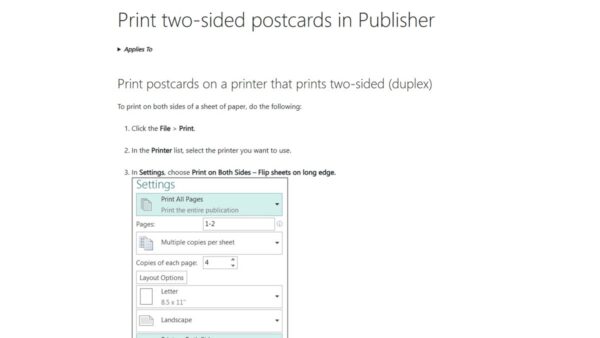
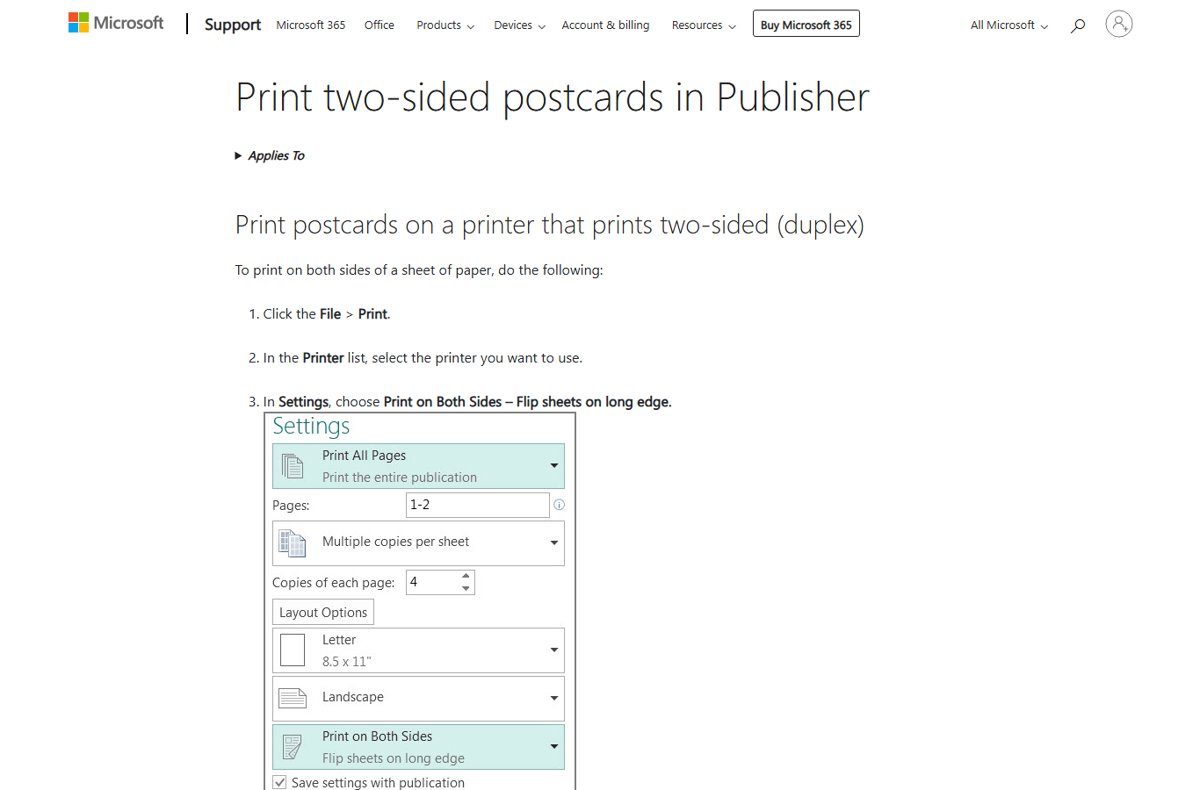
Flip on long edge turns two-sided pages like a book; flip on short edge turns them up like a notepad. Portrait and landscape table, settings and upside-down fixes.
Streamlabs download for PC and Mac: get free Streamlabs Desktop for Windows 11, Windows 10 and macOS, with install steps, requirements, Ultra pricing and fixes.
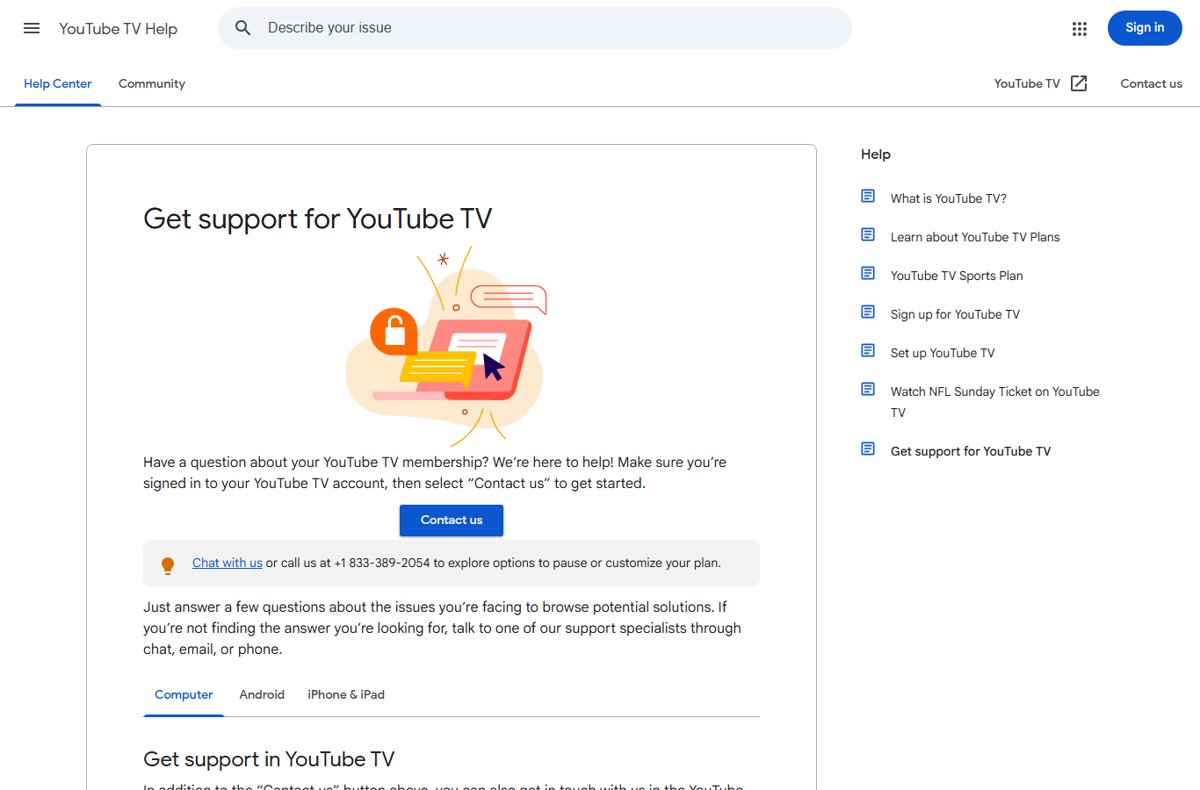
Call YouTube TV customer service at the number Google lists in its Help Center, or use chat. Steps to reach support, what to have ready and how to avoid fake lines.
Canvas Student app download for PC, Mac, iPhone, Android: open your school’s Canvas site on Windows 11, 10 or Mac, install it as an app, or get the phone app.
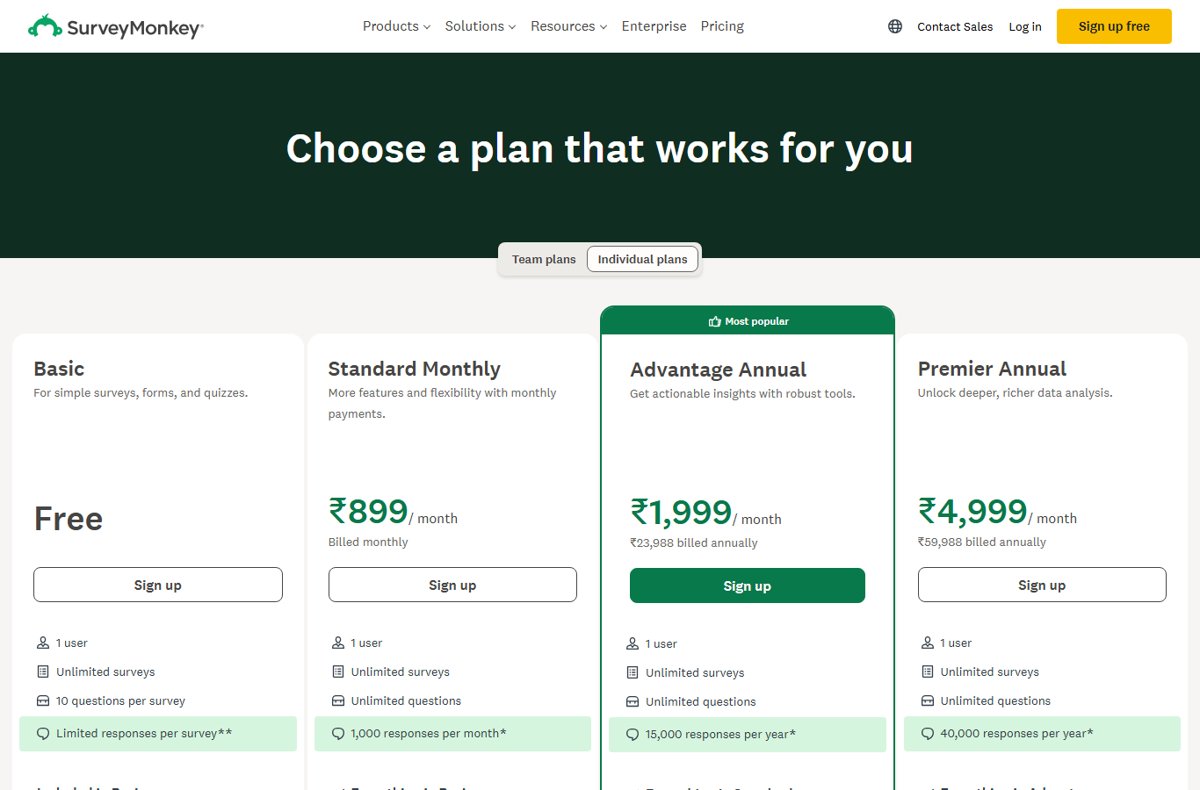
Create free online surveys with SurveyMonkey’s Basic plan: sign up, build up to 10 questions, share a web link and view results. Free plan limits and fixes.
Ryzen Master download for Windows 11 and 10: get the free AMD installer, pick the right build for your Ryzen CPU, then install, update and fix install errors.
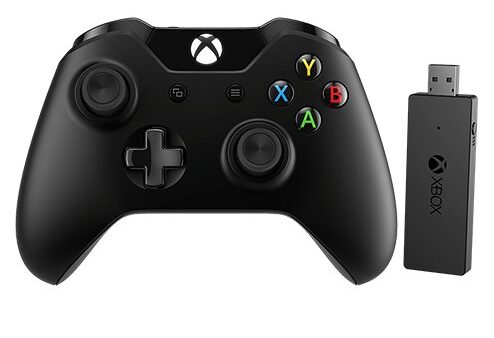
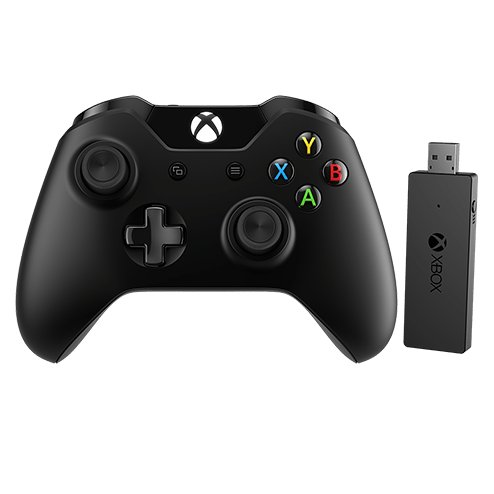
Xbox Wireless Adapter drivers install through Windows Update on Windows 11 and 10. Get them automatically, via Device Manager or the Update Catalog, then pair.
Warframe download for PC: get the free 100 MB launcher from warframe.com, Steam or Epic, with install steps, the 75 GB requirements, Mac status and fixes.
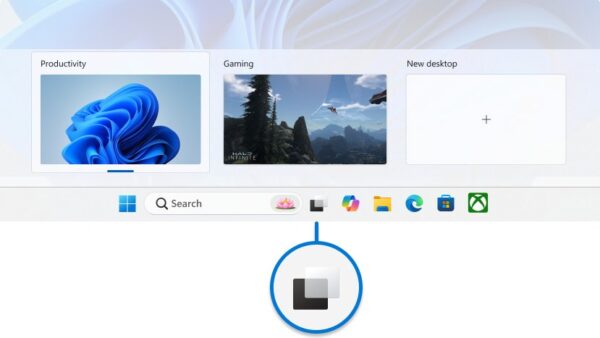
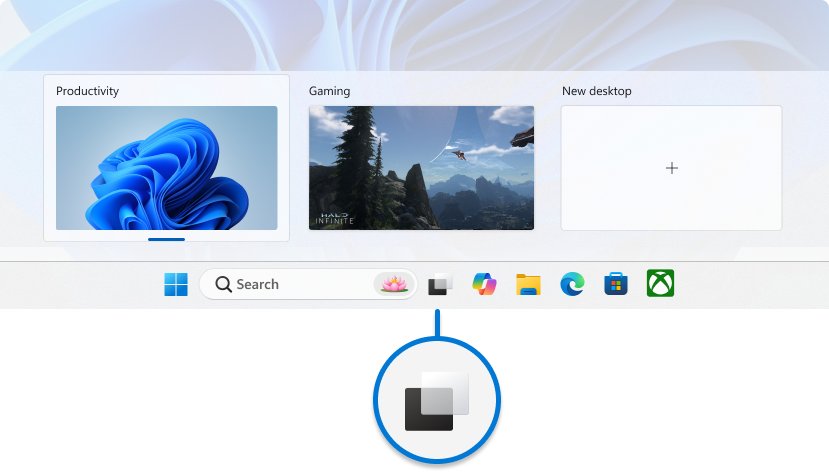
Change taskbar location in Windows 11: set Taskbar alignment to Left or Center, show it on every monitor, and see why top or side placement is not a setting.
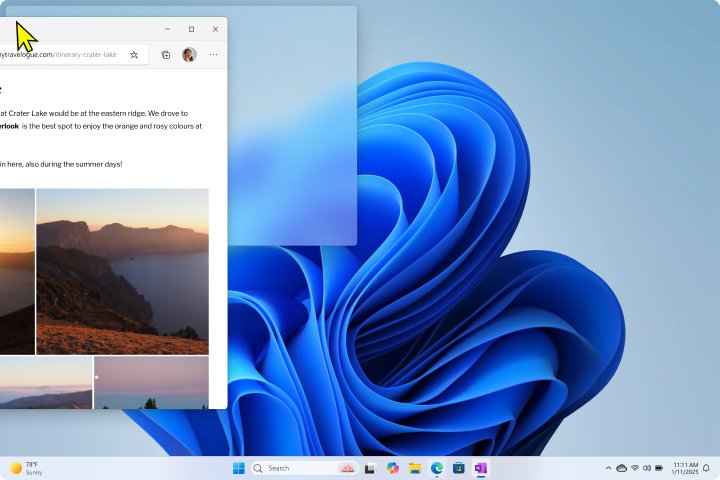
Cascade windows in Windows 11 with one PowerShell command, since the taskbar menu has no Cascade option. Add a shortcut and hotkey, or use Snap layouts instead.
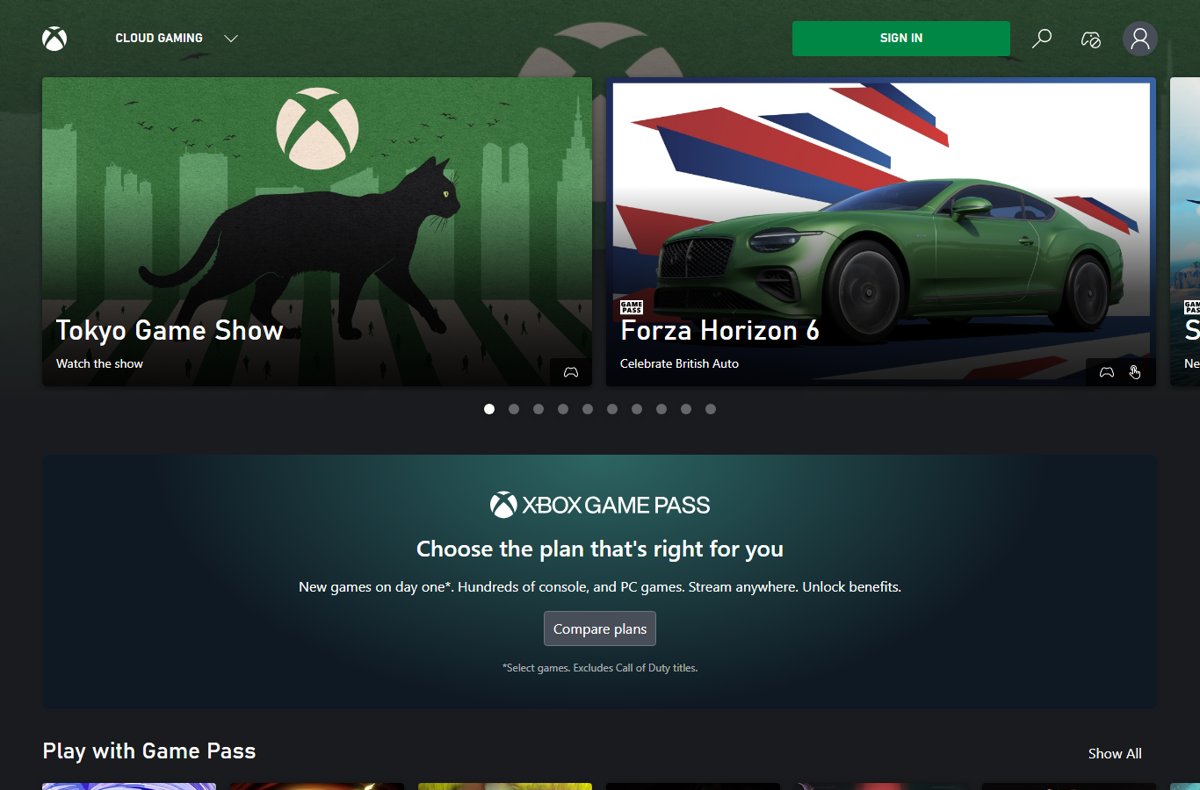
Cloud play Xbox on PC at xbox.com/play or in the Xbox app. Which Game Pass plans include cloud hours, controller and browser needs, and fixes when it will not start.