How to disable startup programs in Windows 11/10
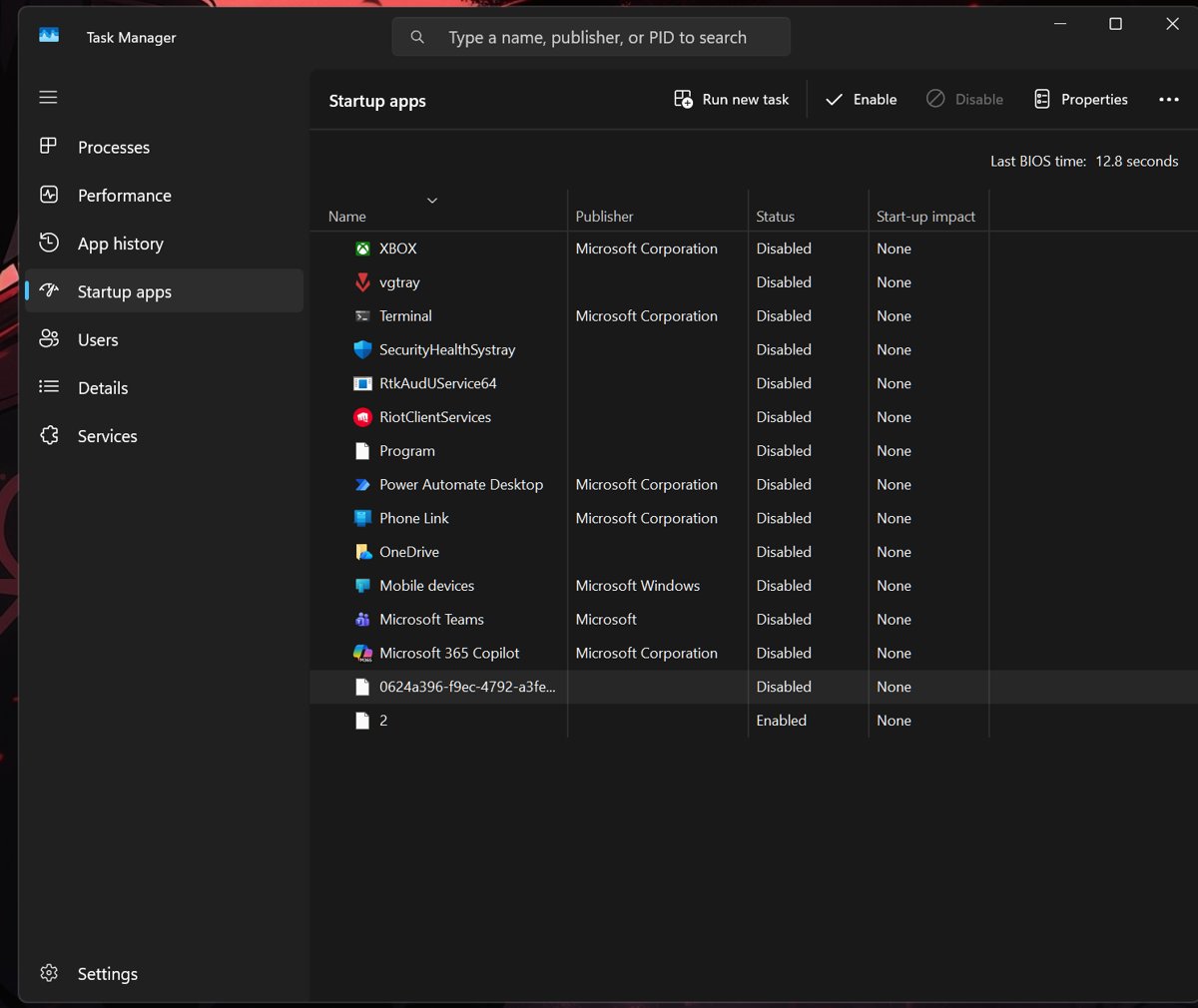
Disable startup programs in Windows 11/10 from Task Manager’s Startup apps tab or Settings > Apps > Startup, plus the Startup folder, registry and Task Scheduler.
4,040 articles

Disable startup programs in Windows 11/10 from Task Manager’s Startup apps tab or Settings > Apps > Startup, plus the Startup folder, registry and Task Scheduler.
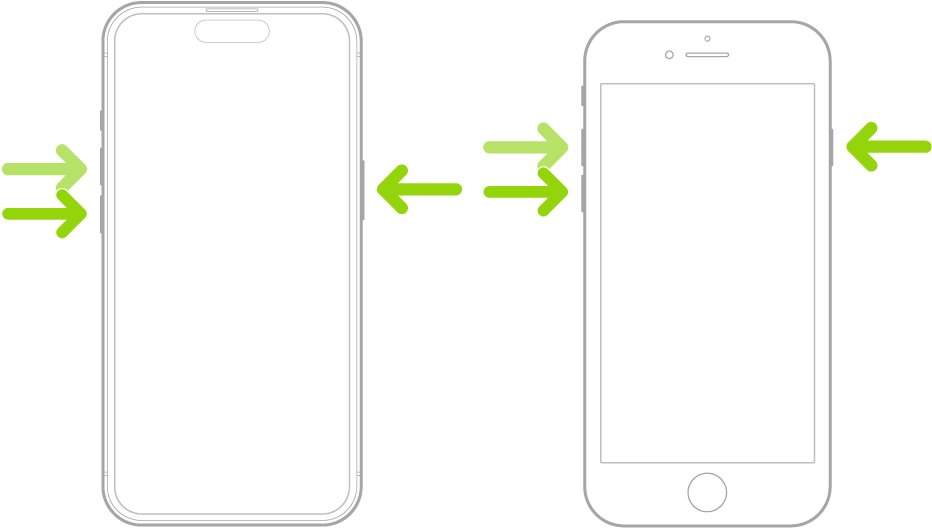
iPhone 17 Pro Max apps not working? Quit and reopen them, force restart, update iOS and your apps, free storage, then reset settings. Steps for every symptom.
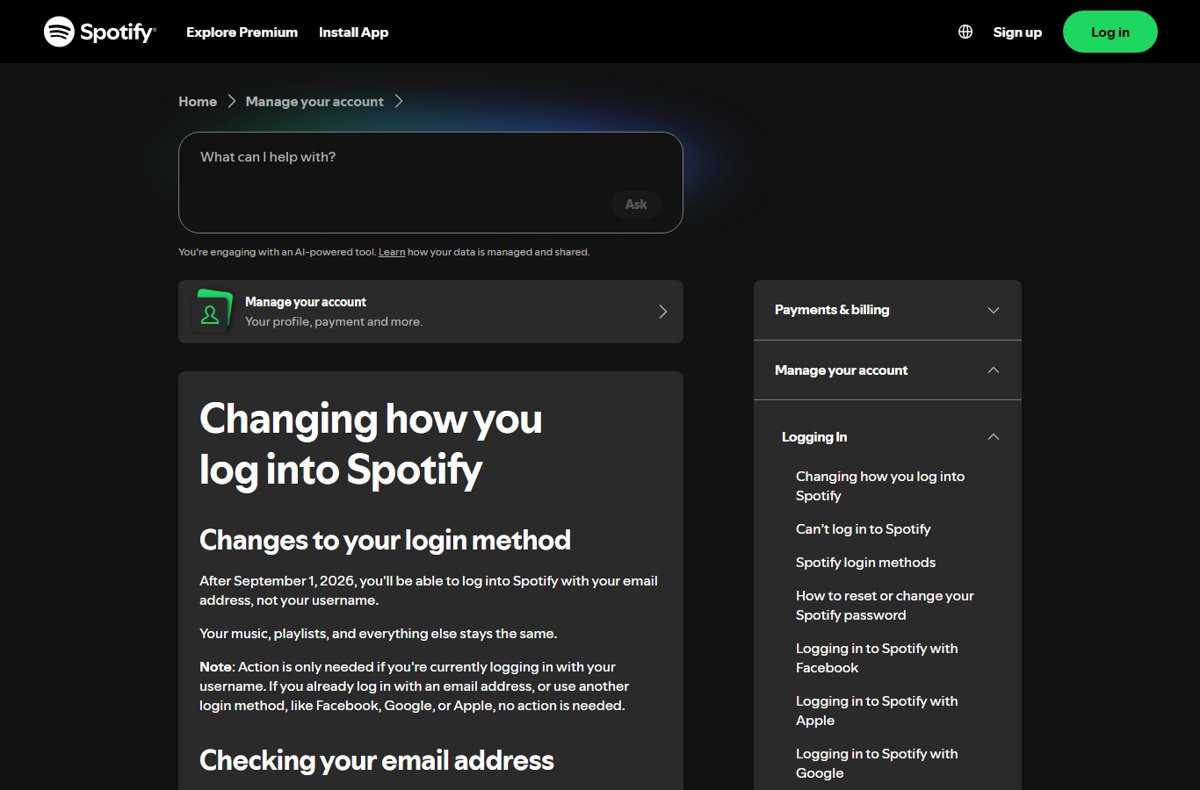
Spotify app login issues usually come from a username login, a broken Facebook, Apple or Google button, offline mode or a stale app. Fix each in a few steps.
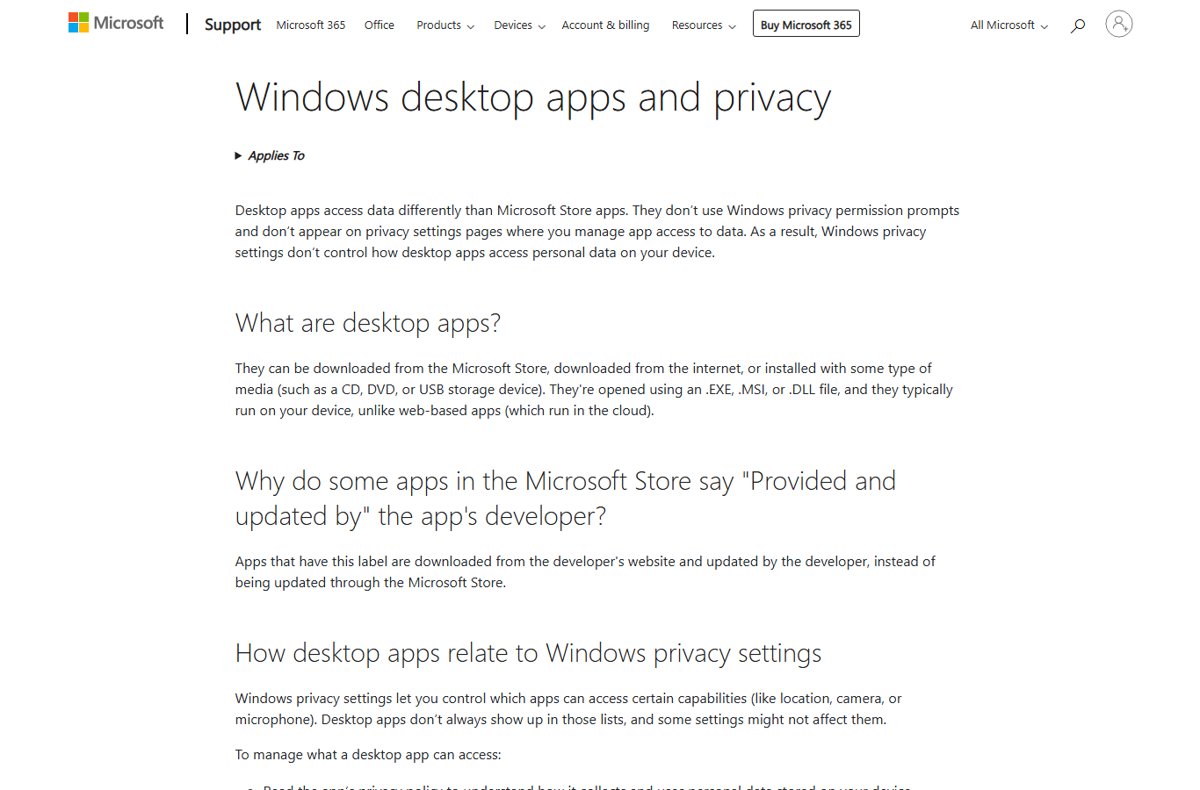
Manage camera permissions for apps in Windows 11/10: turn camera access on or off, allow single Store apps, control desktop apps and fix blocked webcams.
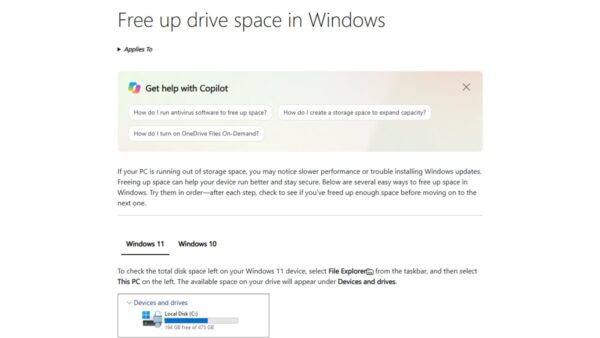
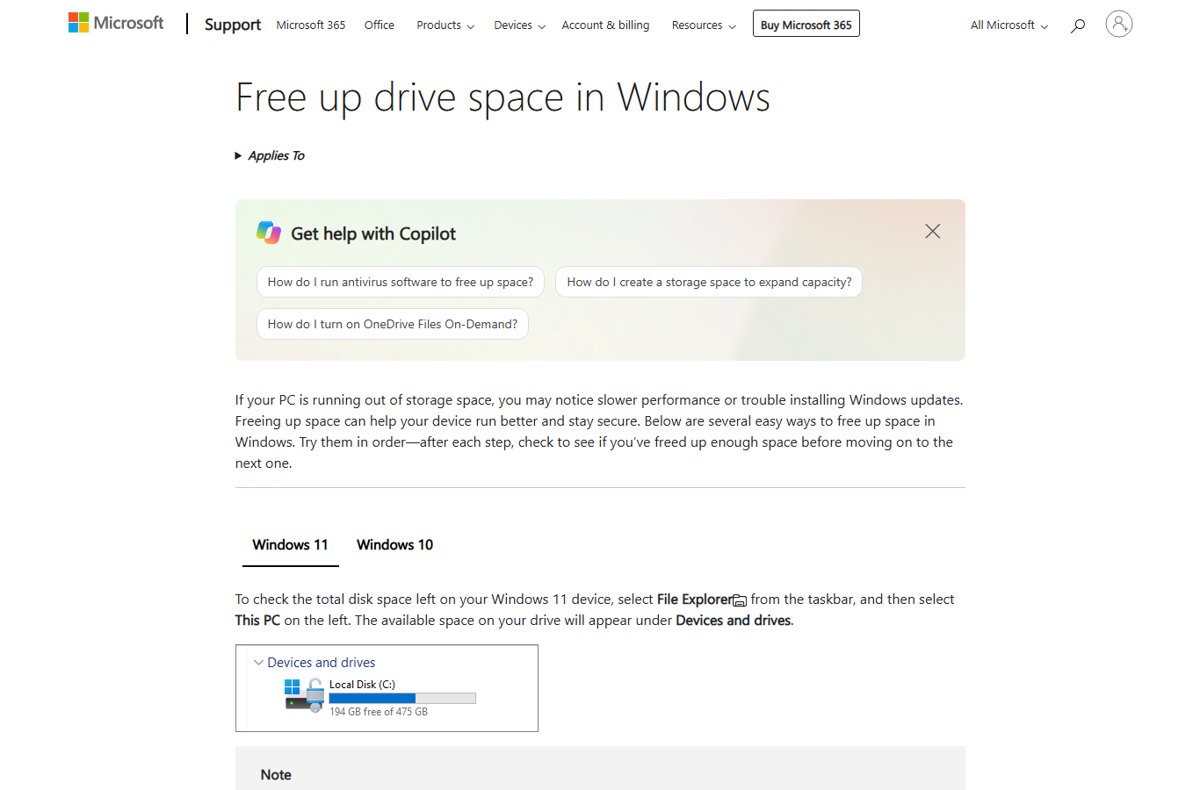
Use the Disk Cleanup tool in Windows 11 to delete junk and temporary files: open cleanmgr, pick drive C:, clean up system files, and automate it with sageset.
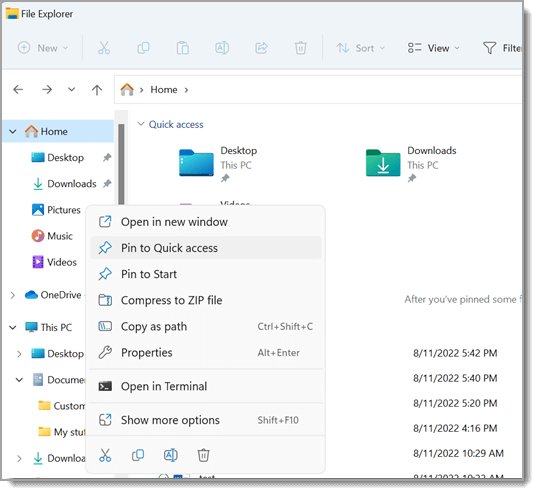
Use File Explorer in Windows 11 to open, find, copy, move and organize files. Covers Home, Quick access, tabs, search, views, panes, shortcuts and fixes.
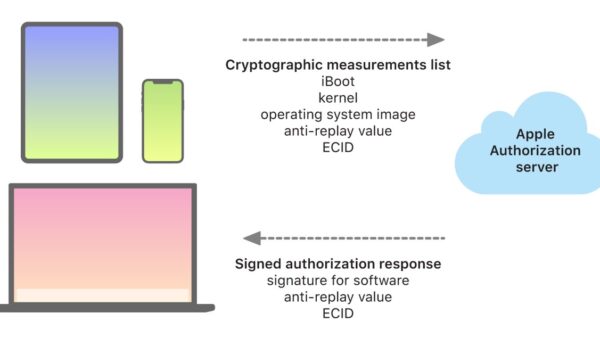
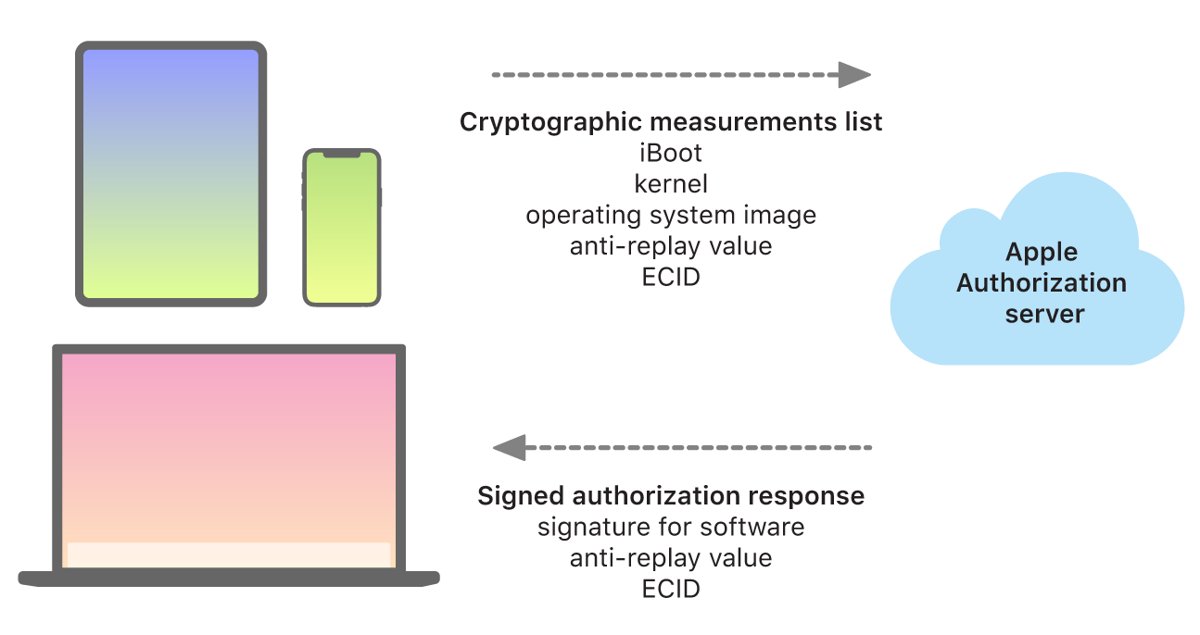
Unsigned IPSW files cannot be installed: Apple only authorizes iOS versions it still signs. Why restores fail with error 3194, and the signed routes that work.
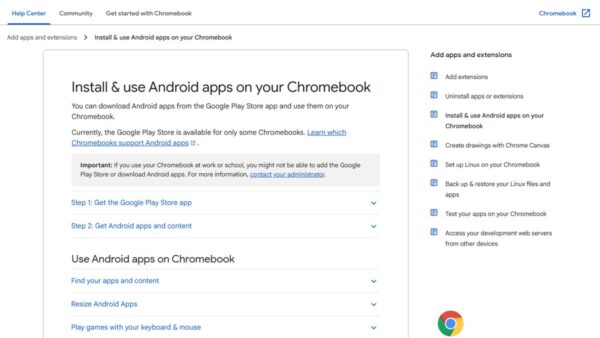
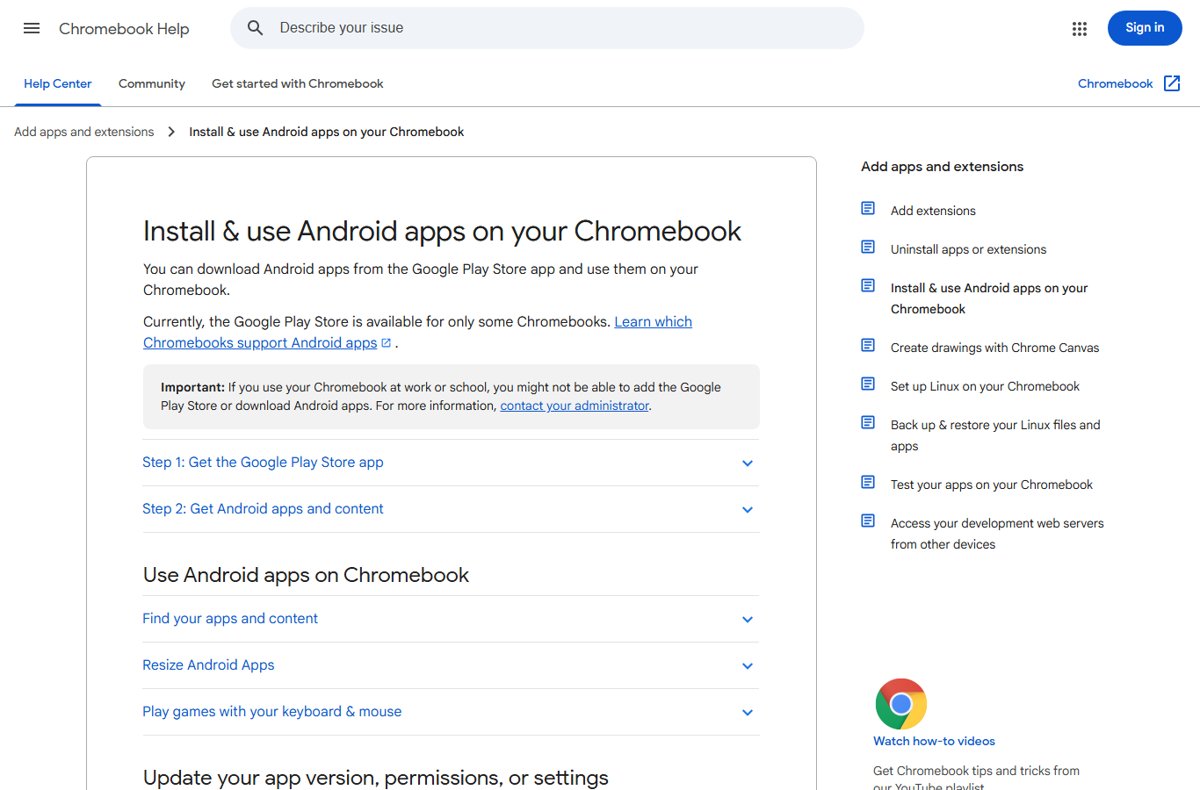
Play Roblox online in a browser: Roblox has no web player, so the site launches the Roblox app. Steps for PC, Mac, Chromebook and mobile, plus fixes.
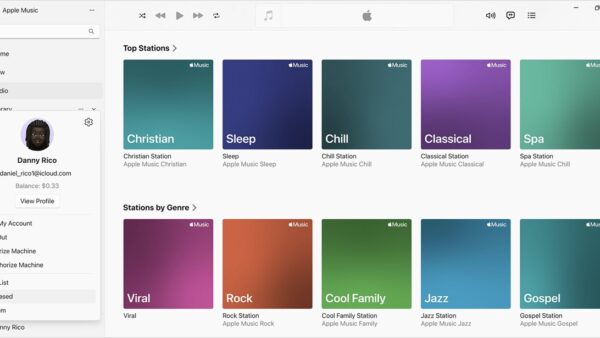
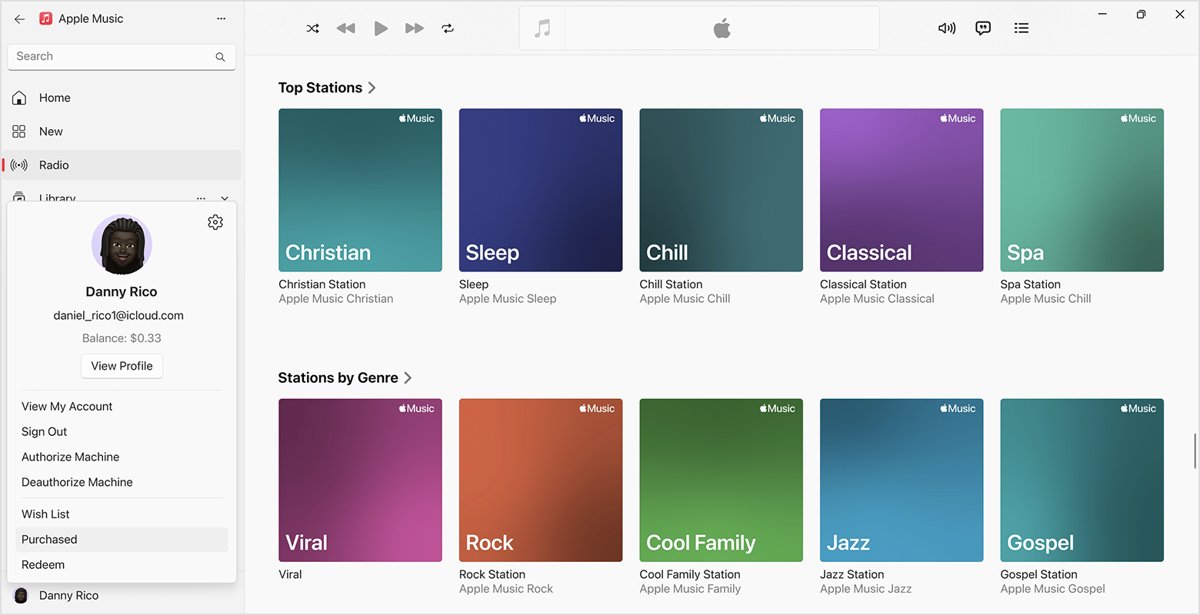
Purchased music missing after Apple Music? Sign in with the right Apple Account, unhide purchases, authorize your computer and redownload iTunes songs on any device.
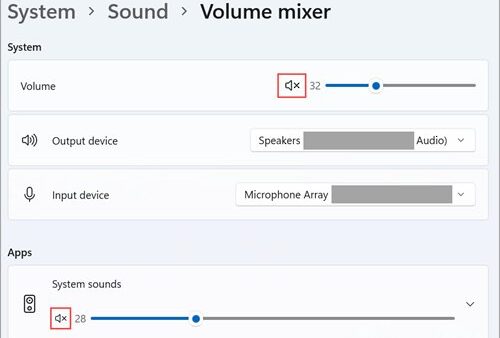
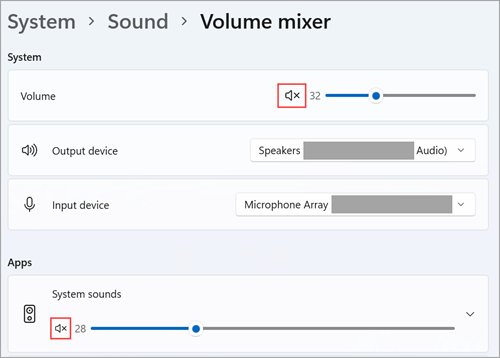
Change the default sound input device in Windows 11 from Settings or the Recording tab, set a separate communications microphone, and fix a missing mic.
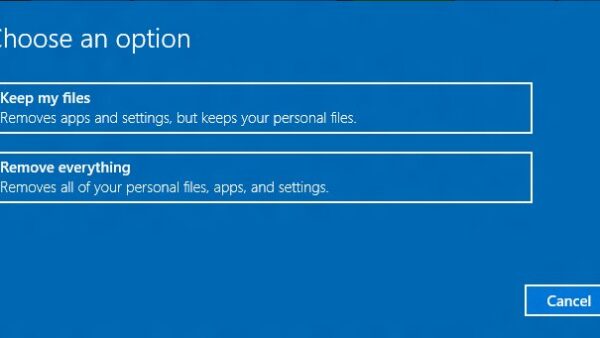
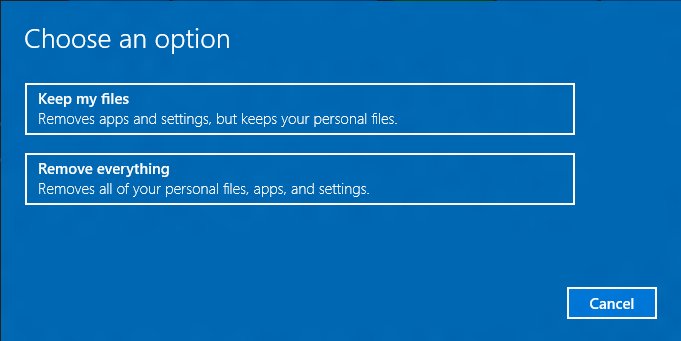
Reset this PC in Windows 11 reinstalls Windows and keeps your files with Keep my files. Steps from Settings and WinRE, cloud vs local, and fixes when it fails.

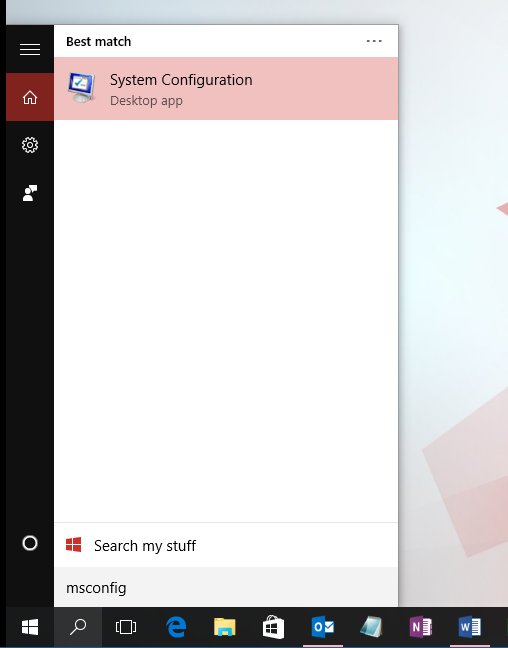
Access MsConfig in Windows 10 with Win + R, msconfig and Enter. Every way to open System Configuration, what each tab does, and how to undo a bad change.