Where do Camera app & Photos app save pictures and videos in Windows 11
The Windows 11 Camera app saves photos and videos to Pictures > Camera Roll, and the Photos app shows your Pictures folder. Find, open and move both locations.
4,040 articles

The Windows 11 Camera app saves photos and videos to Pictures > Camera Roll, and the Photos app shows your Pictures folder. Find, open and move both locations.
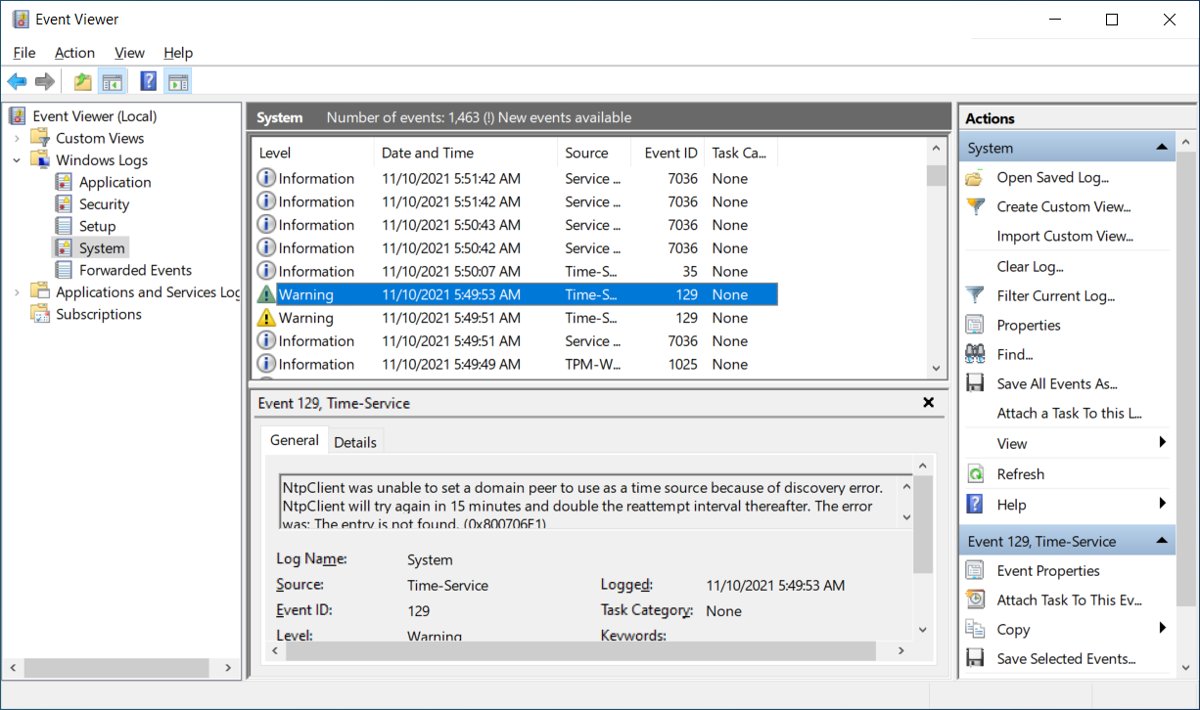
Open Event Viewer in Windows 11 and 10 with Windows + R and eventvwr.msc, or use Search, the Start right-click menu, Computer Management, CMD or PowerShell.
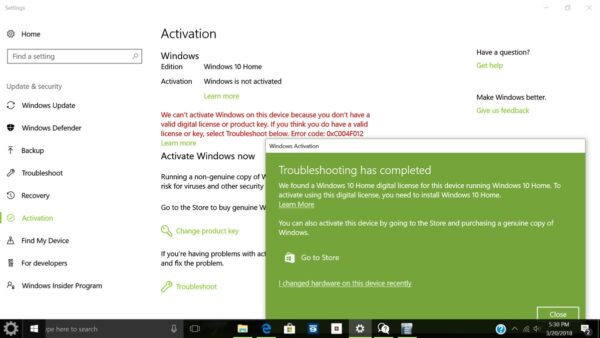
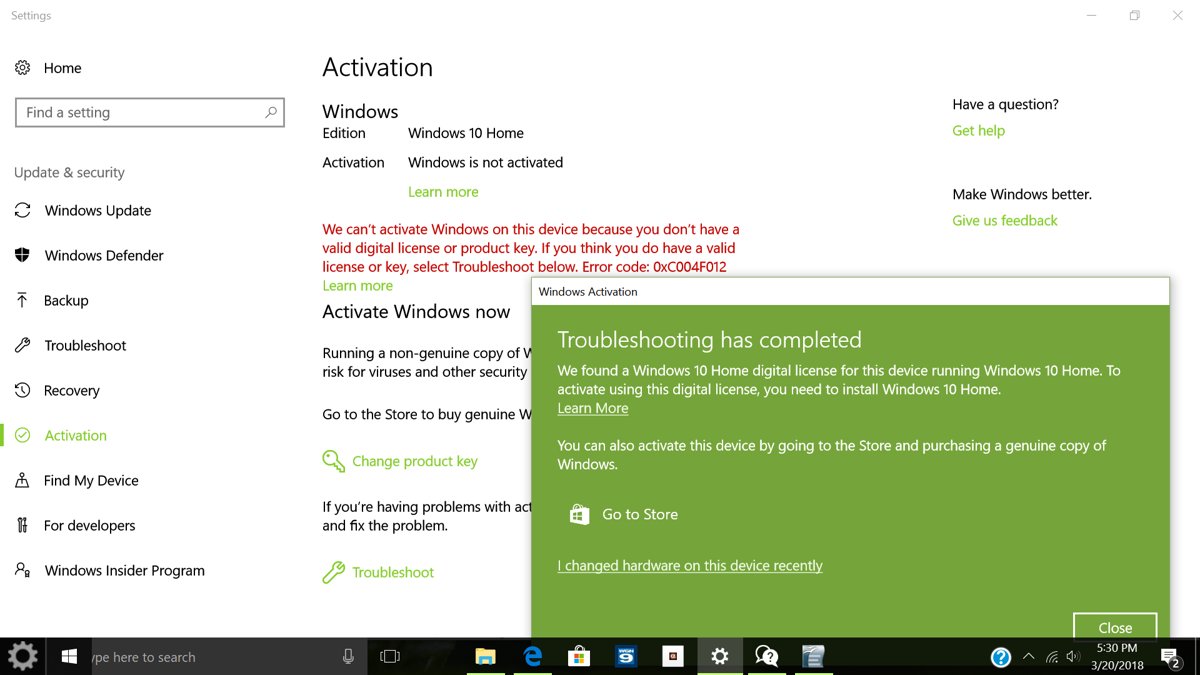
Check if a recently installed Windows is activated in Settings > System > Activation or with slmgr /xpr, read each status message and fix activation errors.
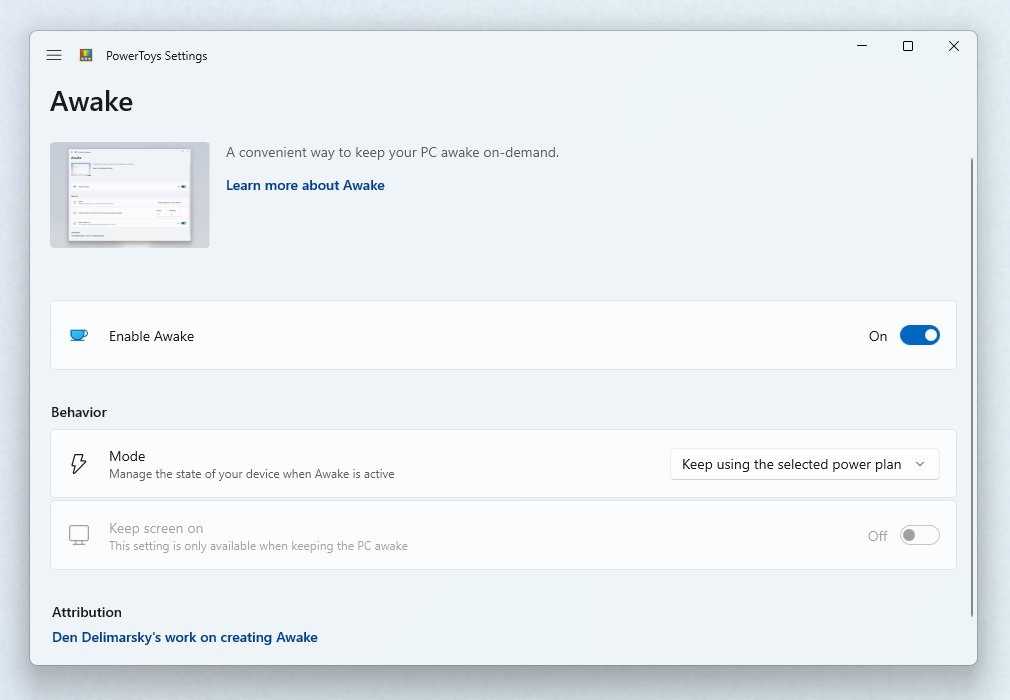
Adjust screen timeout in Windows 11 from Settings > System > Power & battery, Control Panel, powercfg or Group Policy, plus fixes when the screen will not turn off.
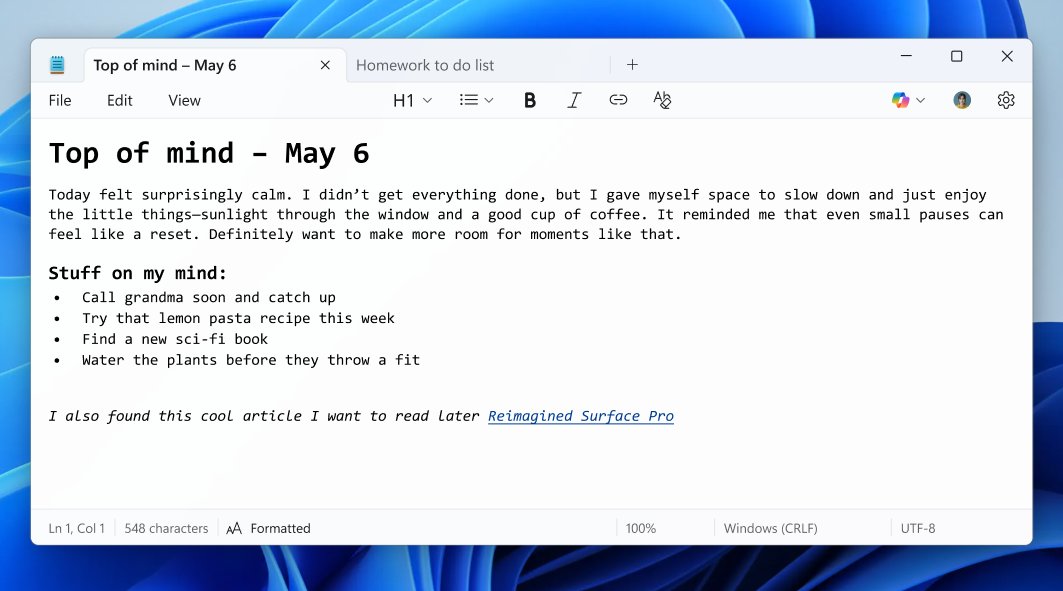
New features in Notepad in Windows 11: tabs, autosave, spellcheck, Markdown formatting, tables, and Write, Rewrite and Summarize, with steps to use each one.
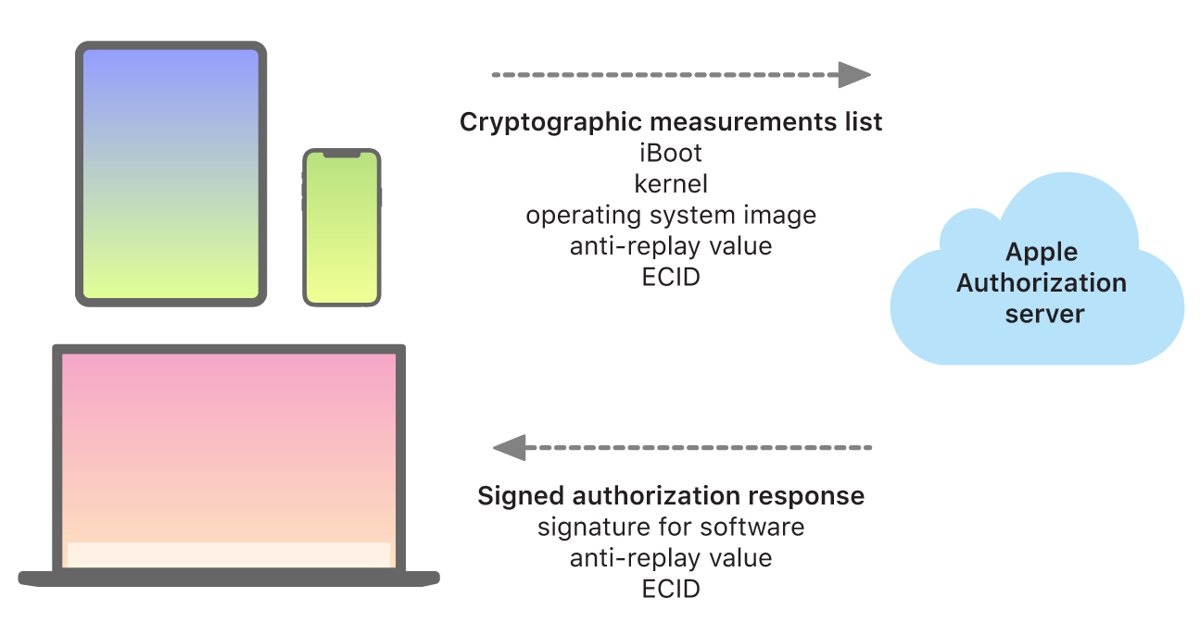
An IPSW file is Apple’s restore image for iPhone, iPad, Apple TV and Mac. Learn what it contains, how to install one, signing rules and safe sources.
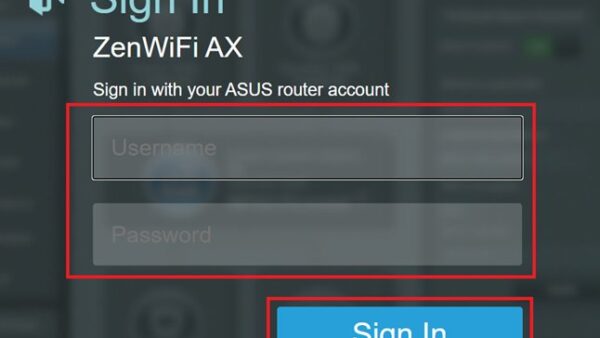
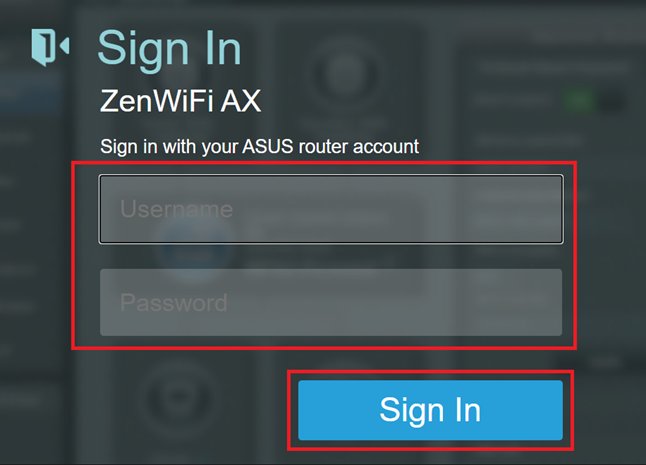
Log in to 192.168.1.1 to open your router admin page, change the Wi-Fi name and password, set the admin password, configure WAN and DNS, and fix login errors.
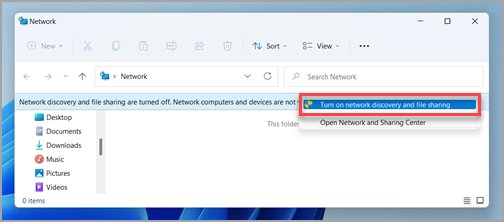
Turn on network discovery in Windows 11 from Settings > Network & internet > Advanced sharing settings, plus fixes when it keeps turning itself off.
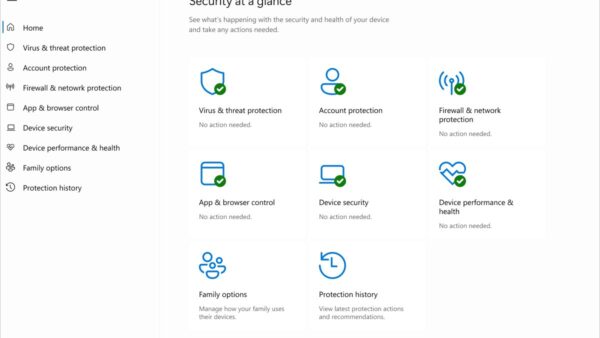
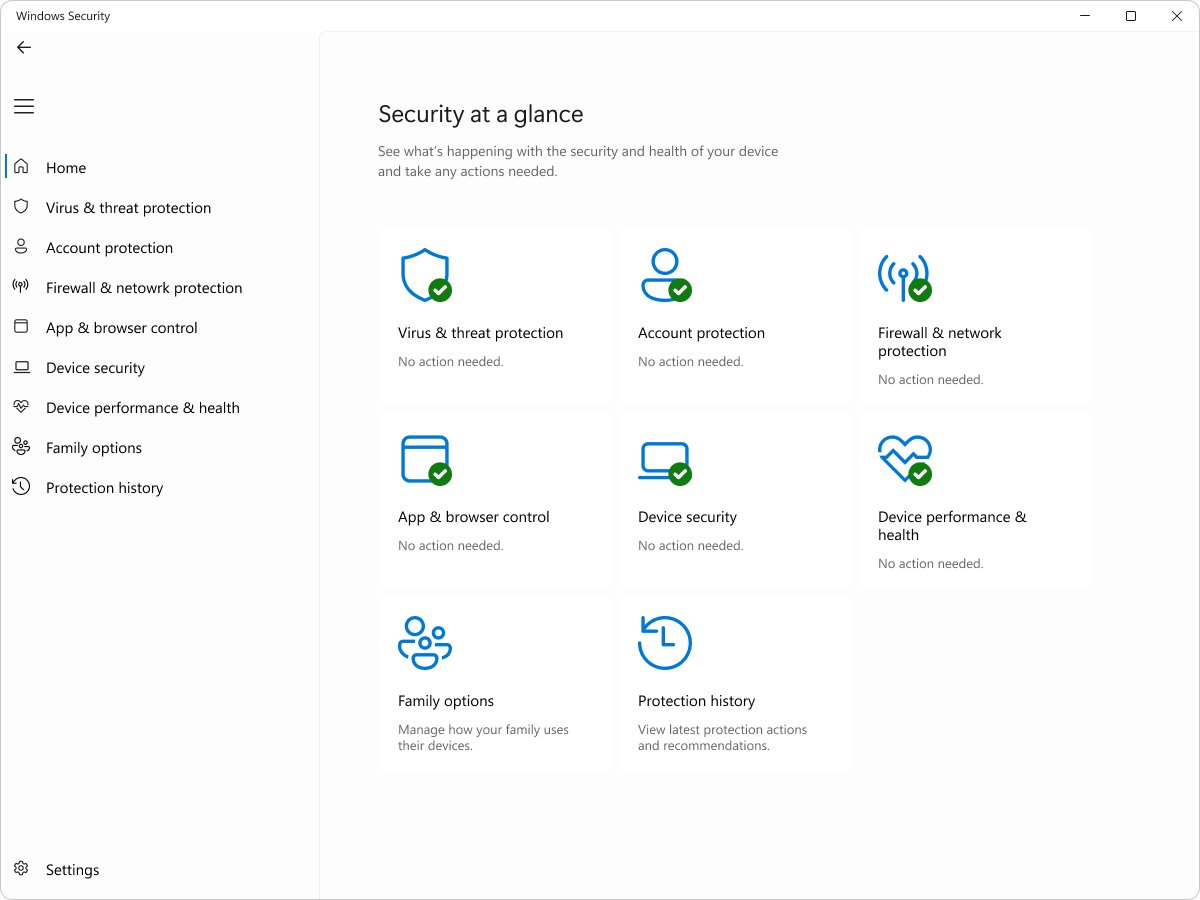
The best Windows Defender settings: cloud protection, tamper protection, controlled folder access, memory integrity, SmartScreen, exploit protection and firewall.
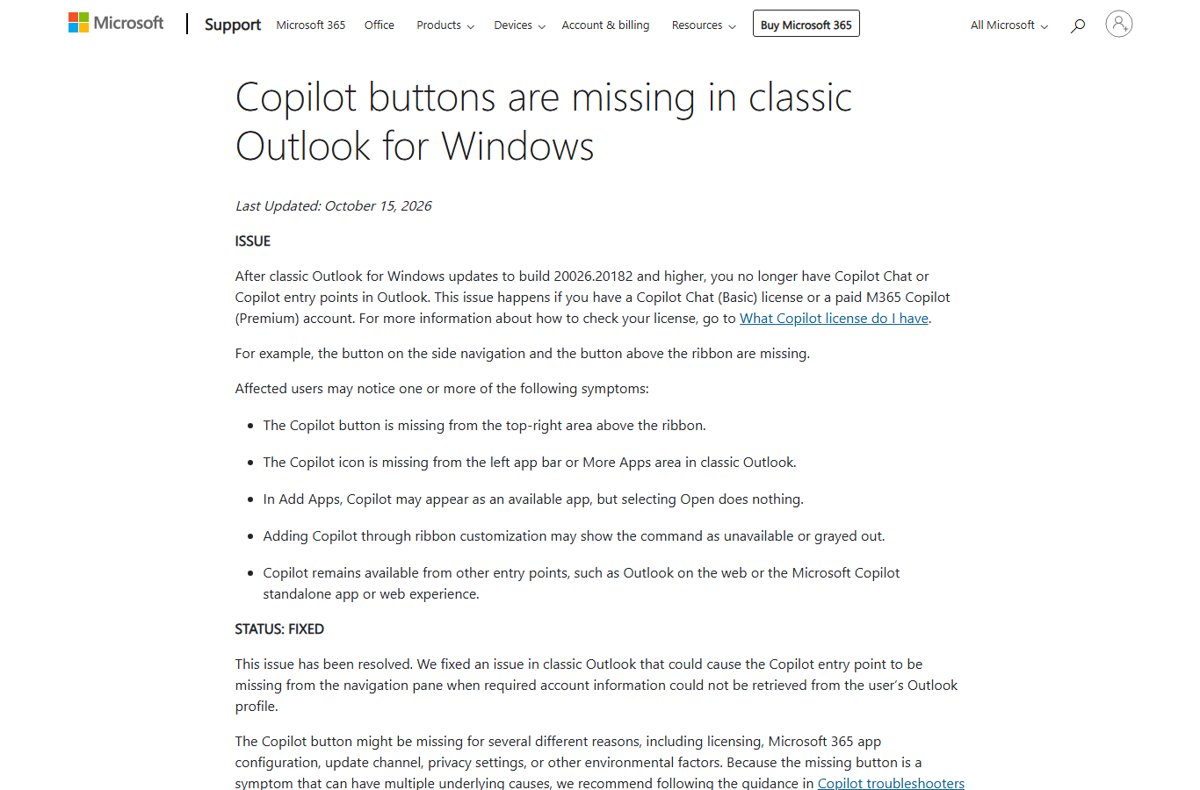
Classic Outlook Copilot buttons missing after build 20026.20182? Microsoft marks it fixed. Update Outlook, check Show Apps, your license and profile to get it back.
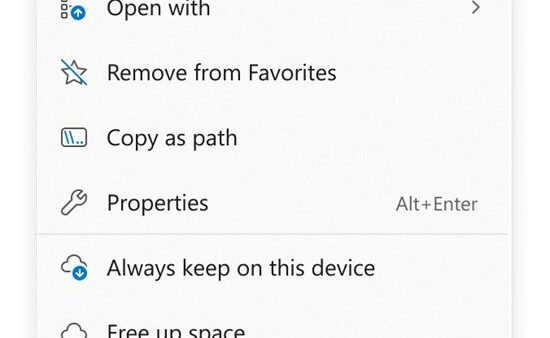
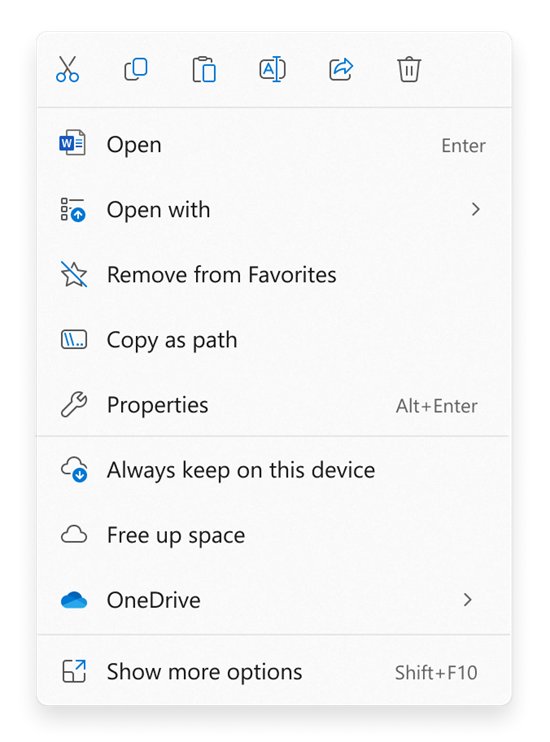
Delete files and folders in Windows 11 with the Delete key, Shift + Delete, PowerShell or Command Prompt, plus fixes for items that will not delete.
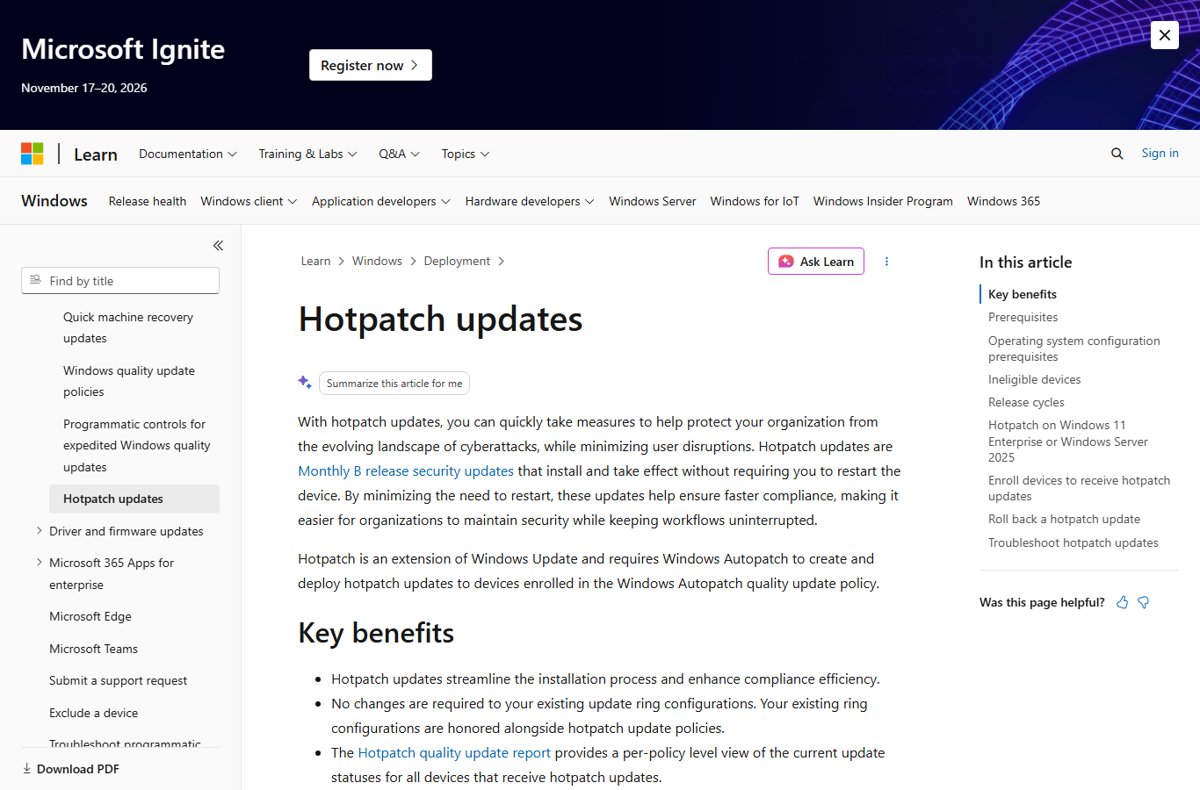
Windows hotpatch installs monthly security updates without a restart. See how it works, the schedule, who is eligible, how to enable it in Intune and check it.