Best charger for iPhone 17 Pro Max: wattage, MagSafe and cable to buy
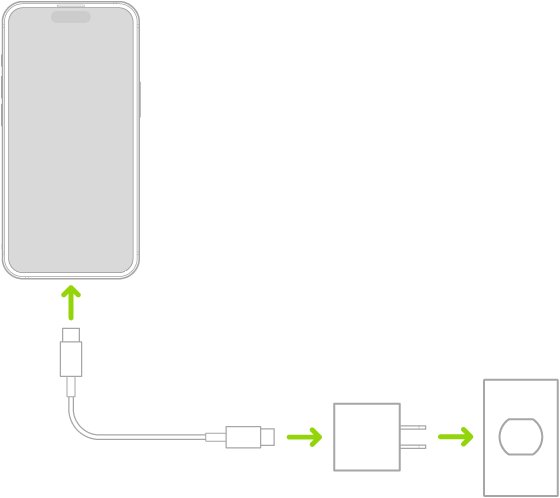
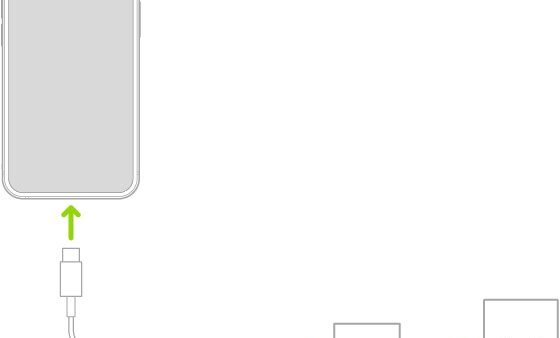
The best charger for iPhone 17 Pro Max is a 40W or higher USB-C PD adapter for 50% in 20 minutes, or MagSafe with a 30W adapter for 25W wireless charging.
4,040 articles

The best charger for iPhone 17 Pro Max is a 40W or higher USB-C PD adapter for 50% in 20 minutes, or MagSafe with a 30W adapter for 25W wireless charging.
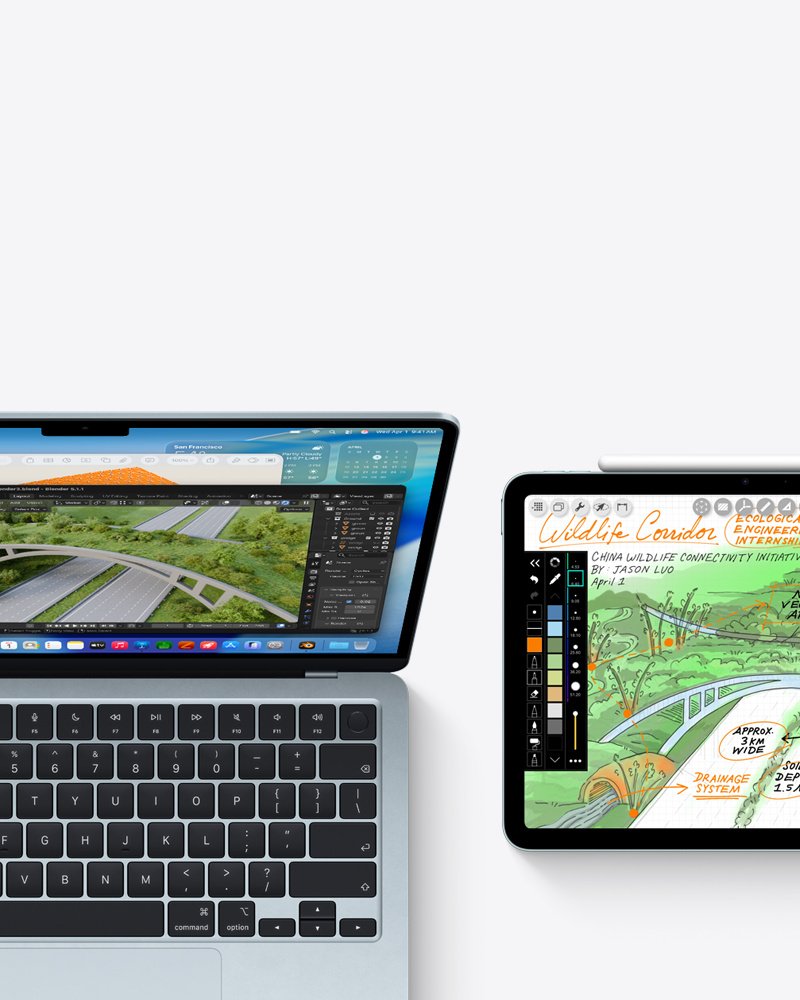
UNiDAYS purchases at Apple have yearly limits: one Mac desktop, one Mac mini, one MacBook, one display, two iPads, one Apple Watch and two accessories.

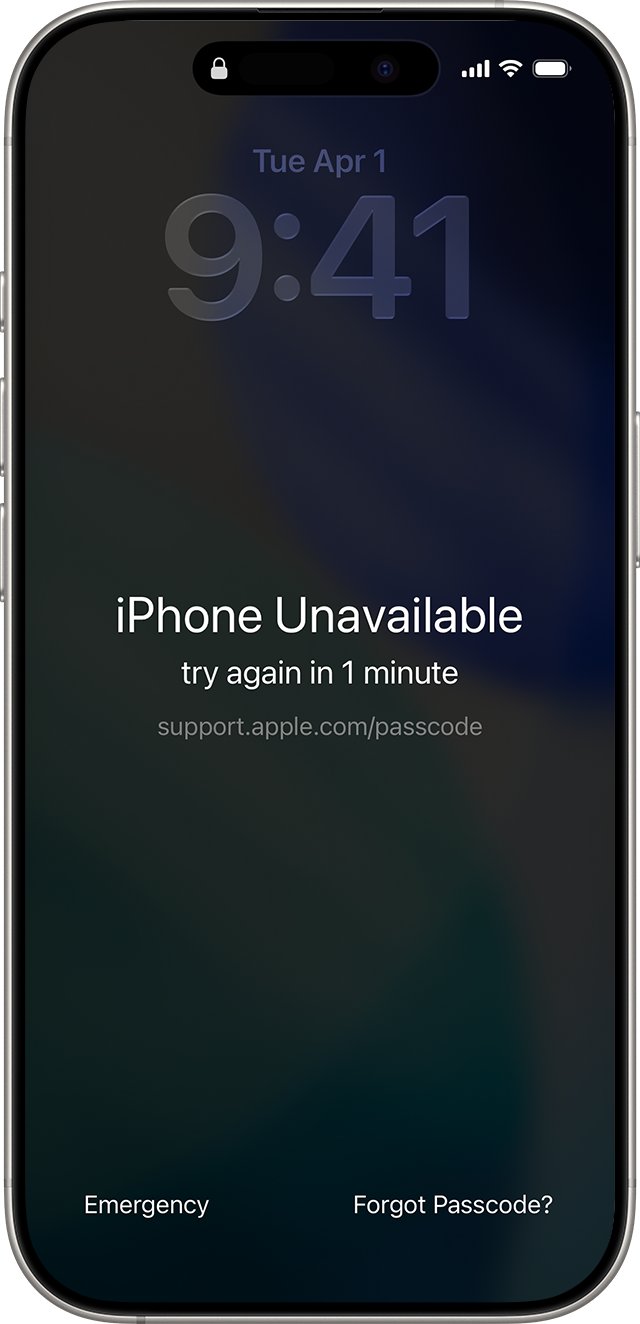
How to unlock iPhone when you forgot the passcode, see iPhone Unavailable, hit Activation Lock or a carrier lock, with Apple’s official steps for each lock.
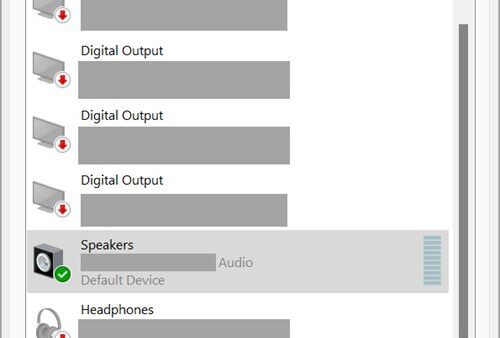
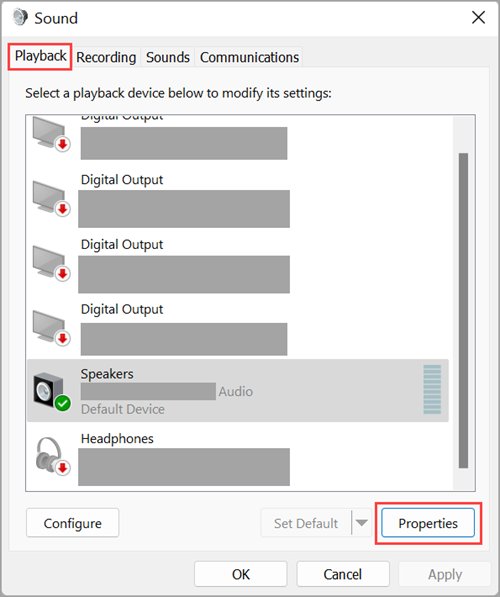
Headphones not detected on Windows 11 or 10? Pick the right output, enable the device in Device Manager, fix Bluetooth pairing, and update audio drivers.
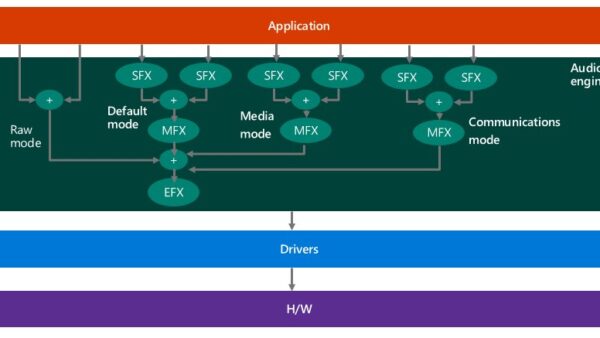
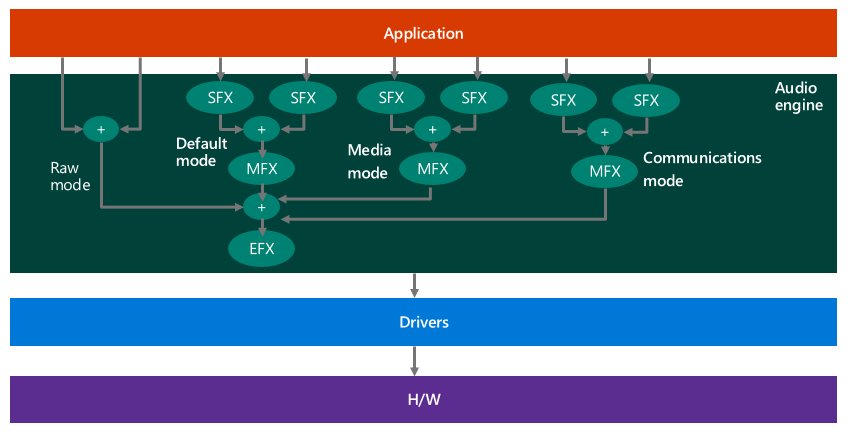
AGC (automatic gain control) on a Windows 11 microphone evens out your voice level. Learn when to keep AGC on or off, how to disable it and fix mic auto-adjusting.
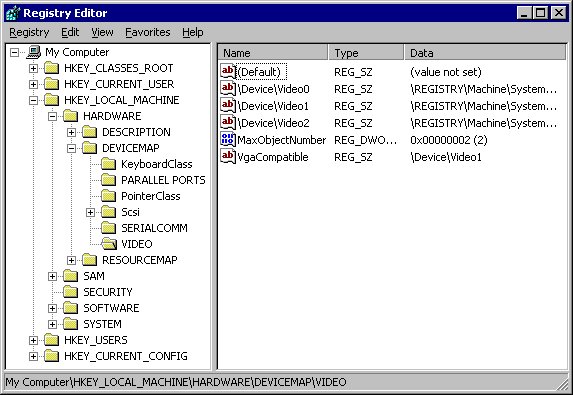
The Windows Registry is the central database of system, app and user settings. Learn what Regedit does, how hives and values work, and to back up and edit safely.
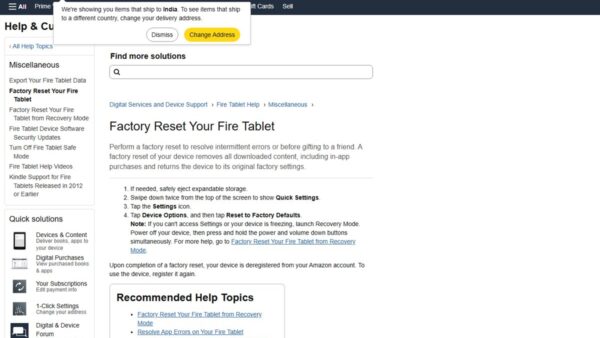
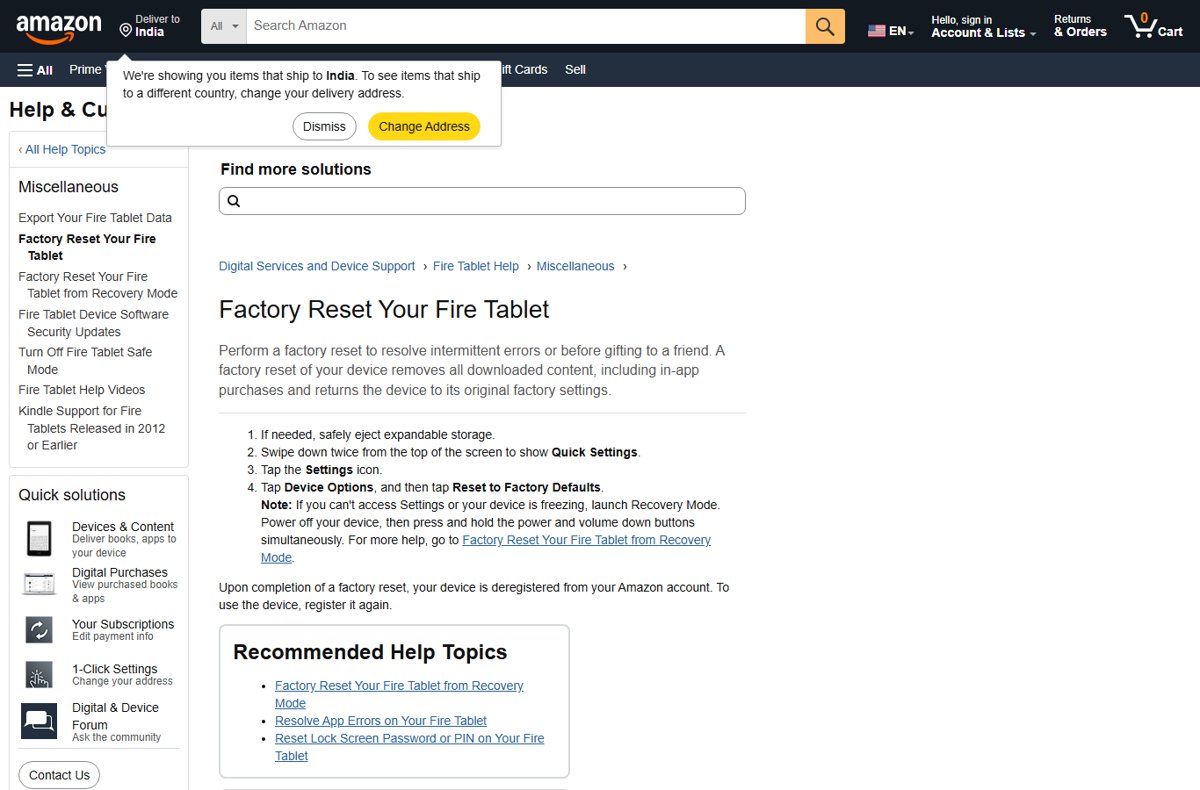
Factory reset an Amazon Fire tablet from Settings > Device Options > Reset to Factory Defaults, or use Recovery Mode when it is frozen or locked.
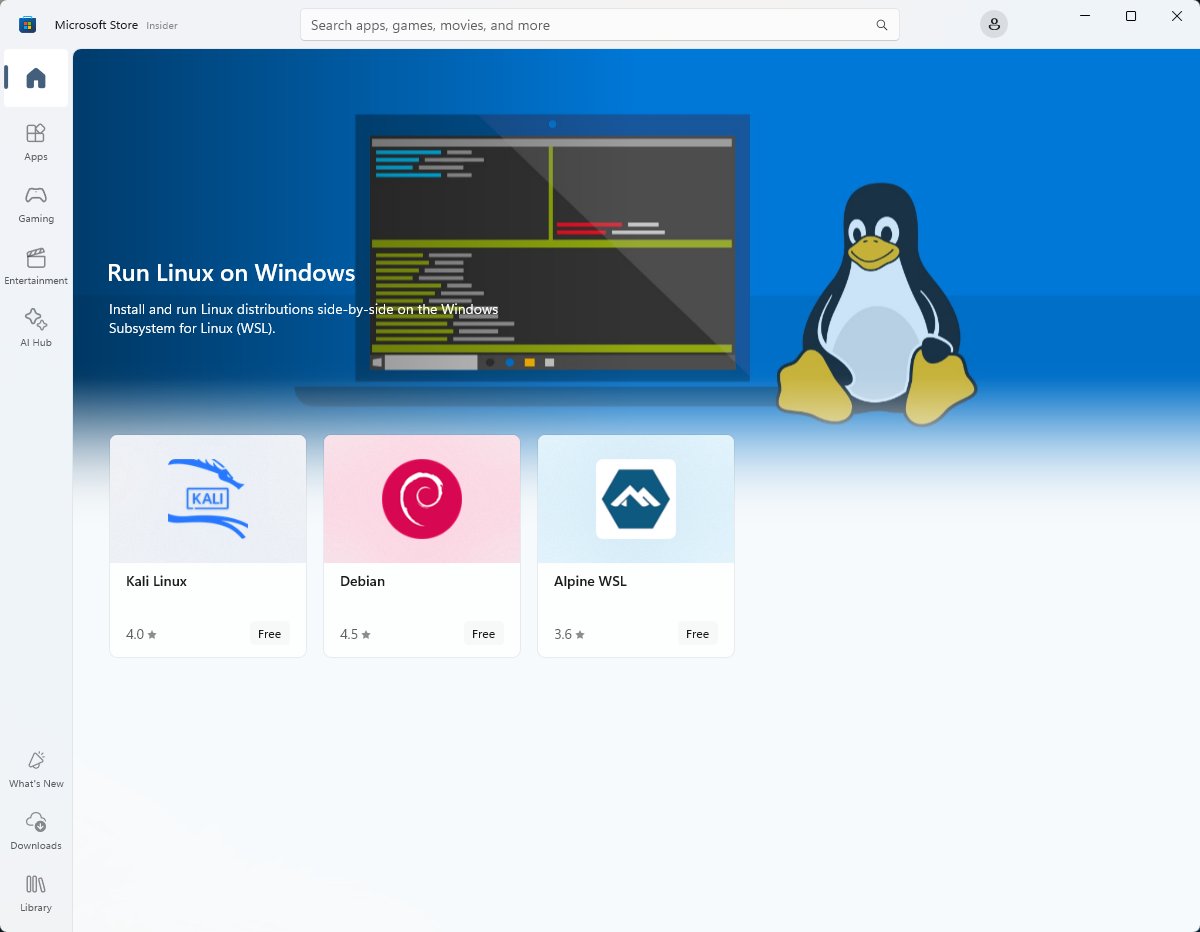
Install WSL 2 on Windows 11 or Windows 10 with one wsl –install command, pick a Linux distro, switch WSL versions, access files and fix common install errors.
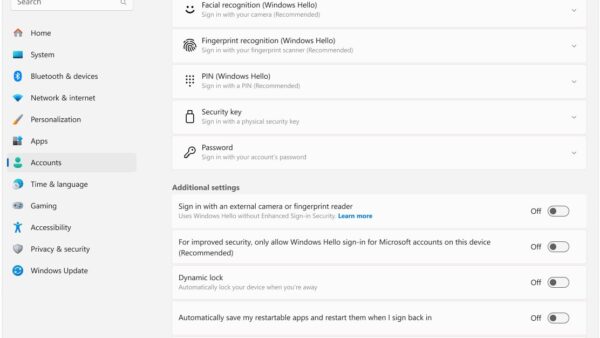
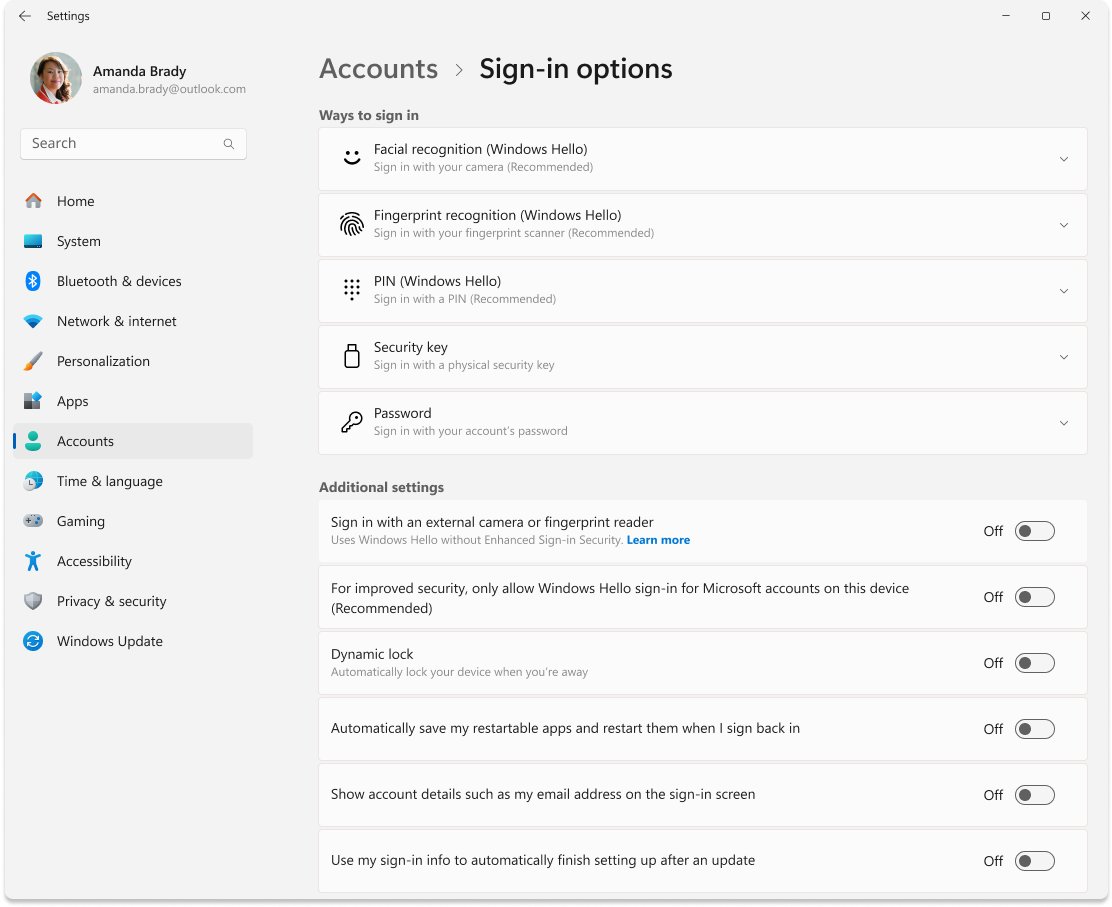
Enable Windows auto login without typing a password: set AutoAdminLogon in the registry or use Sysinternals Autologon, skip the wake prompt, and undo it safely.
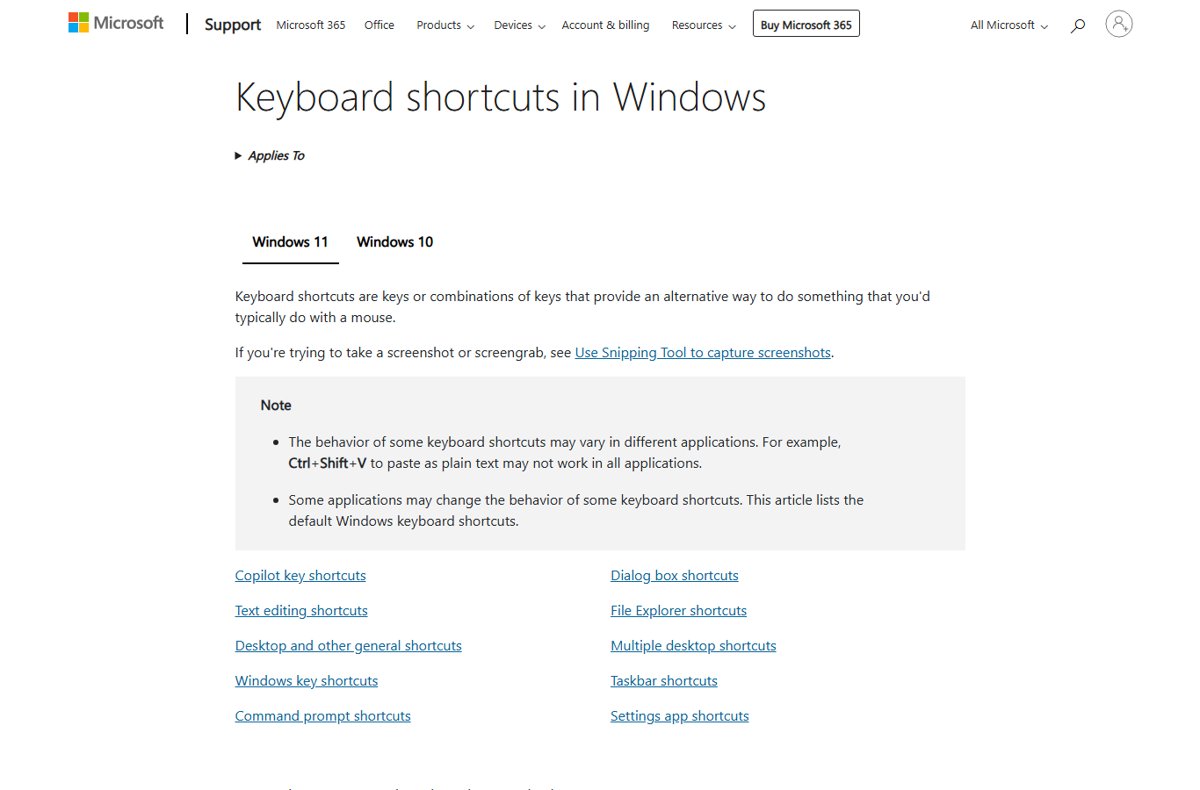
CTRL commands for Windows 11: Ctrl+C copies, Ctrl+V pastes, Ctrl+Z undoes and Ctrl+S saves. Full Ctrl shortcut tables for text, desktop, File Explorer and Edge.
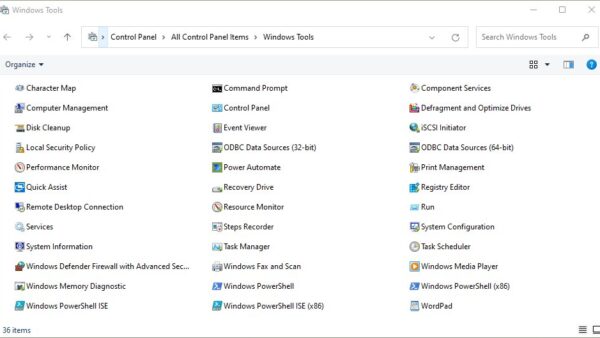
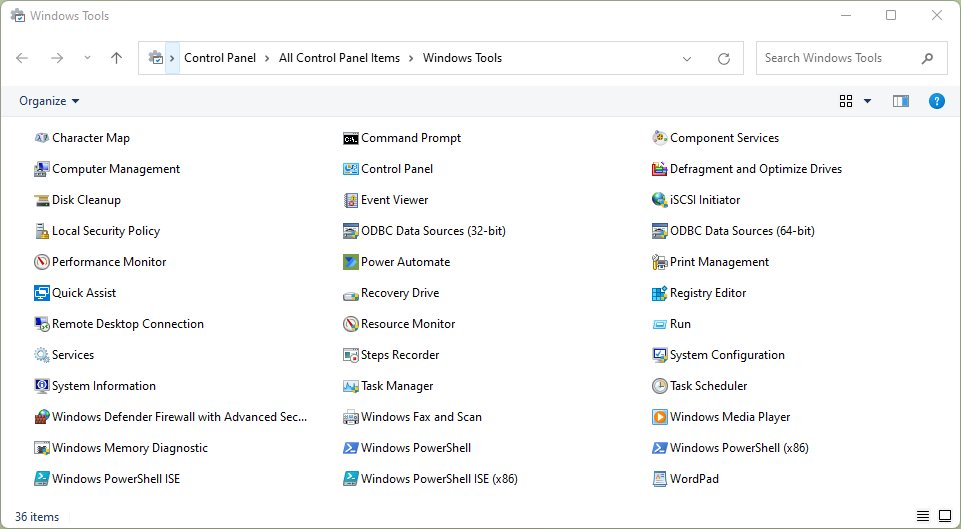
Local Security Policy missing in Windows 11/10? secpol.msc ships only with Pro, Enterprise and Education. Check your edition, upgrade, or repair the files.


Enable dark mode in Microsoft Edge from Settings > Appearance > Dark, make Edge follow the Windows theme, switch it on a schedule, and fix pages that stay white.