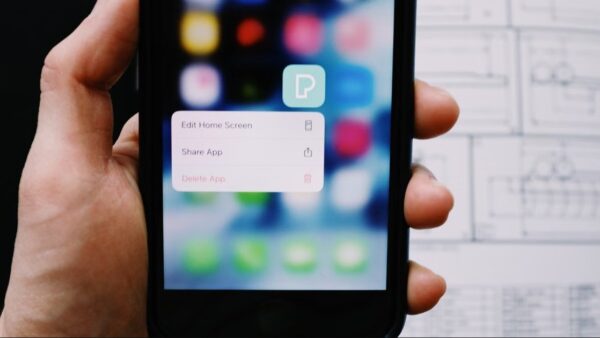
Deleting spam iPhone calendar invites (how to)
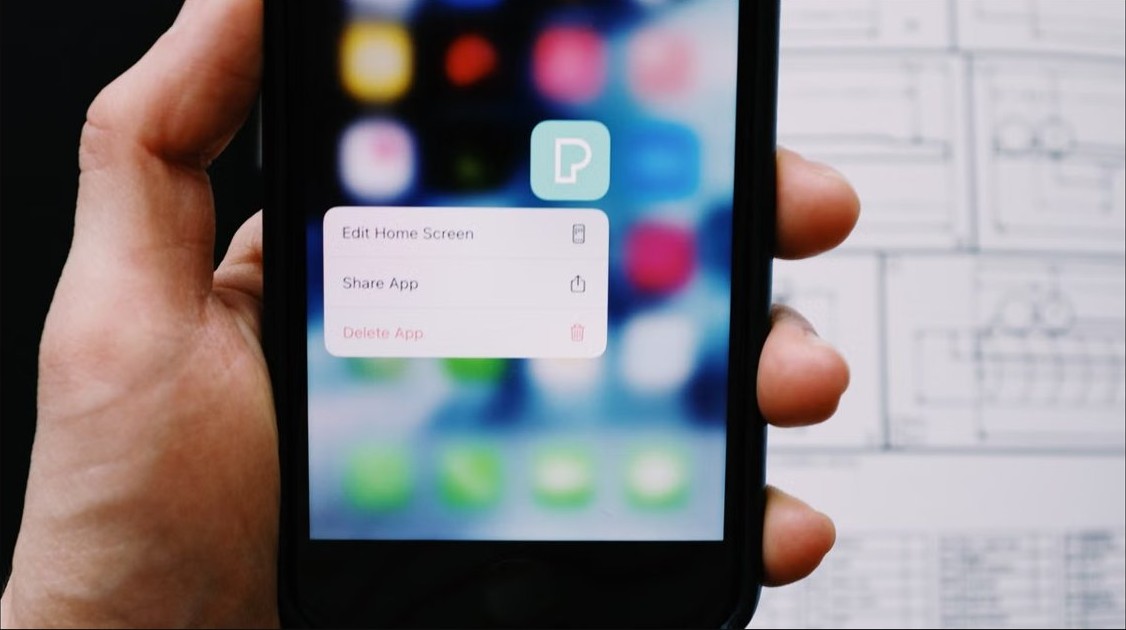
Delete spam iPhone calendar invites with Report Junk, remove junk subscription calendars, and stop new spam events from reaching the Calendar app.
4,034 articles

Delete spam iPhone calendar invites with Report Junk, remove junk subscription calendars, and stop new spam events from reaching the Calendar app.


Contacts disappeared on iPhone? Check iCloud Contacts, the Lists view and account toggles, then restore an archived version from iCloud.com Data Recovery.
BandLab download for PC and Mac: install the free BandLab Studio as an app from Chrome or Edge on Windows 11 and 10, then add the iPhone and Android apps.


Factory reset an iPhone with a broken screen using Find Devices on iCloud.com or recovery mode on a Mac or PC. Steps for every model, plus fixes when it fails.
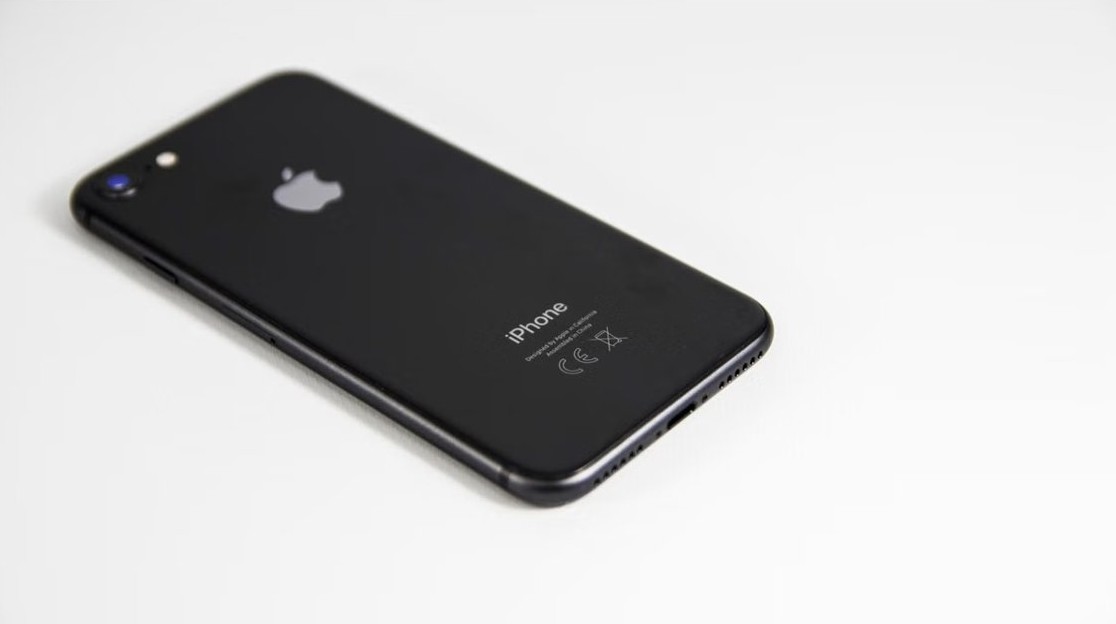
You can’t track a stolen iPhone by IMEI yourself. Use Find My or icloud.com/find, then give the IMEI to your carrier and police to block and trace it.


Turn on noise cancellation on AirPods Max with the listening mode button on the right headphone, or from Control Center, Mac settings, and fixes when ANC fails.


Update iTunes on Windows through Microsoft Store Library or Help > Check for Updates. Steps for both versions, automatic updates, reinstalling and fixes.


Double space in Microsoft Word with Design > Paragraph Spacing > Double, or press Ctrl+2. Steps for part of a document, Mac, defaults and common fixes.
Apple Keynote download is free on Mac, iPhone and iPad, and a Windows 11 or 10 PC opens the same slides at iCloud.com in Microsoft Edge or Chrome.


System information tools in Windows 11: msinfo32, Settings About, systeminfo, Get-ComputerInfo and DxDiag. What each shows, how to open it and when to use it.


Port 445 is the TCP port Windows uses for SMB file and printer sharing. Learn what runs on it, why to block it, and how to disable it with Windows Defender Firewall.


Use Task Scheduler to launch apps, scripts or backups at logon in Windows 10/11: create a logon trigger, add a delay, set the action, test it and fix failures.