You can install BandLab on Windows 11, Windows 10 and Mac in about a minute, straight from Chrome or Edge. The free BandLab Studio records, edits and mixes music, and the installed app opens in its own window with a taskbar icon.
BandLab is free, with an optional paid Membership for extra tools. The App Store and Google Play carry the official apps for iPhone, iPad and Android, and projects move between phone and computer.
Below: the right route for each device, BandLab’s official links, installing on Windows and Mac, what the free plan includes, and fixes for a silent microphone or a stuttering project.
Which BandLab download do you need?
Match your device to a row. On a computer, BandLab runs in the browser you already have.
| Your device | What to install | Size |
|---|---|---|
| Windows 11 or Windows 10 PC | BandLab Studio, installed as an app in Chrome or Edge | No separate download |
| Mac | BandLab Studio in Chrome, Firefox or a Chromium-based browser | No separate download |
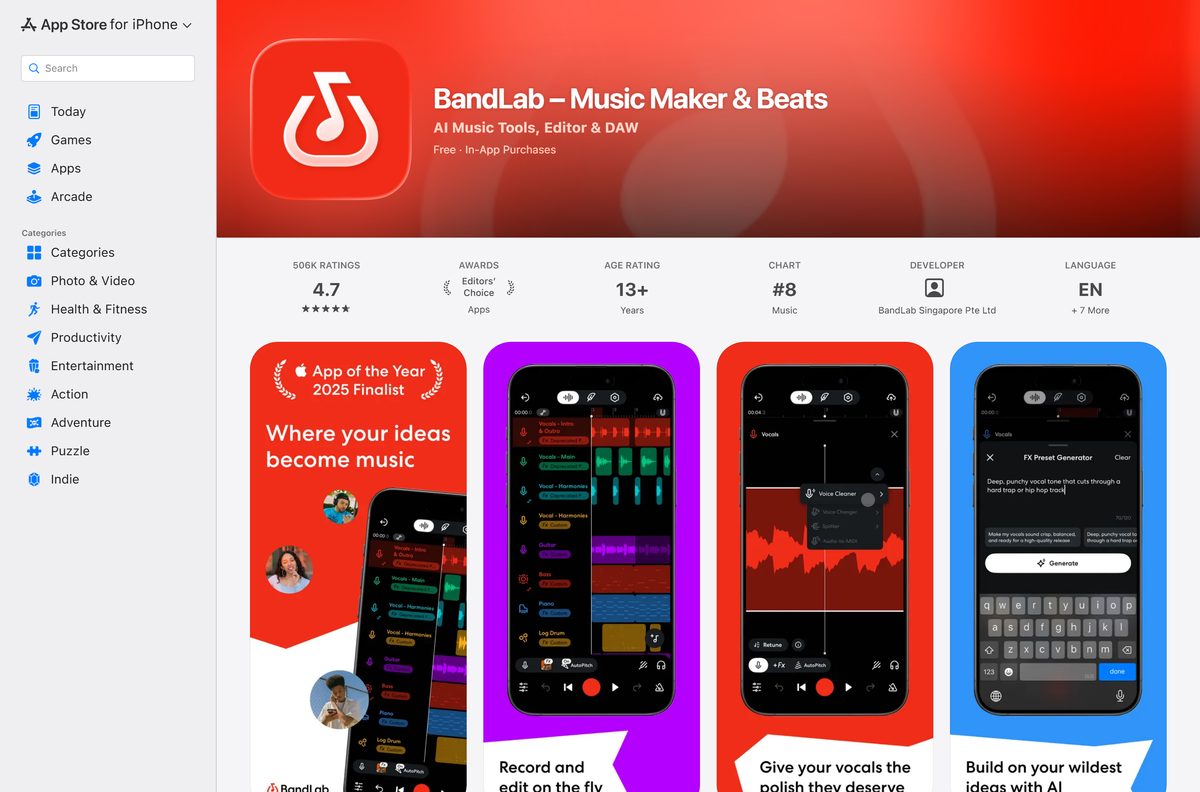
| iPhone or iPad on iOS 16.0 or later | BandLab on the App Store | 269.6 MB |
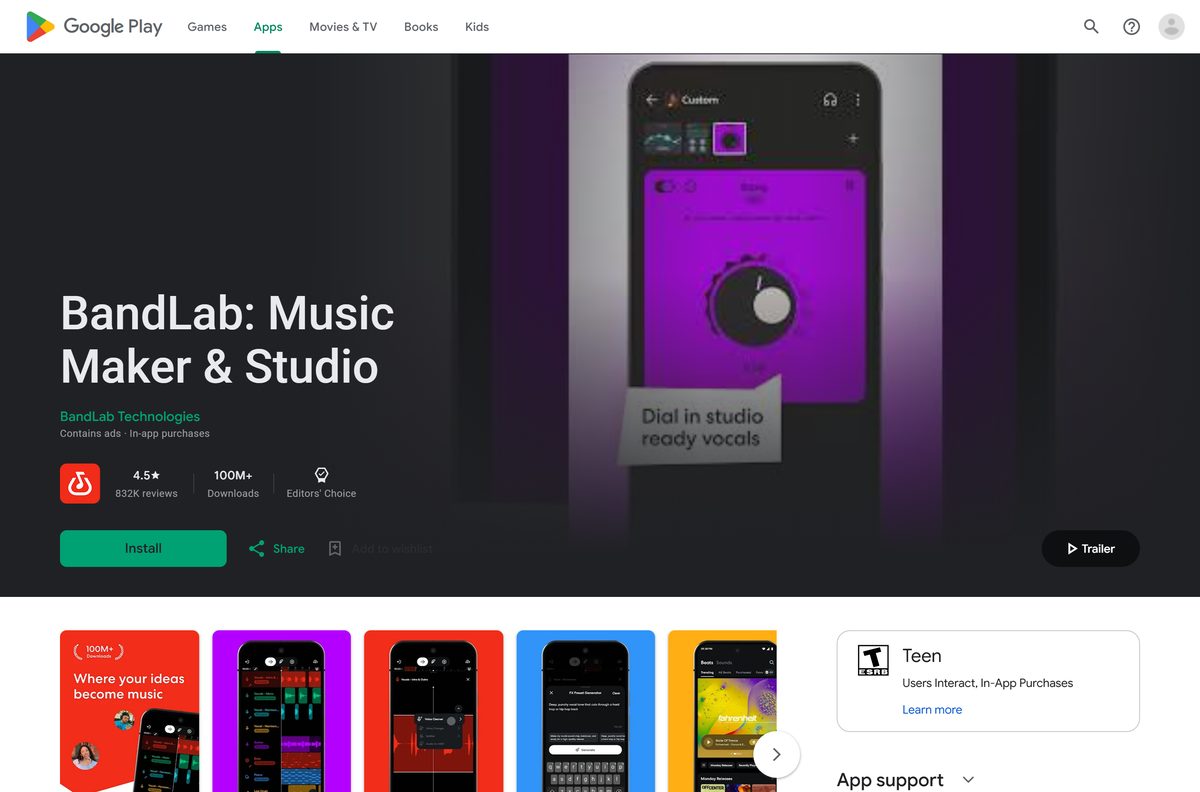
| Android phone or tablet on Android 8.2 or later | BandLab on Google Play | Play states no size |
Download BandLab from its official sources
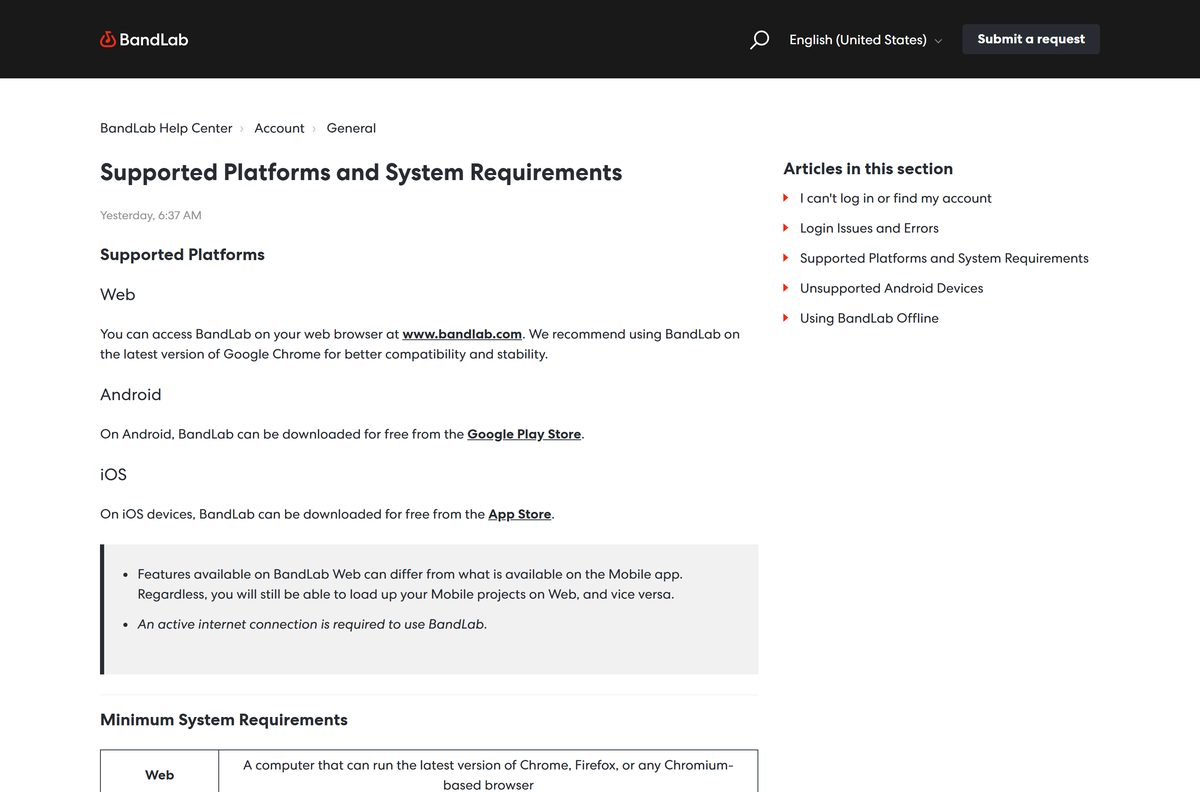
BandLab publishes its apps at these three addresses. A portal offering a BandLab .exe is repackaging a website, so skip it.
- BandLab Studio on the web — sign up or log in, then install it as an app on Windows or Mac
- BandLab on the App Store — 269.6 MB · iPhone and iPad, iOS 16.0 or later, version 11.33.0
- BandLab on Google Play — BandLab Technologies, 100M+ downloads, updated 24 September 2026
Check the BandLab system requirements
BandLab sets no hardware floor for computers. Your browser sets it, and every platform needs an active internet connection.
| Field | Value |
|---|---|
| Developer | BandLab Technologies |
| Latest version | Web-based, auto-updating (iPhone app 11.33.0) |
| Price | Free, with optional Pro and Max Membership plans |
| Windows and Mac | Any computer that runs the latest Chrome, Firefox or a Chromium-based browser |
| Recommended browser | Latest Google Chrome |
| Android | Android 8.2 and above |
| iPhone and iPad | iOS 16.0 and above |
| Architecture | None of its own, the Studio uses the browser’s build |
| Offline installer | None |
| iPhone and iPad app size | 269.6 MB |
| Last verified | 2026-09-25 |
How to install BandLab on Windows 11 and 10 as a desktop app
Chrome turns the Studio into a windowed app with its own Start menu entry. It opens without tabs or an address bar.
- Open Chrome and go to bandlab.com/studio.
- Select Sign up to create a free account, or Log in if you already have one.
- Select More, the three-dot button at the top right.
- Select Cast, save, and share, then Install page as app.
- Follow the on-screen prompt and select Install.
- Right-click the new window’s taskbar icon and select Pin to taskbar.
- Select Create, then New Project, to open the Studio and start recording.
Some sites show an Install icon in the address bar instead. It does the same job in one click.
Install BandLab with Microsoft Edge instead of the Store
The Microsoft Store carries no BandLab app, and winget finds none either. Edge installs the Studio as an app and manages it from one page.
- Open Microsoft Edge and go to bandlab.com/studio.
- Log in to your BandLab account.
- Select Settings and more, the three-dot button at the top right.
- Select More tools, then Apps, then Install this site as an app.
- Select Install in the prompt.
- Open edge://apps to find, pin or remove the installed app later.
Searching winget for BandLab returns only Cakewalk by BandLab. That is a separate Windows DAW, not the BandLab Studio.
Which BandLab route do you need on your Mac?
The App Store listing covers iPhone and iPad only. On a Mac, the full Studio runs in a supported browser.
| You want | Do this | Link |
|---|---|---|
| A BandLab app in the Dock | Open the Studio in Chrome, then select More, Cast, save, and share, Install page as app | bandlab.com/studio |
| BandLab in a browser tab | Use Chrome, Firefox or a Chromium-based browser; Safari is not on BandLab’s supported list | Supported platforms |
| A studio installed on the Mac itself | Get GarageBand, Apple’s own music app, from the App Store on macOS Monterey or later | GarageBand |
Run BandLab in the browser without installing anything
Installing the app is optional. The same Studio opens in any supported browser tab, which suits a shared or school computer.
- Go to bandlab.com in Chrome, Firefox or a Chromium-based browser.
- Log in to your BandLab account.
- Click Create in the top-right corner.
- Click New Project to open the BandLab Studio.
- Allow microphone access when the browser asks, then record your first track.
- Log out when you finish on a shared computer, since projects save to your account in the cloud.
Free projects run up to 15 minutes long with up to 16 audio and MIDI tracks.
Check which files BandLab can import and export
Bring stems from another DAW into the Studio, or take a mix out, using these formats.
| Direction | Formats |
|---|---|
| Import audio and MIDI | MIDI, MP3, MP4, WAV, M4A, AAC, OGG |
| Export individual tracks | MIDI, WAV |
| Export the mixdown | M4A at 128 or 192 kbps, or 16-bit WAV at 44.1 kHz |
Is BandLab free?
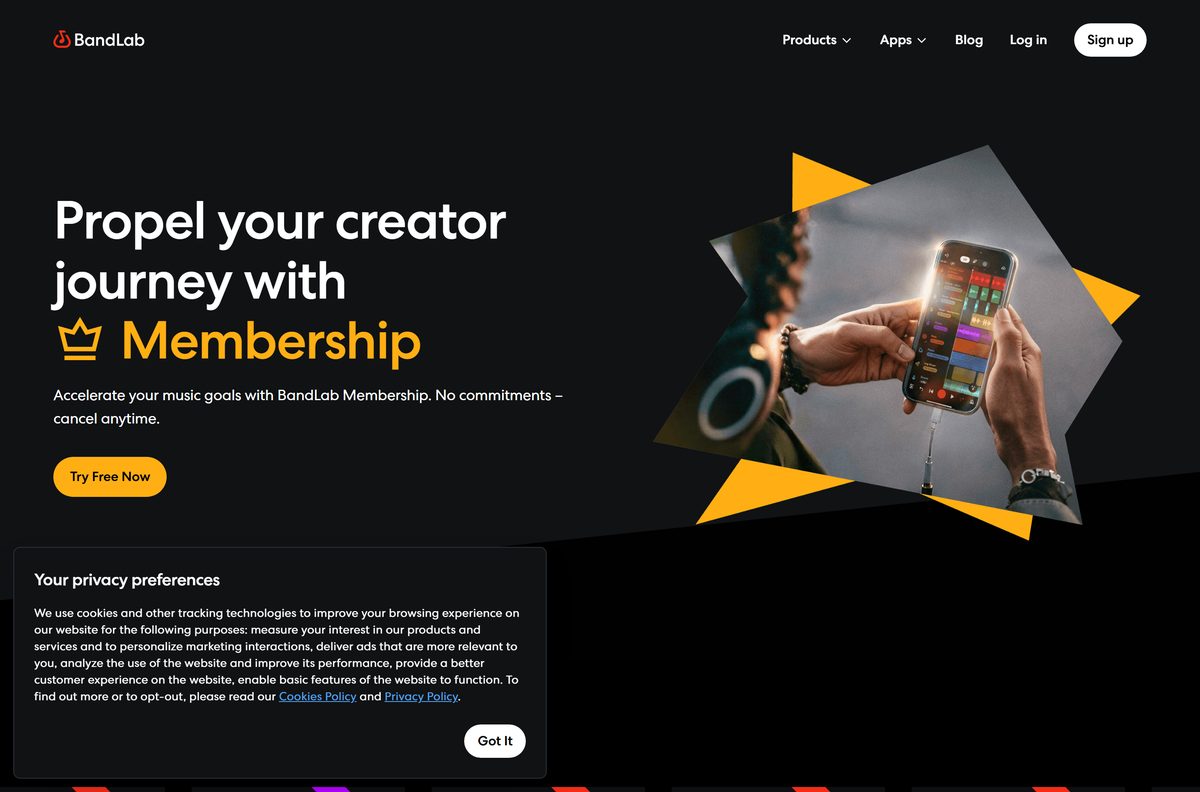
Yes. The Studio, cloud storage and both mobile apps cost nothing, and a free account is enough to record, mix and export. BandLab Membership is optional. Pro costs $14.99 a month after a 3-day free trial, or $99 for the first year and then $149 a year. Max costs $199 for the first year and then $299 a year. Membership adds tools such as Voice Cleaner, AutoMix, Audio-to-MIDI and a 32-track Studio, plus early access to Cakewalk Next and Cakewalk Sonar. Students get 40% off annual Pro through Student Beans. A site charging for a BandLab setup file is not BandLab.
Should you use BandLab on the web or the phone app?
Use the web Studio on a computer for mixing and MIDI work, and the phone app for recording ideas on the move. Features on BandLab Web differ from the mobile app, but projects load on either side, so a vocal recorded on a phone opens in the Studio on a PC. The computer gives you a larger screen and a keyboard for editing regions and automation.
How to keep BandLab up to date
The web Studio updates itself each time it loads. Only the phone apps need manual updates.
- On a PC or Mac, close the BandLab window and open it again to load the current Studio.
- Update the browser itself, because BandLab recommends the latest Chrome.
- On an iPhone or iPad, open the App Store listing and tap Update if it appears.
- On Android, open the Google Play listing and tap Update if it appears.
How to check a BandLab download is genuine
BandLab ships no Windows or Mac setup file, so a download is the first warning sign.
- Check that the address bar reads bandlab.com before you log in.
- Treat any BandLab .exe, .msi or .dmg from a download portal as unofficial and delete it.
- On the App Store, confirm the seller reads BandLab Singapore Pte Ltd.
- On Google Play, confirm the developer reads BandLab Technologies.
- Keep Cakewalk by BandLab apart from BandLab itself, since it is a separate desktop product.
Fix BandLab not recording, stuttering or not installing
The Studio records silence from your microphone
The browser has no permission to use the microphone, or Windows is using the wrong input.
- Click the lock or slider icon next to the URL in the address bar.
- Set Microphone to Allow, then reload the Studio.
- In Chrome, open Site Settings, then Privacy and Security, and set USB devices to Ask for an audio interface.
- Right-click the speaker icon in the taskbar and open Sound settings.
- Under Input, select the microphone or interface you plug in.
Playback stutters or drops out in a large project
The project needs more processing power than the browser has free.
- Select a heavy track, click its triple-dot icon and choose Freeze.
- Select several disconnected audio regions, right-click and choose Merge Region.
- Close other applications and spare Chrome tabs.
No install option appears in the browser
The browser does not support installing sites as apps, or it is out of date.
- Switch to Chrome or Microsoft Edge.
- Update the browser and reopen bandlab.com/studio.
- Use the Chrome path More, Cast, save, and share, Install page as app, or the Edge path Settings and more, More tools, Apps.
How to uninstall BandLab from a PC or Mac
Removing the app leaves your projects in your BandLab account.
- In Chrome, open the BandLab app window.
- Select More, then Uninstall BandLab, then Remove.
- Tick Also delete data from Chrome if you want the saved log-in cleared too.
- In Edge, go to edge://apps instead.
- Select Details on the BandLab card, then Uninstall, and confirm.
Which music app to use instead of BandLab
BandLab suits free, cloud-synced recording and collaboration. Pick something else for offline editing or a Mac-only studio.
| App | Publisher | Cost | Best for |
|---|---|---|---|
| BandLab | BandLab Technologies | Free, optional Membership | Browser recording and collaboration with phone sync |
| GarageBand | Apple | App Store download | Mac owners who want a studio installed on the machine |
| Audacity | Muse Group and contributors | Free, open source | Offline audio editing on Windows, Mac and Linux |
| Soundtrap | Soundtrap, a Spotify company | Free to start | Another browser studio for collaborating with anyone |
Frequently asked questions
Is BandLab free?
Yes. The BandLab Studio, cloud storage and the iPhone and Android apps cost nothing. BandLab Membership is optional: Pro is $14.99 a month after a 3-day free trial, and annual Pro and Max plans cost more.
Where is the official BandLab download page?
On a computer, the official route is bandlab.com/studio, which you can install as an app from Chrome or Edge. The phone apps come from the App Store for iPhone and iPad and from Google Play for Android.
Does BandLab work on Windows 11?
Yes. BandLab runs on Windows 11 and Windows 10 in the latest Chrome, Firefox or a Chromium-based browser such as Edge. Installing it from Chrome or Edge gives it a Start menu entry and a taskbar icon.
How big is the BandLab download?
Nothing sizeable downloads on a PC or Mac, because the Studio installs from the browser. The iPhone and iPad app is 269.6 MB, and Google Play lists no size for the Android app.
Is there a BandLab offline installer?
No. BandLab ships no standalone setup file for Windows or macOS. It is cloud-based: you can start a project offline, but downloading sounds, saving and publishing need an internet connection.
Is there a BandLab app for Mac?
There is no Mac app in the App Store, whose listing covers iPhone and iPad only. On a Mac, open bandlab.com/studio in Chrome or Firefox, and install it from Chrome to launch it from the Dock.
Does BandLab have a 64-bit or ARM64 version?
BandLab has no Windows or Mac build of its own, so it runs on whatever architecture your browser uses. Any computer that runs the latest Chrome, Firefox or a Chromium-based browser meets the requirement.
Is BandLab safe to download?
Yes, from bandlab.com, the App Store or Google Play. The App Store seller is BandLab Singapore Pte Ltd and the Google Play developer is BandLab Technologies. Treat any BandLab .exe from a download portal as unofficial.
What is the latest version of BandLab?
The web Studio updates itself each time it loads, so it has no version to download. The iPhone and iPad app is version 11.33.0, released on 23 September 2026.
Why won’t BandLab install on my PC?
Your browser either lacks the install option or is out of date. Update Chrome or Edge, reopen bandlab.com/studio, then use Install page as app in Chrome or Install this site as an app in Edge.
Can I download BandLab from the Microsoft Store?
No. The Microsoft Store carries no BandLab app, and winget returns only Cakewalk by BandLab, which is a separate product. Install the Studio from Chrome or Edge instead.
Can I use BandLab projects on both my phone and PC?
Yes. Projects saved in the mobile app load in the web Studio, and the reverse also works, although some features differ between the two versions.