How to Check RAM on Windows 11 [Step by Step Guide]
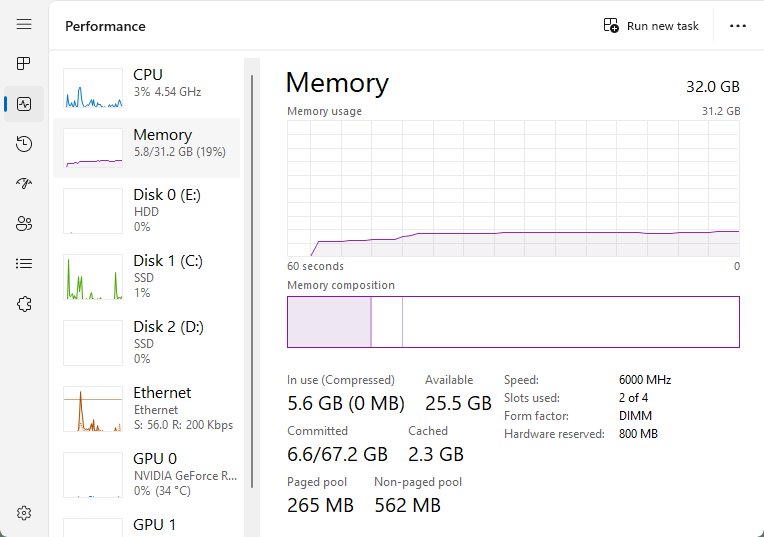
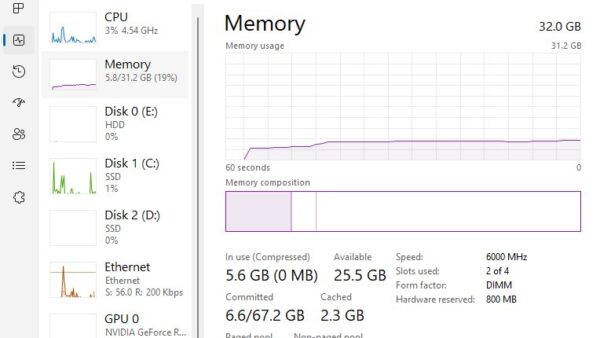
Check RAM on Windows 11 in Settings > System > About, then see speed in Task Manager, each module and slot in PowerShell, and test it with Memory Diagnostic.
2,085 articles

Check RAM on Windows 11 in Settings > System > About, then see speed in Task Manager, each module and slot in PowerShell, and test it with Memory Diagnostic.
Assetto Corsa download for Windows 11 and 10: buy it on Steam for $19.99, install it, check PC requirements, pick DLC or Competizione, and fix launch problems.
Apple Books download guide: install the free reader on Mac, iPhone and iPad, check sizes and iOS versions, and see what a Windows PC can run instead.
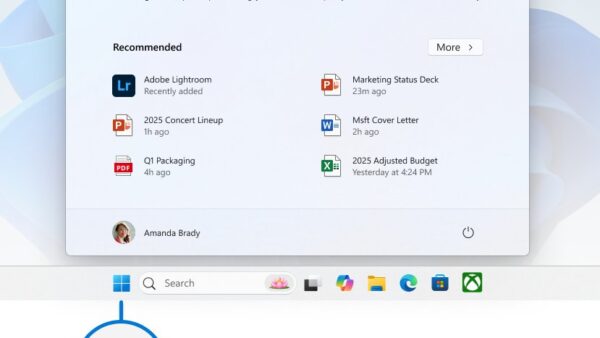
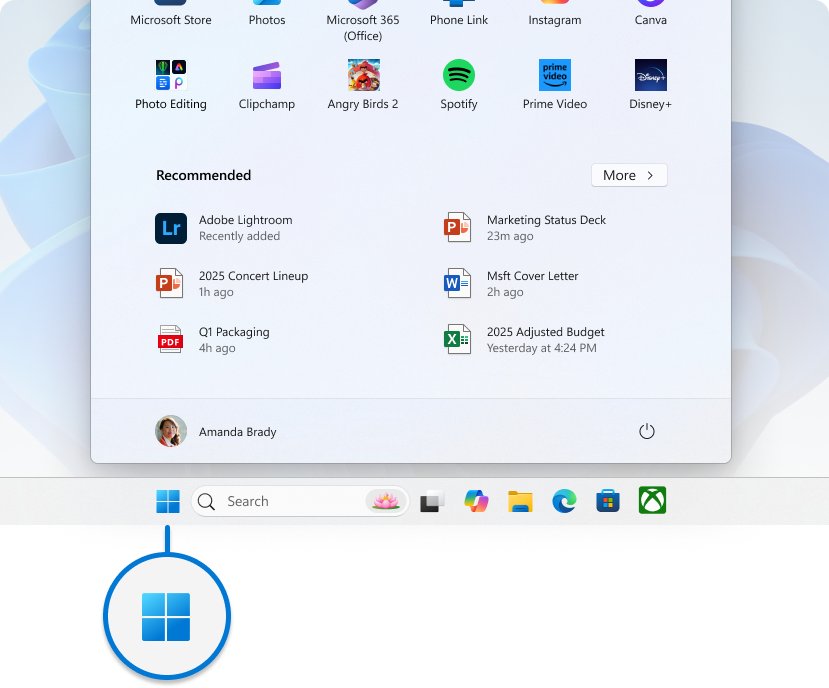
Microsoft Office icons not showing? Fix blank Word and Excel icons by resetting default apps, clearing the Windows icon cache, repairing Office or reinstalling it.
AutoCAD download for Windows 11, Windows 10 and Mac: start the free trial or the free education licence, install AutoCAD 2027 and fix setup errors.
Yahoo Mail download for Windows 11/10, Mac, iPhone and Android: install mail.yahoo.com as a desktop app, add Yahoo to Outlook, and compare free vs Mail Plus.
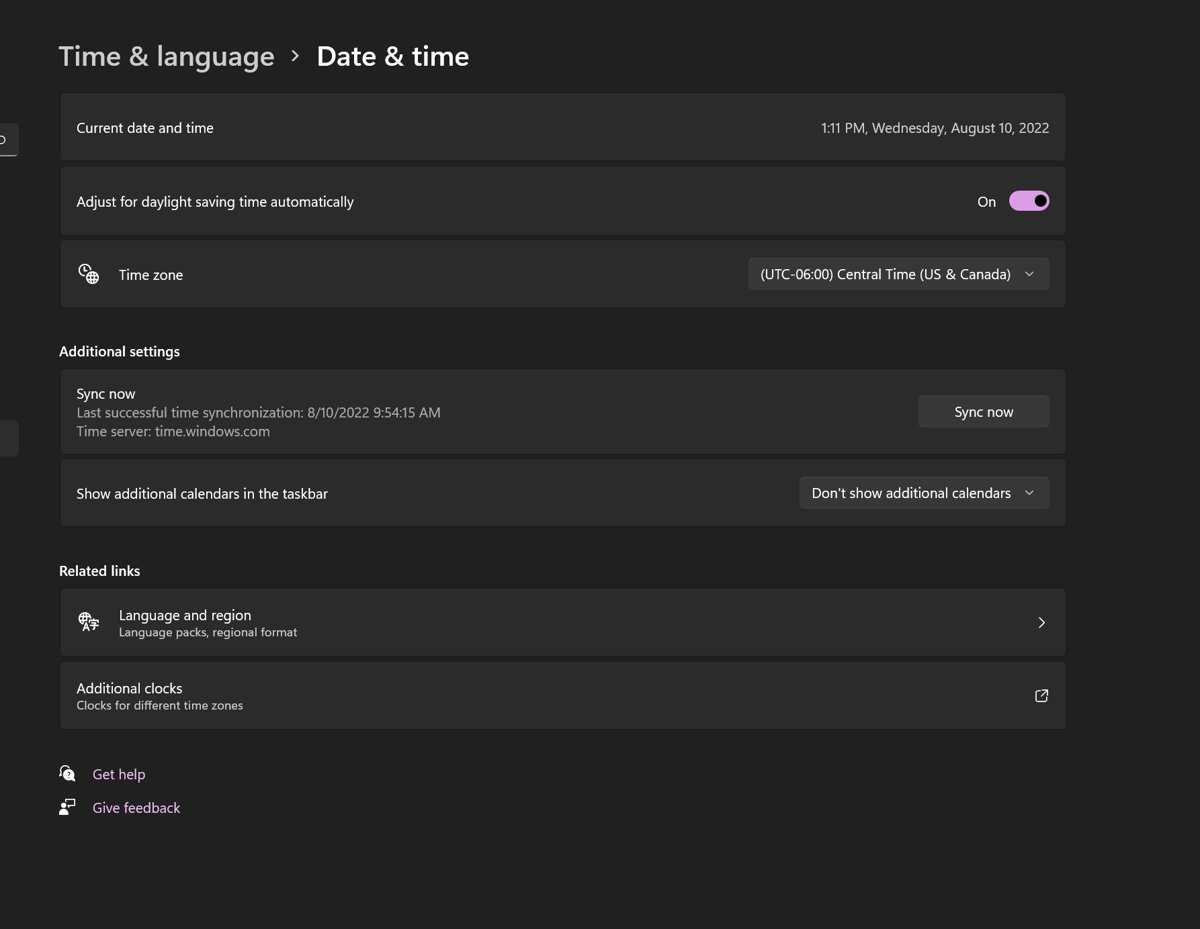
Set the clock and time zone by hand in Windows 11 and 10: turn off Set time automatically, use Settings, tzutil or PowerShell, and fix changes that revert.
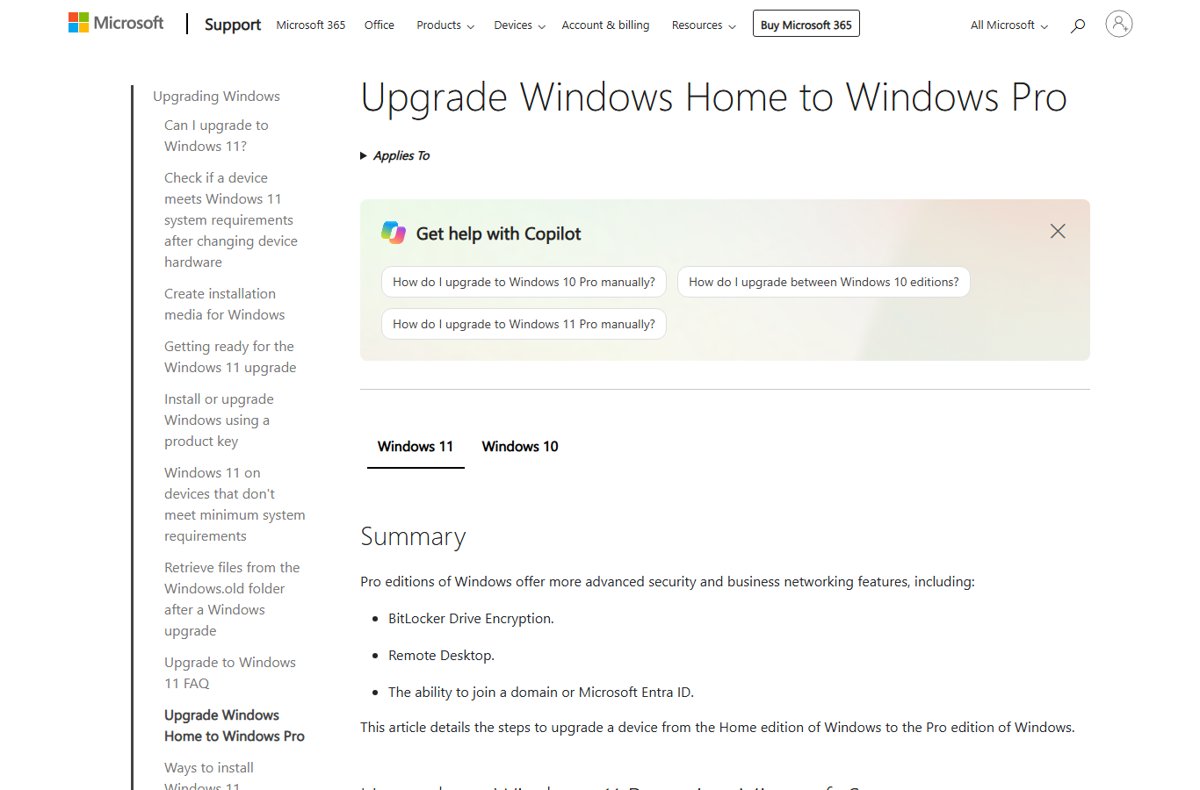
Open Group Policy Editor in Windows 11 by pressing Win + R, typing gpedit.msc and pressing Enter. Other routes, edition limits, Home options and fixes.
QuickBooks Tool Hub download for Windows 11 and 10: the free Intuit installer, version 1.6.0.8, setup steps, what each tab fixes and error fixes.
SoundCloud download for PC: get the free Windows 11 and 10 Microsoft Store app, install the Desktop Player on Mac, and see what Go and Go+ cost.
SonicWall NetExtender download links for Windows 11 and 10, install and silent MSI steps, the Mac client to use instead, and connection fixes.
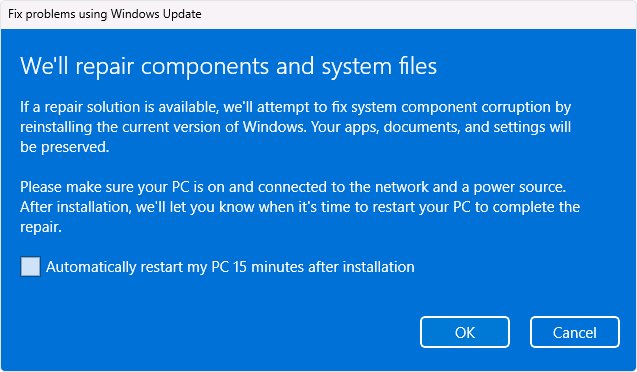
Windows 11 26H2 slow after the update? Finish pending updates, cut startup apps, free disk space, update drivers and repair system files. Fixes by symptom.