If you are unable to log into iTunes on a Windows 11 computer, choose Account > Sign In in iTunes, enter your Apple Account email and password, and approve the six-digit verification code on your iPhone or other trusted device; most failures come from that code, a wrong PC clock or a locked account.
This guide covers the sign-in steps, the Apple Music and Apple TV app change that moves music sign-in out of iTunes, connection fixes, password resets and locked or disabled accounts.
How to sign in to iTunes on Windows 11
- Open the iTunes app on your PC.
- Choose Account > Sign In from the menu bar.
- Enter your Apple Account email address or phone number and your password, then click Next.
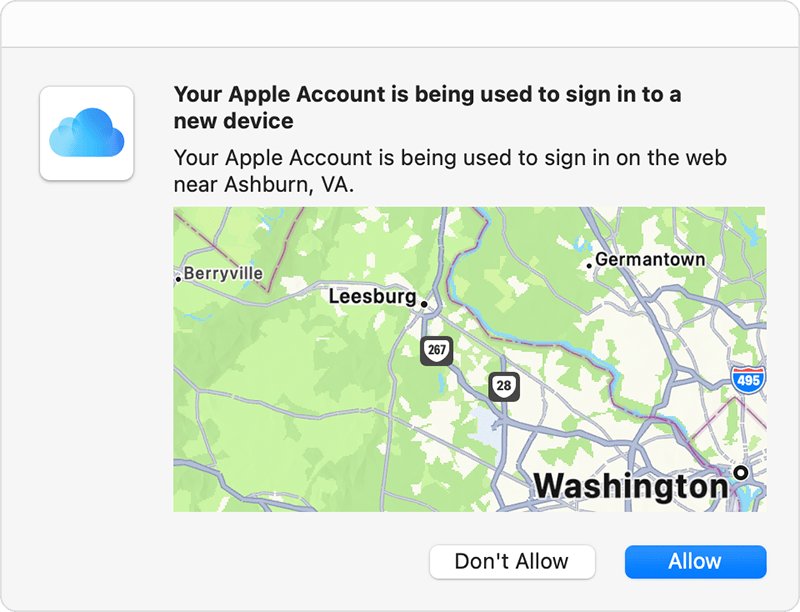
- Look for the sign-in notification on your iPhone, iPad or Mac and choose Allow.
- Type the six-digit verification code shown on that device into iTunes.
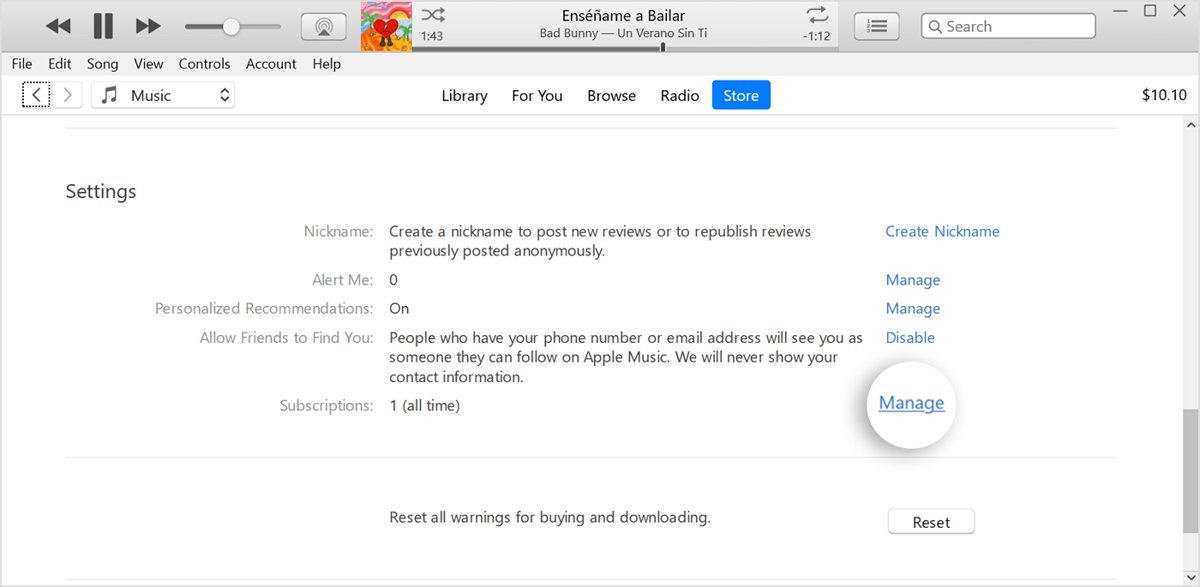
- Choose Account > View My Account to confirm you are signed in.
Apple ID is now called Apple Account, but the same email address or phone number and password still work.
Why can't I log into iTunes on my PC? Match the symptom
| What happens | Likely cause | Fix |
|---|---|---|
| iTunes shows no music or no music sign-in, only podcasts and audiobooks | The Apple Music or Apple TV app is installed and now handles music, TV and movies | Sign in inside the Apple Music or Apple TV app instead |
| Password accepted, then iTunes waits for a code that never arrives | Two-factor authentication needs a code from a trusted device | Choose Didn't Get a Code? and have it sent to your trusted phone number |
| "Can't connect to the iTunes Store" | Internet, DNS or Store availability problem | Check the connection, flush the DNS cache, try again later |
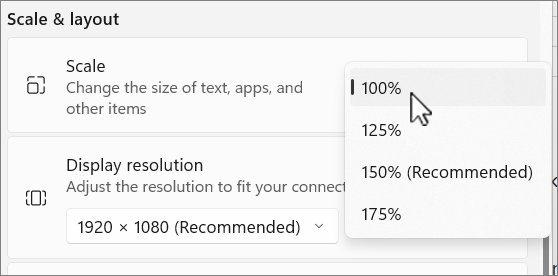
| Sign-in fails even with the right password | The Windows date, time or time zone is wrong | Turn on Set time automatically in Windows Settings |
| "This Apple Account has been disabled for security reasons" | Too many incorrect password attempts locked the account | Reset your Apple Account password |
| "Your Media & Purchases account has been disabled" | Store purchases are suspended on the account | Choose Continue on the alert to request reactivation |
| You signed in, but purchases will not play | This PC is not authorized for your Apple Account | Choose Account > Authorizations > Authorize This Computer |
What you need to log into iTunes on Windows
| Requirement | Detail |
|---|---|
| An Apple Account | You already have one if you joined Apple Music, use iCloud or bought from the Apple website; create one with Create New Apple ID in the sign-in window if not |
| Your current password | A password changed on another device replaces the old one everywhere |
| A trusted device or trusted phone number | Needed for the six-digit code when two-factor authentication is on |
| A working internet connection | iTunes cannot reach the Store if a browser cannot load websites either |
| Correct date, time and time zone | Set in Settings > Time & language > Date & time |
| The iTunes Store offered in your country or region | The Store is not available everywhere |
Sign in to the Apple Music app instead of iTunes on Windows 11
Apple split iTunes into separate Windows apps. Once you install Apple Music or the Apple TV app, those apps handle your music, TV shows and movies, and iTunes stays the home for audiobooks and podcasts. Signing in to iTunes then does not show your music library.
- Open the Apple Music app, or the Apple TV app for films and TV.
- Click your name at the bottom of the sidebar, or click Sign In if you are signed out.
- Enter your Apple Account email or phone number and password.
- Approve the verification code on your trusted device.
- Click your name again and choose View My Account to confirm the account details.
If you have not installed it yet, you can download Apple Music for Windows and use the same Apple Account.
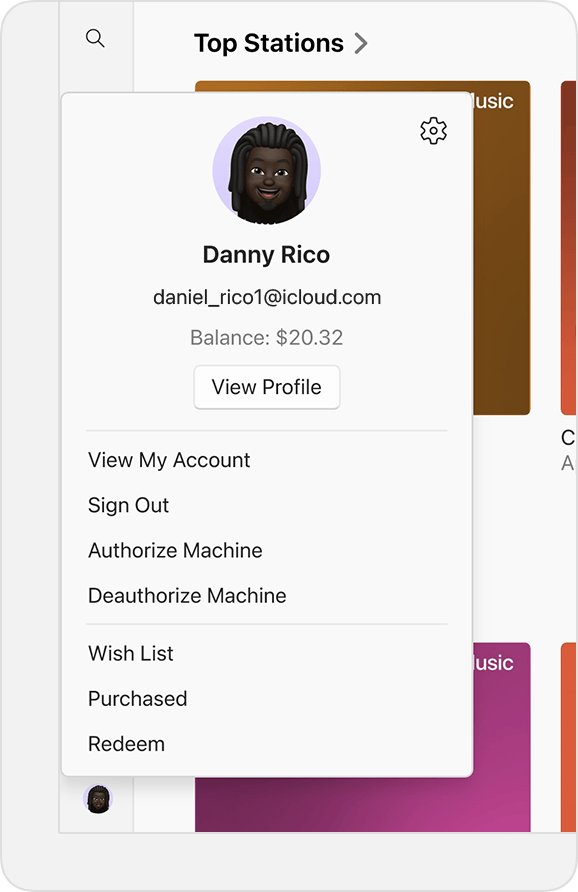
Get an iTunes verification code without your iPhone
- Start signing in to iTunes and enter your password.
- On the verification code screen, select Didn't Get a Code? or Can't get to your devices?.
- Choose to have the code sent to your trusted phone number by text or phone call.
- Check the Messages app's Unknown Senders filter if the text does not appear in your inbox.
- Enter the code in iTunes to finish signing in.
If you will get your phone or number back within a few days, waiting is the fastest route. If you have permanently lost both, choose Can't use [phone number] to start account recovery, which can take several days.
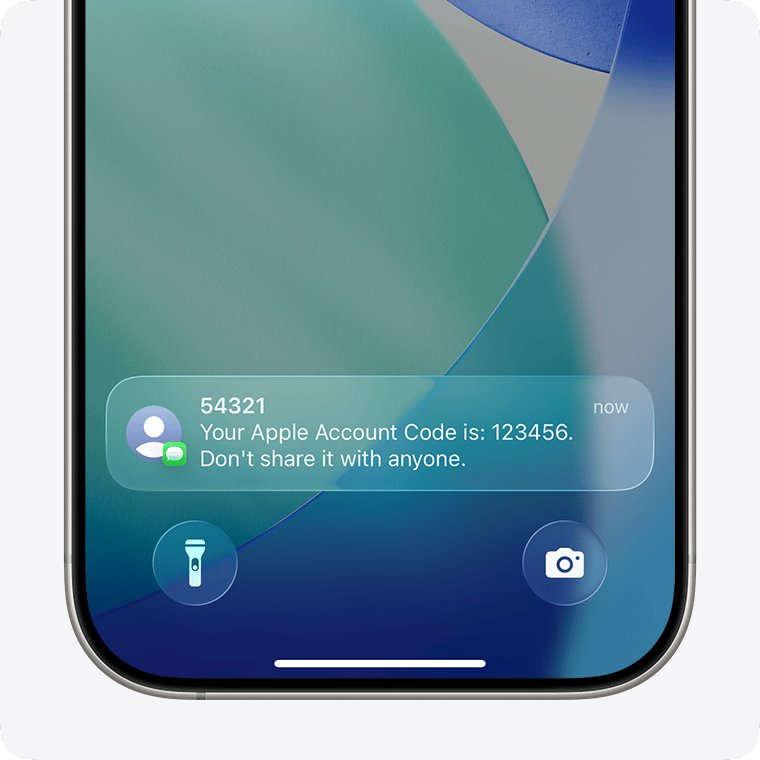
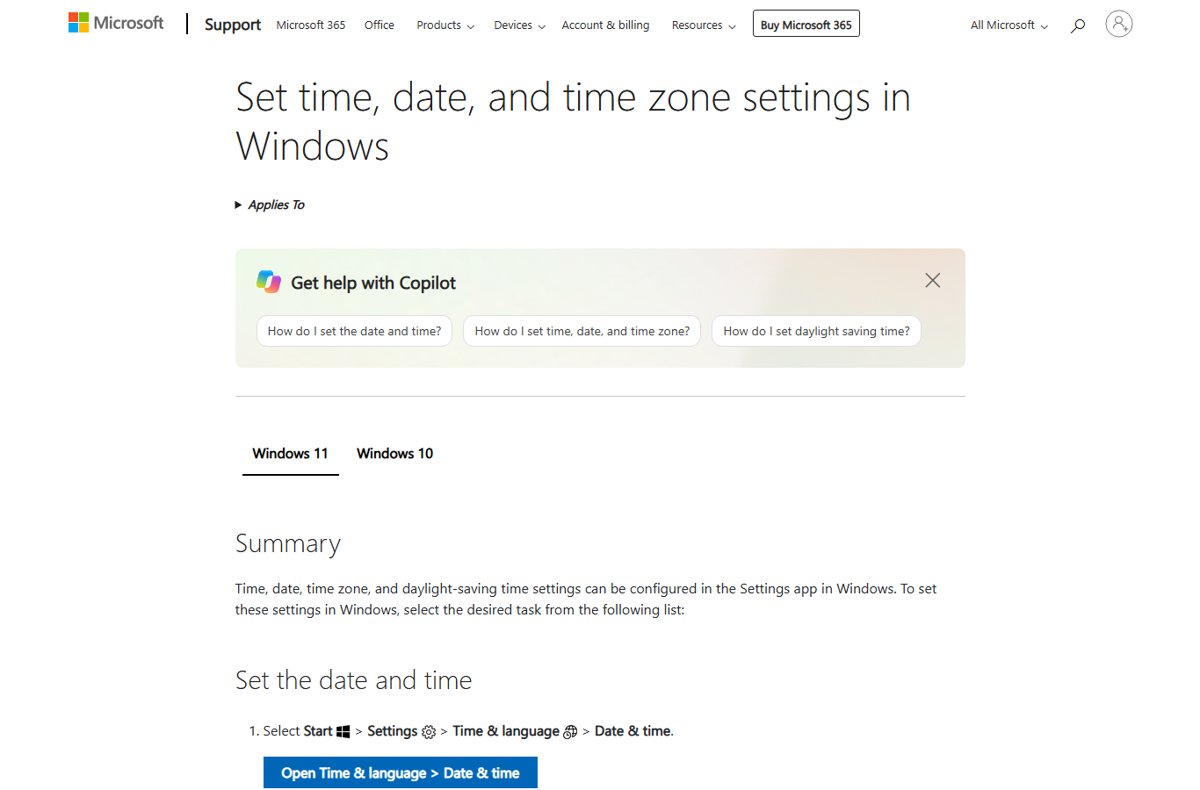
Fix the Windows 11 date and time for iTunes sign-in
Apple lists a correct date, time and Windows time zone as a requirement for signing in to the iTunes Store.
- Select Start > Settings > Time & language > Date & time.
- Turn on Set time automatically.
- Turn on Set time zone automatically, or pick your zone from the Time zone drop-down.
- Close Settings, then quit and reopen iTunes.
- Choose Account > Sign In and try again.
Fix "can't connect to the iTunes Store" on Windows 11
First, switch to another item such as Podcasts in the pop-up menu, then click Store again. If that fails and a web browser cannot load sites either, fix the internet connection first. If the web works, clear the DNS cache.
ipconfig /flushdnsClears cached DNS lookups so Windows asks your DNS server for the iTunes Store's address again. Open Command Prompt by typing cmd in the Run box, then run the command with a single space after ipconfig.
You should see: Reopen iTunes and click Store; the iTunes Store page loads instead of the connection error.
A full shutdown and restart also clears the DNS cache. If the Store still will not load, the service itself may be having problems, so try again later or contact your internet provider about DNS settings.
How to check you are signed in to iTunes
- Open the Account menu in iTunes and confirm it shows Sign Out rather than Sign In.
- Choose Account > View My Account and check your Apple Account details appear.
- Click See All below Purchase History to load your recent purchases.
- Play a purchased item to confirm this PC is authorized.
iTunes login not working: fixes by error
I can't remember my iTunes password
Your Apple Account password changed or was forgotten.
- Select Forgot password? or Forgot password or don't have an Apple Account? in the sign-in window.
- Follow the onscreen instructions, which can send you to a trusted device or ask for a code sent to your trusted phone number.
- On an iPhone you are signed in to, you can instead open Settings, tap your name, tap Sign-In & Security, then Change Password.
- Sign in to iTunes with the new password.
iTunes says my Apple Account is locked or disabled
You or someone else entered the password or account details incorrectly too many times.
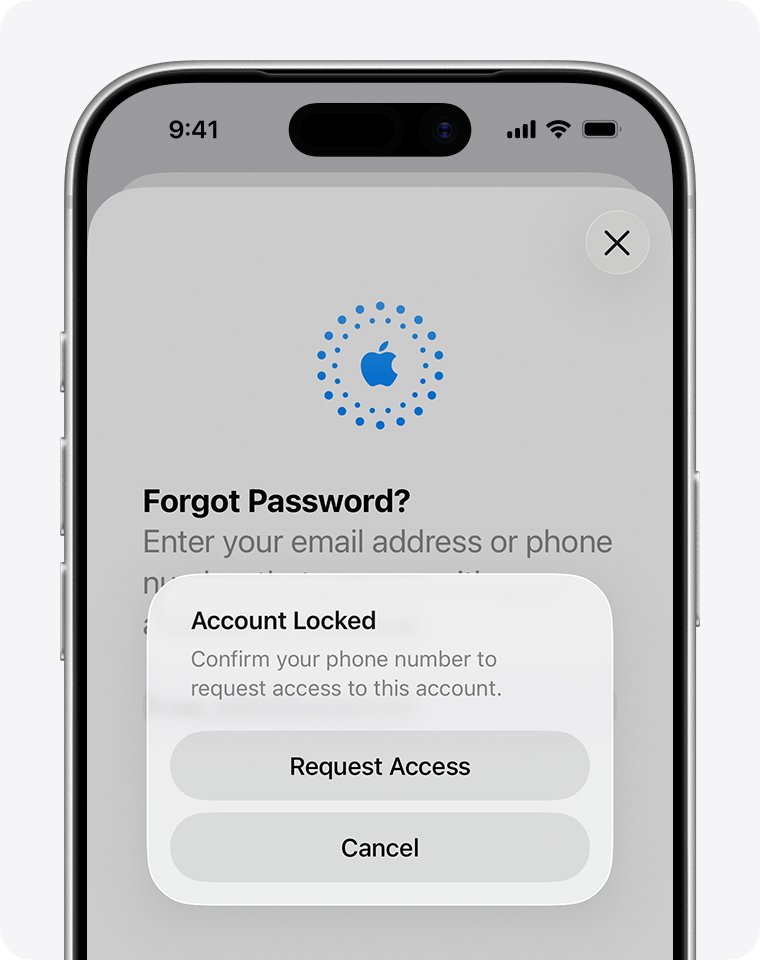
- Reset your Apple Account password to regain access when the message says the account was disabled for security reasons.
- Tap Request Access on the alert if the message says the account is locked or not active.
- Choose Continue on the alert if it says your Media & Purchases account has been disabled.
- Sign in to iTunes again after access is restored.
I can't get into my iTunes account to buy anything
A problem with a previous purchase or the payment method blocks the Store.
- Choose Account > View My Account and sign in.
- Click Manage Payments next to Payment Information.
- Update or replace the payment method and settle any unpaid purchase.
- Click Done and try the purchase again.
Unable to open iTunes at all on Windows 11
The app itself is not starting, so sign-in never appears.
- Restart the PC from Start > Power > Restart.
- Open iTunes again and choose Account > Sign In.
- If iTunes still does not open, remove it and install a fresh copy of iTunes.
Authorize your Windows 11 PC after signing in to iTunes
Signing in is not the same as authorizing. You need authorization to play or download iTunes Store purchases, and one Apple Account can authorize up to five computers.
- Open iTunes and sign in.
- Choose Account > Authorizations > Authorize This Computer.
- Enter your Apple Account password if asked.
- If you already have five computers authorized, choose Account > View My Account and click Deauthorize All, which works once a year.
- Authorize this PC again.
Can't log into iTunes on PC FAQ
Why can't I sign into iTunes on my PC?
The usual causes are a missing two-factor verification code, a wrong date or time on the PC, a connection problem with the iTunes Store, or a locked Apple Account. Check each in turn, starting with the code on your trusted device.
Why can't I connect to iTunes on Windows 11?
Check that a web browser can load websites, then switch to another iTunes section and click Store again. If the internet works, run ipconfig /flushdns or restart the PC. The iTunes Store itself may also be temporarily unavailable.
Why can't I get into my iTunes music after signing in?
If the Apple Music or Apple TV app is installed on your PC, those apps now handle music, TV and movies. iTunes keeps only audiobooks and podcasts, so sign in to the Apple Music app to reach your music library.
Can I log into iTunes without a verification code?
Not on a new device with two-factor authentication on. You can get the code on a trusted device, or by text or phone call to your trusted phone number using Didn't Get a Code? on the code screen.
Why does iTunes keep saying my password is wrong?
The password may have been changed on another device, or the account may be locked after too many attempts. Select Forgot password? in the sign-in window to reset it, then sign in with the new password.
Can't log into iTunes after changing my Apple ID to Apple Account?
The rename does not change your sign-in. Apple ID is now called Apple Account, and the same email address or phone number and password still work in iTunes on Windows.
Why can't I log into iTunes when my account is disabled?
A disabled or locked Apple Account blocks every Apple service, including iTunes. Reset your password, tap Request Access on the alert, or choose Continue if the message says your Media & Purchases account is disabled.
How do I sign out of iTunes on Windows?
Open iTunes and choose Account > Sign Out. To sign back in, choose Account > Sign In and enter your Apple Account email or phone number and password.