You can install Apple Music on a Windows 11 or Windows 10 PC for free from the Microsoft Store, and every Mac already has it as the Music app. Sign in with your Apple Account and your library and playlists appear on the PC.
The Windows app comes from Apple Inc. and runs on x64 PCs, plus ARM64 PCs on Windows 11 version 24H2 or later. The app costs nothing to install, and new subscribers get the first month of Apple Music free.
Below are the official links, Store and winget install steps, the Mac setup, what each plan costs, how the app splits work with iTunes, and fixes for an install that fails.
Which Apple Music download do you need?
Match the computer in front of you to a row. Every route uses the same Apple Account and the same subscription.
| Your computer | What to get | Download size |
|---|---|---|
| Windows 10 version 22H2 (build 19045) or later, Intel or AMD | Apple Music on the Microsoft Store | 218.5 MB |
| Windows 11 version 24H2 (build 26100) or later, including ARM64 PCs | Apple Music on the Microsoft Store | Up to 442.0 MB (x64 and ARM64 bundle) |
| Mac | The Music app, already part of macOS | Nothing to download |
| A shared or locked-down computer | The Apple Music web player | Nothing to download |
The Store picks the right package for your PC on its own. You never choose between the two Windows builds by hand.
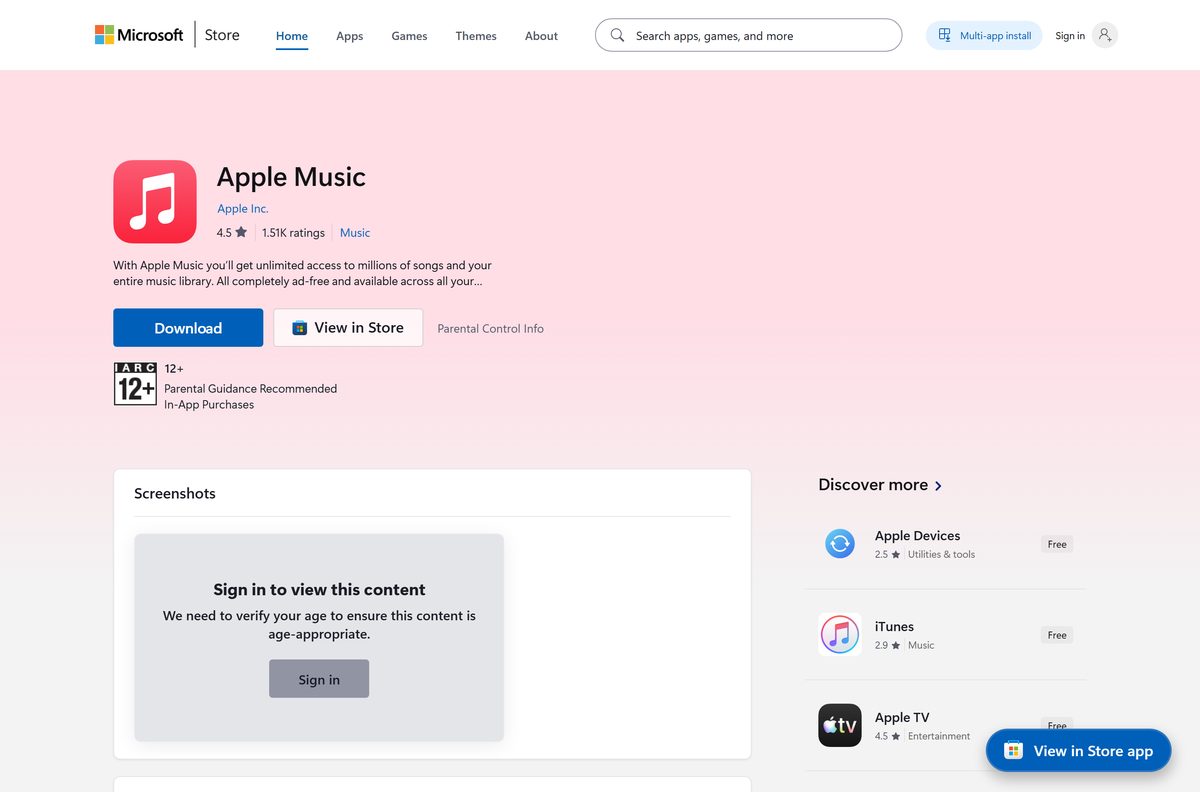
Download Apple Music from the official Apple and Microsoft links
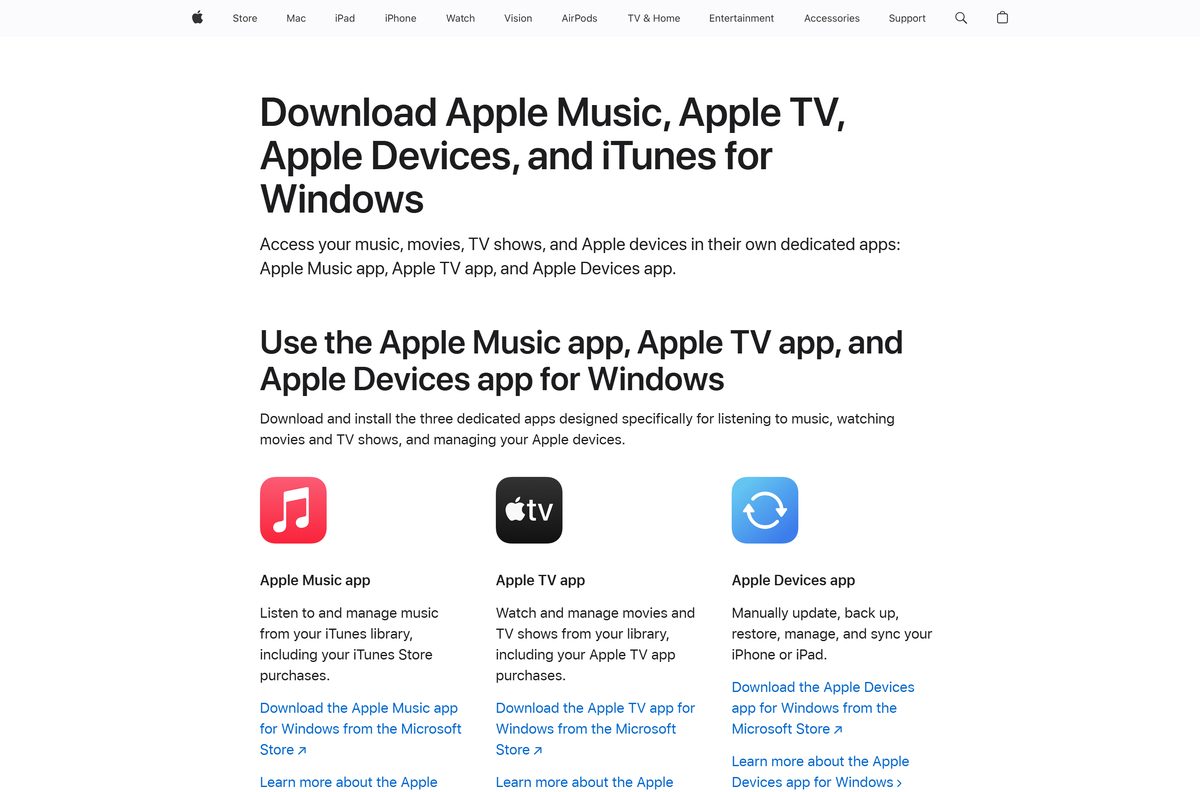
Apple publishes the Windows app only on the Microsoft Store. Its own download page for Windows points there too.
- Apple Music on the Microsoft Store, product 9PFHDD62MXS1 — 218.5 MB · publisher Apple Inc., updates through the Store
- Apple’s page for Apple Music, Apple TV, Apple Devices and iTunes on Windows — links each Apple app for Windows to its Store listing
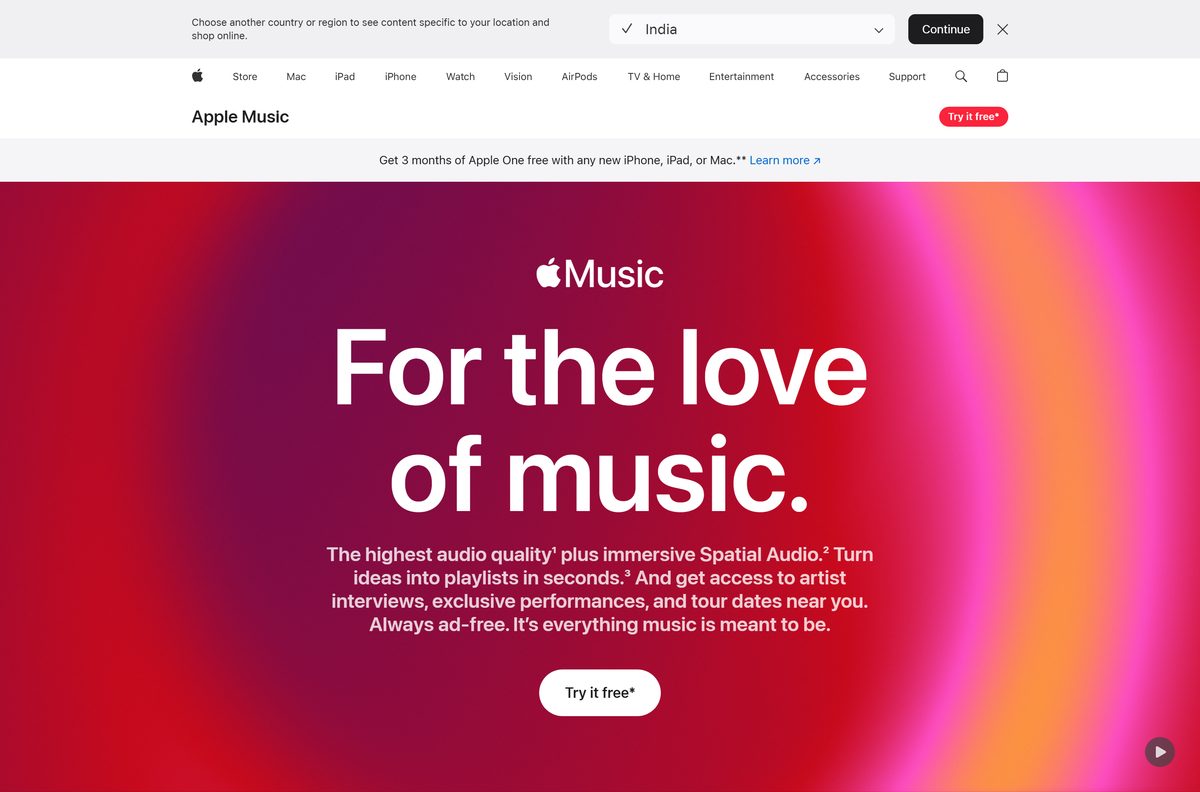
- Apple Music plans and sign-up — prices, free month for new subscribers, device list
- Apple Music web player — plays in the browser with no install
A setup file offered on any other site is not from Apple. Check that the Store listing names Apple Inc. as publisher before you select Get.
Check the Apple Music system requirements before you install
Any 64-bit PC on Windows 10 version 22H2 clears the floor. ARM64 laptops need Windows 11 version 24H2.
| Field | Value |
|---|---|
| Software | Apple Music |
| Developer | Apple Inc. |
| Latest version | 1.1540.23042.0 (Windows 11 24H2 and later); 1.1540.23041.0 (Windows 10) |
| Store package updated | 15 September 2026 |
| License | Free app; streaming needs an Apple Music subscription |
| Supported OS | Windows 10 build 19045 or later, Windows 11, macOS (built in) |
| Architecture | x64; ARM64 on Windows 11 build 26100 or later; no 32-bit package |
| Download size | 218.5 MB for the x64 package; 442.0 MB for the x64 and ARM64 bundle |
| Installed size | 470.8 MB (Windows 10 package), 498.6 MB (Windows 11 24H2 package) |
| Minimum hardware | DirectX-capable graphics |
| Microsoft Store product | 9PFHDD62MXS1, package AppleInc.AppleMusicWin |
| Offline installer | No |
| Last verified | 2026-09-19 |
Press Windows + R, type winver and select OK to read your Windows version and build.
Install Apple Music from the Microsoft Store or with winget
Both routes install the same Apple package, and both keep it updated through the Store.
- Open Microsoft Store from the Start menu.
- Search for Apple Music and select the result published by Apple Inc.
- Select Get. The Store downloads and installs the package for your processor.
- Select Open when the install finishes.
- To use the command line instead, open Terminal and run winget install 9PFHDD62MXS1 –source msstore .
- Type Y to accept the Store terms when winget asks.
winget needs the Microsoft Store enabled on the PC. On a work PC where the Store is blocked, ask IT to deploy product 9PFHDD62MXS1.
How to sign in and start playing Apple Music on Windows 11 and 10
The app opens to a sign-in prompt in the sidebar. Use the Apple Account that holds your subscription or your iTunes purchases.
- Open Apple Music from the Start menu.
- Select Sign In at the bottom of the sidebar, then select Sign In again.
- Enter your Apple Account email and password. Select Forgot password? if you need to reset it.
- No account yet? Select Create New Apple Account and follow the onscreen instructions.
- Start the free month for new subscribers from the app, or play the songs already in your library.
To sign out later, select your name at the bottom of the sidebar, then select Sign Out.
Which Apple Music download do you need for your Mac?
None. The Music app ships with macOS, so you only sign in.
| Your Mac | What to do | Where |
|---|---|---|
| Any Mac with the Music app | Open Music from the Dock or Applications folder and sign in with your Apple Account | Apple Music User Guide for Mac |
| Downloads buttons missing in Music | Choose Music > Settings, click General, select Sync Library, then click OK | Add and download music on Mac |
| Want lossless playback | Turn on lossless audio in the Music app settings | Play lossless audio on Mac |
| Borrowed or work Mac you cannot sign in on | Play in the browser instead | Apple Music web player |
Is Apple Music free?
The app is free. Streaming the Apple Music catalog is a paid subscription with one free month for new subscribers. The Microsoft Store lists Apple Music at $0.00, and the Mac Music app comes with macOS. On apple.com, Individual costs $11.99 a month, Student $6.99 and Family $19.99, each with the first month free for new subscribers. Apple One bundles Apple Music with other Apple services from $21.95 a month. Without a subscription, the app still plays songs you import and music you buy from the iTunes Store.
Should you use the Apple Music app or keep iTunes on Windows?
Install the Apple Music app for music. Keep iTunes only for podcasts and audiobooks. Apple states that once you install the Apple Music or Apple TV app, you can use only those apps for your music, TV shows and movies, and iTunes stays the place for audiobooks and podcasts. If you install neither app, iTunes keeps handling all your media. Syncing an iPhone or iPad from the PC moves to the separate Apple Devices app.
Apple’s page on how iTunes is changing on PC lists which media stays in iTunes.
What Apple Music can play and save on your PC
Downloads and lossless playback both need an active subscription. Turn on Sync Library first, or the download buttons do not appear.
| Feature | What you get | Where to turn it on |
|---|---|---|
| Offline downloads | Songs from your library saved for listening without internet | Select an item under Library, then Download, or More > Download |
| Lossless | Up to 24-bit, 48 kHz | Sidebar Actions > Settings > Playback > Lossless audio |
| Hi-Res Lossless | Up to 24-bit, 192 kHz | The Streaming and Download menus under Lossless audio |
| Your own files | Songs already on the computer added to the library | Import items already on your computer |
| Limits | Apple Music downloads cannot be burned to disc or copied by hand to iPhone, iPad or iPod | Not configurable |
Downloaded lossless files take more disk space, so pick the quality in the Download menu before you save a large library.
How to check your Apple Music version and update it
- Open Settings > Apps > Installed apps and find Apple Music.
- Select the three-dot menu, then Advanced options. The version appears under Specifications.
- Open Microsoft Store and select Library in the left pane.
- Select Get updates. The Store installs any newer Apple Music package.
- On a Mac, the Music app updates with macOS in System Settings > General > Software Update.
Fix Apple Music not installing or not opening on Windows 11 and 10
The Store says Apple Music does not work on this device
Windows is older than Windows 10 build 19045, or the PC runs a 32-bit edition.
- Press Windows + R, type winver and select OK.
- If the build is lower than 19045, open Settings > Update & Security > Windows Update and install the offered updates.
- On an ARM64 PC, update to Windows 11 version 24H2 or later, then select Get again.
The Microsoft Store download stalls or fails
A stale Store cache or a pending restart.
- Restart the PC if Windows installed updates since the last reboot.
- Press Windows + R, type wsreset.exe and select OK. A blank window closes and the Store reopens.
- Check that the date, time and region are correct, then select Get again.
Apple Music installed but will not open
A damaged install, which Windows can repair.
- Open Settings > Apps > Installed apps, select the three-dot menu next to Apple Music, then Advanced options.
- Select Repair and try the app again.
- If it still fails, select Reset and sign in again.
Music plays but no Download buttons appear
Sync Library is off, or no Apple Music subscription is active on the account.
- Open the app settings and turn on Sync Library.
- Confirm you are signed in with the Apple Account that holds the subscription.
- Restart the app and look for Download on an item under Library.
How to uninstall Apple Music from Windows
- Open Settings > Apps > Installed apps.
- Find Apple Music and select the three-dot menu next to it.
- Select Uninstall, then Uninstall again to confirm.
- To reinstall later, open the Store listing and select Get. Your library returns after you sign in.
The Mac Music app is part of macOS and stays installed. Sign out of your Apple Account in it instead if you share the Mac.
Which way to listen if the Apple Music app is not an option?
| Situation | Use this | What you give up |
|---|---|---|
| PC where you cannot install Store apps | Apple Music web player | Offline downloads |
| Podcasts and audiobooks on Windows | iTunes from the Microsoft Store | Apple Music streaming stays in the Apple Music app |
| Syncing an iPhone or iPad from the PC | Apple Devices app | Playback, which stays in Apple Music |
| Mac | Music app in macOS | Nothing, it is the same service |
Frequently asked questions
Is the Apple Music app free to download?
Yes. The Microsoft Store lists it at $0.00, and the Music app comes with every Mac. Streaming the catalog needs a subscription, starting at $11.99 a month for Individual after a free first month for new subscribers.
Where is the official Apple Music download for PC?
The Microsoft Store listing for product 9PFHDD62MXS1, published by Apple Inc. Apple’s own Windows download page and apple.com both link to that listing.
Does Apple Music work on Windows 11 and Windows 10?
Yes. The x64 package runs on Windows 10 build 19045 or later and on Windows 11. ARM64 PCs need Windows 11 version 24H2, build 26100, or later.
How big is the Apple Music download?
The x64 Store package is a 218.5 MB download and takes 470.8 MB installed. The Windows 11 24H2 bundle with x64 and ARM64 builds is 442.0 MB in total.
How do I get Apple Music on a Mac?
Open the Music app from the Dock or the Applications folder and sign in with your Apple Account. macOS includes it, so there is nothing to download.
Is there an Apple Music offline installer for Windows?
No. Apple ships the Windows app only through the Microsoft Store, so the PC needs an internet connection to install it. After that, subscribers can download songs for offline listening.
Can I install Apple Music with winget?
Yes. Run winget install 9PFHDD62MXS1 –source msstore in Terminal. It installs the same Apple Inc. package as the Store and updates through the Store afterwards.
What happens to iTunes when I install Apple Music on Windows?
Your music moves to the Apple Music app, and iTunes keeps only podcasts and audiobooks. If you skip the Apple Music and Apple TV apps, iTunes keeps handling all your media.
Can I listen to Apple Music offline on a PC?
Yes, with a subscription. Turn on Sync Library, select an item under Library and select Download. Those downloads cannot be burned to disc or copied by hand to an iPhone or iPod.
Why will Apple Music not open after installing?
Usually a damaged install. Open Settings, then Apps, then Installed apps, choose Advanced options for Apple Music and select Repair. If that fails, select Reset and sign in again.







Download Apple App Store for PC, Mac and iPhone (Free) - Techdows
[…] Apple Music, Apple TV and Apple Devices, and add iTunes only for podcasts and audiobooks. Apple split iTunes […]