The iTunes download for Windows 11 and Windows 10 is free, and Apple ships it two ways: a 193 MB standalone installer and a Microsoft Store listing. Both install iTunes 12.13.11.
On a Mac there is nothing to install. macOS Catalina and later split iTunes into the Music, TV, Podcasts and Books apps, and the Finder syncs your iPhone. Apple’s newest Mac release, iTunes 12.8.3, stops at macOS Mojave.
This guide covers which file to click, the official links, the offline installer, the 64-bit and 32-bit builds, and fixes for iTunes not installing.
Which iTunes download do you need?
Match the machine in front of you. Press Windows + I and open System > About to read the System type line.
| Your machine | What to download | Size |
|---|---|---|
| Windows 11 or Windows 10, 64-bit | iTunes64Setup.exe | 193 MB |
| Windows 11 or Windows 10, 32-bit | iTunesSetup.exe | 164 MB |
| You want it to update itself | iTunes on the Microsoft Store | 420 MB bundle |
| Windows on Arm, Snapdragon PC | iTunes64Setup.exe, runs emulated | 193 MB |
| Windows 7 or Windows 8 | iTunes 12.10.11, 64-bit | 192 MB |
| Mac on macOS Catalina or later | Nothing. Music, TV and Finder do the job | 0 |
| Mac on macOS Mojave or earlier | iTunes 12.8.3 for Mac | 278 MB |
The 420 MB is the whole Store bundle, carrying both architectures. Windows installs one and uses about 501 MB on disk.
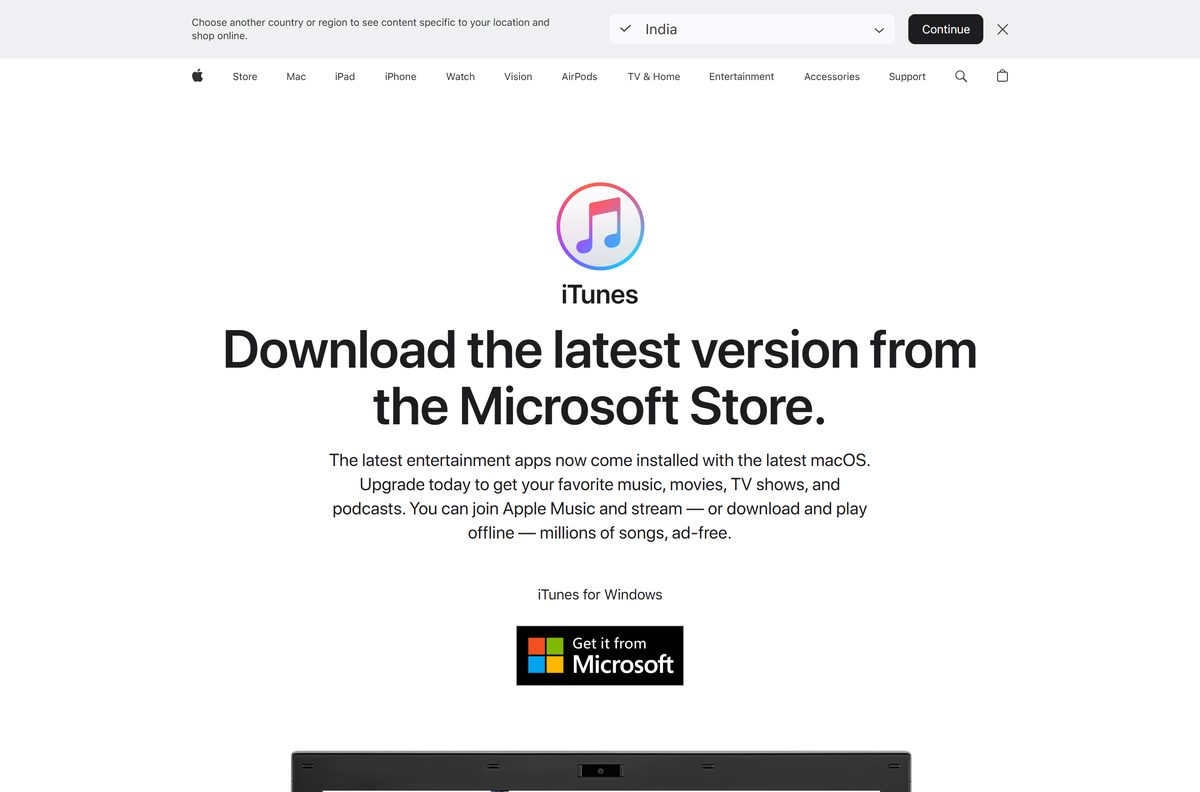
Download iTunes from the official Apple and Microsoft sources
Apple publishes iTunes in two places. Both are free and both install the same application.
- iTunes 64-bit installer, iTunes64Setup.exe — 193 MB · standalone offline setup
- iTunes 32-bit installer, iTunesSetup.exe — 164 MB · only for 32-bit editions of Windows
- iTunes on the Microsoft Store, product 9PB2MZ1ZMB1S — publisher Apple Inc., updates through the Store
- Apple’s download page for Windows — also links the Apple Music, Apple TV and Apple Devices apps
Both installers carry Apple’s signature. A copy from a mirror is an older build, or a different program wearing the name.
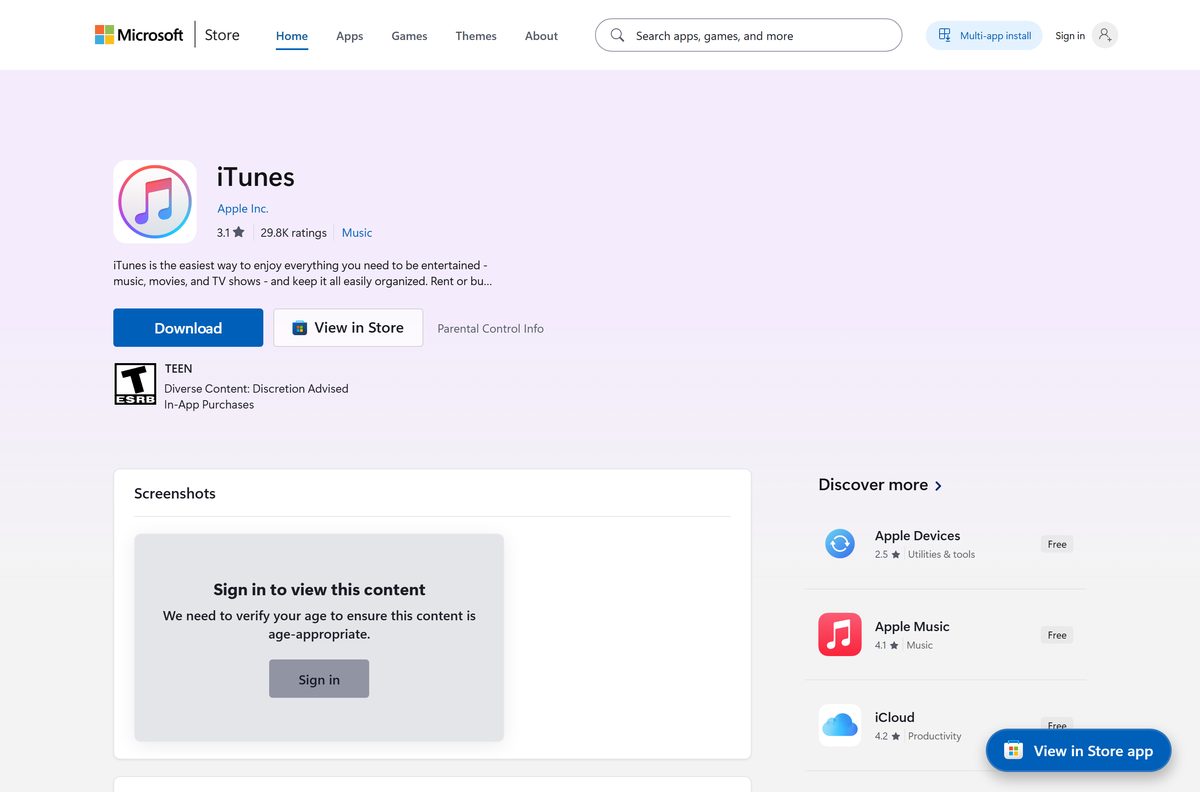
Check the iTunes system requirements before you download
Any PC running Windows 10 clears Apple’s floor. The 400 MB covers the application, not your media library.
| Field | Value |
|---|---|
| Software | iTunes |
| Developer | Apple Inc. |
| Latest version | 12.13.11.1 |
| License | Free |
| Supported OS | Windows 10 and later, including Windows 11 |
| Architecture | x64 and x86, no ARM64 build |
| Installer size | 193 MB for 64-bit, 164 MB for 32-bit |
| Offline installer | Yes |
| Microsoft Store product | 9PB2MZ1ZMB1S, package AppleInc.iTunes |
| Store minimum build | Windows 10 build 16299 |
| Processor | 1 GHz Intel or AMD with SSE2 support |
| Memory | 512 MB RAM |
| Disk space | 400 MB free |
| Mac version | None on macOS Catalina 10.15 and later |
| Last verified | 2026-09-10 |
Windows 10 reached end of support on 14 October 2025. iTunes still runs there, but the system under it no longer gets security fixes.
How to install iTunes on Windows 11 and 10
The setup needs no network connection once it is on disk. Sign in to Windows as an administrator first.
- Download iTunes64Setup.exe from Apple, or the 32-bit file if Windows is 32-bit.
- Right-click the file, select Properties, and confirm the Digital Signatures tab names Apple Inc.
- Double-click iTunes64Setup.exe.
- Select Next on the first screen.
- Set the destination folder and the shortcut options, then select Install.
- Select Yes at the User Account Control prompt.
- Select Finish when the installer reports that iTunes is installed.
- Open iTunes, then choose Account > Sign In and enter your Apple Account.
Apple Mobile Device Support goes on with iTunes. It is the service that lets iTunes see a connected iPhone.
Install iTunes from the Microsoft Store or with winget
The Store copy updates itself, and it is the route Apple’s support page points to.
- Open Microsoft Store from the Start menu.
- Search for iTunes, or open product 9PB2MZ1ZMB1S directly.
- Check the publisher line reads Apple Inc.
- Select Get, or Install if you have had iTunes on this PC before.
- For a command line instead, run winget install 9PB2MZ1ZMB1S –source msstore .
Apple hands Store download problems to Microsoft, so a Store failure is a Windows problem, not an Apple one.
How to verify the iTunes installer is genuine
Apple signs both setup files, and reading the signature settles where your copy came from.
- Right-click the downloaded setup file and select Properties.
- Open the Digital Signatures tab.
- Select the entry in the list and click Details.
- Confirm the signer name reads Apple Inc.
- Click View Certificate and confirm the issuer is DigiCert Trusted G4 Code Signing RSA4096 SHA384 2021 CA1.
No Digital Signatures tab means the file did not come from Apple. Nor did a setup only a few megabytes in size.
Download the iTunes setup files for deployment
Each setup is one compressed cabinet holding the Windows Installer packages, which is what makes iTunes deployable on a network with no route out.
| Setup file | Windows Installer packages inside | Size |
|---|---|---|
| iTunes64Setup.exe | iTunes64.msi at 167 MB, AppleMobileDeviceSupport64.msi at 32.8 MB | 193 MB |
| iTunesSetup.exe | iTunes.msi at 152 MB, AppleMobileDeviceSupport.msi at 18.2 MB | 164 MB |
Two packages is the whole payload, plus a 166 KB SetupAdmin.exe. Notes still listing Bonjour and Apple Application Support as separate installs describe a setup Apple no longer ships.
Which iTunes download do you need for your Mac?
Open the Apple menu and select About This Mac to read your macOS version. From Catalina onward there is nothing to install.
| Your Mac runs | What replaces iTunes | Where to go |
|---|---|---|
| macOS Catalina 10.15 or later | Music, TV, Podcasts and Books; the Finder syncs your iPhone | Apple’s Finder sync guide |
| Any Apple silicon Mac, M1 to M4 | The same apps. iTunes never shipped for these Macs | Apple Music on Mac |
| macOS Mojave 10.14 or High Sierra 10.13 | Nothing. iTunes 12.8.3 is still current there, 278 MB | Download iTunes 12.8.3 |
| macOS Sierra 10.12 or older | iTunes 12.8.2, or 12.8.1 on Yosemite 10.10.5 | Apple’s iTunes for Mac page |
Apple’s iTunes page sends Mac visitors to those apps rather than a download button. Store purchases open in whichever app took the content over.
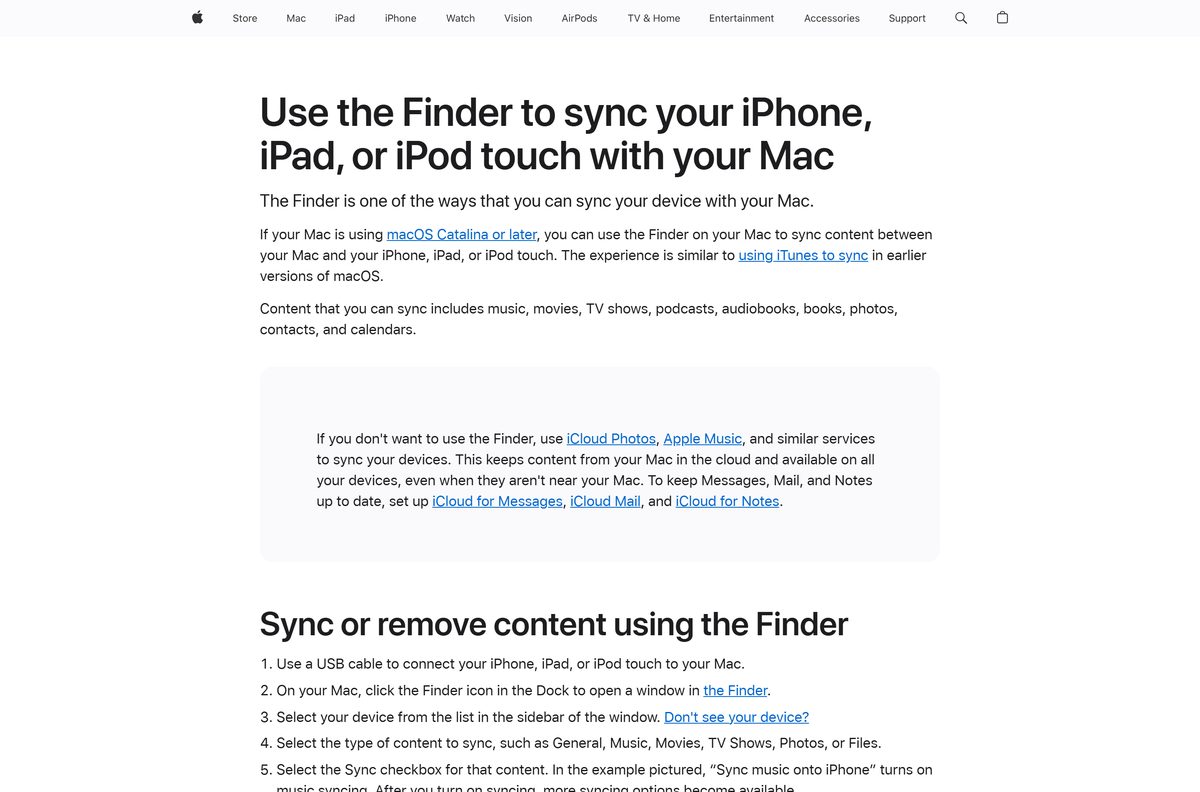
Is iTunes free?
Yes, and there has never been a paid edition. The Microsoft Store lists iTunes at $0.00 and Apple’s installers cost nothing. Money enters only through an Apple Music subscription, at $11.99 a month for an individual US plan, $19.99 for a family and $6.99 for a student, or through iTunes Store purchases. Any page selling an iTunes licence key charges for what Apple gives away.
Should you install iTunes 12.13.11 or 12.10.11?
Take the current build unless the PC runs Windows 7 or Windows 8. 12.13.11 is the only version Apple still updates, and it is what both the installers and the Store serve. Apple keeps 12.10.11 for Windows 7 and Windows 8, where the newer build will not run, and 12.4.3 for 64-bit PCs with older video cards. Nothing older is published.
How to check your iTunes version and update it
Where the update comes from depends on where the copy came from.
- Open iTunes and choose Help > About iTunes to read the version number.
- For a copy installed from Apple’s setup file, choose Help > Check for Updates.
- To keep that automatic, choose Edit > Preferences, click Advanced, then select Check for new software updates automatically.
- For a Store copy, open Microsoft Store and click Library in the sidebar.
- Install anything waiting under Updates & downloads.
Automatic checking runs weekly, and only after you have reopened iTunes once that week.
What iTunes can open on Windows
The Windows package claims these file types when it installs.
| Kind | File types |
|---|---|
| Music | .mp3, .m4a, .m4p, .wav, .wave, .aiff, .aif, .aifc, .cda, .cdda |
| Audiobooks | .aa, .aax, .m4b |
| Video | .m4v, .mov, .mpg, .mpeg, .mp2 |
| Podcasts and playlists | .pcast, .itpc, .m3u, .m3u8, .pls, .rmp |
| iPhone and iPad files | .ipa, .ipsw, .ipg, .m4r |
| Library files | .itl, .itdb, .itls |
MP4 video is absent from that list, and so is FLAC. Install Apple Music or Apple TV and those apps take over music and video.
Fix iTunes not installing or not opening on Windows 11 and 10
The installer stops with error 2, or Apple Application Support was not found
The setup lacked administrator rights, or Windows is behind on updates.
- Sign in to Windows with an administrator account.
- Select Start > Settings > Windows Update > Check for updates, install what is offered, and restart.
- Right-click the setup file and select Run as administrator.
- If it fails again, install from the Microsoft Store instead.
The Microsoft Store will not download iTunes
A stale Store cache, or a pending restart.
- Restart the PC if Windows updates installed and you have not rebooted since.
- Press Windows + R, type wsreset.exe and select OK. A blank window closes after about ten seconds and the Store reopens.
- Confirm the date, time and region on the PC are correct, then start the install again.
iTunes installed but will not open
A damaged install, which Windows rebuilds without touching your library.
- Select Start > Settings > Apps > Installed apps.
- Select the three dots beside iTunes, then Modify, and choose Repair.
- For a Store copy, choose Advanced options instead, then Repair, then Reset.
- Reopen iTunes.
iTunes does not see your connected iPhone or iPad
The Apple Mobile Device Service has stopped, the failure Apple documents for this.
- Close iTunes and unplug the device.
- Press Windows + R, type services.msc and click OK.
- Right-click Apple Mobile Device Service and click Properties.
- Set Startup type to Automatic.
- Click Stop the service, wait, then click Start the service and OK.
- Restart the PC, then open iTunes and reconnect the device.
Security software blocks the install or the device connection
Apple names third-party security software as a cause of that service failing to start.
- Add the setup file and Apple Mobile Device Service to your security software’s allowed list. Leave protection on.
- Read Apple’s note on iTunes and security software, then try again.
How to uninstall iTunes from Windows 11 and 10
Removing iTunes leaves your media alone. Songs and films stay in the iTunes folder inside Music.
- Close iTunes.
- Open Settings, select Apps, then Installed apps.
- Select the three dots beside iTunes and choose Uninstall, then confirm.
- Repeat for Apple Mobile Device Support, which the setup installed alongside it.
- Restart the PC.
- Delete the iTunes folder inside Music only if you want the library and media gone too.
A Store copy is a single entry with no separate Apple Mobile Device Support, so step four does not apply.
What to use instead of iTunes
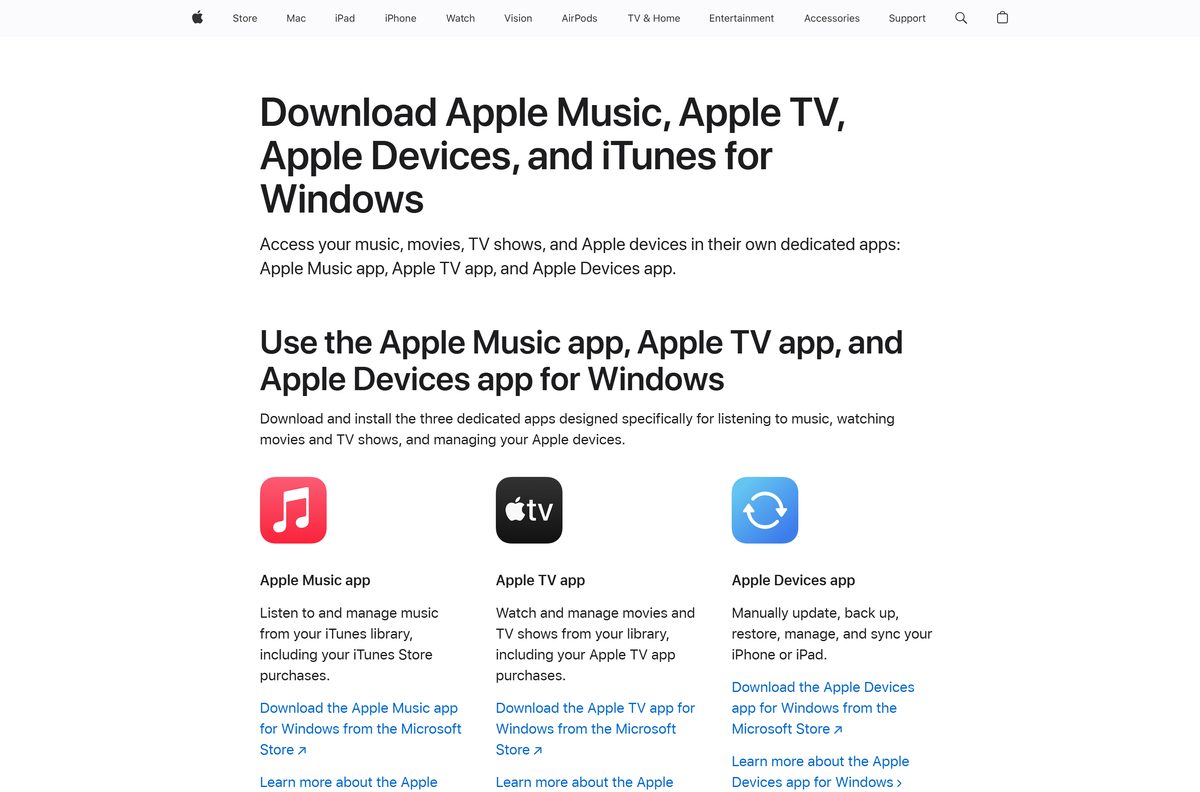
Apple splits the old iTunes job across three Windows apps. Leave them out and iTunes keeps doing everything.
| App | What it takes over | Store listing |
|---|---|---|
| Apple Music | Your music library and Apple Music streaming | 9PFHDD62MXS1 |
| Apple TV | Films and TV shows, including Apple TV purchases | 9NM4T8B9JQZ1 |
| Apple Devices | Updating, backing up, restoring and syncing an iPhone | 9NP83LWLPZ9K |
| iCloud for Windows | Photos, iCloud Drive and passwords on a PC | 9PKTQ5699M62 |
| Finder | Device syncing on macOS Catalina and later | Apple’s sync guide |
All three ship native ARM64 builds needing Windows 11 24H2, which matters on a Snapdragon PC where iTunes runs emulated.
Frequently asked questions
Is iTunes free to download?
Yes. Apple charges nothing for iTunes on Windows, and the Microsoft Store lists it at $0.00. Only Apple Music subscriptions and iTunes Store purchases cost money.
What is the official iTunes download page?
Apple’s iTunes page on apple.com, which serves the 64-bit and 32-bit installers, and the Microsoft Store listing for product 9PB2MZ1ZMB1S published by Apple Inc.
Does iTunes work on Windows 11?
Yes. Apple’s security notes list iTunes for Windows as available for Windows 10 and later, and the same installer covers Windows 11.
How big is the iTunes download?
The 64-bit installer is 193 MB and the 32-bit one is 164 MB. The Store bundle is 420 MB because it carries both, and iTunes installs to about 501 MB.
Is there an iTunes offline installer?
Yes. The 64-bit setup carries iTunes64.msi and AppleMobileDeviceSupport64.msi inside its own cabinet, so it installs on a PC with no internet connection.
Can I download iTunes for Mac?
Not for a current Mac. macOS Catalina and later replaced iTunes with Music, TV, Podcasts and Books, and the Finder syncs devices. Apple still offers 12.8.3 for Mojave and High Sierra.
Should I download the 64-bit or the 32-bit iTunes, and is there an ARM64 build?
Take the 64-bit file unless Windows itself is 32-bit. No ARM64 build exists, so iTunes runs emulated on a Snapdragon PC while Apple Music, Apple TV and Apple Devices run native.
Is iTunes safe to download?
It is when the file comes from Apple or the Microsoft Store. Both setups are signed by Apple Inc. through a DigiCert code signing certificate, visible in the file’s Properties.
Which iTunes version is current for Windows?
iTunes 12.13.11. Both setup files report it, and you can check the copy on your PC under Help, then About iTunes.
Why will iTunes not install on Windows 11?
Usually an account without administrator rights, missing Windows updates, or a Store that cannot download. Run the setup as an administrator, install pending updates, then try the Store.
Do I still need iTunes after installing Apple Music and Apple TV?
Yes, for audiobooks and podcasts. Apple’s guide states that once those apps are installed they own music and video, and iTunes keeps audiobooks and free podcasts.
Where can I get an older version of iTunes?
Apple publishes three: 12.10.11 for Windows 7 and Windows 8, 12.4.3 for 64-bit PCs with older video cards, and 12.8.3 for older Macs.







Download Apple App Store for PC, Mac and iPhone (Free) - Techdows
[…] Apple Music, Apple TV and Apple Devices, and add iTunes only for podcasts and audiobooks. Apple split iTunes into separate Windows apps. Music went to Apple Music, video to Apple TV, and […]
Download Apple Music for PC, Windows 11/10 & Mac (Free Trial) - Techdows
[…] the Apple Music app for music. Keep iTunes only for podcasts and audiobooks. Apple states that once you install the Apple Music or Apple TV […]
Download Apple Devices for PC, Windows 11 and Windows 10 (Free) - Techdows
[…] iTunes for Windows, which still backs up and syncs […]