Techdows

Windows how-to guides, fixes and software downloads

  • Home
  • Settings and hardware

    • Printers
    • Sound and microphone
    • Wi-Fi and network
    • Bluetooth
    • Display and monitors
    • Drivers
    • Keyboard shortcuts and symbols

    Using Windows

    • File Explorer
    • Storage and disk space
    • Taskbar, Start and desktop
    • Apps and default programs
    • Accounts and sign-in
    • Copilot in Windows
    • Command Prompt and PowerShell

    Updates and fixes

    • Windows Update
    • Windows 11 26H2
    • Error codes and BSOD
    • Boot, BIOS and recovery
    • Security and Defender
    • Task Manager and performance
    • DLL and runtime errors

    Popular fixes

    • Get help in Windows 11
    • Connect a wireless printer
    • Re-pair Bluetooth earbuds for stereo sound
    • Cancel a stuck print job
    • Change default programs

    All Windows guides →

  • Browse by type

    • Web browsers
    • Office and productivity apps
    • PC games and launchers
    • Phone and media apps
    • Developer tools
    • Creative apps
    • CAD software
    • System utilities and drivers

    Popular downloads

    • GTA V for PC
    • YouTube app for PC
    • Google Meet for PC
    • Cisco Packet Tracer
    • TikTok for PC

    Windows tools

    • PC Health Check app
    • HEVC Video Extension
    • DirectX 12
    • Cinebench R23

    All download guides →

  • Browser guides

    • Microsoft Edge
    • Google Chrome
    • Firefox
    • Web browsers for PC

    Microsoft Edge

    • Fix WebView2 using too much memory
    • Internet Explorer mode in Edge
    • Manage Edge favorites
    • Set or remove Edge as default

    Chrome and Firefox

    • Make Chrome the default browser
    • Restore closed tabs
    • Change the default web browser

    All browser guides →

  • Office guides

    • Outlook
    • Excel
    • Word and PowerPoint
    • OneDrive
    • Install Microsoft 365

    Meetings and other tools

    • Teams, Zoom and Google Meet
    • Google Docs and Sheets
    • PDF tools

    Office apps

    • Office product key
    • Office Deployment Tool
    • What is OneDrive?
    • Turn off OneDrive in Windows 11

    Outlook and Teams

    • Outlook inbox view changed
    • Schedule an email in Outlook
    • Outlook dark mode
    • Teams breakout rooms

    All Office and productivity guides →

  • PHP security

    • PHP2Shell patch download
    • PHP critical RCE security update
    • CVE-2026-109618 fix
    • CVE-2026-109619 explained
    • Mitigations if you can't update

    Update PHP

    • Update PHP to the latest version
    • Check your PHP version
    • Update PHP on Ubuntu and Debian
    • Restart PHP-FPM

    Hosting and local servers

    • Update PHP in XAMPP
    • Change PHP version in cPanel
    • Update PHP in Laragon and WampServer
    • Update PHP Docker images
    • WordPress PHP version check

    PHP downloads

    • PHP 8.5.12 download
    • PHP 8.4.27 download
    • PHP 8.3.36 and 8.2.35 download
    • Download PHP for Windows

    PHP2Shell by platform

    • PHP 8.3 fix on Ubuntu 24.04
    • PHP 8.1 fix on Ubuntu 22.04
    • PHP 8.2 and 8.4 fix on Debian
    • Update PHP on IIS
    • Cloudflare PHP2Shell WAF rule

    All PHP guides →

  • Sections

    • Gaming
    • Apple
    • Android
    • Apps and services
    • Developer and IT

    Apple

    • iPhone tips and fixes
    • Reset and restore iPhone
    • iPad
    • Mac and macOS
    • Apple Account and iCloud
    • Apple devices on Windows

    Apps, Android and gaming

    • Gmail and Google account
    • YouTube
    • Social media accounts
    • Streaming TV
    • Android and Samsung Galaxy
    • PC gaming and Xbox
    • Roblox and Minecraft on PC

    Developer and IT

    • WSL and developer setup
    • Virtual machines
    • Group Policy and Intune
    • Windows Server
    • Website error codes
  • News
Home›Windows

Windows

1,050 articles

Windows 11 and Windows 10 how-to guides, fixes and explainers, grouped by topic. Settings and hardware: printers, sound and microphone, Wi-Fi and network settings, Bluetooth, display and monitor settings, drivers, keyboard shortcuts and symbols and screenshots. Using Windows: File Explorer, storage and disk space, taskbar, Start and desktop, apps and default programs, accounts and sign-in, Copilot, Remote Desktop, media players and codecs, opening file types and Command Prompt and PowerShell. Updates and problems: Windows Update, Windows 11 26H2, Task Manager and performance, boot, BIOS and recovery, security and Defender, error codes and BSOD, DLL and runtime errors and Windows processes.

How to
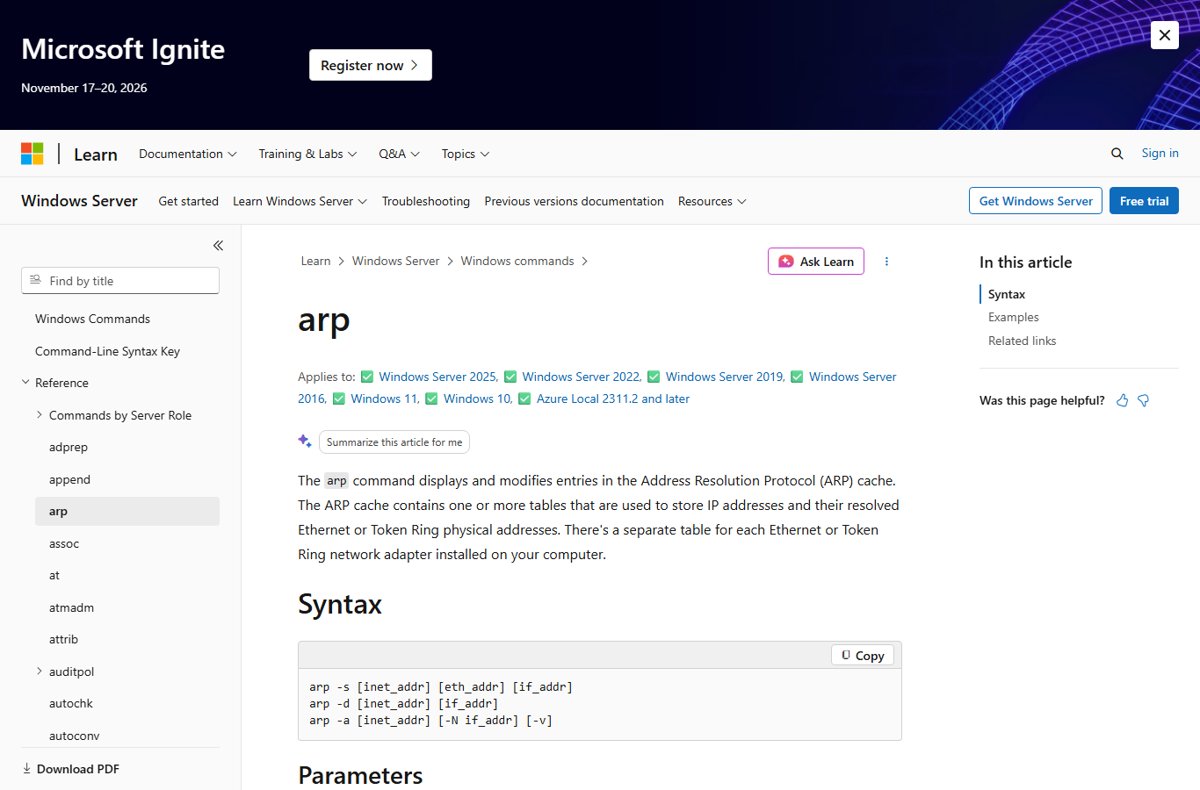
Microsoft Learn reference page for the arp command and its syntax

How to find the IP address of your printer: 4 methods that work
October 16, 2026 by Philip Celasco Leave a Comment
Microsoft Learn reference page for the arp command and its syntax

Find the IP address of your printer from its network report, your router, the Windows printer port or an ARP lookup, plus fixes for 169.254 and WSD ports.
Posted in: How to, Windows
How to
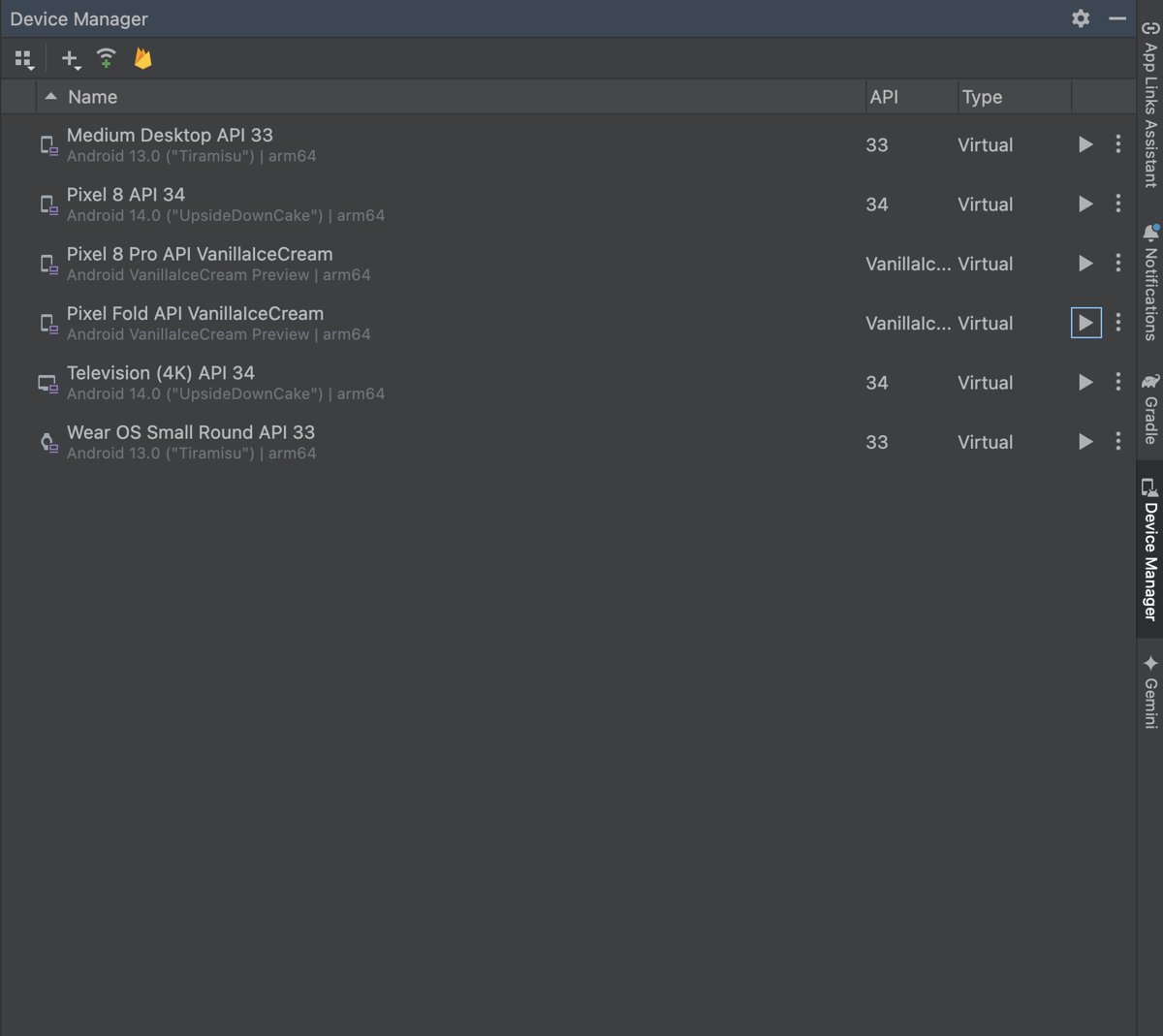
Android Studio Device Manager listing virtual devices with Launch buttons

How to open APK files: a step-by-step guide

October 16, 2026 by Philip Celasco Leave a Comment
Android Studio Device Manager listing virtual devices with Launch buttons

Open APK files on Android by tapping them in Files and allowing the install, or on Windows with the Android Emulator or APK Analyzer. Steps and fixes.
Posted in: How to, Windows
How to
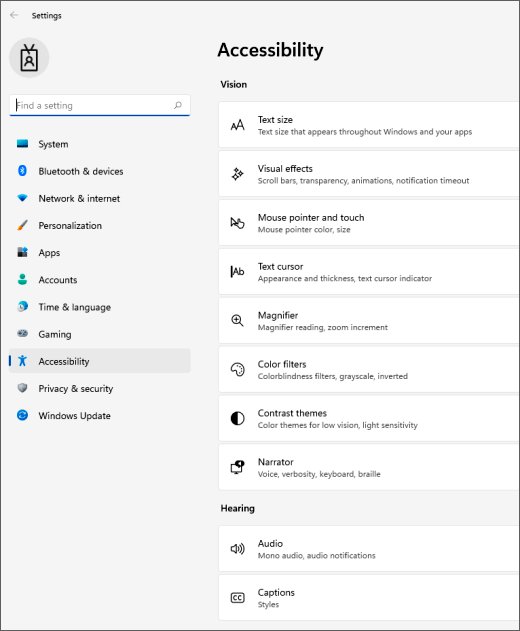
Windows 11 Settings app open on the Accessibility page

How to fix a Lenovo keyboard not working

October 16, 2026 by Philip Celasco Leave a Comment
Windows 11 Settings app open on the Accessibility page

Lenovo keyboard not working? Restart, check Fn Lock and Filter keys, test it in BIOS, reinstall the driver, update through Lenovo Vantage, or arrange a repair.
Posted in: How to, Windows
How to
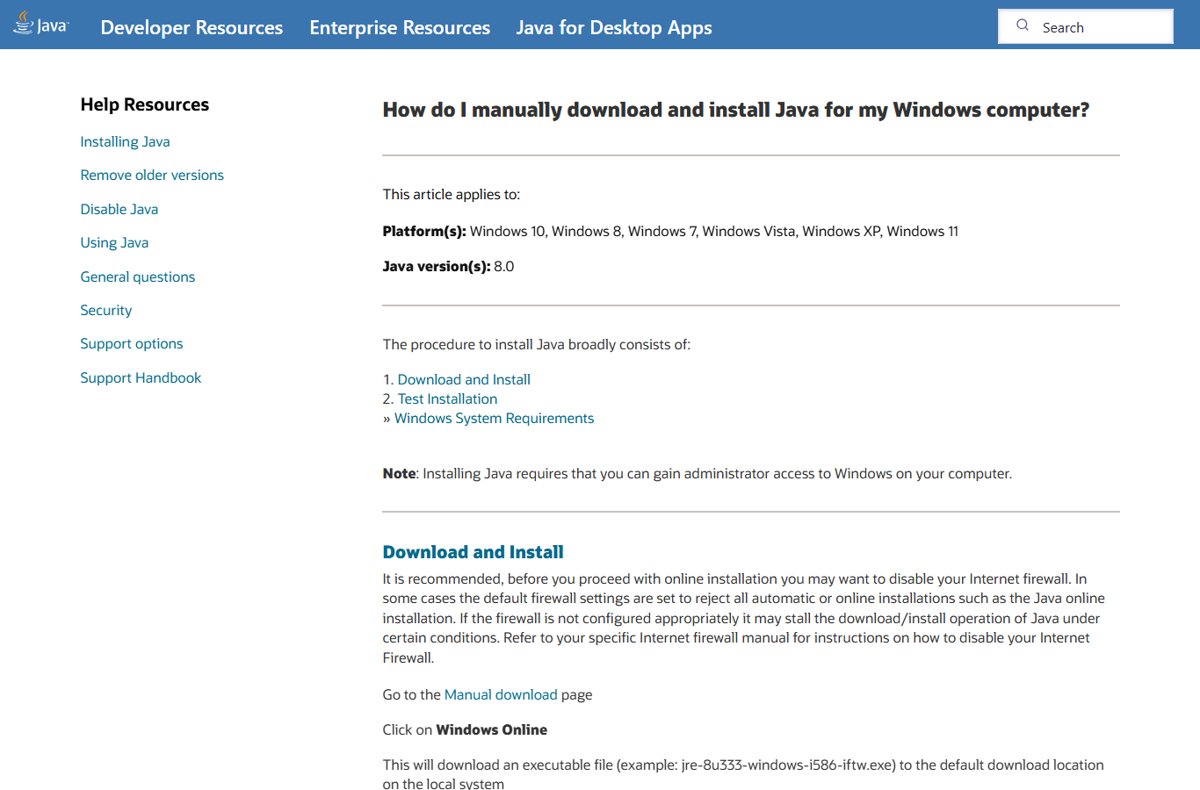
Java.com help page for manually downloading and installing Java on Windows

How to open and run JAR files – full guide

October 15, 2026 by Philip Celasco Leave a Comment
Java.com help page for manually downloading and installing Java on Windows

Open and run JAR files on Windows with java -jar in Command Prompt, or set javaw.exe as the default app. Covers Java install, errors and safe handling.
Posted in: How to, Windows
How to
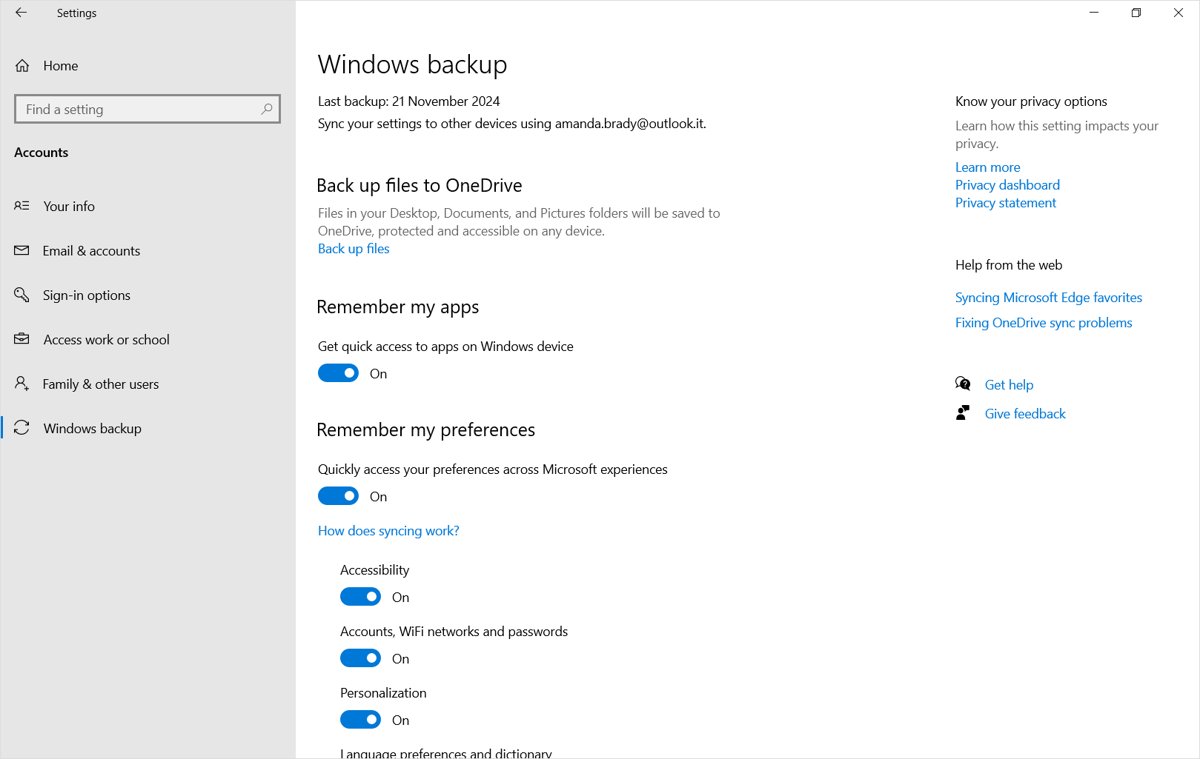
Windows 10 Settings Windows backup page with Remember my preferences turned on

Wondering how to sync your settings in Windows 10? Here is how

October 15, 2026 by Philip Celasco Leave a Comment
Windows 10 Settings Windows backup page with Remember my preferences turned on

Sync your settings in Windows 10 by signing in with a Microsoft account and turning on Remember my preferences under Accounts > Windows backup. Steps and fixes.
Posted in: How to, Windows
How to
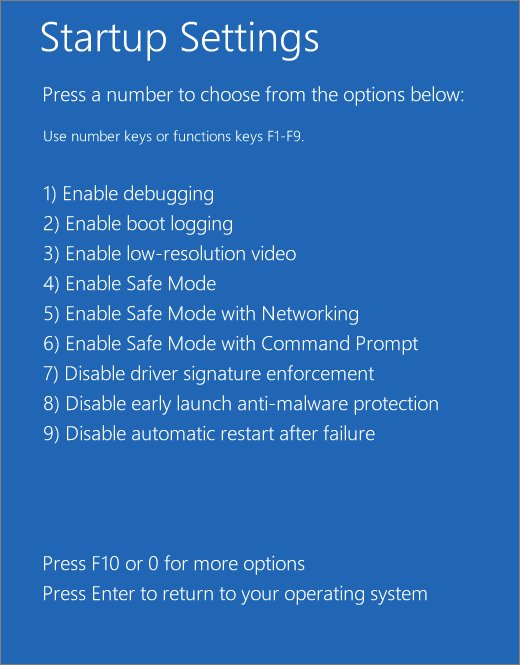
Windows Startup Settings screen listing numbered boot options including Safe Mode

Why does my laptop keep freezing? Uncovering the causes and solutions

October 15, 2026 by Philip Celasco 1 Comment
Windows Startup Settings screen listing numbered boot options including Safe Mode

Why does my laptop keep freezing? Find the cause: memory or disk overload, heat, drivers, corrupt files, bad RAM or a failing drive, with fixes for Windows and Mac.
Posted in: How to, Windows
How to
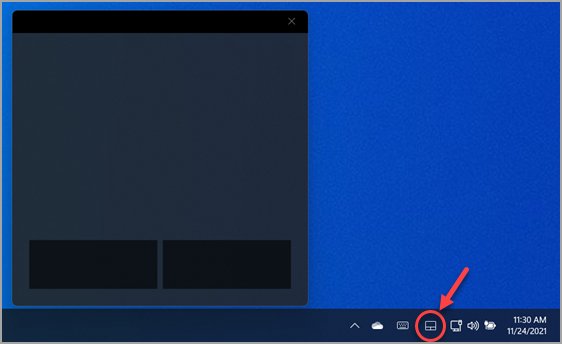
Windows 11 virtual touchpad window open above its system tray icon

Enable or disable “Leave touchpad on when a mouse is connected” in Windows 11

October 15, 2026 by Philip Celasco 1 Comment
Windows 11 virtual touchpad window open above its system tray icon

Enable or disable Leave touchpad on when a mouse is connected in Windows 11 from Settings or the LeaveOnWithMouse registry value, and fix a touchpad that stays off.
Posted in: How to, Windows
How to
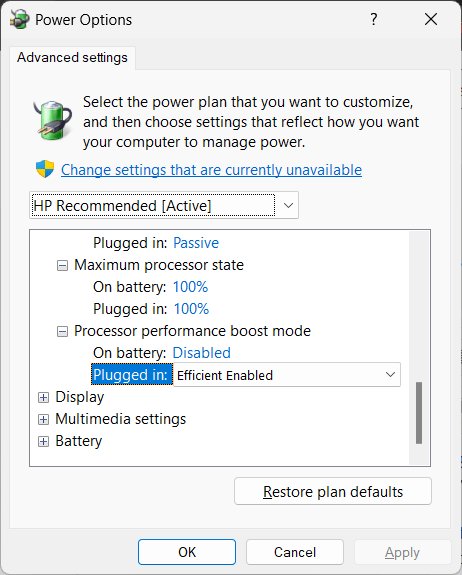
Power Options advanced settings with Maximum processor state at 100%

How to disable CPU throttling (settings) in Windows 11

October 15, 2026 by Philip Celasco Leave a Comment
Power Options advanced settings with Maximum processor state at 100%

Disable CPU throttling in Windows 11 with Best performance power mode, a 100% maximum processor state, powercfg and the Power Throttling policy. Heat limits stay.
Posted in: How to, Windows
How to
Copilot button in the lower-right corner of an Excel worksheet

How to enable Copilot on Microsoft Excel

October 15, 2026 by Philip Celasco Leave a Comment
Copilot button in the lower-right corner of an Excel worksheet

Enable Copilot in Excel on Windows or Mac with the Enable Copilot checkbox, check your Microsoft 365 license, open the Copilot button and fix it when it is missing.
Posted in: How to, Windows
How to
System Properties Remote tab with Allow Remote Assistance connections ticked

Windows Remote Assistance FAQs

October 15, 2026 by Philip Celasco Leave a Comment
System Properties Remote tab with Allow Remote Assistance connections ticked

Windows Remote Assistance FAQs: how to enable msra.exe, send an invitation, offer help as an admin, open firewall ports, and when Quick Assist is the better choice.
Posted in: How to, Windows
How to
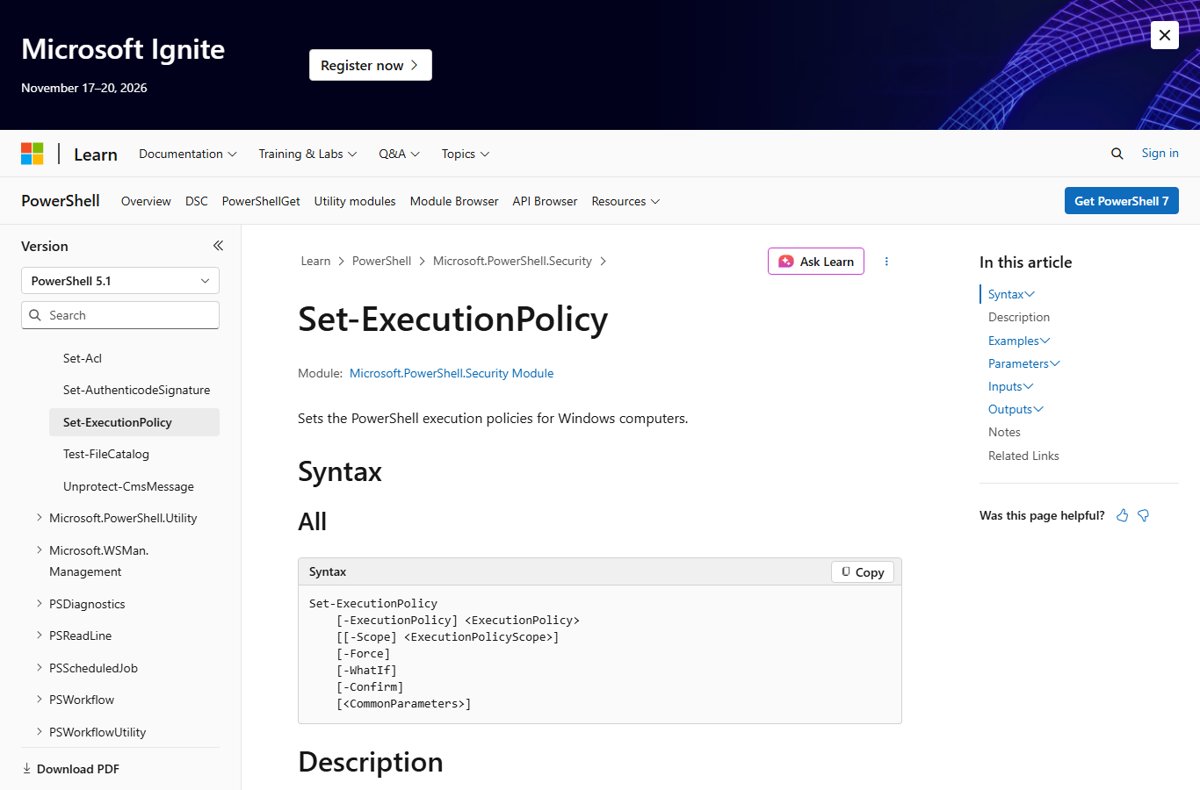
Microsoft Learn reference page for the Set-ExecutionPolicy cmdlet with its syntax

How to fix “Running scripts is disabled on this system” in PowerShell on Windows 10

October 15, 2026 by Philip Celasco Leave a Comment
Microsoft Learn reference page for the Set-ExecutionPolicy cmdlet with its syntax

Fix “running scripts is disabled on this system” in PowerShell on Windows 10: set RemoteSigned for your user, unblock one script, and avoid Unrestricted or Bypass.
Posted in: How to, Windows
How to
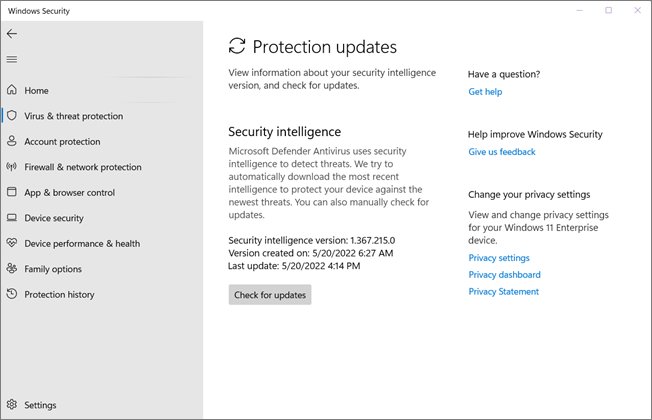
Windows Security Protection updates page with the Check for updates button

How to manually update Microsoft Defender Antivirus on Windows 10 and 11

October 15, 2026 by Philip Celasco Leave a Comment
Windows Security Protection updates page with the Check for updates button

Manually update Microsoft Defender Antivirus on Windows 11 and 10 with Check for updates, Update-MpSignature, MpCmdRun or the offline package, then verify it.

Posted in: How to, Windows
« Previous 1 … 44 45 46 … 88 Next »

More from Techdows

Change display name on lock screen in Windows 11 - Windows laptop showing the lock screen clock
How to change display name on lock screen Windows 11
How to · 5 hours ago
Log in to Apple Card online to pay bills - payment cards next to an iPhone
How to log in to Apple Card online to pay bills
How to · 5 hours ago
WhatsApp Business for PC - chatting on a phone next to a desktop PC monitor
WhatsApp Business for PC or laptop (Windows 11 or 10): Download & install APK
How to · 5 hours ago
Google Drive sign in - Google letter blocks on a desk
How to use the Google Drive sign in
How to · 5 hours ago
Hide apps on Android - Android phone app drawer in hand
How to hide apps on Android (step-by-step guide!)
How to · 4 hours ago
Stuck signing into iCloud on a new iPhone - close-up of an iPhone Pro camera
Stuck signing into iCloud on a new iPhone 15? How to fix it
How to · 4 hours ago
Turn off Apple Watch - Apple Watch on a wrist with a finger near the side button
How to turn off Apple Watch: A step-by-step guide
How to · 4 hours ago
Square Enix ID - gaming controllers in front of a TV
What is my Square Enix ID? All you need to know
How to · 4 hours ago

© 2009–2026 Techdows · About · Contact · Privacy Policy

Copyright © 2026 Techdows.

Techdows WordPress Theme by Techdows