Techdows

Windows how-to guides, fixes and software downloads

  • Home
  • Settings and hardware

    • Printers
    • Sound and microphone
    • Wi-Fi and network
    • Bluetooth
    • Display and monitors
    • Drivers
    • Keyboard shortcuts and symbols

    Using Windows

    • File Explorer
    • Storage and disk space
    • Taskbar, Start and desktop
    • Apps and default programs
    • Accounts and sign-in
    • Copilot in Windows
    • Command Prompt and PowerShell

    Updates and fixes

    • Windows Update
    • Windows 11 26H2
    • Error codes and BSOD
    • Boot, BIOS and recovery
    • Security and Defender
    • Task Manager and performance
    • DLL and runtime errors

    Popular fixes

    • Get help in Windows 11
    • Connect a wireless printer
    • Re-pair Bluetooth earbuds for stereo sound
    • Cancel a stuck print job
    • Change default programs

    All Windows guides →

  • Browse by type

    • Web browsers
    • Office and productivity apps
    • PC games and launchers
    • Phone and media apps
    • Developer tools
    • Creative apps
    • CAD software
    • System utilities and drivers

    Popular downloads

    • GTA V for PC
    • YouTube app for PC
    • Google Meet for PC
    • Cisco Packet Tracer
    • TikTok for PC

    Windows tools

    • PC Health Check app
    • HEVC Video Extension
    • DirectX 12
    • Cinebench R23

    All download guides →

  • Browser guides

    • Microsoft Edge
    • Google Chrome
    • Firefox
    • Web browsers for PC

    Microsoft Edge

    • Fix WebView2 using too much memory
    • Internet Explorer mode in Edge
    • Manage Edge favorites
    • Set or remove Edge as default

    Chrome and Firefox

    • Make Chrome the default browser
    • Restore closed tabs
    • Change the default web browser

    All browser guides →

  • Office guides

    • Outlook
    • Excel
    • Word and PowerPoint
    • OneDrive
    • Install Microsoft 365

    Meetings and other tools

    • Teams, Zoom and Google Meet
    • Google Docs and Sheets
    • PDF tools

    Office apps

    • Office product key
    • Office Deployment Tool
    • What is OneDrive?
    • Turn off OneDrive in Windows 11

    Outlook and Teams

    • Outlook inbox view changed
    • Schedule an email in Outlook
    • Outlook dark mode
    • Teams breakout rooms

    All Office and productivity guides →

  • PHP security

    • PHP2Shell patch download
    • PHP critical RCE security update
    • CVE-2026-109618 fix
    • CVE-2026-109619 explained
    • Mitigations if you can't update

    Update PHP

    • Update PHP to the latest version
    • Check your PHP version
    • Update PHP on Ubuntu and Debian
    • Restart PHP-FPM

    Hosting and local servers

    • Update PHP in XAMPP
    • Change PHP version in cPanel
    • Update PHP in Laragon and WampServer
    • Update PHP Docker images
    • WordPress PHP version check

    PHP downloads

    • PHP 8.5.12 download
    • PHP 8.4.27 download
    • PHP 8.3.36 and 8.2.35 download
    • Download PHP for Windows

    PHP2Shell by platform

    • PHP 8.3 fix on Ubuntu 24.04
    • PHP 8.1 fix on Ubuntu 22.04
    • PHP 8.2 and 8.4 fix on Debian
    • Update PHP on IIS
    • Cloudflare PHP2Shell WAF rule

    All PHP guides →

  • Sections

    • Gaming
    • Apple
    • Android
    • Apps and services
    • Developer and IT

    Apple

    • iPhone tips and fixes
    • Reset and restore iPhone
    • iPad
    • Mac and macOS
    • Apple Account and iCloud
    • Apple devices on Windows

    Apps, Android and gaming

    • Gmail and Google account
    • YouTube
    • Social media accounts
    • Streaming TV
    • Android and Samsung Galaxy
    • PC gaming and Xbox
    • Roblox and Minecraft on PC

    Developer and IT

    • WSL and developer setup
    • Virtual machines
    • Group Policy and Intune
    • Windows Server
    • Website error codes
  • News
Home›Windows

Windows

1,050 articles

Windows 11 and Windows 10 how-to guides, fixes and explainers, grouped by topic. Settings and hardware: printers, sound and microphone, Wi-Fi and network settings, Bluetooth, display and monitor settings, drivers, keyboard shortcuts and symbols and screenshots. Using Windows: File Explorer, storage and disk space, taskbar, Start and desktop, apps and default programs, accounts and sign-in, Copilot, Remote Desktop, media players and codecs, opening file types and Command Prompt and PowerShell. Updates and problems: Windows Update, Windows 11 26H2, Task Manager and performance, boot, BIOS and recovery, security and Defender, error codes and BSOD, DLL and runtime errors and Windows processes.

How to
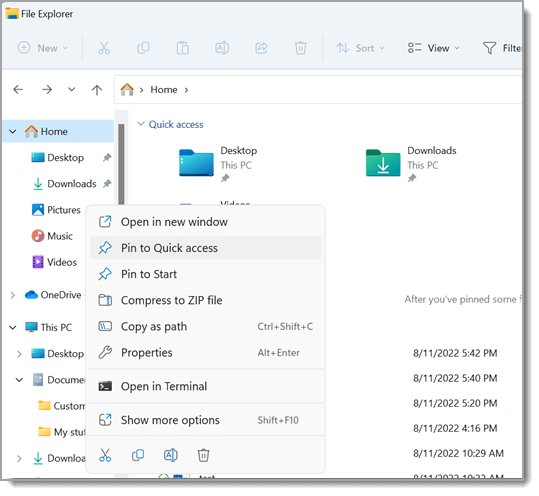
Windows 11 File Explorer showing Home, Quick access folders and a file list

How to select multiple files in Windows 11 and 10 PC
October 17, 2026 by Philip Celasco Leave a Comment
Windows 11 File Explorer showing Home, Quick access folders and a file list

Select multiple files in Windows 11 and 10 with Ctrl+click, Shift+click, Ctrl+A, a drag box, the keyboard or check boxes, plus fixes when selection misbehaves.
Posted in: How to, Windows
How to
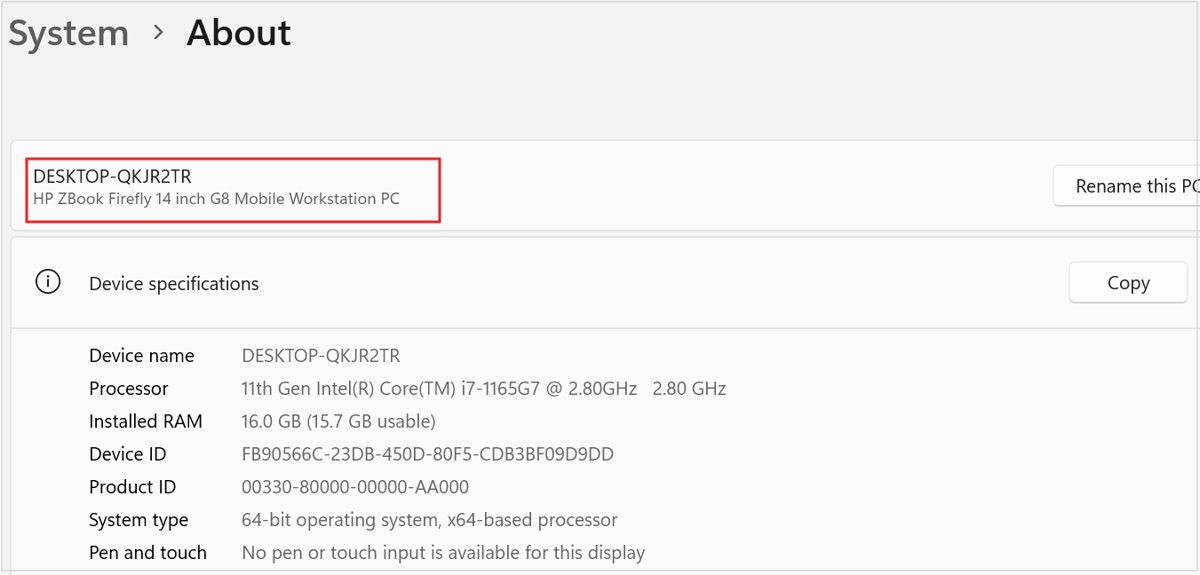
Windows 11 System About page showing processor, installed RAM and system type

How to watch Sky Go on a laptop or PC

October 17, 2026 by Philip Celasco Leave a Comment
Windows 11 System About page showing processor, installed RAM and system type

Watch Sky Go on a laptop or PC with the Sky Go desktop app and your Sky TV login. Requirements, install, sign-in, live TV, device rules and fixes.
Posted in: How to, Windows
How to
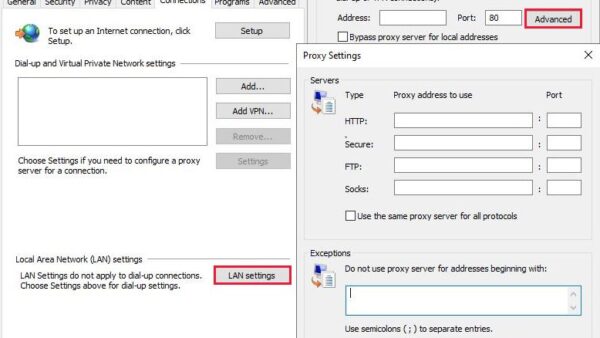
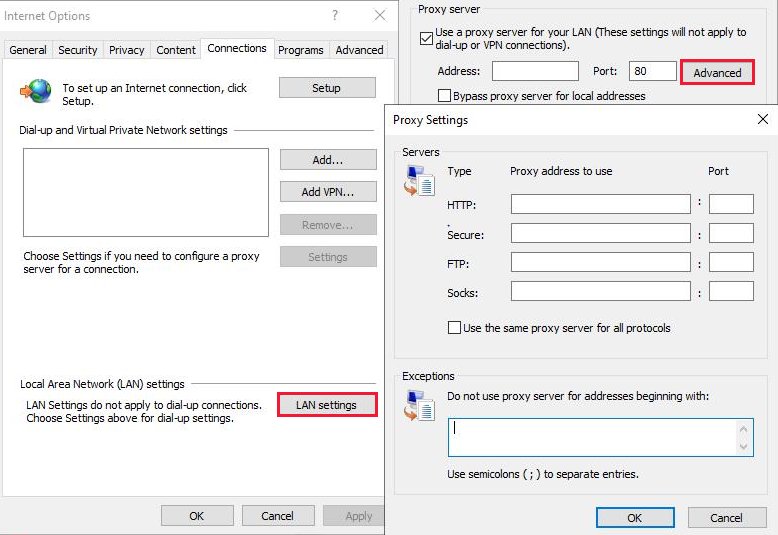
Internet Options Connections tab with the Proxy Settings window open

inetcpl.cpl: Complete guide to Windows Internet Properties Control Panel

October 17, 2026 by Philip Celasco Leave a Comment
Internet Options Connections tab with the Proxy Settings window open

inetcpl.cpl opens Internet Properties in Windows. Open it, learn each tab, set a proxy, manage security zones, clear cached data and reset it to fix connections.
Posted in: How to, Windows
How to
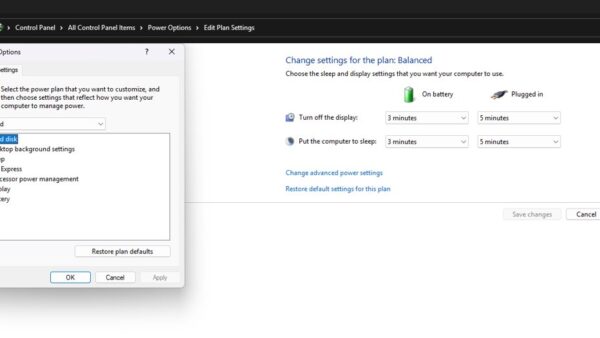
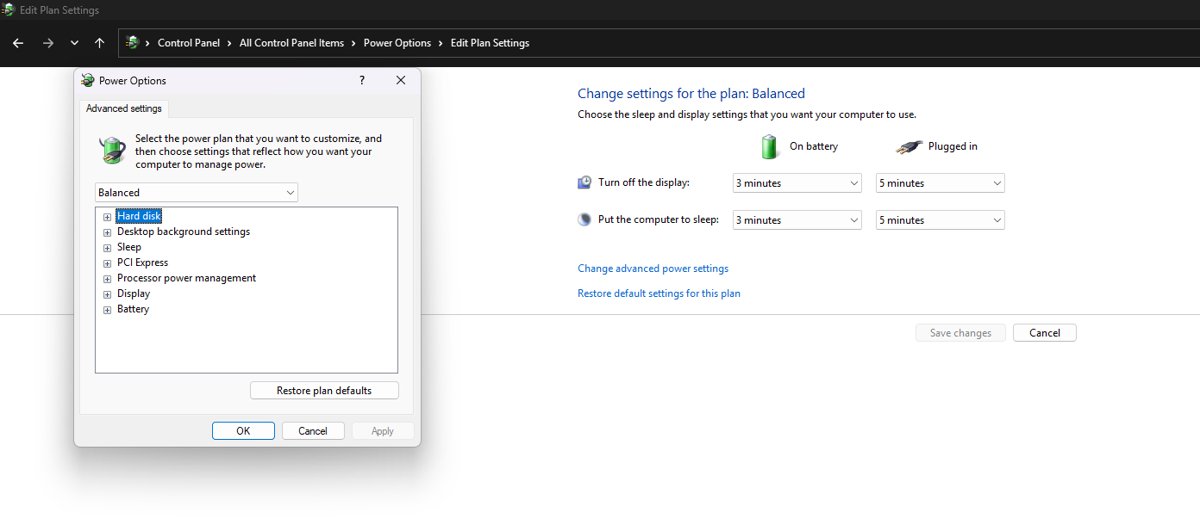
Edit Plan Settings page with the Power Options Advanced settings dialog open

How to change USB power settings in Windows 11

October 17, 2026 by Philip Celasco Leave a Comment
Edit Plan Settings page with the Power Options Advanced settings dialog open

Change USB power settings in Windows 11: turn off USB selective suspend, stop Windows powering down USB hubs, control wake and sleep, and fix USB dropouts.
Posted in: How to, Windows
How to
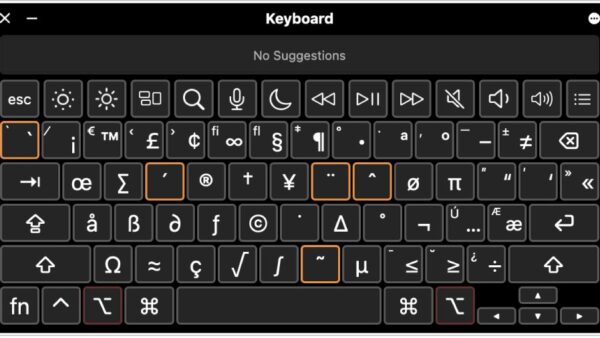
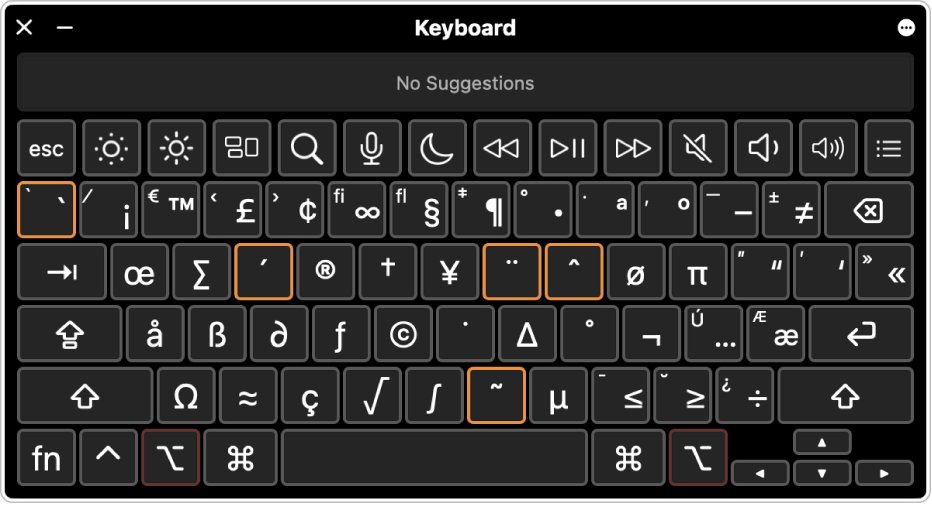
Mac Keyboard Viewer with Option held and accent keys outlined in orange

How to do a squiggly line on the keyboard

October 17, 2026 by Philip Celasco 1 Comment
Mac Keyboard Viewer with Option held and accent keys outlined in orange

To do a squiggly line (~) on the keyboard, hold Shift and press the key left of 1. Alt 126 on Windows, Mac, Linux, Chromebook, iPhone and Android covered.
Posted in: How to, Windows
How to
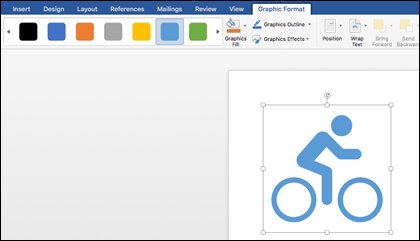
SVG bicycle graphic selected in Word with Graphic Format ribbon tab open

How do I open an ODG file in Microsoft Office

October 17, 2026 by Philip Celasco Leave a Comment
SVG bicycle graphic selected in Word with Graphic Format ribbon tab open

Open an ODG file for Microsoft Office by exporting it from free LibreOffice Draw to PDF, PNG or SVG, because Word, Excel and PowerPoint cannot read .odg.
Posted in: How to, Windows
How to
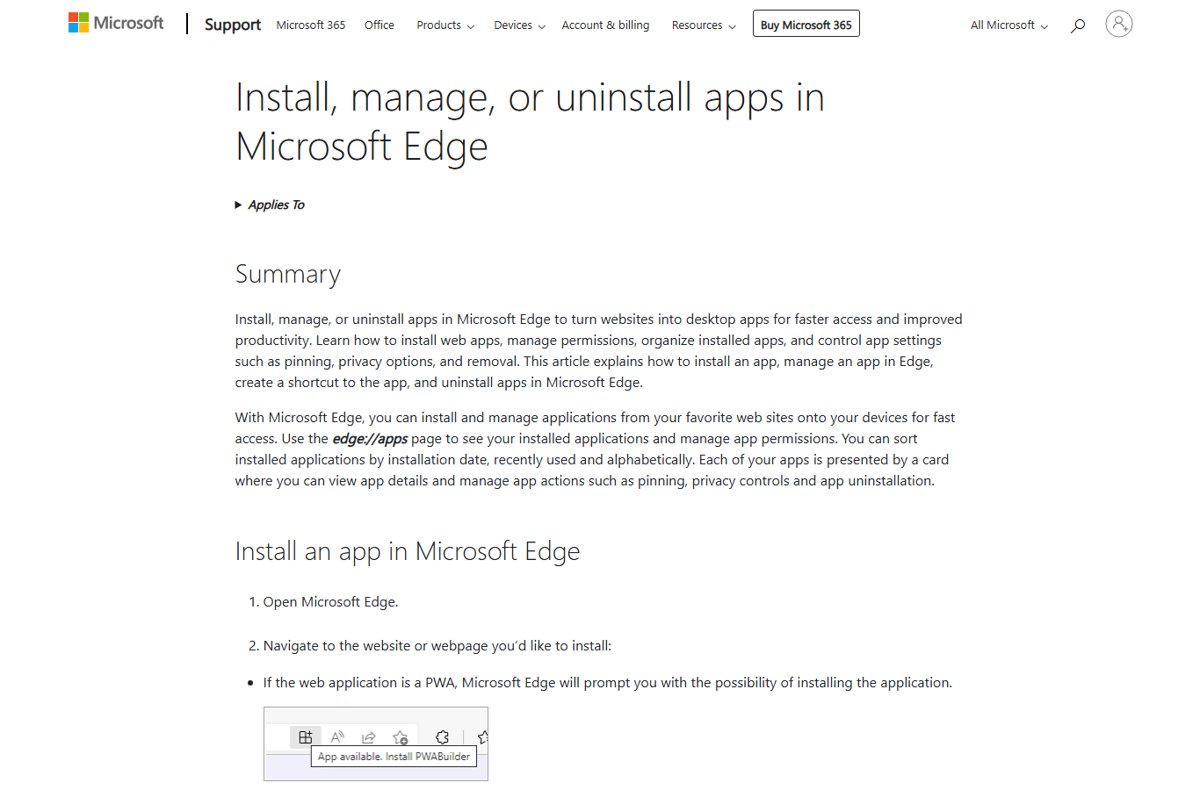
Microsoft Edge support page on installing a website as an app

Windows Maps app is dead: the best alternatives that still work

October 17, 2026 by Philip Celasco Leave a Comment
Microsoft Edge support page on installing a website as an app

The Windows Maps app is dead: Microsoft pulled it in July 2025. Use Bing Maps, Google Maps or Apple Maps as a Windows app instead, plus offline options.
Posted in: How to, Windows
How to
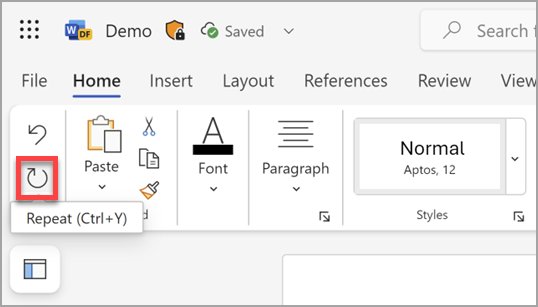
Word for the web Home ribbon with the Ctrl+Y button highlighted below Undo

How to do the opposite of Ctrl + Z

October 17, 2026 by Philip Celasco 1 Comment
Word for the web Home ribbon with the Ctrl+Y button highlighted below Undo

The opposite of Ctrl + Z is Redo: press Ctrl + Y in Windows and Office, Ctrl + Shift + Z in Google Docs, or Shift + Command + Z on a Mac.
Posted in: How to, Windows
How to
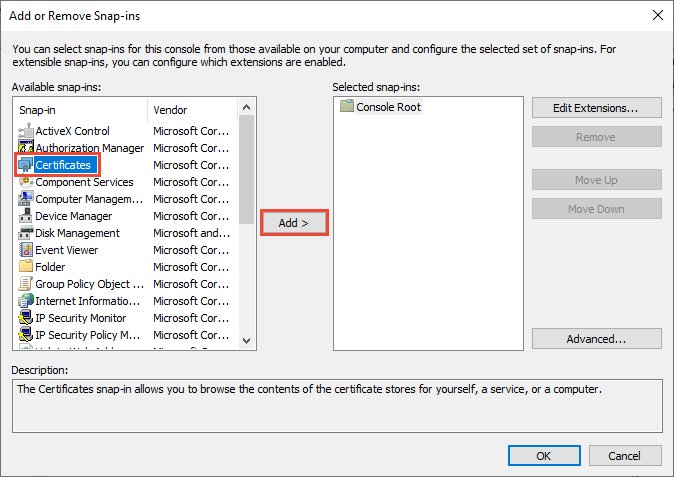
MMC Add or Remove Snap-ins window with Certificates and Add highlighted

Certmgr.msc or Certificate Manager in Windows 11/10

October 17, 2026 by Philip Celasco Leave a Comment
MMC Add or Remove Snap-ins window with Certificates and Add highlighted

Open certmgr.msc, the Certificate Manager in Windows 11 and 10, to view, import and export certificates, plus certlm.msc, MMC, PowerShell and certutil commands.
Posted in: How to, Windows
How to
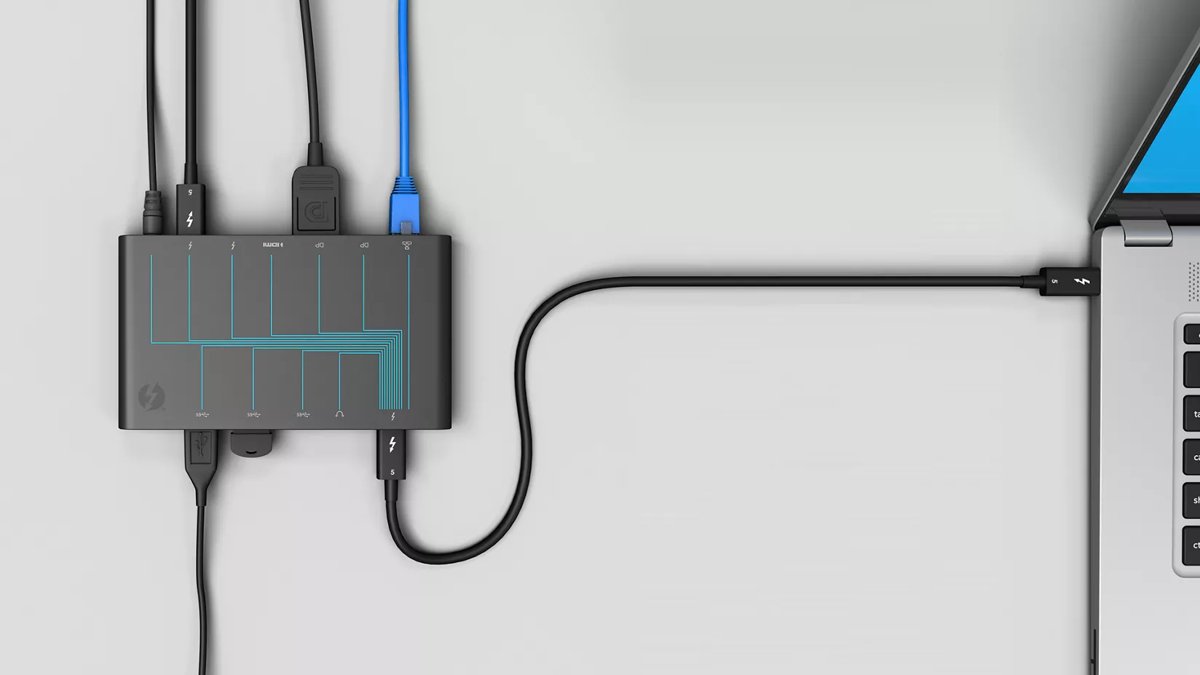
Thunderbolt dock connected to a laptop with one Thunderbolt cable

Thunderbolt software Windows 11

October 17, 2026 by Philip Celasco Leave a Comment
Thunderbolt dock connected to a laptop with one Thunderbolt cable

Thunderbolt software for Windows 11: when you need Intel Thunderbolt Control Center, where USB4 settings live, and how to fix docks, displays and cables.
Posted in: How to, Windows
How to
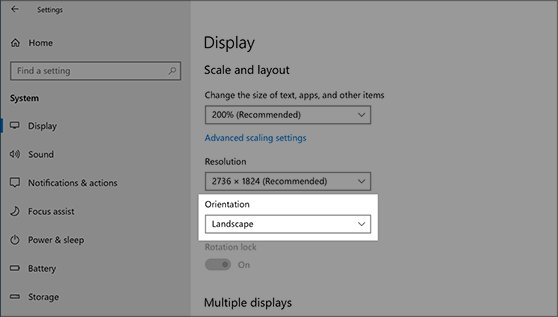
Windows 10 Display settings showing the resolution list under Scale and layout

What is 1080p resolution? Full HD (FHD) explained

October 17, 2026 by Philip Celasco Leave a Comment
Windows 10 Display settings showing the resolution list under Scale and layout

1080p resolution is 1920 x 1080 pixels, shown progressively, also sold as Full HD or FHD. How it compares with 720p, 1440p and 4K, and when it is enough.
Posted in: How to, Windows
How to
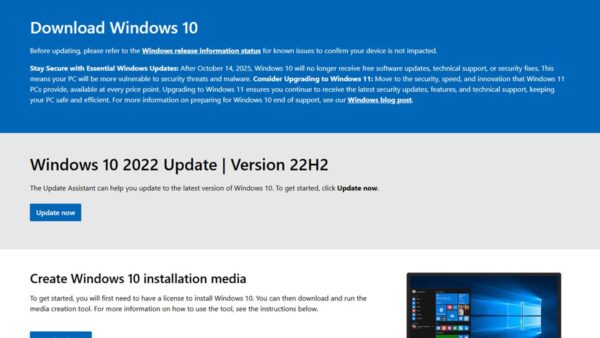
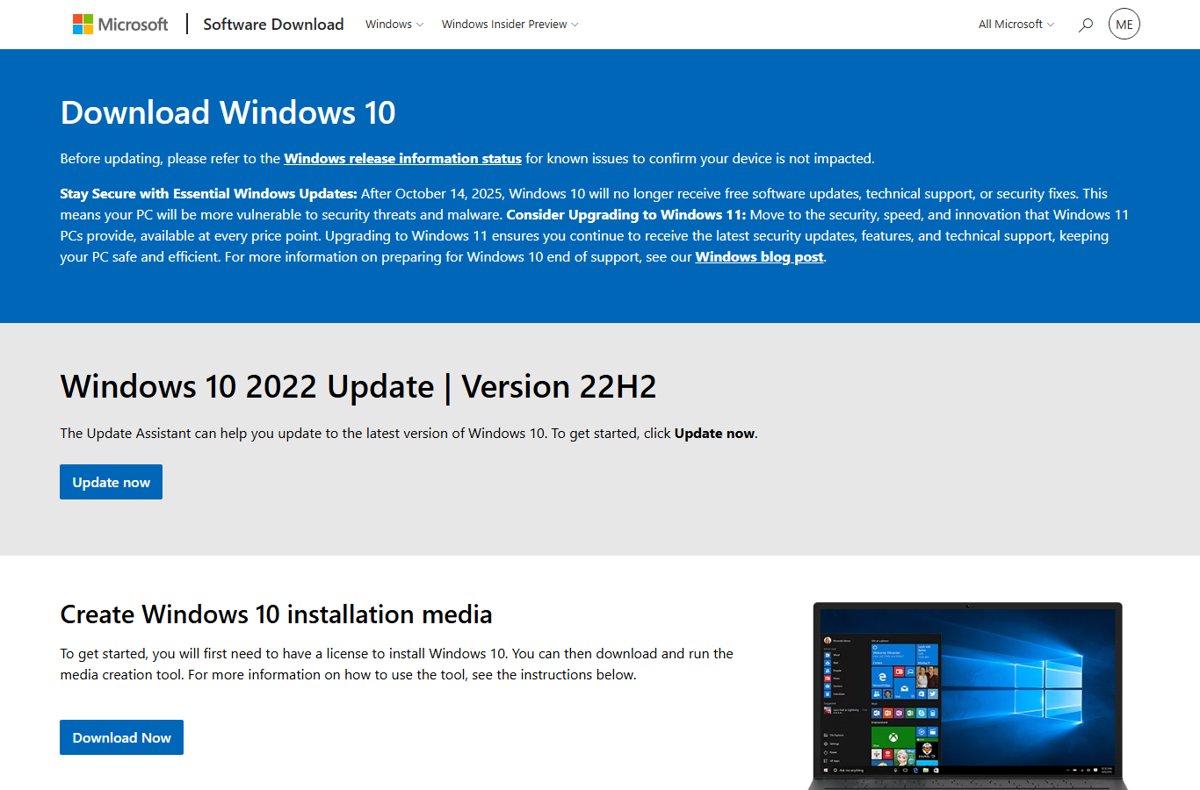
Microsoft Download Windows 10 page with Update now and Download Now buttons

How to get Windows 10 free: a comprehensive guide to legal methods

October 17, 2026 by Philip Celasco Leave a Comment
Microsoft Download Windows 10 page with Update now and Download Now buttons

How to get Windows 10 free legally: reinstall with your digital license, get free ESU security updates to 2027, or upgrade to Windows 11 at no cost.

Posted in: How to, Windows
« Previous 1 … 41 42 43 … 88 Next »

More from Techdows

Search bar missing in Google Chrome - web browser open on a laptop
Search bar is missing in Google Chrome [how to fix]
How to · 5 hours ago
Tablet mode in Windows 11 - 2-in-1 tablet with kickstand cover and pen
How to use Tablet mode in Windows 11
How to · 5 hours ago
Change display name on lock screen in Windows 11 - Windows laptop showing the lock screen clock
How to change display name on lock screen Windows 11
How to · 5 hours ago
Log in to Apple Card online to pay bills - payment cards next to an iPhone
How to log in to Apple Card online to pay bills
How to · 5 hours ago
WhatsApp Business for PC - chatting on a phone next to a desktop PC monitor
WhatsApp Business for PC or laptop (Windows 11 or 10): Download & install APK
How to · 4 hours ago
Google Drive sign in - Google letter blocks on a desk
How to use the Google Drive sign in
How to · 4 hours ago
Hide apps on Android - Android phone app drawer in hand
How to hide apps on Android (step-by-step guide!)
How to · 4 hours ago
Stuck signing into iCloud on a new iPhone - close-up of an iPhone Pro camera
Stuck signing into iCloud on a new iPhone 15? How to fix it
How to · 4 hours ago

© 2009–2026 Techdows · About · Contact · Privacy Policy

Copyright © 2026 Techdows.

Techdows WordPress Theme by Techdows