Techdows

Windows how-to guides, fixes and software downloads

  • Home
  • Settings and hardware

    • Printers
    • Sound and microphone
    • Wi-Fi and network
    • Bluetooth
    • Display and monitors
    • Drivers
    • Keyboard shortcuts and symbols

    Using Windows

    • File Explorer
    • Storage and disk space
    • Taskbar, Start and desktop
    • Apps and default programs
    • Accounts and sign-in
    • Copilot in Windows
    • Command Prompt and PowerShell

    Updates and fixes

    • Windows Update
    • Windows 11 26H2
    • Error codes and BSOD
    • Boot, BIOS and recovery
    • Security and Defender
    • Task Manager and performance
    • DLL and runtime errors

    Popular fixes

    • Get help in Windows 11
    • Connect a wireless printer
    • Re-pair Bluetooth earbuds for stereo sound
    • Cancel a stuck print job
    • Change default programs

    All Windows guides →

  • Browse by type

    • Web browsers
    • Office and productivity apps
    • PC games and launchers
    • Phone and media apps
    • Developer tools
    • Creative apps
    • CAD software
    • System utilities and drivers

    Popular downloads

    • GTA V for PC
    • YouTube app for PC
    • Google Meet for PC
    • Cisco Packet Tracer
    • TikTok for PC

    Windows tools

    • PC Health Check app
    • HEVC Video Extension
    • DirectX 12
    • Cinebench R23

    All download guides →

  • Browser guides

    • Microsoft Edge
    • Google Chrome
    • Firefox
    • Web browsers for PC

    Microsoft Edge

    • Fix WebView2 using too much memory
    • Internet Explorer mode in Edge
    • Manage Edge favorites
    • Set or remove Edge as default

    Chrome and Firefox

    • Make Chrome the default browser
    • Restore closed tabs
    • Change the default web browser

    All browser guides →

  • Office guides

    • Outlook
    • Excel
    • Word and PowerPoint
    • OneDrive
    • Install Microsoft 365

    Meetings and other tools

    • Teams, Zoom and Google Meet
    • Google Docs and Sheets
    • PDF tools

    Office apps

    • Office product key
    • Office Deployment Tool
    • What is OneDrive?
    • Turn off OneDrive in Windows 11

    Outlook and Teams

    • Outlook inbox view changed
    • Schedule an email in Outlook
    • Outlook dark mode
    • Teams breakout rooms

    All Office and productivity guides →

  • PHP security

    • PHP2Shell patch download
    • PHP critical RCE security update
    • CVE-2026-109618 fix
    • CVE-2026-109619 explained
    • Mitigations if you can't update

    Update PHP

    • Update PHP to the latest version
    • Check your PHP version
    • Update PHP on Ubuntu and Debian
    • Restart PHP-FPM

    Hosting and local servers

    • Update PHP in XAMPP
    • Change PHP version in cPanel
    • Update PHP in Laragon and WampServer
    • Update PHP Docker images
    • WordPress PHP version check

    PHP downloads

    • PHP 8.5.12 download
    • PHP 8.4.27 download
    • PHP 8.3.36 and 8.2.35 download
    • Download PHP for Windows

    PHP2Shell by platform

    • PHP 8.3 fix on Ubuntu 24.04
    • PHP 8.1 fix on Ubuntu 22.04
    • PHP 8.2 and 8.4 fix on Debian
    • Update PHP on IIS
    • Cloudflare PHP2Shell WAF rule

    All PHP guides →

  • Sections

    • Gaming
    • Apple
    • Android
    • Apps and services
    • Developer and IT

    Apple

    • iPhone tips and fixes
    • Reset and restore iPhone
    • iPad
    • Mac and macOS
    • Apple Account and iCloud
    • Apple devices on Windows

    Apps, Android and gaming

    • Gmail and Google account
    • YouTube
    • Social media accounts
    • Streaming TV
    • Android and Samsung Galaxy
    • PC gaming and Xbox
    • Roblox and Minecraft on PC

    Developer and IT

    • WSL and developer setup
    • Virtual machines
    • Group Policy and Intune
    • Windows Server
    • Website error codes
  • News
Home›How to

How to

3,747 articles

How to
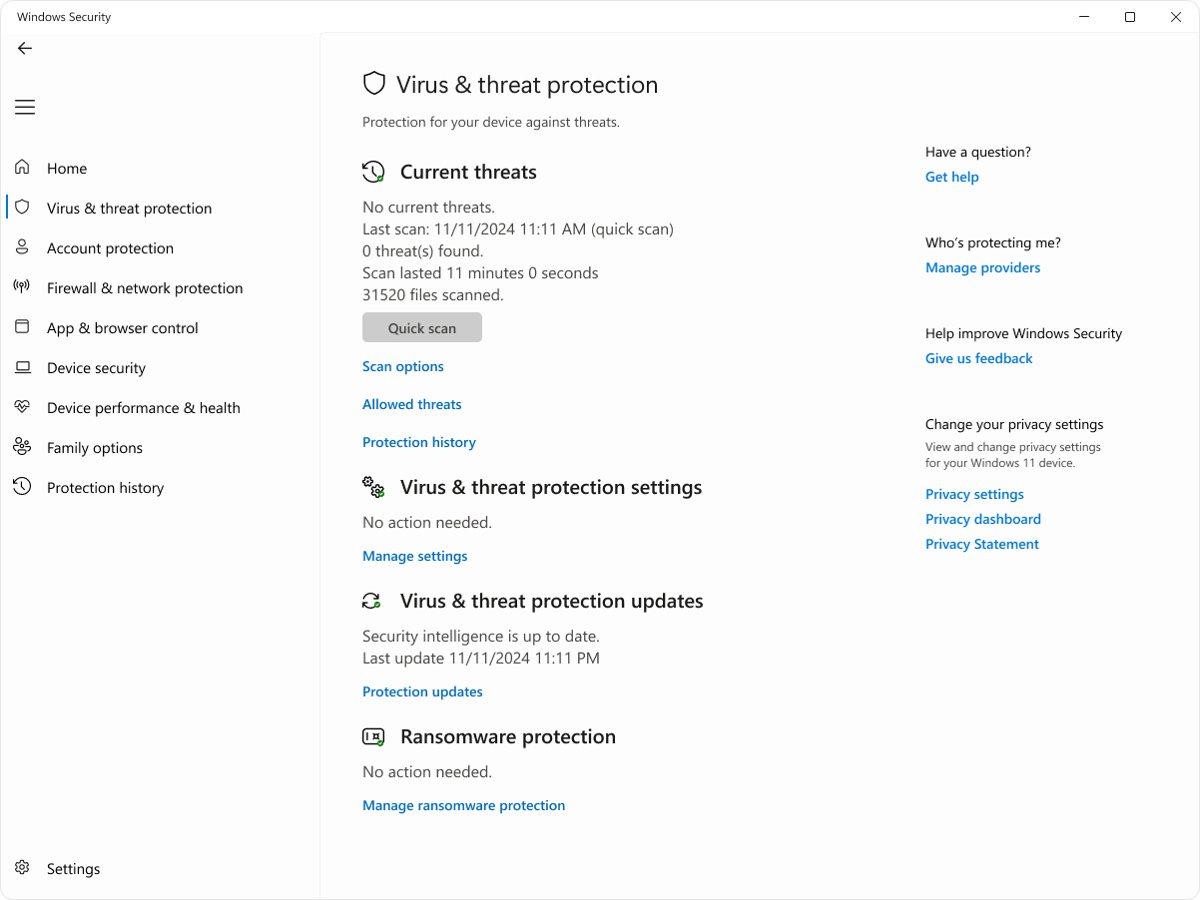
Windows Security Virus & threat protection page with Scan options link

How to run Microsoft Defender full virus scan on Windows 11
September 26, 2026 by Philip Celasco 5 Comments
Windows Security Virus & threat protection page with Scan options link

Run a Microsoft Defender full scan on Windows 11 from Windows Security, PowerShell or MpCmdRun, then read the results, schedule it and fix scans that stop.
Posted in: How to, Windows
How to
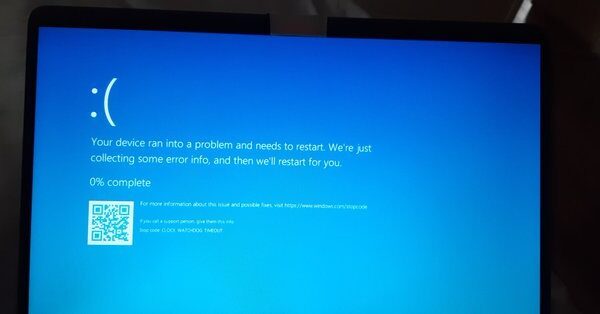
Windows blue screen showing Stop code CLOCK_WATCHDOG_TIMEOUT at 0 percent

How to Fix Clock Watchdog Timeout Error On Windows 11/10

September 26, 2026 by Philip Celasco 1 Comment
Windows blue screen showing Stop code CLOCK_WATCHDOG_TIMEOUT at 0 percent

Fix CLOCK_WATCHDOG_TIMEOUT (stop code 0x101) on Windows 11 and 10: remove overclocks, update BIOS and drivers, test RAM, run DISM and SFC, and stop the crash.
Posted in: How to, Windows
How to
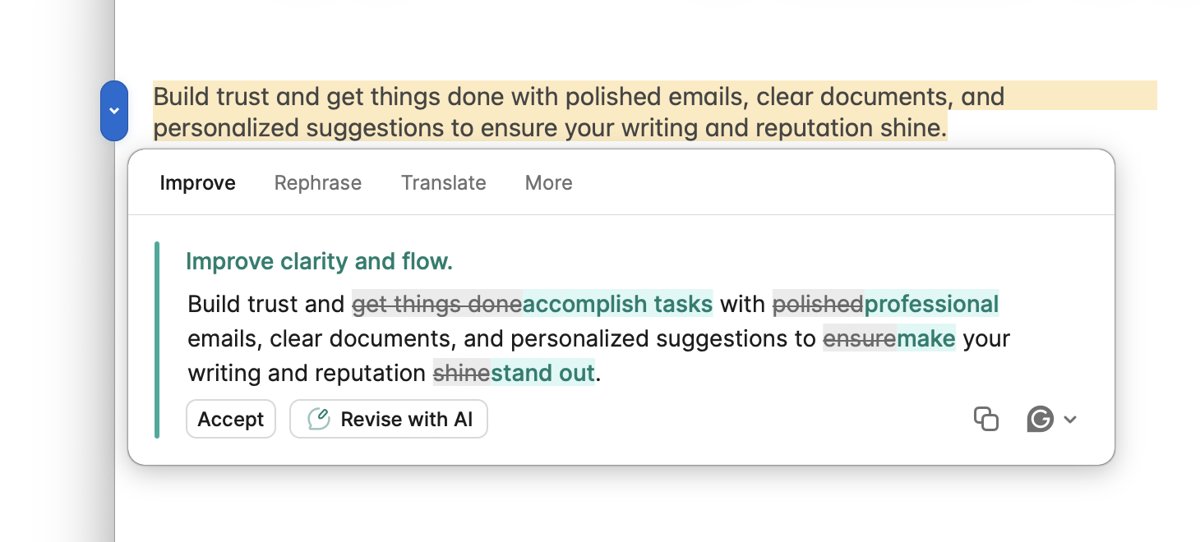
Word document with Grammarly AI rewrite suggestion and Accept button

Installing and Using the Grammarly Add-in for Microsoft Office

September 26, 2026 by Philip Celasco 1 Comment
Word document with Grammarly AI rewrite suggestion and Accept button

Install Grammarly for Microsoft Office the current way: Grammarly for Windows or Mac. Setup, use in Word and Outlook, fixes, and how to uninstall the old add-in.
Posted in: How to, Office and productivity
How to
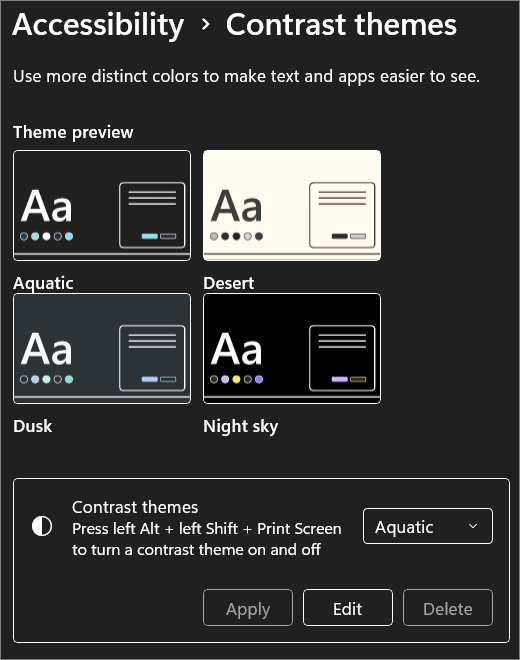
Windows 11 Accessibility Contrast themes page with four theme previews

How to enable or disable High Contrast Mode in Windows 11/10

September 26, 2026 by Philip Celasco 1 Comment
Windows 11 Accessibility Contrast themes page with four theme previews

Enable or disable High Contrast Mode in Windows 11/10 with Left Alt + Left Shift + Print Screen or Settings. Customize contrast themes and fix a stuck screen.
Posted in: How to, Windows
Apple
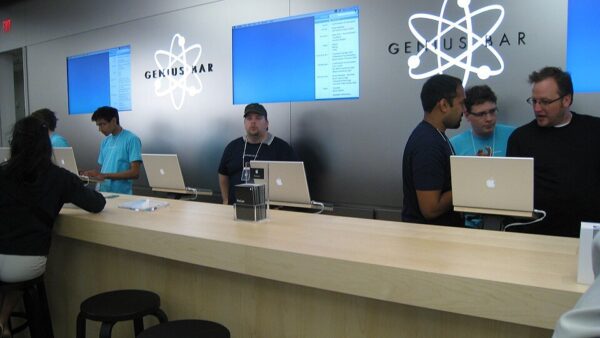
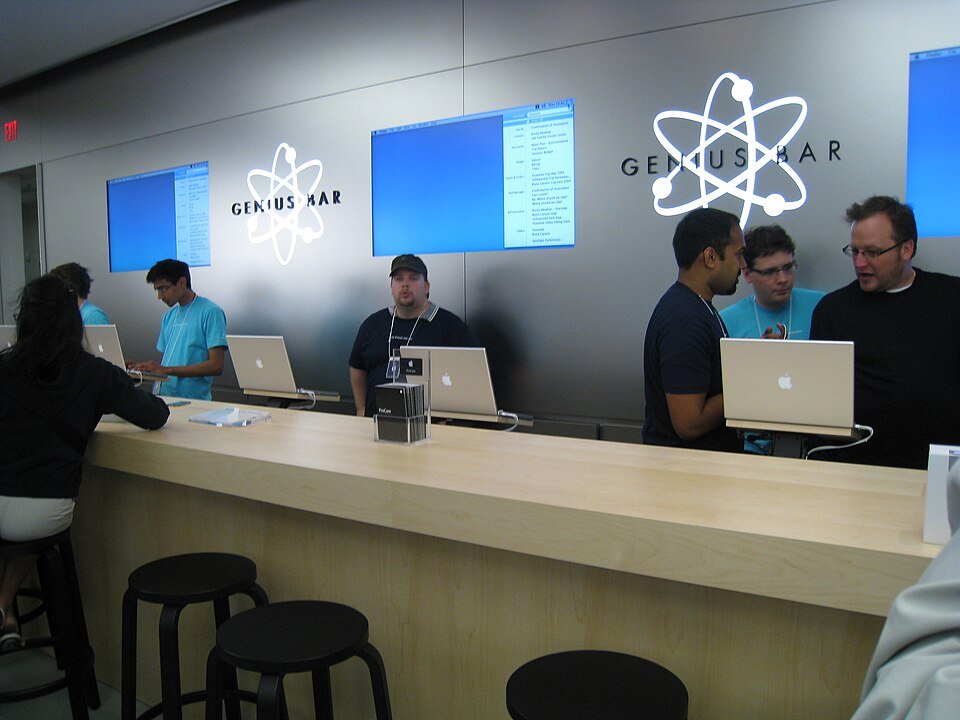
Apple Genius Bar counter with staff helping several customers

How To Make A Genius Bar Appointment At An Apple Store

September 26, 2026 by Philip Celasco Leave a Comment
Apple Genius Bar counter with staff helping several customers

Make a Genius Bar appointment from your Apple Store’s page, Get Support or the Apple Support app. What to bring, how to back up, and how to change or cancel.
Posted in: Apple, How to
How to
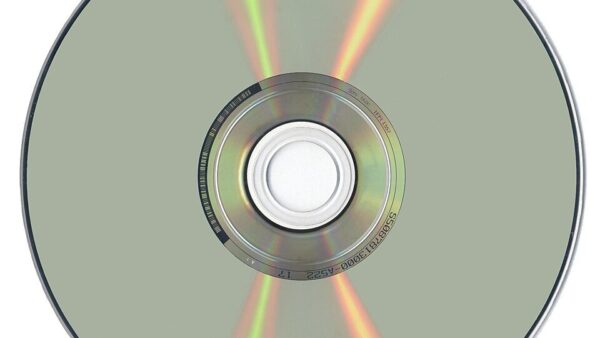
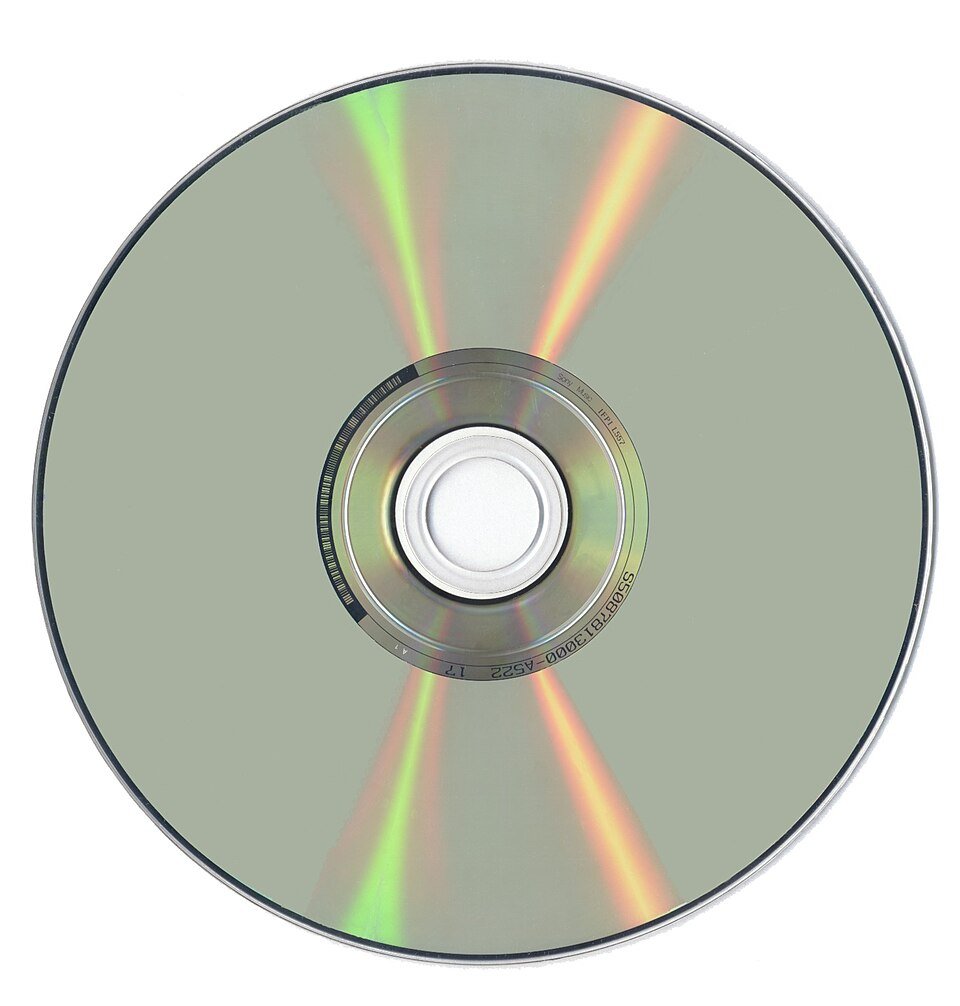
Reflective underside of a DVD disc showing its rainbow data layer

Optical Drives: Basics, Types, And Modern-Day Uses Explained

September 26, 2026 by Philip Celasco 2 Comments
Reflective underside of a DVD disc showing its rainbow data layer

Optical drives read and write CDs, DVDs and Blu-ray discs with a laser. See the drive types, disc capacities, how they work, and what they are still good for.
Posted in: How to
Apps and services
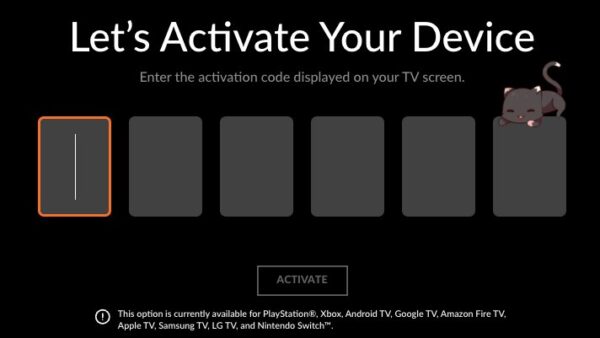
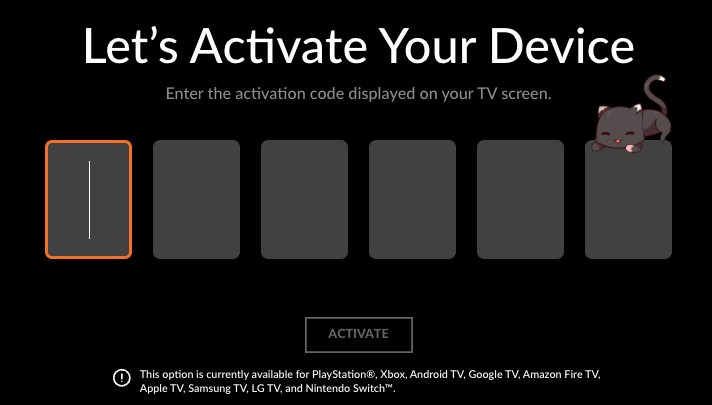
Crunchyroll TV activation screen with six empty code entry boxes

How to Activate Crunchyroll on Any Device

September 26, 2026 by Philip Celasco Leave a Comment
Crunchyroll TV activation screen with six empty code entry boxes

Activate Crunchyroll on a TV or console: choose Login with Activation Code, then enter the 6-character code at crunchyroll.com/activate. Fixes included.
Posted in: Apps and services, How to
How to
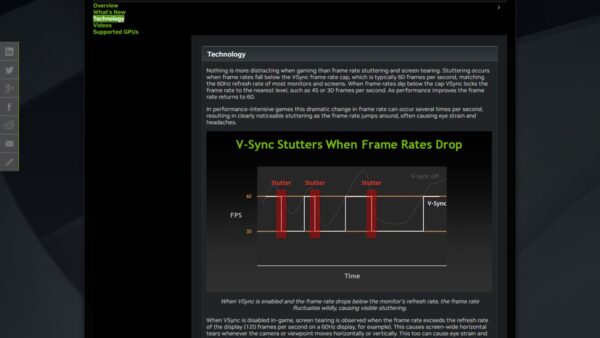
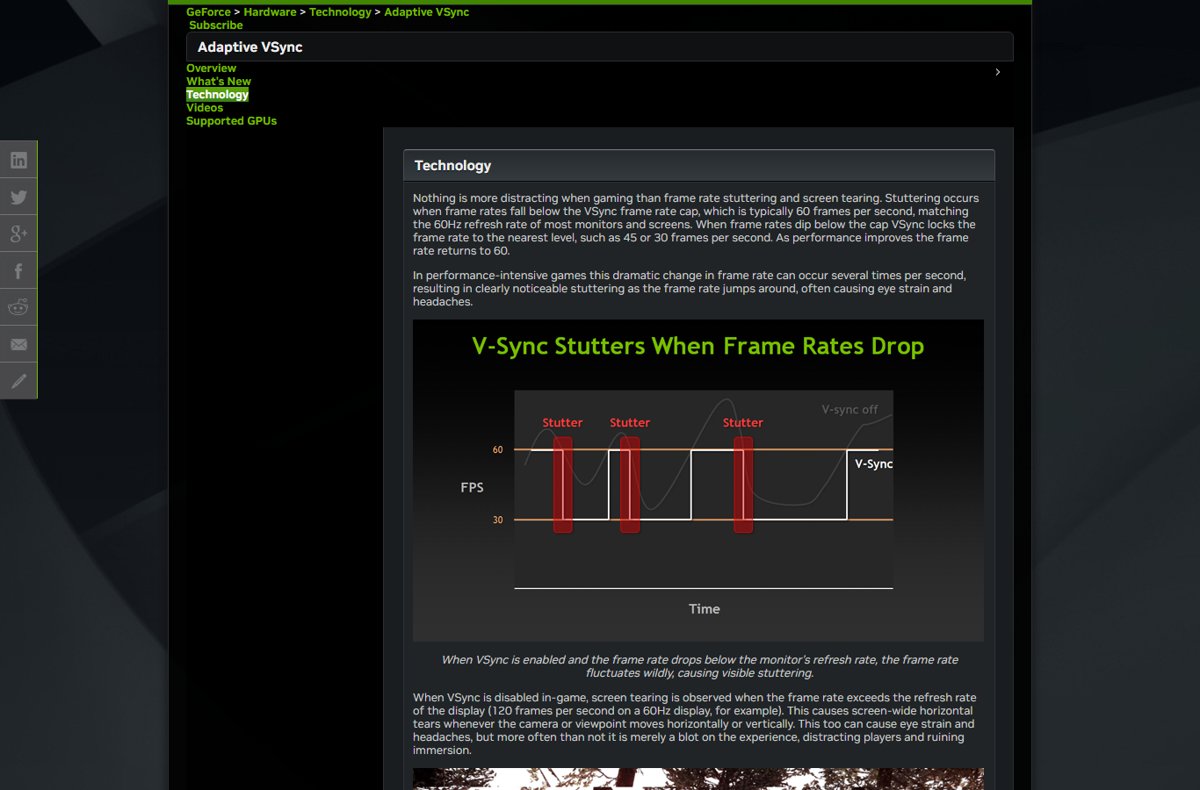
NVIDIA chart showing VSync frame rate stutter between 60 and 30 fps

How to turn on vsync Windows 11

September 26, 2026 by Philip Celasco Leave a Comment
NVIDIA chart showing VSync frame rate stutter between 60 and 30 fps

Turn on VSync in Windows 11 from a game’s graphics menu or NVIDIA Control Panel’s Vertical sync setting. Plus G-SYNC, variable refresh rate and fixes.
Posted in: How to, Windows
How to
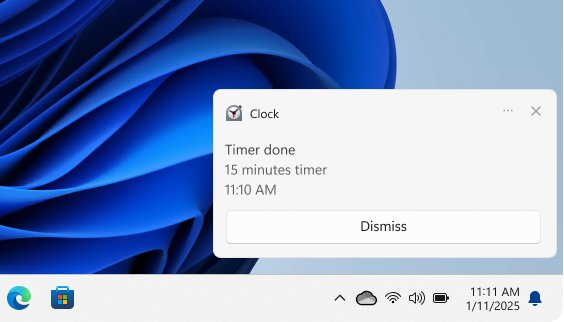
Windows 11 Clock app notification banner showing a finished timer

What Is Runtime Broker and Why Is It Running?

September 26, 2026 by Philip Celasco Leave a Comment
Windows 11 Clock app notification banner showing a finished timer

Runtime Broker (RuntimeBroker.exe) is a Windows process that manages Microsoft Store apps. Learn why it runs, what usage is normal, and how to calm high CPU.
Posted in: How to, Windows
How to
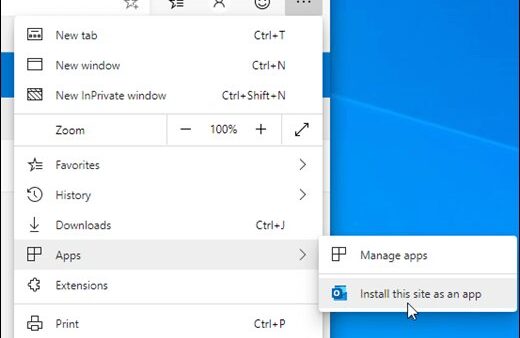
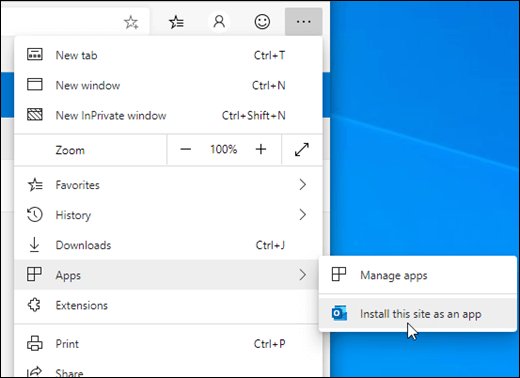
Microsoft Edge menu showing Install this site as an app

What is Outlook PWA and How to Install it [2-min Read]

September 26, 2026 by Philip Celasco 1 Comment
Microsoft Edge menu showing Install this site as an app

Outlook PWA is Outlook on the web installed as an app from Edge or Chrome. Install it, pin it, turn on notifications, or remove it cleanly.
Posted in: How to, Office and productivity
How to
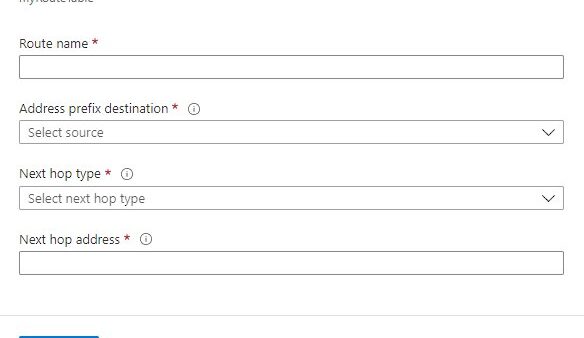
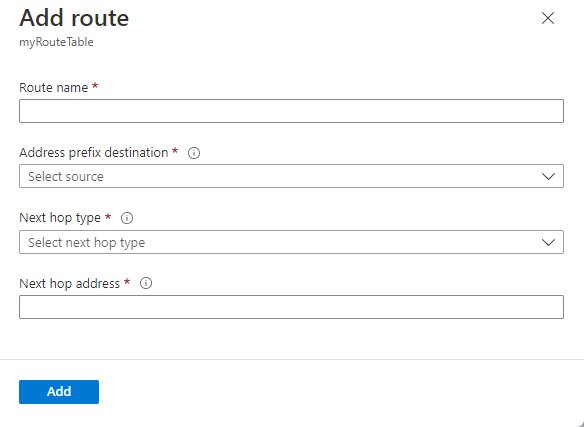
Azure Add route form with empty destination prefix and next hop fields

What It Means When You See the 0.0.0.0 IP Address

September 26, 2026 by Philip Celasco 1 Comment
Azure Add route form with empty destination prefix and next hop fields

The 0.0.0.0 IP address means “any address”, “no address yet” or “every destination”, depending on where it shows up. Decode each case and know when to act.
Posted in: How to, Windows
How to
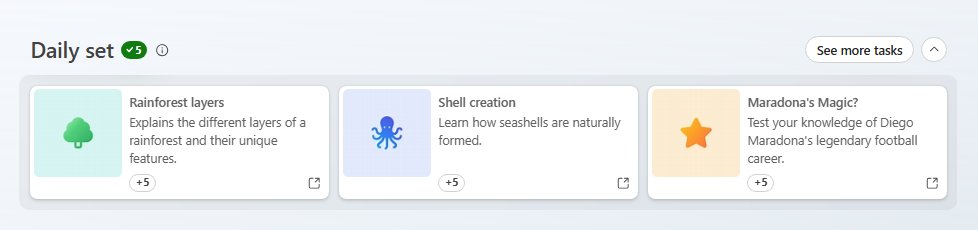
Microsoft Rewards Daily set cards each worth five points

Microsoft Bing Rewards: How to Earn and Redeem Them

September 26, 2026 by Philip Celasco 2 Comments
Microsoft Rewards Daily set cards each worth five points

Microsoft Bing Rewards pays points for Bing searches, daily sets, Xbox and Store buys. How to join, earn by level, redeem gift cards and fix missing points.

Posted in: How to
« Previous 1 … 236 237 238 … 313 Next »

More from Techdows

iPhone 15 running slow - iPhone Pro on a desk in purple light
iPhone 15 running slow? How to fix it
How to · 5 hours ago
Connect Beats Solo 4 to Fire tablet - Beats wireless headphones
How to connect Beats Solo 4 to a Fire tablet
How to · 4 hours ago
Printable iPhone User Guide - iPhone lock screen on a desk stand
Printable iPhone User Guide download: how to get and print it
How to · 2 hours ago
AirPods won't connect - AirPod resting on an iPhone
Fix AirPods won’t connect [7 ways to fix]
How to · 2 hours ago
Enable Windows Defender manually - combination padlock for security
How to enable or start Windows Defender manually
How to · 2 hours ago
Bought Minecraft from Microsoft - Minecraft bee papercraft held in a hand
Bought Minecraft from Microsoft? When you have to buy it again on the App Store
How to · 1 hour ago
Fix no sound in Windows 11 Snipping Tool screen recordings - PC desk with monitor and speakers
Fix no sound issues in Windows 11 Snipping Tool screen recordings
How to · 1 hour ago
Set up and manage Google reminders - reminder notification on a smartphone
How to set up and manage Google reminders
How to · 52 minutes ago

© 2009–2026 Techdows · About · Contact · Privacy Policy

Copyright © 2026 Techdows.

Techdows WordPress Theme by Techdows