How to recover a Facebook account when you can’t log in
Recover a Facebook account you can’t log in to: reset the password, use facebook.com/login/identify without email or phone, and fix hacked or locked accounts.
3,751 articles
Recover a Facebook account you can’t log in to: reset the password, use facebook.com/login/identify without email or phone, and fix hacked or locked accounts.


Windows shell commands list: shell:startup, shell:appsfolder, shell:::{CLSID}, known folder paths and Control Panel canonical names for Windows 11 and 10.
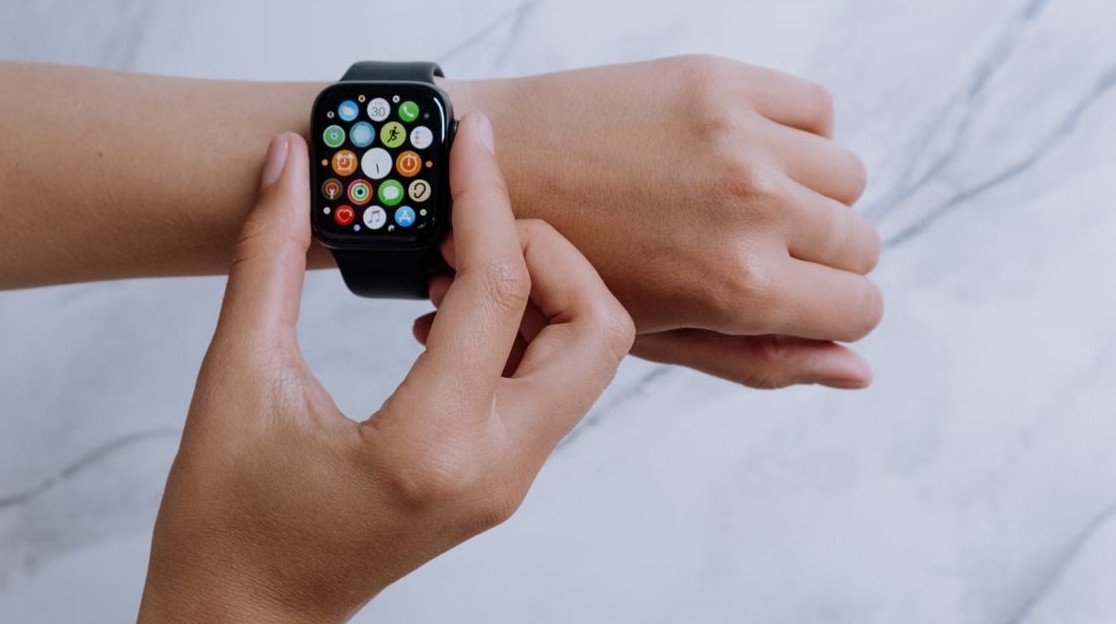
Pair Apple Watch with your iPhone: turn the watch on, hold it near the unlocked iPhone, scan the animation. Plus new-iPhone transfer, used watches and pairing fixes.
WhatsApp not linking to WhatsApp Desktop? Link from Linked devices on your phone, try the phone number code, free a device slot and fix QR scan problems.


Reading Apple Books on Windows is limited: no Windows app, no web reader. Use iTunes for audiobooks, move DRM-free EPUBs, or buy future books elsewhere.


Can’t type in the Windows search bar? Restart Windows Explorer first, then work through 15 fixes: Search service, CTF Loader, index rebuild, SFC, DISM and more.

Winget, the Windows Package Manager, installs apps on Windows 10 and 11 with one command. Get it, search, install several apps at once, uninstall and upgrade.

Uninstall apps that won’t uninstall in Windows 10 or 11: close the running program, try Settings and Control Panel, repair it, then use winget or PowerShell.


Speed up boot time on Windows 11 and 10: disable high-impact startup apps, delay non-essential services, keep Fast Startup on and find the slow item.


Change character encoding in Notepad on Windows 11: new files default to UTF-8, pick another encoding in Save as, and switch the system locale to UTF-8.
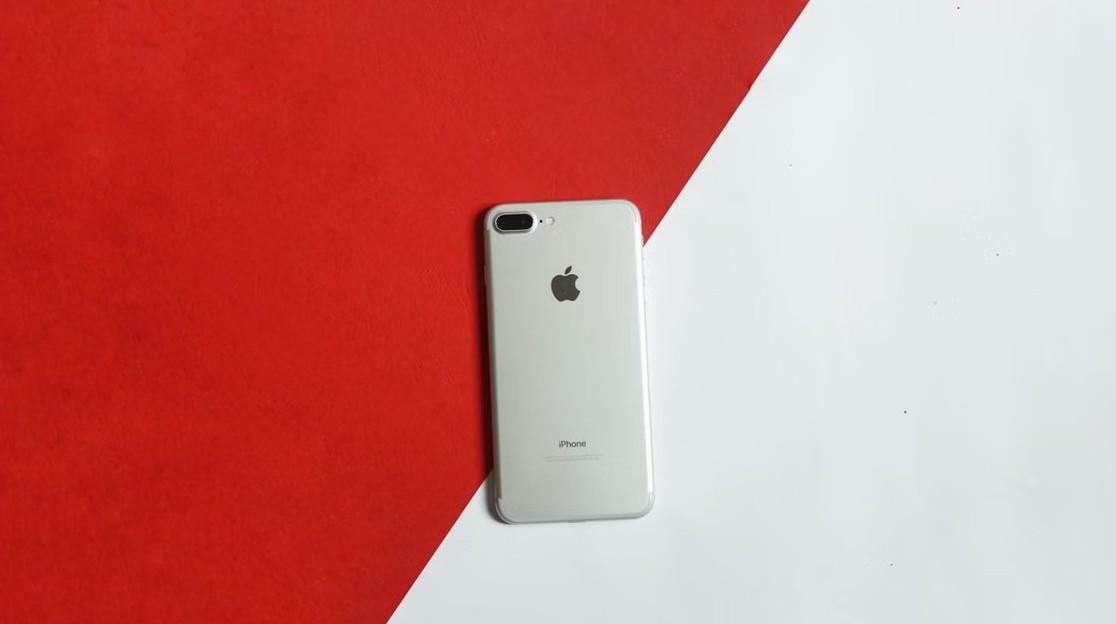
Fix the iPhone ‘Moo virus’ prank: turn off Zoom with a three-finger double-tap, switch off Smart or Classic Invert, and remove the automation playing the moo.
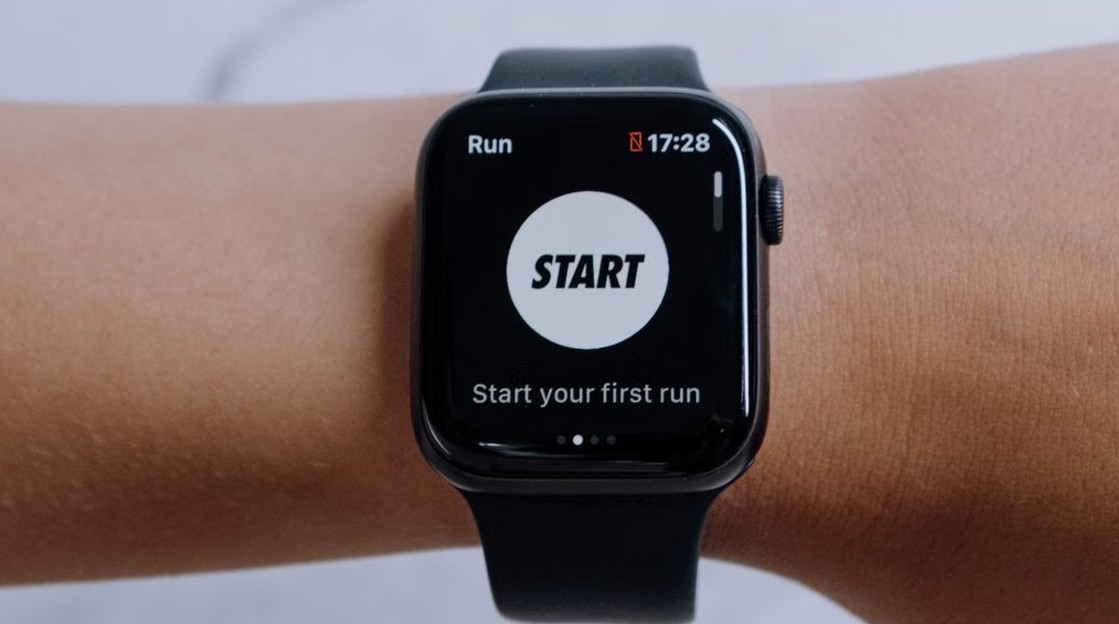
Apps installed on iPhone not showing in the Watch app usually have no watchOS version. Install them from Available Apps or the watch App Store, then restart.