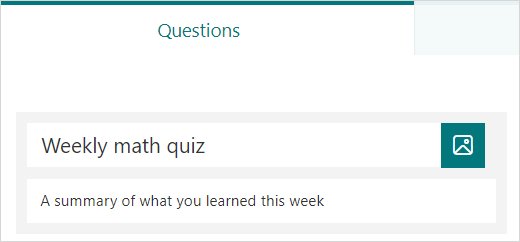
How to Create a Quiz in Microsoft Forms
Create a quiz in Microsoft Forms: select New Quiz, add questions, tick the correct answers, set points and feedback, then share the link and grade the results.
2,123 articles
Create a quiz in Microsoft Forms: select New Quiz, add questions, tick the correct answers, set points and feedback, then share the link and grade the results.
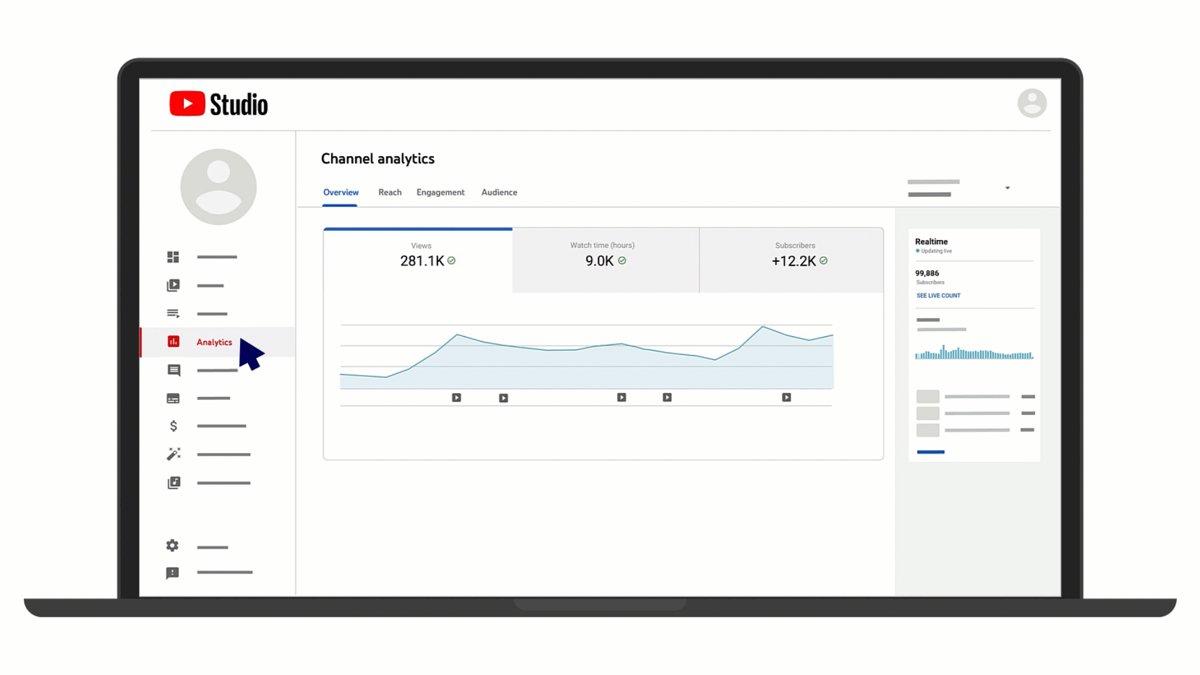
See your YouTube subscriptions list: click Subscriptions in the Guide on a computer, or tap Subscriptions then All in the app. Plus privacy, limits and fixes.
How to use Google Takeout: pick products at takeout.google.com, set delivery, file type and size, then download the archive before it expires in about 7 days.
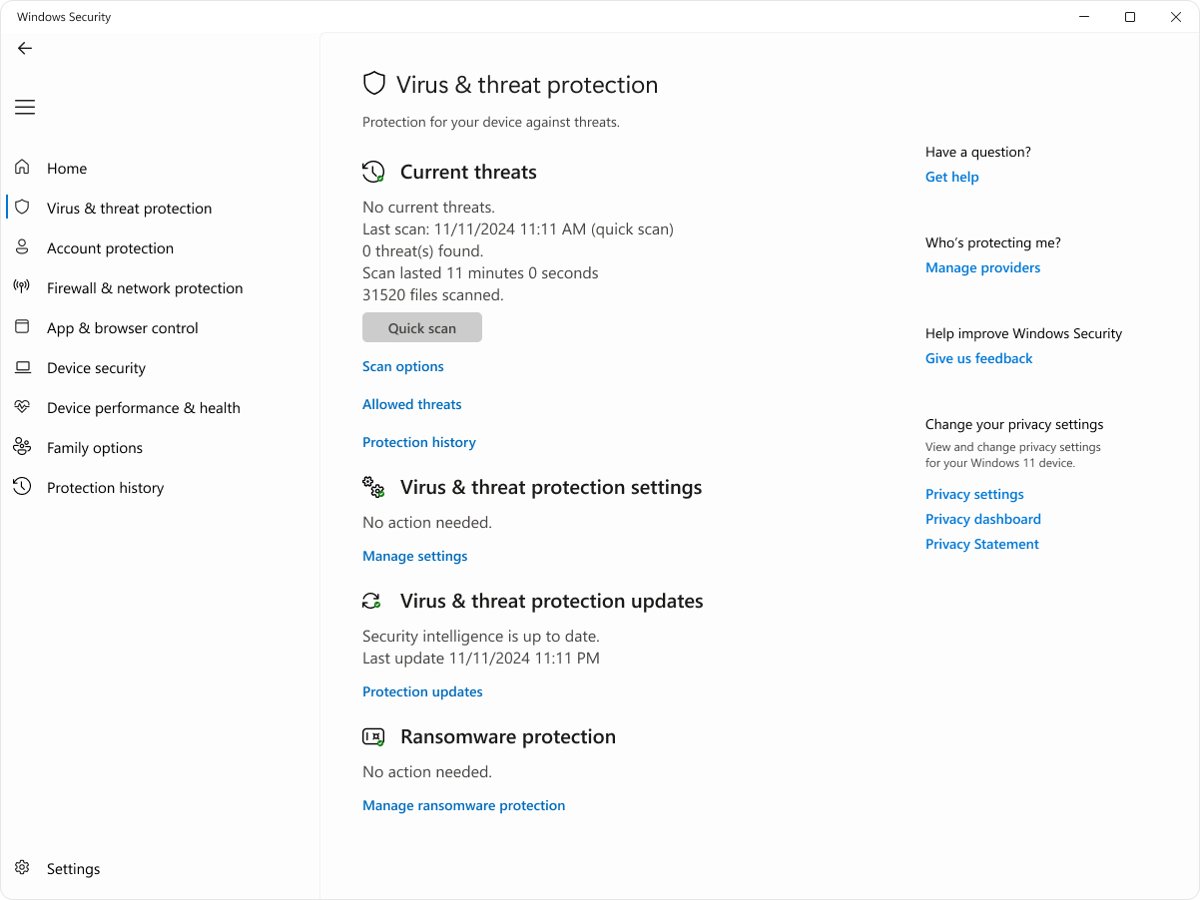
Run a Microsoft Defender full scan on Windows 11 from Windows Security, PowerShell or MpCmdRun, then read the results, schedule it and fix scans that stop.
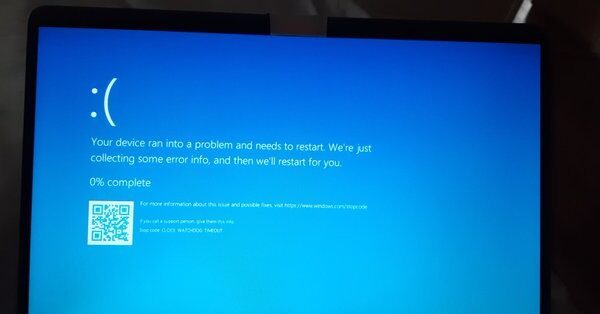
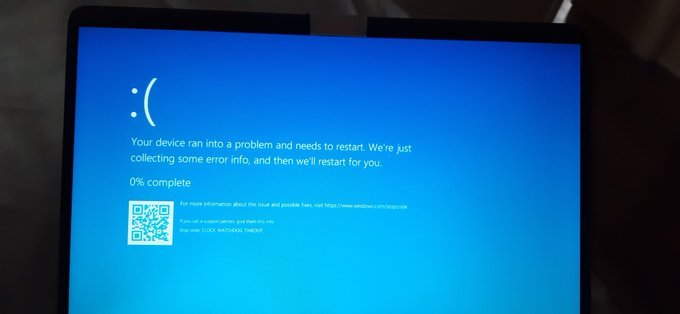
Fix CLOCK_WATCHDOG_TIMEOUT (stop code 0x101) on Windows 11 and 10: remove overclocks, update BIOS and drivers, test RAM, run DISM and SFC, and stop the crash.
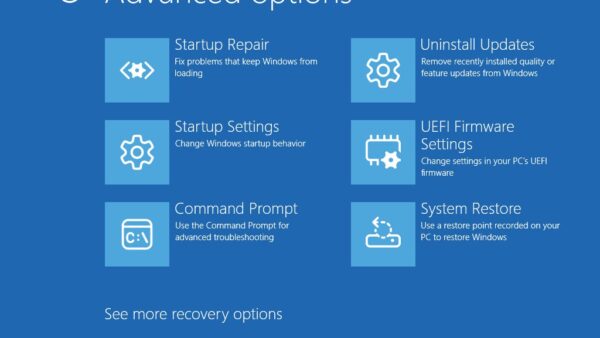
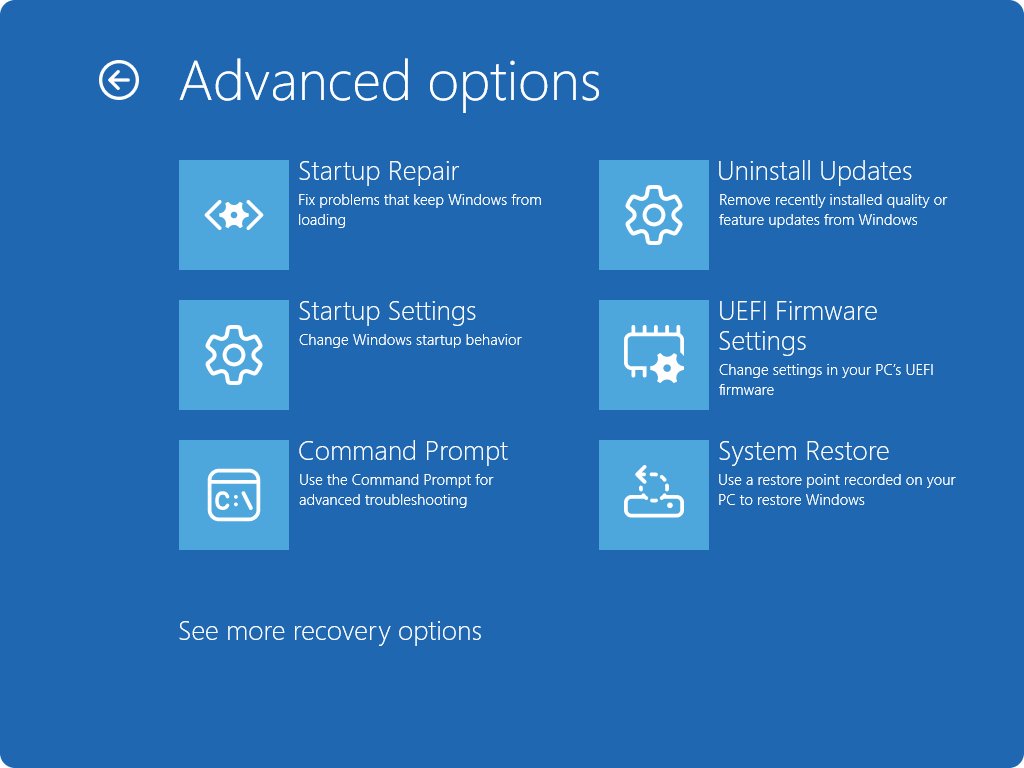
Uninstall problematic Windows updates from Settings > Windows Update > Update history > Uninstall updates, with wusa in Command Prompt, or from Windows RE.
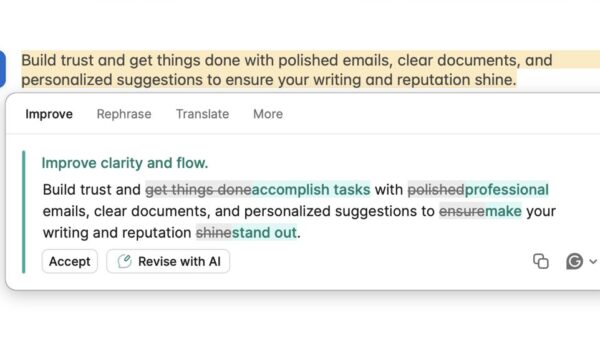
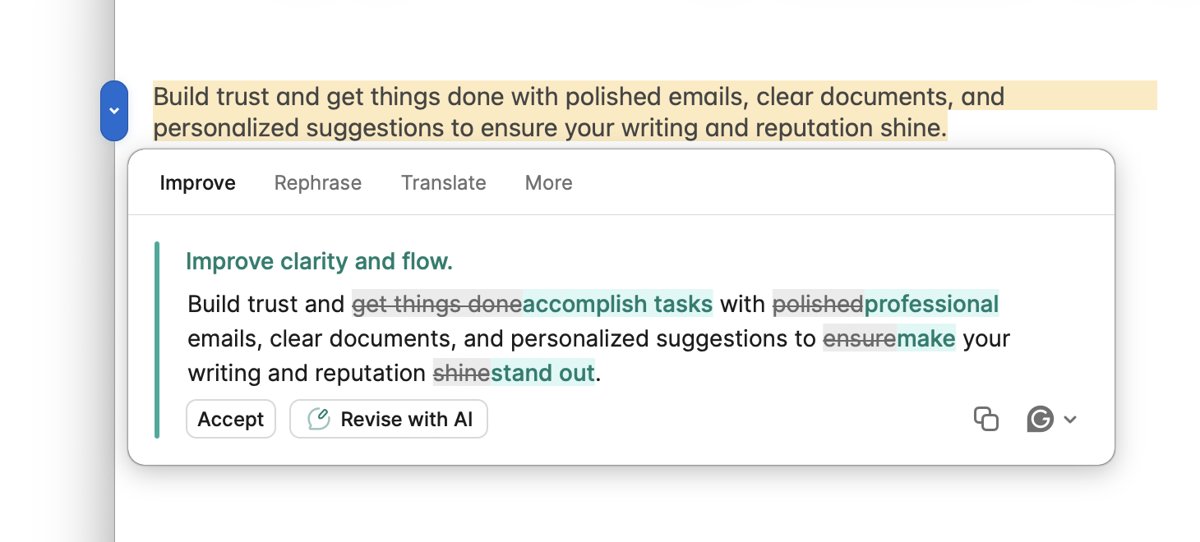
Install Grammarly for Microsoft Office the current way: Grammarly for Windows or Mac. Setup, use in Word and Outlook, fixes, and how to uninstall the old add-in.
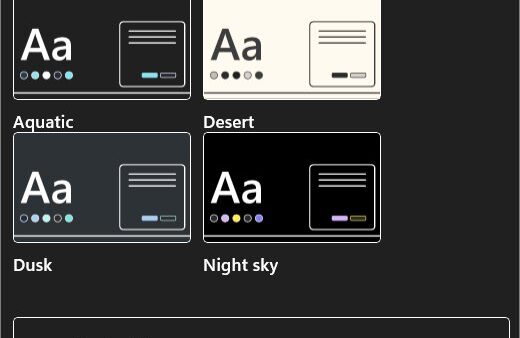
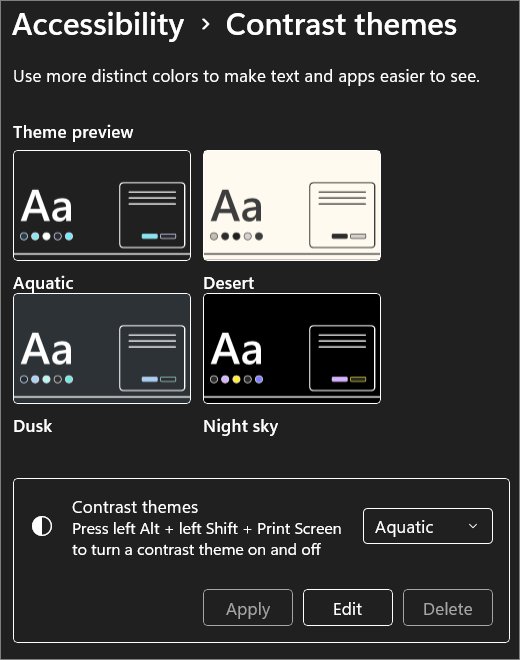
Enable or disable High Contrast Mode in Windows 11/10 with Left Alt + Left Shift + Print Screen or Settings. Customize contrast themes and fix a stuck screen.
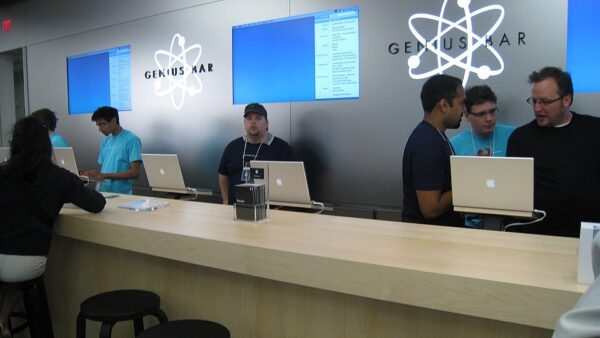
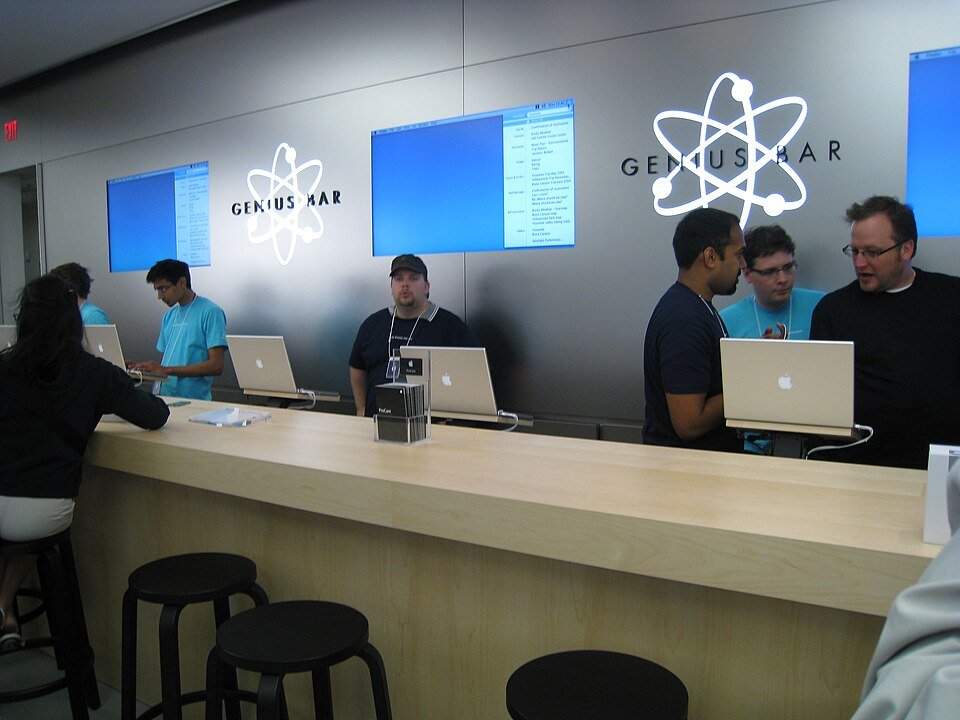
Make a Genius Bar appointment from your Apple Store’s page, Get Support or the Apple Support app. What to bring, how to back up, and how to change or cancel.
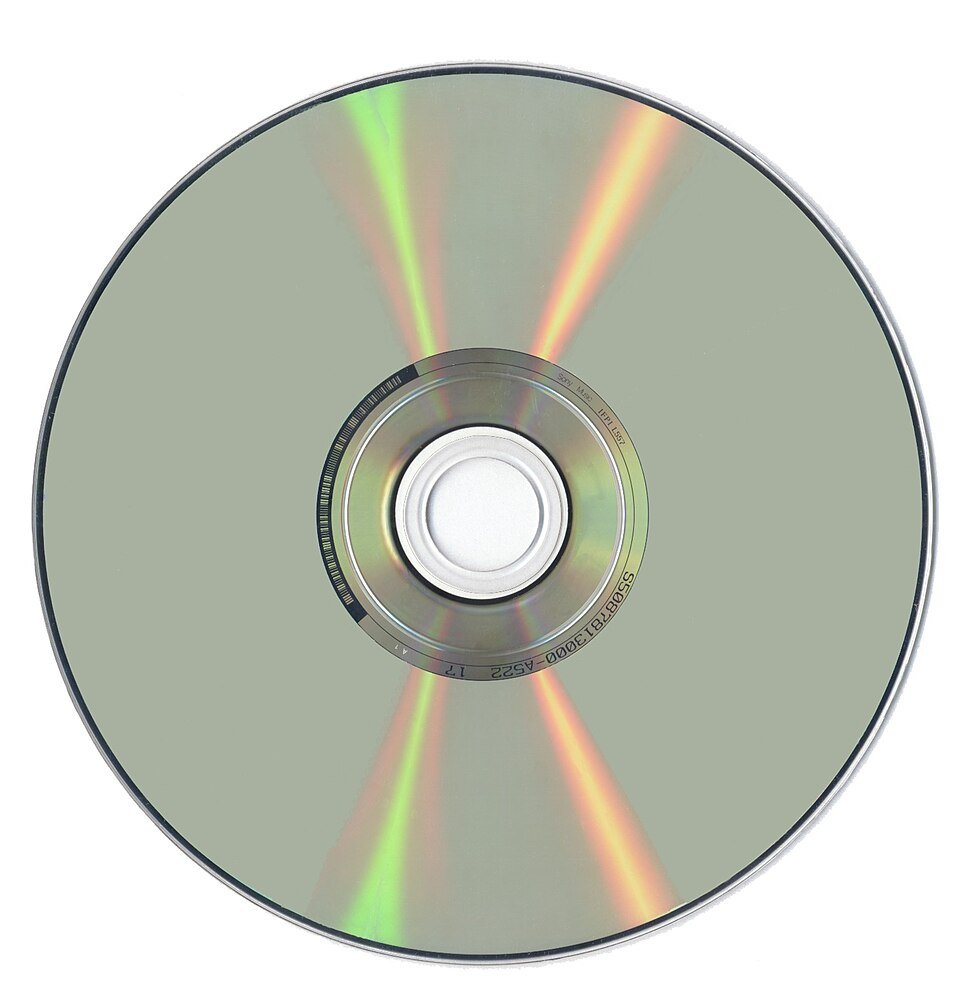
Optical drives read and write CDs, DVDs and Blu-ray discs with a laser. See the drive types, disc capacities, how they work, and what they are still good for.
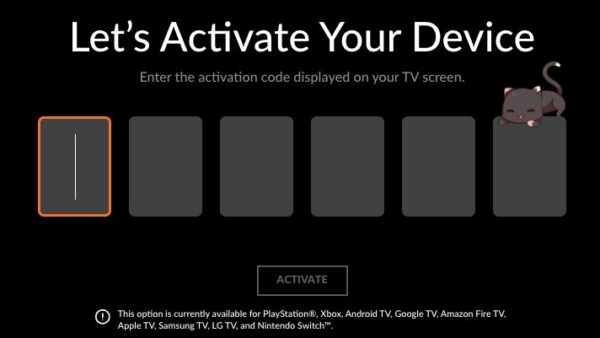
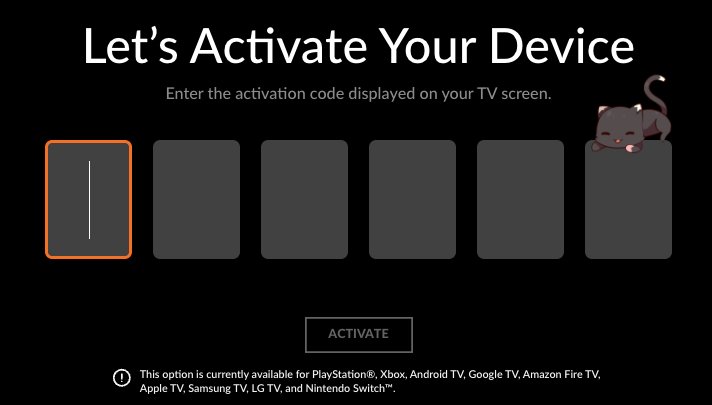
Activate Crunchyroll on a TV or console: choose Login with Activation Code, then enter the 6-character code at crunchyroll.com/activate. Fixes included.
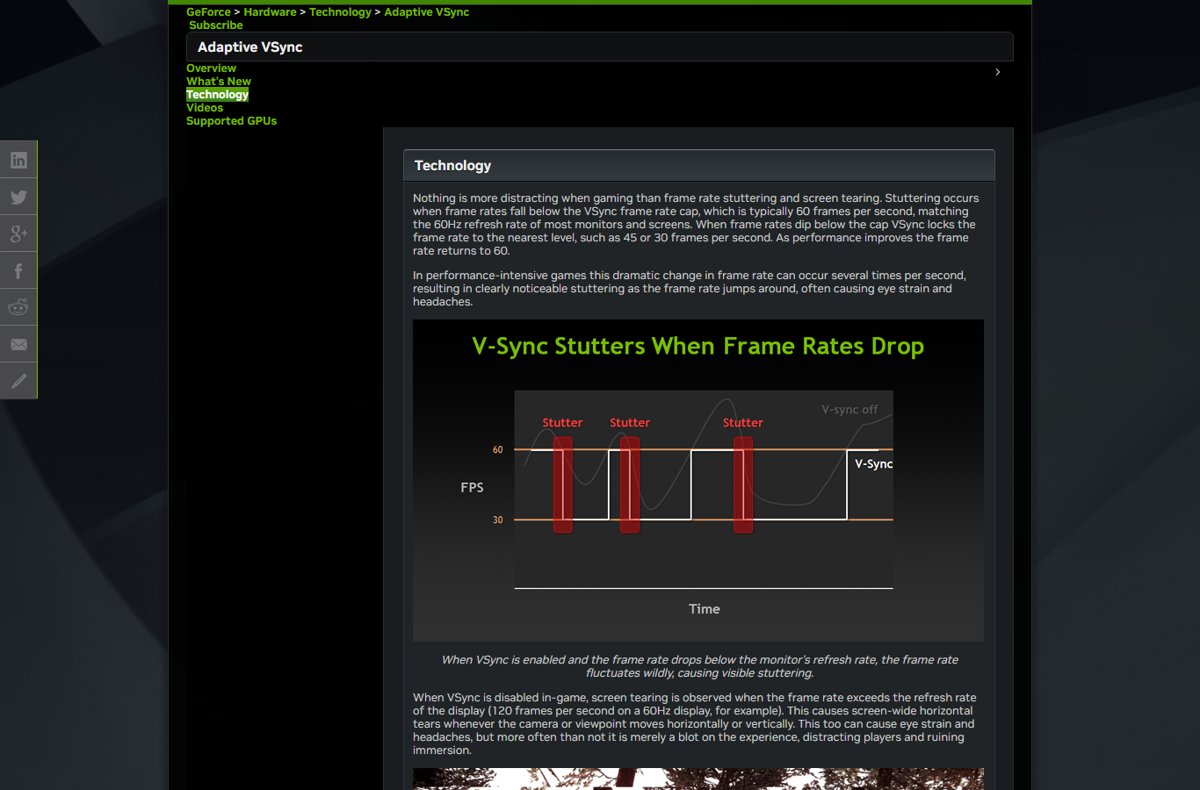
Turn on VSync in Windows 11 from a game’s graphics menu or NVIDIA Control Panel’s Vertical sync setting. Plus G-SYNC, variable refresh rate and fixes.