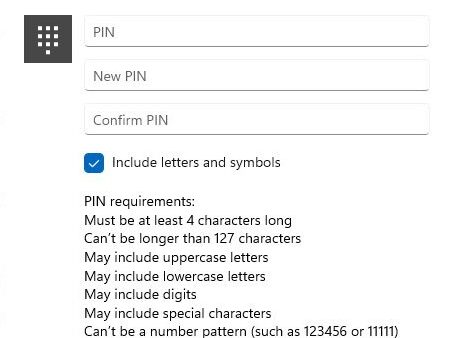
How to Change PIN on Windows 11 for Users
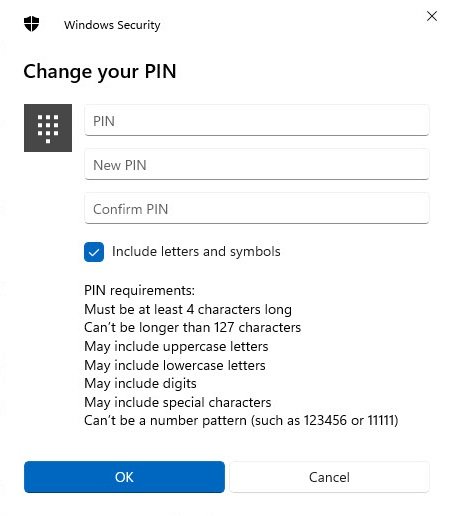
Change your PIN on Windows 11 in Settings > Accounts > Sign-in options > PIN (Windows Hello). Reset a forgotten PIN, set complexity, remove it and fix errors.
2,126 articles
Change your PIN on Windows 11 in Settings > Accounts > Sign-in options > PIN (Windows Hello). Reset a forgotten PIN, set complexity, remove it and fix errors.
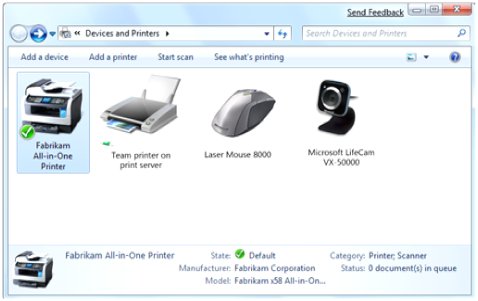
Open Devices and Printers in Windows 11/10 by typing control printers in Run. Also Control Panel, Settings, a desktop shortcut, and fixes when it will not open.
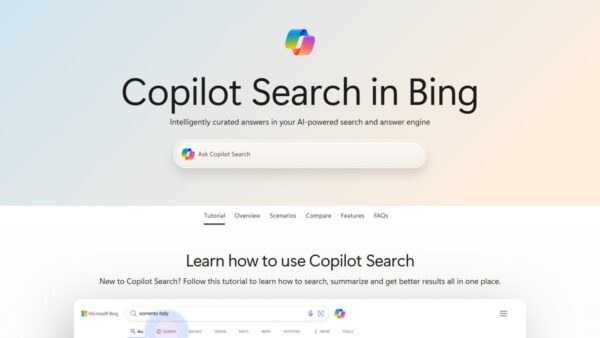
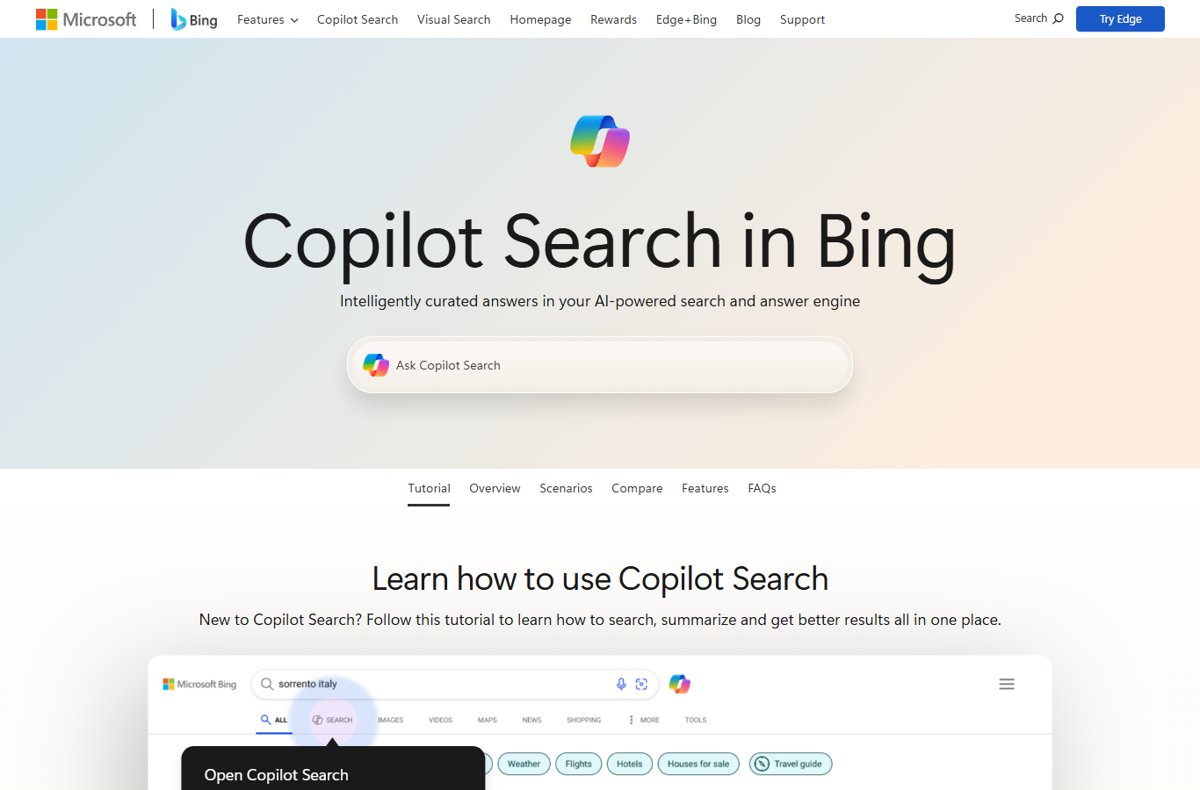
Enable Microsoft Bing AI search by opening bing.com/copilotsearch or the Copilot icon on Bing. Use it in Edge, on iPhone and Android, for images and voice search.
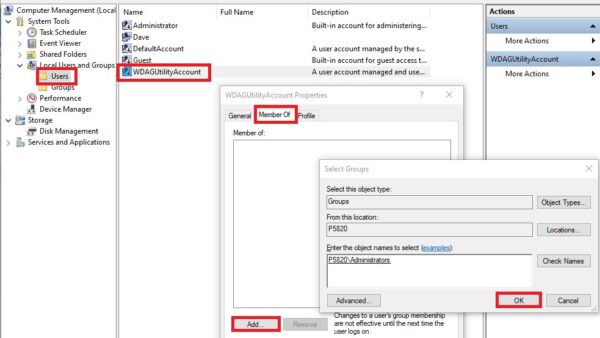
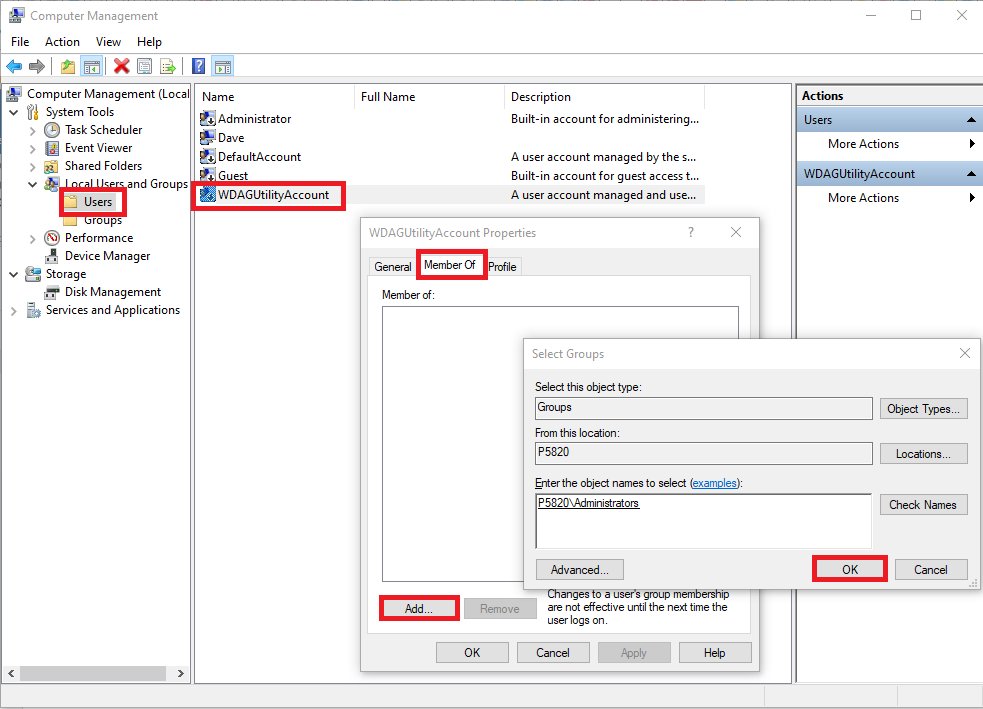
Add a user account in Windows 11 from Settings > Accounts > Other users, or with net user and New-LocalUser. Local accounts, family, admin rights and fixes.
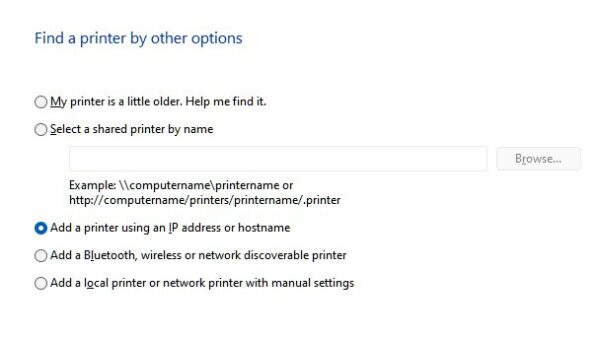
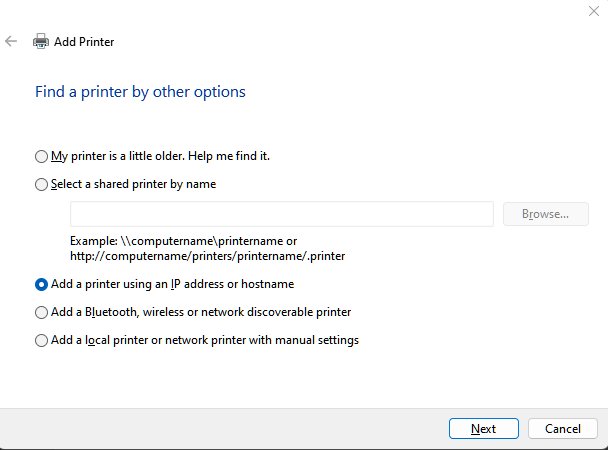
Connect a wireless printer to Windows 11 or 10 from Settings > Printers & scanners > Add device, then add it by IP address or Wi-Fi Direct if Windows misses it.

Install, uninstall and reinstall Bluetooth drivers on Windows 11/10 via Device Manager, Windows Update or your PC maker’s package, plus fixes if Bluetooth vanishes.


Install Google Play Games on your Windows PC: requirements, virtualization, download, sign-in, error code fixes and uninstall. The app is no longer labelled beta.
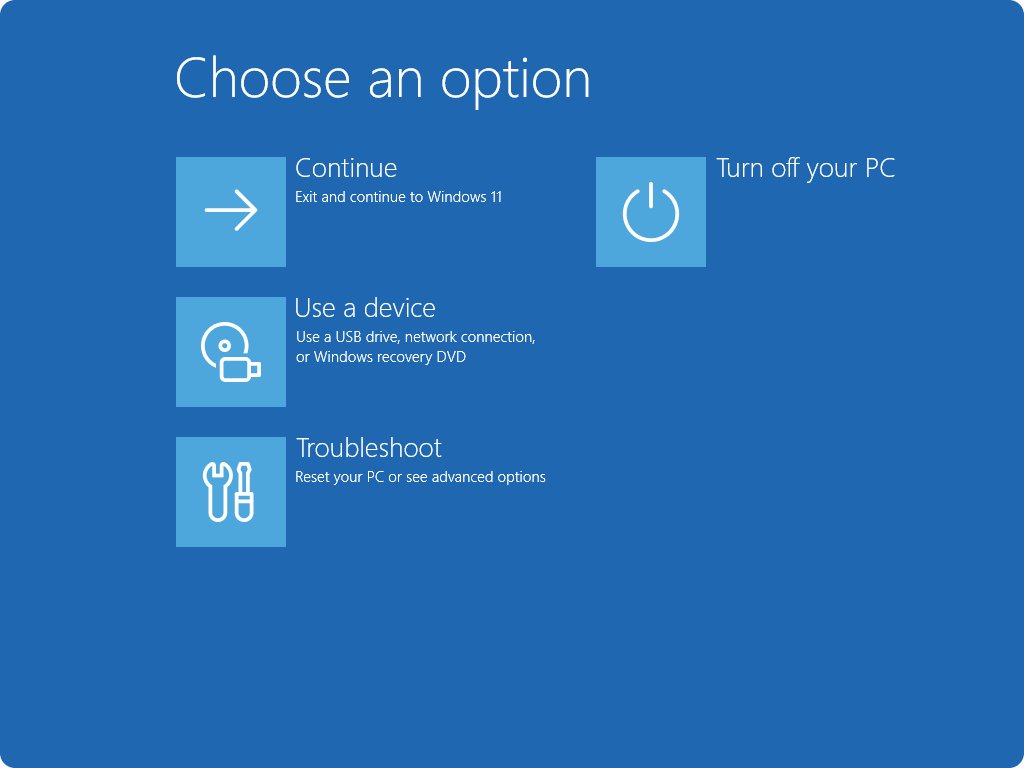
Access the boot manager in Windows 11 with Shift + Restart, Settings > Recovery, or shutdown /r /o. Firmware boot menus, USB media, bcdedit and fixes.
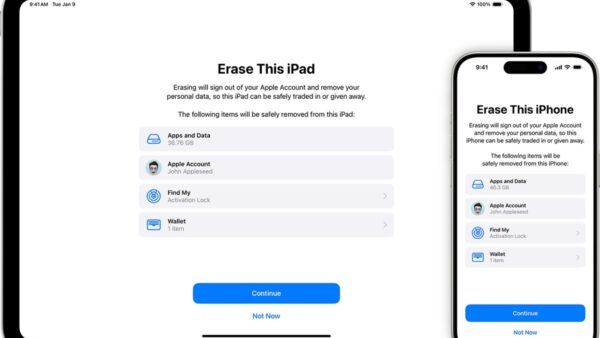
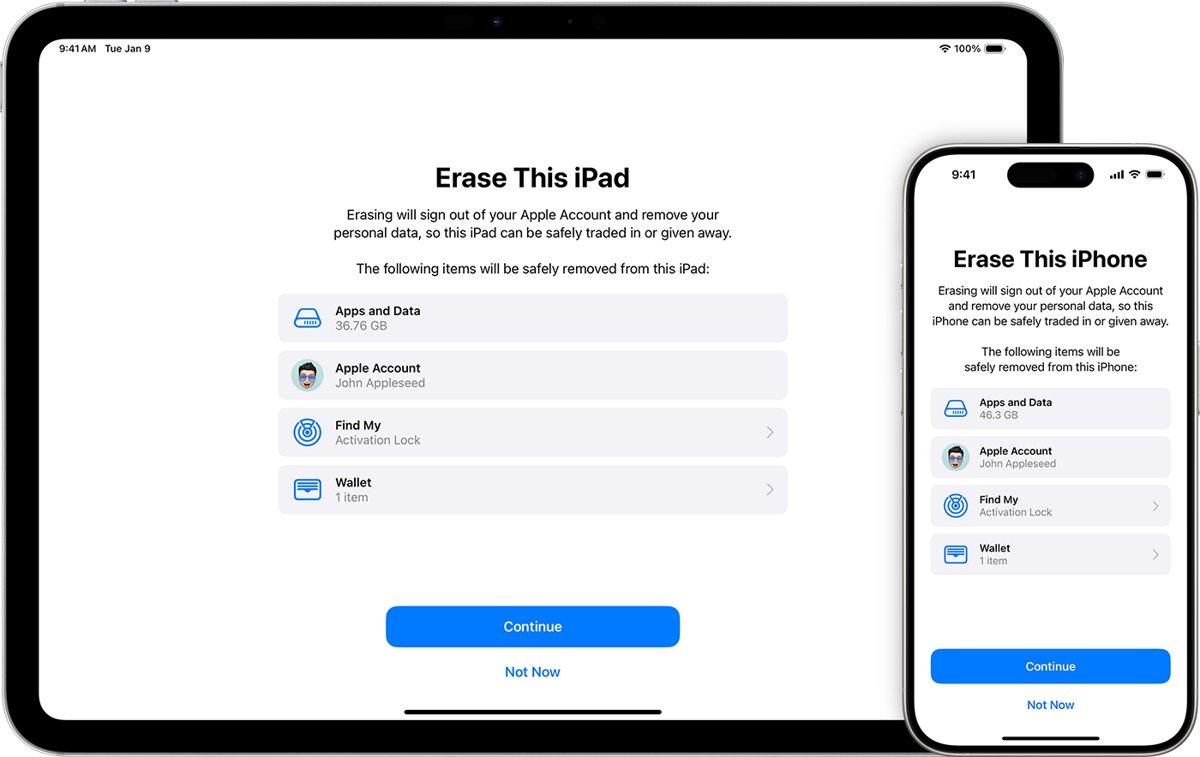
Factory reset an iPad from Settings, without the passcode, with a Mac or PC, or remotely with Find My. Recovery mode buttons for every model, plus Activation Lock.
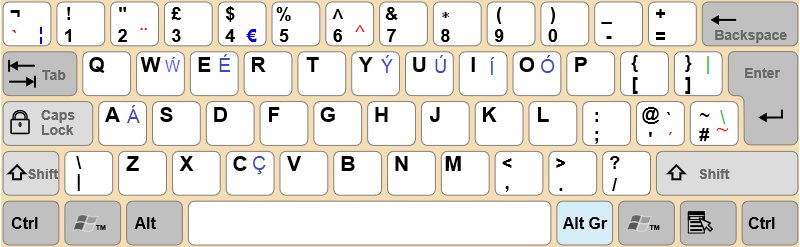
Type a forward slash on a PC or laptop keyboard with the / key beside the right Shift, the keypad divide key, or Alt + 47. Layout fixes and Mac, Chromebook, Linux.
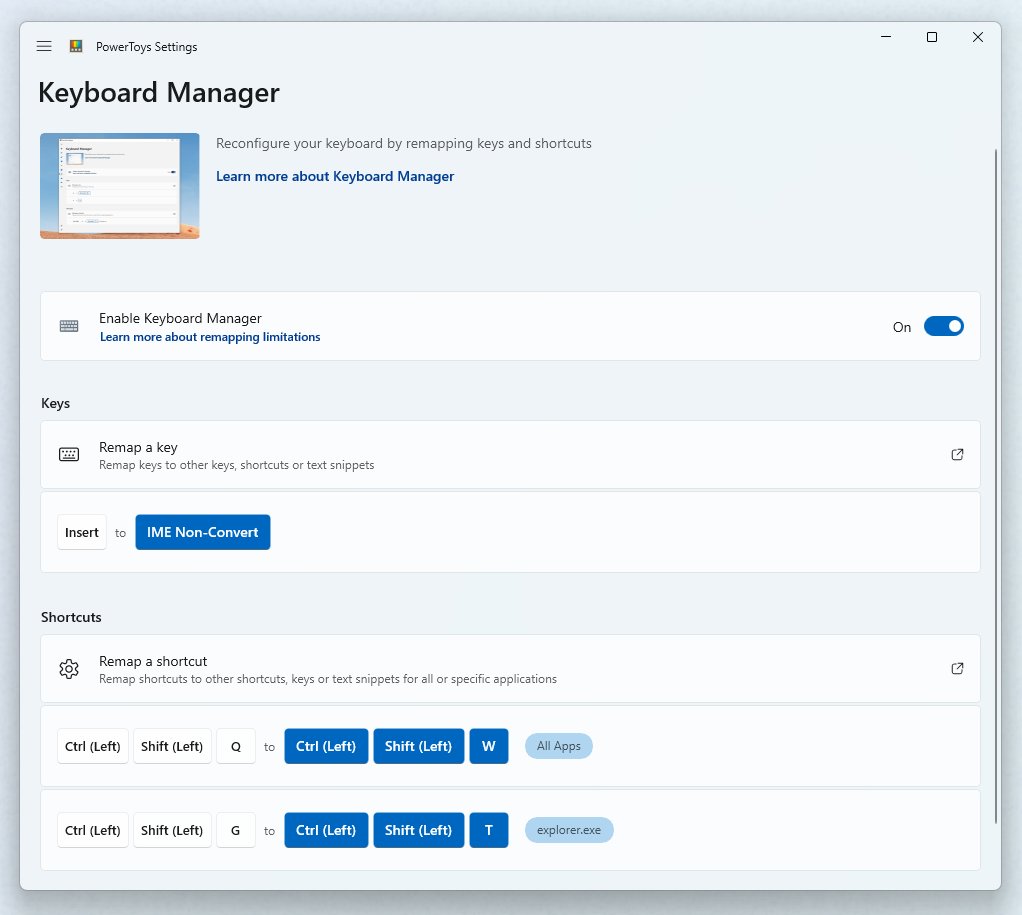
Change the Alt+F4 function in Windows 11 with PowerToys Keyboard Manager, block it with Keyboard Filter, or unbind it in one app. Steps, checks and fixes.
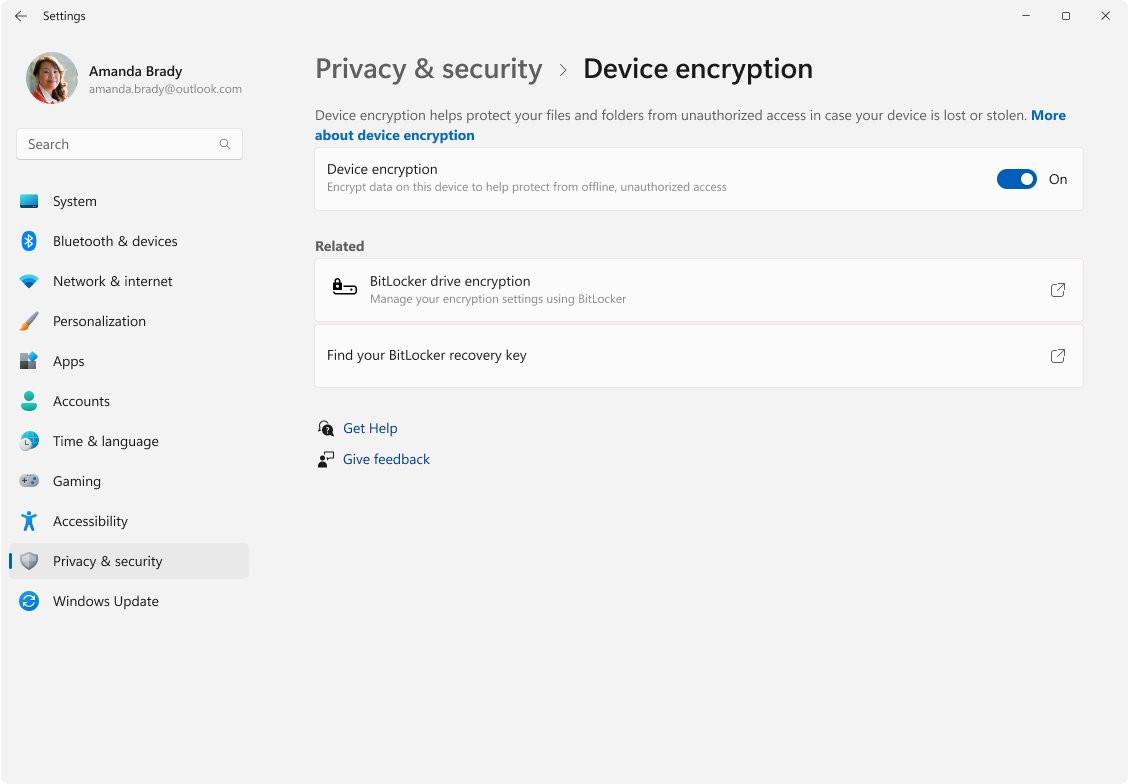
Device encryption in Windows 11 is automatic BitLocker for Home and Pro PCs. See the requirements, the 24H2 changes, how to turn it on or off and find your key.