
Convert MBR to GPT for Windows 11: Safe steps to UEFI boot

Convert MBR to GPT for Windows 11 without losing data: back up, run MBR2GPT /validate and /convert, then switch the firmware to UEFI and turn on Secure Boot.
4,022 articles

Convert MBR to GPT for Windows 11 without losing data: back up, run MBR2GPT /validate and /convert, then switch the firmware to UEFI and turn on Secure Boot.

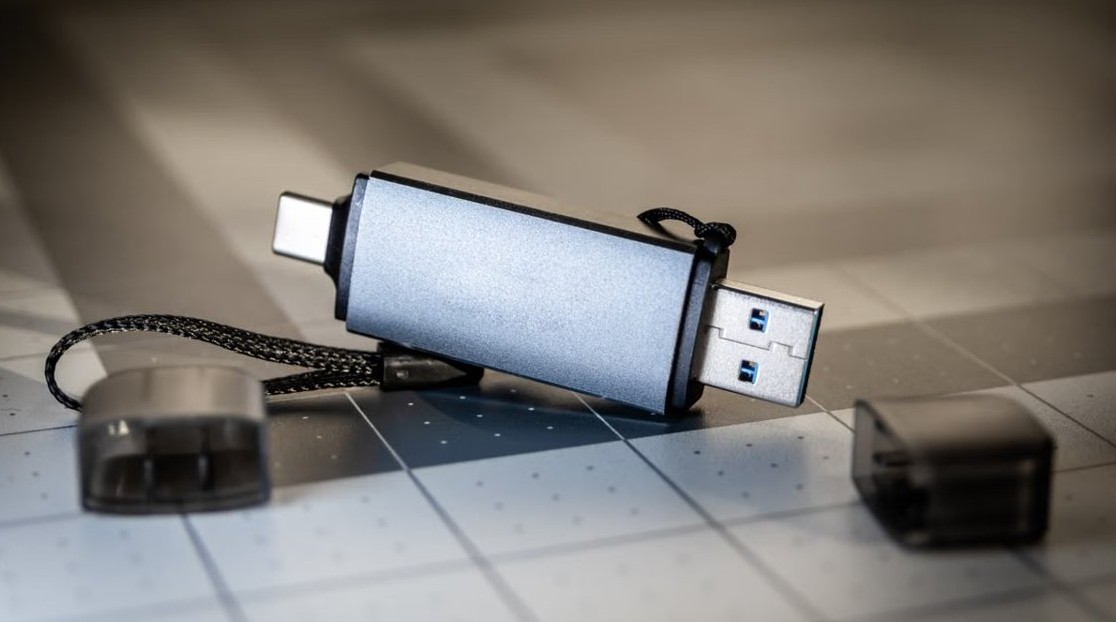
Windows PE (WinPE) is a small Windows OS for installing, deploying and repairing Windows. Uses, limits, the ADK download, USB creation and WinRE checks.

Disable Liquid Glass in iOS 26: switch it to Tinted, turn on Reduce Transparency and Reduce Motion, and change Clear Home Screen icons back to Default.


Allow Microsoft Edge through Windows Firewall in Windows 11/10 via Windows Security, firewall.cpl, wf.msc or PowerShell, then verify the rule and fix blocks.
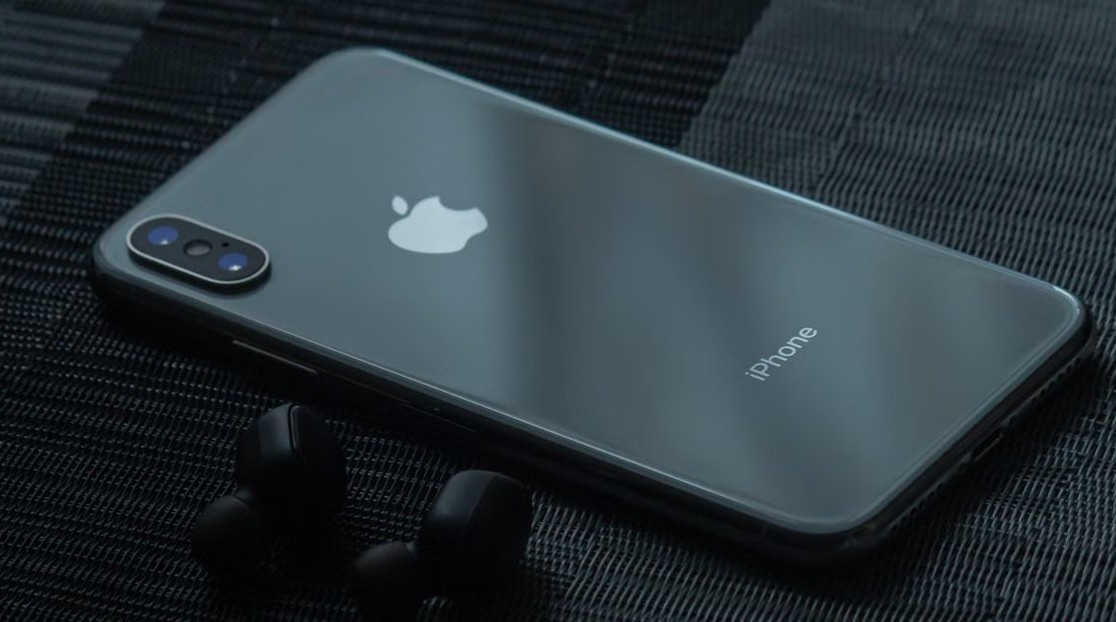
iTunes login: open iTunes on your PC, choose Account > Sign In and enter your Apple Account email and password. Steps for Apple Music, Mac, restore and login fixes.


Taskbar icons not showing on Windows 11 or 10? Restart File Explorer, clear the icon cache, check taskbar settings and tablet mode, then repair system files.
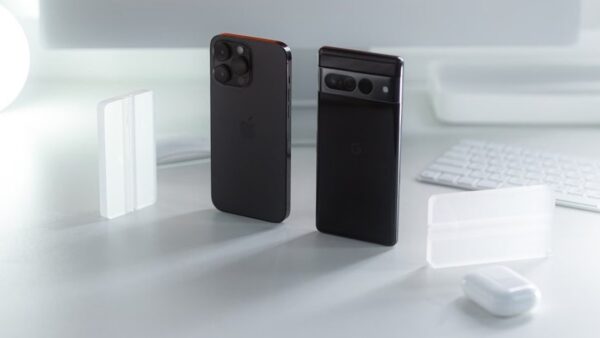
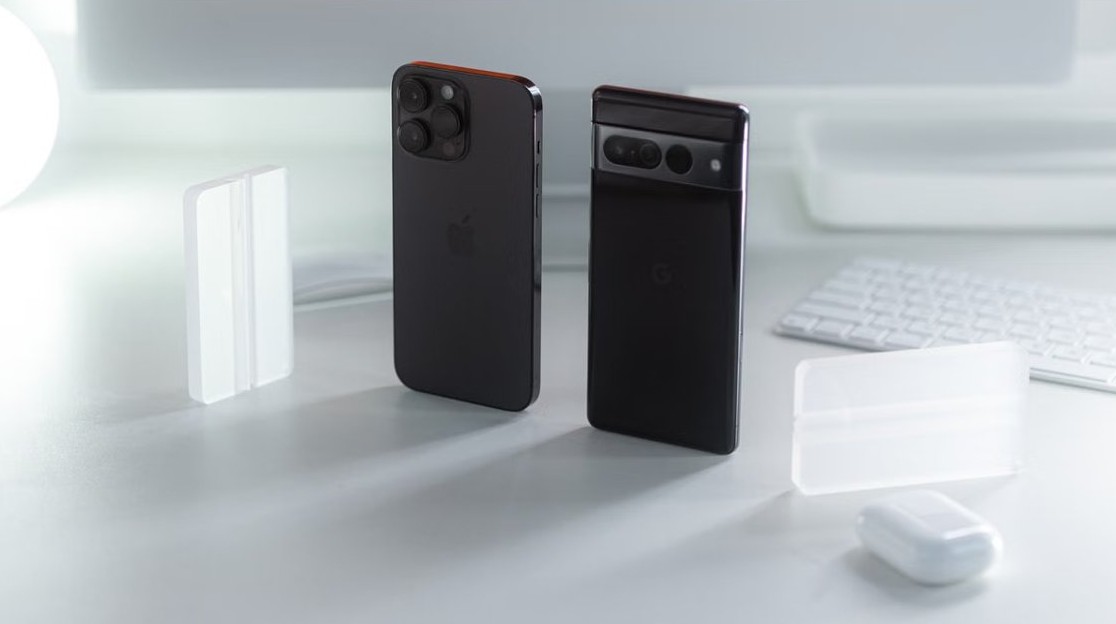
Set Safari as the default browser on iPhone 15 Pro in Settings > Apps > Default Apps > Browser App. Also find Safari settings, change its search engine and fix gaps.


How to use Windows 11 as a beginner: sign in, use Start and the taskbar, find files, connect to Wi-Fi, resize text, multitask, shut down and fix common snags.


Post anonymously on Facebook in a group with the Post anonymously toggle. Steps for PC and the app, anonymous comments, admin settings and fixes when it is missing.
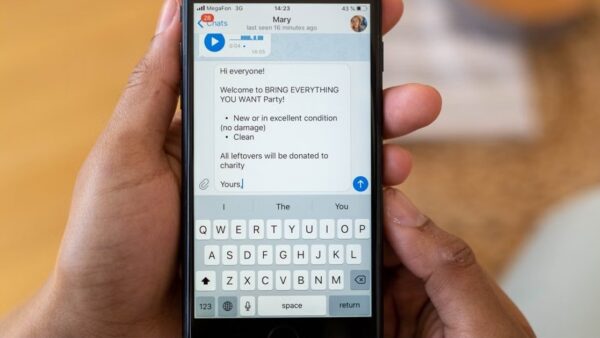
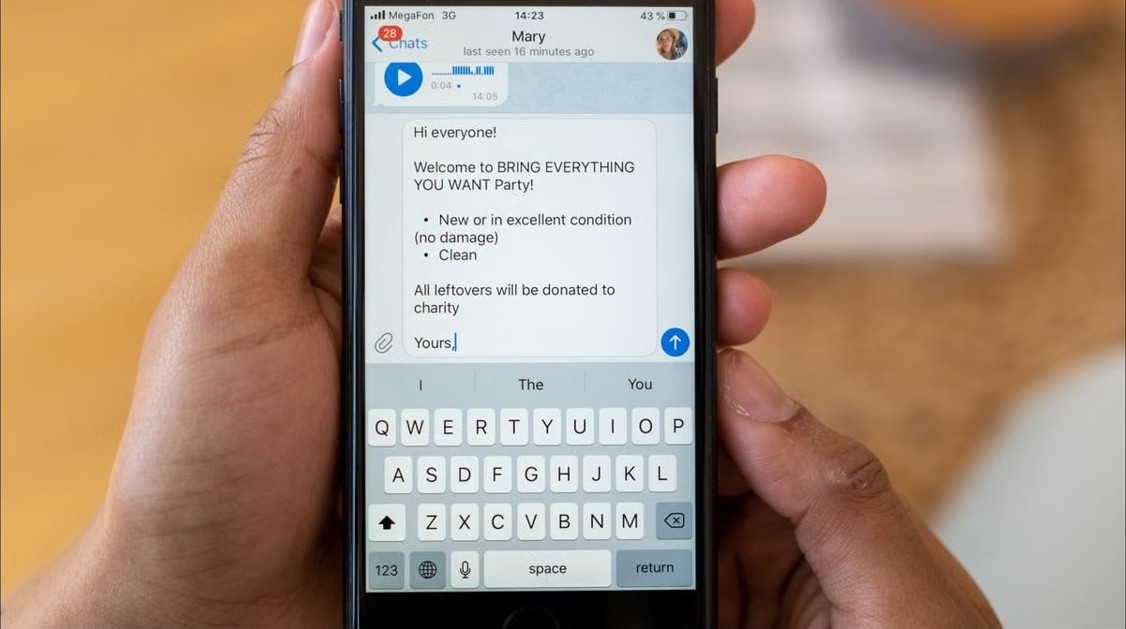
Cannot send mail, the sender address was invalid? Pick the right From account, fix the outgoing server and alias settings in Mail on iPhone, iPad and Mac.


Hotmail in Apple Mail now needs Modern Auth (OAuth2). Re-add the account as Outlook.com on iPhone or Microsoft Exchange on Mac, plus IMAP and SMTP settings.


Make a phone call from your computer for free with Google Voice in a browser, Phone Link on Windows, WhatsApp, or your iPhone on a Mac. Steps, costs and fixes.