How to make Spotify louder
Make Spotify louder by setting Volume level to Loud, raising its slider in the Windows Volume mixer, and tuning the equalizer. Steps for PC, phone and Xbox.
2,147 articles

Make Spotify louder by setting Volume level to Loud, raising its slider in the Windows Volume mixer, and tuning the equalizer. Steps for PC, phone and Xbox.
Amazon Games download for Windows 11 and 10: get the free app from Amazon, claim Prime and Luna games, check requirements and fix install problems fast.
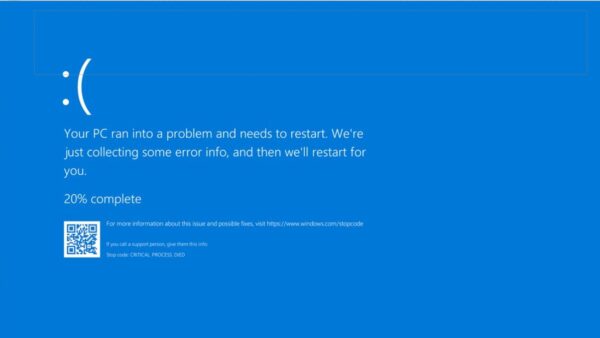
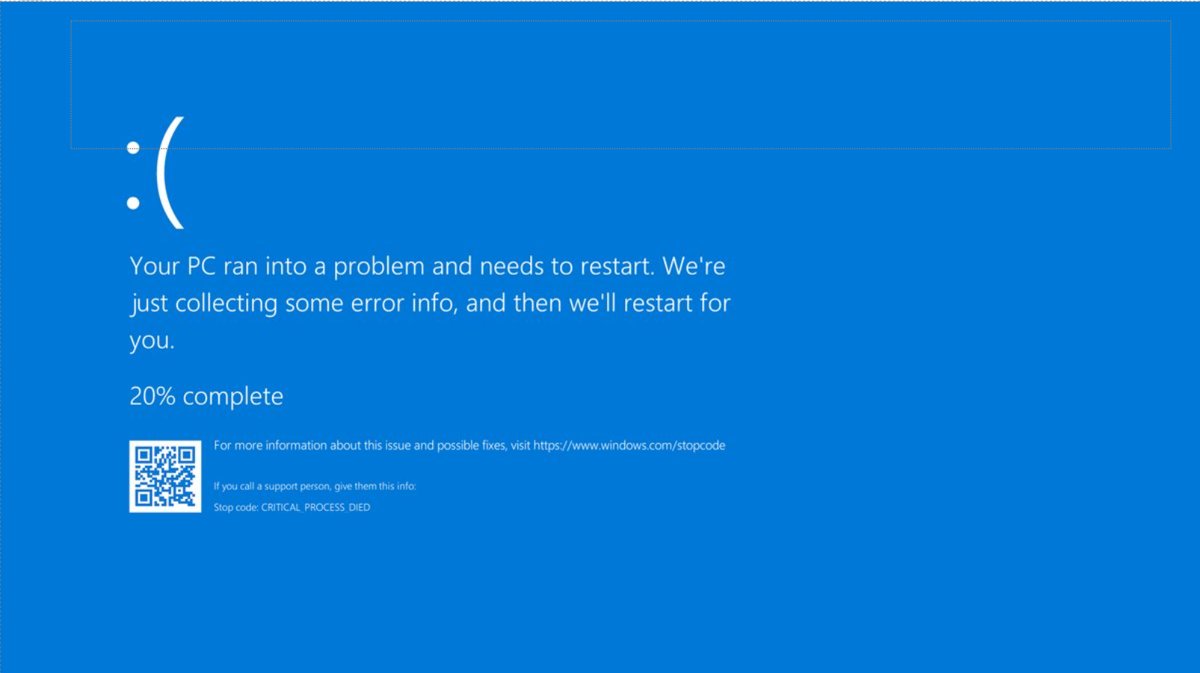
KMODE_EXCEPTION_NOT_HANDLED (0x1E) is a driver crash. Fix it by updating, rolling back or removing the named driver, then test RAM and repair system files.
Shutterfly download for PC and phone: install shutterfly.com as a desktop app on Windows 11, 10 and Mac, or get the free Shutterfly app for iPhone and Android.

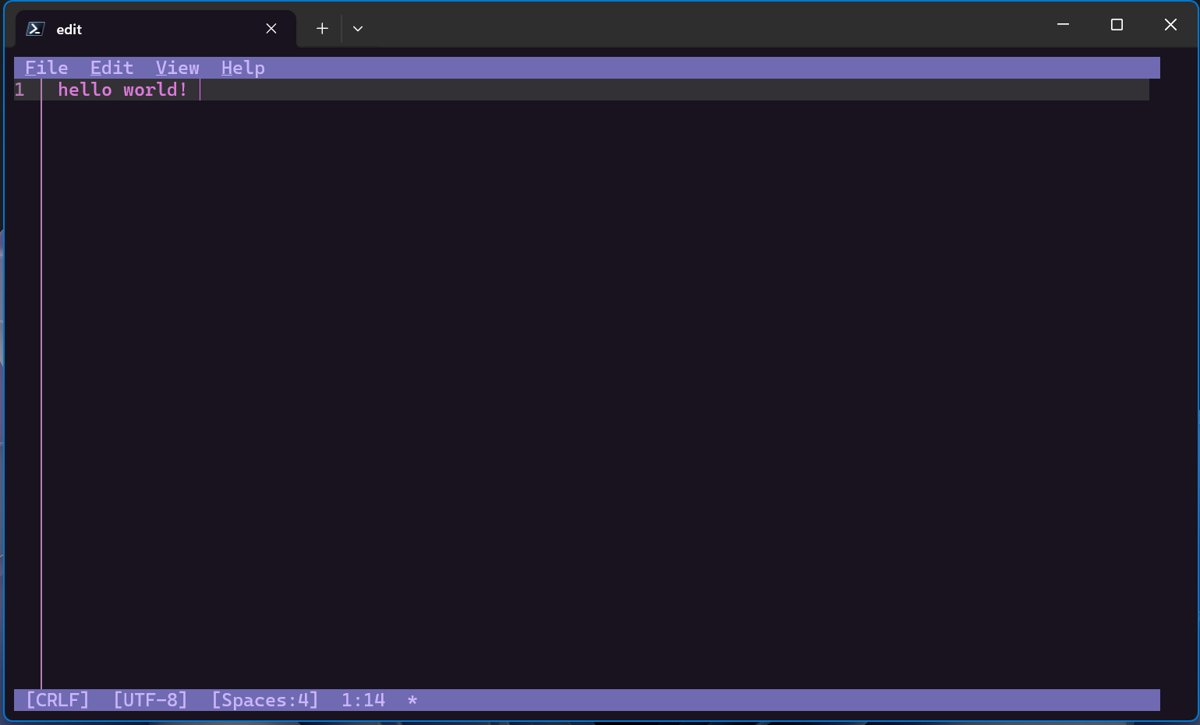
GUI, CLI and TUI explained: a GUI uses windows and a mouse, a CLI takes typed commands, and a TUI draws menus in text. Examples, pros, cons and when to use each.


What graphics card does the MacBook Pro have? Current models use the GPU built into Apple’s M5, M5 Pro or M5 Max chip, from 10 to 40 GPU cores, not a separate card.

Stardew Valley download for Windows 11/10, Mac and iPhone: buy it on Steam, GOG or the Microsoft Store, check the specs and fix install problems.
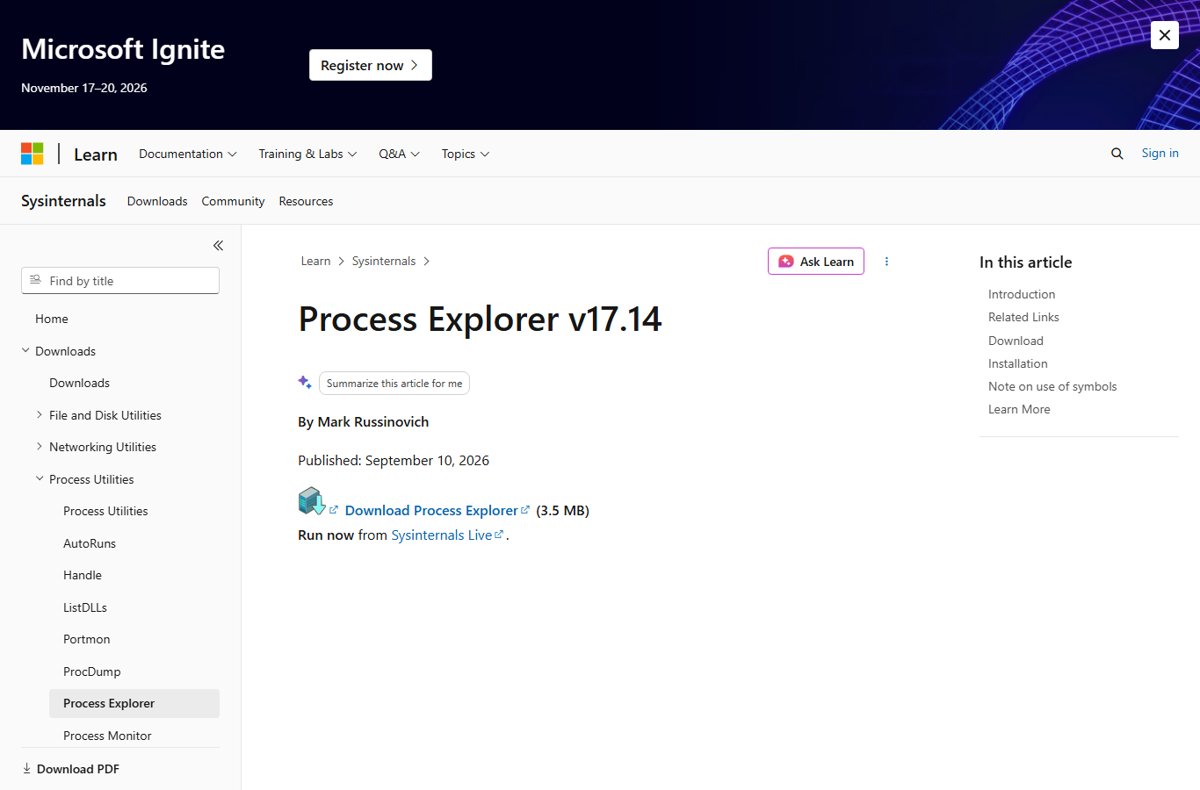
COM Surrogate in Windows 11 is dllhost.exe, a Windows process that runs COM components such as thumbnail handlers in isolation. Check, stop or fix it.
Power Apps download for PC is free: get the Windows 11 and 10 app from the Microsoft Store, run it in a browser on Mac, or install the phone app.
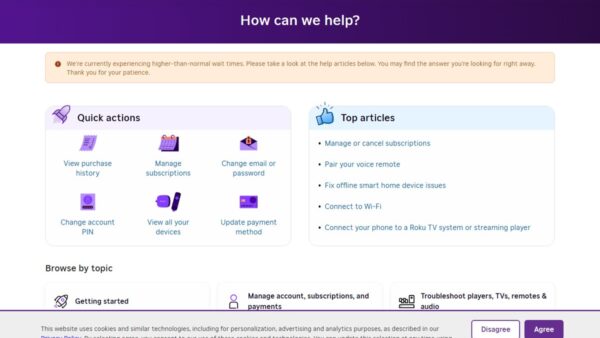
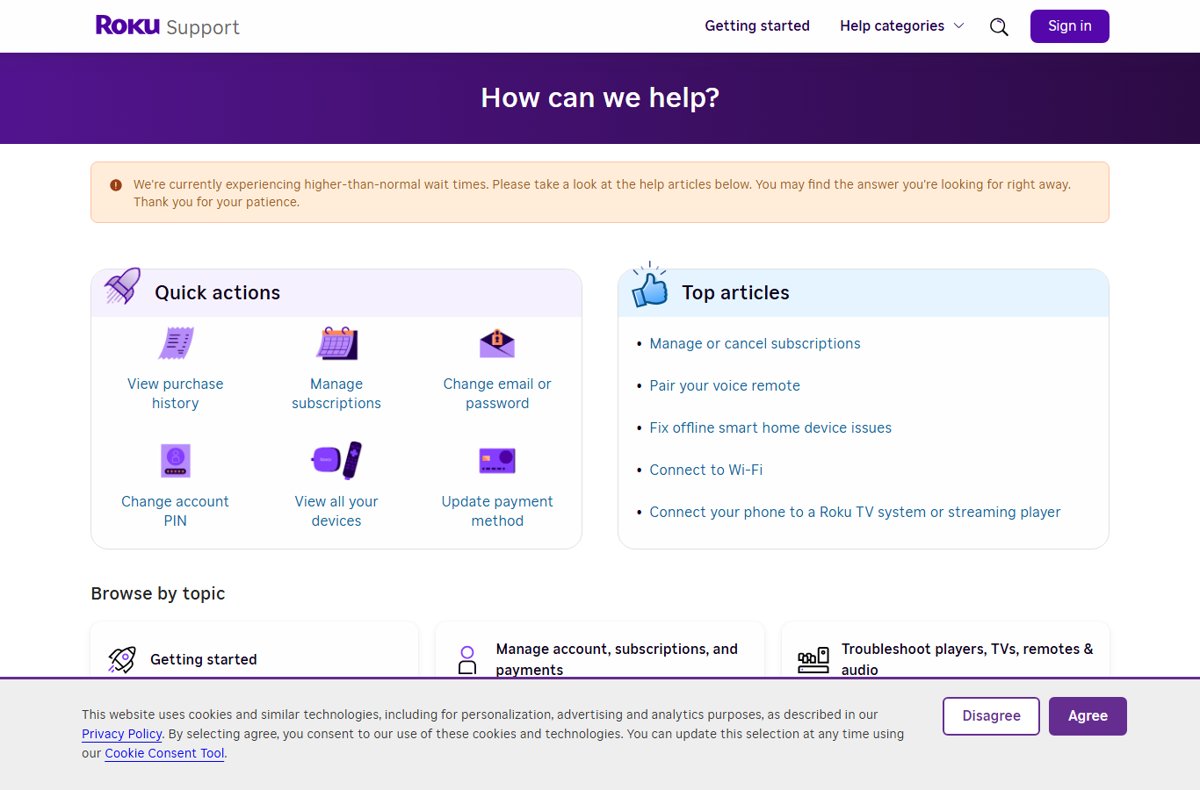
Contact Roku through live chat at support.roku.com, find the right number for Roku TV, Disney+ or Hulu billing, and avoid fake Roku support numbers.
The Sims 3 download for PC and Mac runs through the EA app or Steam. Get the official links, install steps, the 64-bit Mac build and fixes that work.
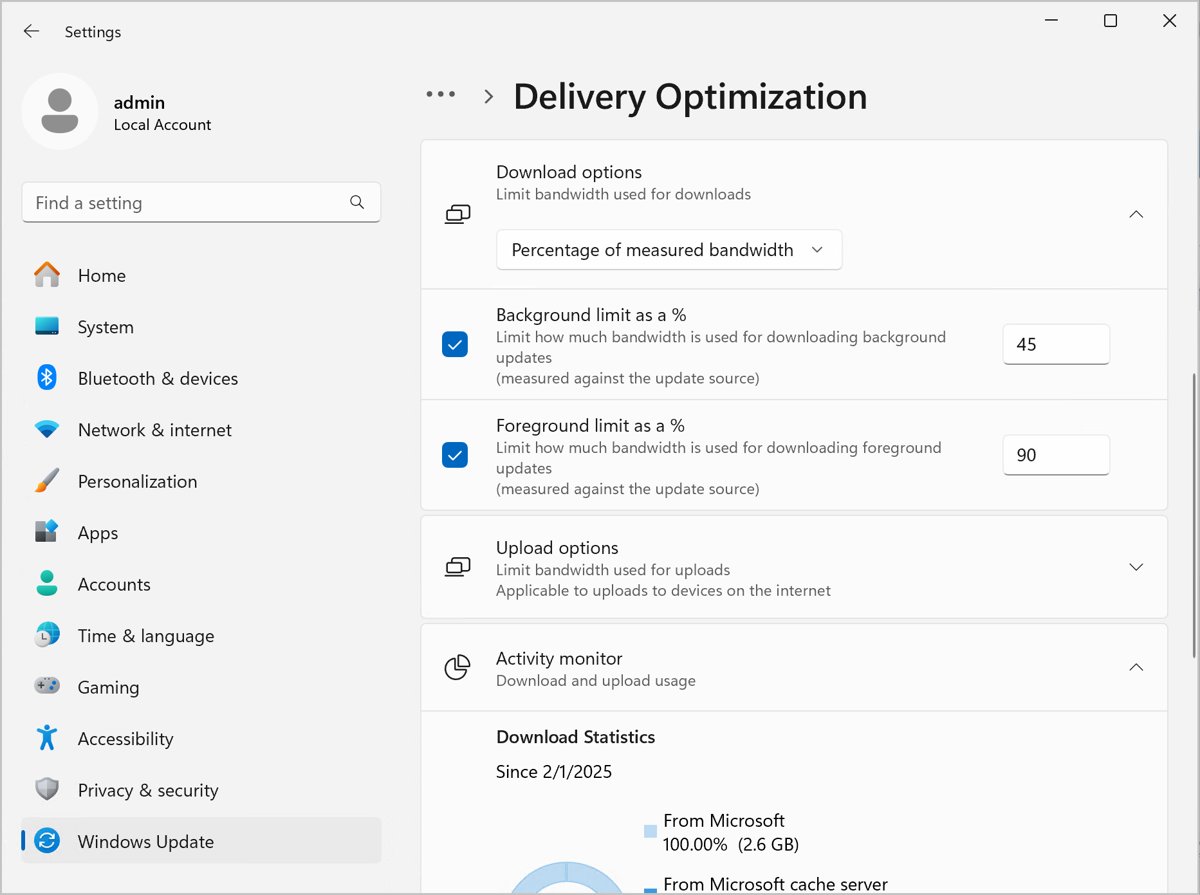
Download speed suddenly slow? Restart the modem and router, stop bandwidth-hungry apps, check metered and Delivery Optimization settings, and reset the network.