The iPhone Weather app and The Weather Channel show different temperatures because they come from two separate forecasting systems that read different weather stations and models for your location.
This guide explains where each app gets its numbers, why a gap of several degrees happens, how to make Apple Weather more precise, and how to use The Weather Channel on Apple Watch instead.
Why does Apple Weather show a different temperature than The Weather Channel?
Apple Weather and The Weather Channel are not two views of one feed. Apple builds its own forecast from national weather service models and station data, while The Weather Company runs its own forecasting system with its own station network.
Each app then picks a different station or grid point to represent your spot, and updates on a different schedule. A difference of a few degrees between them is normal, and a bigger gap usually means one app is not using your precise location.
Turn on Precise Location for both apps, compare the actual temperature (not Feels Like) at the same moment, and pick the app whose reading matches a thermometer at your home. Most large gaps come from location precision and station choice, which you can control; the forecasting models behind each app you cannot.
Where does the Apple Weather app get its data?
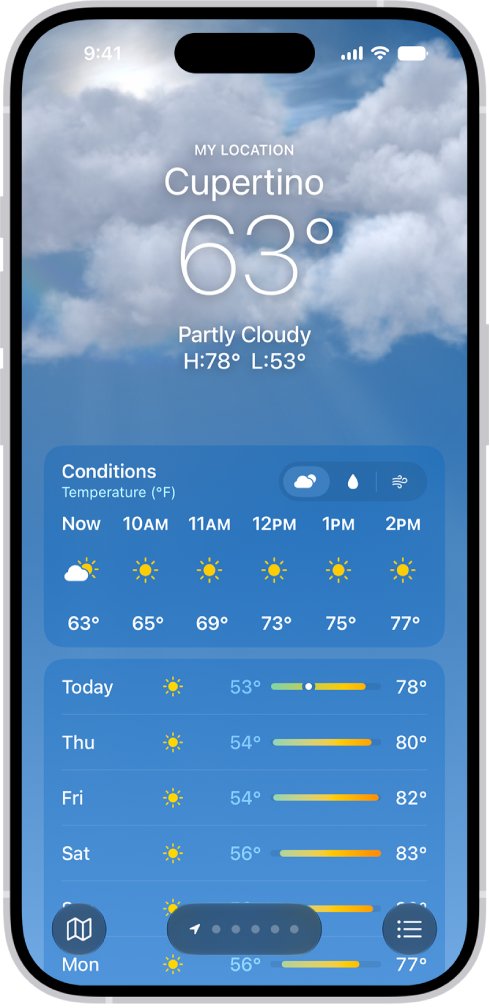
Apple states that the 10-day forecast and the temperature map data in the iPhone Weather app are provided by Apple Weather, Apple's own service, unless a feature says otherwise.
| Data type | Sources Apple lists (US and global) |
|---|---|
| Weather models | National Weather Service/NOAA, Environment and Climate Change Canada, Deutscher Wetterdienst, The Met Office/ECMWF, Japan Meteorological Agency, Météo-France |
| Weather station data | National Weather Service/NOAA, Japan Meteorological Agency |
| Radar | National Weather Service/NOAA, The Met Office |
| Severe weather alerts | National Weather Service in the US, plus national services in other countries |
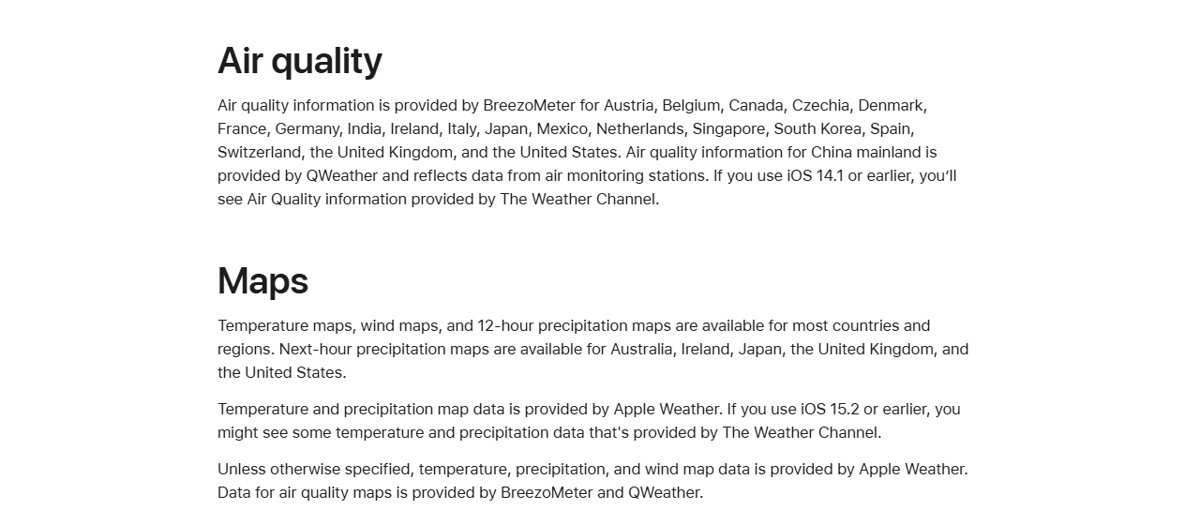
| Air quality | BreezoMeter in the US and many other countries |
| Next-hour precipitation | Apple, using national weather service data (US, UK, Ireland, Japan, Australia) |
Does Apple Weather use The Weather Channel data?
Not on current iPhones. Older iOS versions did pull some data from The Weather Channel, which is where the idea that Apple Watch shows Weather Channel numbers comes from.
| iOS version | Where temperature data comes from |
|---|---|
| iOS 15.2 or earlier | Some temperature and precipitation map data may come from The Weather Channel |
| iOS 14.1 or earlier | Air quality information came from The Weather Channel |
| Later iOS versions | Forecast and temperature map data come from Apple Weather |
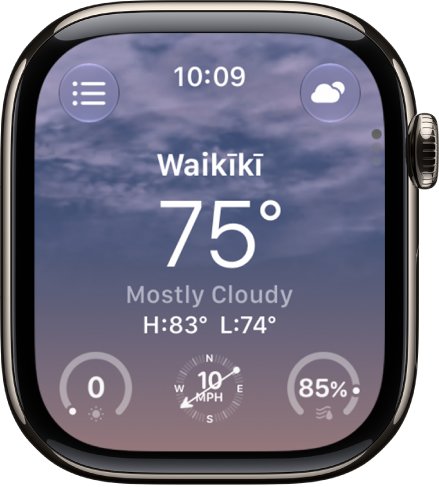
| Apple Watch Weather app | Uses the same Apple Weather data and the same location list as your iPhone |
Apple still lists The Weather Channel among the Weather app's data sources, but the forecast and temperature you see on a current iPhone and Apple Watch are Apple Weather's.
Where does The Weather Channel app get its temperature?
The Weather Company, which runs The Weather Channel and the Weather Underground app, documents its forecasting system on the Weather Underground site. It leans heavily on personal weather stations near your address.
| Part of the system | How it works |
|---|---|
| Forecast system | BestForecast, a private system for The Weather Company that blends models such as ECMWF, GFS and NAM |
| Grid size | One forecast every 4 km |
| Update rate | Forecast updated every 15 minutes |
| US current conditions | Over 180,000 stations, including about 2,000 airport ASOS stations and over 400,000 personal weather stations |
| Which station you see | The geographically closest station to your location |
| Feels Like | Calculated as its own forecast value, separate from the actual temperature |
Airport ASOS stations update hourly, while personal weather stations can report every few seconds. Two apps reading different station types can disagree for that reason alone.
Why does temperature vary in different weather apps?
Match the gap you see to a row, then use the fix in the last column.
| What you see | Likely cause | What to do |
|---|---|---|
| Gap of 1 to 3 degrees | Different station or grid point and update time | Normal; compare at the same minute |
| Gap of 5 degrees or more | One app uses approximate location or a far-away station | Turn on Precise Location for both apps |
| One app matches your car or porch thermometer | That app's station is closer to you | Use that app for current temperature |
| Numbers differ only on Feels Like | Feels Like adds wind and humidity | Compare actual temperature to actual temperature |
| Apple Watch differs from iPhone | Watch Location Services is off, so it shows a saved city | Turn on Location Services for Weather |
| Numbers look wildly off | One app is set to Celsius, the other to Fahrenheit | Match the units in both apps |
How to make the iPhone Weather app more accurate
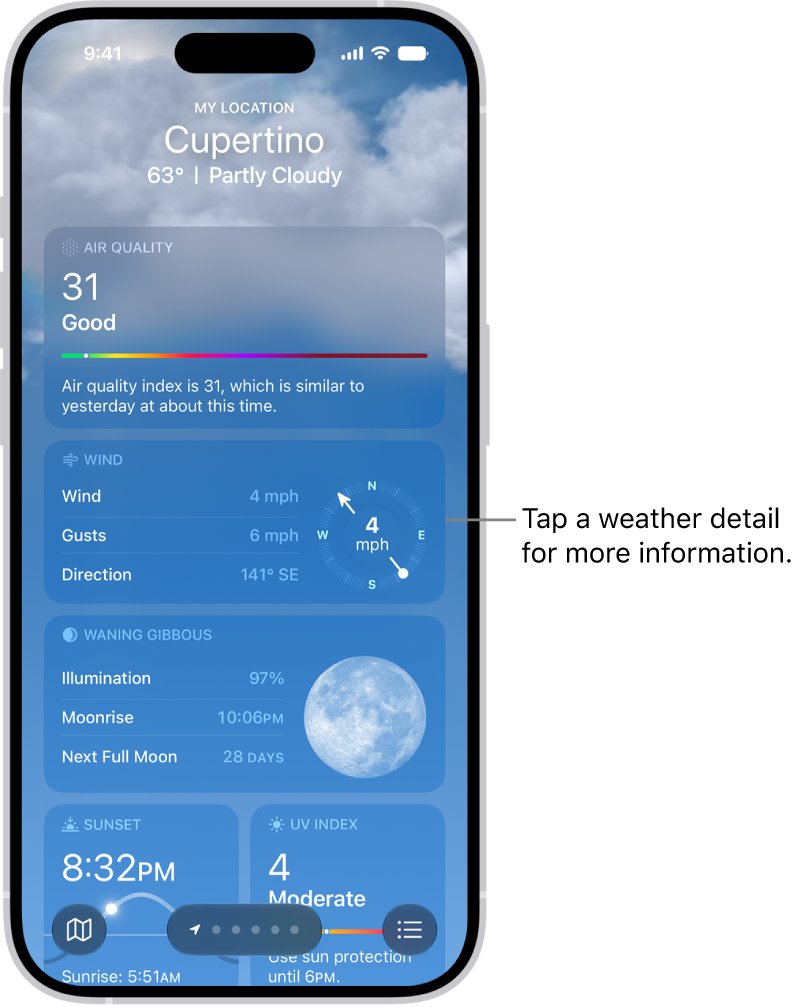
Apple says turning on Precise Location increases the accuracy of the forecast for your current location. Without it, Weather uses an approximate area that can be miles from you.
- Open the Settings app.
- Tap Privacy & Security, then tap Location Services.
- Make sure Location Services is on.
- Tap Weather and choose While Using the App or Always.
- Turn on Precise Location.
- Open Weather and tap My Location in your location list to refresh the reading.
How to set The Weather Channel app to your precise location on iPhone
The Weather Channel picks the closest station to the location iPhone gives it, so an approximate location can put you on a station in the next town.
- Open the Settings app.
- Tap Privacy & Security, then tap Location Services.
- Scroll down and tap The Weather Channel app.
- Choose While Using the App or Always.
- Turn on Precise Location.
- Reopen The Weather Channel app and check that it shows your current location.
If the app closes as soon as you open it, fix The Weather Channel app crashing before you change its location settings.
How to report wrong temperature in the iPhone Weather app
Apple lets you report conditions that do not match what the app shows. The report is not linked to your Apple Account.
- Open the Weather app.
- Tap the list button to see your locations.
- Tap the More button, then tap Report an Issue.
- Tap the options that describe the weather where you are.
- Tap Submit.
How to use The Weather Channel on Apple Watch
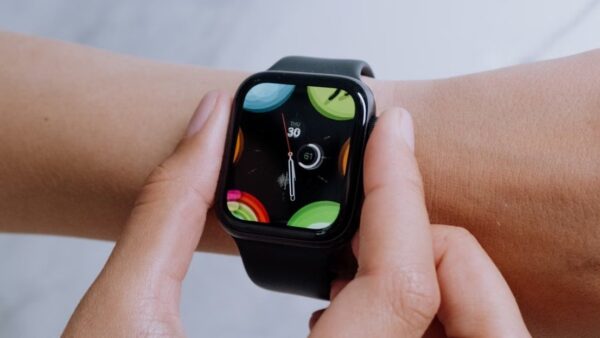
The Weather Channel app supports Apple Watch, so you can check its temperature on your wrist instead of Apple Weather's. Watch faces show the built-in Weather complication until you change it.
- Install The Weather Channel on your iPhone from the App Store, then install its Apple Watch app.
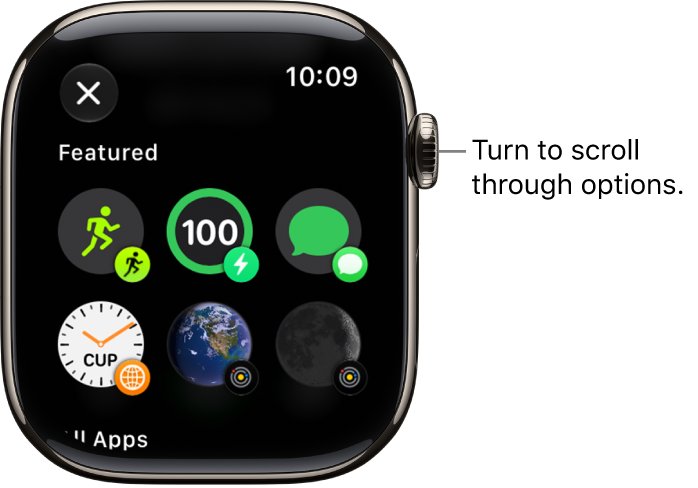
- On your Apple Watch, touch and hold the watch face, then tap Edit.
- Swipe left all the way to the complications screen.
- Tap the weather complication you want to replace.
- Turn the Digital Crown to pick The Weather Channel, if the app offers a complication for that slot.
- Press the Digital Crown to save, then tap the face to use it.
If no Weather Channel complication appears, choose an empty slot or a different face; Apple notes that only some App Store apps include complications. You can also download The Weather Channel for PC and Mac to compare readings on a computer.
How to change the location on the iPhone Weather widget
A Home Screen widget set to a saved city will not match The Weather Channel's reading for your current spot.
- Touch and hold the Weather widget on your Home Screen.
- Tap Edit "Weather" or Edit Stack.
- Tap the location shown, such as My Location.
- Search for a city or tap a location from your list.
- Tap outside the widget to return to the Home Screen.
How to compare Weather app and Weather Channel temperatures
A fair comparison removes the differences that have nothing to do with accuracy.
- Set both apps to the same unit; in Apple Weather tap the list button, the More button, then Units, and choose Fahrenheit or Celsius.
- Open both apps within the same minute.
- Make sure both show your current location, not a saved city.
- Read the actual temperature in each, not the Feels Like value.
- Check the reading against a thermometer in the shade outside your home.
- Repeat at a few times of day before deciding which app suits your location.
iPhone Weather app temperature wrong: what to do
Weather shows the temperature for another town
Location Services or Precise Location is off for Weather.
- Open Settings > Privacy & Security > Location Services > Weather.
- Choose While Using the App and turn on Precise Location.
- Open Weather and tap My Location.
Apple Watch shows a different temperature from iPhone
The watch cannot get local weather without Location Services, so it falls back to a saved location.
- On iPhone, open Settings > Privacy & Security > Location Services.
- Make sure Location Services is on and Weather is allowed.
- Open Weather on Apple Watch and check that your current location appears first.
Apple Weather is several degrees off from a home thermometer every day
The station or grid point Apple uses is not representative of your exact spot.
- Open Weather, tap the list button, then tap the More button.
- Tap Report an Issue, describe the conditions, and tap Submit.
- Use The Weather Channel for current conditions if its closest station matches your reading better.
The two apps disagree by a huge number, such as 20 to 30 degrees
One app is showing Celsius and the other Fahrenheit.
- In Weather, tap the list button, the More button, then Units.
- Choose Fahrenheit or Celsius to match The Weather Channel app's setting.
Weather app vs Weather Channel temperature FAQ
Why do temperatures differ between weather apps?
Each app uses its own forecasting system, its own mix of weather stations and models, and its own update schedule. Apple Weather builds its forecast from national weather service data, while The Weather Channel uses The Weather Company's system and the closest station to you.
Which is more accurate, Apple Weather or The Weather Channel?
Neither is right everywhere. The Weather Channel calls itself the world's most accurate forecaster, citing a ForecastWatch study The Weather Company commissioned. For current temperature, the better app is the one whose station sits closest to you, so compare both against a home thermometer.
Does Apple Watch use The Weather Channel?
No. The Apple Watch Weather app uses Apple Weather data and the same location list as your iPhone. Only iOS 15.2 and earlier showed some Weather Channel temperature data. To see Weather Channel numbers on your wrist, install The Weather Channel's Apple Watch app.
Why is the feels like temperature different?
Feels Like adds the effect of wind and humidity to the air temperature, so it can sit well above or below the actual reading. Each app calculates it its own way, so always compare actual temperature with actual temperature when checking two apps.
Why does the same temperature feel different?
Humidity, wind and sun change how warm or cold the air feels at the same reading. That is why weather apps show a separate Feels Like value next to the actual temperature, and why two apps can show the same temperature but different Feels Like numbers.
Why does temperature vary in different places nearby?
Temperature changes over short distances with shade, pavement, open fields and wind. An app that reads an airport station a few miles away can differ from a backyard reading, which is why The Weather Company also uses personal weather stations near homes.
How to calculate temperature difference between two apps?
Subtract the lower reading from the higher one, using the same unit in both apps. A difference of 1 degree Celsius equals a difference of 1.8 degrees Fahrenheit, so a 5-degree Celsius gap is a 9-degree Fahrenheit gap.
Why does my iPhone weather say a different temperature than my car?
A car sensor measures the air where the car is parked or driving, while the iPhone Weather app reports a forecast point or station that may be miles away. Turn on Precise Location for Weather to bring the reading closer to your actual spot.