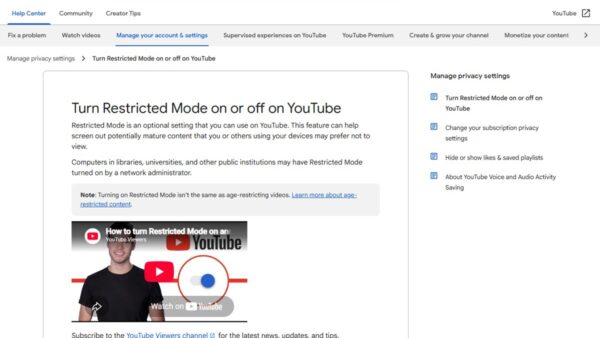
YouTube restricted mode: what is it, how to disable, and problems and fixes
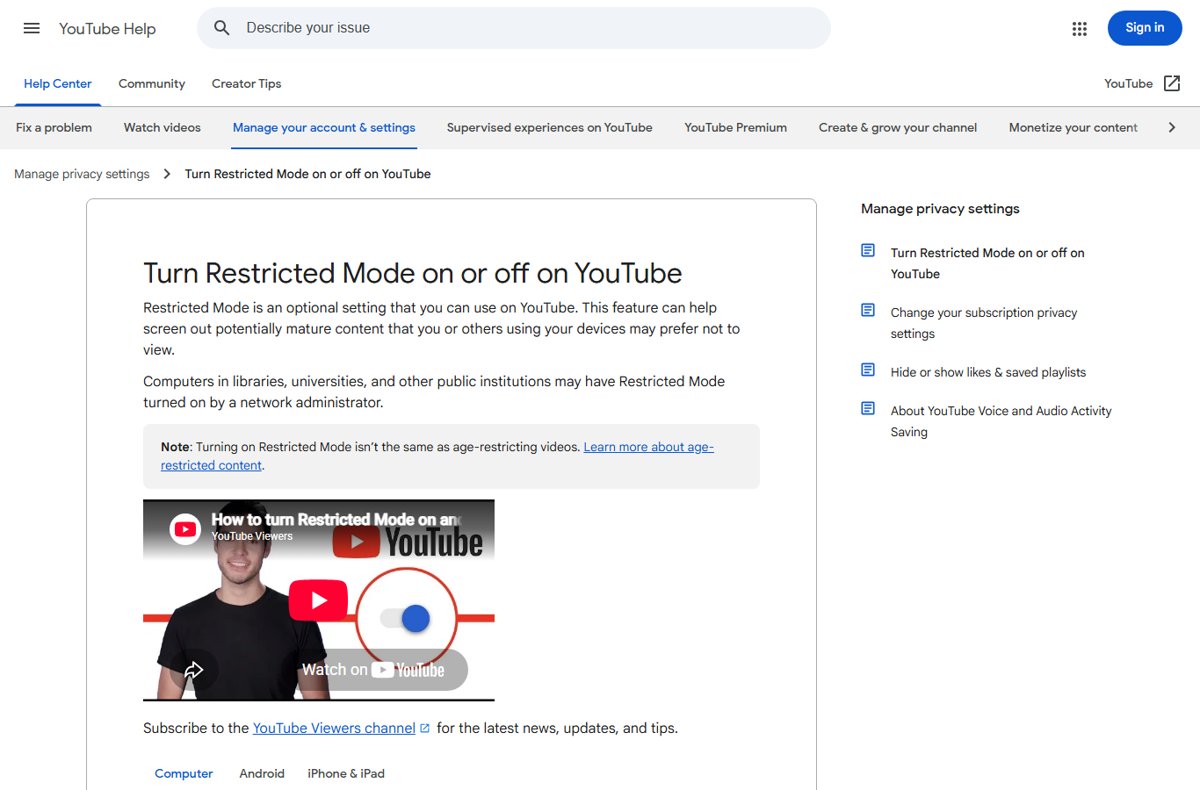
YouTube Restricted Mode filters mature videos. Turn it off from your profile photo menu on a computer, phone or TV, and fix it when it stays locked on.
2,148 articles

YouTube Restricted Mode filters mature videos. Turn it off from your profile photo menu on a computer, phone or TV, and fix it when it stays locked on.
RealVNC Connect download for Windows 11, Windows 10, Mac and Linux: pick the setup app or MSI, install steps, free Lite plan, requirements and fixes.
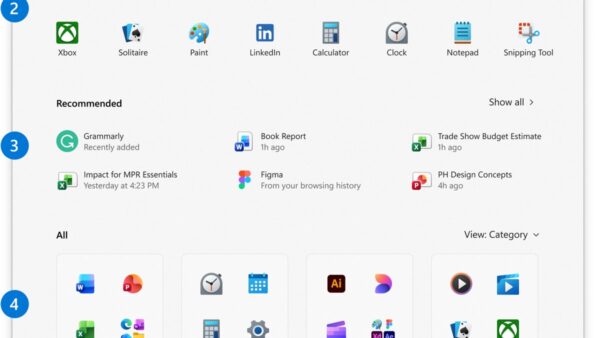
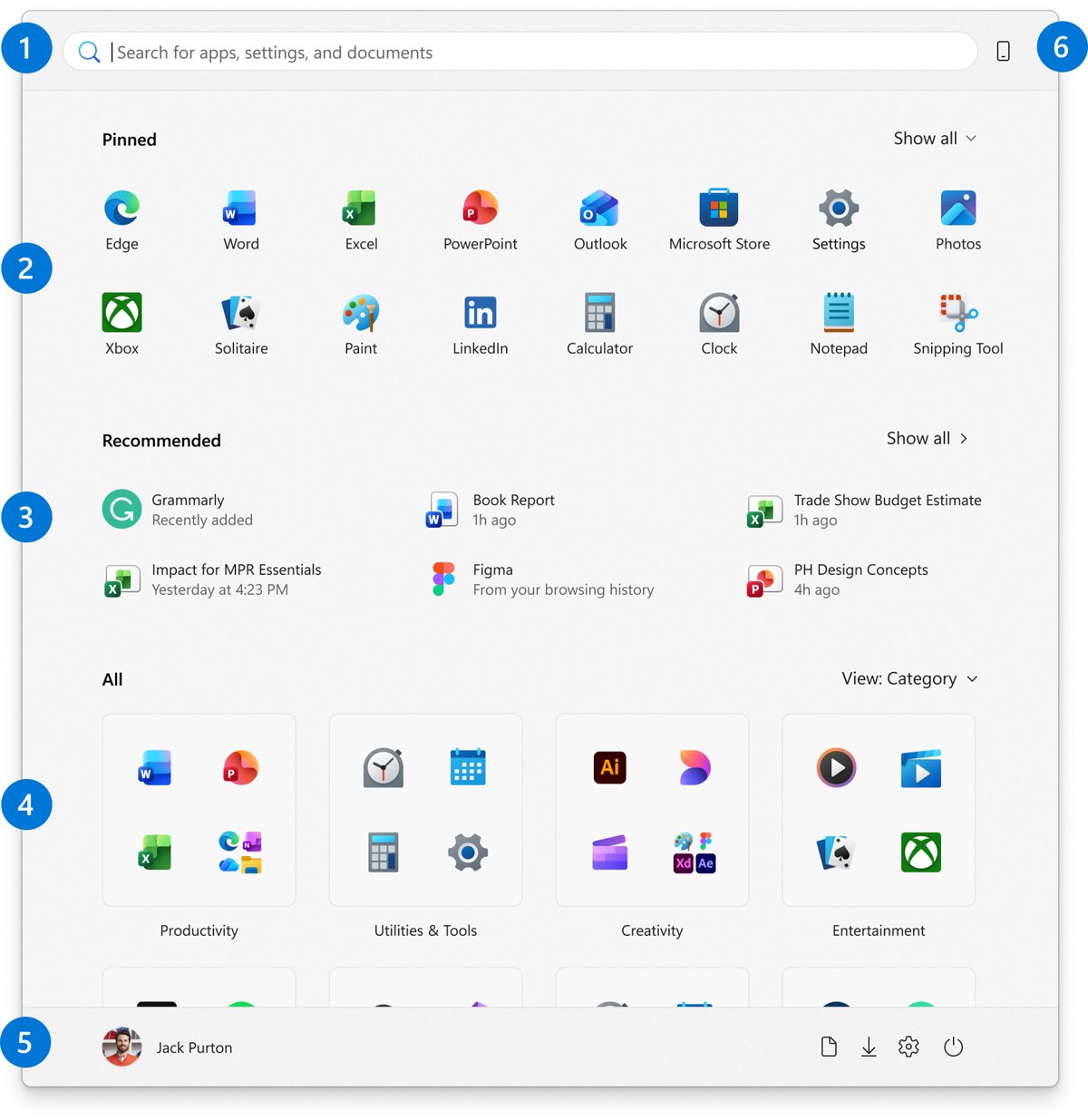
Add the EA app to your desktop by installing it from ea.com, then dragging it from Start > All onto the desktop. Pin, sign in, fix install errors and uninstall.
FSLogix download for Windows 11, Windows 10 and Windows Server: get the 113.7 MB archive from Microsoft, free with an eligible Microsoft 365 or RDS license.
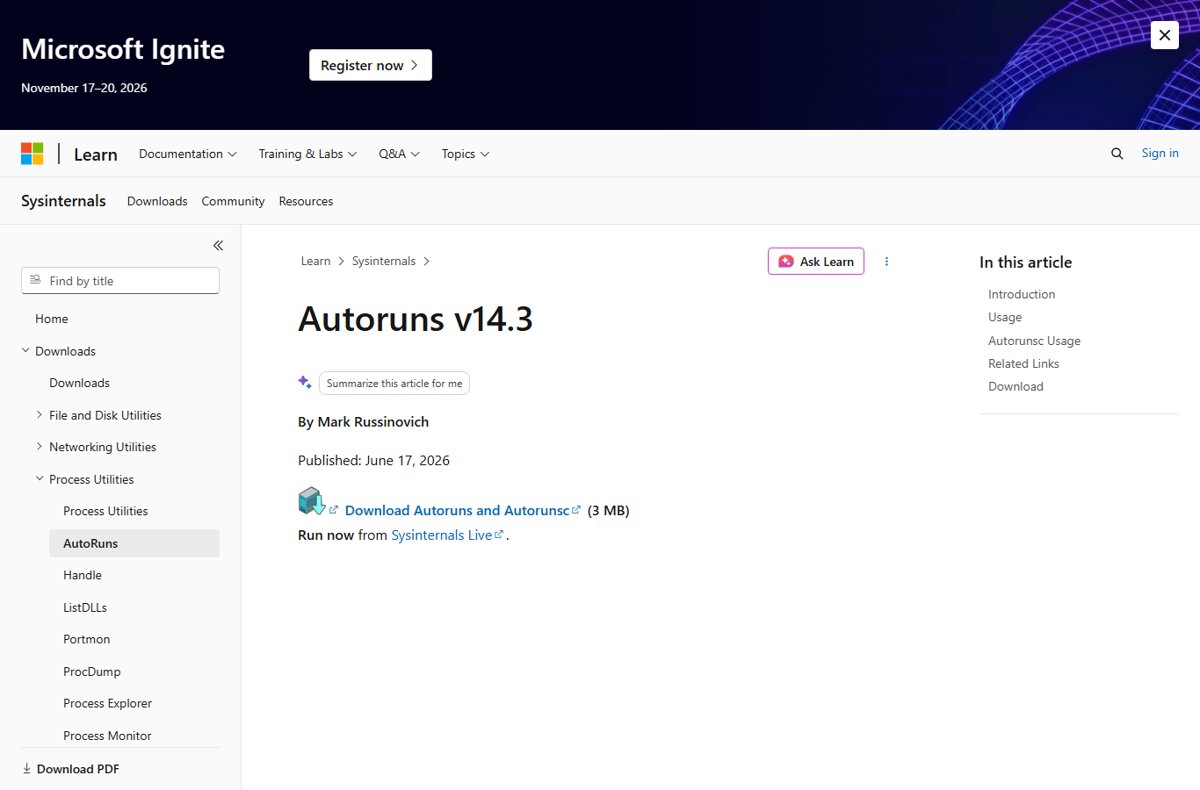
View all startup programs in Windows 11 and 10 with Task Manager, Settings, shell:startup, the Run registry keys, Services, PowerShell and Autoruns.
Pokémon GO download for iPhone and Android: get the free game from the App Store or Google Play, check requirements, fix errors and see PC and Mac options.
The Weather Channel download for PC and Mac: install weather.com as a desktop app on Windows 11, 10 and macOS, and get the free app for iPhone and Android.
Access a RocketMail account by signing in to Yahoo Mail with your full @rocketmail.com address. Covers phone apps, mail apps, password recovery and login fixes.
Lorex Home download for PC and Mac: get the free Lorex Classic app for iPhone and Android, plus Lorex Cloud Client for Windows 11, Windows 10 and macOS.
ZBrush download for Windows 11, 10 and Mac: get the official 2.49 GB installer from Maxon, start the 14-day trial, and fix setup problems.

Watch FuboTV on Amazon Fire TV: install the Fubo app from the Amazon Appstore, sign in, cast or mirror instead, and fix buffering and sign-in errors.
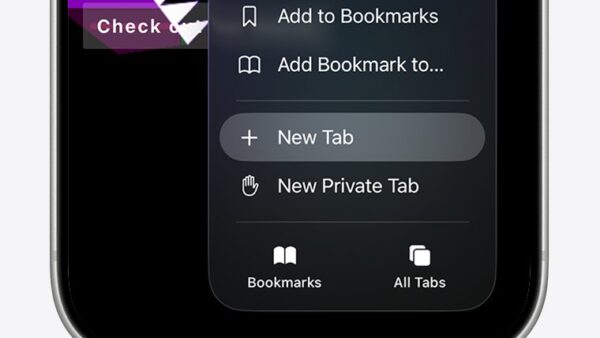
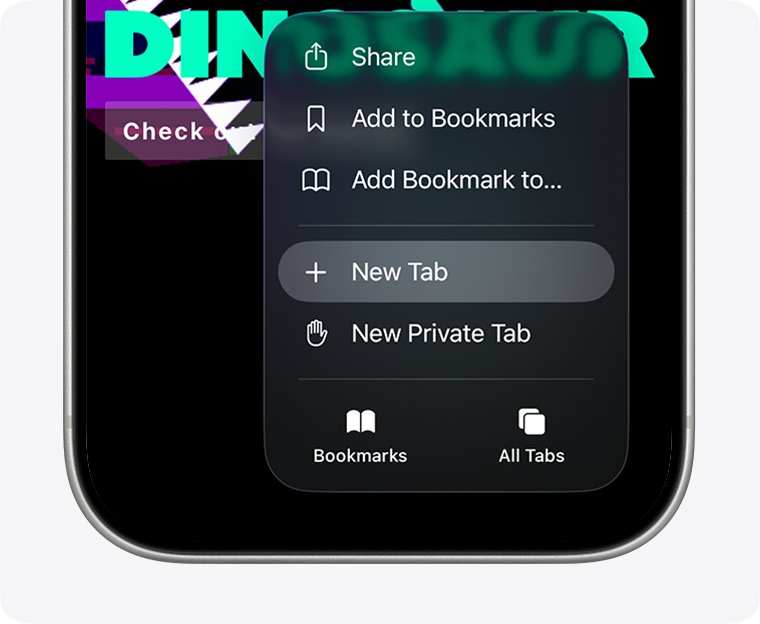
Turn off Private Browsing on iPhone in Safari: tap the More button and choose New Tab, or switch tab groups in iOS 17 and earlier. iPad and Edge steps included.