How to create a Google account without a phone number
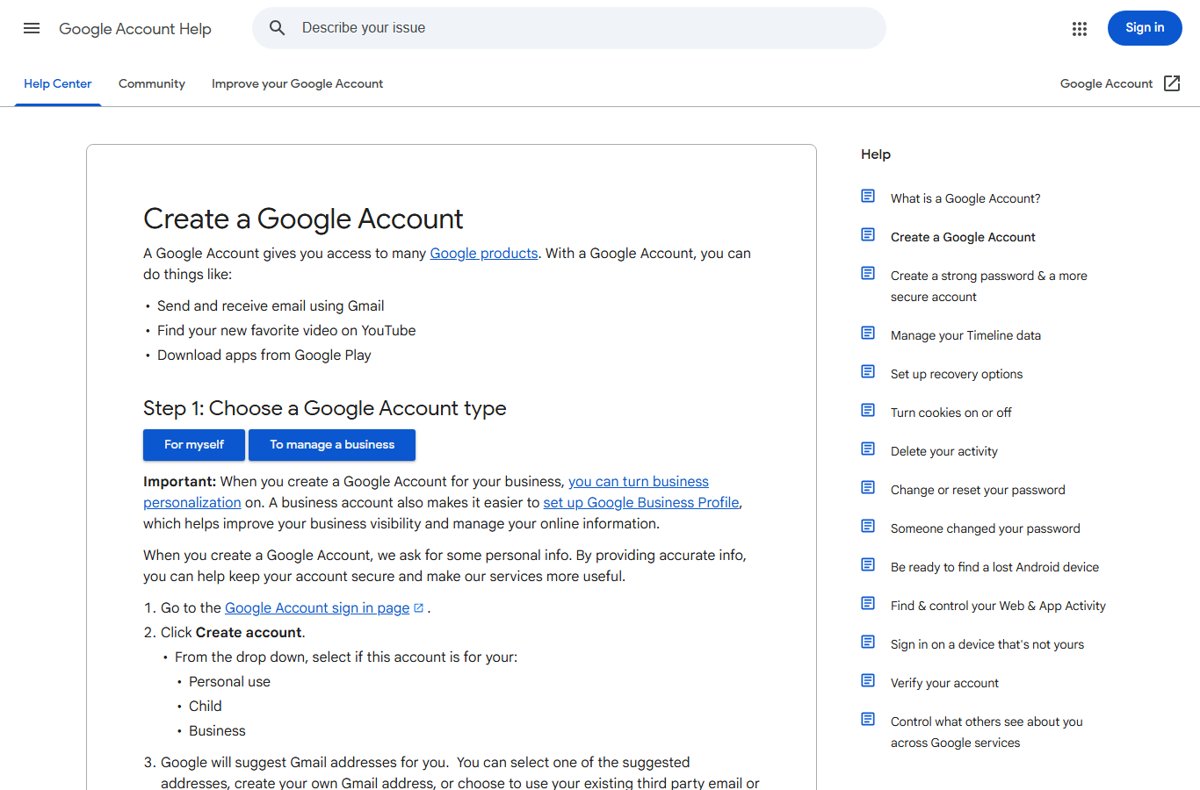
Create a Google Account without a phone number: the phone field is optional at sign-up, so skip it, or use an existing email. What to do when Google asks anyway.
2,151 articles

Create a Google Account without a phone number: the phone field is optional at sign-up, so skip it, or use an existing email. What to do when Google asks anyway.
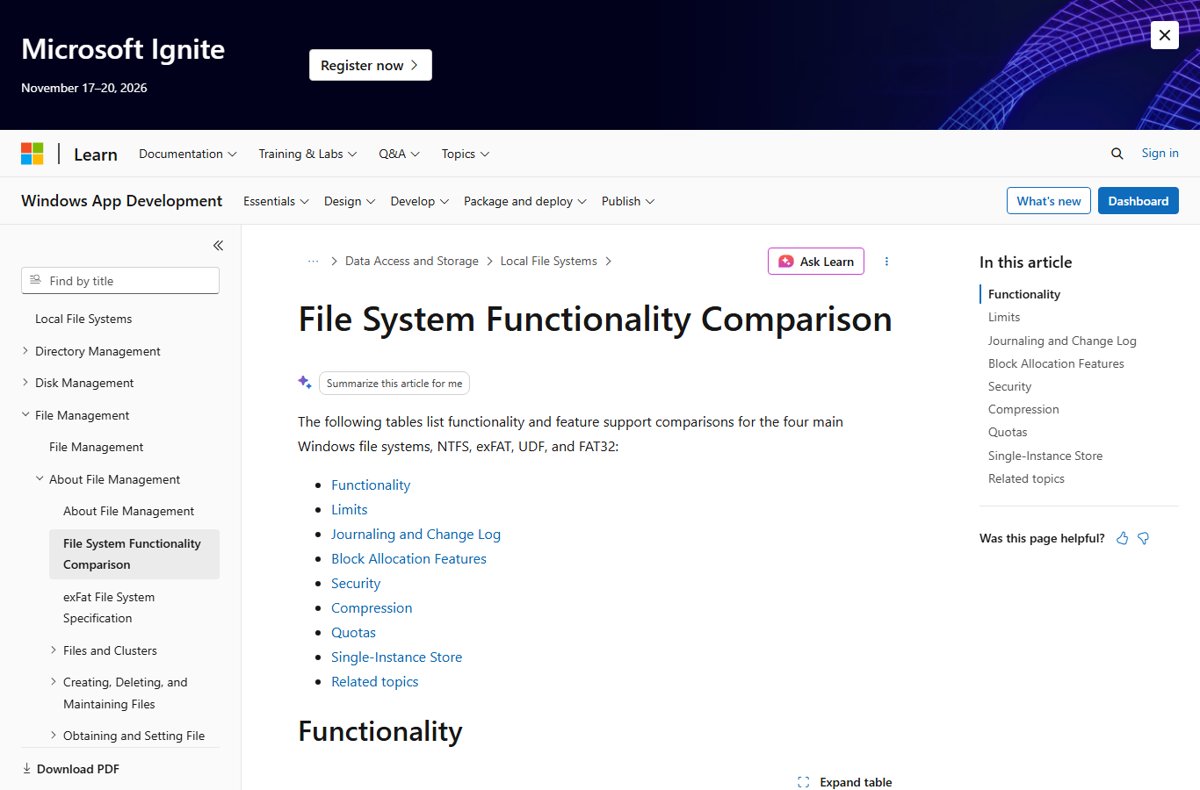
FAT32 vs exFAT vs NTFS: FAT32 caps files at 4 GB, exFAT suits USB drives shared with Macs, and NTFS is best for Windows disks. Limits, formatting and converting.
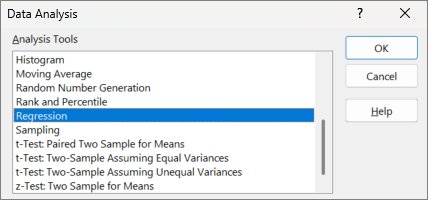
Perform multiple linear regression in Excel with the Analysis ToolPak Regression tool or the LINEST function, then read R², F and coefficients correctly.
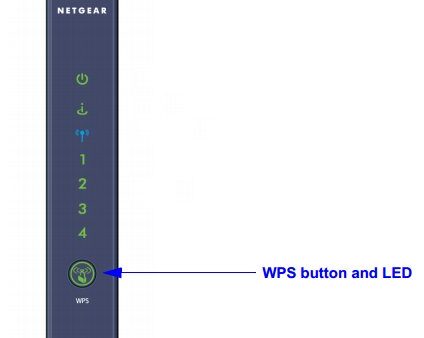
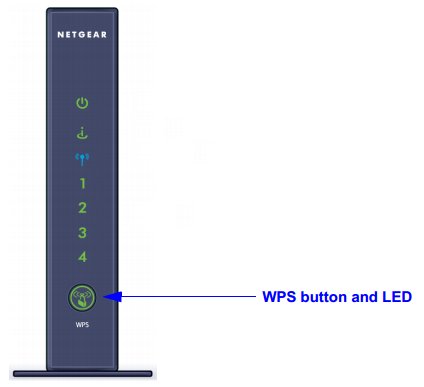
The WPS button on a router connects a Wi-Fi device without typing the password. Where to find it, how to use it, PIN mode, LED meanings and security tips.
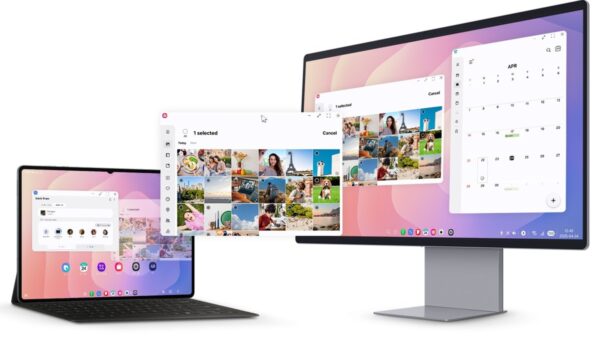
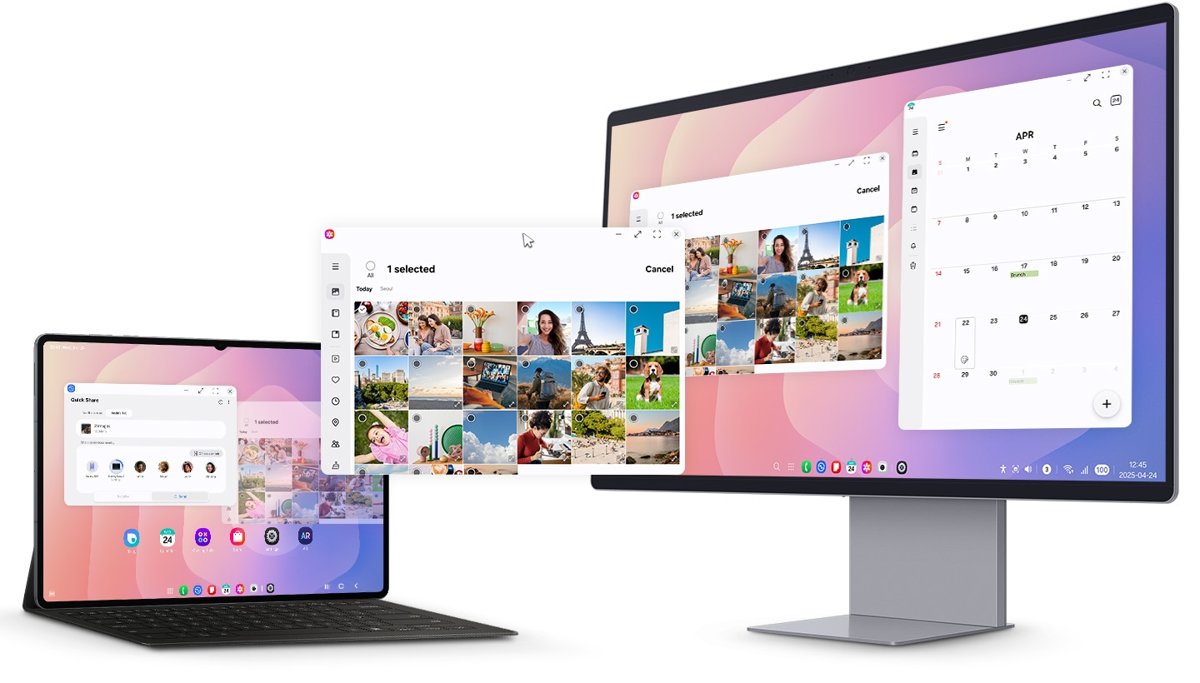
Use Samsung DeX on Windows 11 the current way: pair your Galaxy phone with Phone Link, run its apps in windows, drag files across, or run full DeX on a monitor.
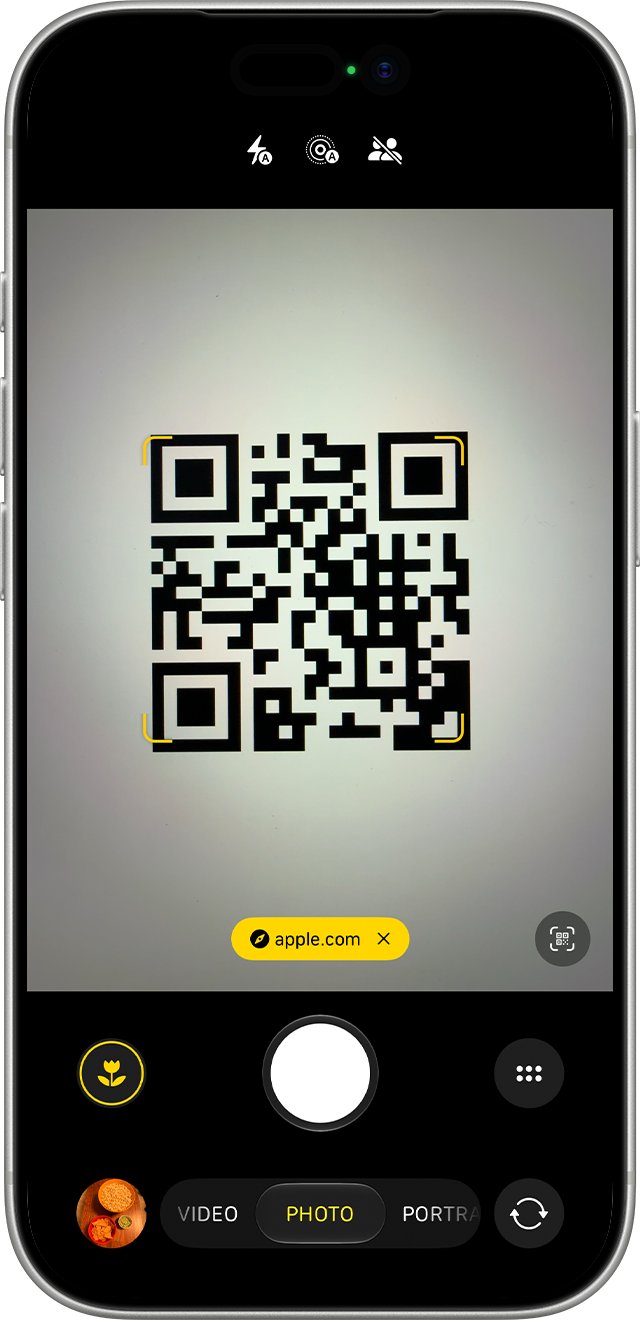
Connect to Wi-Fi using a QR code on iPhone, Android or Windows 11: scan with the camera, join the network, share your own code, and fix scans that fail.
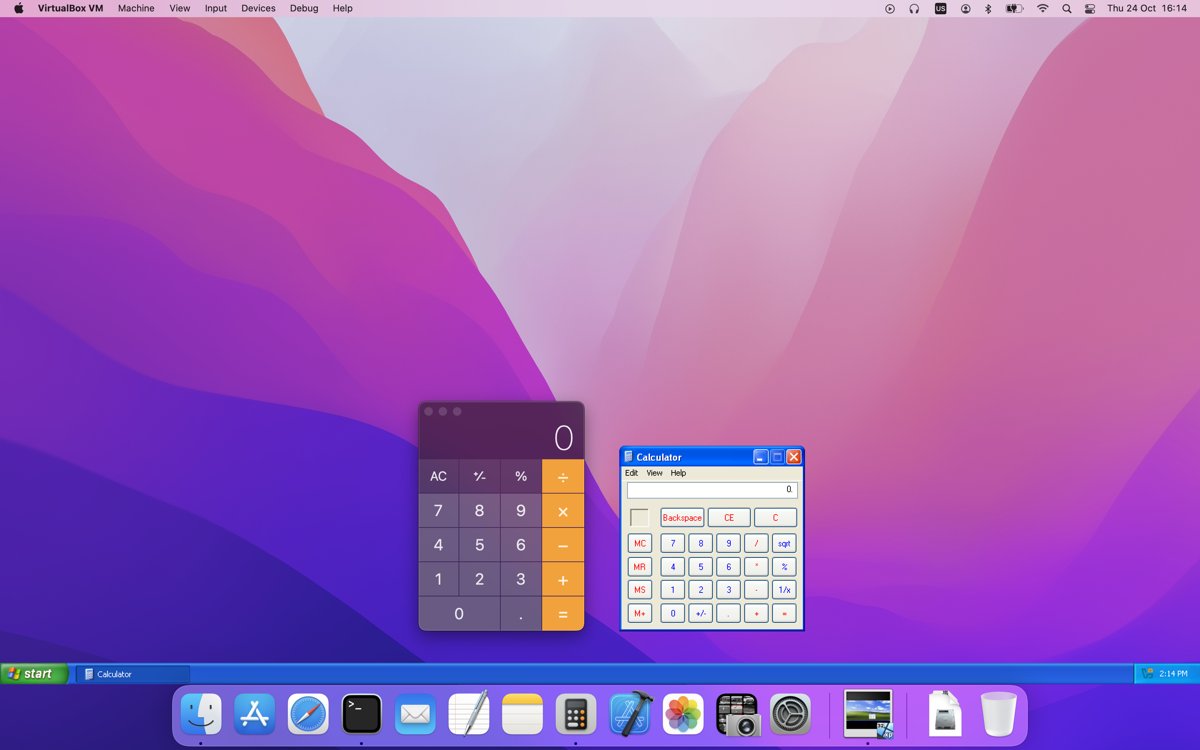
Install VirtualBox Guest Additions on a Windows 11 VM: insert the Guest Additions CD image, run the installer, reboot, then turn on clipboard and shared folders.
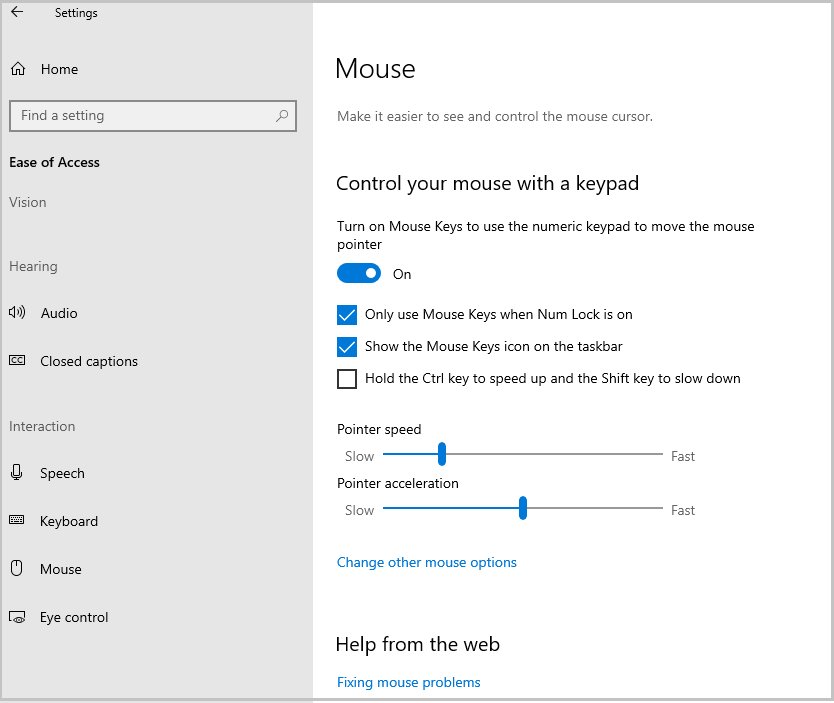
Enable a mouse in Windows 10: reconnect it, turn it back on in Device Manager, pair a Bluetooth mouse, switch on the touchpad, or use Mouse keys as a fallback.
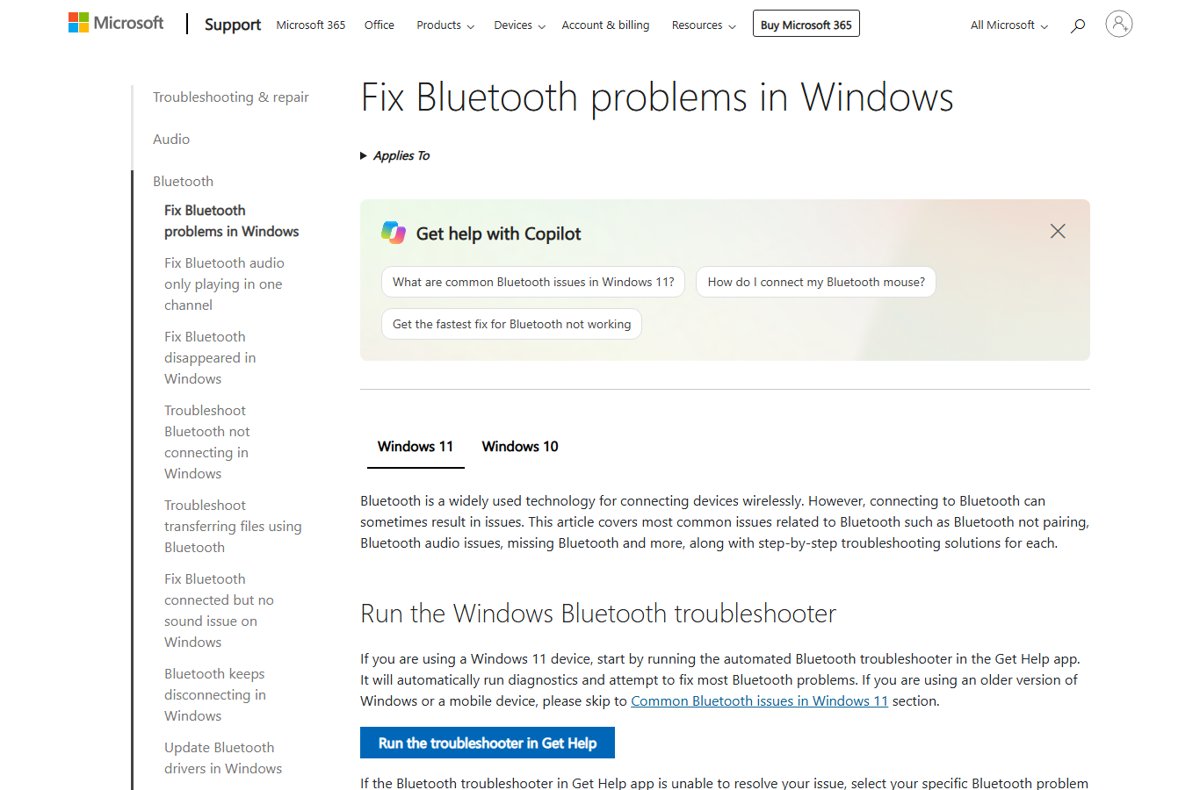
Check if your computer has Bluetooth: look for the Bluetooth switch in Windows Settings or the Bluetooth category in Device Manager, or open Bluetooth on a Mac.
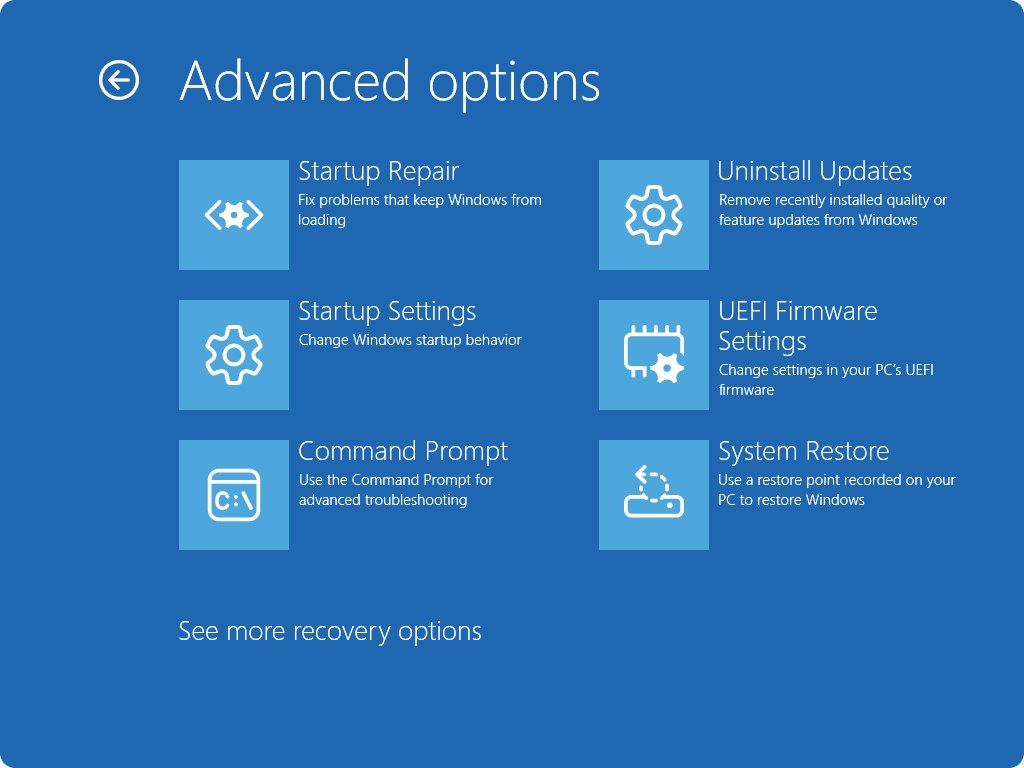
HP laptop BIOS key: press Esc or F10 at the HP logo. How to open BIOS from Windows 11 and 10, boot from USB, and fix a BIOS key that does nothing.
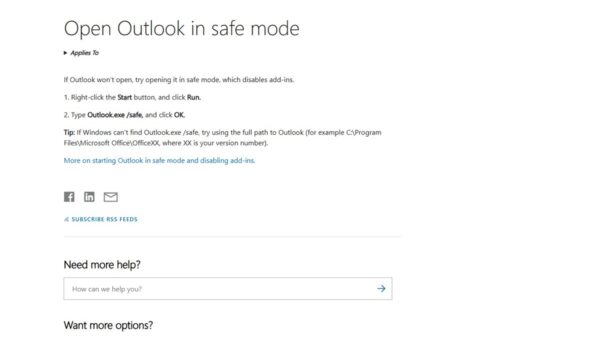
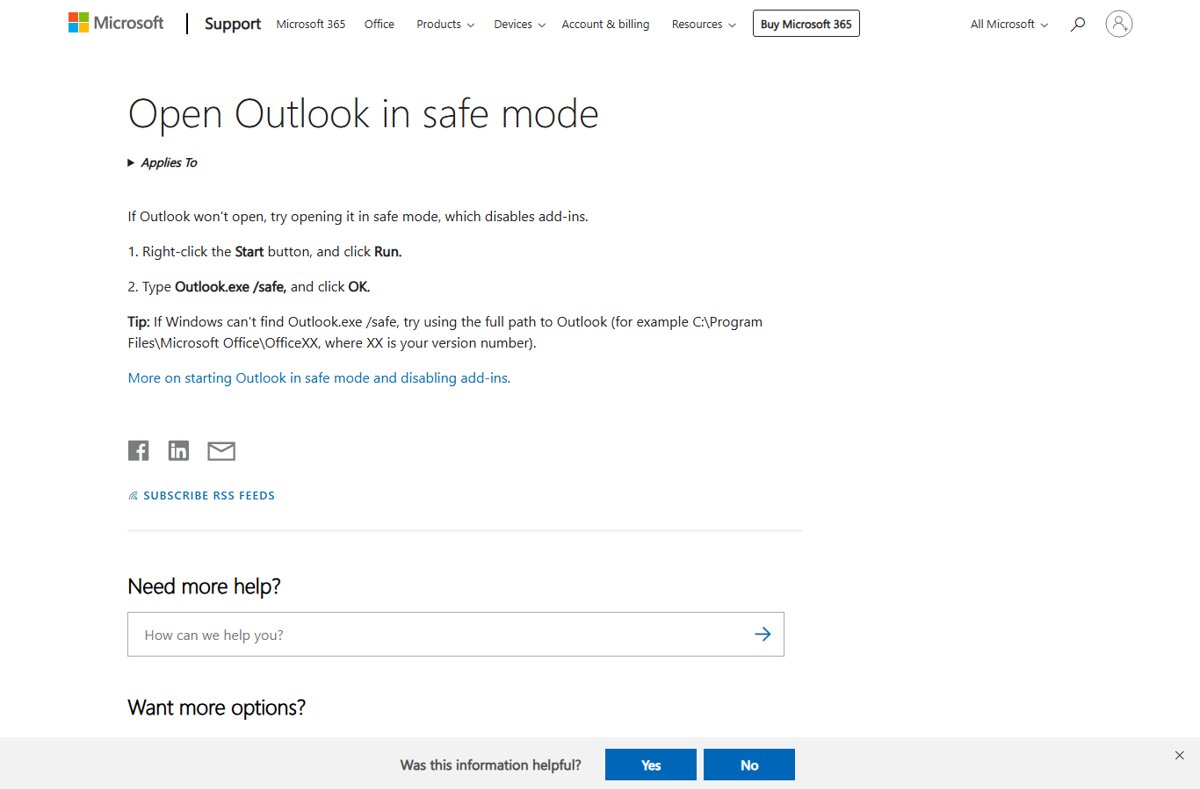
Open Outlook in safe mode in Windows 11 with Outlook.exe /safe in Run, the Ctrl key, Command Prompt or a shortcut, then find the add-in causing the problem.
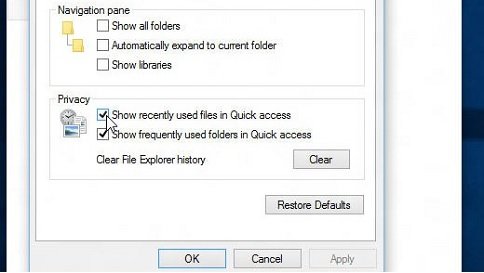
View hidden files and folders in Windows 11 from File Explorer with View > Show > Hidden items. Also Settings, Folder Options, attrib, PowerShell and fixes.