What is AVG Secure Browser? Features, privacy, safety, and free vs. PRO
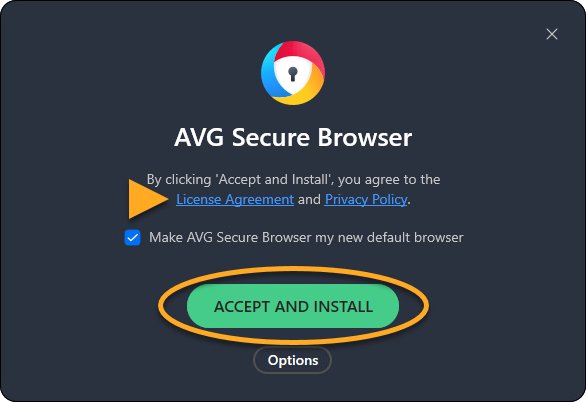
AVG Secure Browser is a free browser from AVG with ad and tracker blocking, Web Shield and Hack Check. See its privacy tools, safety, devices and what PRO adds.
1,981 articles

AVG Secure Browser is a free browser from AVG with ad and tracker blocking, Web Shield and Hack Check. See its privacy tools, safety, devices and what PRO adds.
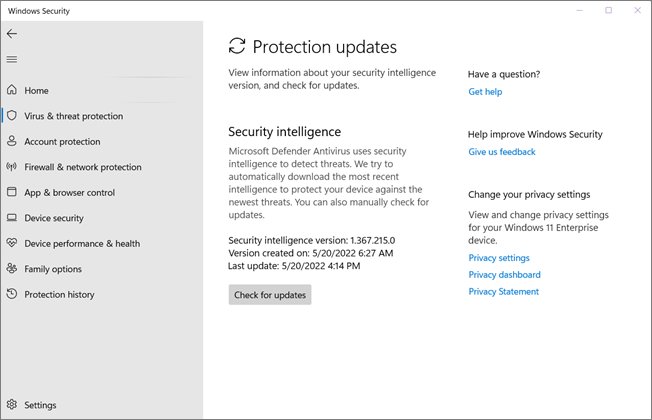
Manually update Microsoft Defender Antivirus on Windows 11 and 10 with Check for updates, Update-MpSignature, MpCmdRun or the offline package, then verify it.
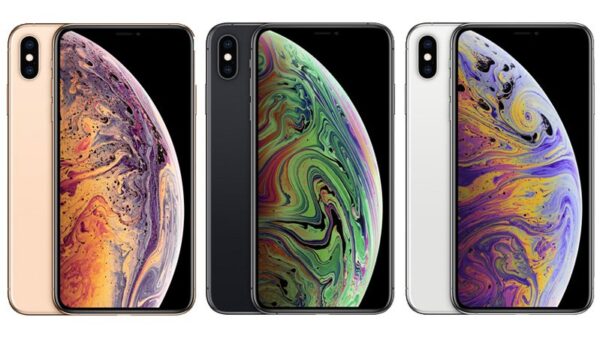
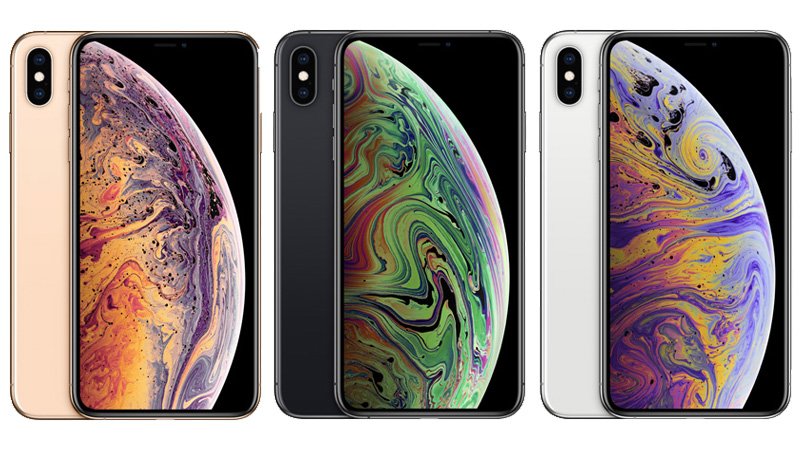
Apple iPhone XS Max specs: 6.5-inch OLED, A12 Bionic, dual 12MP cameras, IP68, eSIM, and iOS 18 as its last version, plus checks before buying one used.
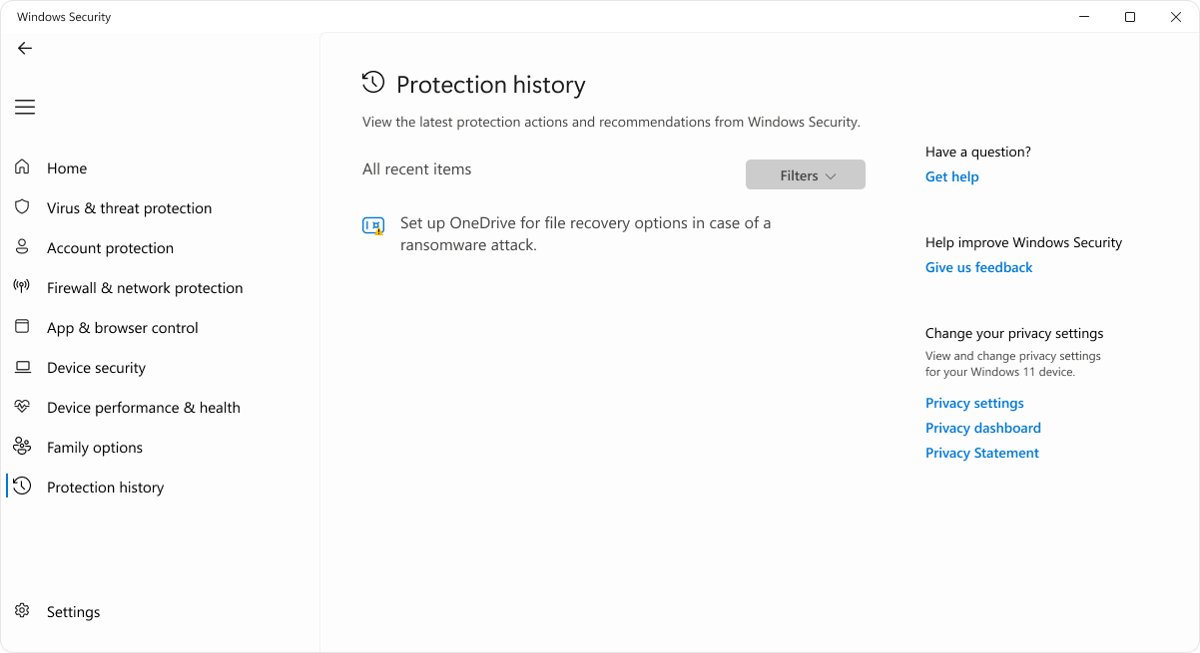
Fix Edge’s Couldn’t download – Virus scan failed error: check Protection history, update your antivirus, test extensions and policies, and keep protection on.
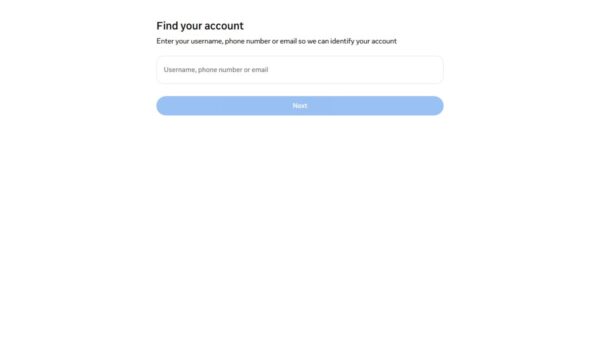
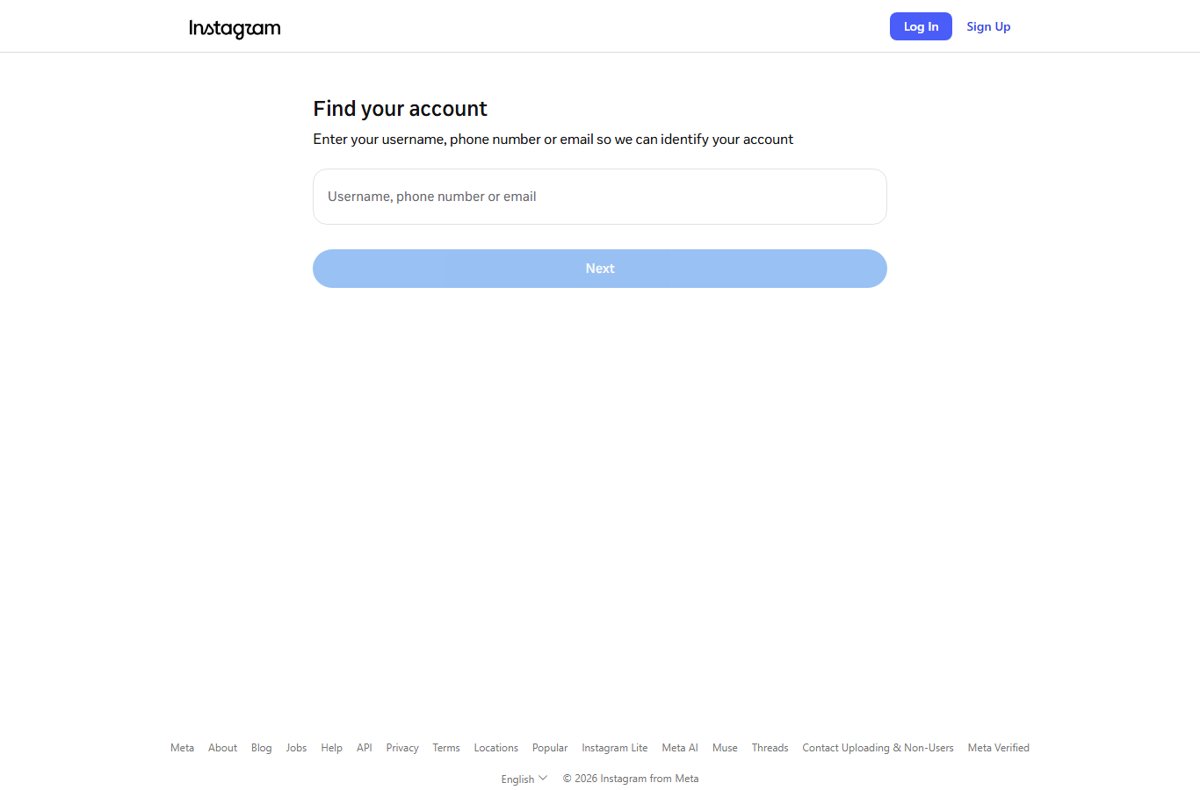
Fix the Instagram enter confirmation code error: request one fresh code, use a backup code or login link, and recover the account when the code never arrives.
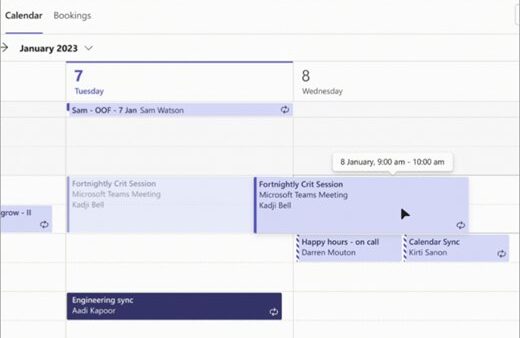
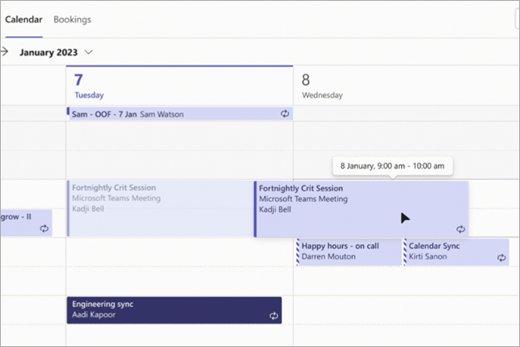
Block time in Teams Calendar with a solo event set to Busy, no attendees and no Teams meeting. Recurring blocks, focus time, calendar views and common mistakes.
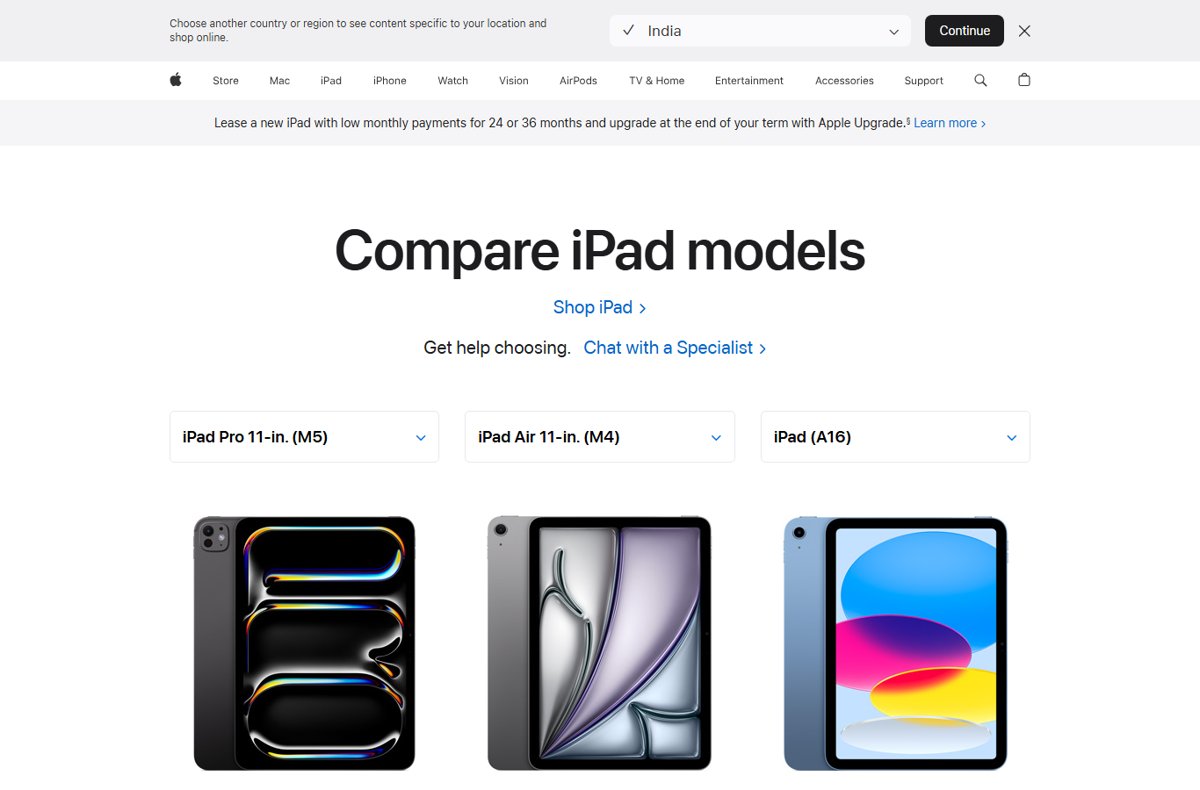
iPad (A16) vs iPad Air (M4): chip, display, Apple Pencil, keyboard, ports, Apple Intelligence and U.S. prices compared from Apple’s specs, plus which to buy.
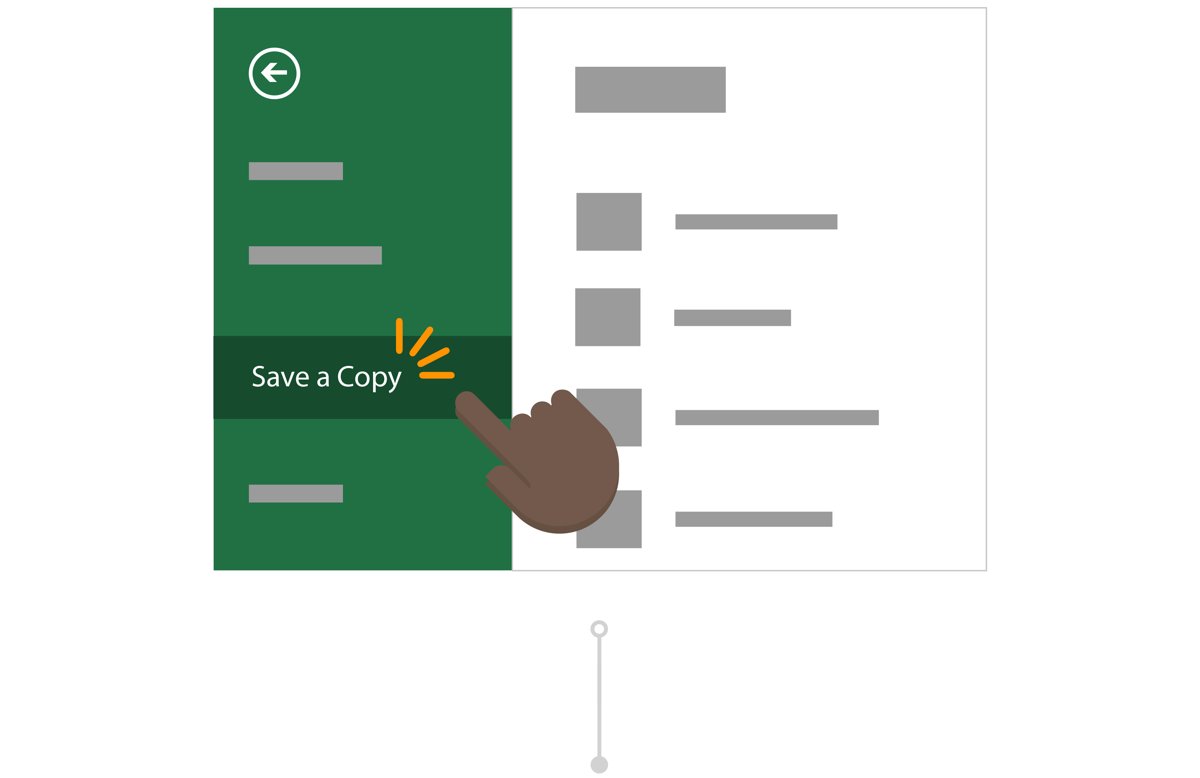
Make a copy of a Word document with File > Save As or Save a Copy before you edit. Steps for Windows, Mac, Word for the web, OneDrive, phones and File Explorer.
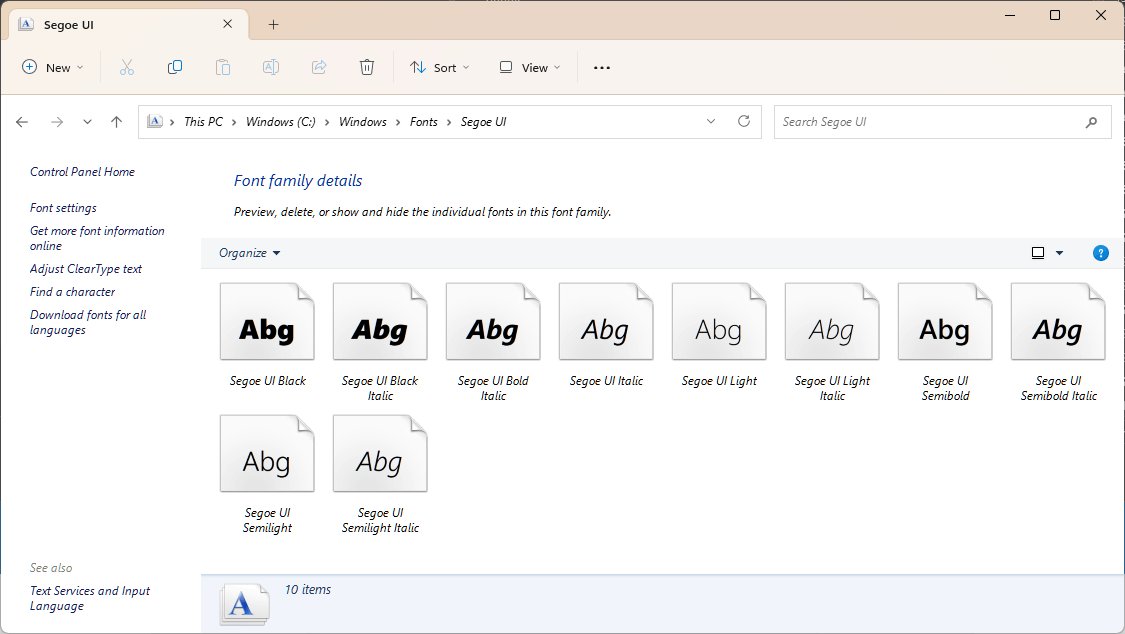
Install TrueType fonts on Windows 11: right-click the .ttf file and select Install, or Install for all users. Store fonts, removal and fixes for missing fonts.
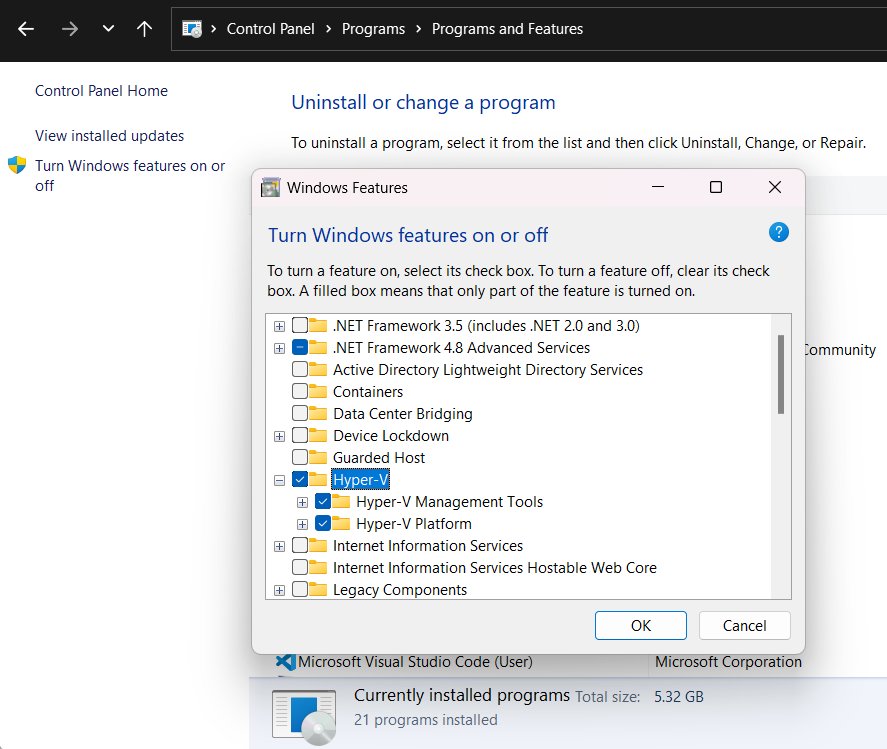
Check if Hyper-V is enabled on Windows 11 in Windows Features, PowerShell, DISM or System Information, and what to do when Hyper-V is missing or not running.
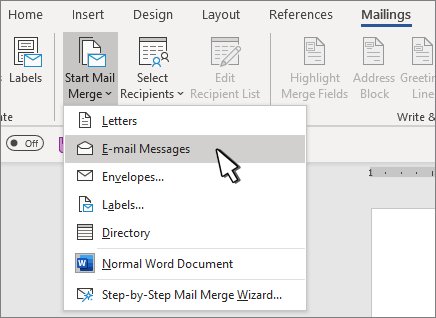
Set up a mail merge in Word with an Excel list: start the merge, connect recipients, insert fields, preview, then print letters, labels, envelopes or email.
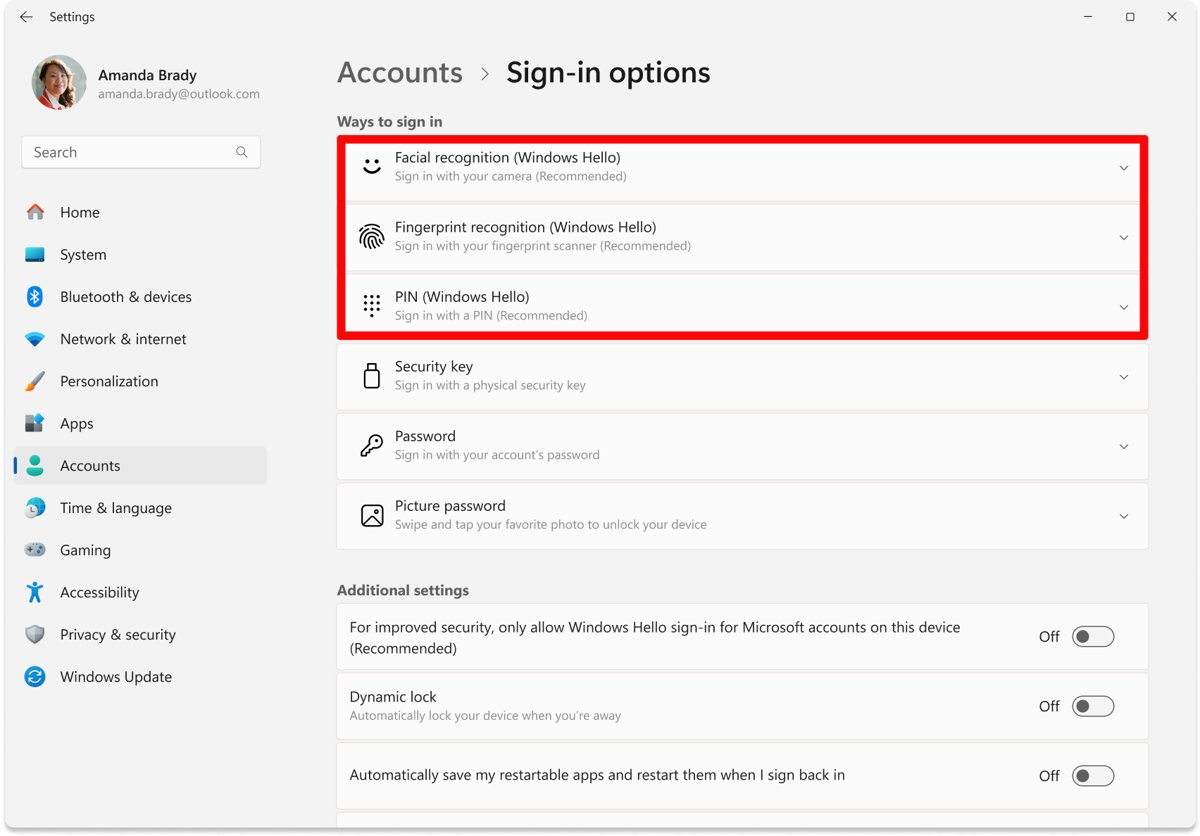
Fingerprint not working in Windows 11? Clean the sensor, re-enroll your finger, then update, roll back or reinstall the reader driver. 15 fixes in order.