To contact Apple Support, go to getsupport.apple.com, choose your product and issue, then pick the phone, chat or other option Apple offers, or call 1-800-275-2273 in the United States.
This guide covers every official contact route: online, phone numbers by country, the Apple Support app on iPhone, email, Apple Pay and Apple Cash help, in-store repairs and sales lines.
How to contact Apple Support online
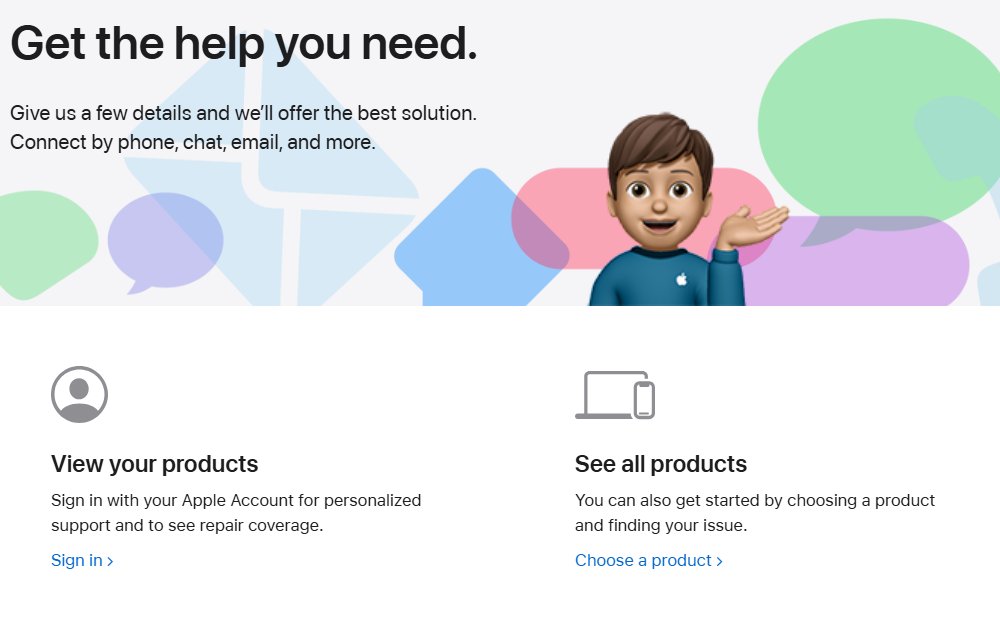
Get Support is Apple's main contact page. It asks a few questions first, then lists the ways you can reach an advisor for that exact problem.
- Open getsupport.apple.com in any browser.
- Select Sign in and enter your Apple Account to see your devices and repair coverage, or select See all products to continue without signing in.
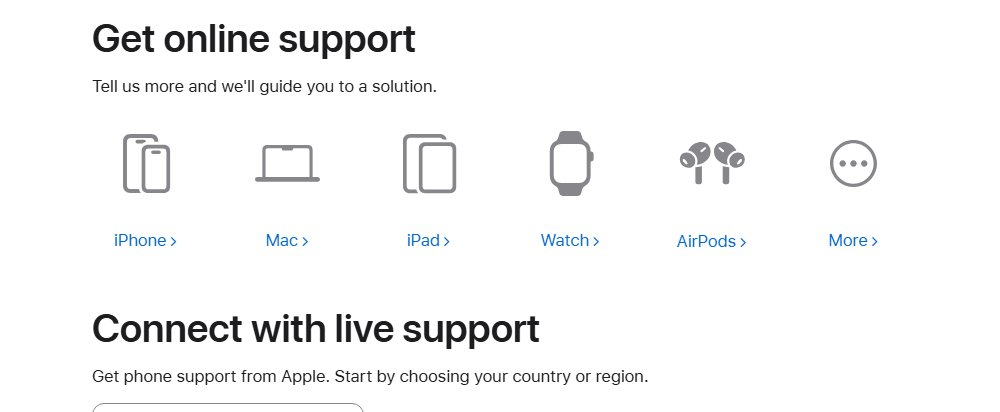
- Choose the product that has the problem, such as iPhone, Mac or Apple Account.
- Pick the closest topic, or describe the issue in Tell us what's happening.
- Choose phone, chat or another contact option from the list Apple shows for that issue.
- Keep the page open until the advisor calls back or joins the chat.
The options change with the product, the topic and your country, so a missing option usually means it is not offered for that issue. To type instead of talk, chat with Apple Support from the same contact list.
Ways to contact Apple Support
| Your situation | Contact Apple this way | Why |
|---|---|---|
| Software, settings or account question | getsupport.apple.com or the Apple Support app | Apple routes you to phone or chat for that exact topic |
| You want to speak to a person now | Call 1-800-275-2273 (US) or your country's number | Apple's main phone line for products and services |
| Forgot your Apple Account password | Change password on the Contact Apple Support page | Self-service password recovery before you wait for an advisor |
| Refund for an app, song or subscription | Start a refund request on the Contact Apple Support page | Refunds start at reportaproblem.apple.com |
| Broken screen, battery or other hardware fault | support.apple.com/repair or a Genius Bar reservation | A technician has to inspect the device |
| Buying a product or checking an order | 1-800-MY-APPLE (1-800-692-7753) | Sales and order status are separate from tech support |
| Apple Cash payment problem | 1-877-233-8552 | Apple's dedicated Apple Cash and person-to-person payments line |
How to contact Apple Support by phone
Apple publishes one main support number per country or region on its Contact Apple Support page.
- Go to support.apple.com/contact in a browser.
- Under Connect with support, select Contact us.
- Scroll to Connect with live support and open the country list.
- Select your country or region, such as United States or United Kingdom.
- Dial the number shown, with your Apple device and its serial number nearby.
Apple notes that many of these numbers work only when dialled from inside their own country or region, and that local and national rates apply.

Apple support contact number in the US, UK, Australia and Canada
| Country or service | Apple Support number | Extra options on Apple's page |
|---|---|---|
| United States | 1-800-275-2273 | American Sign Language support and accessibility support |
| United Kingdom | 0800 107 6285 | British Sign Language support and accessibility support |
| Australia | (61) 1-300-321-456 | Australian Sign Language support and accessibility support |
| Canada | 1-800-263-3394 | American Sign Language support in English and French |
| US education customers | 1-800-800-2775 | Schools and institutions |
| Apple Business and Apple School Manager | 1-866-902-7144 | Device management accounts |
| Apple Cash and person-to-person payments (US) | 1-877-233-8552 | Wallet payments between people |
For any other country, pick it from the same Connect with live support list. Apple states that telephone numbers are subject to change, so check the page before you call.
How do I contact Apple Support on my iPhone
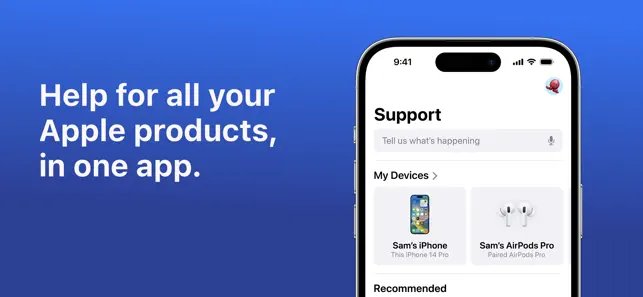
The free Apple Support app is the quickest route from an iPhone or iPad. Apple says you can chat with an advisor, follow guided solutions, and book a Genius Bar or service provider visit from it.
- Open the App Store and search for Apple Support.
- Install the app whose developer is listed as Apple, then open it.
- Sign in with your Apple Account if the app asks.
- Tap the iPhone, AirPods or service that needs help.
- Choose the topic, then pick chat, a call or a repair from the options shown.
- Follow the prompts to finish the chat, call or reservation.
The App Store listing states the app requires iOS 26.0 or later, and that it does not require an AppleCare+ plan. The app and some features are available only in select countries or regions.
How to contact Apple Support by email
Apple does not list a general support email address on its Contact Apple Support or Contacting Apple pages. Get Support says it can connect you by email for some issues, so email starts there.
- Open getsupport.apple.com and select Sign in.
- Choose your product, then the topic that matches the problem.
- Look for an email option in the contact list Apple shows.
- If email is not listed for that topic, use chat or phone from the same list instead.
Apple does publish addresses for reporting abuse. Forward suspicious emails or screenshots of fake Apple texts to [email protected], send screenshots of suspicious FaceTime calls to [email protected], and send iCloud Mail harassment to [email protected]. None of these addresses handle support requests.
How do I contact Apple Pay support and Apple Cash support
Apple Pay and Apple Cash have their own support pages, and card problems often belong to your bank rather than Apple.
| Problem | Who to contact | Where |
|---|---|---|
| Adding, updating or removing a card in Wallet | Apple | support.apple.com/apple-pay, then Get started under Still need help? |
| A charge or declined payment on a bank card | Your card issuer | The number on your card or your bank's app; any card used in Apple Pay is offered by the card issuer |
| Can't send or receive Apple Cash | Apple | support.apple.com/apple-cash, or call 1-877-233-8552 in the US |
| Apple Cash account restricted or locked | Apple | If your account is restricted or locked on the Apple Cash Support page |
| Apple Cash transfer to a bank | Apple | Transfer money to your bank on the Apple Cash Support page |
Apple Cash services are provided by Green Dot Bank, Member FDIC, and are available only in the US. Wallet card problems have their own Apple Pay support contacts.
Contact Apple for iPhone support at a store or repair provider
Hardware faults need a technician. Apple retail stores and Apple Authorized Service Providers perform Apple-certified repairs with genuine Apple parts.
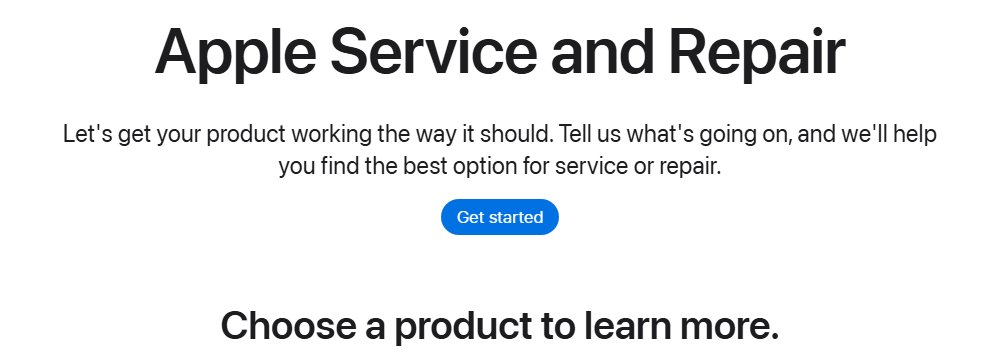
- Go to support.apple.com/repair and select Get started.
- Choose your product, such as iPhone or Mac laptops, and describe the problem.
- Pick a store visit, an Apple Authorized Service Provider or mail-in service from the options shown.
- Confirm the time and place, and bring the device with your Apple Account password.
Only repairs by Apple or an Apple Authorized Service Provider are covered by Apple's Limited Warranty and AppleCare plans. To book in the Apple Support app instead, make a Genius Bar appointment from the device's topic page.
How to check Apple support case and repair status
Every call, chat, repair and reservation tied to your Apple Account shows up on Get Support.
- Open getsupport.apple.com and select Sign in.
- Under View support activity, select View activity.
- Find your recent or upcoming reservation, repair, call or chat in the list.
- Open an entry to see its details, or sign in to My Support to track an existing repair.
Apple contact info for sales, business and corporate
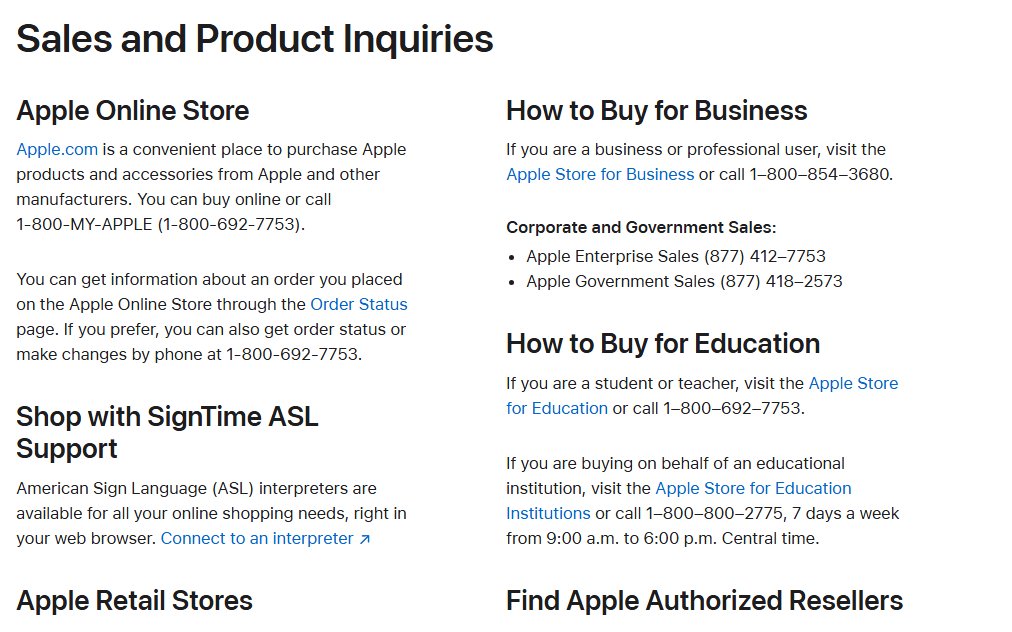
Questions that are not technical go to Apple's Contacting Apple page, which lists these US numbers.
| Need | Contact |
|---|---|
| Apple Online Store purchases and order status | 1-800-MY-APPLE (1-800-692-7753) |
| Students and teachers buying for themselves | 1-800-692-7753 |
| Buying for an educational institution | 1-800-800-2775, 7 days a week, 9 a.m. to 6 p.m. Central time |
| Business and professional purchases | 1-800-854-3680 |
| Apple Enterprise Sales | (877) 412-7753 |
| Apple Government Sales | (877) 418-2573 |
| Reseller referral (resellers, trainers, consultants) | 1-800-538-9696 |
| Corporate headquarters | One Apple Park Way, Cupertino, CA 95014, (408) 996-1010 |
| Legal questions and counterfeit reports | apple.com/legal/contact |
The corporate number is not a tech support line. For device problems, use Get Support or your country's support number.
Fake Apple Support numbers and calls
Scammers spoof Apple's real phone numbers and often claim your iPhone or iCloud account was broken into, or that someone made Apple Pay charges. Apple states it will never ask for your password, device passcode or two-factor authentication code, and will never ask you to turn off a security feature.
Hang up on any unexpected call that claims to be Apple Support, then contact Apple yourself through getsupport.apple.com or the number on Apple's Contact Apple Support page. Caller ID can be faked, and the only safe Apple contact is one you start from Apple's own site or app.
Report scam calls in the US at reportfraud.ftc.gov, and learn the signs of a fake Apple Support call before you share anything.
Contact Apple Support FAQ
How do I contact Apple Support by phone?
Call 1-800-275-2273 in the United States. For other countries, open support.apple.com/contact, select Contact us, and choose your country or region under Connect with live support to see the local number.
How do I contact Apple Support in the UK?
Call 0800 107 6285 from the UK. Apple's UK contact page also links to British Sign Language support and to technical support for Apple's accessibility features.
How do I contact Apple Support in Australia?
Call 1-300-321-456 from within Australia; Apple lists it as (61) 1-300-321-456. Apple notes that many support numbers work only when dialled inside their own country, and local rates apply.
How do I contact Apple Support on my iPhone?
Install the free Apple Support app from the App Store, sign in, tap your iPhone and pick the topic. The app then offers chat, a call or a repair booking for that issue.
How to contact Apple Support by email?
Apple does not publish a general support email address. Sign in at getsupport.apple.com, choose your product and topic, and use the email option if Apple lists one; otherwise use chat or phone.
How do I contact Apple Pay support?
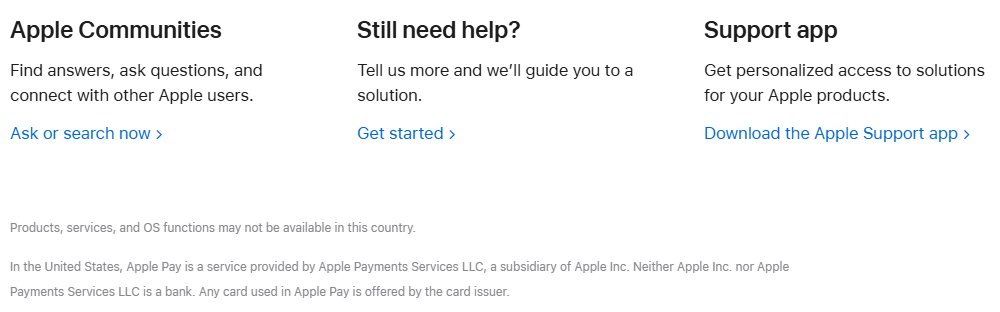
Start at support.apple.com/apple-pay and select Get started under Still need help. For a declined payment or a charge on a bank card, contact the card issuer, because it offers the card used in Apple Pay.
How do I contact Apple Cash support?
Call 1-877-233-8552 in the US, Apple's line for Apple Cash and person-to-person payments. The Apple Cash Support page also covers locked accounts, limits and transfers to a bank.
How do I contact Apple customer support for an order?
Call 1-800-MY-APPLE (1-800-692-7753) or open the Order Status page on apple.com. Sales and order questions are handled separately from technical support.
How to contact Apple for help without calling?
Use getsupport.apple.com in a browser or the Apple Support app. Both let you describe the problem and choose chat or another option Apple offers for that topic, without dialling a number.
Best way to contact Apple Support
Sign in at getsupport.apple.com or in the Apple Support app, choose your device and topic, and take the chat or call Apple offers. Signing in matches your device and coverage, so the advisor starts with your details and you skip the phone menu.