How to Record Audio on Mac, Microphone, System Audio & Voice Memos
You can record audio on a Mac using built-in apps such as QuickTime Player and Voice Memos, so you do not need to install … [Read more…]
3,908 articles

You can record audio on a Mac using built-in apps such as QuickTime Player and Voice Memos, so you do not need to install … [Read more…]
To zoom in on a Mac, press Command + Plus (+) when you want to enlarge a webpage or other supported content. You can … [Read more…]
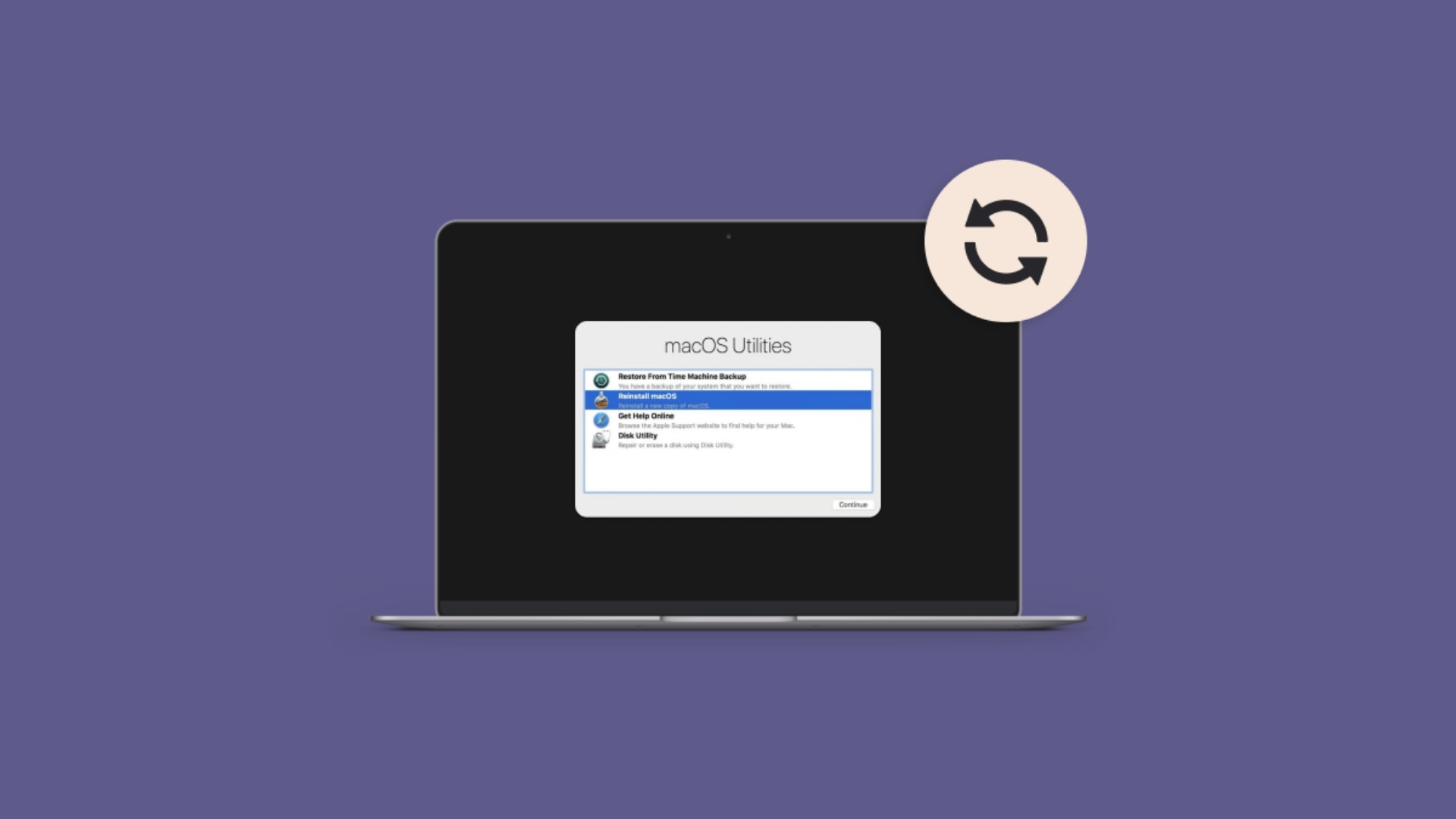
To reinstall macOS without deleting your files, start your Mac in macOS Recovery, choose Reinstall macOS, select your normal startup disk, and follow the … [Read more…]
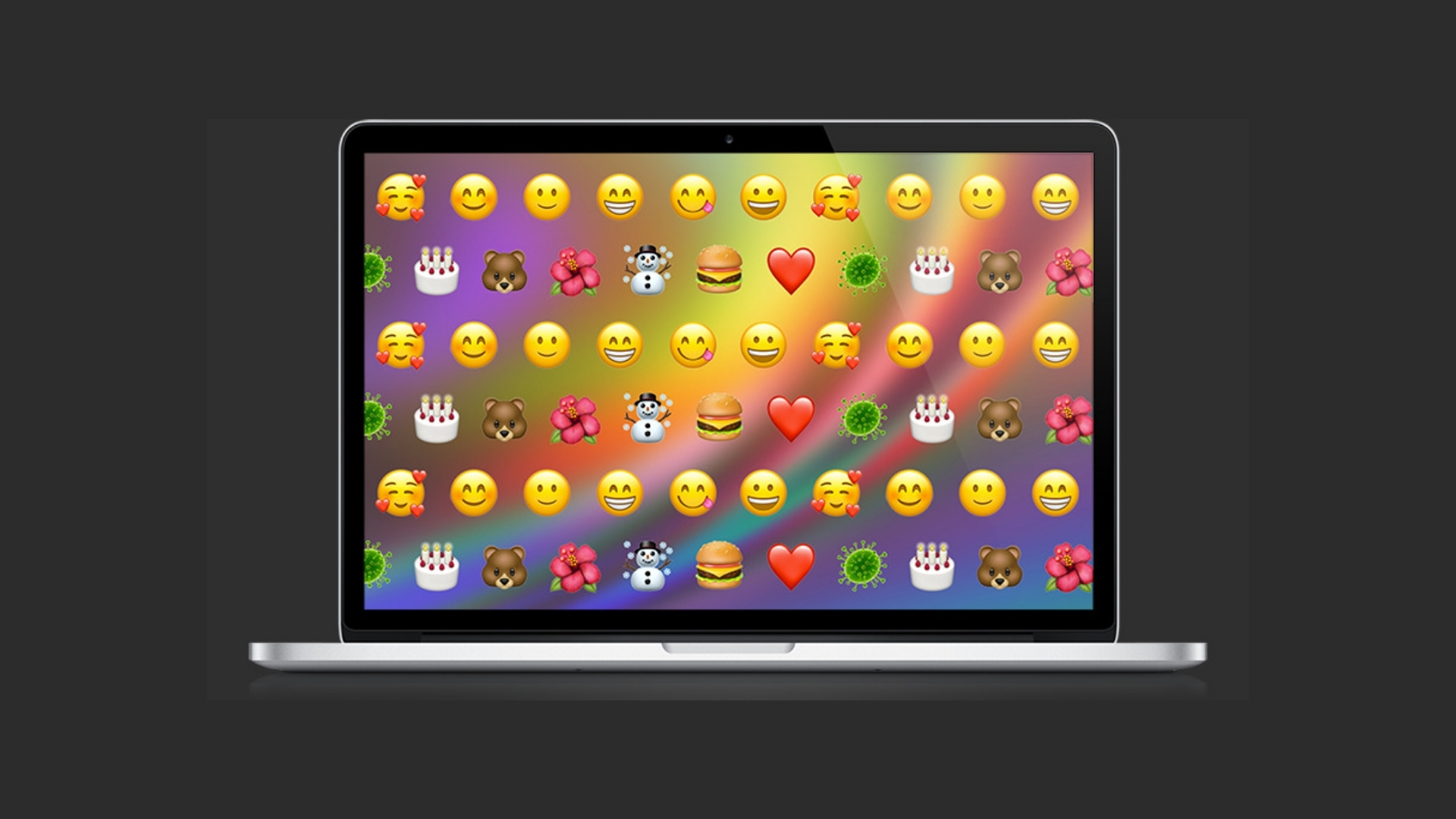
You can use emojis on a Mac by pressing Control + Command + Space or Fn/Globe + E while typing. This opens the Mac … [Read more…]
You can find your Mac’s IP address from System Settings > Network, from the Wi-Fi menu, or with a Terminal command. The address shown … [Read more…]
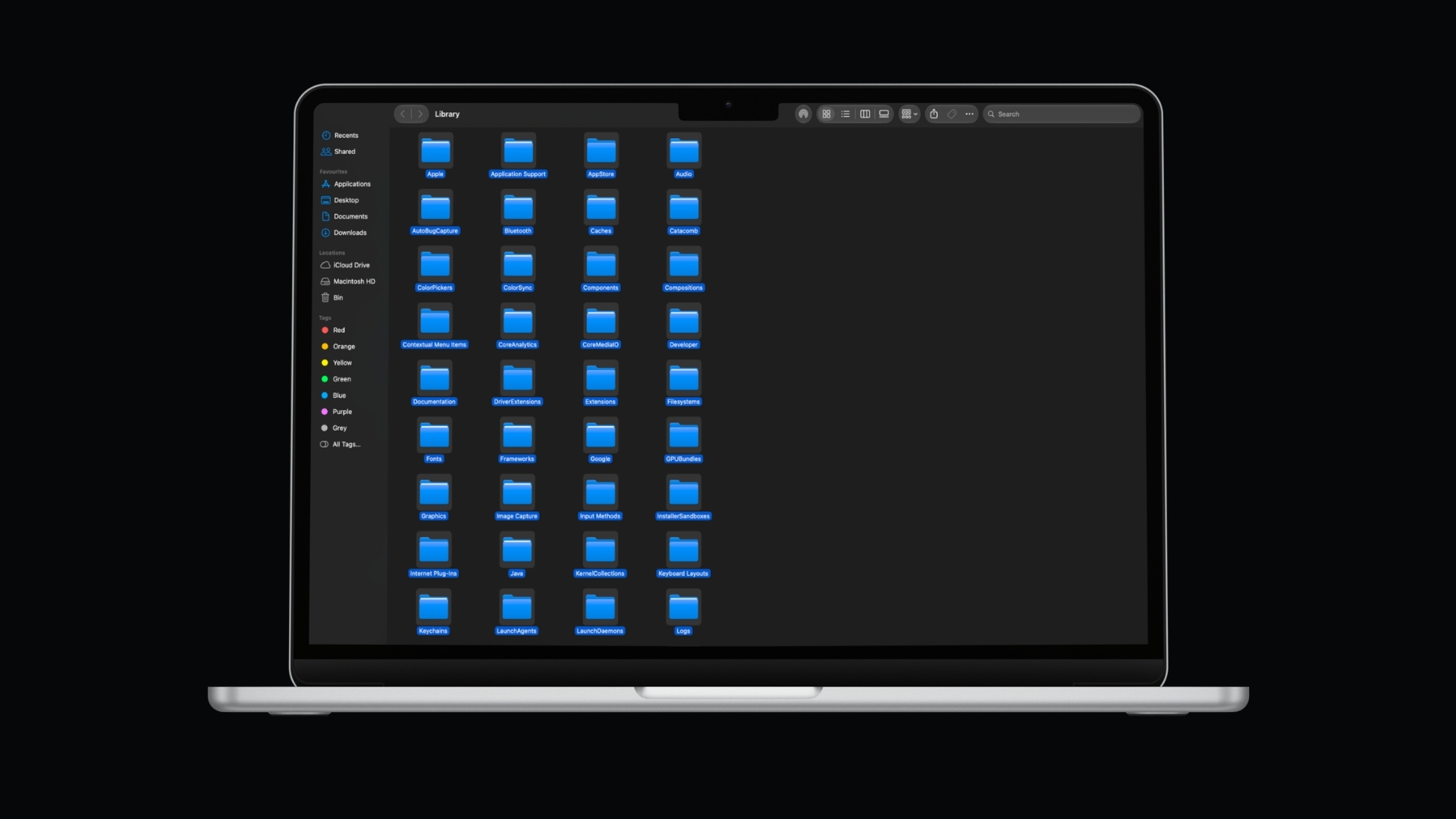
To select all on a Mac, press Command + A. The shortcut selects everything in the active window or area, including files in Finder, … [Read more…]
You can record video on a Mac using apps already included with macOS. QuickTime Player records video from your MacBook camera, an external webcam, … [Read more…]
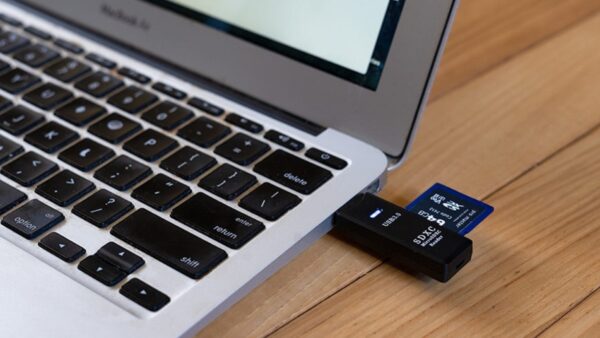
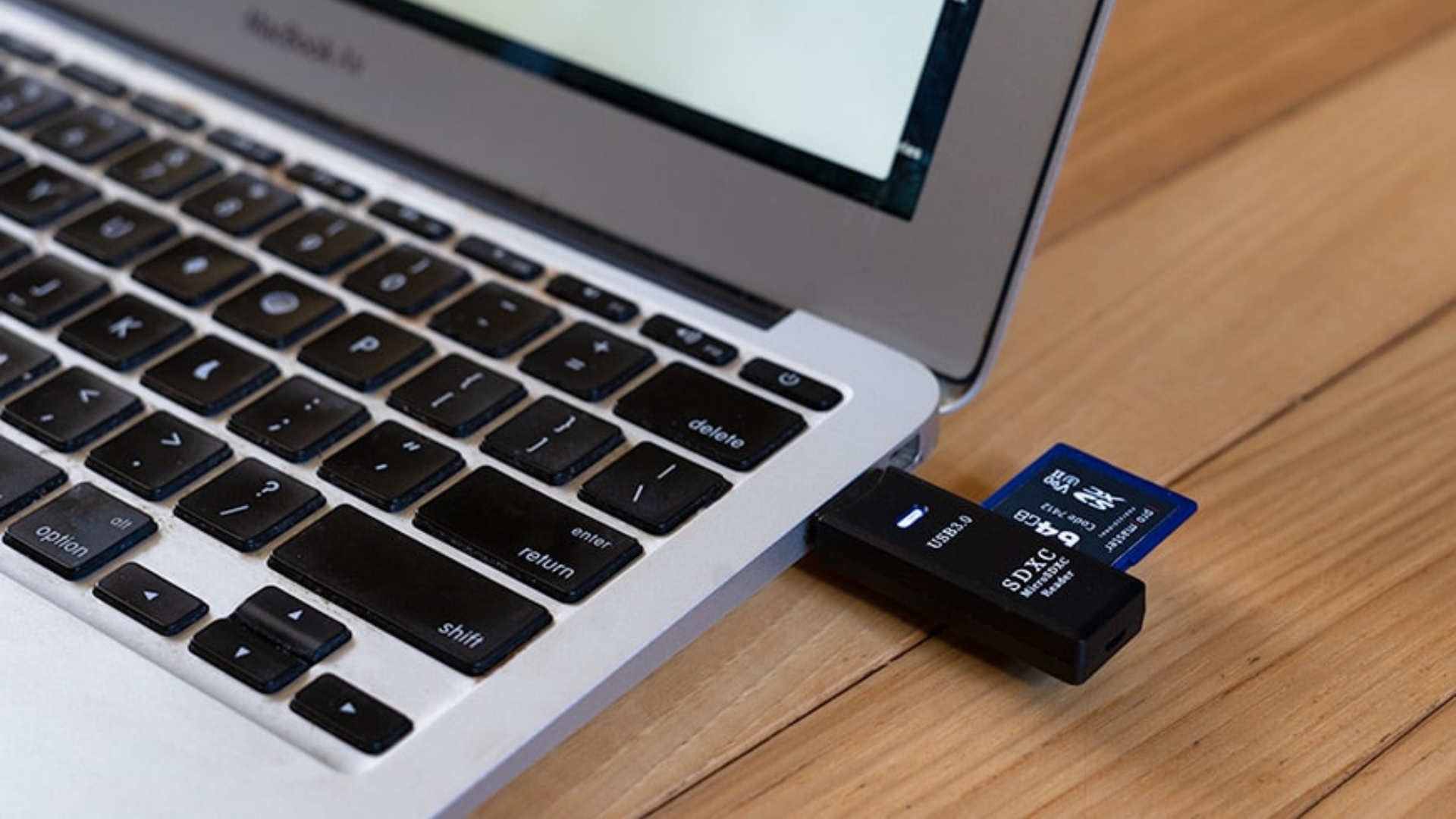
You can format an SD card on a Mac with the built-in Disk Utility app, so you do not need additional software. Insert the … [Read more…]
You can connect AirPods to a MacBook, iMac, Mac mini, Mac Studio, or Mac Pro directly through Bluetooth. If your AirPods are already paired … [Read more…]


You can download YouTube videos on a Mac using YouTube Premium for offline viewing, or download videos you uploaded yourself as MP4 files through … [Read more…]
You can convert HEIC to JPG on a Mac without installing any software. The quickest methods are Preview for individual images and Finder’s built-in … [Read more…]
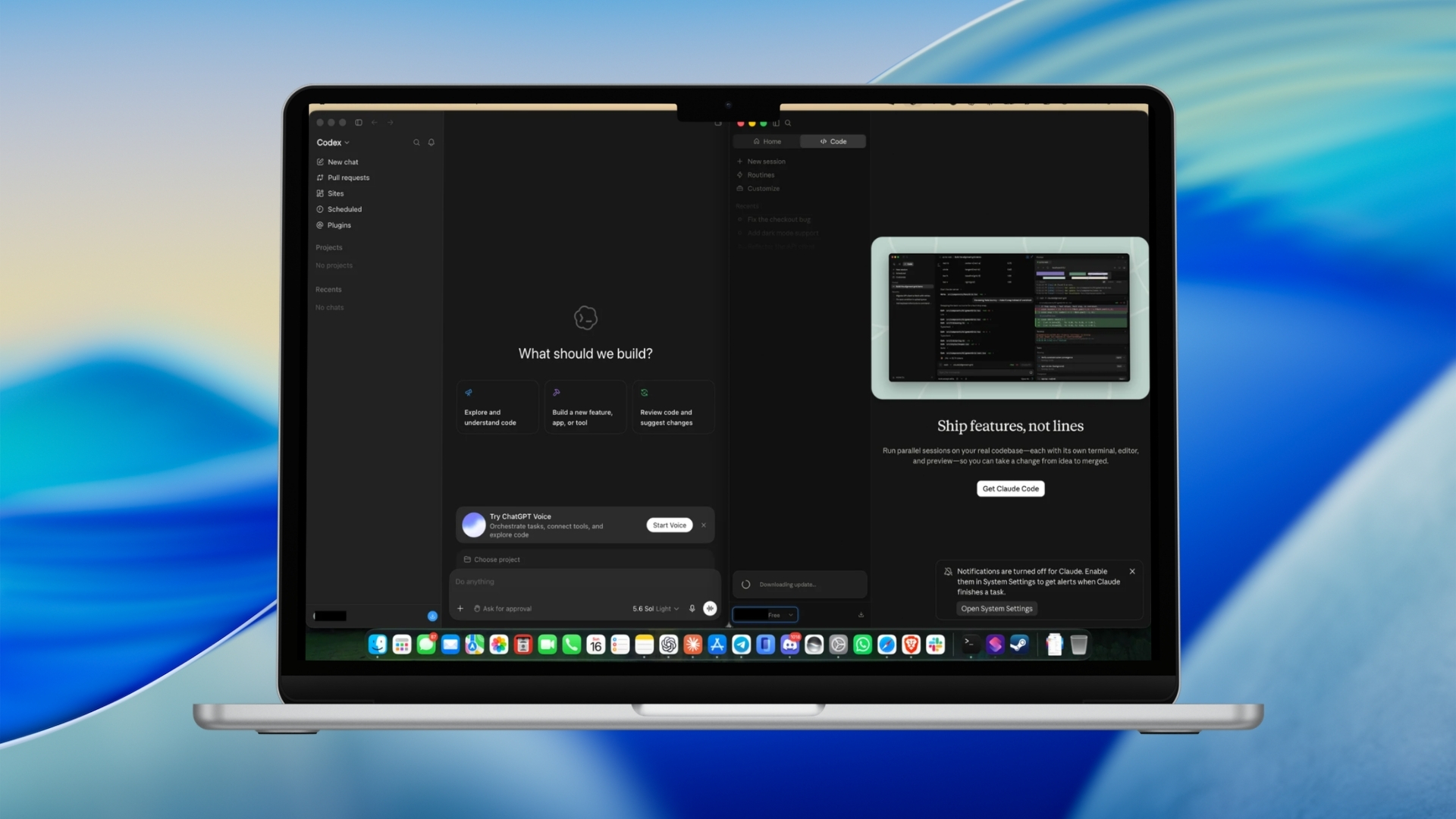
You can split the screen on a Mac by placing two app windows side by side using Split View or macOS window tiling. For … [Read more…]