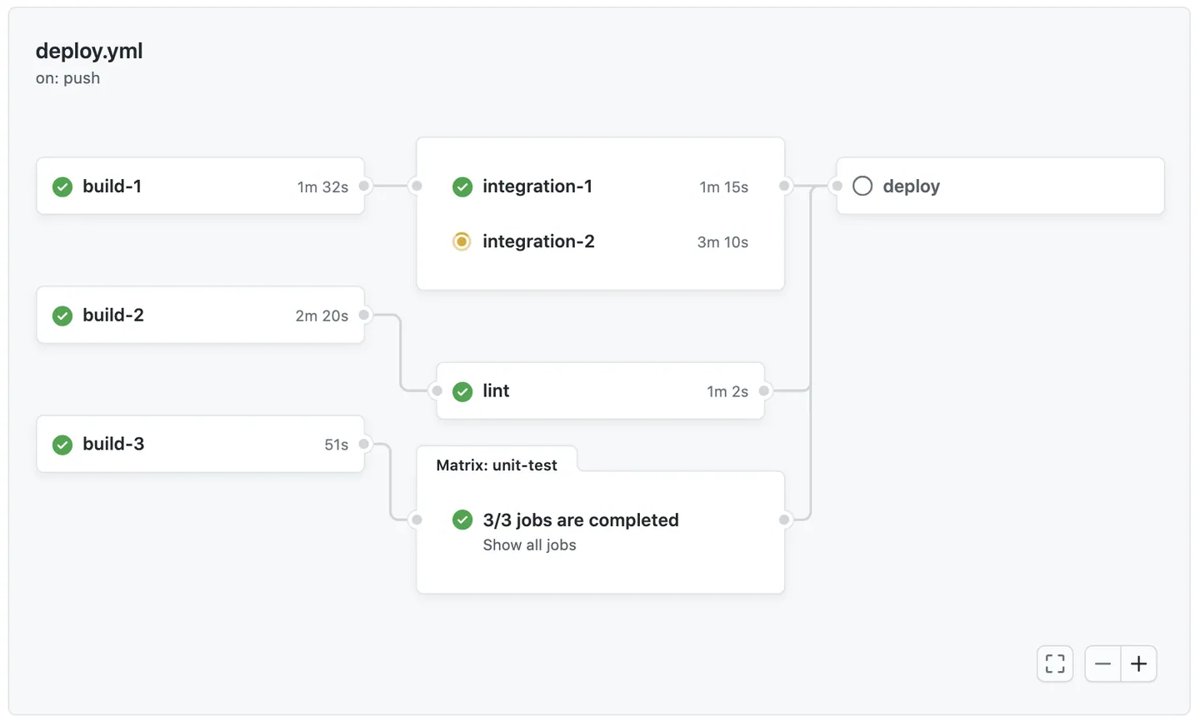
Add an if: key to a step in your workflow file, and GitHub Actions runs that step only when the expression evaluates to true; otherwise the step is skipped and the job carries on.
This guide covers the syntax, branch, tag and event checks, the status functions, conditions built on step outputs, variables and secrets, and how to debug a step that is skipped when it should run.
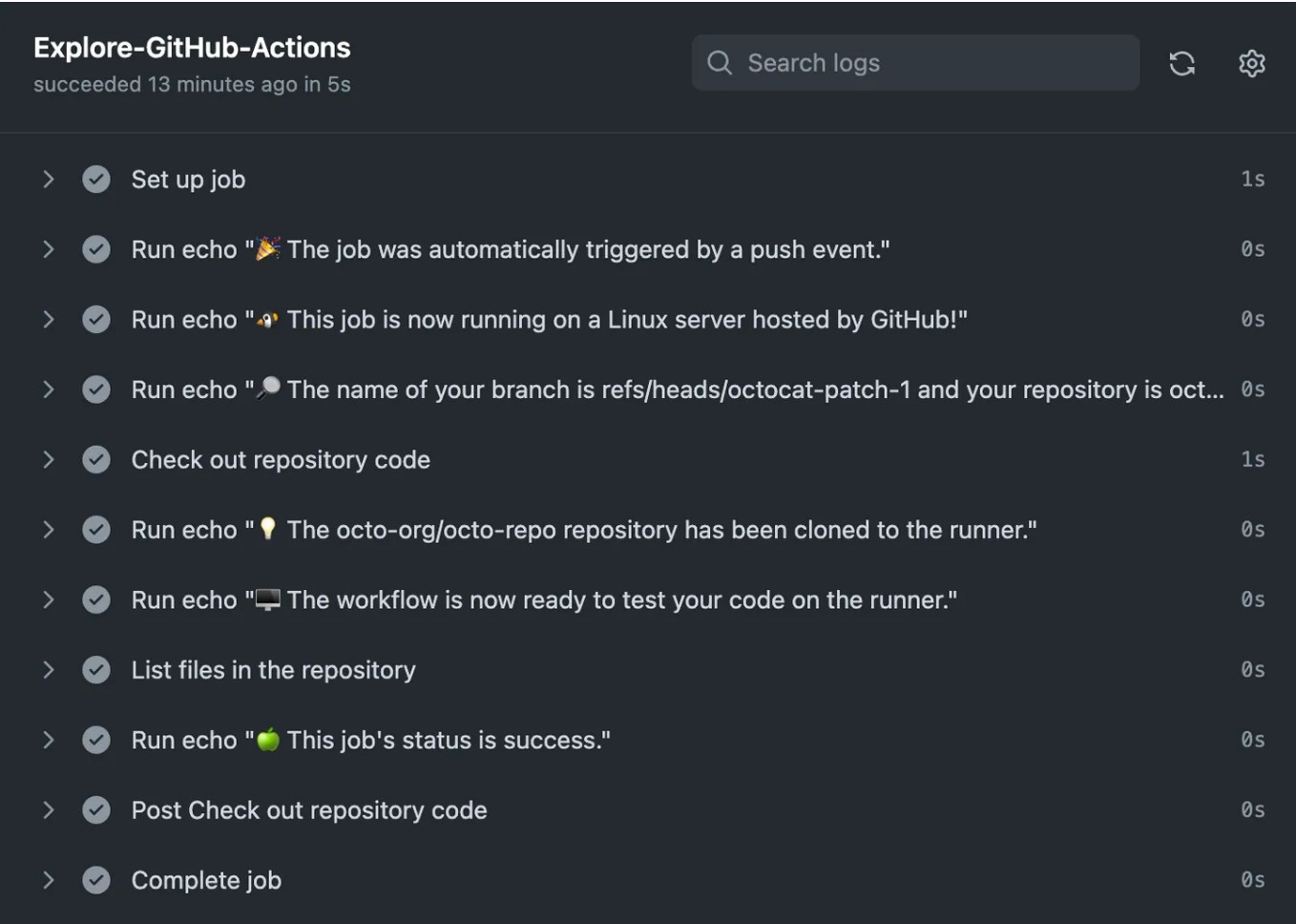
How to run a step only if a condition is true in GitHub Actions
The if key sits at the same level as name, run and uses inside a step.
- Open the workflow file in
.github/workflows/in your repository. - Find the step that should run conditionally and add a line
if: ${{ github.ref == 'refs/heads/main' }}above itsrunorusesline, at the same indentation asname. - Replace the example expression with your own condition, using single quotes around every string.
- Commit the change and trigger the workflow with the event it listens for.
- Open the run on the Actions tab; the step either runs or is marked as skipped in the job log.
Inside if: the ${{ }} wrapper is optional, because GitHub evaluates the value as an expression anyway. It becomes mandatory when the expression starts with !. If you edit workflows in a local clone, GitHub Desktop for Windows or Mac can commit and push the change without the command line.
How conditional step execution works in GitHub Actions
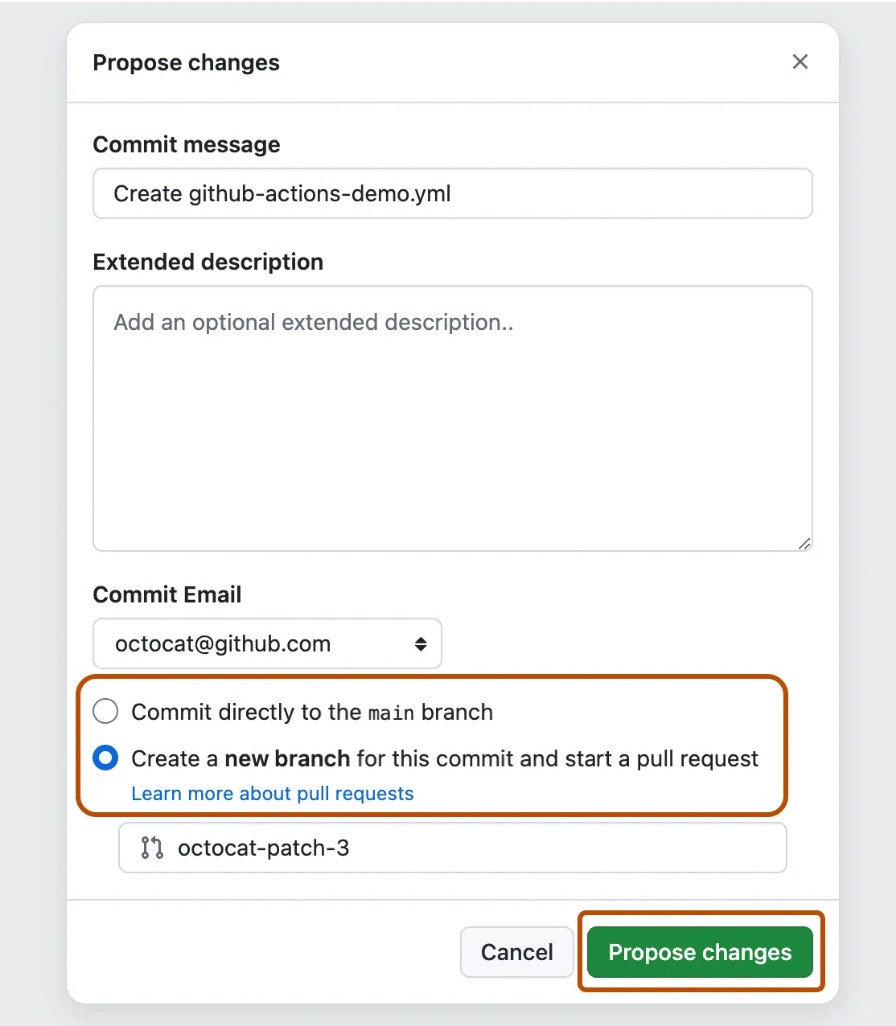
GitHub evaluates a step's if just before that step would start. Every step carries a hidden default of success(), so without any if a step runs only when all earlier steps in the job succeeded.
A condition can also sit on a whole job. The two levels see different data, which decides where a check must live.
| Step condition (`jobs.<job_id>.steps[*].if`) | Job condition (`jobs.<job_id>.if`) | |
|---|---|---|
| Evaluated | On the runner, just before the step | Before the job is sent to a runner, and before a matrix is expanded |
| Contexts available | github, needs, strategy, matrix, job, runner, env, vars, steps, inputs |
github, needs, vars, inputs |
| Functions available | always(), cancelled(), success(), failure(), hashFiles() |
always(), cancelled(), success(), failure() |
| When false | The step is skipped and later steps still run | The job is skipped and shows "This check was skipped." |
| Typical use | Skip one deploy or upload step, run cleanup after a failure | Skip a whole deploy job on forks or non-main branches |
Shell tests such as [[ $variable == "prefix"* ]] are not expressions. They belong inside a step's run script, not in if:.
Using `if` expressions on individual steps
An expression is built from contexts, literals, operators and functions. Operators include ==, !=, <, >, &&, ||, ! and parentheses for grouping.
steps:
  - name: Notify on unassigned pull request
    if: ${{ github.event_name == 'pull_request' && github.event.action == 'unassigned' }}
    run: echo This pull request had an assignee removed.

  - name: Skip on tags
    if: ${{ ! startsWith(github.ref, 'refs/tags/') }}
    run: echo Not a tag build.
The first step runs only for a pull_request event whose action is unassigned. The second uses ! to negate startsWith(), so it must keep the ${{ }} wrapper, because a bare ! is reserved notation in YAML.
You should see: The job log lists a skipped step with no output when the condition is false, and the step's normal output when it is true.
String literals take single quotes; double quotes inside an expression throw an error. A literal apostrophe is written as two single quotes, as in 'It''s open source!'. String comparisons ignore case.
Checking branches, tags, events, and pull request context
The github context carries the ref, the event name and the pull request branches. github.ref is fully formed, such as refs/heads/main, while github.ref_name holds the short name, such as main.
| Run the step when | Condition | Notes |
|---|---|---|
| The branch is main | github.ref == 'refs/heads/main' |
Or github.ref_name == 'main' |
| Any tag was pushed | startsWith(github.ref, 'refs/tags/') |
Or github.ref_type == 'tag' |
| The branch starts with feature/ | startsWith(github.ref, 'refs/heads/feature/') |
startsWith() is not case sensitive |
| The event is a push | github.event_name == 'push' |
Event names match the on: keys |
| The event is push or pull_request | contains(fromJSON('["push", "pull_request"]'), github.event_name) |
Shorter than chaining || |
| A pull request targets main | github.base_ref == 'main' |
Set only for pull_request and pull_request_target |
| A pull request comes from a given branch | github.head_ref == 'release' |
Set only for pull_request and pull_request_target |
| The issue has a bug label | contains(github.event.issue.labels.*.name, 'bug') |
* filters every label name |
| The run is in a specific repository | github.repository == 'octo-org/octo-repo-prod' |
Common guard against running deploys on forks |
On a pull_request event that has not been merged, github.ref is refs/pull/<pr_number>/merge, not the branch name, so a refs/heads/main check on a pull request run is false. Use github.base_ref or github.head_ref there instead.
Using status functions like `success()`, `failure()`, and `always()`
Status functions decide whether a step runs after something earlier went wrong. Including any of them replaces the default success() check.
| Function | Returns true when | Use it for |
|---|---|---|
success() |
All previous steps succeeded (the default) | Normal steps; write it only to combine with other checks |
failure() |
Any previous step in the job failed, or any ancestor job failed | Backup steps, failure notifications, collecting logs |
cancelled() |
The workflow was canceled | Steps that report a cancellation |
always() |
Always, even when the job is canceled | Uploading logs that must exist whatever happened |
!cancelled() |
The run was not canceled, whether earlier steps passed or failed | Cleanup and reporting steps; the recommended alternative to always() |
GitHub warns against always() on steps that could fail critically, such as getting sources, because the workflow can then hang until it times out. To react to one particular step, combine the function with that step's result: if: ${{ failure() && steps.demo.conclusion == 'failure' }}.
Combining conditions with outputs, environment variables, and secrets
A step can read the outputs and results of earlier steps that have an id, plus env and vars values. Secrets cannot be referenced directly in if:, so map them to an environment variable first.
jobs:
  build:
    runs-on: ubuntu-latest
    env:
      deploy_token: ${{ secrets.DEPLOY_TOKEN }}
    steps:
      - id: check
        run: echo "changed=true" >> "$GITHUB_OUTPUT"

      - name: Build only when something changed
        if: ${{ steps.check.outputs.changed == 'true' }}
        run: echo Building

      - name: Deploy only when the token exists and deploys are enabled
        if: ${{ env.deploy_token != '' && vars.DEPLOY_ENABLED == 'true' }}
        run: echo Deploying
The check step writes an output to $GITHUB_OUTPUT. Outputs are always strings, so the comparison uses 'true' in quotes. The secret becomes the job-level variable deploy_token; an unset secret or configuration variable returns an empty string, which is how the last step detects it.
You should see: With changed=true written and the token set, both conditional steps run; remove the secret and the deploy step shows as skipped.
To compare an output as a number or a real boolean, convert it with fromJSON(), for example fromJSON(steps.count.outputs.total) > 5. Results from other jobs come through needs.<job_id>.outputs and needs.<job_id>.result.
GitHub Actions run step if previous step failed
continue-on-error: true lets a job pass even when that step fails. The step's outcome records the real result and its conclusion records the result after continue-on-error is applied.
steps:
  - name: Run tests
    id: tests
    continue-on-error: true
    run: npm test

  - name: Report failed tests
    if: ${{ steps.tests.outcome == 'failure' }}
    run: echo Tests failed but the job continues.

  - name: Clean up
    if: ${{ !cancelled() }}
    run: echo Cleaning up.
When npm test fails, steps.tests.outcome is failure while steps.tests.conclusion is success, so the report step must test outcome. The cleanup step runs after success or failure but not after a cancellation.
You should see: A failing test run shows the report step running and the job finishing green.
How to see why a GitHub Actions step was skipped
GitHub logs how it evaluated job-level conditions automatically. Step-level conditions need step debug logging turned on.
- In the repository's Actions secrets or variables settings, add a secret or variable named
ACTIONS_STEP_DEBUGwith the valuetrue. - Re-run the workflow, or trigger it again.
- Open the run, select the job and expand the skipped step to read the debug lines about the evaluated condition.
- For a skipped job, open the run summary, select the job, choose Download log archive from the job menu, and open
JOB-NAME/system.txt. - Read the Evaluating, Expanded and Result lines; Expanded shows the real context values that made the expression true or false.
- Delete
ACTIONS_STEP_DEBUGor set it tofalsewhen you are done, so normal runs stay readable.
Anyone who can run the workflow can also turn on step debug logging for a single re-run. While it is on, runner.debug is set to 1, so if: ${{ runner.debug == '1' }} can gate your own verbose output.
Common pitfalls and debugging conditional steps
Why is my conditional step being skipped when the expression looks correct?
An earlier step failed, so the hidden success() check is false, or a value does not hold what you expect.
- Add
failure()or!cancelled()to the condition if the step must run after a failure. - Add a temporary step with
env: GITHUB_CONTEXT: ${{ toJson(github) }}andrun: echo "$GITHUB_CONTEXT", then compare the printed values with your expression; dumpstepsthe same way. - Check that a branch test uses
refs/heads/mainwithgithub.ref, ormainwithgithub.ref_name, not a mix of the two.
GitHub Actions if condition that starts with !
! is reserved notation in YAML, so a bare if: !condition is not valid.
- Wrap the expression:
if: ${{ !startsWith(github.ref, 'refs/tags/') }}. - Save and push the file again.
Secrets do not work in a GitHub Actions if condition
Secrets cannot be referenced directly in if: conditionals.
- Set the secret as a job-level environment variable, for example
env: { super_secret: ${{ secrets.SuperSecret }} }. - Test
env.super_secret != ''in the step'sif:instead.
A step output comparison is never true
Outputs are strings, and mismatched types are coerced to numbers, which can turn text into NaN.
- Compare against a quoted string, such as
steps.check.outputs.changed == 'true'. - Use
fromJSON()for numeric comparisons. - Confirm the producing step has an
idand writesname=valueto$GITHUB_OUTPUT.
env context is not available in a job-level if
jobs.<job_id>.if can read only github, needs, vars and inputs.
- Move the check onto the step, where
envis available. - Or store the value as a configuration variable and test
vars.NAMEat job level.
A skipped job still passes a required check
A skipped job reports its status as Success, so it does not block a pull request merge.
- Move the condition onto individual steps inside the job if the check must actually run and report a result.
The whole github context includes sensitive values such as github.token. GitHub masks secrets printed to the console, but remove context dumps once the condition works.
GitHub Actions step if condition FAQ
Can I use an if condition on both a job and an individual step?
Yes. jobs.<job_id>.if decides whether the job runs at all, and jobs.<job_id>.steps[*].if decides each step inside it. The step condition is evaluated only if the job condition was true and the job started.
How do I run a step only on the main branch?
Add if: github.ref == 'refs/heads/main' to the step, or the equivalent if: github.ref_name == 'main'. On an unmerged pull request run, github.ref is the merge ref, so the step is skipped there.
How do I run a cleanup or notification step even if an earlier step fails?
Use if: ${{ !cancelled() }}, which runs after success or failure but not when the run is canceled. Use always() only for steps that must run even after a cancellation, such as uploading logs.
Can a step condition depend on the output of a previous step?
Yes. Give the earlier step an id, write name=value to $GITHUB_OUTPUT, and test steps.<id>.outputs.<name> in the later step's if:. Outputs are strings, so compare them with quoted values.
Why is my conditional step being skipped when the expression looks correct?
The most common reason is an earlier failed step: every condition includes success() unless you add another status function. Turn on ACTIONS_STEP_DEBUG and print the context with toJSON() to see the real values.
Do I need ${{ }} around an if condition in GitHub Actions?
Usually not, because GitHub evaluates if: as an expression automatically. You must keep ${{ }} when the expression starts with !, since a bare exclamation mark is reserved notation in YAML.
Can I use secrets in a GitHub Actions if condition?
Not directly. Assign the secret to a job-level environment variable and test that variable in the step's if:. A secret that has not been set returns an empty string, so != '' checks whether it exists.
What is the difference between steps.outcome and steps.conclusion?
outcome is the step's result before continue-on-error is applied, and conclusion is the result after it. A failing step with continue-on-error: true has an outcome of failure and a conclusion of success.
GitHub Actions step condition or job condition: which to use
Put the condition on the job when everything in it depends on the branch, event or repository, and on the step when only part of the job should change. A job-level if avoids starting a runner at all but can read only github, needs, vars and inputs, while a step-level if can also test earlier step results, env, matrix and runner values.