How to turn on wifi direct on Windows 11
Turn on Wi-Fi Direct on Windows 11 by switching on Wi-Fi, then using Windows + K, Nearby sharing or Add device for printers. Support checks and fixes.
3,911 articles

Turn on Wi-Fi Direct on Windows 11 by switching on Wi-Fi, then using Windows + K, Nearby sharing or Add device for printers. Support checks and fixes.
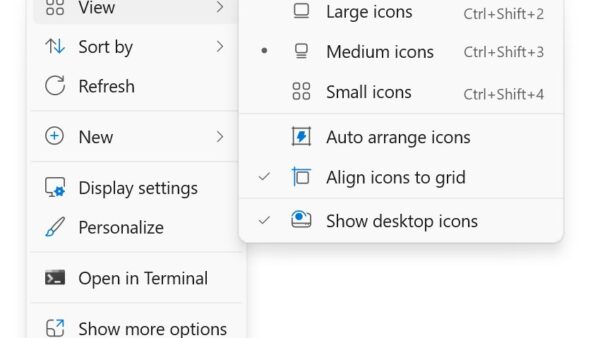
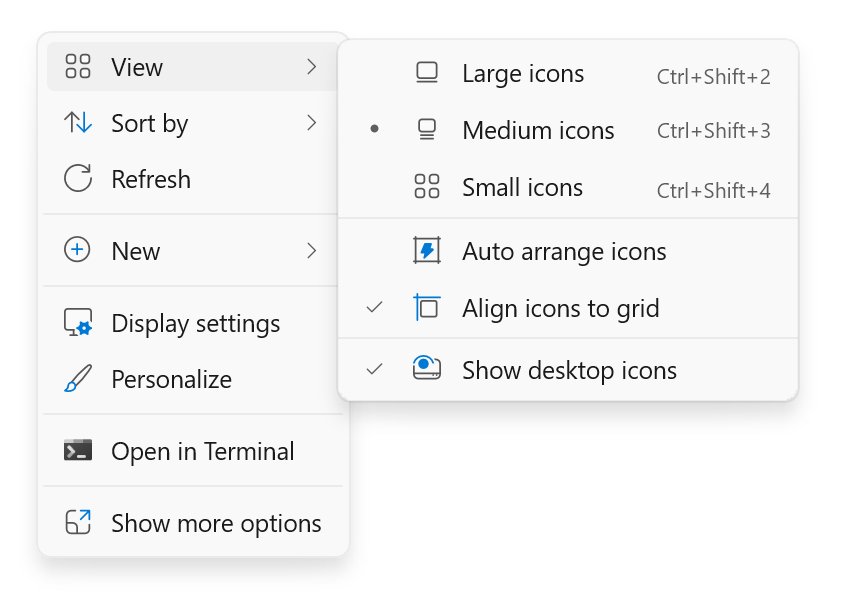
Show desktop icons on Windows 11: right-click the desktop, select View, then Show desktop icons. Add This PC and Recycle Bin, resize icons and fix missing ones.
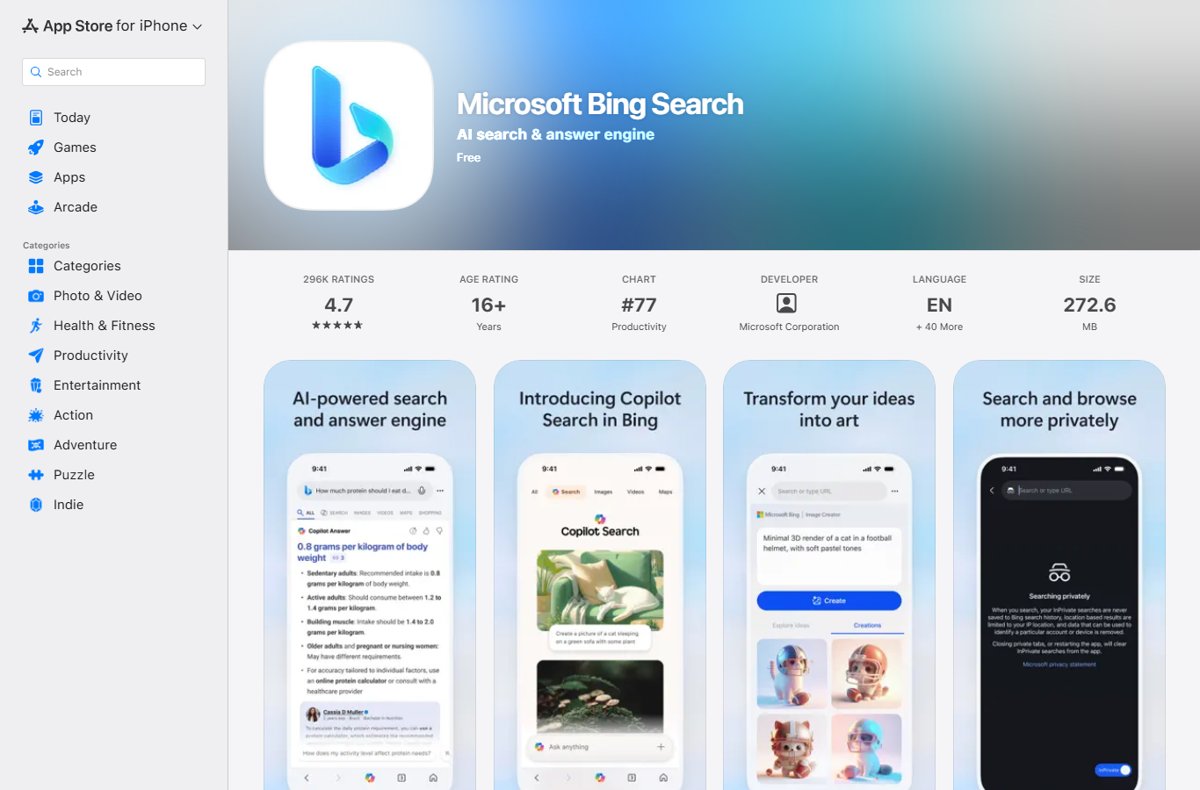
Access Microsoft Bing at bing.com in any browser, through Edge and Windows Search, or with the Bing app on iPhone and Android. Set it as default and open Copilot.
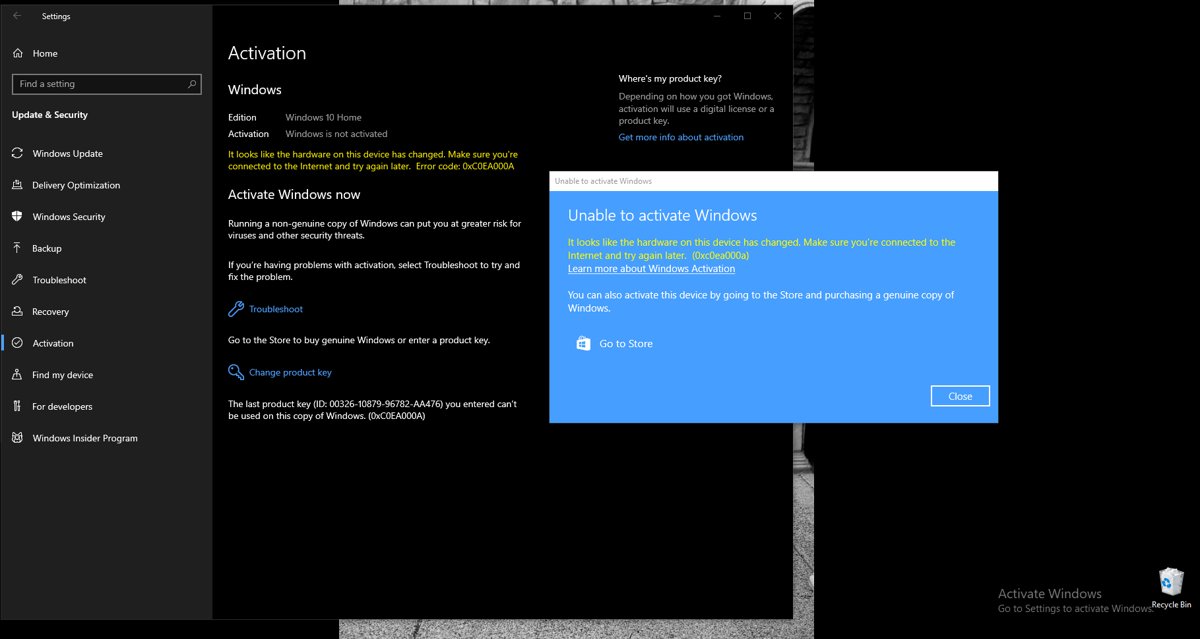
Activate a Windows 10 product key in Settings > Update & Security > Activation > Change product key, or with slmgr. Plus key locations and activation error fixes.
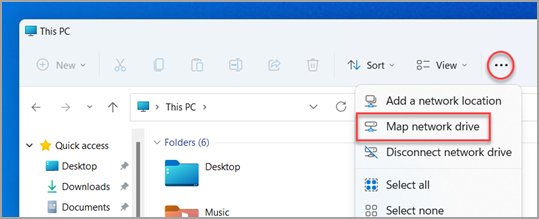
Add your C, D, E or F drive to the File Explorer navigation pane by pinning it to Quick access. Steps for Home on Windows 11 and Windows 10, plus how to remove it.
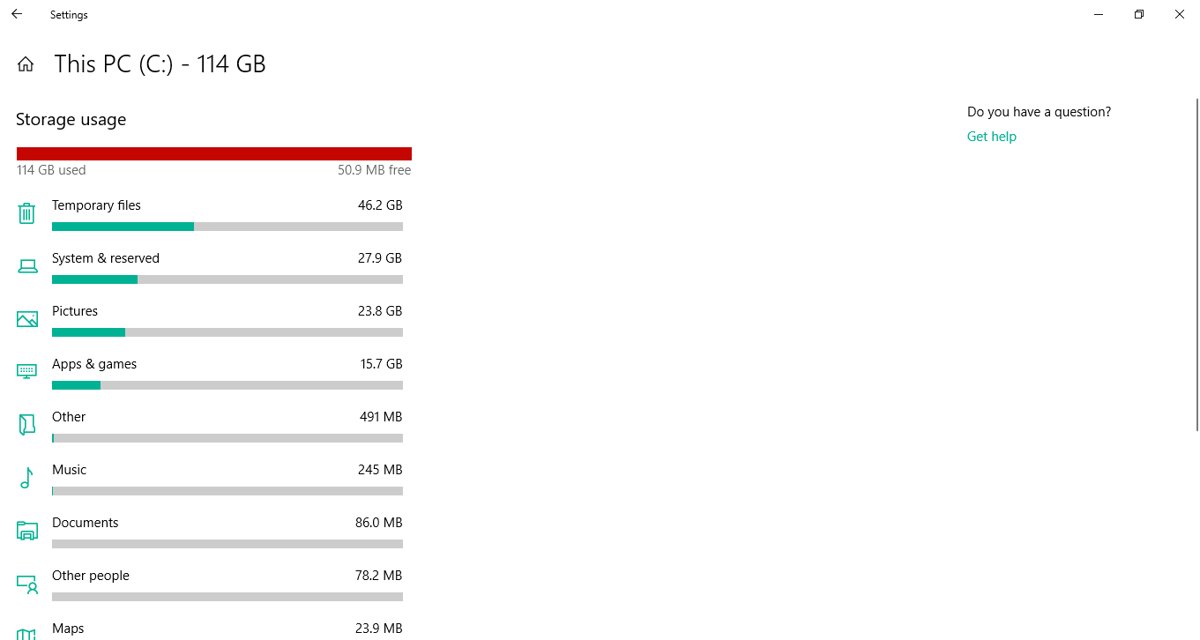
Delete temporary files in Windows 10 from Settings > System > Storage > Temporary files, or use Storage Sense, Disk Cleanup, %temp% and safe commands.
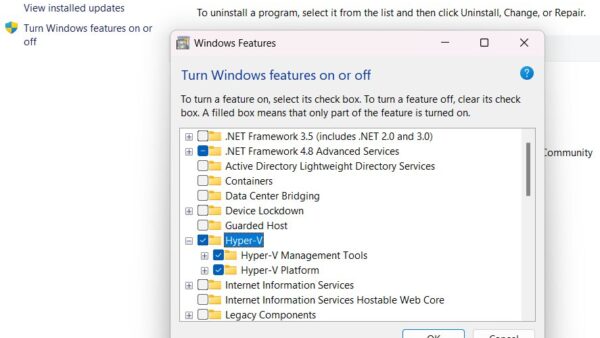
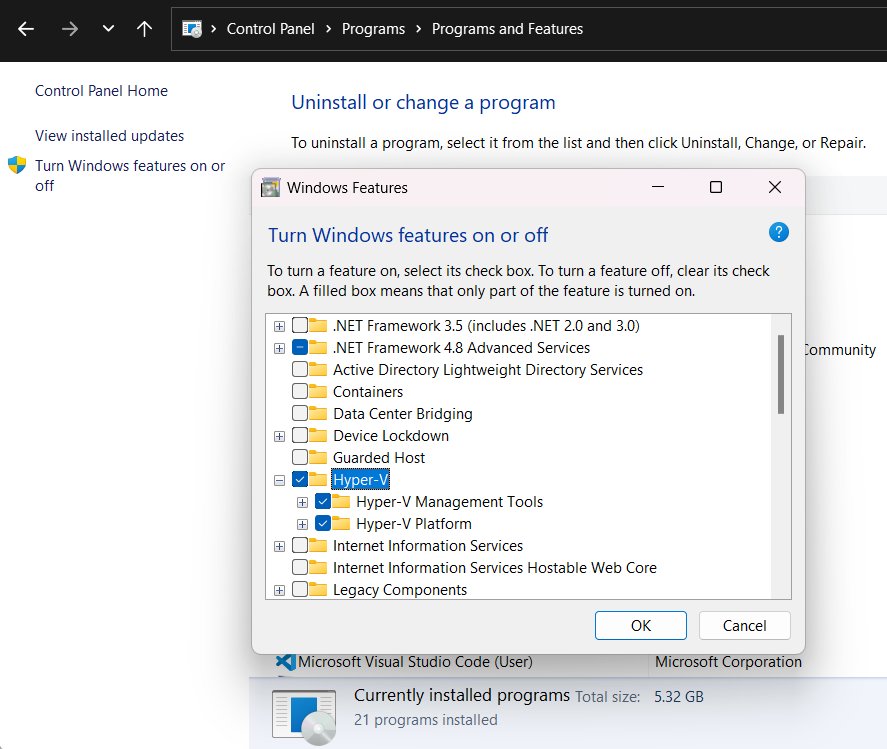
Upgrade Windows 11 Home to Pro from Settings > System > Activation: buy Pro in Microsoft Store or enter a Pro product key. Plus costs, checks and activation fixes.
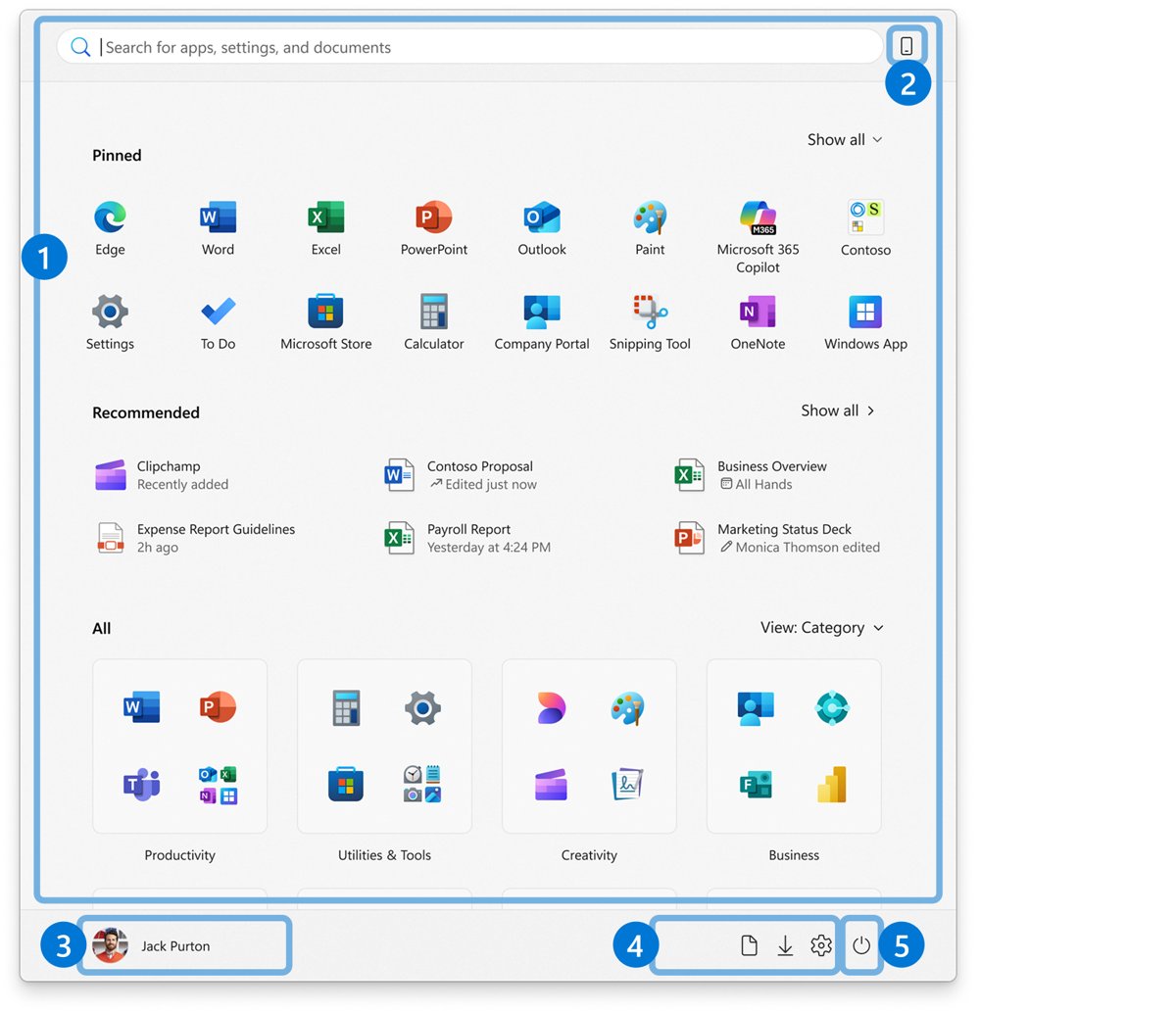
Access the Start menu in Windows 11 with the Windows key, the Start button, Ctrl + Esc or a swipe up. Plus search, pins, Win + X, and fixes when Start won’t open.
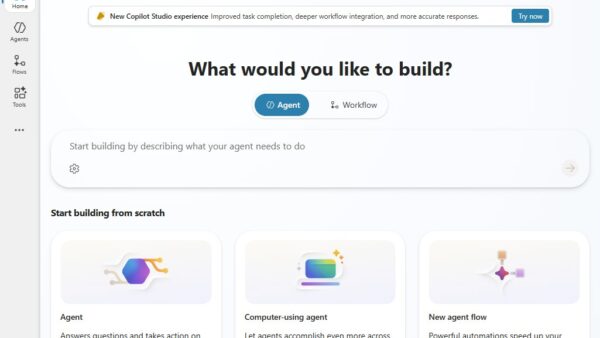
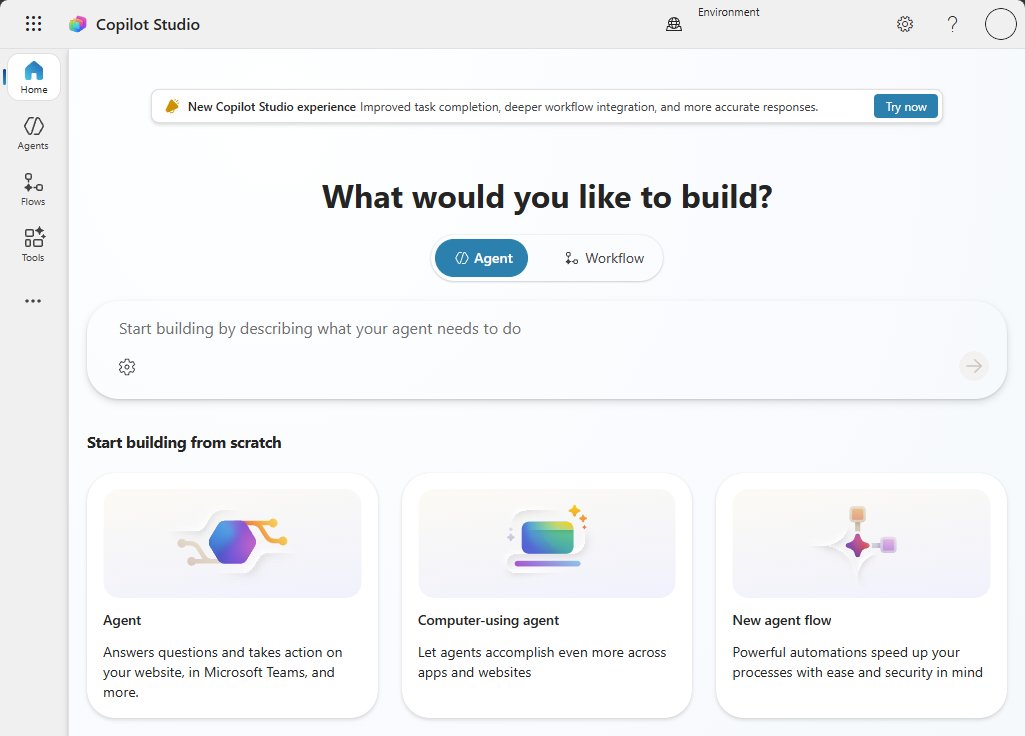
Access Copilot Studio at copilotstudio.microsoft.com with a work account and a license or free trial. Teams, Microsoft 365 Copilot, GCC and access error fixes.
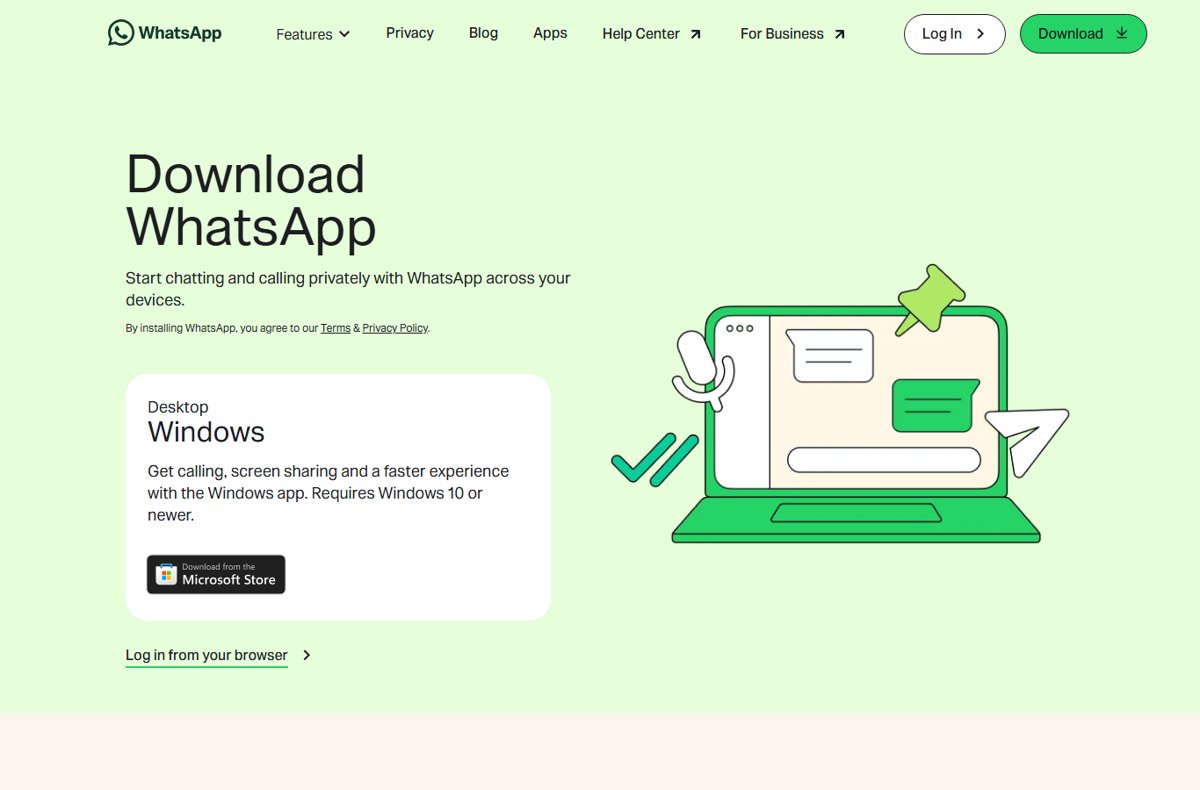
How does WhatsApp work? It sends messages and calls over your internet connection, using your phone number as the account. Setup, chats, backups and privacy.
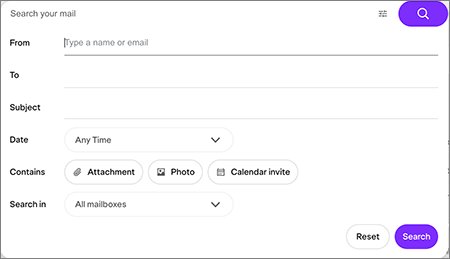
Find your Yahoo Search history under Settings > Search History while signed in. See browser and phone records, delete them, and stop new searches being saved.
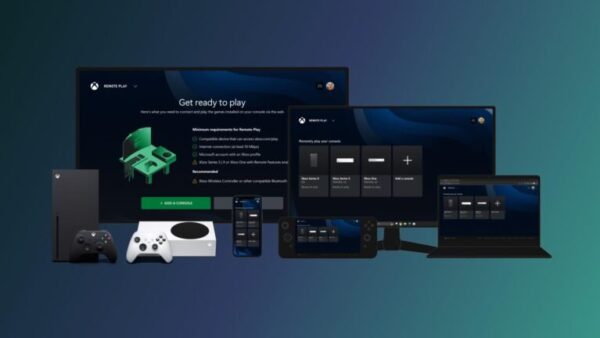
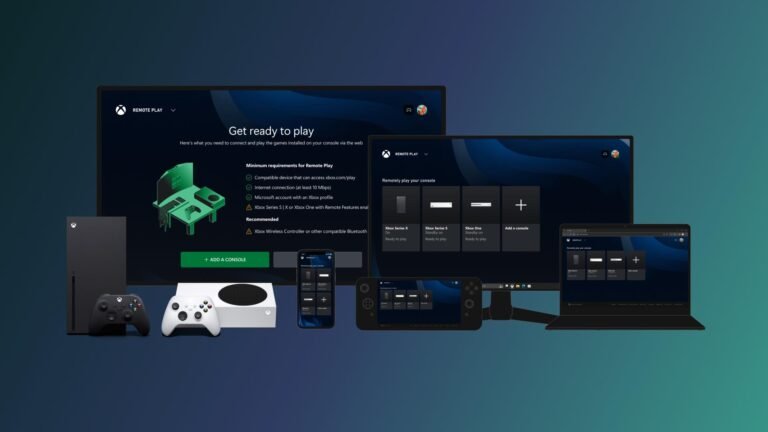
Use Xbox remote play on PC: turn on remote features on your Xbox, open xbox.com/remoteplay on Windows, and stream games from your own console, at home or away.