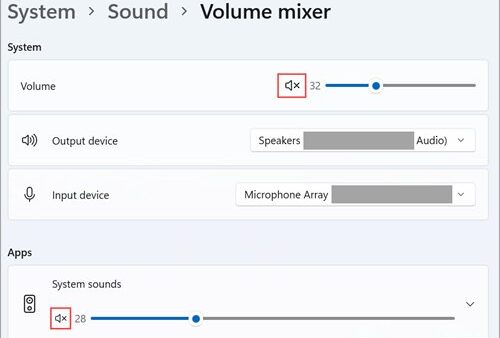
Adjust volume for individual programs in Windows 11/10
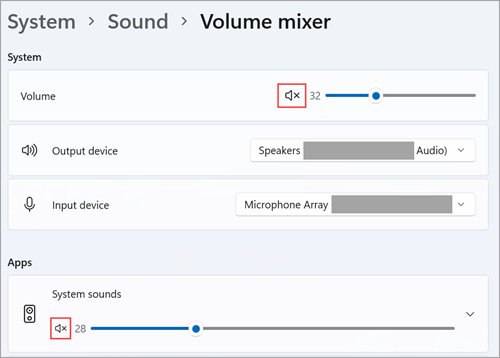
Adjust volume for individual programs in Windows 11 and 10 with Volume mixer: per-app sliders, a separate output device per app, the classic mixer and fixes.
3,910 articles

Adjust volume for individual programs in Windows 11 and 10 with Volume mixer: per-app sliders, a separate output device per app, the classic mixer and fixes.
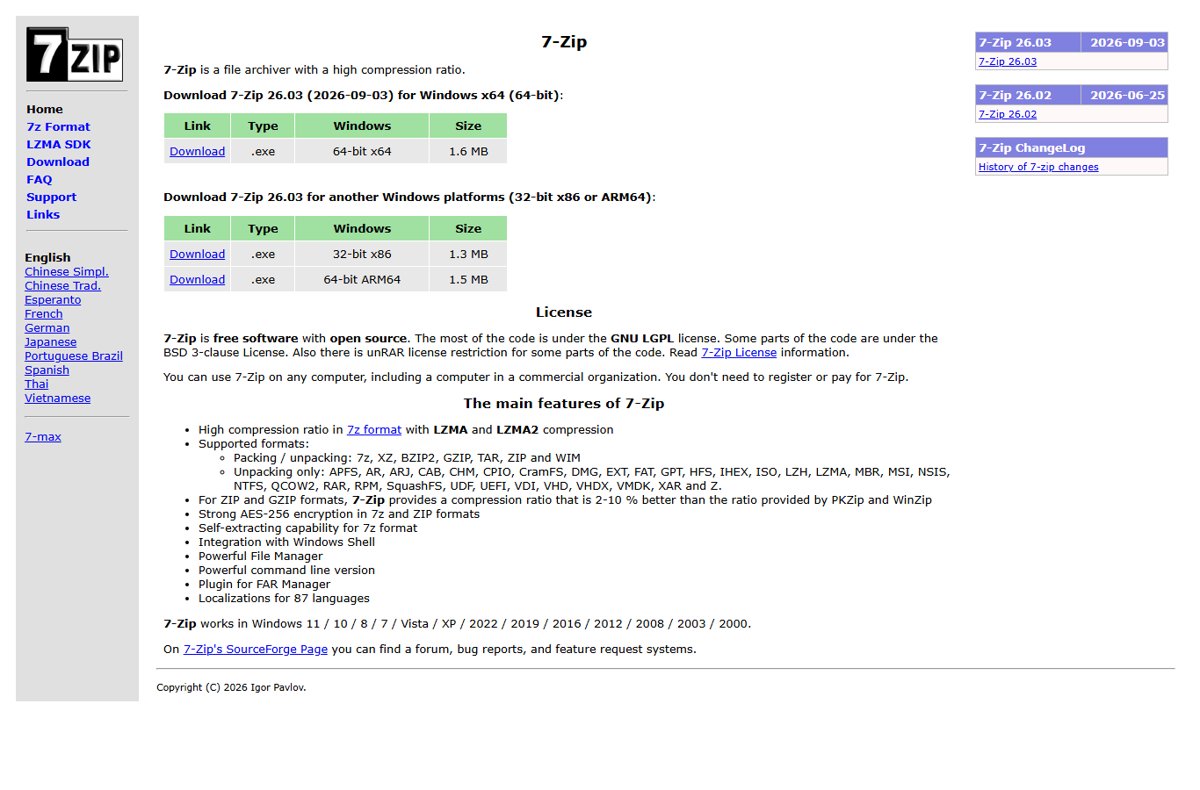
Open DMG files on a Windows PC with the free 7-Zip, since Windows cannot open them natively. Extract the files, convert to ISO on a Mac, and fix common errors.
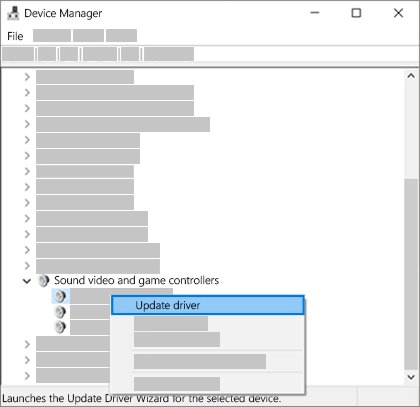
Enable the HDMI port on Windows 10: connect the cable, press Win + P, select Detect, route sound to HDMI, and fix the display adapter driver when nothing shows.
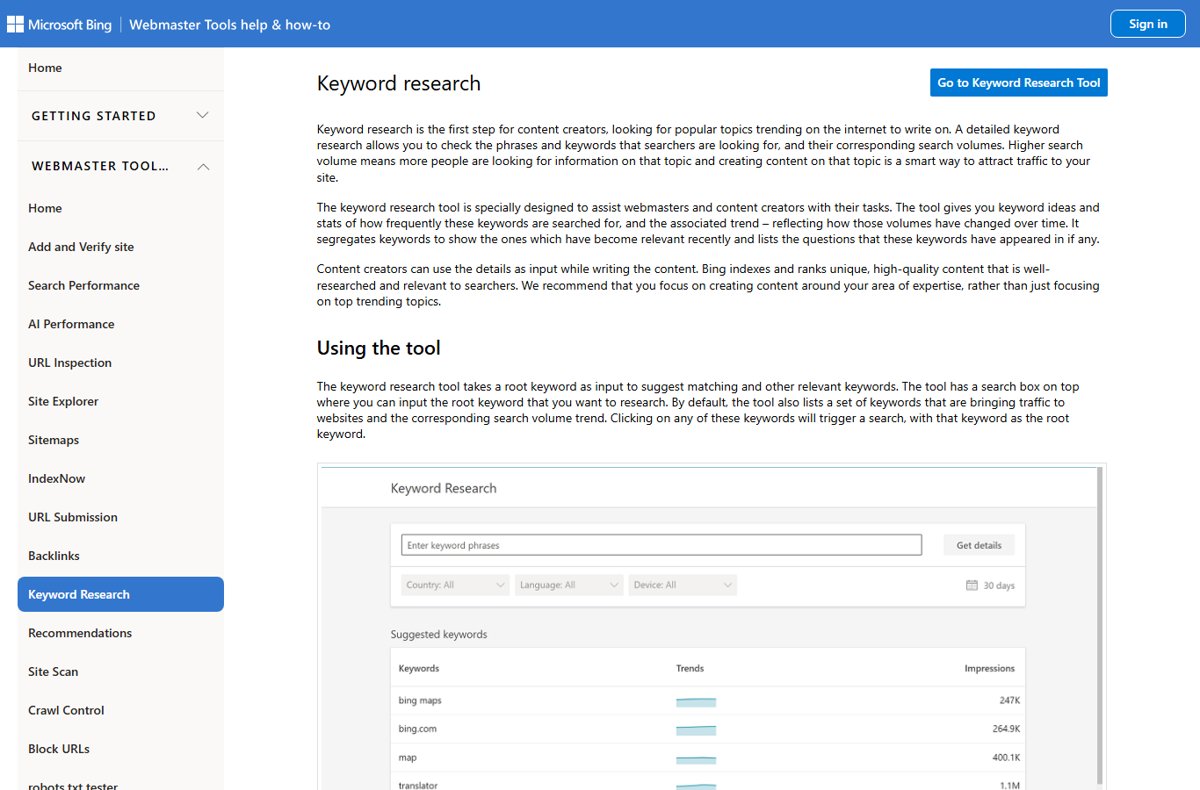
Bing lists related searches at the foot of every results page. Pull the full set with SERP blocks, autosuggest, Webmaster Tools and search operators.
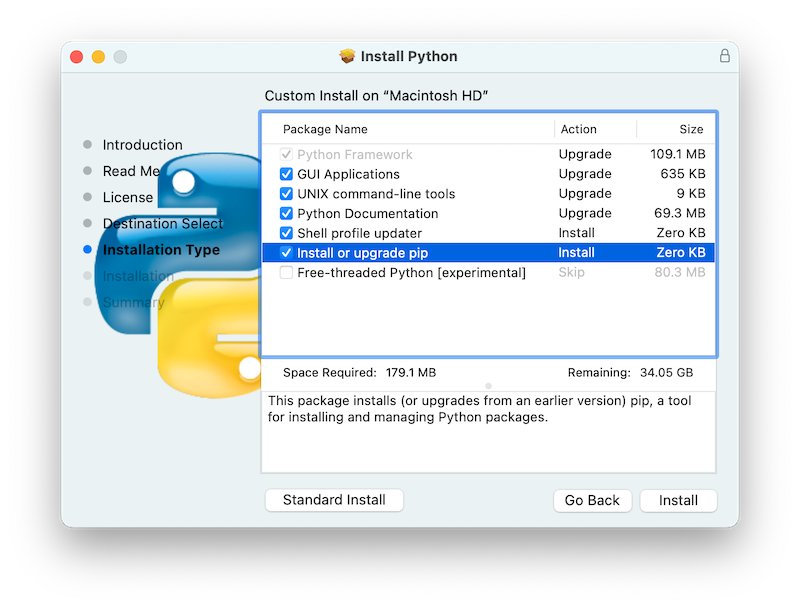
Fix pip install not working: run python -m pip, repair PATH, restore pip with ensurepip, use a virtual environment, and solve permission and SSL errors.
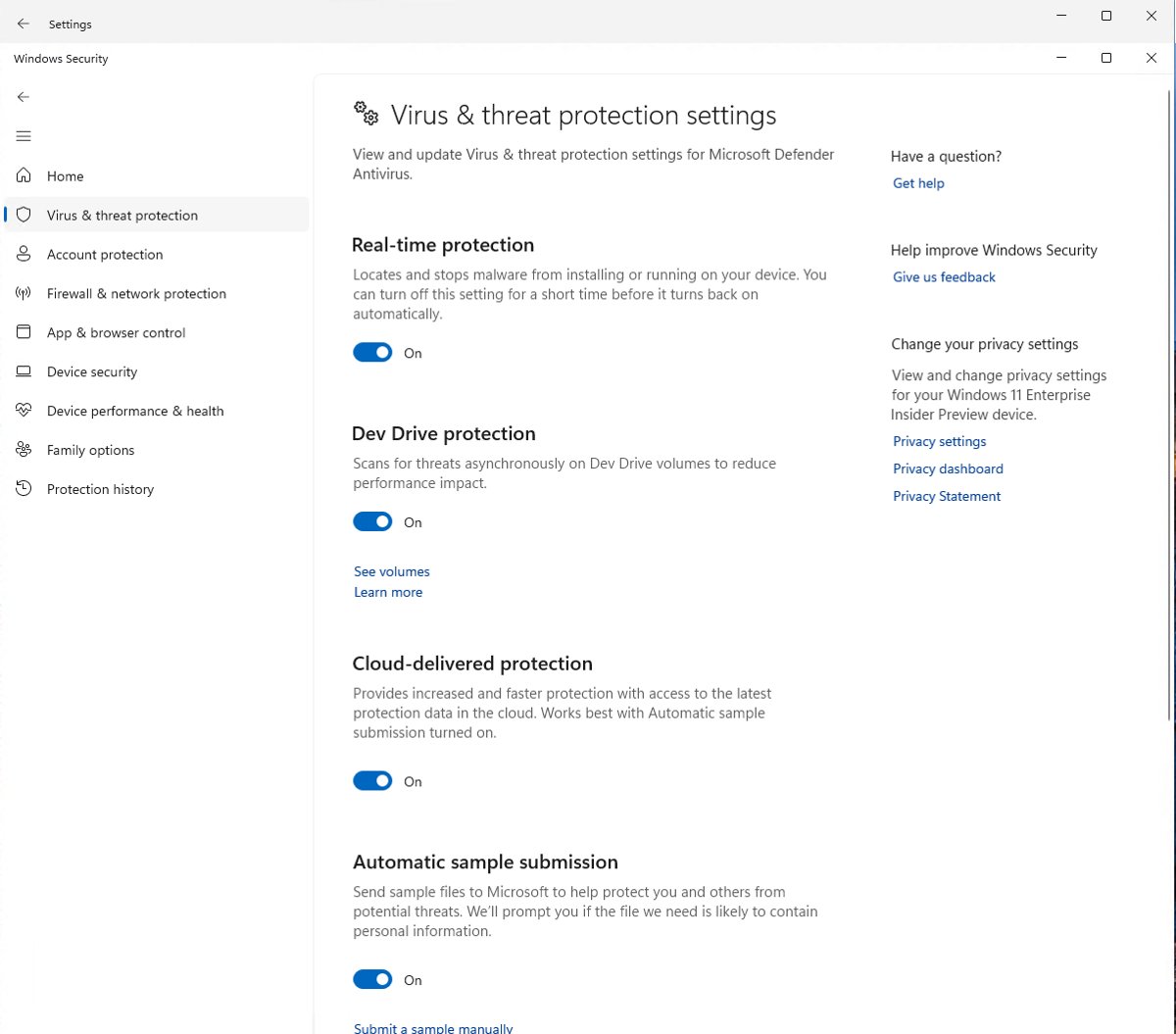
Fix Antimalware Service Executable (MsMpEng.exe) high CPU, memory or disk use in Windows 11: cap scan CPU, move scans, update Defender and find the cause.
Elgato Stream Deck download for Windows 11 and Mac: get the free official installer from elgato.com, with sizes, requirements, setup steps and fixes.
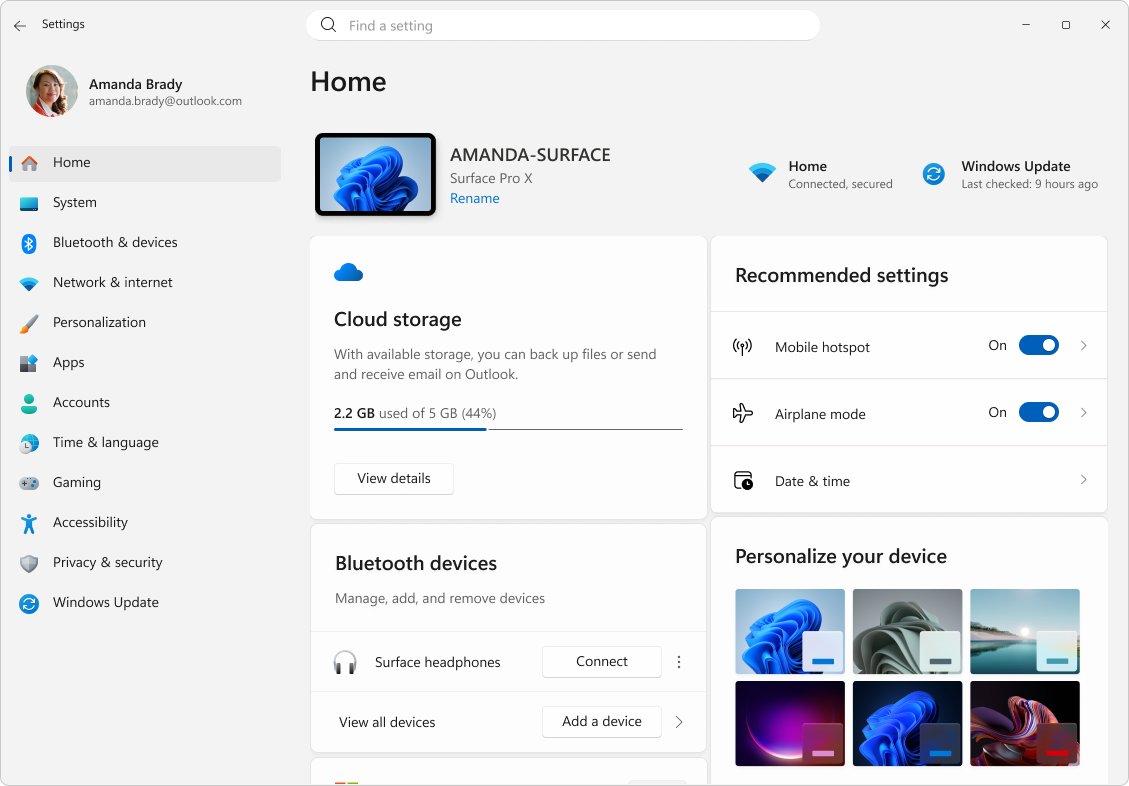
Find Ease of Access in Windows 11 under Settings > Accessibility, or press Win + U. Every route in, where each vision, hearing and interaction tool sits, and fixes.
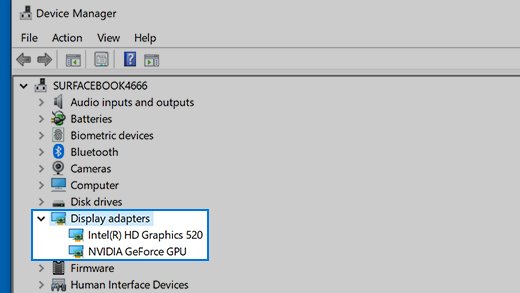
Enable DisplayPort on a graphics card: plug into the card, not the motherboard, set the monitor input to DisplayPort, update the driver and press Detect.
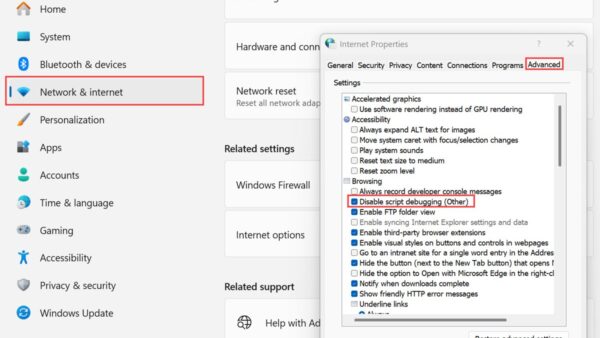
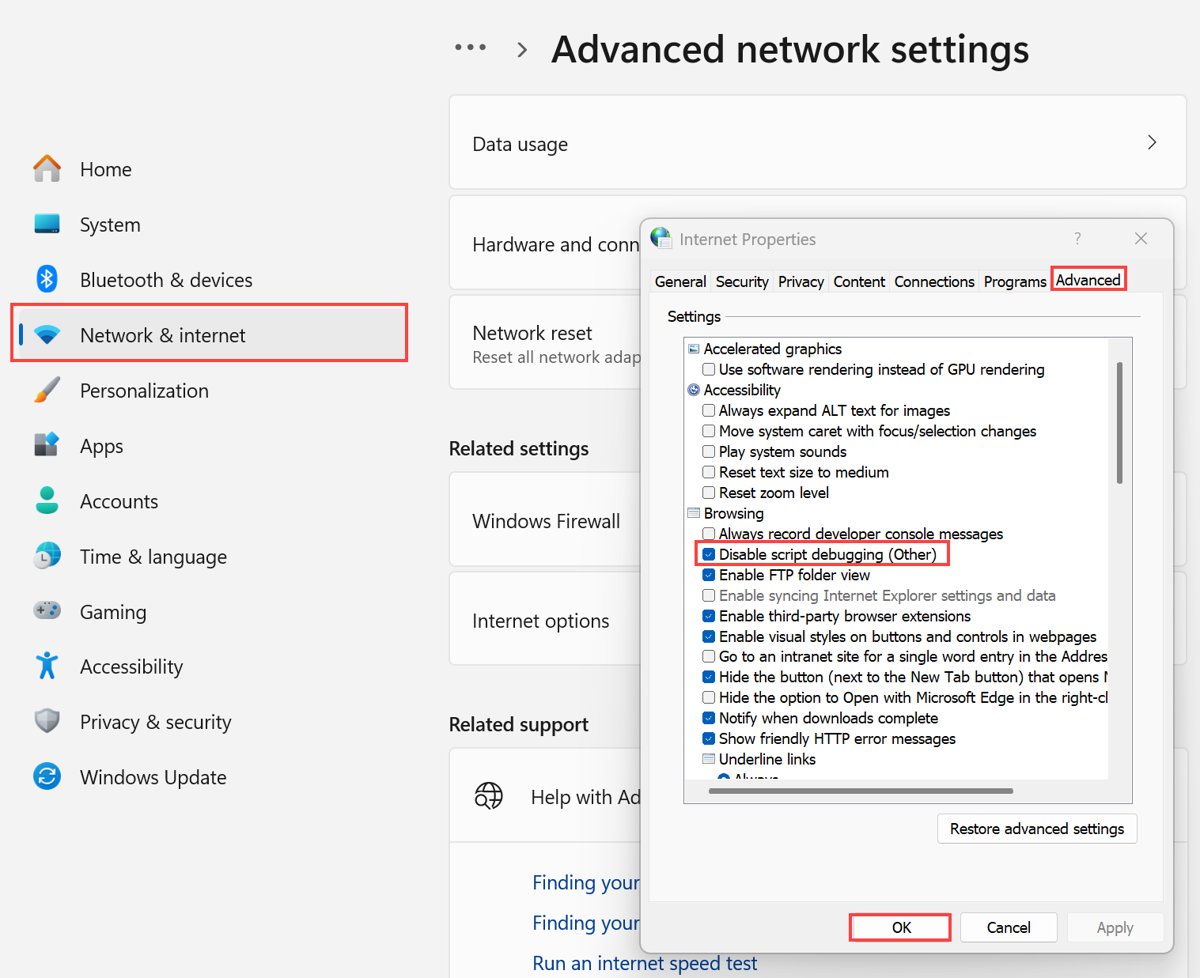
Internet Options is not inside Microsoft Edge. Open it with control inetcpl.cpl, and find Edge’s own privacy, proxy and IE mode settings at edge://settings.
Unreal Engine download for Windows 11, 10 and Mac: get it free through the Epic Games Launcher, see the royalty terms, requirements and install steps.
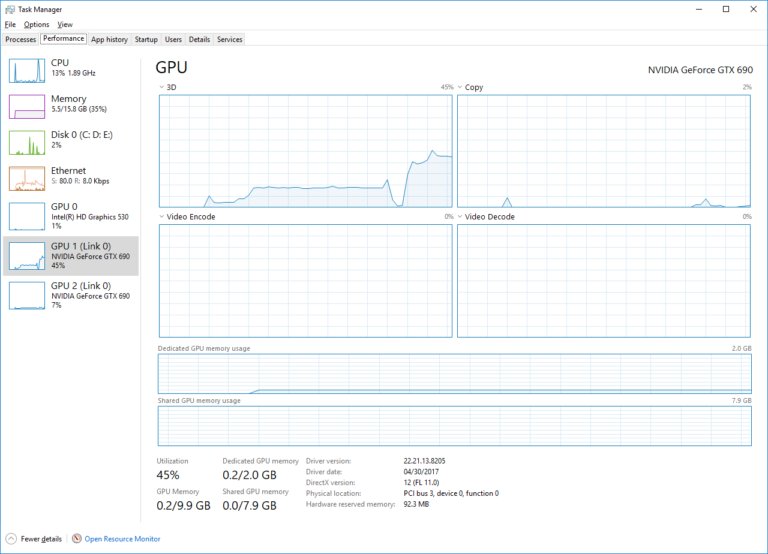
Check what graphics card you have in Windows 11 or 10 with Task Manager’s GPU pane. Plus Mac, Linux, Chromebook and phone checks, VRAM, and GPU not showing fixes.