What Is G Suite and How Do I Get Started?
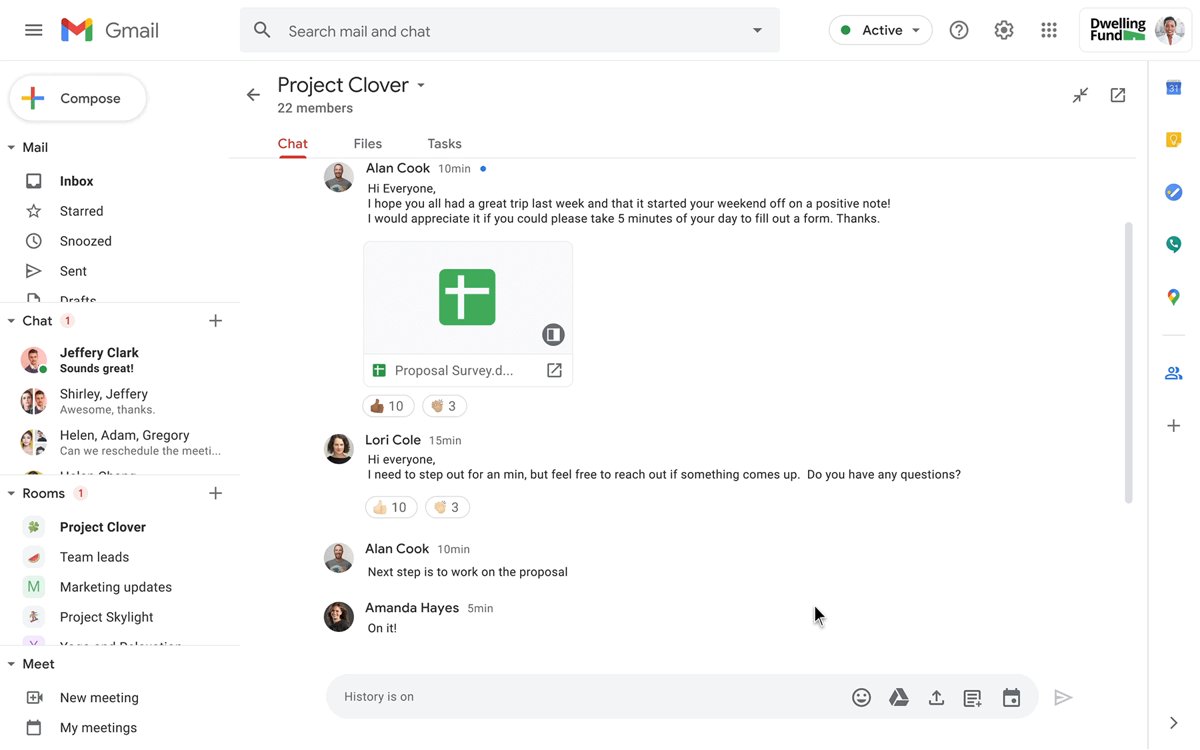
G Suite is now Google Workspace: Gmail, Drive, Docs, Meet and admin tools for a business. What it includes, current plans, and how to sign up and set it up.
3,383 articles

G Suite is now Google Workspace: Gmail, Drive, Docs, Meet and admin tools for a business. What it includes, current plans, and how to sign up and set it up.
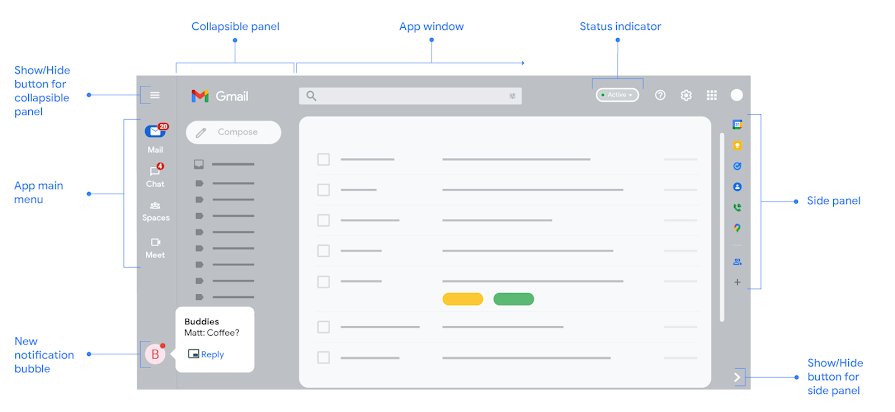
The Gmail gear icon is the cog-shaped Settings button in the top-right corner of Gmail on a computer. Find it, open See all settings, and reach settings on mobile.
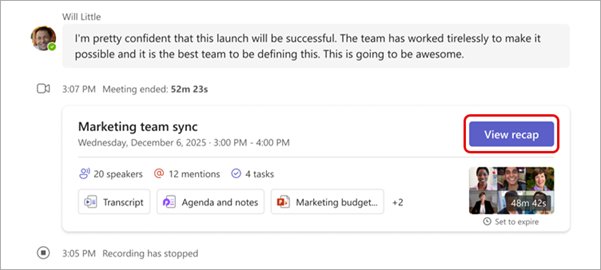
Download a Teams meeting recording from the chat, OneDrive or SharePoint, share it with the right link type, and fix a missing Download button.
Voice recorder download for Windows 11 and 10: Sound Recorder is free in the Microsoft Store. Get the listing, install steps, size and Mac options.
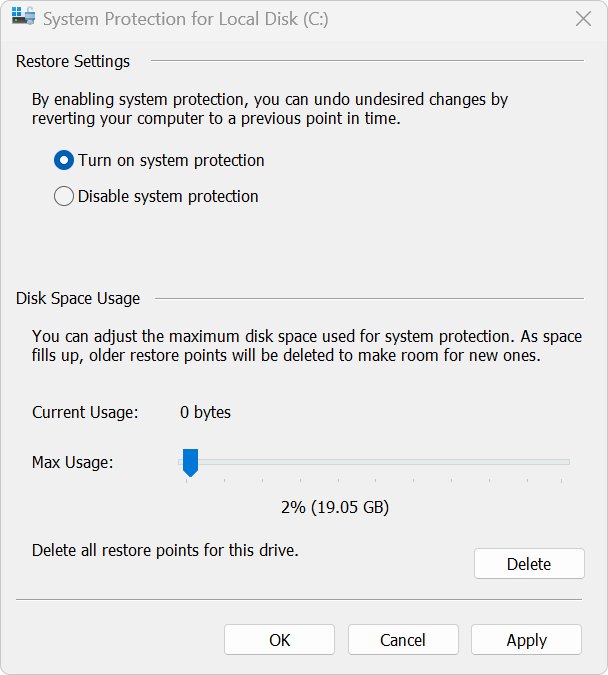
Update drivers on an Acer laptop with Windows Update optional updates, Acer’s Drivers and Manuals page and Device Manager, plus BIOS, rollback and fixes.
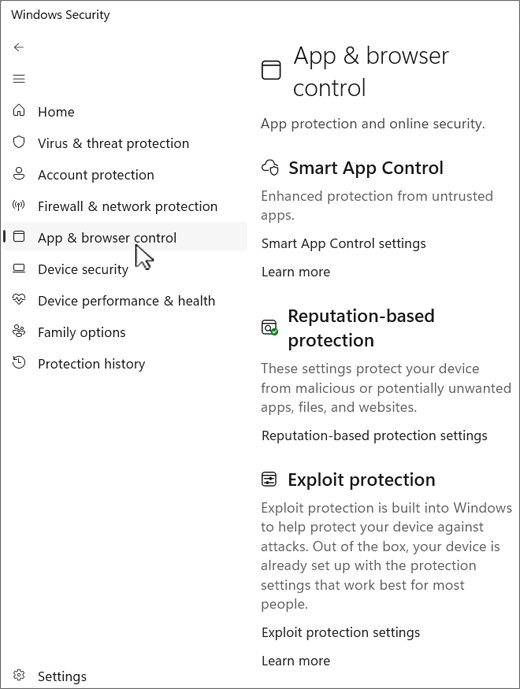
Enable or disable SmartScreen in Windows 11 from Windows Security > App & browser control > Reputation-based protection, plus Edge, Group Policy and registry.
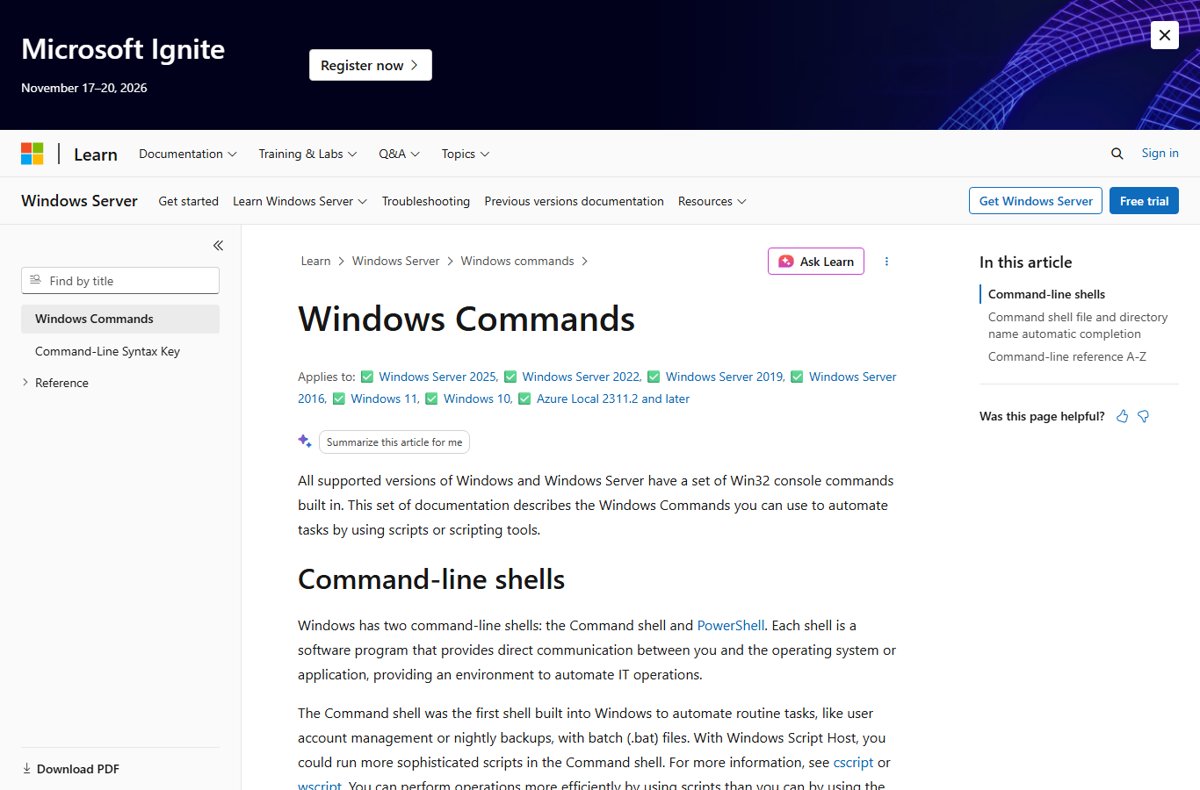
Complete list of Command Prompt commands for Windows 11 and 10, grouped by job: navigation, files, system info, network, Wi-Fi, disks, batch files and power.
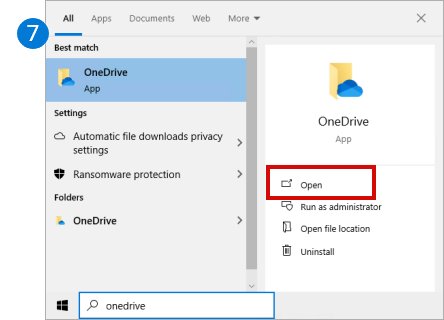
Download and install OneDrive on Windows 11/10: open the built-in app, or reinstall it from Microsoft’s site, then sign in, back up folders and fix setup problems.
Microsoft Loop download for PC: get the free Windows app from the Microsoft Store, open Loop on Mac in a browser, and install it on iPhone and Android.
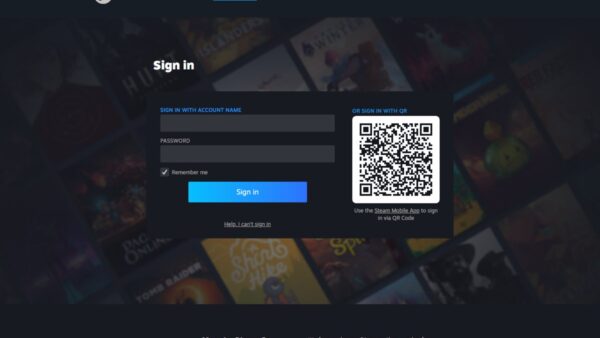

Your Steam Web API key lives at steamcommunity.com/dev/apikey. Sign in to see or create it, set its domain, test it, and revoke it if it leaks.

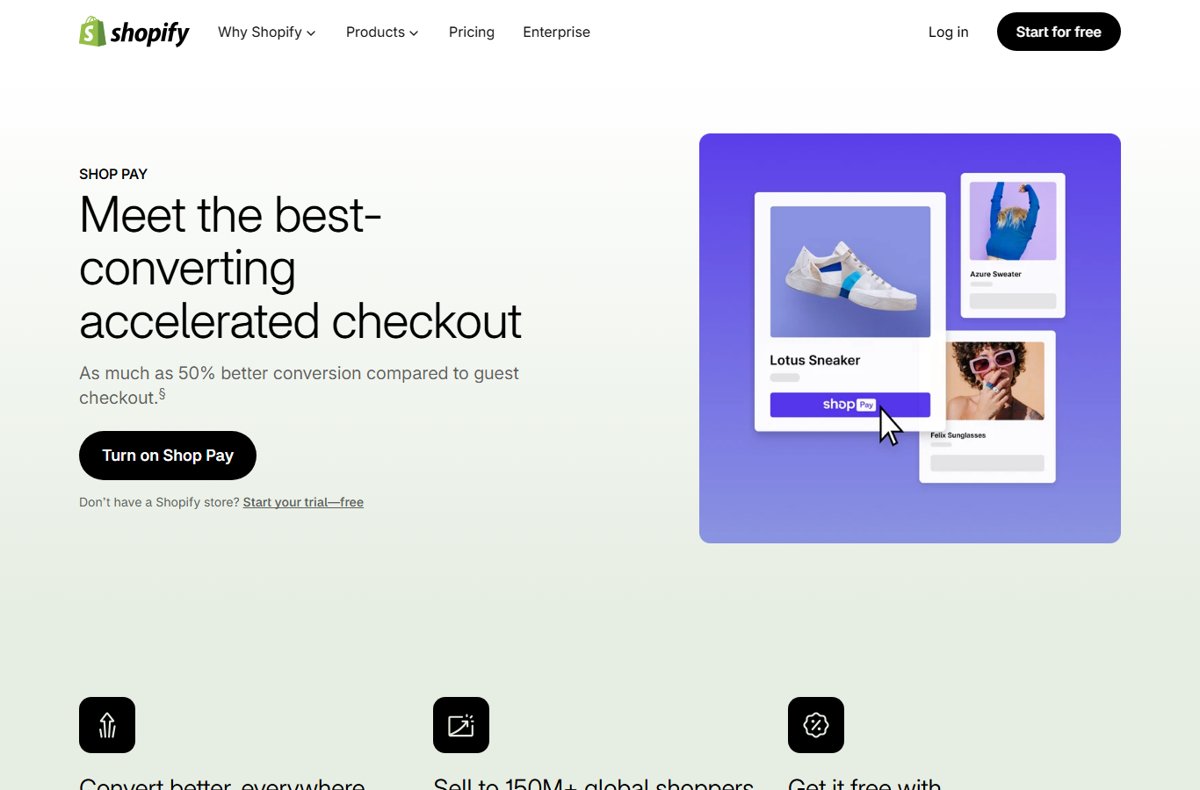
Shop Pay is Shopify’s checkout wallet; the Shop app tracks orders. How both work, Shop Pay Installments via Affirm, security, and how to delete your account.
Opera browser download for Windows 11/10, Mac and Linux: the 2.8 MB online installer or the 133 MB offline package, with ARM64, requirements and install fixes.