The Microsoft Loop download for Windows 11 and Windows 10 is a free 2.2 MB app in the Microsoft Store, published by Microsoft Corporation. On a Mac you open Loop in a browser and install it to the Dock from Microsoft Edge.
Signing in with a personal Microsoft account costs nothing. A Microsoft 365 work or school account unlocks Loop components inside Teams and Outlook, and Copilot in Loop needs a Microsoft 365 Copilot plan.
This guide covers which file or link matches your device, the Store and winget routes, the Mac and mobile apps, what the paid tiers add, and fixes for Loop that will not install, open or sync.
Which Microsoft Loop download do you need?
Match your device to a row. Every link below points at a Microsoft-run source.
| Your device | What to get | Size |
|---|---|---|
| Windows 11, or Windows 10 version 2004 and later | Loop app, Microsoft Store product 9P1HQ5TQZMGD | 2.2 MB |
| Windows PC, command line or scripted setup | winget install 9P1HQ5TQZMGD -s msstore | 2.2 MB |
| Mac, Linux or ChromeOS | Loop on the web, no install needed | Nothing to download |
| Mac that needs a Dock icon | Microsoft Edge for Mac, then install the site as an app | Browser install |
| iPhone or iPad on iOS 18 or later | Loop on the App Store | 165.5 MB |
| Android phone or tablet | Loop on Google Play | See listing |
The Windows package is small because pages live in OneDrive, SharePoint or SharePoint Embedded rather than on the PC, so the app needs a connection every time it opens.
Download Microsoft Loop from Microsoft’s own sources
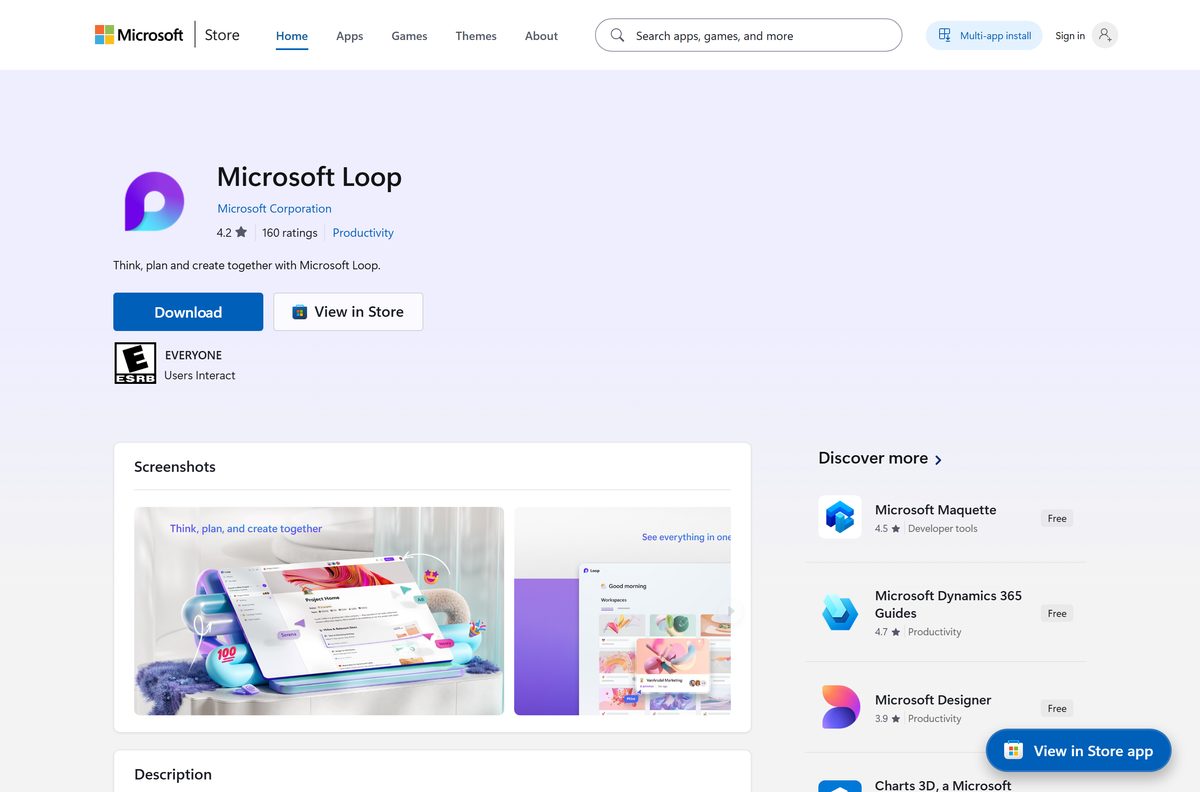
Microsoft publishes one Windows package, two mobile listings and a browser address. There is no installer file on any other page.
- Loop for Windows on the Microsoft Store, product 9P1HQ5TQZMGD — 2.2 MB download, 2.4 MB installed · free, one package for x64, x86 and ARM64
- Loop on the web at loop.cloud.microsoft — works on Mac, Windows, Linux and ChromeOS
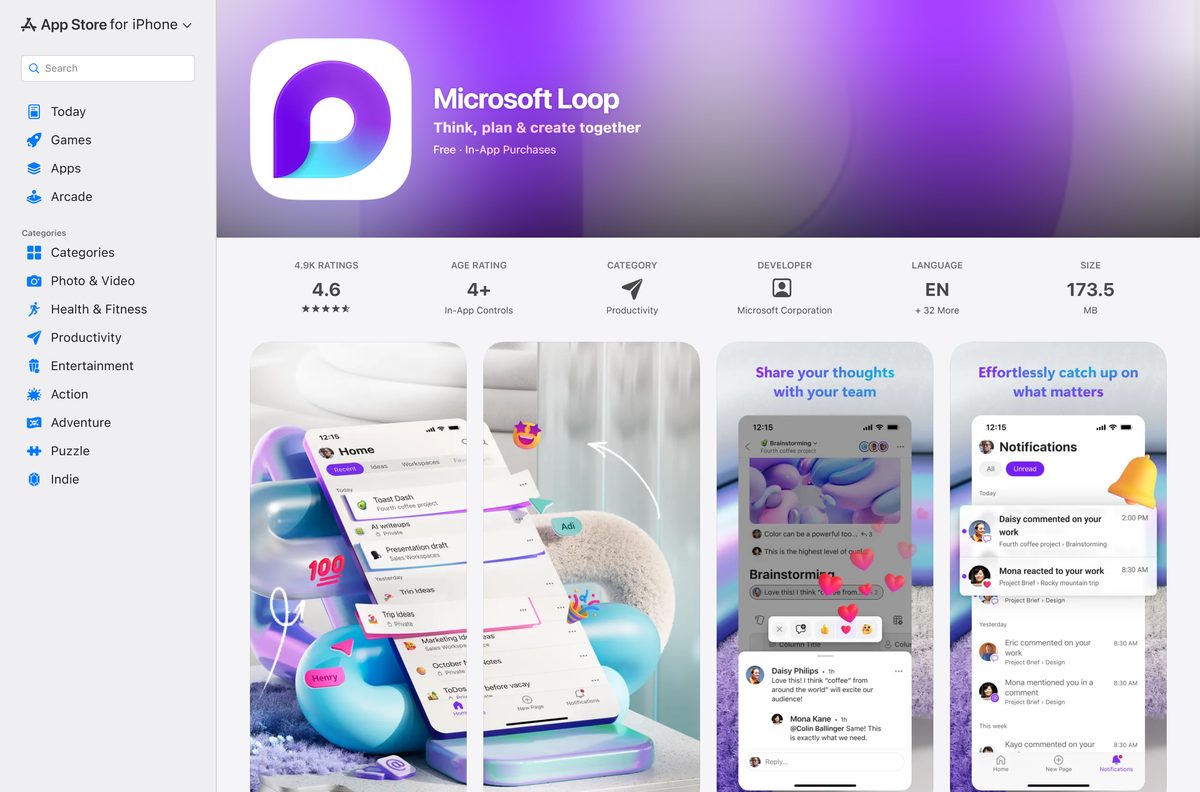
- Loop for iPhone and iPad on the App Store — 165.5 MB · free, needs iOS 18.0 or later
- Loop for Android on Google Play — free, published by Microsoft Corporation
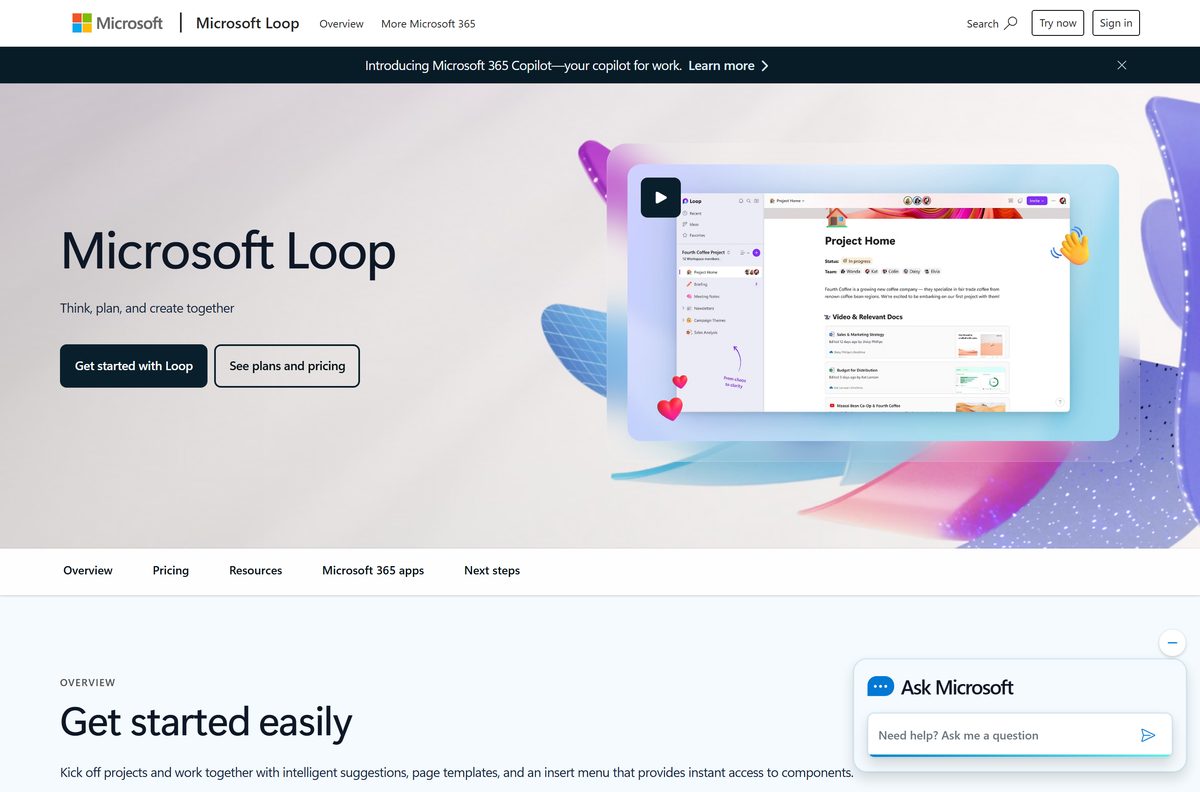
- The product page on microsoft.com — feature tour and sign-in link
Any page offering a Loop setup.exe or an offline installer is serving something Microsoft does not publish.
How to install Microsoft Loop on Windows 11 and 10
Search Start for Loop first. Some PCs already carry the app through a Microsoft 365 deployment.
- Open Microsoft Store from the Start menu.
- Search for Microsoft Loop, or open product 9P1HQ5TQZMGD from the link above.
- Check the publisher line reads Microsoft Corporation.
- Select Get, or Install if the app already sits in your Store library.
- Wait for the 2.2 MB package to finish, then select Open.
- Select Sign in and enter a personal Microsoft account, or a work or school account.
- Right-click the app on the taskbar and select Pin to taskbar.
A work or school account needs at least read access to your organisation’s SharePoint Online root site and an Exchange Online mailbox before sharing and @mentions work.
Install Microsoft Loop with winget from the command line
The Store product ID doubles as the winget package ID. This is the quickest route across several machines.
- Right-click Start and select Terminal.
- Run winget install 9P1HQ5TQZMGD -s msstore .
- Type Y the first time winget asks you to accept the Store source agreement.
- Wait for Successfully installed, then launch Loop from Start.
- Run winget list Microsoft.MicrosoftLoop to confirm the package is registered.
Add –accept-package-agreements –accept-source-agreements when you script the install.
Which Loop app do you need on a Mac, iPhone or Android?
Microsoft lists the Loop application on Windows, iOS, Android and web. macOS is not on that list, so a Mac runs Loop in the browser.
| Device | What you get | How to set it up |
|---|---|---|
| Mac, any Apple silicon or Intel model | Loop on the web | Sign in and bookmark the page |
| Mac, with a Dock icon and its own window | Microsoft Edge for Mac | Open Loop, then select the App available icon and Install |
| Mac user who mainly wants Loop components | Teams for Mac | Components work in Teams chat and channels |
| iPhone or iPad | Loop on the App Store | 165.5 MB, needs iOS 18.0 or later |
| Android | Loop on Google Play | Sign in with the same account |
The mobile apps accept personal and work or school accounts. They cannot yet rearrange workspace pages, search inside a page, or change page emojis and cover images.
Is Microsoft Loop free?
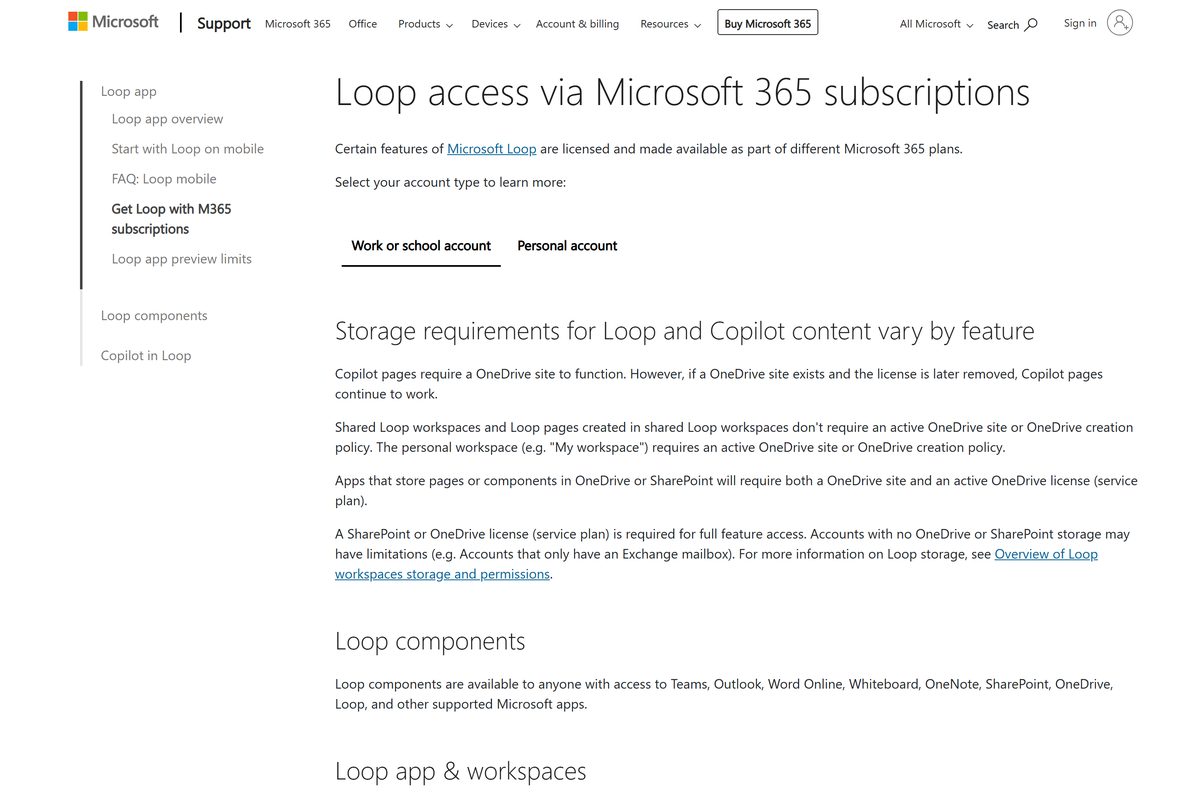
Yes for personal use, and the Windows, iOS and Android apps all cost nothing. Microsoft’s Store catalogue lists the Windows package at $0.00, and the apps for iOS, Android and the web are open to anyone with a personal Microsoft account. Inside an organisation, components need a OneDrive or SharePoint service plan, workspaces need the Loop with workspaces service plan, and Copilot features need a Microsoft 365 Copilot plan. A Microsoft 365 Personal, Family or Premium subscription does not switch on Copilot in Loop.
Workspaces and pages count against your Microsoft cloud storage quota. Exceed that quota and your mailbox also stops sending and receiving email.
There is no licence key and no paid edition of the app, so any site selling an activation code is selling nothing.
Should you install the Loop app or just use Loop components?
Install the app when you want workspaces and pages; skip it when you only paste live tables into chats and email. Loop components are the portable tables, task lists and paragraphs that sync inside Teams, Outlook, OneNote and Whiteboard, and they need no separate download. The app is the place to organise those pieces into workspaces and pages, and it is the only client that shows every component you have touched in one list.
What Microsoft Loop creates and where it saves your pages
Loop writes .loop files. Knowing where each one lands explains why a component sometimes stops loading.
| Where you create it | Where the file is stored |
|---|---|
| Loop app, My workspace | SharePoint Embedded, the same user-owned container as Copilot Pages and Copilot Notebooks |
| Loop app, shared workspace | SharePoint Embedded, a shared container |
| Teams private chat | Your OneDrive, in the Microsoft Teams Chat files folder |
| Teams channel | The channel’s SharePoint site |
| Outlook email message | Your OneDrive, in the Attachments folder |
| OneNote for Windows | Your OneDrive, in the OneNote Loop files folder |
| Whiteboard | Your OneDrive, in the Whiteboard\Components folder |
Move a .loop file from OneDrive to a SharePoint site and the component stops loading in the chat or email it was shared to. Move it between folders in the same library and it keeps working.
A downloaded .loop file cannot be reopened until it goes back into OneDrive or SharePoint, so treat the link as the document.
How to check your Loop version and update it
Store apps update themselves, but a stalled update is a common cause of a blank workspace list.
- Open Microsoft Store and select Library in the bottom-left corner.
- Select Get updates and let any pending Loop update finish.
- Right-click Start, select Terminal, and run Get-AppxPackage Microsoft.MicrosoftLoop | Select Name, Version .
- Compare the number with 1.0.1.0, the current package in Microsoft’s Store catalogue.
- Close and reopen the app so it picks up the newer build.
The pages themselves are served from Microsoft 365, so new Loop features arrive without a package update.
Check the Microsoft Loop system requirements
The client asks for very little. The account behind it does most of the work.
| Field | Value |
|---|---|
| Software | Microsoft Loop |
| Developer | Microsoft Corporation |
| Latest version | 1.0.1.0 |
| Store product ID | 9P1HQ5TQZMGD |
| Package family name | Microsoft.MicrosoftLoop_8wekyb3d8bbwe |
| License / price | Free with a Microsoft account, paid Microsoft 365 plans add features |
| Supported OS | Windows 10 version 2004 (build 19041) or later, Windows 11, iOS 18.0 or later, Android |
| Architecture | Architecture-neutral bundle covering x64, x86 and ARM64 |
| Download size | 2.2 MB |
| Installed size | About 2.4 MB |
| Offline installer | No, Microsoft Store only |
| Mac version | None, use the browser or Microsoft Edge |
| Network | WebSocket traffic to .svc.ms and .office.com |
| Official download source | Microsoft Store |
| Last verified | 2026-09-22 |
Firewalls and proxies must also allow the addresses in Office 365 URLs and IP address ranges. Blocking WebSockets kills live editing and presence while the page still opens.
Windows 10 reached end of support on 14 October 2025. The app still installs there, but the system stops getting security updates.
Fix Microsoft Loop not installing, opening or syncing
The Store install stops or the Get button does nothing
A damaged Store cache or a signed-out Store account blocks the MSIX handoff.
- Press Win + R, type wsreset.exe and select OK.
- Open Microsoft Store, select your profile picture and sign in with your Microsoft account.
- Open Settings > Windows Update and install everything pending, then restart.
- Return to product 9P1HQ5TQZMGD and select Get again.
The app opens on a blank screen or never finishes signing in
The client reaches Microsoft 365 over WebSockets, which corporate proxies often strip.
- Open loop.cloud.microsoft in a browser and sign in with the same account.
- Ask your network administrator to allow WebSocket traffic to .svc.ms and .office.com .
- Turn off any VPN or content filter and reopen the app.
- Open Settings > Apps > Installed apps, select the app, then Advanced options and Repair.
You cannot create a workspace, or the create button is missing
An administrator has turned off the Create Loop workspaces in Loop policy, or the account has no OneDrive site.
- Confirm the account has a OneDrive or SharePoint licence and an active OneDrive site.
- Ask your admin to check Org settings > Services > Loop in the Microsoft 365 admin centre.
- Wait up to 24 hours after a policy change, or 90 minutes if a policy already existed.
- Sign in with a personal Microsoft account to confirm the app itself works.
A component in Teams or Outlook shows as a plain link
The file moved library, or Loop is switched off for the tenant.
- Open the link and check the page still loads in the Loop component viewer.
- Move the .loop file back to the OneDrive folder it came from.
- Ask your admin to run Get-SPOTenant and confirm IsLoopEnabled is True.
- Re-share the component and add the recipients under Specific people if that is your tenant default.
How to uninstall Microsoft Loop
Removing the app leaves your pages untouched, because they live in the cloud.
- Open Settings > Apps > Installed apps.
- Find Microsoft Loop, select the three dots and choose Uninstall.
- Confirm Uninstall in the prompt.
- For a scripted removal, run Get-AppxPackage Microsoft.MicrosoftLoop | Remove-AppxPackage in Terminal.
- Sign in at loop.cloud.microsoft if you still need the pages you created.
Installed a browser version instead? Open edge://apps in Microsoft Edge, select More options on the tile and remove it there.
What you can use instead of Microsoft Loop
Pick by where the content has to live, not by the feature list.
| Instead of Loop | Best when | Platforms |
|---|---|---|
| Microsoft OneNote for Mac | You want free-form notebooks and offline notes | Windows, Mac, iOS, Android, web |
| Microsoft Whiteboard | The work is visual and happens in a meeting | Windows, iOS, Android, web |
| Microsoft Teams | You only need live components inside chats and channels | Windows, Mac, iOS, Android, web |
| Notion | You need a workspace outside Microsoft 365 | Windows, Mac, iOS, Android, web |
Frequently asked questions
Is Microsoft Loop free?
Yes. The Windows, iPhone and Android apps are listed at no cost, and anyone with a personal Microsoft account can sign in. Paid Microsoft 365 work and school plans add components in Teams and Outlook, plus Copilot features.
What is the official Microsoft Loop download page?
The Microsoft Store listing for product 9P1HQ5TQZMGD on apps.microsoft.com, published by Microsoft Corporation. Microsoft hosts no separate installer file, and the browser version sits at loop.cloud.microsoft.
Does Microsoft Loop work on Windows 11?
Yes. The Store package supports Windows 11 and Windows 10 version 2004, build 19041, or later. One architecture-neutral bundle covers x64, x86 and ARM64 PCs, so there is nothing to choose.
How big is the Microsoft Loop download?
The Windows package is 2.2 MB to download and about 2.4 MB installed. The iPhone and iPad build is much larger at 165.5 MB because it carries its own editor.
Is there a Microsoft Loop offline installer or .exe?
No. Microsoft ships only an MSIX bundle through the Microsoft Store, so setup needs an internet connection. Pages are stored in OneDrive or SharePoint, which means the app needs a connection to open them too.
Is there a Microsoft Loop app for Mac?
No native one. Microsoft lists the Loop application on Windows, iOS, Android and web only. On a Mac, open loop.cloud.microsoft in a browser, or install it as an app from Microsoft Edge to get a Dock icon.
Can I use Microsoft Loop with a personal Microsoft account?
Yes, on the web, iOS and Android. Loop components are not yet supported in Teams, Outlook or other apps on a personal account, and Copilot in Loop is unavailable there regardless of subscription.
Is Microsoft Loop safe to download?
Yes, from the Microsoft Store. The listing is published by Microsoft Corporation and installs a signed package. Copies offered by download portals are repackaged files, not the Store build.
What is the latest Microsoft Loop version?
Version 1.0.1.0 is the current package in Microsoft’s Store catalogue. Check yours by running Get-AppxPackage Microsoft.MicrosoftLoop in Terminal, then update from the Store Library page.
Why won’t Microsoft Loop install or open?
Usually a damaged Store cache, pending Windows updates, or a proxy blocking WebSockets. Run wsreset.exe, install waiting updates, restart, then repair the app under Advanced options.






