Adjusting appearance and performance in Windows 11/10
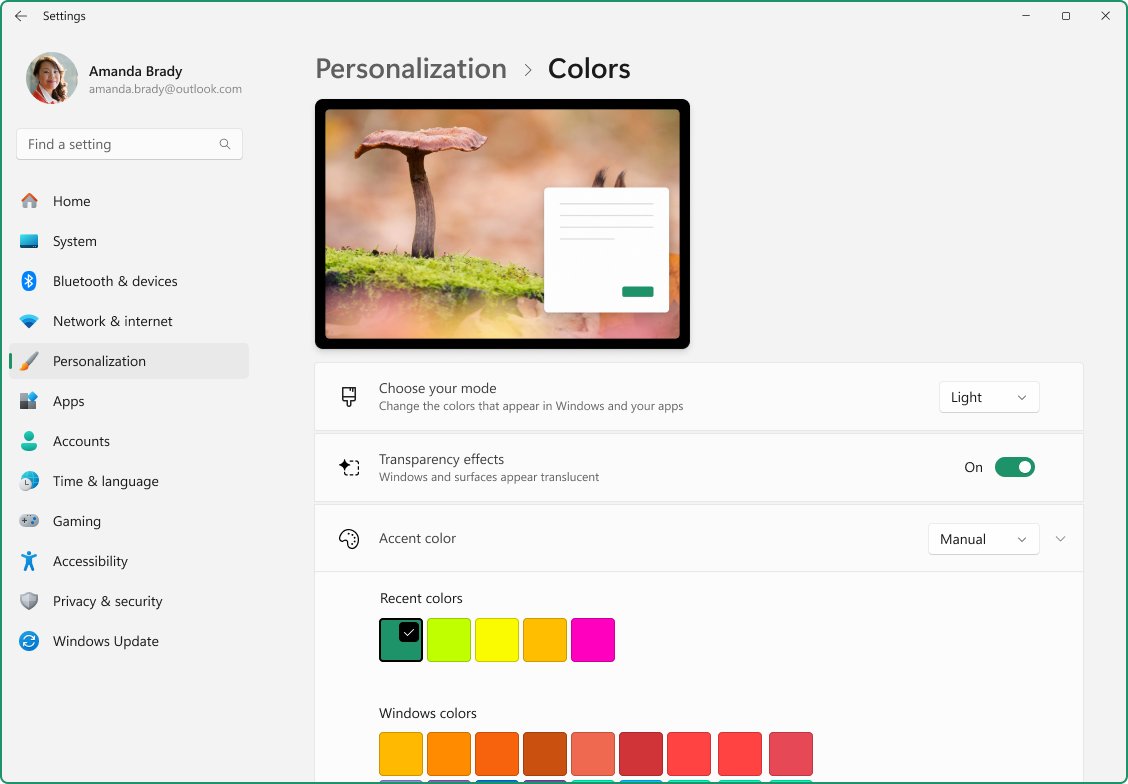
Adjust appearance and performance in Windows 11/10: open Performance Options, pick Adjust for best performance, trim visual effects and set the power mode.
1,909 articles

Adjust appearance and performance in Windows 11/10: open Performance Options, pick Adjust for best performance, trim visual effects and set the power mode.
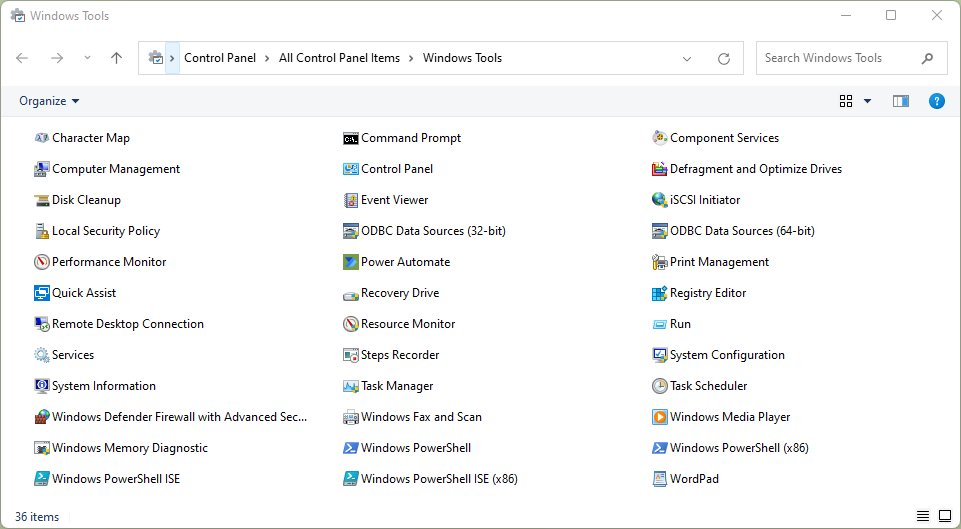
Open Windows Tools in Windows 11 from Start search, All apps or Control Panel, see what the folder holds, and open each admin tool directly with Run commands.
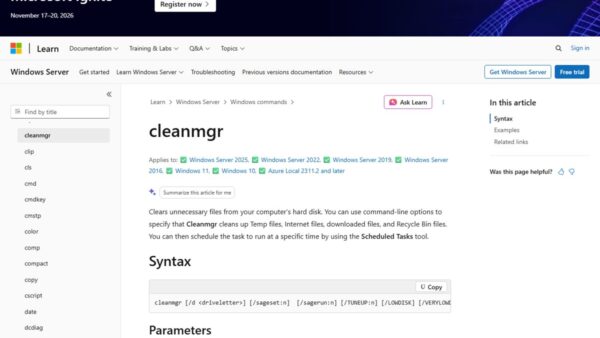
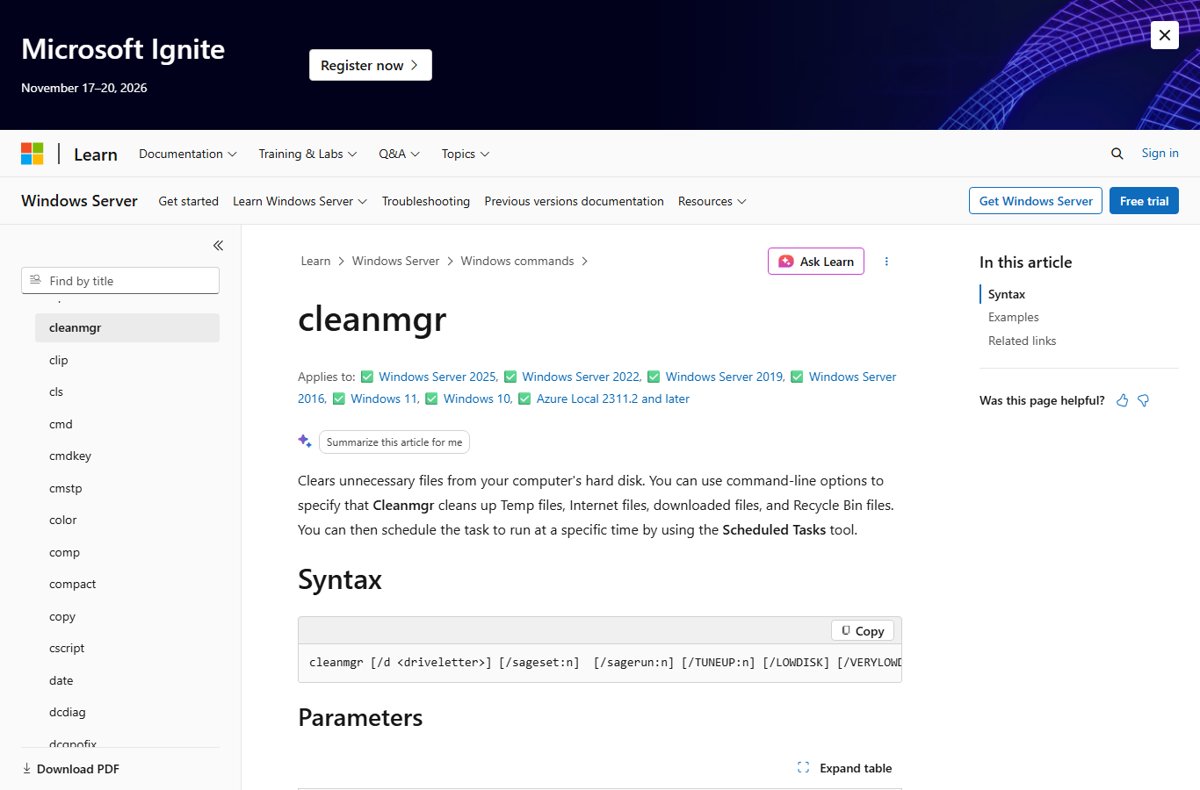
Clear app cache in Windows 11 with Settings Reset, WSReset, Disk Cleanup, Storage Sense, AppData or PowerShell, plus what each method deletes and keeps.

Battery settings in Windows 11 live in Settings > System > Power & battery. Change power mode, energy saver, sleep timers, app usage and low battery alerts.
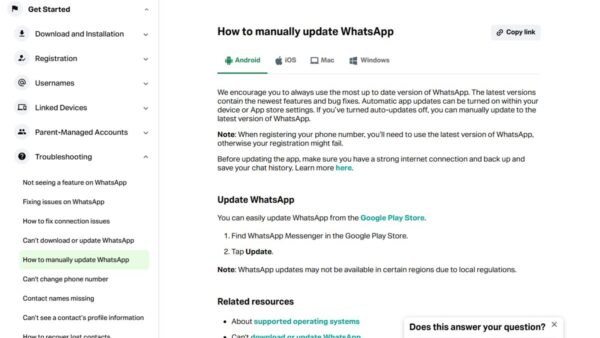
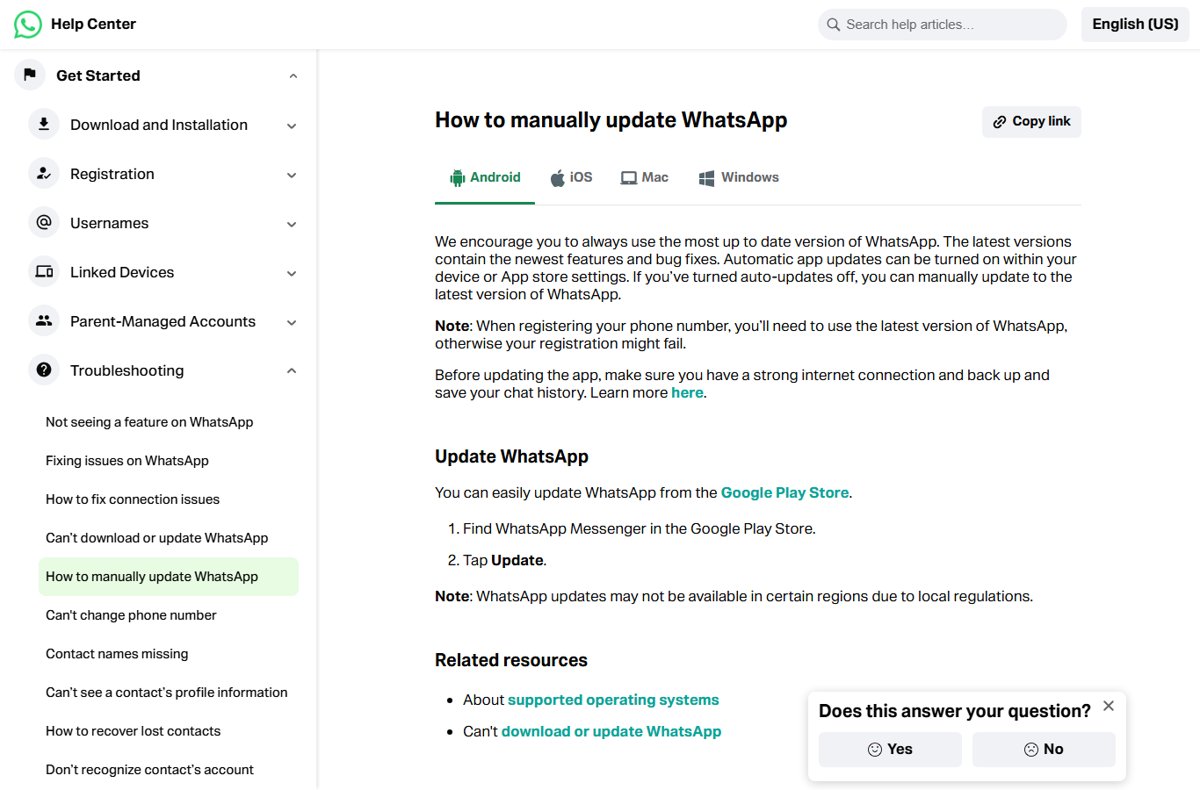
Update WhatsApp manually on a laptop, phone or Mac: open your device’s app store, find WhatsApp Messenger and select Update. Plus Web, APK, Business and fixes.
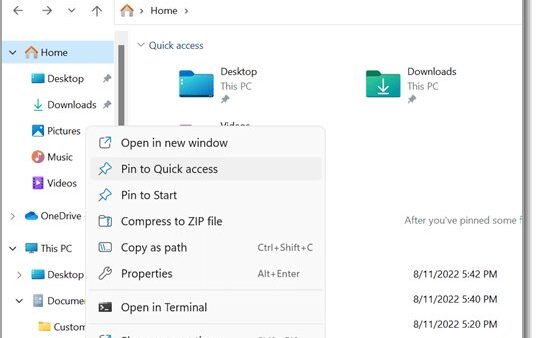
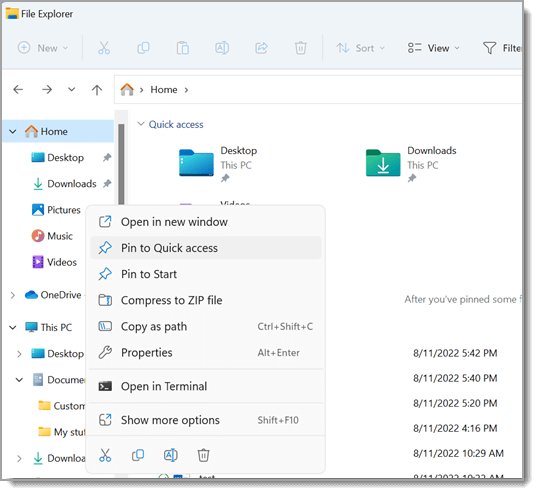
Get to Program Files on Windows 11 by typing %ProgramFiles% in the Run box or C:\Program Files in File Explorer. Seven methods, x86 vs 64-bit, and access fixes.
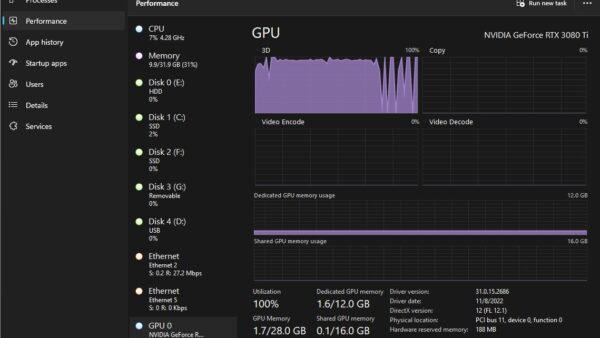
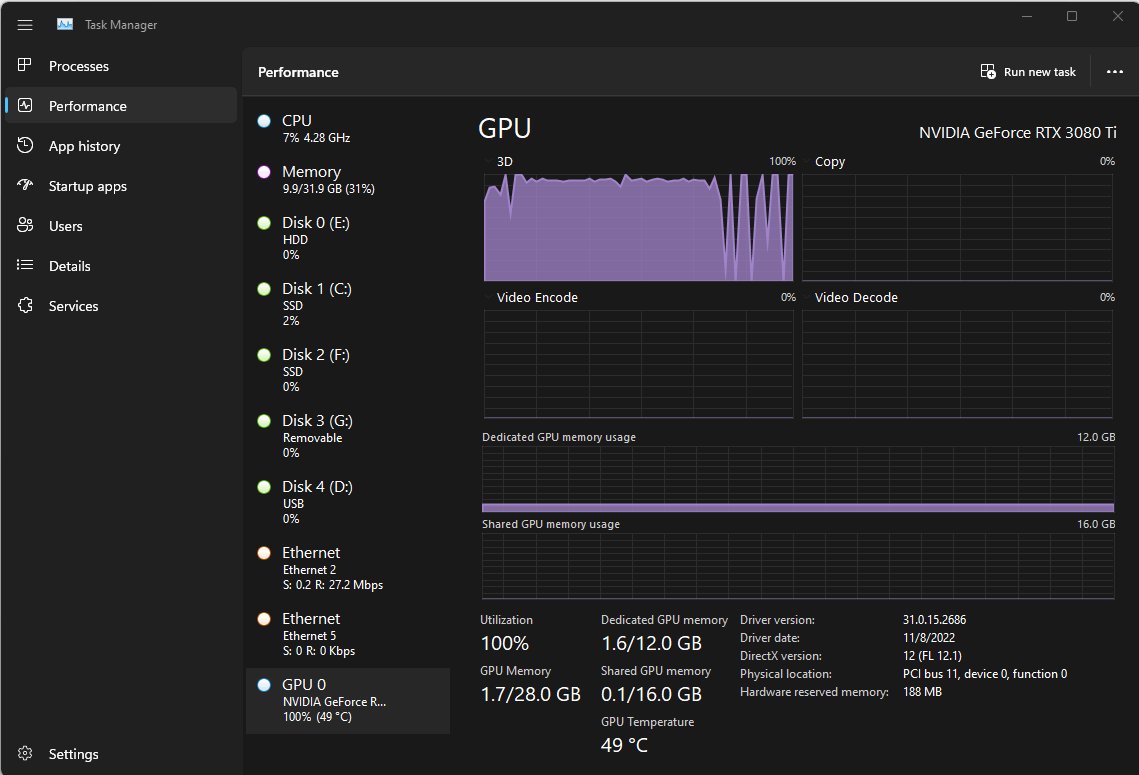
Check GPU usage in Windows 11 and 10 with Task Manager: press Ctrl + Shift + Esc and open Performance > GPU. Plus per-app usage, nvidia-smi and the NVIDIA overlay.
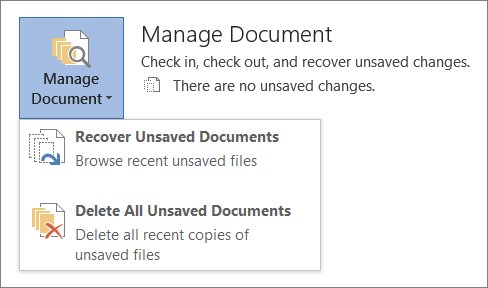
Recover an unsaved Word document from File > Info > Manage Document > Recover Unsaved Documents, or find AutoRecover .asd, .tmp and .wbk files on PC and Mac.
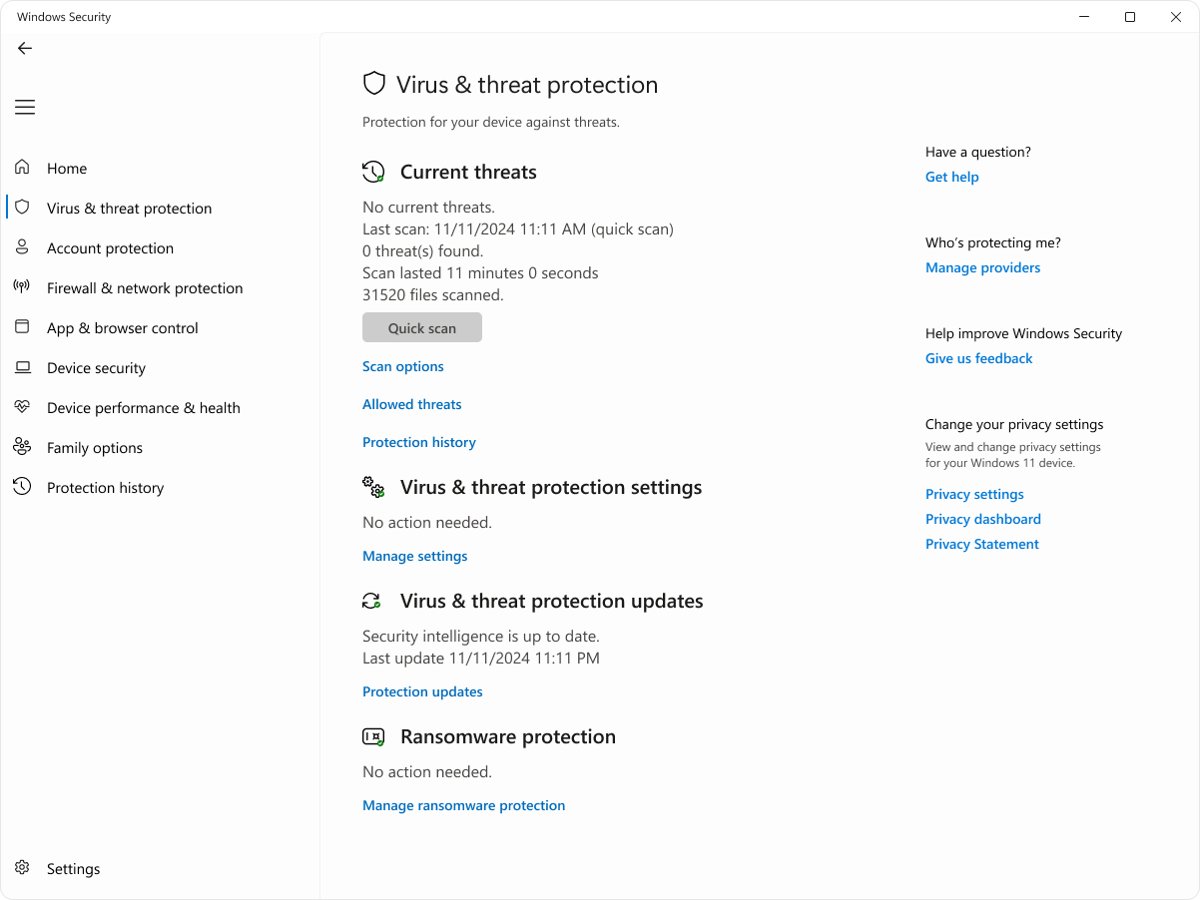
Virus removal for beginners: run a full Microsoft Defender scan, then an offline scan, on Windows 11 or 10. Mac steps, Safety Scanner, Reset this PC and fixes.
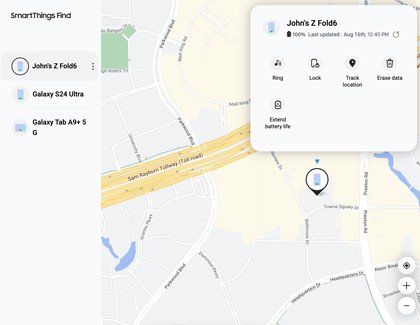
Find my phone on Samsung: locate a lost Galaxy phone or tablet with Samsung Find or SmartThings Find, then ring, lock or erase it, or use Google Find Hub.
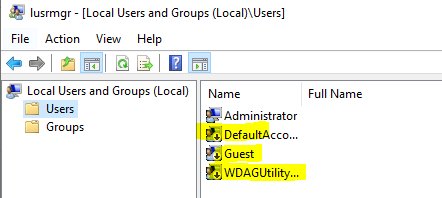
Open Local Users and Groups on Windows 11 with lusrmgr.msc from Run, Computer Management, CMD or PowerShell, plus fixes and command-line options for Home.
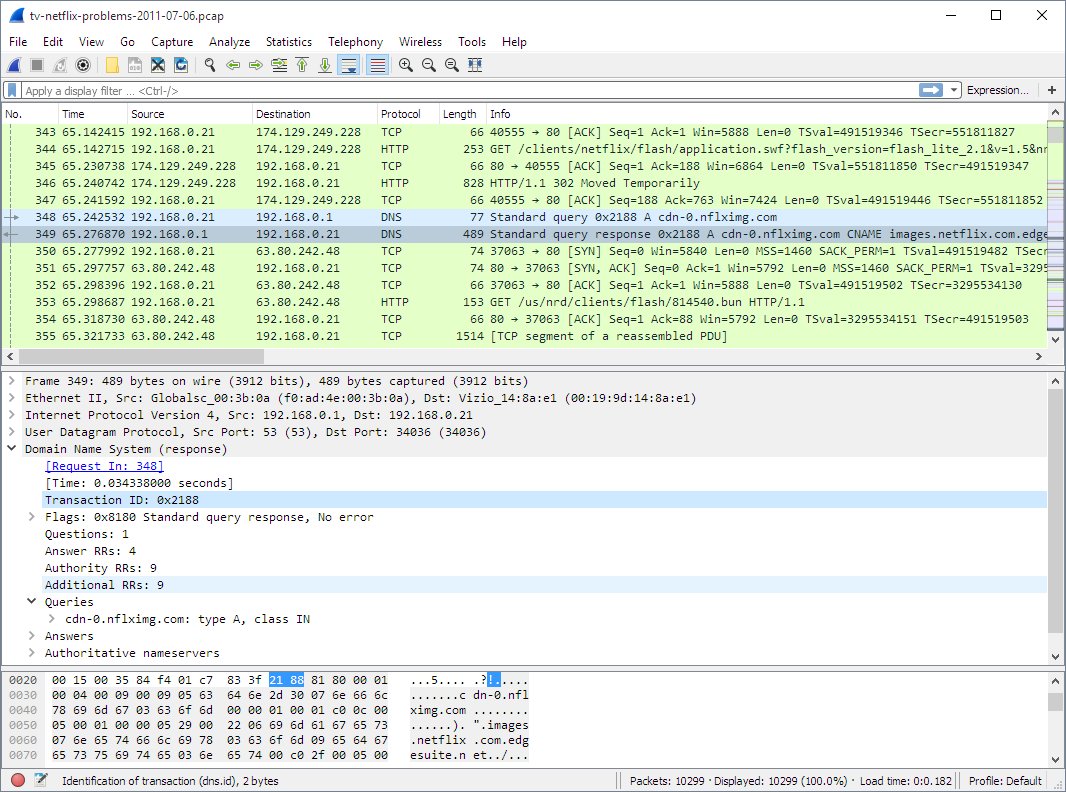
Network monitoring tools for 2026: Wireshark, Packet Monitor, Nmap and Cloudflare Network Flow for free, plus Cisco ThousandEyes, FortiMonitor and Azure picks.