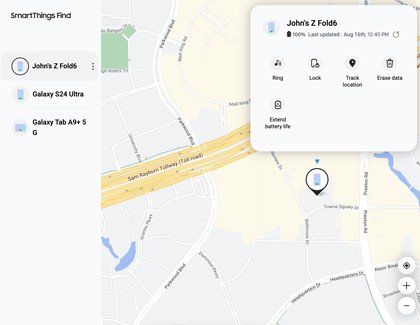
How to locate your lost Samsung Galaxy phone or tablet
Find my phone on Samsung: locate a lost Galaxy phone or tablet with Samsung Find or SmartThings Find, then ring, lock or erase it, or use Google Find Hub.
1,912 articles

Find my phone on Samsung: locate a lost Galaxy phone or tablet with Samsung Find or SmartThings Find, then ring, lock or erase it, or use Google Find Hub.
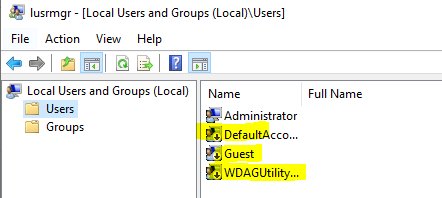
Open Local Users and Groups on Windows 11 with lusrmgr.msc from Run, Computer Management, CMD or PowerShell, plus fixes and command-line options for Home.
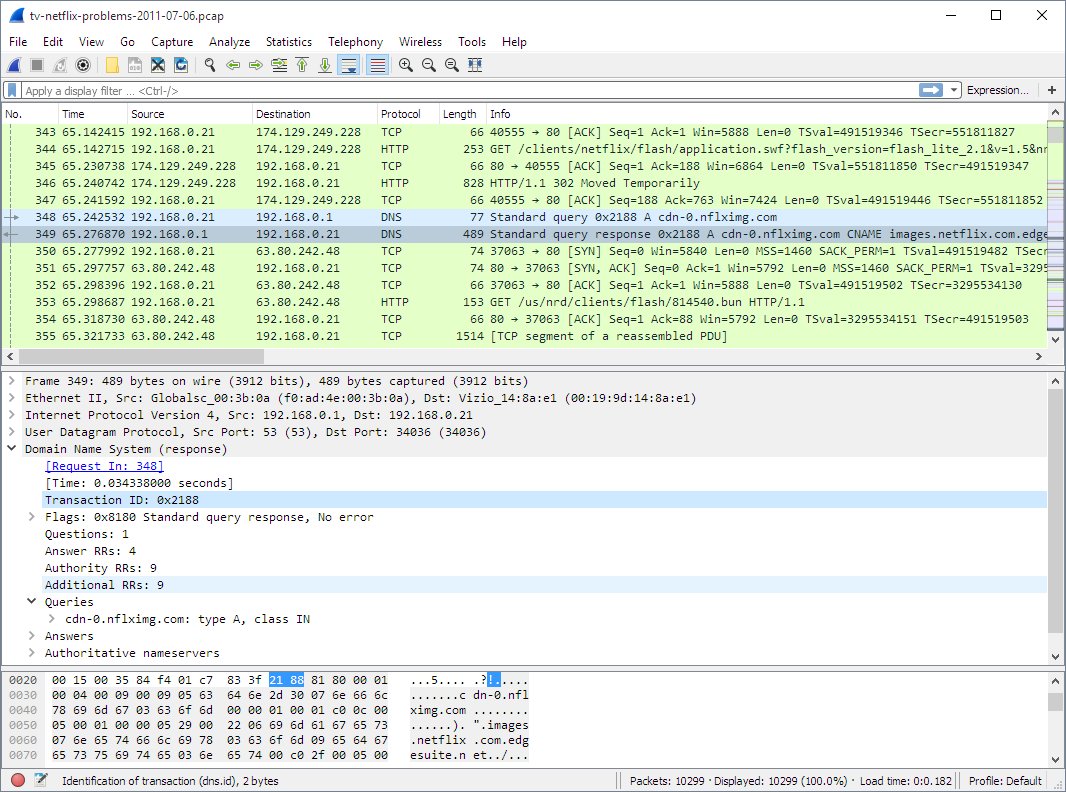
Network monitoring tools for 2026: Wireshark, Packet Monitor, Nmap and Cloudflare Network Flow for free, plus Cisco ThousandEyes, FortiMonitor and Azure picks.
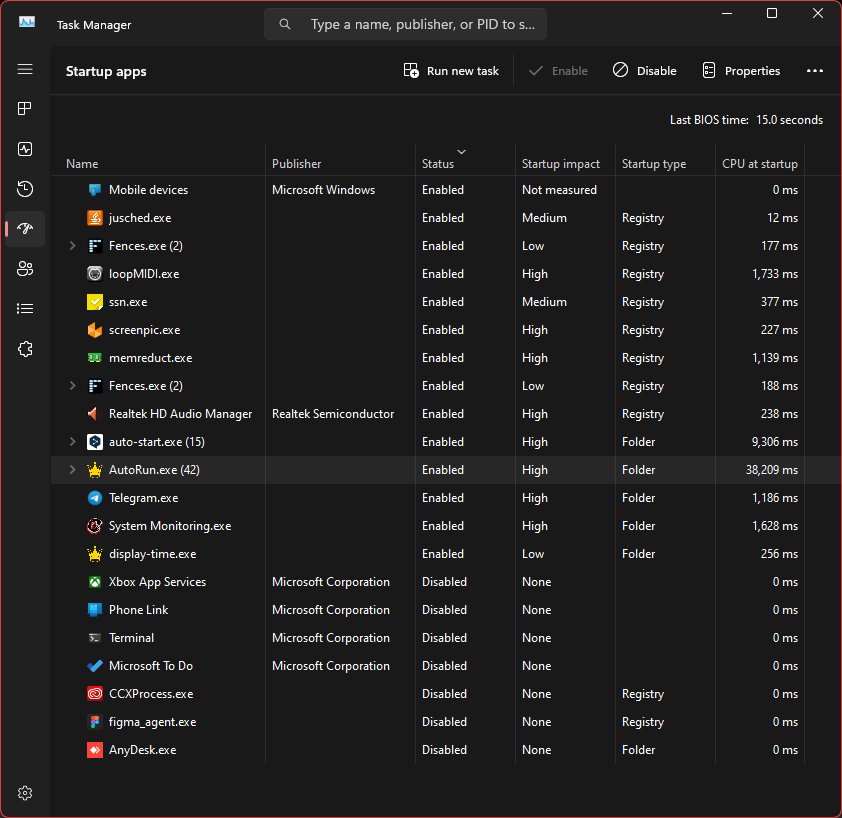
Speed up your computer or laptop on Windows 11/10: disable startup apps, free disk space, install updates, set power mode and check Task Manager. Steps for both.
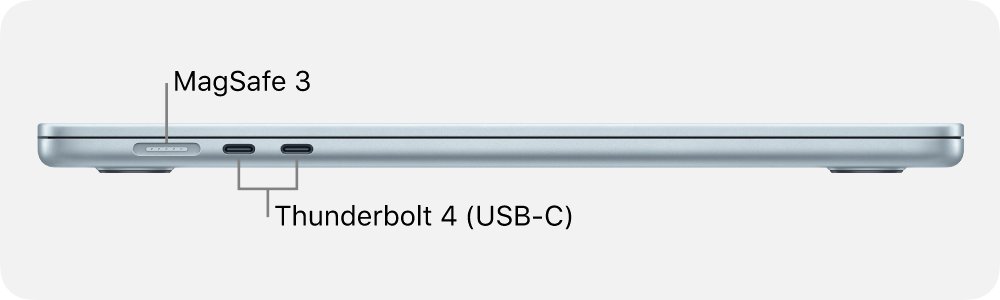
MacBook Air ports: a MagSafe 3 charging port, two Thunderbolt 4 (USB-C) ports and a 3.5 mm headphone jack, plus older layouts, adapters and display limits.
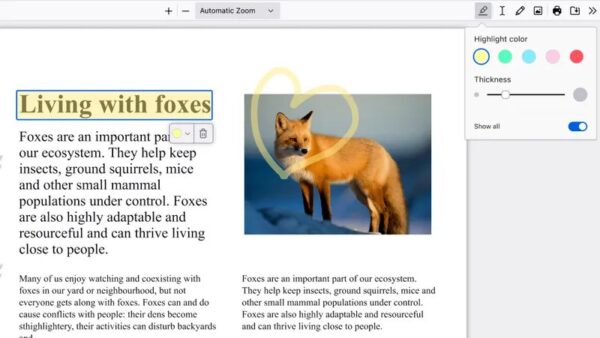
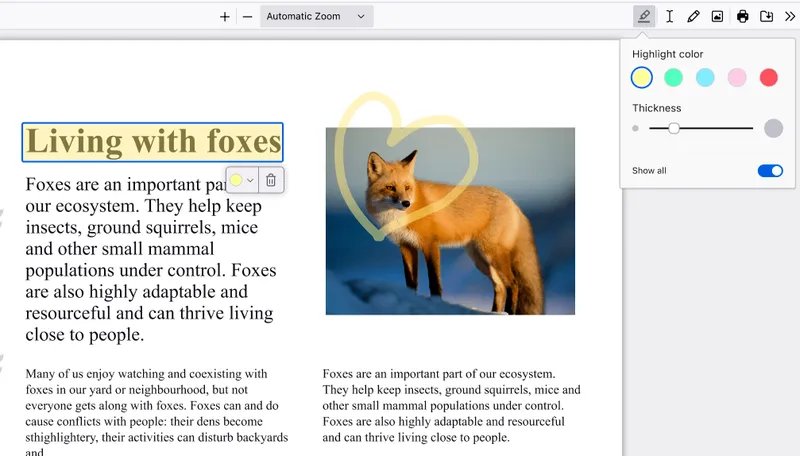
Open source alternatives to Adobe Acrobat: read, edit, fill and sign PDFs in Firefox, and create, protect and redact PDFs with LibreOffice, all free.
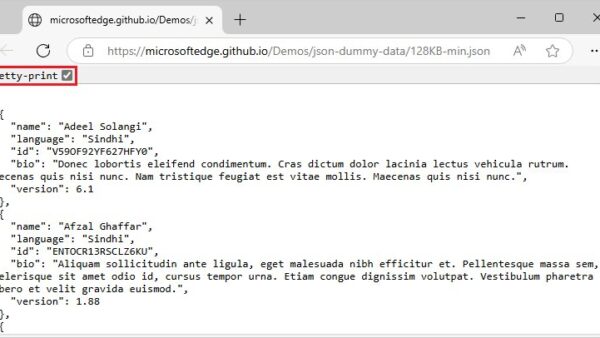
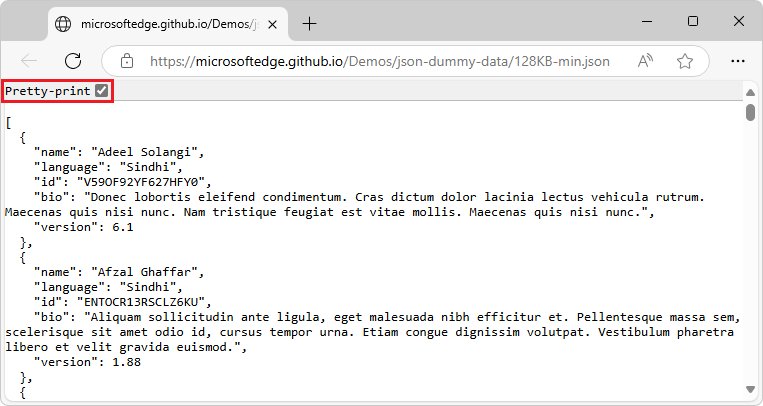
Open a JSON file in Notepad, Notepad++, VS Code, Edge or Firefox, Excel, Python or TextEdit. Steps to read it in a readable format and fix files that won’t open.
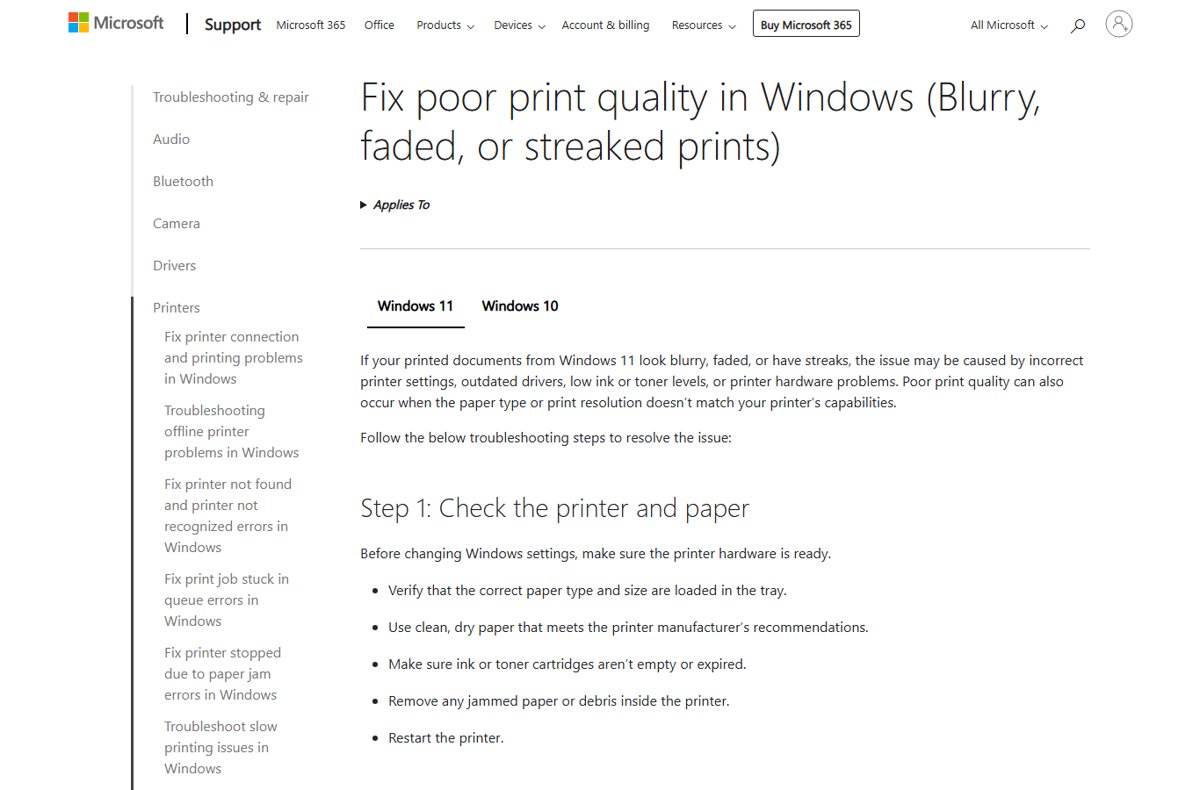
Clean the print head in Windows 11 from Printing preferences, the printer maker’s app or the control panel, then run a nozzle check to confirm the fix.
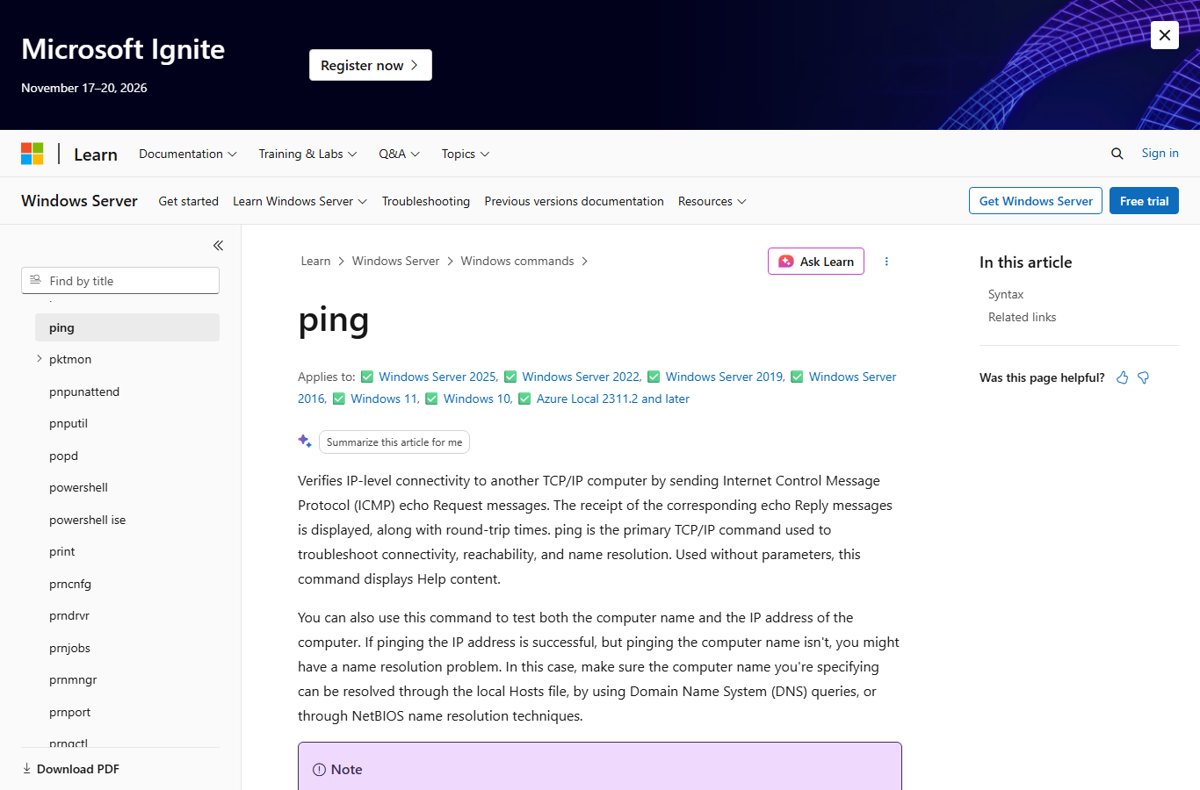
Ping an IP address in Windows with ping 8.8.8.8 in Command Prompt, or in a Linux terminal with ping -c 4. Continuous pings, ports, PowerShell and fixes.
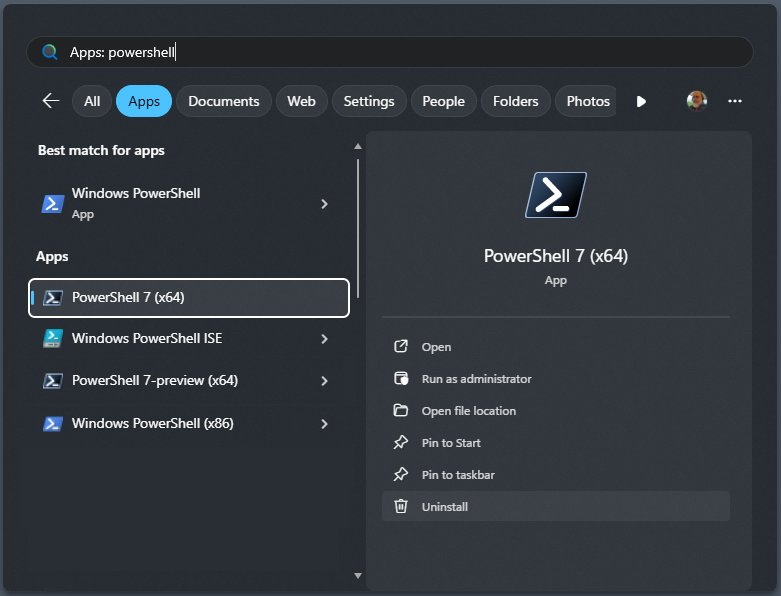
Check your PowerShell version in Windows 10 and 11 by typing $PSVersionTable in a PowerShell window. Five methods, PowerShell 7 checks, upgrade steps and fixes.
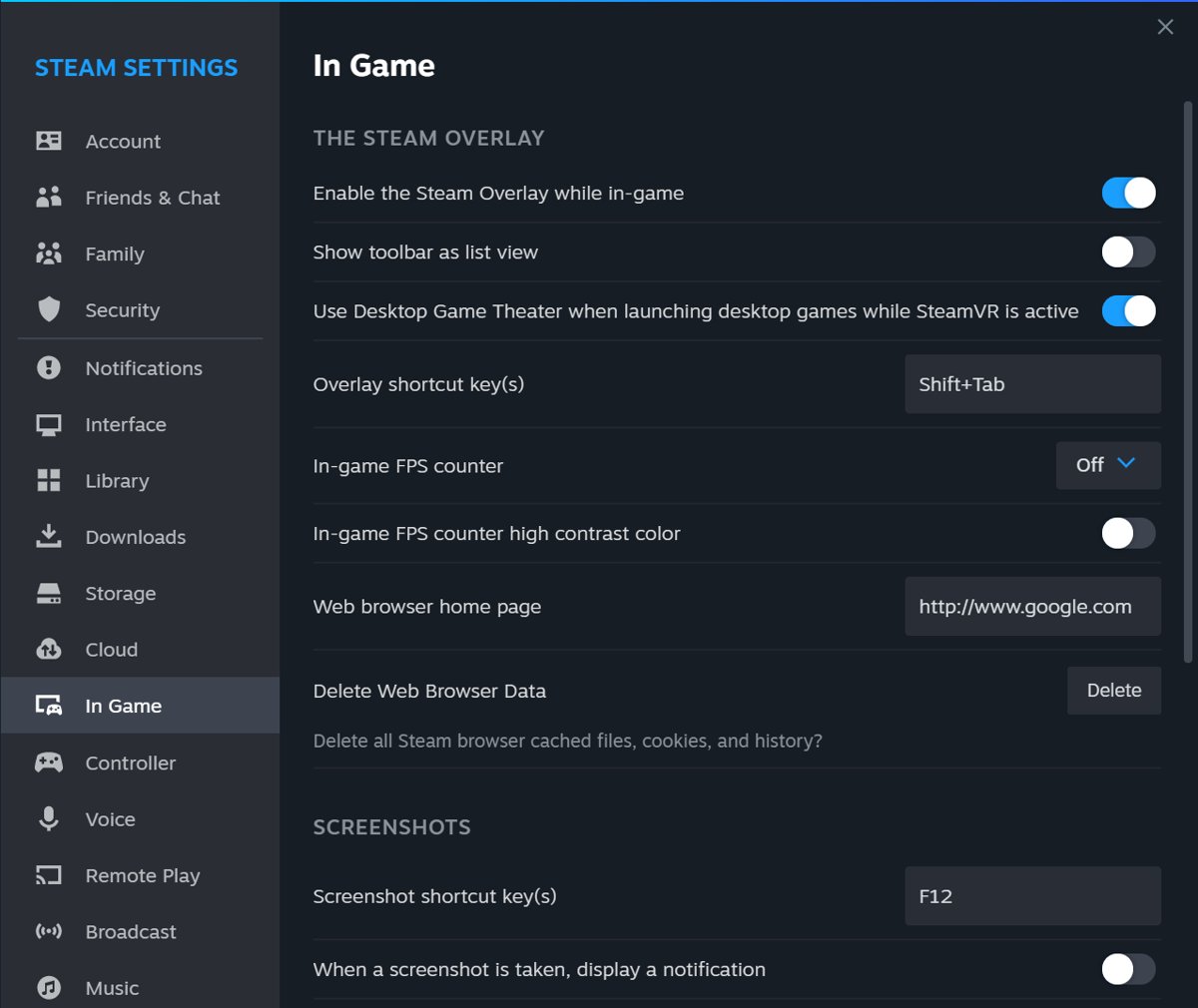
Enable or disable Steam overlay on a Windows PC from Steam > Settings > In-game, turn it off per game, change the Shift+Tab shortcut and fix an overlay that fails.
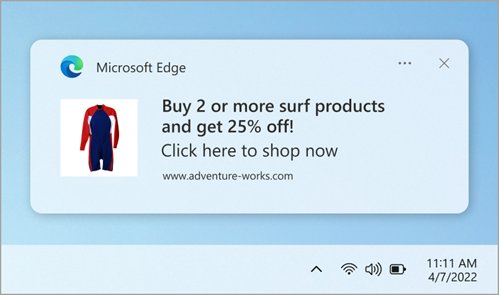
Open Microsoft Edge notification settings by typing edge://settings/content/notifications in the address bar, or change one site, Windows 11 and phone settings.