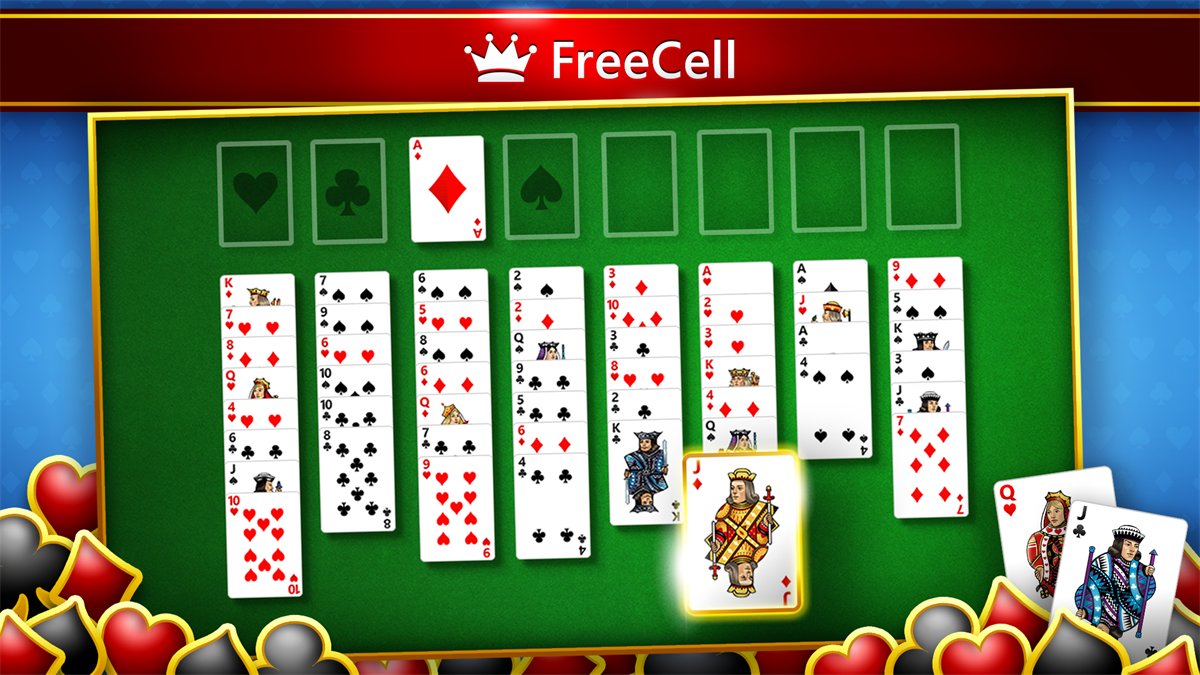
Microsoft does not offer the original FreeCell as a separate download, so the official way to get it on Windows 10 is the free Microsoft Solitaire Collection app, which includes a FreeCell mode.
This guide covers the install, what happened to the classic game, the rules that carried over, and the fixes for an app that will not install or open.
How to get FreeCell on Windows 10
Windows 10 was bundled with Microsoft Solitaire Collection, so check for it first. You may already have FreeCell on your PC.
- Select Start and type
Solitaire. If Microsoft Solitaire Collection appears, open it and go to step 5. - Press the Windows logo key, enter
storein the search bar and select Microsoft Store. - Enter
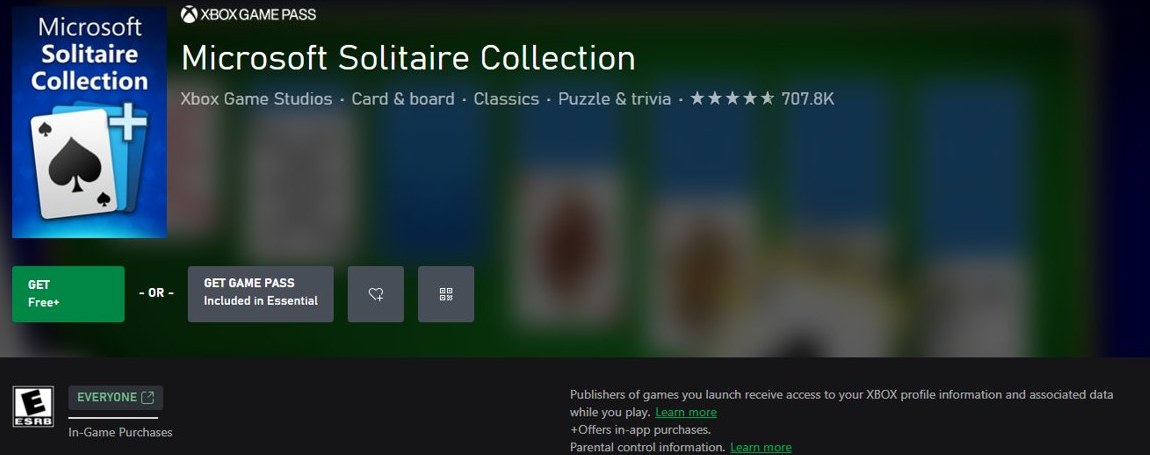
Microsoft Solitaire Collectionin the Store's search bar. - Open the listing published by Xbox Game Studios and select Install.
- Open Microsoft Solitaire Collection and choose FreeCell as the game mode.
You can also install Microsoft Solitaire Collection with winget if you prefer a command to the Store.

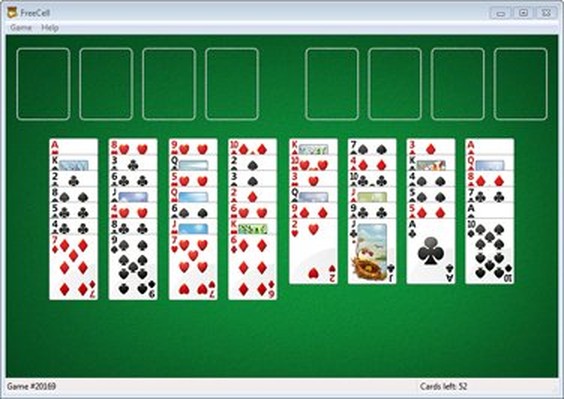
The original Microsoft FreeCell for Windows 10
The standalone FreeCell program is discontinued, and FreeCell now lives inside Microsoft Solitaire Collection. The table shows where the game went, one Windows release at a time.
| Release | What happened to FreeCell |
|---|---|
| Microsoft Entertainment Pack Volume 2 | FreeCell was sold as part of this games pack before it joined Windows. |
| Win32s | Jim Horne's Windows port shipped as a test application that checked Win32s was installed correctly. |
| Windows 95 | FreeCell became a standard Windows game, and this release made it widely known. |
| Windows XP | The game grew from the original 32,000 numbered deals to 1 million. |
| Windows Vista and Windows 7 | Vista added basic hints and unlimited move retraction. Windows 7 still carried the standalone game. |
| Windows 8 and 8.1 | FreeCell was left out. Microsoft offered it through Microsoft Solitaire Collection in the Windows Store instead. |
| Windows 10 | Microsoft Solitaire Collection, with its FreeCell mode, was bundled with the system. |
The collection's default theme resembles the card game theme from Windows Vista and Windows 7. That is the closest official match to the older look.
Is there a safe FreeCell download for Windows 10?
Yes, and it comes from Microsoft Store. Match your situation to a row below.
| Where the game comes from | What you get | What to do |
|---|---|---|
| Already on your PC | Microsoft Solitaire Collection, if it survived your setup or was not removed | Open it from Start and choose FreeCell |
| Microsoft Store | The current app from Xbox Game Studios, with automatic updates | Install it. This is the official route |
| A site offering an "original FreeCell" installer | A file packaged by someone other than Microsoft, because Microsoft has no standalone build to offer | Skip it |
| An old copy you already own | The classic program, with no update path and no Microsoft support for this use | Try the compatibility steps further down, and expect problems |
Already ran an unofficial installer? Scan the file with Microsoft Defender, remove the program from Apps & features, and install the Store app instead.
Is Microsoft FreeCell free on Windows 10?
FreeCell costs nothing to install and play. The app does carry ads and optional paid extras.
| Item | Details |
|---|---|
| Price | Free to download. The Microsoft listing shows the price as Free+ and says the app offers in-app purchases. |
| Ads | Ads appear between games in the basic modes, and as videos in Daily Challenges and Star Club. |
| Microsoft Casual Games Premium | An optional subscription. Ad-free play is one of its listed benefits. |
| Premium scope | A subscription only works for the game and device you bought it on. A PC subscription does not carry over to the mobile app. |
| Other games in the app | Klondike, Spider, TriPeaks and Pyramid, plus Microsoft Bubble, Microsoft Jewel 2, Gravity Blocks, Gem Drop and Mahjong 3D. |
Check the current Premium price inside the app, because subscription prices change and vary by region.
Microsoft FreeCell rules: cascades, free cells and foundations
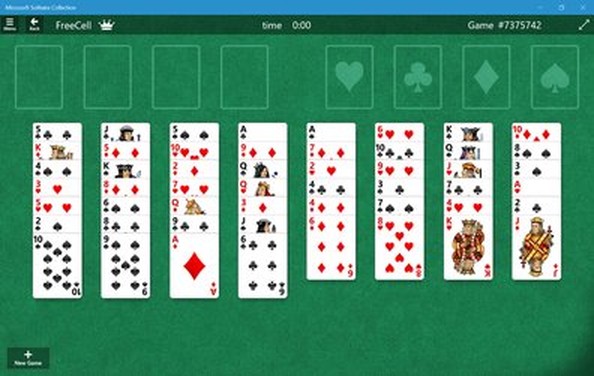
The classic rules are unchanged, so your old strategy still applies. Every deal is face-up, which leaves luck out of most games.
| Part of the game | How it works |
|---|---|
| Deck | One 52-card deck, dealt face-up. |
| Cascades | Eight columns: four with seven cards and four with six. |
| Free cells | Four open cells, each holding one card. |
| Foundations | Four piles, built up by suit from Ace to King. |
| Building on cascades | Build down in alternating colors. |
| Moving cards | One card at a time. Empty cells and cascades let you move a run in several moves. |
| Winning | Move all 52 cards to the foundations. |
How to change FreeCell game options and layout in Windows 10
The Game options menu holds the layout and playstyle settings. The choices vary by game.
- Open Microsoft Solitaire Collection.
- Choose FreeCell as the game mode.
- Select Menu, then select Game options.
- Under Layout direction, choose Left or Right.
- Adjust the other settings listed there, such as scoring style, hints and alerts, and volume.
How to tell if Microsoft Solitaire Collection is installed on Windows 10
An installed copy shows up in Settings, even when it has no Start menu shortcut.
- Select Start, then go to Settings > Apps > Apps & features.
- Look for Microsoft Solitaire Collection in the list.
- If it is missing, open Microsoft Store and go to See more > My Library.
- Select the app and select Install to bring it back.
Microsoft Solitaire Collection not working on Windows 10
Each fix below comes from Microsoft's own steps for Store apps on Windows 10. Start with the symptom you see on screen.
Microsoft Solitaire Collection won't open or keeps closing
The app, Windows or the Store is out of date, or the app's installation is damaged.
- Close the app with the X in the upper-right corner, then reopen it.
- Go to Start > Settings > Update & Security > Windows Update > Check for updates, and install anything offered.
- In Microsoft Store, go to See more > Downloads and updates > Get updates.
- Go to Settings > Apps > Apps & features, select Microsoft Solitaire Collection, then select Advanced options.
- Select Repair. If that does not help, select Reset.
- Go to Settings > Update & Security > Troubleshoot, select Windows Store apps, then select Run the troubleshooter.
Microsoft Store won't open on Windows 10
The Store cache is often the cause. If the Store is gone completely, you can download Microsoft Store again.
- Press Windows logo key + R to open the Run dialog.
- Type
wsreset.exeand select OK. - Wait about ten seconds for the blank window to close and the Store to open.
- If your Windows 10 version is lower than 15063, update Windows first, or use the web store at microsoft.com/store.
Microsoft Solitaire Collection not showing in Microsoft Store
The Store hides apps based on your account, region, family settings and device.
- Run
wsreset.exeas described above, then search again. - Restart the PC if Windows installed updates recently.
- Confirm you are signed in with your own Microsoft account.
- Check that family settings are not hiding the app.
- Check your country or region setting, because availability varies by region.
An old FreeCell program won't run on Windows 10
Older programs can break after changes to Windows architecture, security features or system requirements.
- Go to Start > Settings > Update & Security > Troubleshoot.
- Find Program Compatibility Troubleshooter and select Run.
- Follow the on-screen instructions.
- If the program still fails, uninstall it and use the Store app instead.
Microsoft FreeCell on Windows 10 FAQ
Is FreeCell still included with Windows 10?
Yes, as a mode inside Microsoft Solitaire Collection, which was bundled with Windows 10. It is no longer a separate program. If the app is missing from your PC, install it from Microsoft Store and choose FreeCell as the game mode.
Can I download the Windows 7 version of FreeCell for Windows 10?
Not from Microsoft. The standalone FreeCell is discontinued, and Microsoft offers the game only through Microsoft Solitaire Collection. Any site offering the Windows 7 program as an installer is distributing a package Microsoft did not publish, so the Store app is the safer choice.
Why did FreeCell disappear from my PC?
Microsoft left the classic card games out of Windows 8 and 8.1, and upgrades from earlier systems uninstalled them. Microsoft then moved FreeCell into Microsoft Solitaire Collection. A PC upgraded along that path lost the old program, but the game is still available in the app.
How can I install Microsoft Solitaire Collection?
Open Microsoft Store from the Start menu, search for Microsoft Solitaire Collection, and select Install on the Xbox Game Studios listing. Open the app when the install finishes, then choose FreeCell. The app is free to download and offers in-app purchases.
Can I play Microsoft FreeCell on a phone?
Yes. Microsoft Solitaire Collection is available on Windows PC, Android and iOS, and FreeCell is one of its game modes. Install it from Google Play or the App Store. Premium is a separate membership on PC and mobile, so a PC subscription will not carry over.
Are all FreeCell games solvable?
Almost all of them. Game 11982 is the only unsolvable deal in the original Microsoft set of 32,000, and about 99.999% of all possible deals have a solution. If a deal in the app seems impossible, the cause is more likely an earlier move.
Who created Microsoft FreeCell?
Paul Alfille wrote the first computer version of FreeCell in 1978 on the PLATO system. Jim Horne played it there, released a shareware MS-DOS version in 1988, joined Microsoft that year, and later ported the game to Windows.