Blocked callers still ring through when the call comes from a number that is not on your block list, such as a hidden, changed or spoofed number, and setting Screen Unknown Callers to Silence stops those calls from ringing your iPhone.
This guide covers how to check your block list, filter unknown and spam calls, use carrier blocking, and what a blocked caller actually experiences.
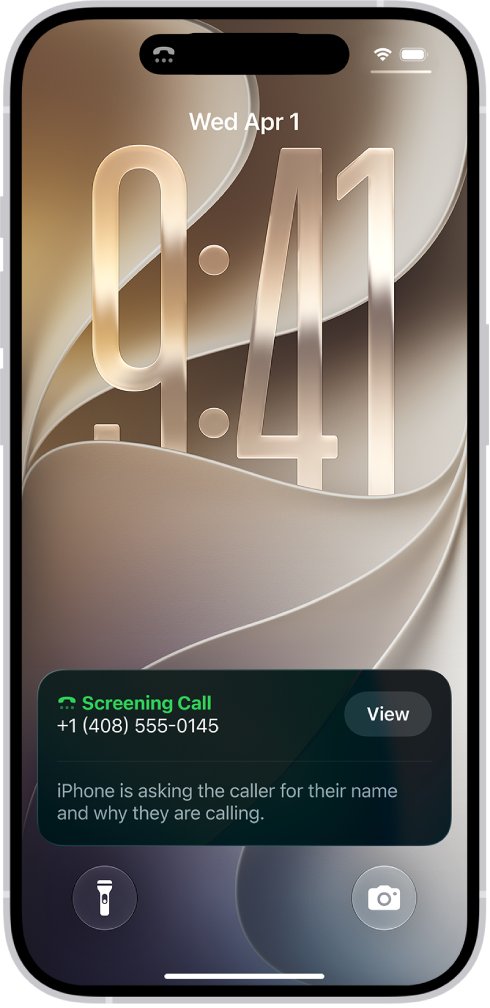
iPhone blocked caller still rings: how to stop it
- Open the Phone app and tap Recents, or Calls in the Unified layout.
- Tap the number that just rang, or its Info button in the Classic layout.
- Scroll down and tap Block Caller.
- Save the numbers you need, such as family, school and your doctor, to Contacts.
- Open Settings > Apps > Phone.
- Set Screen Unknown Callers to Silence.
Silenced calls skip the ring, go to voicemail and still appear in your Recents list. Saved contacts keep ringing as normal.
Why are blocked calls still coming through?
A block works on a specific number or contact. Match what you see to a row below.
| What you see | Why it rang | What to do |
|---|---|---|
| Recents shows a number that is not in Blocked Contacts | The caller used a different number, or that number was never added | Block that number, then set Screen Unknown Callers to Silence |
| The call shows No Caller ID | There is no number for a block to match | Set Screen Unknown Callers to Silence or Ask Reason for Calling |
| The number looks local, official or similar to yours | The Caller ID may be spoofed, so the displayed number is false | Silence unknown callers and turn on your carrier's spam filter |
| Calls ring while you are abroad | Calls are not screened while you are roaming, whatever your settings say | Use a Focus that allows only your contacts until you return |
| An iPad or Mac rings but the iPhone does not | A block covers the Apple devices signed in to the same Apple Account | Block the number on any device that uses a different Apple Account |
For hidden numbers in particular, you can block No Caller ID calls with the same Silence setting and a Focus.
How to see blocked callers on iPhone
Check the list before you change anything else. A number you thought you blocked may not be on it.
- Open the Settings app.
- Tap Apps, then tap Phone, then tap Blocked Contacts.
- On iOS 26, use Privacy & Security > Blocked Contacts if the list is not under Phone.
- Read through the list of blocked callers and compare each number with the one in Recents.
- Note any number that is missing, then block it from Recents.
How to block a caller number on iPhone
- Open Settings > Privacy & Security > Blocked Contacts on iOS 26.
- Tap Add Blocked Contact and enter the contact or number.
- Tap Block Contact.
- To block a saved person instead, open the Phone app, tap Contacts, tap the contact, then tap Block Contact.
- To block a FaceTime caller, open FaceTime, tap the number or email address, scroll down and tap Block Caller.
A block made on one device applies to all Apple devices signed in to the same Apple Account.
How to filter unknown and spam calls on iPhone
Filtering moves unwanted calls into their own lists, so they stop cluttering Recents.
- Open Settings > Apps > Phone.
- Scroll to Call Filtering and turn on Unknown Callers.
- Turn on Spam so carrier-flagged calls are silenced and sent to voicemail.
- Tap Call Blocking & Identification and turn on Business Call Identification or a supported caller ID app.
- Open the Phone app, tap the filter button in Recents or Calls, then tap Unknown Callers or Spam to review them.
Tap Mark as Known beside a real caller so future calls stay out of the Unknown Callers list. The wider steps to block spam calls on iPhone add reporting and carrier apps.
Caller ID spoofing: why blocked numbers still call you
Caller ID spoofing means changing the displayed Caller ID to a number other than the real calling number. A block matches one number, so a caller who changes the displayed number gets past it.
| Spoofing type | What you see | What to do |
|---|---|---|
| Neighbor spoofing | A number similar to your own | Turn on your carrier's similar-number filter if it offers one |
| Business or government impersonation | A number that looks official | Hang up and call the number on the organization's statement or website |
| Someone in your contacts | A saved name on the screen | Give out no personal information; call that person back on their usual number |
Report these calls to your carrier so it can act on them. Spoofing happens across the whole phone industry, not on one carrier.
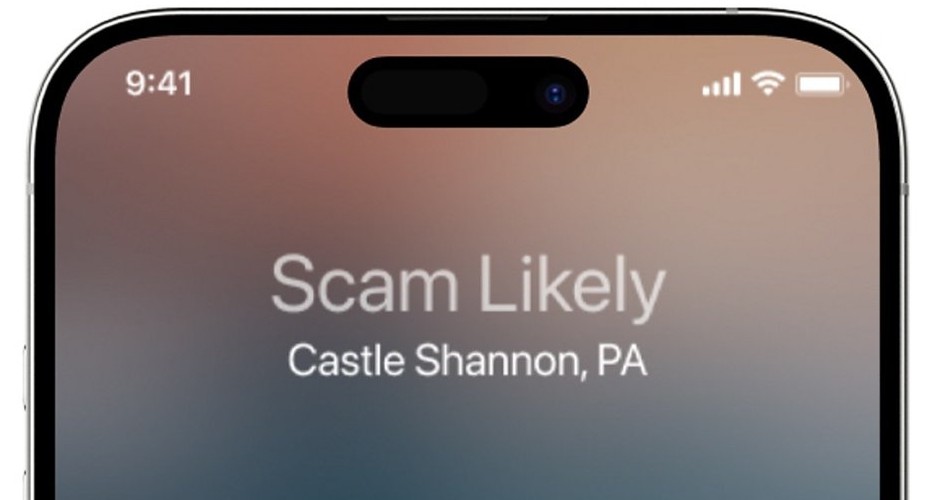
How to block calls with Verizon, T-Mobile or AT&T
Carrier tools act before or as the call reaches your phone, so they catch calls that a device block cannot match. All three need a compatible device and plan.
| Carrier | Tool and where to set it | What it does |
|---|---|---|
| Verizon | Call Filter in the Verizon Protect app; needs iOS 16.6 or later | Labels spam, sends high-risk calls to voicemail, and blocks similar-number calls with Neighborhood Filter |
| Verizon Call Filter Plus | $3.99 per month, or $10.99 for three or more lines | Adds a personal block list, caller ID, spam lookup and category blocking |
| T-Mobile | ScamShield, built into the network at no extra cost; activate it in the T-Life app | Alerts you to suspicious calls, blocks them with Scam Block, and sends unwanted calls to voicemail |
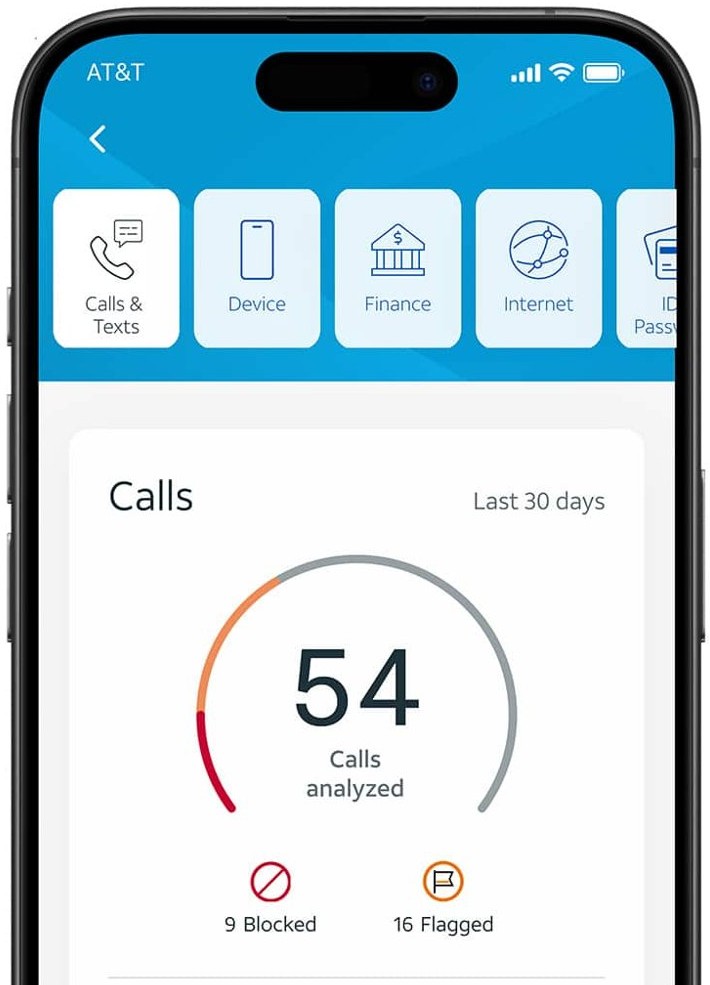
| AT&T | ActiveArmor app; free in-app features | Includes custom call controls alongside its other security features |
T-Mobile warns that Scam Block might block calls you want, and Verizon's Neighborhood Filter can also catch real callers. Save important numbers to Contacts, and turn these off if a real call goes missing.
What happens when a caller is blocked?
| Item | What happens |
|---|---|
| Voicemail | They can still leave a voicemail, and you get no notification |
| Text messages | Messages they send are not delivered |
| Notice to the caller | They are not told the call or message was blocked |
| Your calls to them | Your outgoing calls, messages and emails still go through |
| Email in Mail | Their email goes to the Trash folder across your Apple devices |
| Find My | Location sharing with that person stops immediately |
How to unblock a number on iPhone
- Open Settings > Apps > Phone.
- Tap Blocked Contacts, then tap Edit.
- Tap the delete button beside the number.
- Tap Unblock.
On iOS 26 the same list sits under Settings > Privacy & Security > Blocked Contacts.
Why is my phone blocking incoming calls?
The opposite problem has its own causes on iPhone. If real callers go straight to voicemail, one of these settings is usually responsible, so update iOS and work down the list.
| Cause | Where to check | Fix |
|---|---|---|
| Silent mode is on | Silent mode control on your iPhone | Turn off Silent mode |
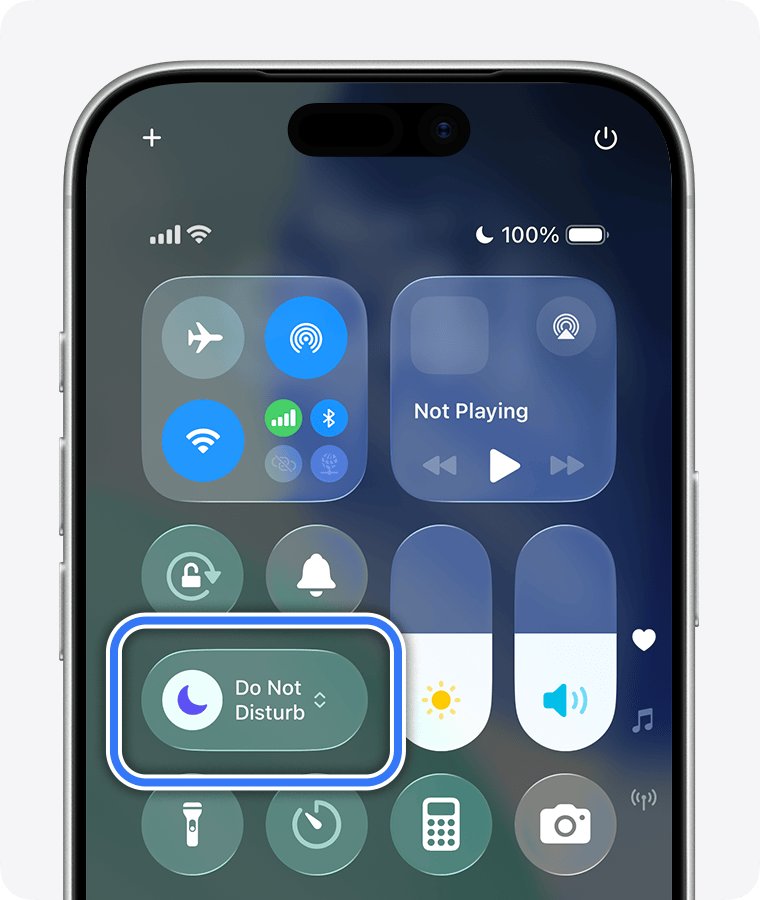
| A Focus is active | Control Center, look for a highlighted Focus | Tap the Focus to turn it off |
| Unknown callers are silenced | Settings > Apps > Phone > Screen Unknown Callers | Choose Never so unsaved numbers ring |
| Call filtering hides them | Settings > Apps > Phone > Unknown Callers | Turn it off to see those calls in Recents |
| The number was blocked by mistake | Settings > Apps > Phone > Blocked Contacts | Swipe left on the number and tap Unblock |
| Weak cellular coverage | Settings > Apps > Phone > Calls | Turn on Wi-Fi Calling if your carrier offers it |
How to block a caller on phone: Android
These steps use Google's Phone app. Samsung and other phone makers can ship a different dialer, so the labels may differ on those models.
- Open your Phone app.
- Tap More > Call history.
- Tap a call from the number you want to block.
- Tap Block/report spam.
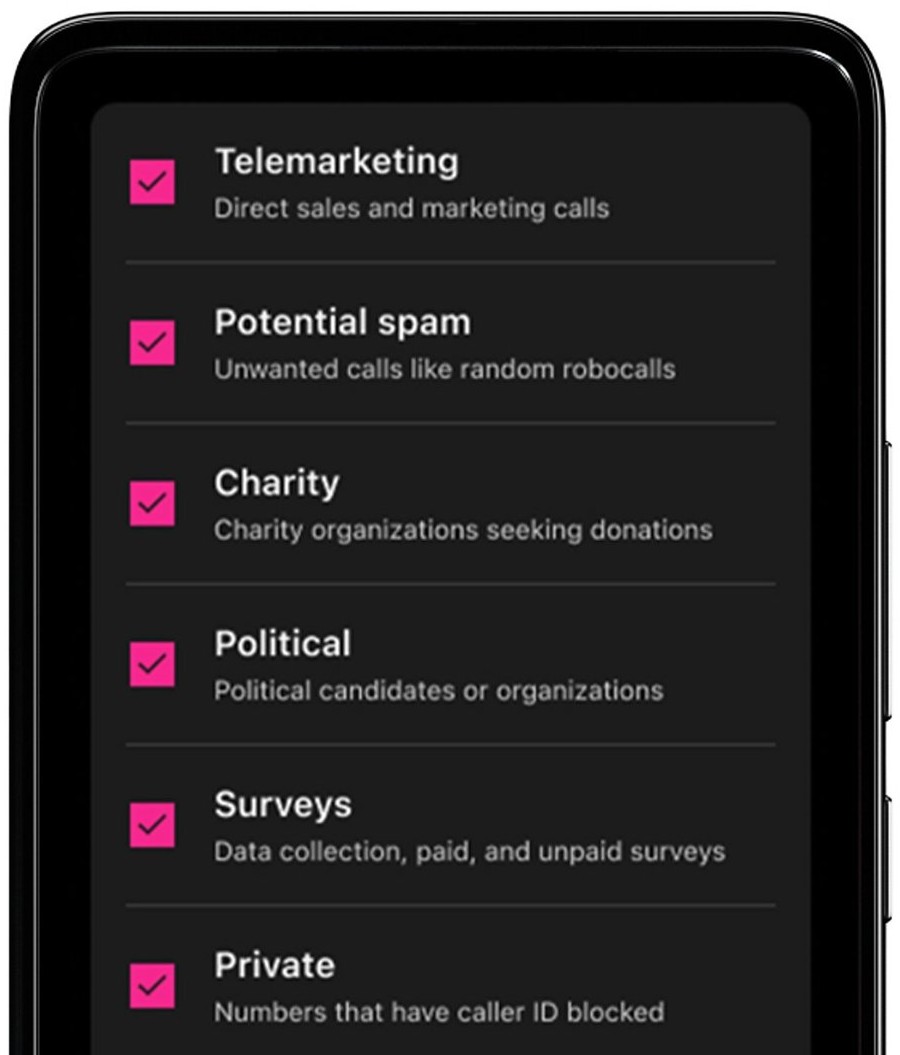
- To stop callers with no number, tap More > Settings > Blocked numbers and turn on Unknown.
Turn on Filter spam calls in the same app to block spam on your phone. You then get no missed call or voicemail notification for those calls.
How to tell if a number is blocked on iPhone
- Open Settings > Apps > Phone > Blocked Contacts and find the number on the list.
- Go back and check that Screen Unknown Callers shows Silence.
- After the next unwanted call, open Recents and look for a call that arrived without ringing.
- Tap the filter button and open Unknown Callers or Spam if you turned on call filtering.
Blocked calls still getting through on iPhone
Why does a blocked number still ring
The incoming number differs from the one on your list, or the entry was never saved.
- Compare every digit of the number in Recents with the entry in Blocked Contacts.
- Block the number from Recents if it is not on the list.
- Update iOS to the latest version.
Why are blocked numbers still calling me from new numbers
A block covers only the numbers on your list, so each new number rings again.
- Set Screen Unknown Callers to Silence.
- Turn on Spam under Call Filtering.
- Add your carrier's spam filter.
Silence is on but a spoofed contact still rings
Silence applies only to unsaved numbers, so a false Caller ID that matches a saved contact still rings.
- Answer nothing that asks for personal information.
- End the call and contact that person on the number you already know.
- Report the call to your carrier.
Calls are not screened while travelling
iPhone does not screen calls while roaming.
- Turn on a Focus that allows only your contacts.
- Turn it off when you return home.
Screening stopped working for a day
Calling emergency services turns off call screening for 24 hours.
- Wait 24 hours for screening to return.
- Check that Screen Unknown Callers still shows your choice.
Why do I still receive spam calls with the Spam filter on
Your carrier identifies spam, so a call it has not flagged stays outside the Spam list.
- Turn on Unknown Callers under Call Filtering to catch other unsaved numbers.
- Report the number to your carrier.
If calls from one person feel like harassment, ask your carrier what network-level blocking your plan includes.
Blocked callers FAQ
Why do my blocked calls still ring?
Your iPhone blocks specific numbers and contacts, so a call from another number still rings. Check Recents against your Blocked Contacts list, block any new number, and set Screen Unknown Callers to Silence.
Why can blocked callers still call me?
Blocking does not stop someone dialing, and a caller can use a different phone, hide their number or fake the Caller ID. Silence Unknown Callers and carrier spam filters catch many of these calls.
Will a blocked number ring on my iPhone?
A number on your block list should not ring your iPhone. If a call rings anyway, check the exact digits in Recents, because the call likely came from a different or spoofed number.
What happens when a caller is blocked?
On iPhone, a blocked caller can still leave a voicemail, but you get no notification. Their messages are not delivered, and they are not told about the block. Your own outgoing calls to them still go through.
Do blocked callers know they are blocked?
Apple says a blocked contact does not get a notification that the call or message was blocked. On iOS 26, a person you block is also not notified when Find My location sharing stops.
What does a caller hear when blocked?
Apple does not publish what a blocked caller hears; it says only that they get no notification and can leave a voicemail. Carrier tools differ, and Verizon Call Filter sends blocked calls to voicemail or ends them, depending on your settings.
What message do blocked callers get?
They get no message from your iPhone saying they were blocked. Apple states that the contact is not notified, and a blocked caller can still reach voicemail and leave a message that does not notify you.
How do I see blocked callers?
On iPhone, open Settings, then Apps, Phone and Blocked Contacts. On iOS 26, the list is also under Privacy & Security. On an Android phone using Google's Phone app, open More, then Settings and Blocked numbers.
Why is my phone blocking calls I want?
Check Focus, Silent mode, Screen Unknown Callers and Blocked Contacts in that order. Save the number to Contacts so Silence and screening leave it alone, and turn off any carrier filter that catches real callers.