To fix an iPhone that stopped blocking calls, emails or voicemails after iOS 26.4, add the number or address directly under Settings > Privacy & Security > Blocked Contacts, then install the latest iOS update.
This guide also covers what a block is designed to stop, why blocked callers can still leave voicemail, how to block email from the contact card, and the fixes when calls keep coming through.
iPhone block not working after iOS 26.4: add the number to Blocked Contacts
Apple's iOS 26 steps let you block a number or contact directly from the list, without going through a swipe or a call log. Use this route when Block seems to do nothing.
- Open the Settings app.
- Tap Privacy & Security.
- Tap Blocked Contacts.
- Tap Add Blocked Contact, then enter the contact that you want to block.
- Tap Block Contact.
- Check that the entry now appears in the list. A number with no contact card sits inside the Unknown group.
What happens when you block a number on iPhone
A block does not make every trace of a sender disappear. Compare what you see with this table before you treat something as a fault.
| Type | What Apple says happens when blocked | What you still see |
|---|---|---|
| Phone calls | The caller gets no notification that the call was blocked | No ring is expected, so a ring from that number is a fault |
| Voicemail | A blocked number or contact can still leave a voicemail | A message can exist, but you get no notification |
| Messages | Messages from that person or number are not delivered | Nothing, and the sender cannot find out |
| Email in Mail | Mail from a blocked address goes to the trash | The email in the Trash mailbox |
| Other apps | A contact blocked in Messages is also blocked in Mail, Phone, FaceTime and Calendar | One shared Blocked Contacts list |
| Group conversations | A group conversation cannot be blocked | The group, until you leave it or stop its notifications |
iOS 26.4 release notes: did Apple change call blocking?
Apple's update notes list no change to blocking in iOS 26.4 or the updates after it, and none names a blocking fix. Apple's notes do not confirm a blocking bug, so treat a failed block as a fault to work through.
| iOS version | What Apple lists |
|---|---|
| iOS 26.4 | Playlist Playground and Concerts in Apple Music, 8 new emoji, other features, bug fixes and security updates |
| iOS 26.4.1 and 26.4.2 | Bug fixes, plus security updates in 26.4.2 |
| iOS 26.5 | Encrypted RCS messaging in beta, a Pride wallpaper, and Suggested Places in Maps |
| iOS 26.6 | Bug fixes, security updates and a Spotlight index change ahead of iOS 27 |
| iOS 26.6.2 | A fix for downloading software updates over a cellular connection |
| iOS 26.7 | The same Apple Music, emoji and accessibility additions as 26.4, with bug fixes and security updates |
| iOS 26.7.1 and 26.7.2 | Security fixes |
How to update iPhone to fix blocked calls still coming through
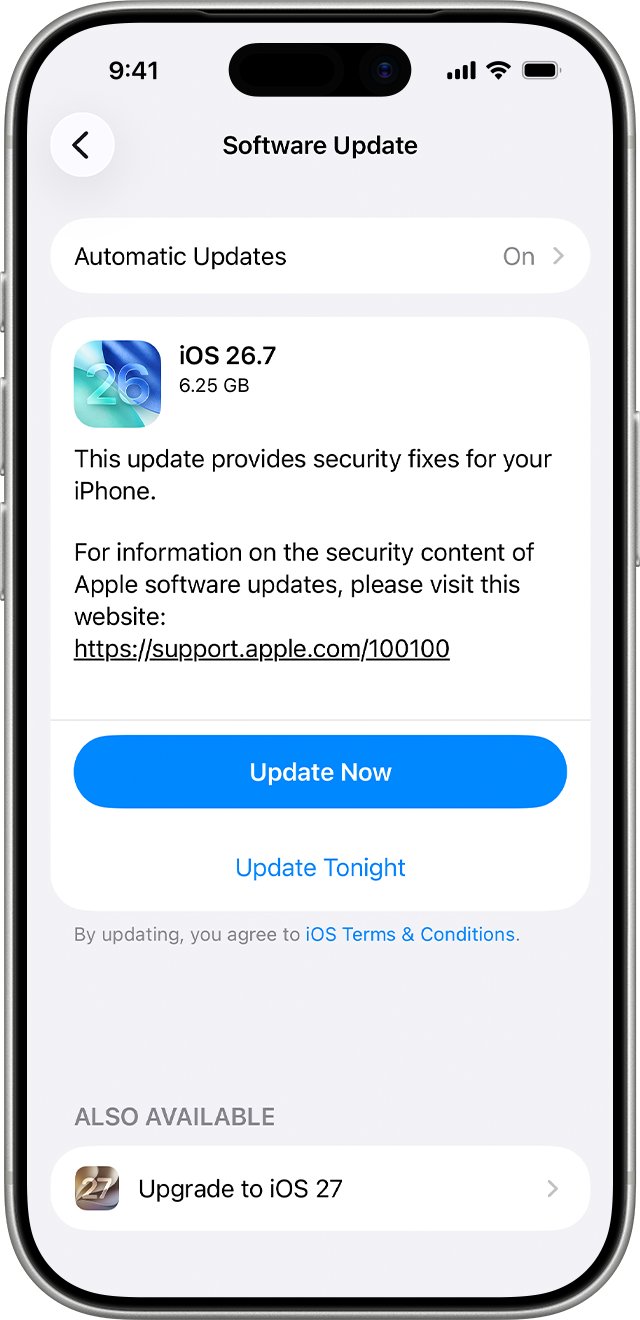
Later updates carry bug fixes that Apple does not itemize, so an iPhone still on iOS 26.4 has several releases to install. Apple's iPhone User Guide already lists iOS 27, and Software Update shows what your iPhone can install.
- Back up the iPhone with iCloud or a computer.
- Plug the iPhone into power and connect to Wi-Fi.
- Open Settings, tap General, then tap Software Update.
- Tap Download and Install if an update is available, then follow the onscreen instructions.
- After the restart, open Settings > Privacy & Security > Blocked Contacts and block the number again if it is missing.
How to block a caller from the Phone app on iPhone
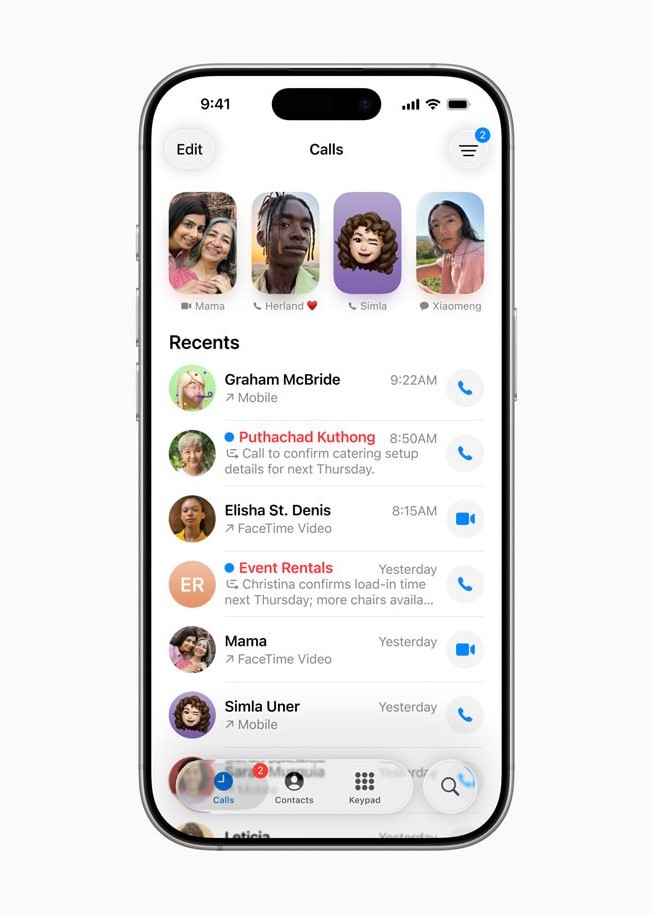
The Phone app has two layouts. Classic shows Recents, and Unified shows Calls, so start from whichever one you see.
- Open the Phone app.
- Tap Recents or Calls, then tap the phone number or contact. In Classic view, tap the Info button next to it.
- Scroll down, then tap Block Caller.
- To block a saved person instead, tap Contacts, tap the contact, then tap Block Contact.
Blocks from FaceTime work the same way. In your FaceTime call history, tap the call, tap Block Contact, then tap Block.
How to block emails in the Mail app on iPhone
Apple's documented Mail route uses the contact card, not a swipe. Use it when a swipe action leaves messages from the sender coming in.
- Open the Mail app and tap a message from the sender.
- Tap the sender's email address at the top.
- Tap View Contact Card.
- Tap Block this Contact.
- Check the Trash mailbox when the sender next writes, because blocked mail goes there.
Email blocking works across your Apple devices. For an @icloud.com address, you can also go to icloud.com/mail, select the message, select Mark, then choose Move to Junk so later mail from that sender is marked as junk.
Why blocked numbers can still leave a voicemail on iPhone
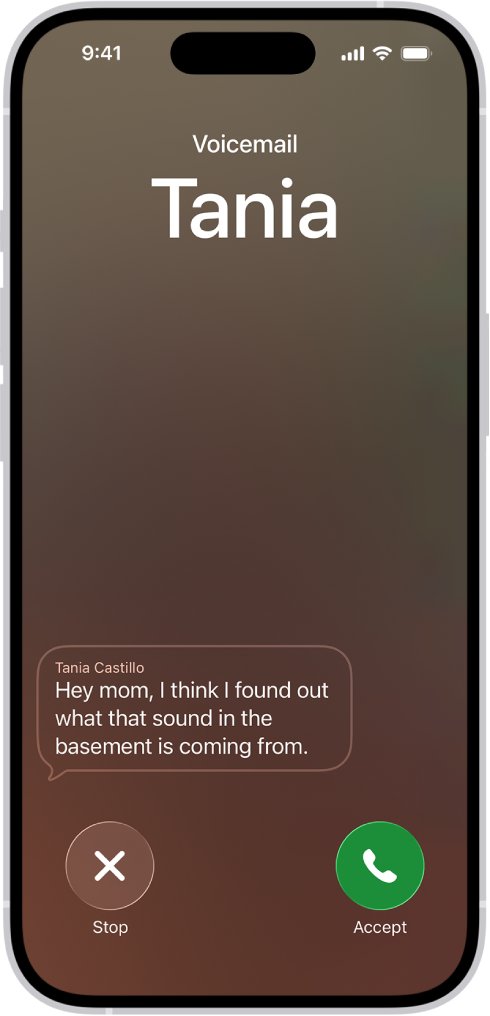
A voicemail from a blocked number is expected behavior, not proof the block failed. Apple states that a blocked number or contact can still leave a voicemail, and that you won't get a notification. The real fault is an alert or ring from that number, so test for that before you change anything.
Voicemail features depend on your carrier and country or region. When your iPhone is off or out of range, a call goes to carrier voicemail if available.
How to stop unknown callers and spam calls on iPhone in iOS 26
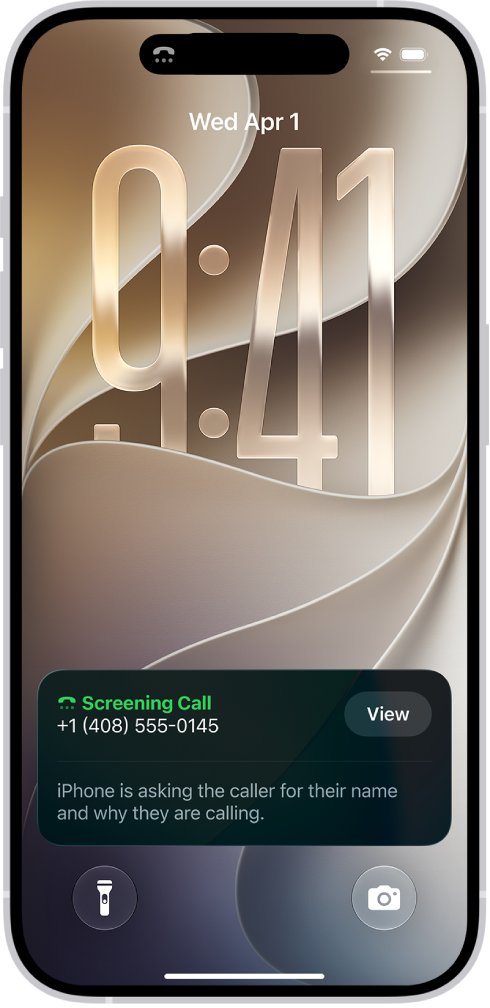
A block covers the contact or number you chose, and Apple warns that scammers use fake Caller ID information. These settings catch calls from numbers you never blocked, and you can block spam calls on iPhone with more options.
- Go to Settings > Apps > Phone.
- Under Screen Unknown Callers, choose Ask Reason for Calling to screen calls first, or Silence to send them to voicemail.
- Under Call Filtering, turn on Unknown Callers to move those calls to their own list.
- Turn on Spam so calls your carrier flags are silenced and moved to the Spam list.
- To review them, open Phone, tap Calls or Recents, tap the filter button, then tap Unknown Callers or Spam.
Silence also applies to wanted callers who are not in your contacts. If saved contacts stop reaching you too, work through the fixes for an iPhone not ringing for incoming calls.
iPhone blocked calls and emails still coming through
Tapping Block does nothing and Unblock never appears
The entry may be in the Unknown group, or the block did not save from that screen.
- Go to Settings > Privacy & Security > Blocked Contacts.
- Tap the Unknown group and look for the number.
- If it is missing, tap Add Blocked Contact, enter it, then tap Block Contact.
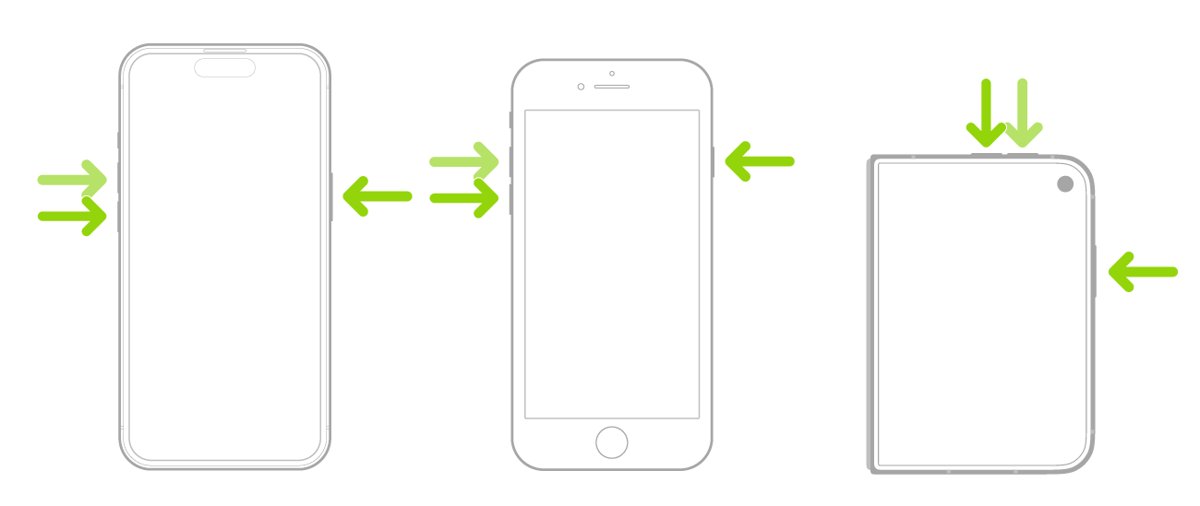
- Force restart: press and release volume up, press and release volume down, then hold the side button until the Apple logo appears.
- Check the list again, then install any update under General > Software Update.
Blocked number still rings on iPhone
The call may come from another number, a faked Caller ID, or a number held on a duplicate contact card.
- Open the call in Recents or Calls and compare the number with the entry in Blocked Contacts.
- Block the exact number shown with Block Caller.
- Open Contacts and tap View Duplicates below My Card, then merge any duplicates for that person.
- Set Screen Unknown Callers to Silence if the number changes on every call.
Blocked emails still landing in the inbox
A block applies to the blocked address, and senders can write from another one.
- Open the new message and tap the sender to read the full address.
- Tap View Contact Card, then tap Block this Contact.
- Check Settings > Privacy & Security > Blocked Contacts for the address.
- If the mail reaches your @icloud.com address, go to icloud.com/mail and choose Move to Junk for the message.
- If you blocked the wrong sender, you can unblock an email address on iCloud Mail afterwards.
Blocked Contacts is not where you expect it
The path changes between iOS versions and Apple documents more than one route.
- On iOS 26, go to Settings > Privacy & Security > Blocked Contacts.
- Apple's current user guide also lists Settings > Apps > Phone > Blocked Contacts, and Settings > Apps > FaceTime > Blocked Contacts.
- On iOS 18, go to Settings > Apps > Messages > Blocked Contacts.
- On iOS 17, go to Settings > Messages > Blocked Contacts.
Blocking stays broken after updating
Settings carried through the update may be at fault, so a settings reset is the last step before contacting Apple.
- Back up the iPhone first so you can restore your previous settings if the reset does not help.
- Go to Settings > General > Transfer or Reset iPhone, then tap Reset.
- Choose Reset All Settings. No data or media are deleted, but network, location and privacy settings return to their defaults.
- Do not choose Erase All Content and Settings, which removes your content.
- Reopen Blocked Contacts, block the number again, and test it.
How to tell if a number is blocked on iPhone
The list is the record of what your iPhone treats as blocked. Apple's pages do not describe an icon you should rely on for this.
- Go to Settings > Privacy & Security > Blocked Contacts.
- Find the name in the main list, or tap Unknown for a number with no contact card.
- Open FaceTime and tap the person's call in your history. Unblock Contact means they are blocked.
- If you can arrange it, have that number call you. Your iPhone should not ring.
- Have the blocked address send an email, then look in the Trash mailbox for it.
To reverse any of this, you can unblock a contact on iPhone from the same list by tapping Edit, the delete button, then Unblock.
iPhone call blocking after iOS 26.4 FAQ
Why is my iPhone not blocking calls after iOS 26.4?
Apple's notes list no blocking change in iOS 26.4, so start with the list. Add the number under Settings > Privacy & Security > Blocked Contacts, force restart, and install the latest update. Calls from a different or faked number will still get through a block on the original.
Can a blocked number still leave a voicemail on iPhone?
Yes. Apple says a blocked number or contact can still leave a voicemail, and you won't get a notification when it happens. Seeing one does not mean the block failed. An alert or a ring from that number is the real sign of a problem.
Where do blocked emails go on iPhone?
Email from an address you blocked in Mail goes to the trash folder, so it can still be found there. Apple says email blocking works across all your Apple devices. Block a sender from the message by tapping their address, View Contact Card, then Block this Contact.
Where is the blocked list on iPhone in iOS 26?
Open Settings, tap Privacy & Security, then tap Blocked Contacts. Numbers with no contact card sit in a group labeled Unknown, so tap it if a number seems missing. You can also add new entries there by tapping Add Blocked Contact.
Does blocking someone in Messages also block calls and email?
Yes. Apple says a contact blocked in Messages is also blocked in Mail, Phone, FaceTime, Calendar and other apps. They all use one Blocked Contacts list, so one entry covers each of those apps for that contact.
Does a blocked person know they are blocked on iPhone?
No. Apple says the contact won't get a notification that the call or message was blocked, and a sender can't find out. Their messages simply aren't delivered to you, and they can still leave a voicemail that does not alert you.
Can I block a group text on iPhone?
No. Apple says you can't block a group conversation. Leave the conversation or stop its notifications instead. Blocking each person in the group is not needed for this, and reporting a message as spam does not stop that sender from messaging you.