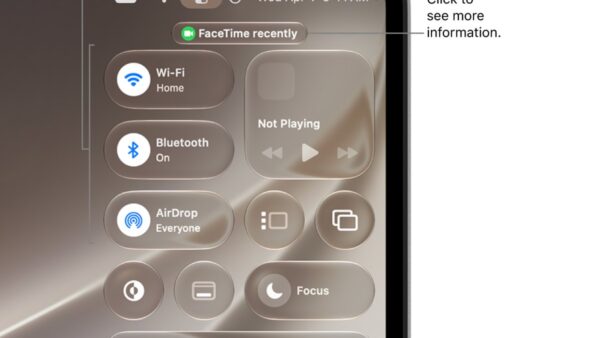
Brightness adjustment not available in Display settings on Mac: how to fix it
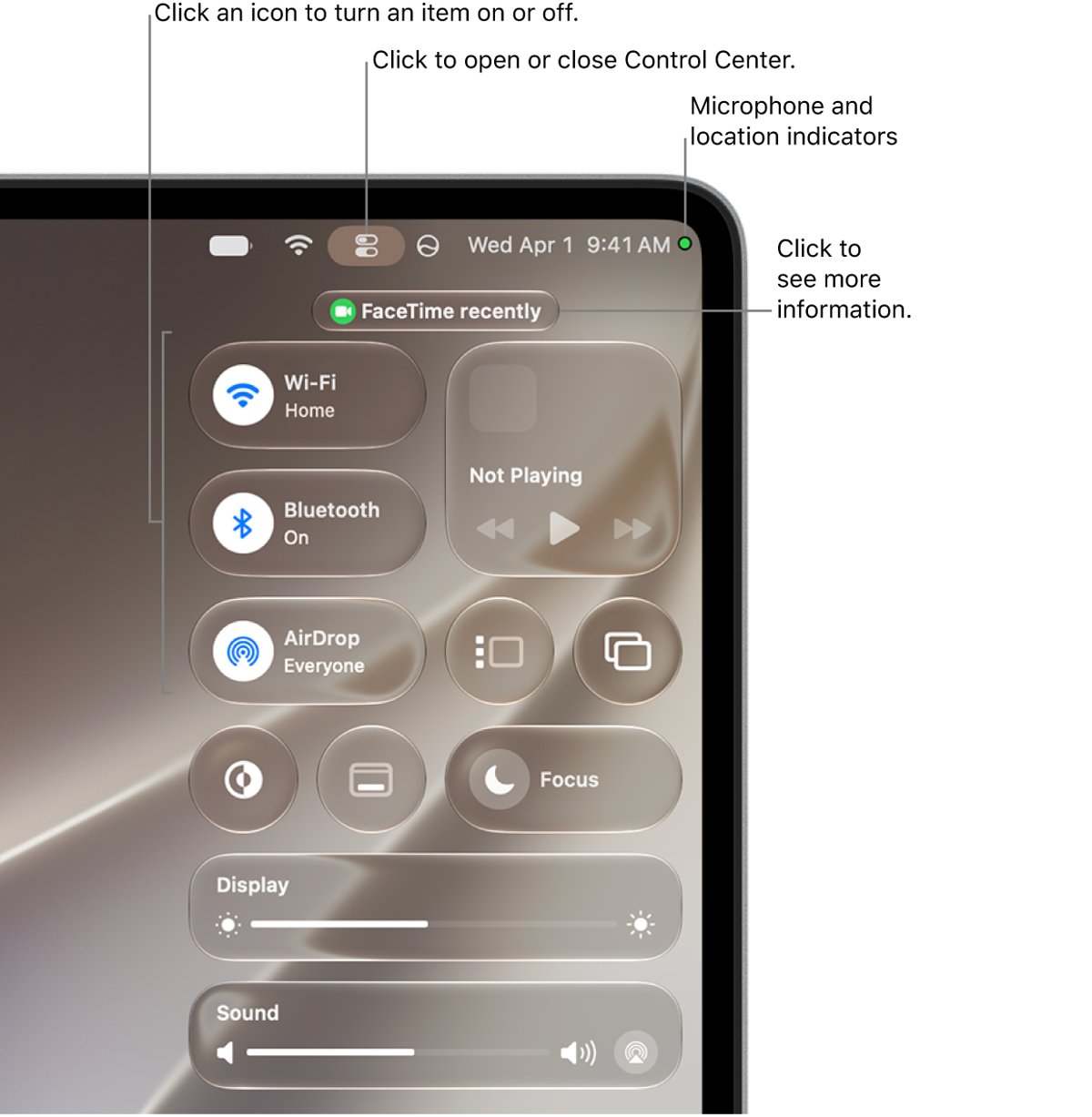
Brightness adjustment not available in Mac Displays settings? Use Control Center, the Touch Bar or the monitor’s own buttons, then fix a missing slider step by step.
4,040 articles

Brightness adjustment not available in Mac Displays settings? Use Control Center, the Touch Bar or the monitor’s own buttons, then fix a missing slider step by step.
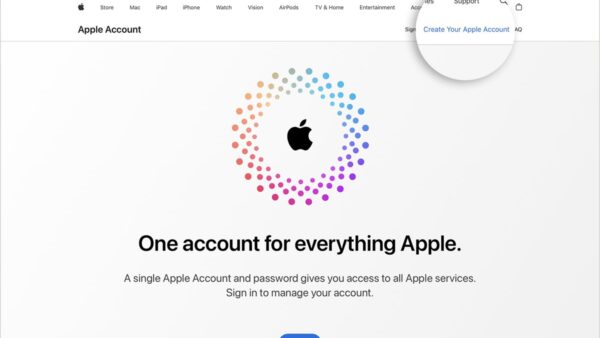
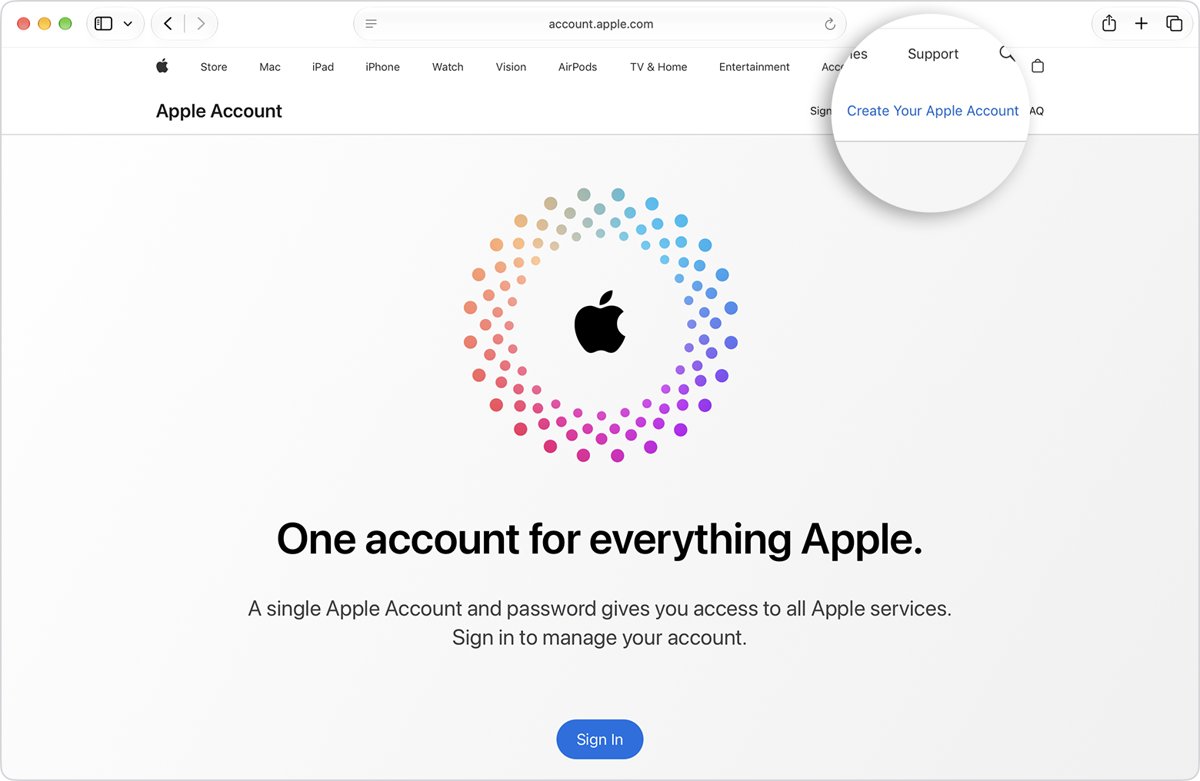
Yes, an Apple ID can use a @gmail.com address. Create an Apple Account with Gmail, switch your primary email to Gmail and fix verification emails that never arrive.
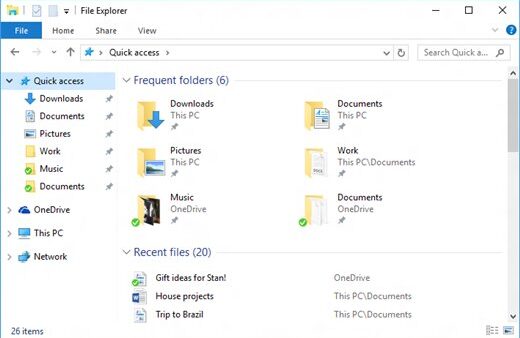
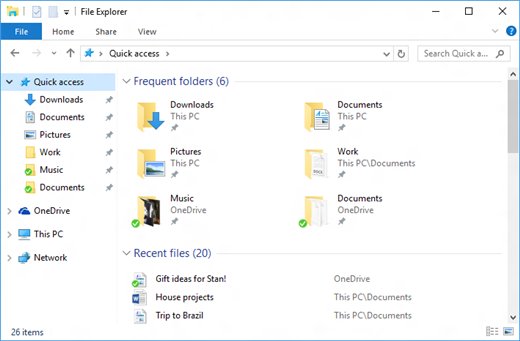
Camera Roll and Saved Pictures folders in Windows 10 sit inside Pictures: one holds webcam photos, the other images saved from apps. Paths, uses and fixes.
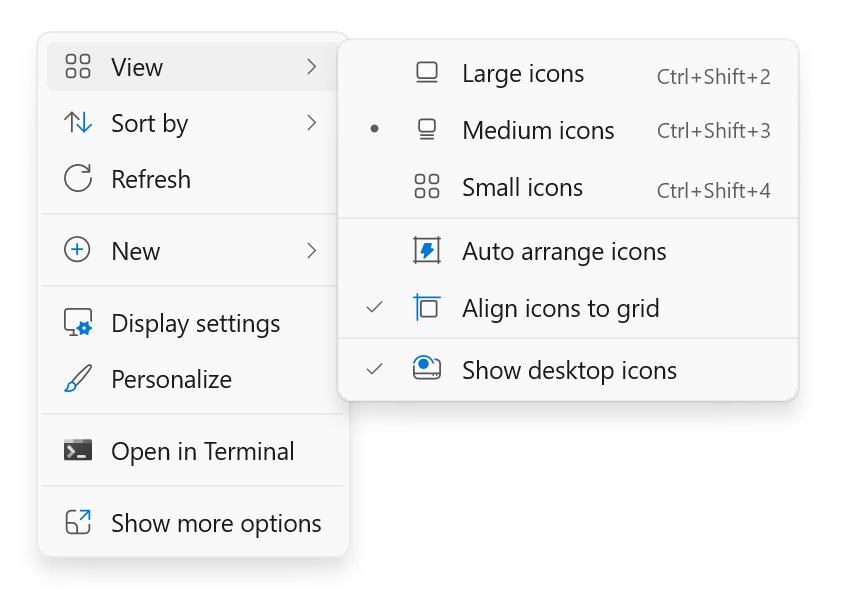
Desktop icons not showing in Windows 11? Turn on Show desktop icons, restart Explorer, rebuild the icon cache, fix OneDrive Desktop sync and repair system files.
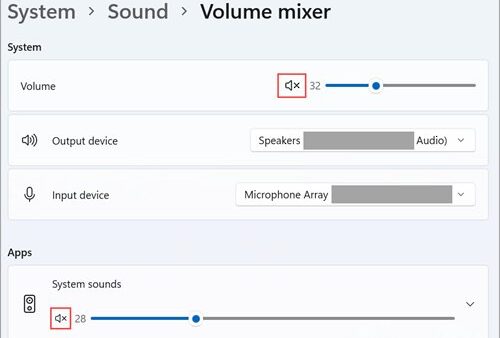
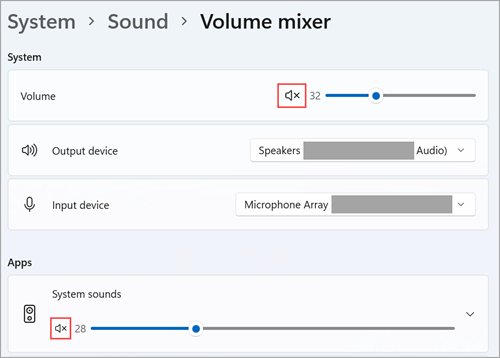
Adjust volume balance in Windows 11 and 10 from Settings > System > Sound: set the Left and Right channel levels, use mono audio, and fix a missing balance option.
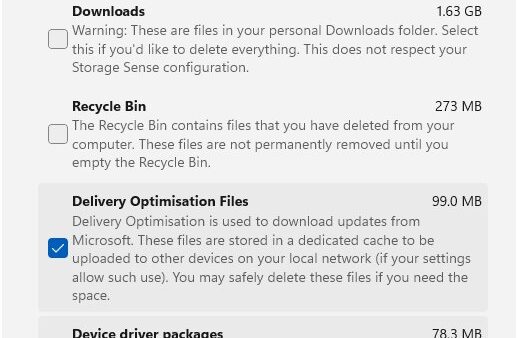
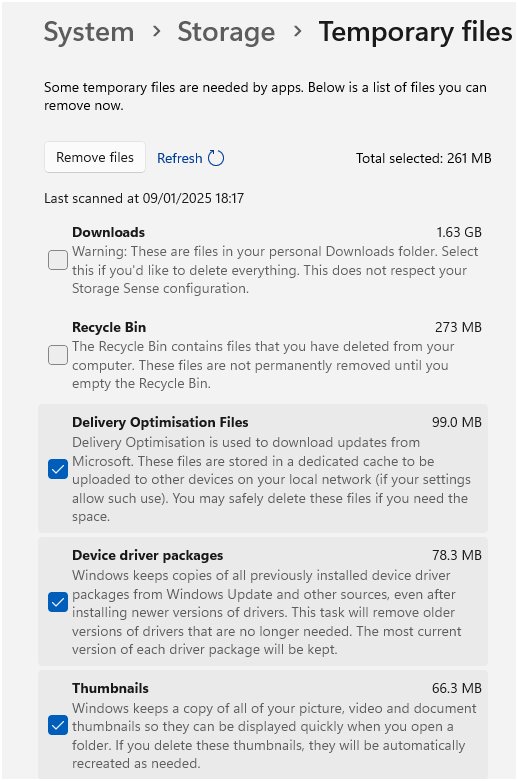
Windows temporary files are scratch data apps leave in %TEMP%. Learn where they live, why they appear, how to change the Temp folder and how to delete them safely.
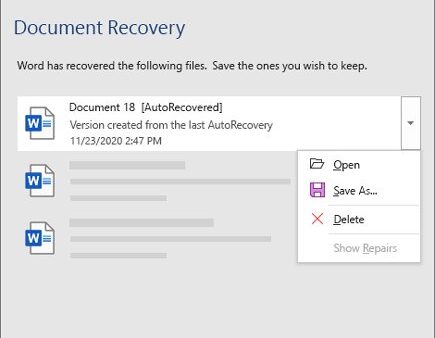
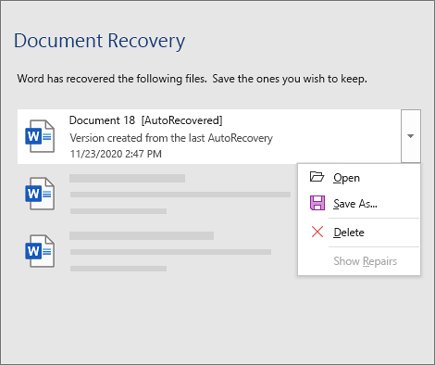
An ASD file is a Word AutoRecover file. Open it in Word through File > Open with All Files, or Recover Unsaved Documents, then save it as a normal .docx.
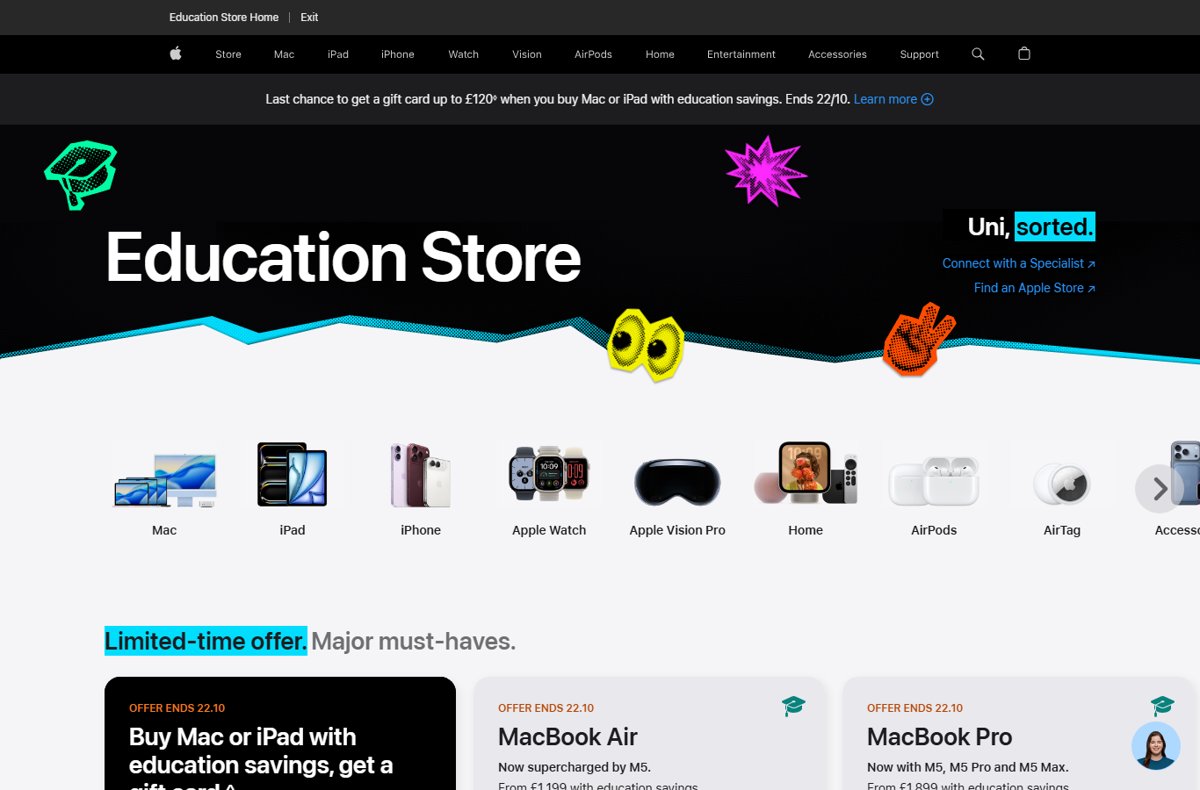
UNiDAYS verification loop on the UK Apple Store? Sign in with your Apple Account first, stay on the UK Education Store, allow cookies, or verify in-store.
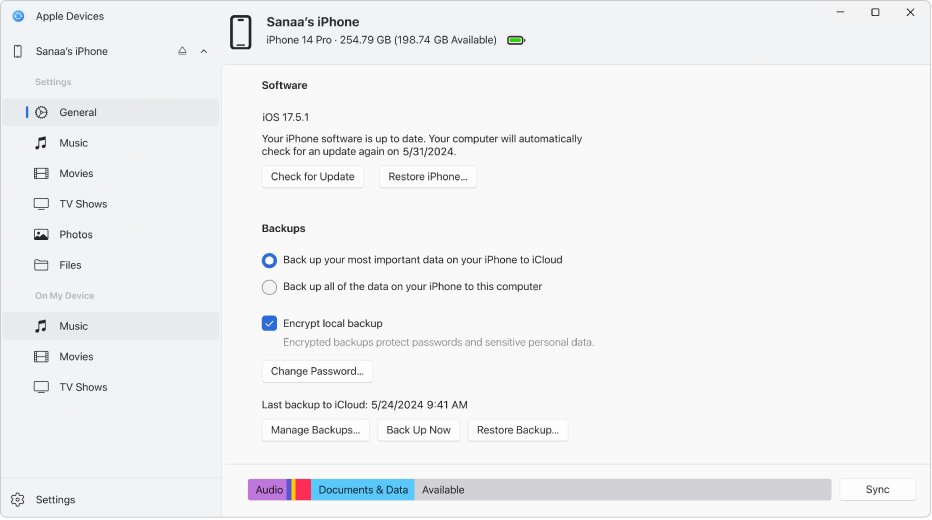
Apple Devices app on Windows 11 opens off monitor? Select it with Alt + Tab, press Windows + Shift + arrow to pull it back, then stop it from opening off-screen.
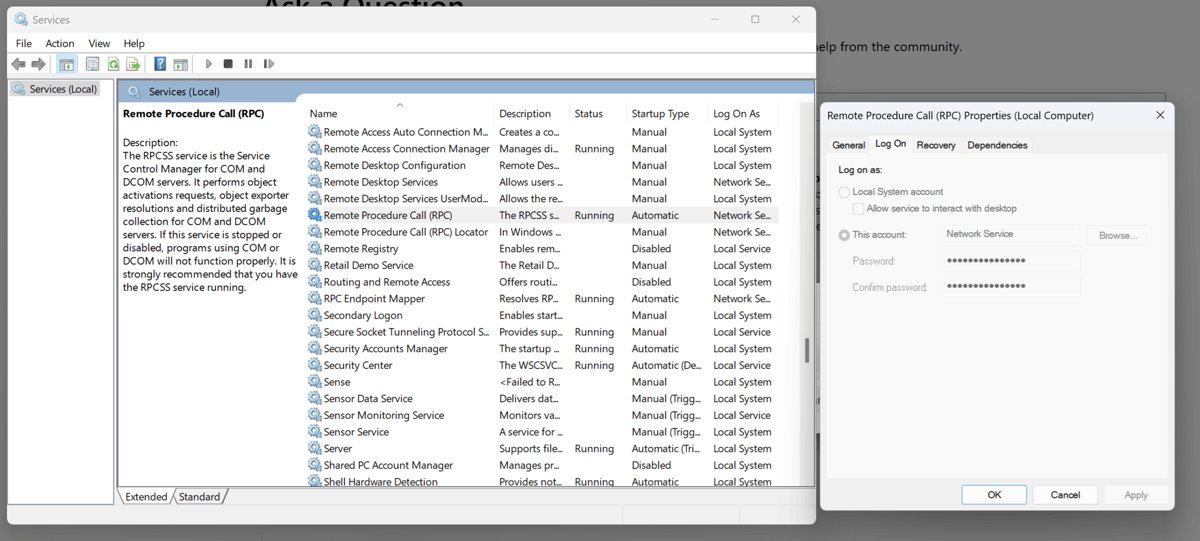
No, do not disable the Remote Procedure Call (RPC) service on Windows 11. See what RpcSs does, which RPC services matter and how to fix RPC errors.
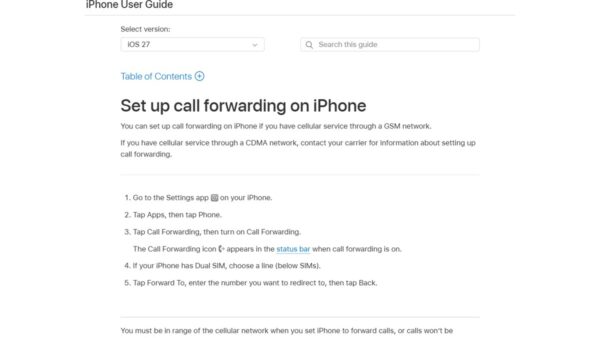
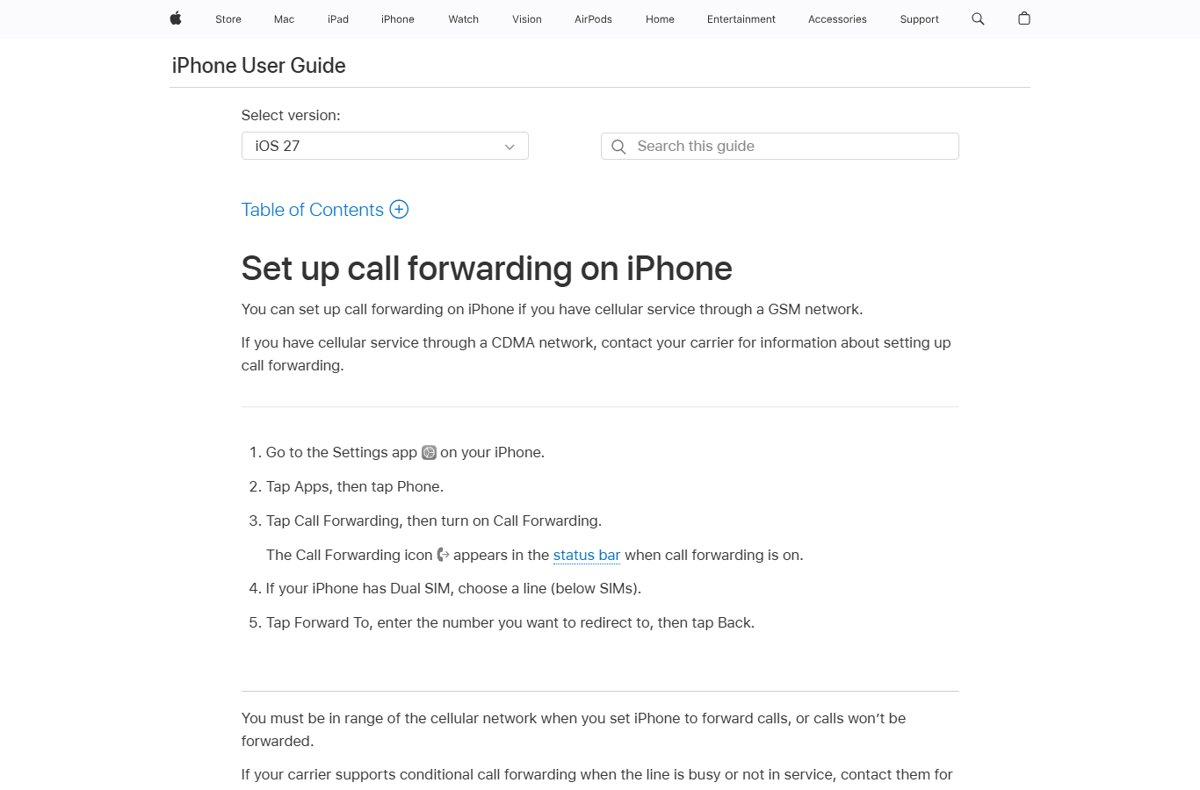
Dialing *#21# on iPhone checks whether unconditional call forwarding is on for your line. What the result means, related codes, and how to turn forwarding off.
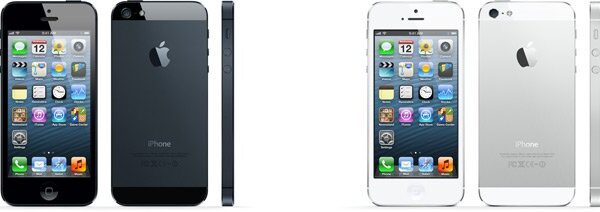
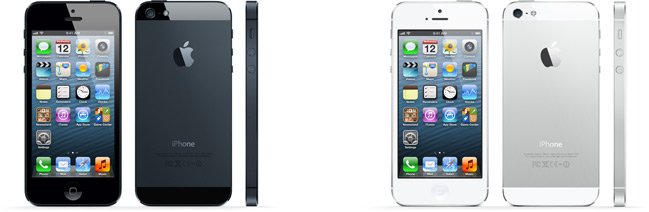
iPhone 5 is disabled and says connect to iTunes? Put it in recovery mode, restore it with iTunes, Finder or Apple Devices, then sign back in and restore a backup.