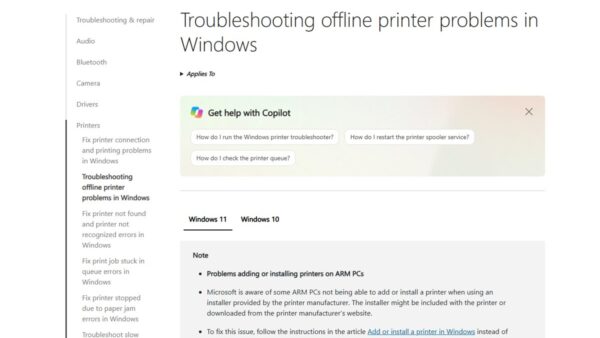
Why is my printer offline in Windows? How to change printer status from offline to online?
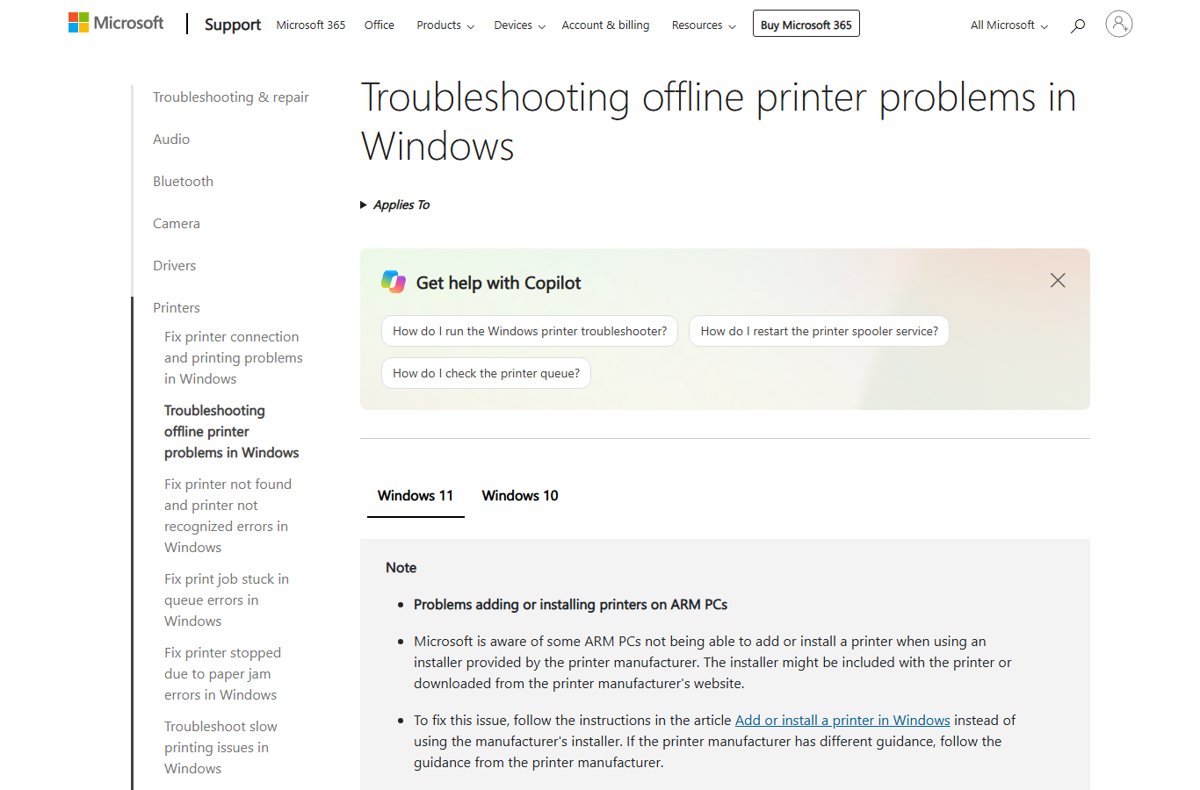
Printer offline in Windows 11 or 10? See why Windows marks a printer offline and how to change its status back to online, step by step, with fixes that work.
4,040 articles

Printer offline in Windows 11 or 10? See why Windows marks a printer offline and how to change its status back to online, step by step, with fixes that work.
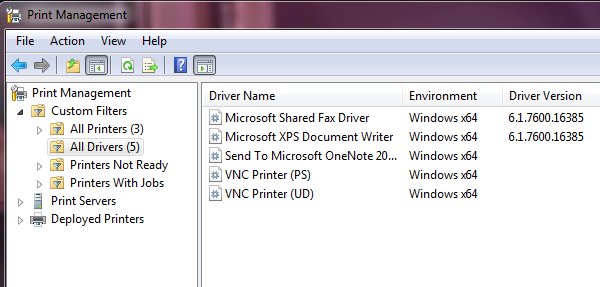
Remove or uninstall a printer driver from Windows 10 via Settings, Print server properties, Device Manager, PowerShell or pnputil, and how to clear the driver store.
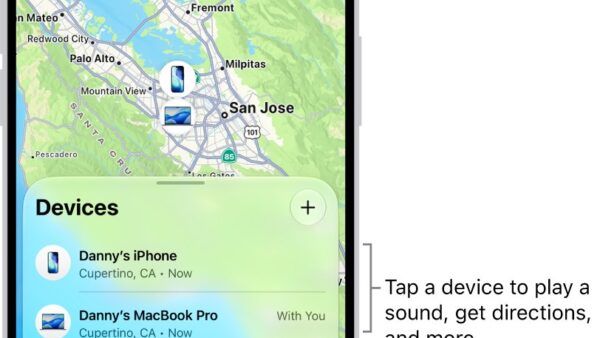
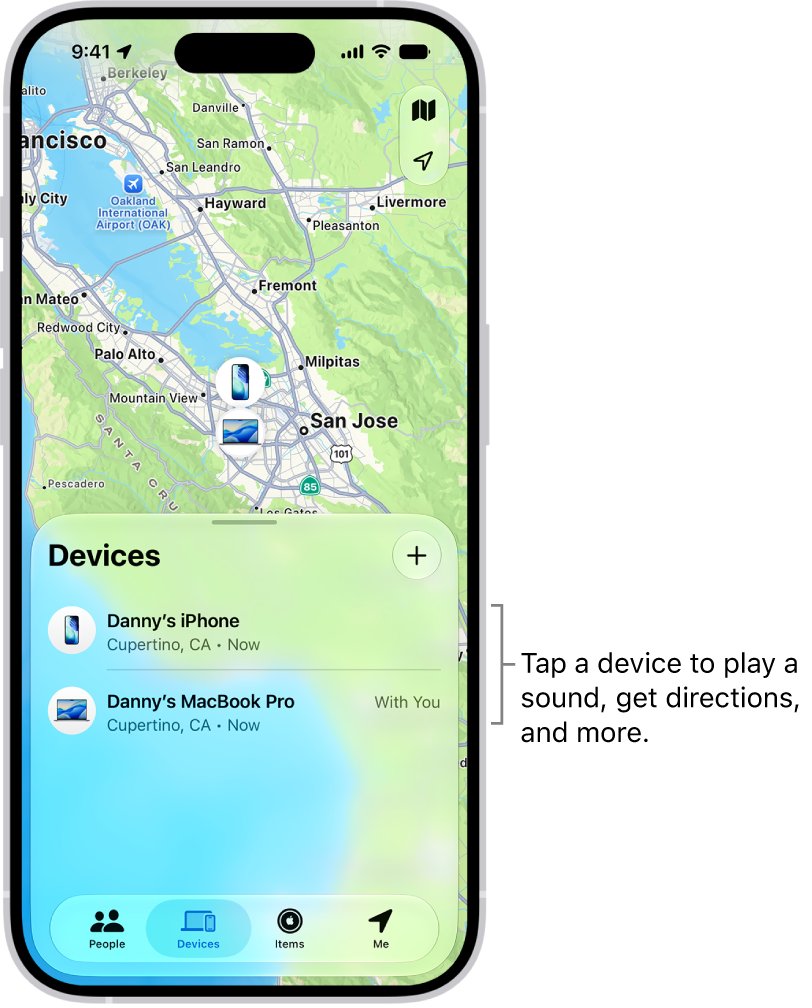
Find My iPhone won’t show the last known location when the phone has been offline over seven days, Find My was off, or Location Services is failing.
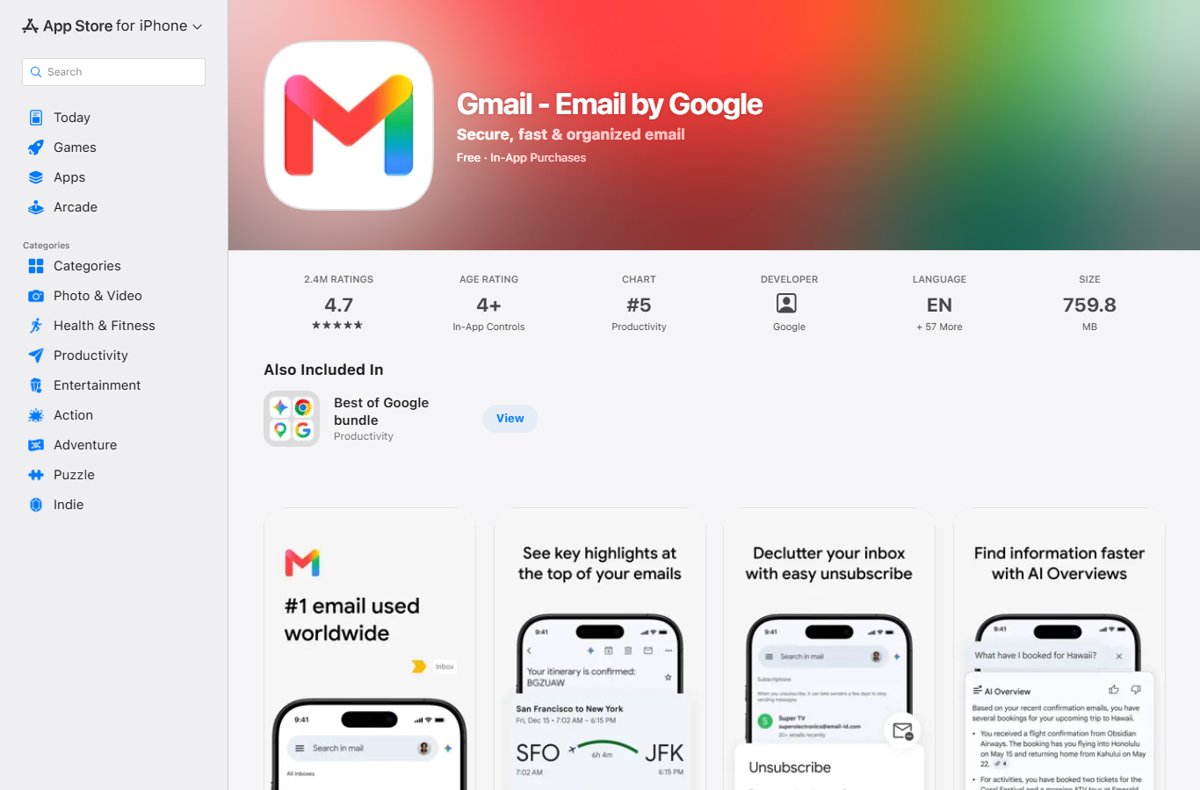
Can’t sign into Gmail on a new iPhone? Approve the Google prompt on your old phone, use backup codes, re-add the account in Mail and check Safari cookies.
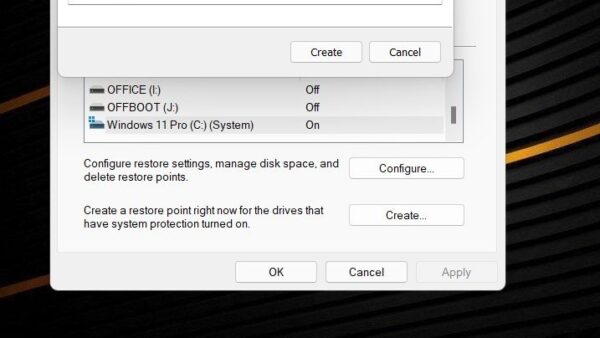
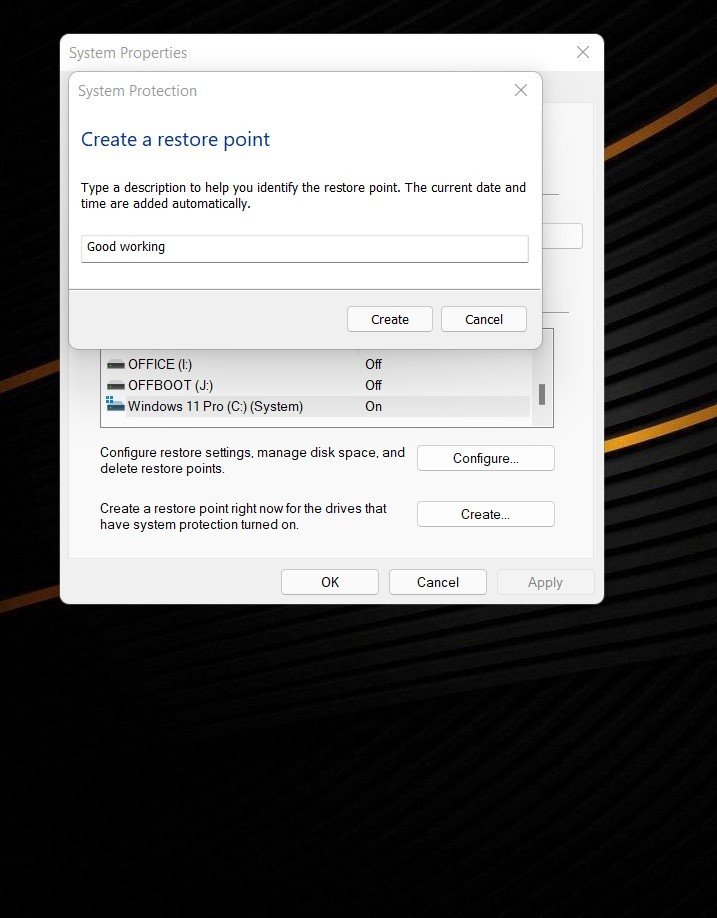
Create and use system restore points in Windows 10/11: turn on System Protection, make a point, roll back from Windows or WinRE, and use PowerShell.
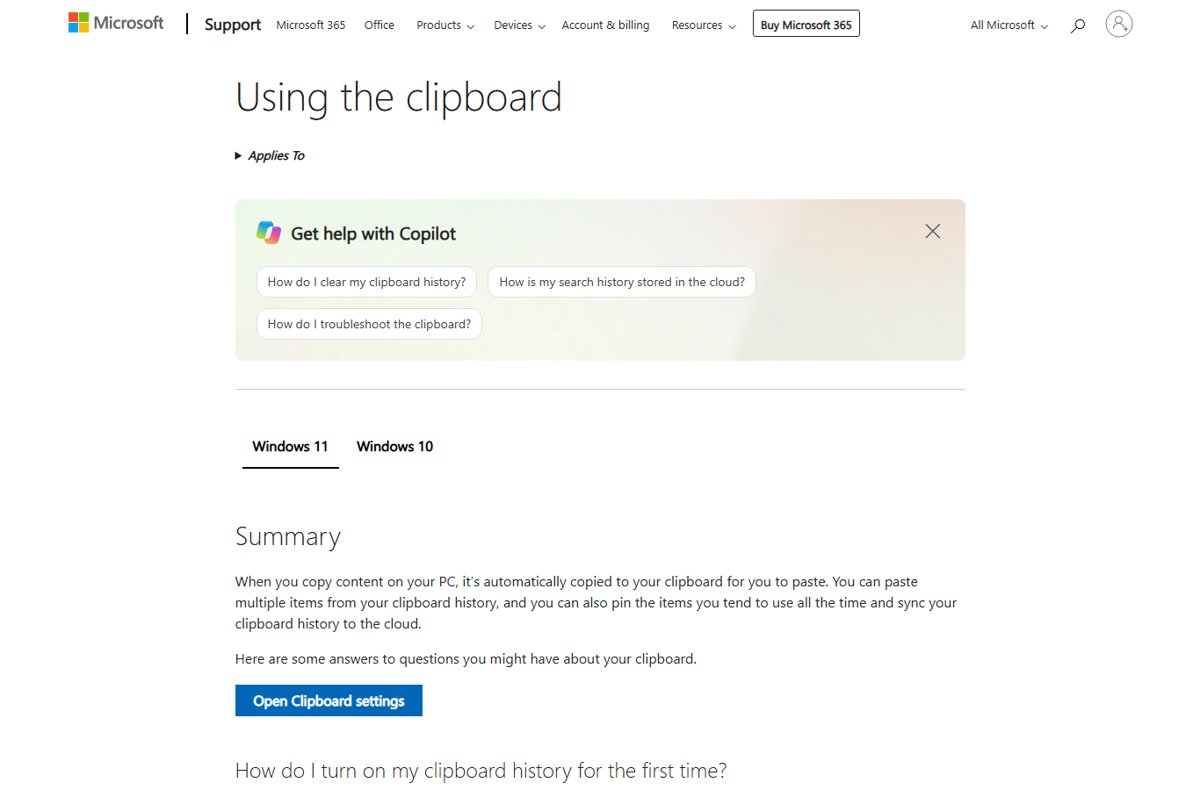
See clipboard history in Windows 11 and 10 with Windows key + V. Turn it on, paste, pin, delete and sync items, plus fixes when clipboard history is not working.
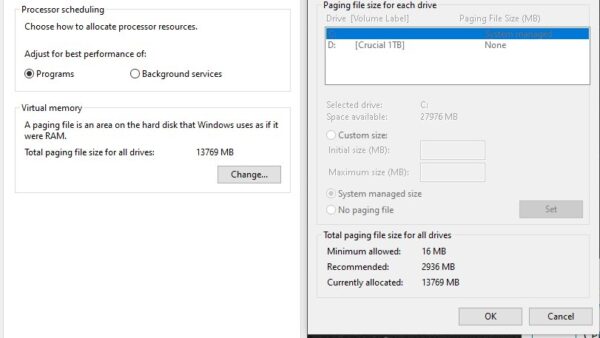
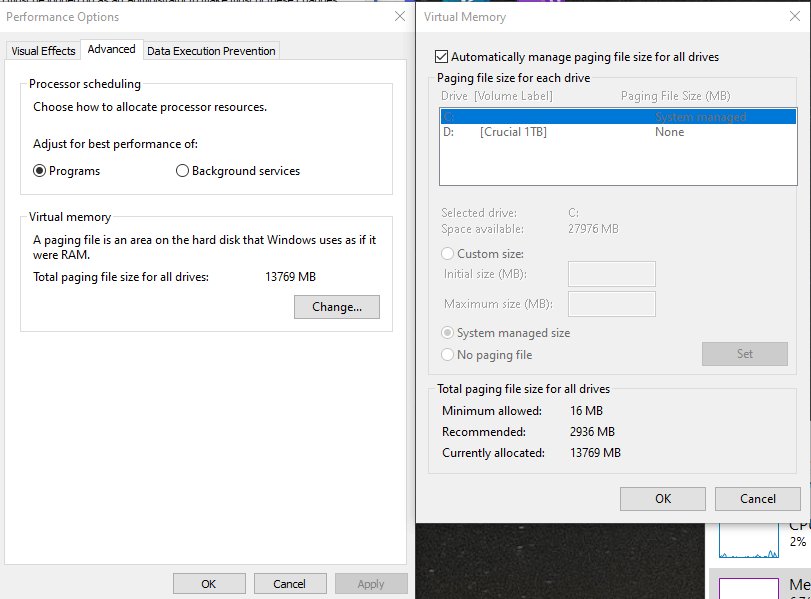
Disable memory compression in Windows 11 or 10 with Disable-MMAgent -MemoryCompression, turn it back on with Enable-MMAgent, and check its state with Get-MMAgent.
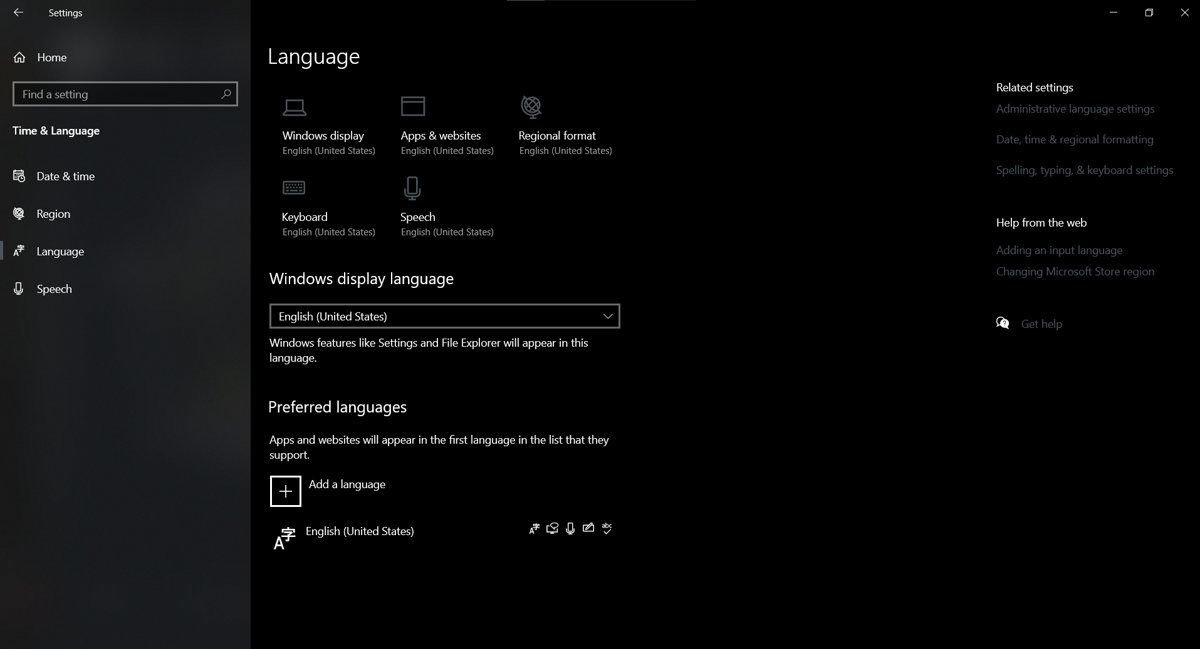
Change date, time, time zone, region, locale and display language in Windows 10 from Settings > Time & Language, plus Control Panel, tzutil and PowerShell routes.
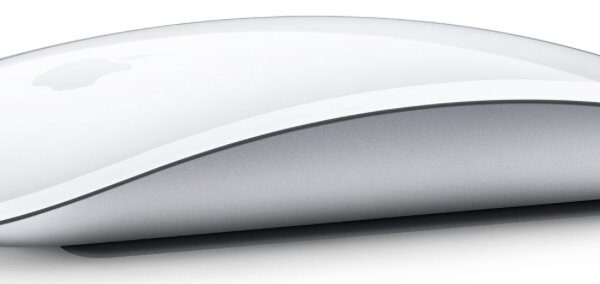
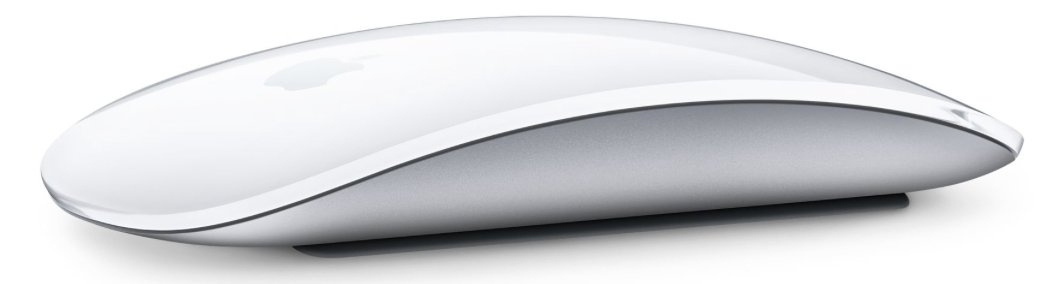
Windows 11 drivers for Apple mouse: pair a Magic Mouse over Bluetooth on a PC, or install Apple’s Boot Camp support software on an Intel Mac. Fixes included.
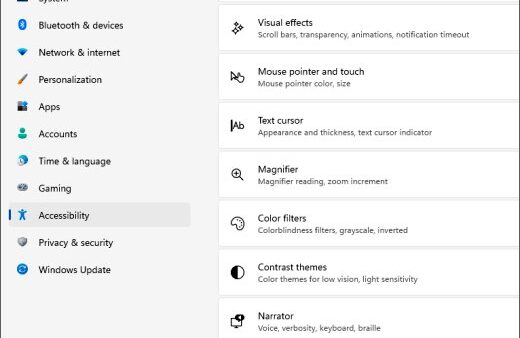
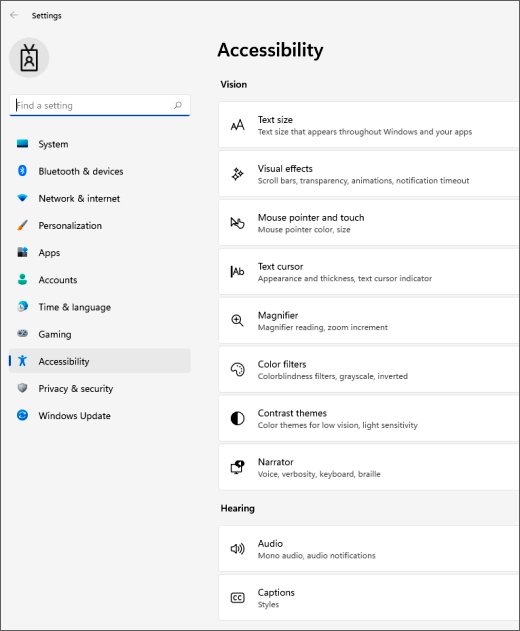
Keyboard not typing on Windows 11? Turn off Filter Keys, reconnect the keyboard, reinstall its driver and check the layout. Fixes by symptom, wired and wireless.
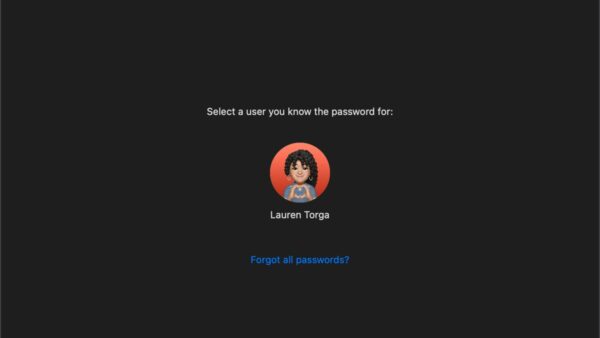
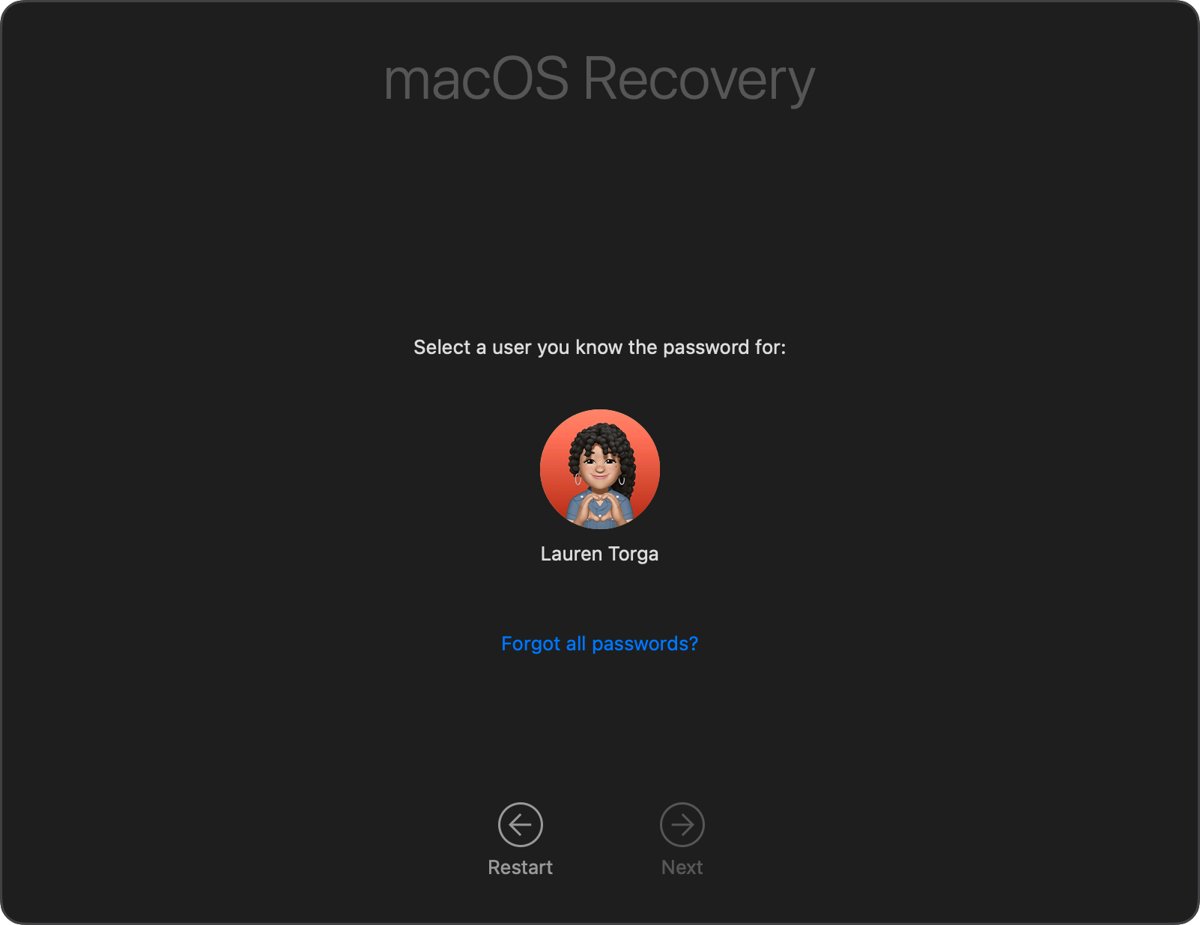
Locked out of your Mac and no Wi-Fi icon at the top? Start macOS Recovery, use its Wi-Fi menu or an Ethernet cable, then reset the login password.
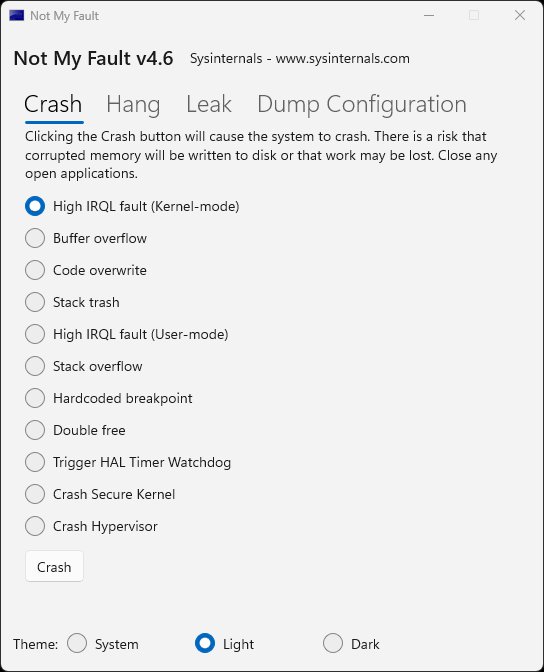
Force a Blue Screen of Death in Windows 11 with Right Ctrl + Scroll Lock, the power button or NotMyFault, then confirm the crash dump and undo the change.