How to install or update a printer driver in Windows 11? [Full guide]
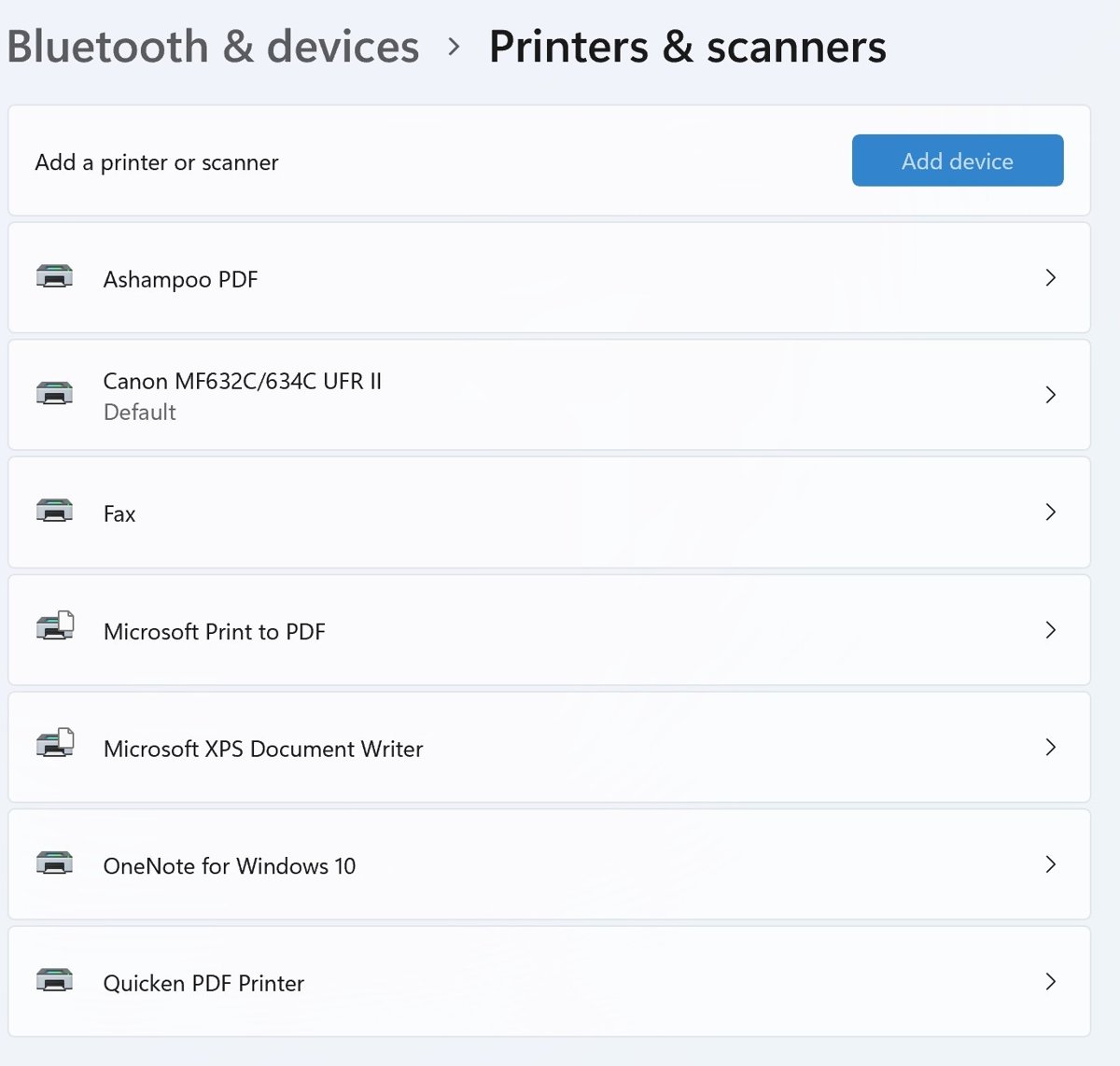
Install or update a printer driver in Windows 11 with Windows Update, Printers & scanners, Device Manager or the HP, Brother, Epson or Canon support site.
4,040 articles

Install or update a printer driver in Windows 11 with Windows Update, Printers & scanners, Device Manager or the HP, Brother, Epson or Canon support site.
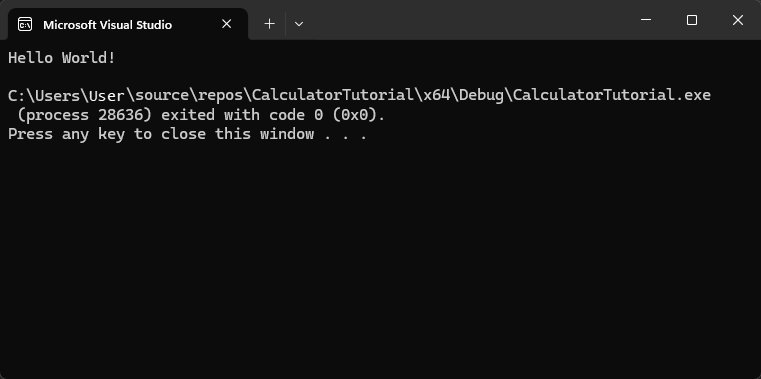
C++ programming for beginners: what C++ is, its features and uses, how to install a free compiler on Windows, and how to write, compile and run your first program.
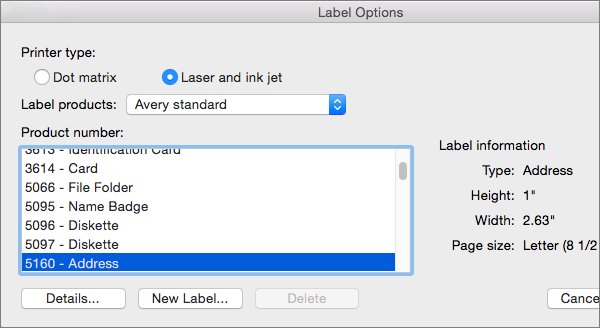
Create Avery 5160 labels on a Mac with Word for Mac or the built-in Contacts app: full sheets, mixed labels, mail merge from Excel and test-print tips.
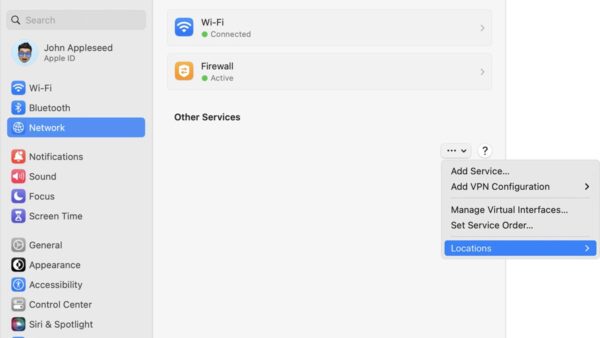
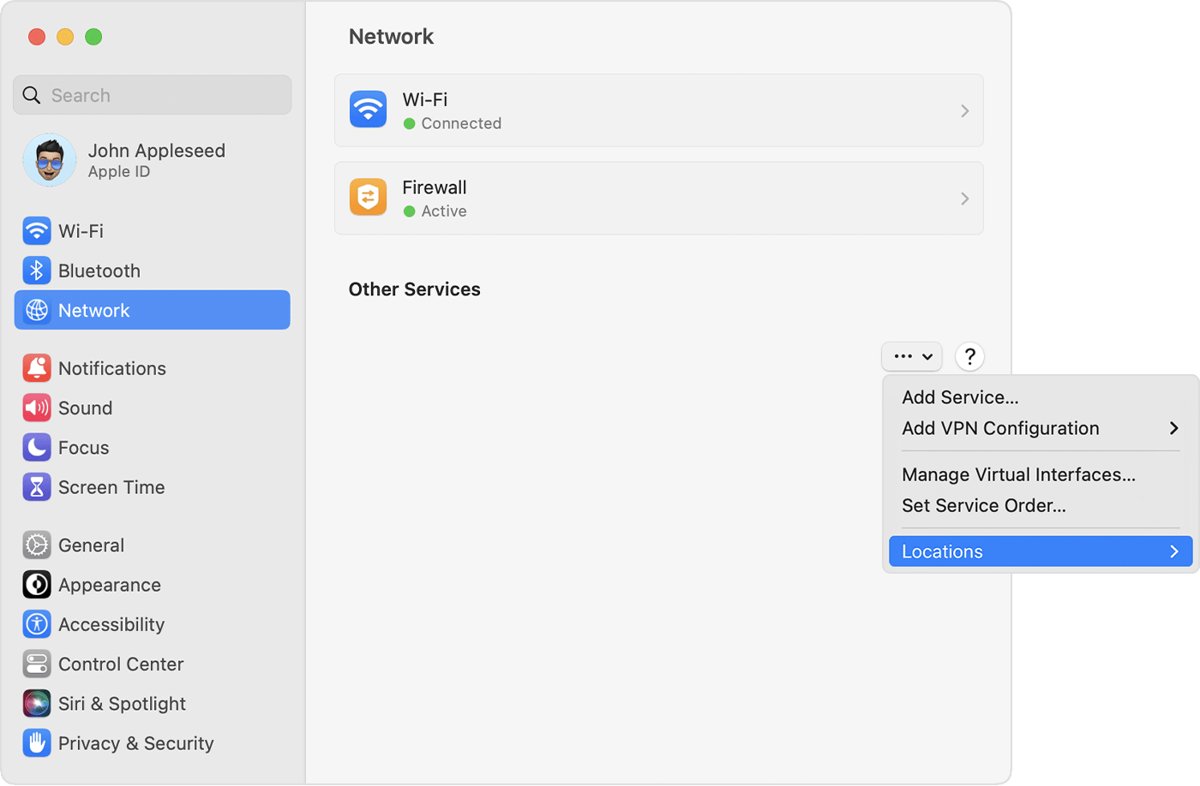
Unable to access the internet in Safari after updating a MacBook Air to macOS Sonoma? Check Private Relay, VPN apps, extensions, DNS and network location.
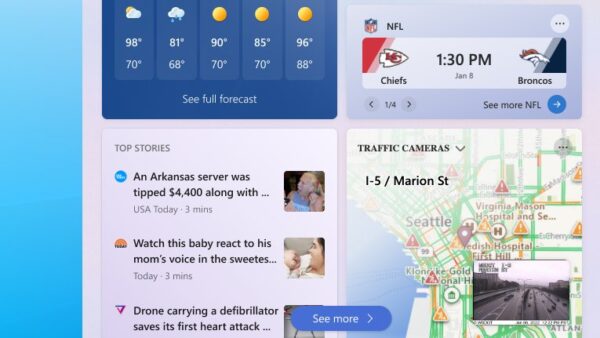
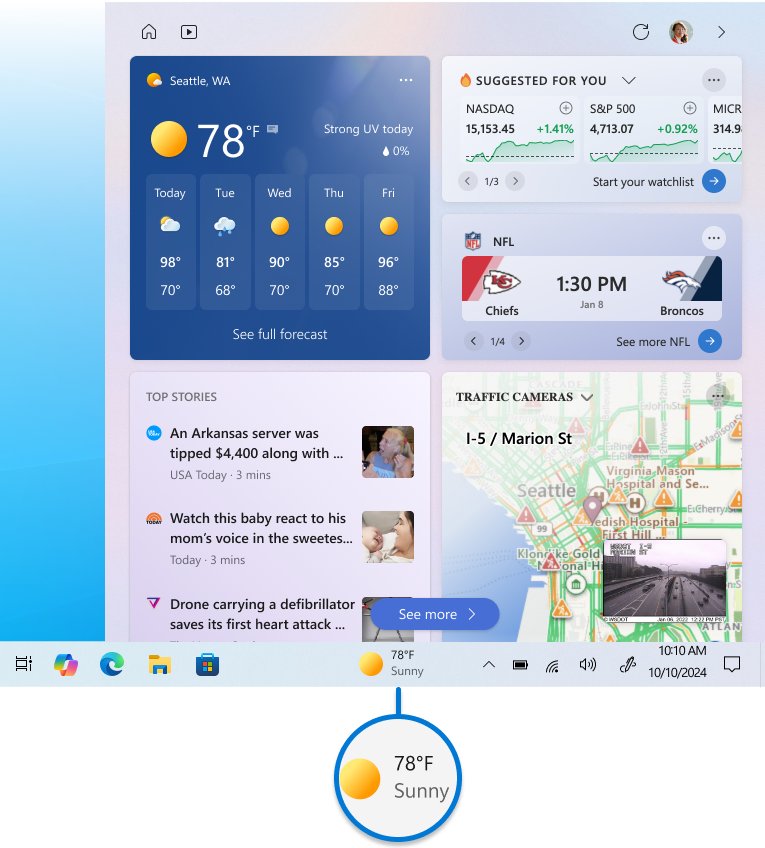
Use the Microsoft News app on Windows 11/10: install it from the Store, follow topics and publishers, add news to the taskbar, and fix it when it won’t start.
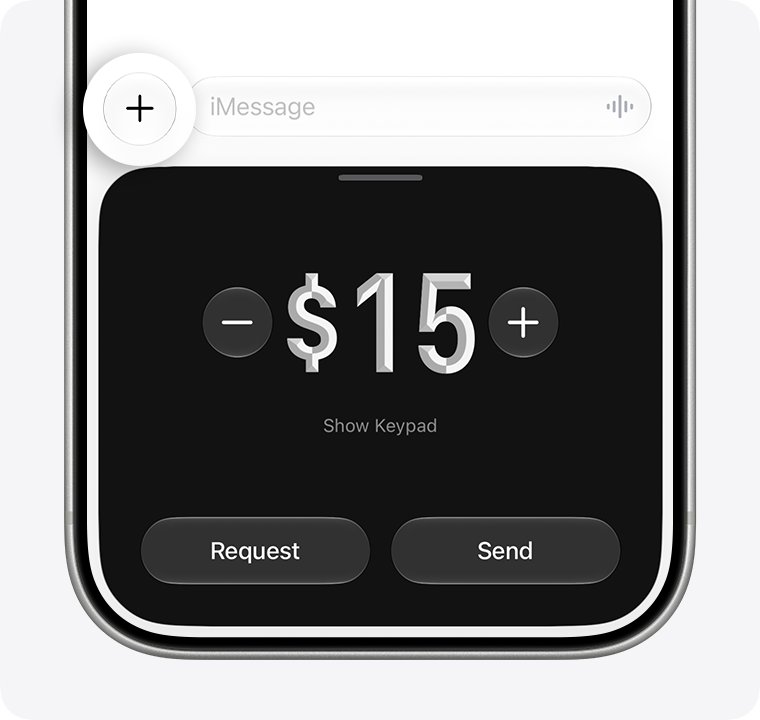
Sending money through Apple Pay from an iPad uses your email Apple ID, so replies turn blue and skip your Android phone. Fix the thread and keep texts green.
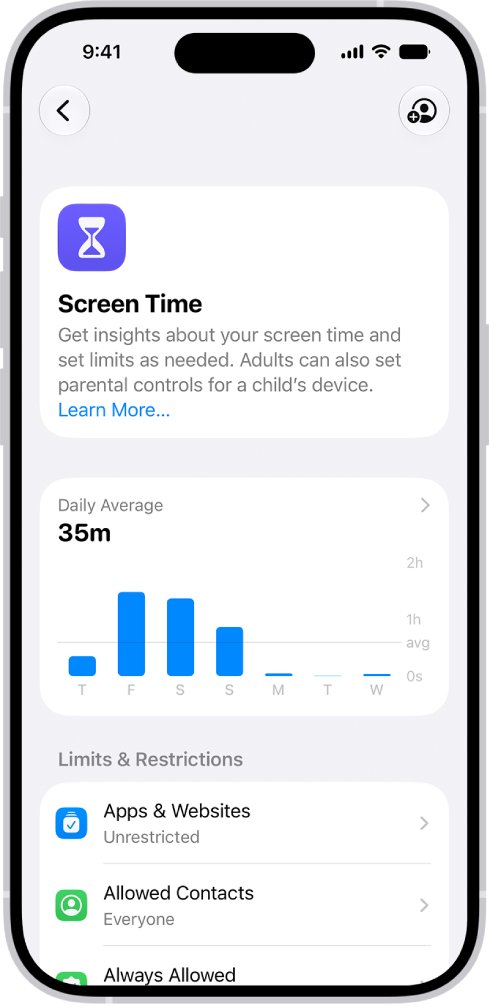
Forgot the restrictions passcode on your iPhone or iPad? Reset the Screen Time passcode with your Apple Account, or erase the device if recovery is off.
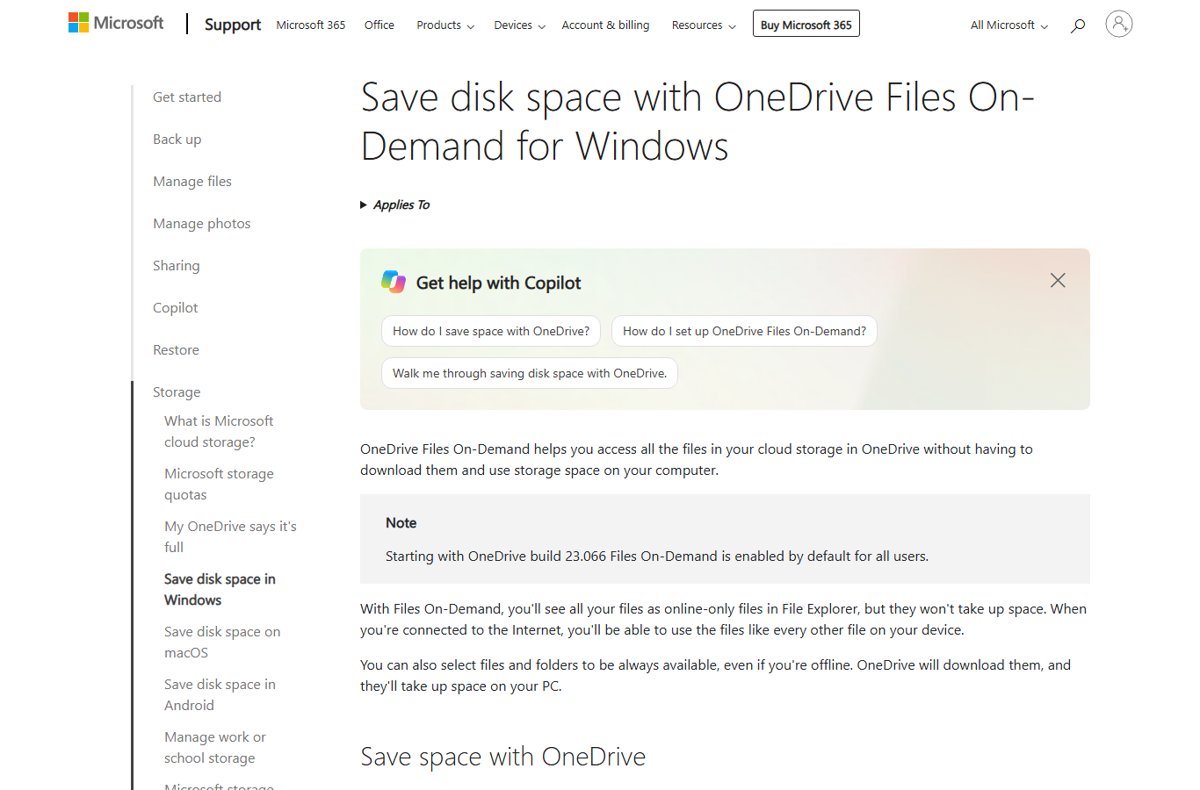
Turn OneDrive Files On-Demand on or off in Windows 11 from Sync and back up > Advanced settings, plus Group Policy, attrib commands and fixes for a missing option.
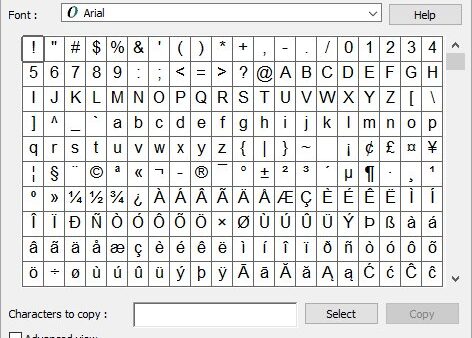
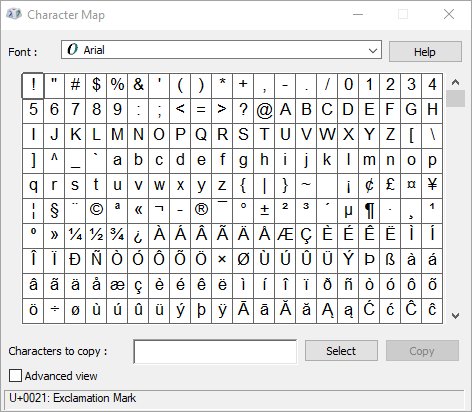
Backslash keyboard guide: copy \ from here, press the \ | key, or hold Alt and type 92. Windows, Mac, phone, UK keyboard, escape and file path tips.
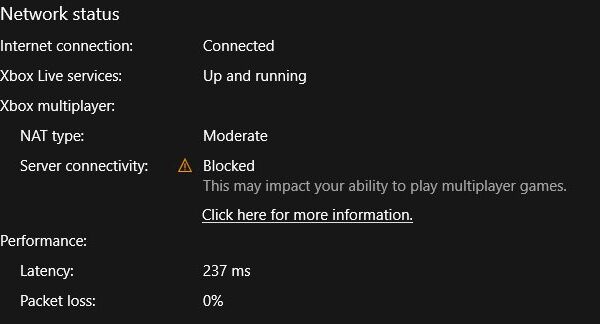
Access Xbox Networking in Windows 10 via Settings > Gaming > Xbox Networking. What it checks, the Windows 11 route, and fixes for Blocked and Teredo errors.
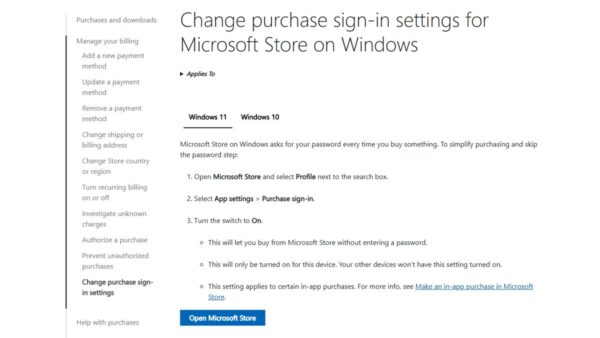
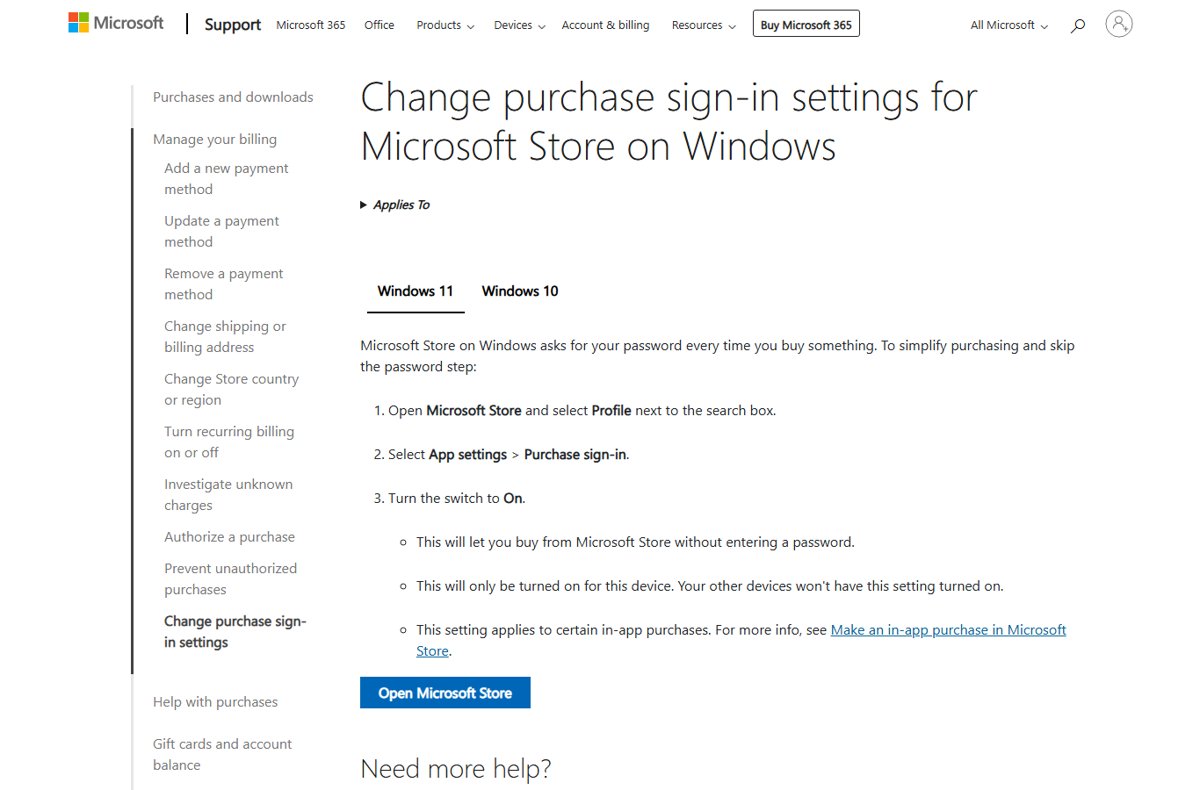
Change purchase sign-in settings in Microsoft Store: open Profile > App settings > Purchase sign-in to skip or require a password when you buy on Windows 11/10.
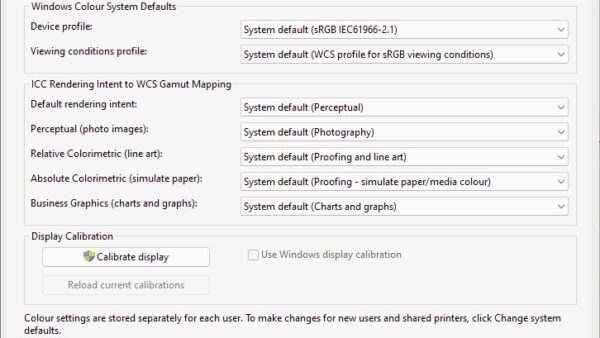
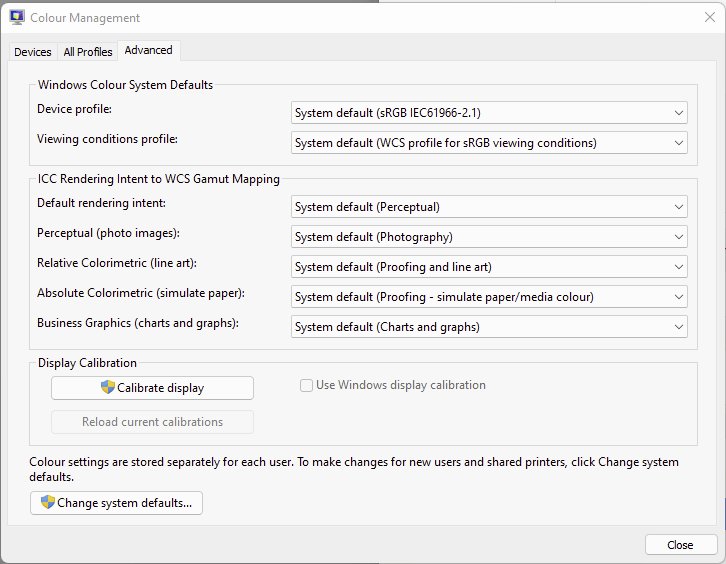
Open Color Management in Windows 11/10 from Start search or colorcpl, add or remove ICC profiles, calibrate your display, and fix washed-out or resetting colors.