Download DirectX 12 for PC, Windows 11 and Windows 10 (Free)
DirectX 12 download for Windows 11 and 10: get DirectX 12 free through Windows Update, add Microsoft’s End-User Runtime for older games, and fix DLL errors.
1,997 articles

DirectX 12 download for Windows 11 and 10: get DirectX 12 free through Windows Update, add Microsoft’s End-User Runtime for older games, and fix DLL errors.
Dell Support Assist download for PC: get the free official SupportAssist installer for Windows 11 and 10, with install steps, requirements and error fixes.
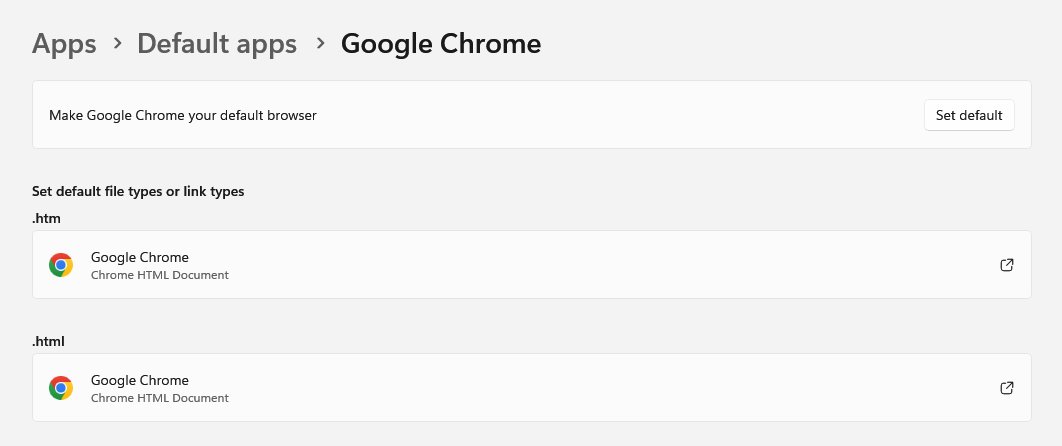
Make Chrome your default browser on Windows 11, Windows 10, Mac, Android and iPhone. Exact steps per device, how to confirm it, and fixes when links open in Edge.
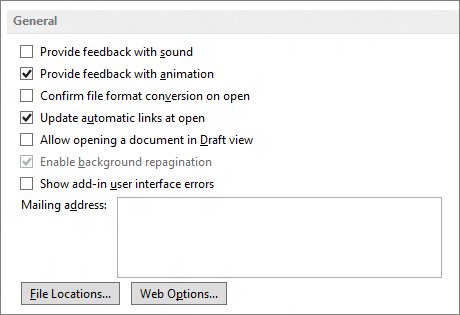
Word document opening blank? Switch to Draft view, use Open and Repair, start Word in safe mode, or turn off graphics acceleration. Fixes for Windows and Mac.
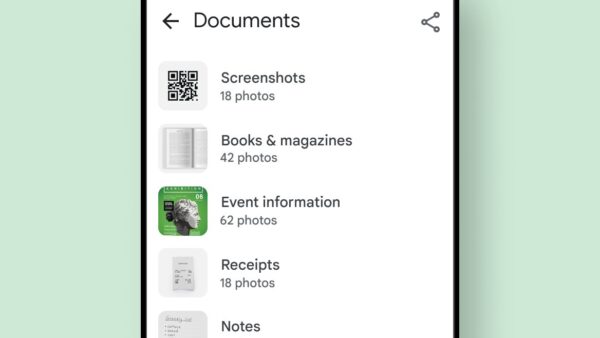
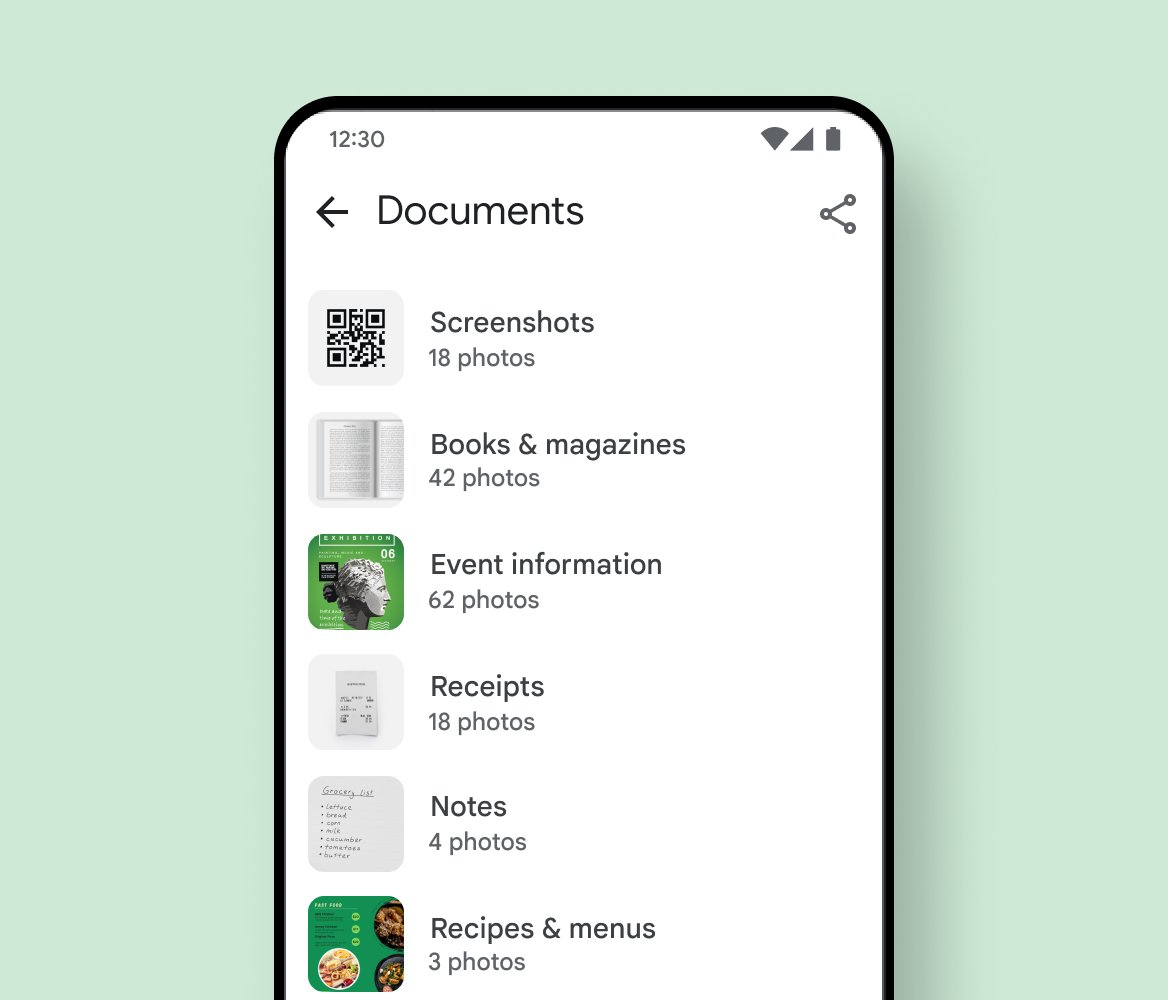
Where are my photos on Google Photos? Check the Photos tab, Search, Archive, Trash and Locked Folder, confirm the right account, and see what is backed up.
Dell Command download for PC: get the official 95.4 MB Dell Command Update package for Windows 11 and 10, the ARM64 build, install steps, CLI and fixes.
DaVinci Resolve download for Windows 11, 10 and Mac: get the free editor from Blackmagic Design or the App Store, with requirements and install steps.
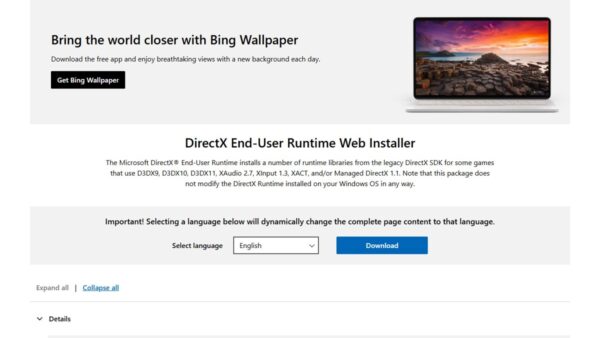
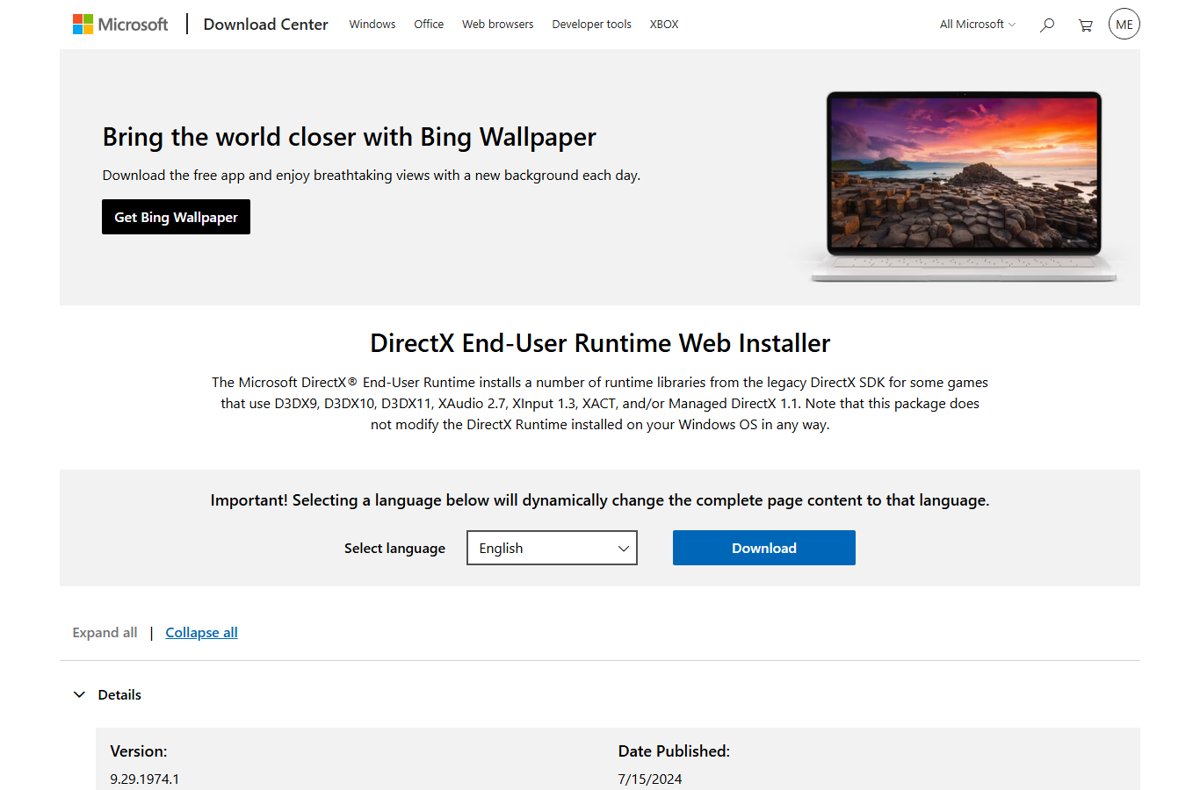
Update DirectX on Windows 11 and 10 through Windows Update, check your version with DxDiag, get DirectX 11 games running, and fix missing d3dx9 DLL errors.
Cricut Design Space download for Windows 11, 10 and Mac: get the free app from Cricut, install it, check requirements, and fix common setup errors.
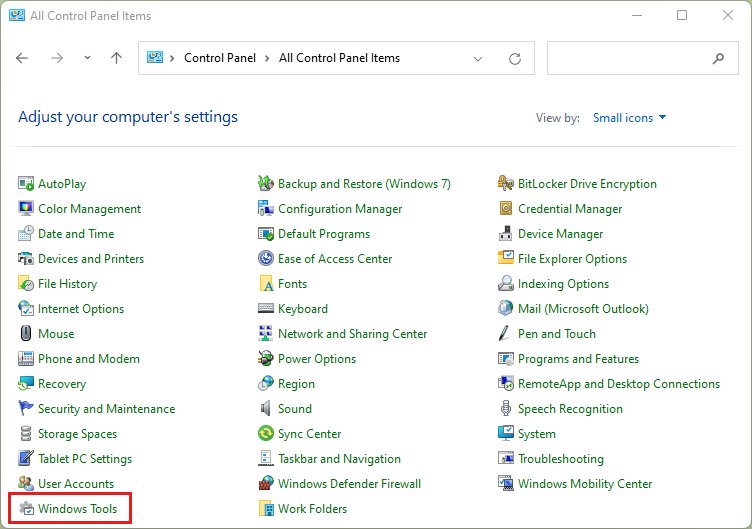
Open the Control Panel in Windows 10/11 with Win + R and control. Twelve ways, direct applet commands, pinning, View by, and fixes when a policy blocks it.
Corsair iCUE download for PC and Mac: get the official 3.2 MB Windows installer or the 73.7 MB macOS package, with install steps, requirements and fixes.
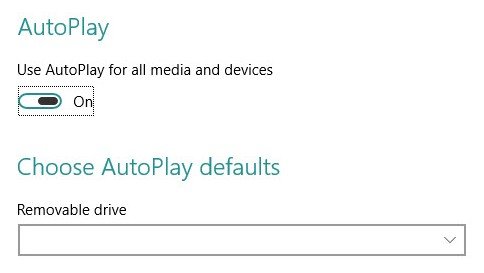
Install apps on a Windows 11 or Windows 10 laptop or PC from the Microsoft Store, the developer’s site or winget, then update, uninstall and fix install errors.