Download Brawl Stars for iPhone, iPad and Android (Free)
Brawl Stars download for iPhone, iPad and Android: free from the App Store and Google Play. Play on a Windows PC or Mac with Phone Link or iPhone Mirroring.
1,994 articles

Brawl Stars download for iPhone, iPad and Android: free from the App Store and Google Play. Play on a Windows PC or Mac with Phone Link or iPhone Mirroring.
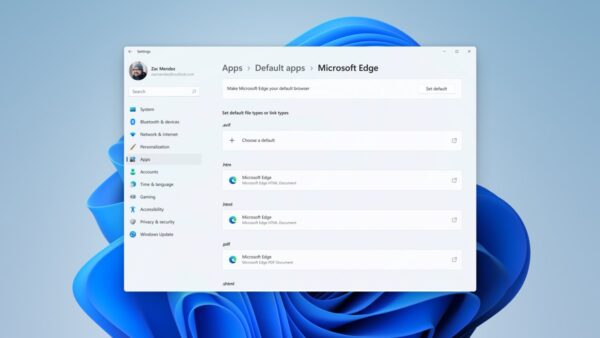
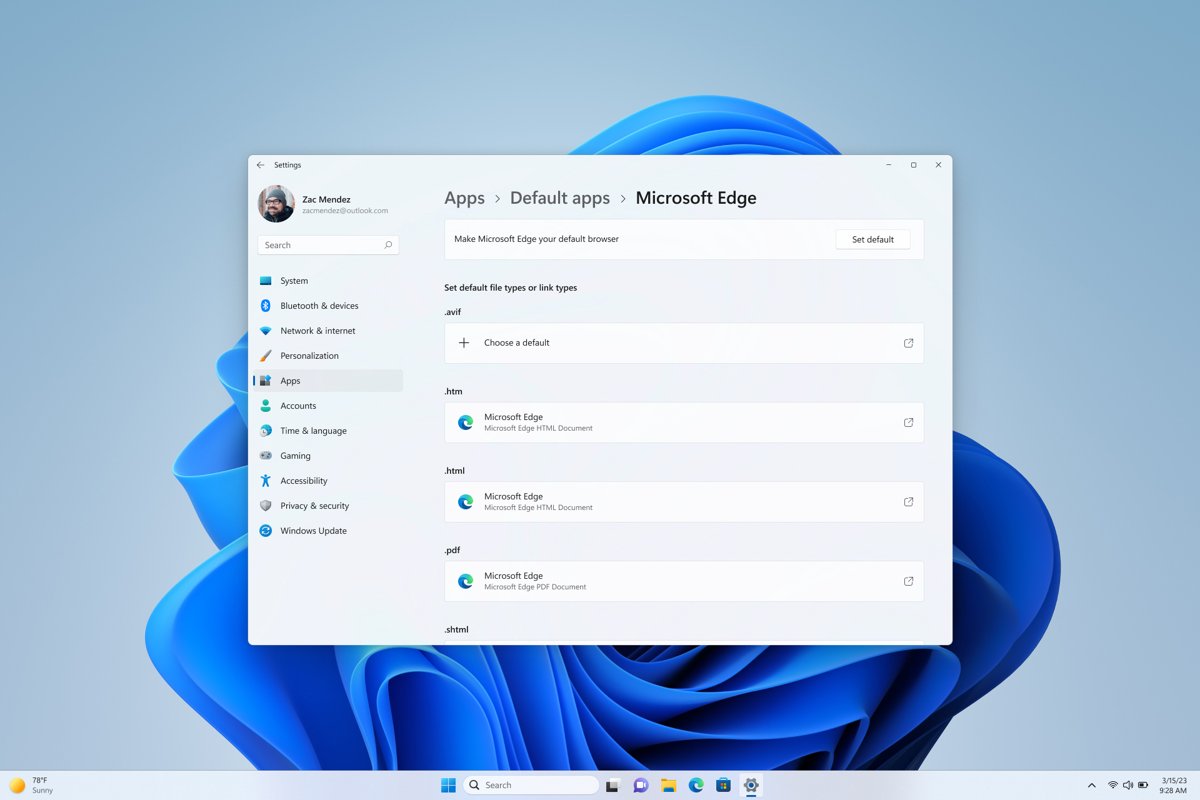
Change the default web browser in Windows 11 or 10 from Settings > Apps > Default apps. Steps for each version, file and link types, and fixes when it reverts.
Brave browser download for Windows 11/10 and Mac: get the free 157 MB setup for x64, x86 or ARM64 from the Microsoft Store, winget or brave.com.
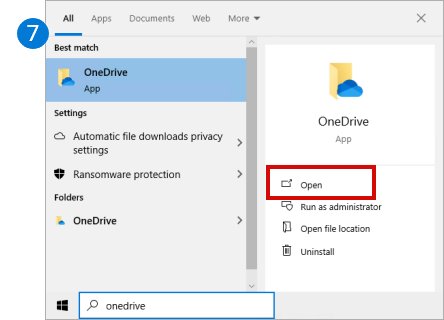
Disable OneDrive in Windows 11 by pausing sync, stopping it at startup, unlinking the PC, ending folder backup, uninstalling it, or using Group Policy.
Battle net download guide: get the free Battle.net app for Windows 11, Windows 10 and Mac from Blizzard, install it, sign in and fix setup errors.
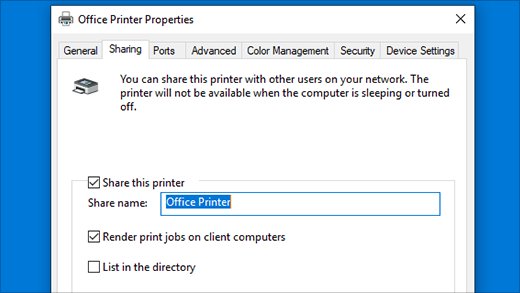
Change printer default settings in Windows 11 and 10: pick the default printer, set greyscale, duplex and paper size in Printing preferences, and stop changes.
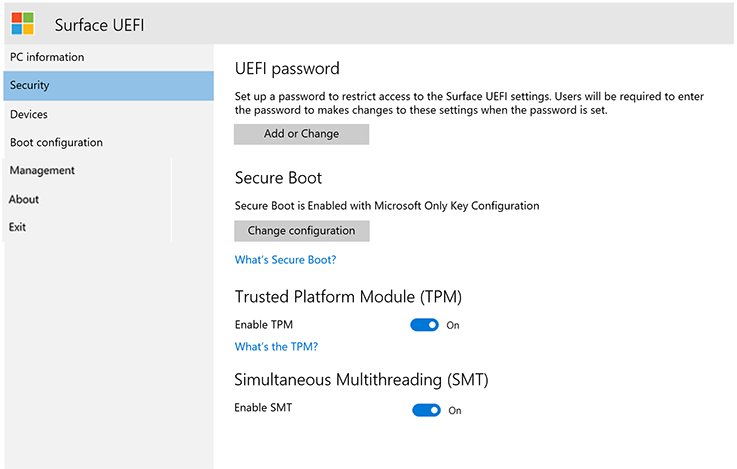
Access BIOS on your PC with a startup key, the UEFI Firmware Settings option in Windows, or shutdown /r /fw. Brand keys and fixes when the option is missing.
Fusion 360 download for Windows 11 and Mac: get Autodesk Fusion free for personal use or as a 30-day trial, install it, and fix setup errors.
Audacity audio editor download for Windows 11/10 and Mac: get the official 47.2 MB MSI or the right DMG for your chip, skip Muse Hub, and install it fast.
Armoury Crate download for Windows 11 and 10: get the official 2.2 MB ASUS installer or the 4.99 GB offline package, with install steps, checksums and fixes.
AMD Software download for Windows 11 and 10: get Adrenalin Edition free from amd.com, pick the right package for your Radeon GPU, install it and fix errors.
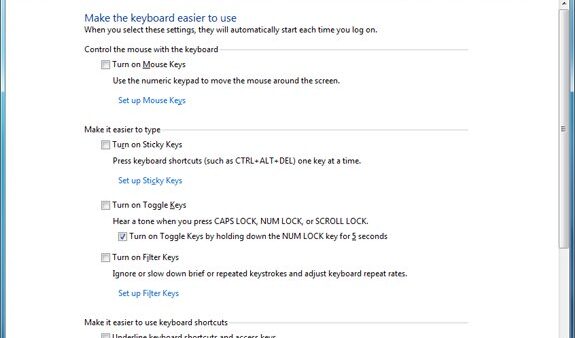
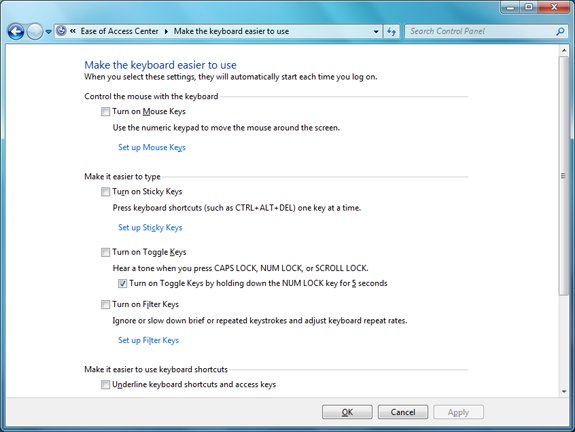
Disable Sticky Keys on Windows 11 or 10 in Settings > Accessibility > Keyboard, stop the Shift-five-times prompt, and fix Sticky Keys that keeps turning on.