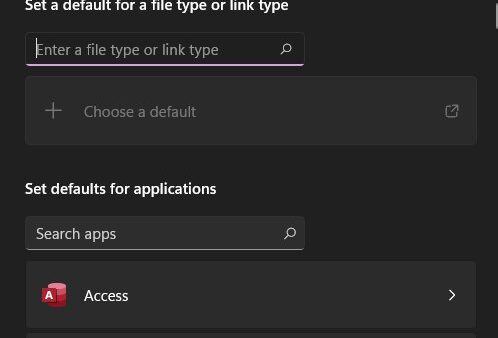
How to Reset “Open With” Settings in Windows 10
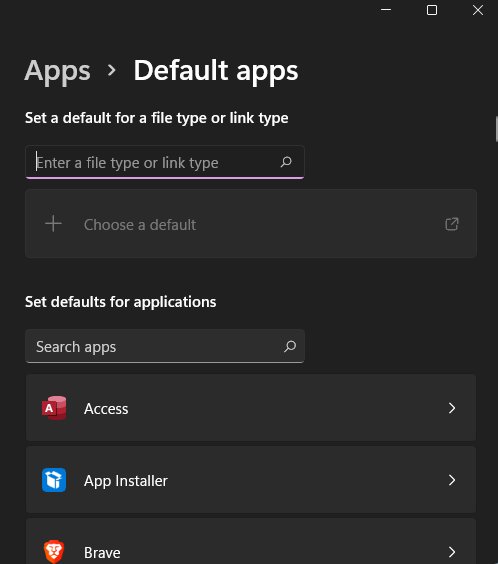
Reset Open with settings in Windows 10 by reassigning each file type in Open with or Settings > Default apps. Windows 11 differences, checks and fixes included.
1,999 articles

Reset Open with settings in Windows 10 by reassigning each file type in Open with or Settings > Default apps. Windows 11 differences, checks and fixes included.
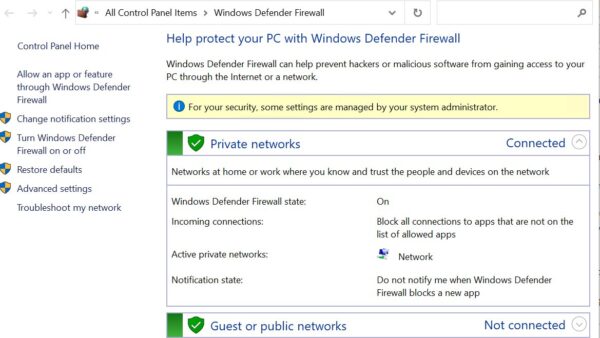
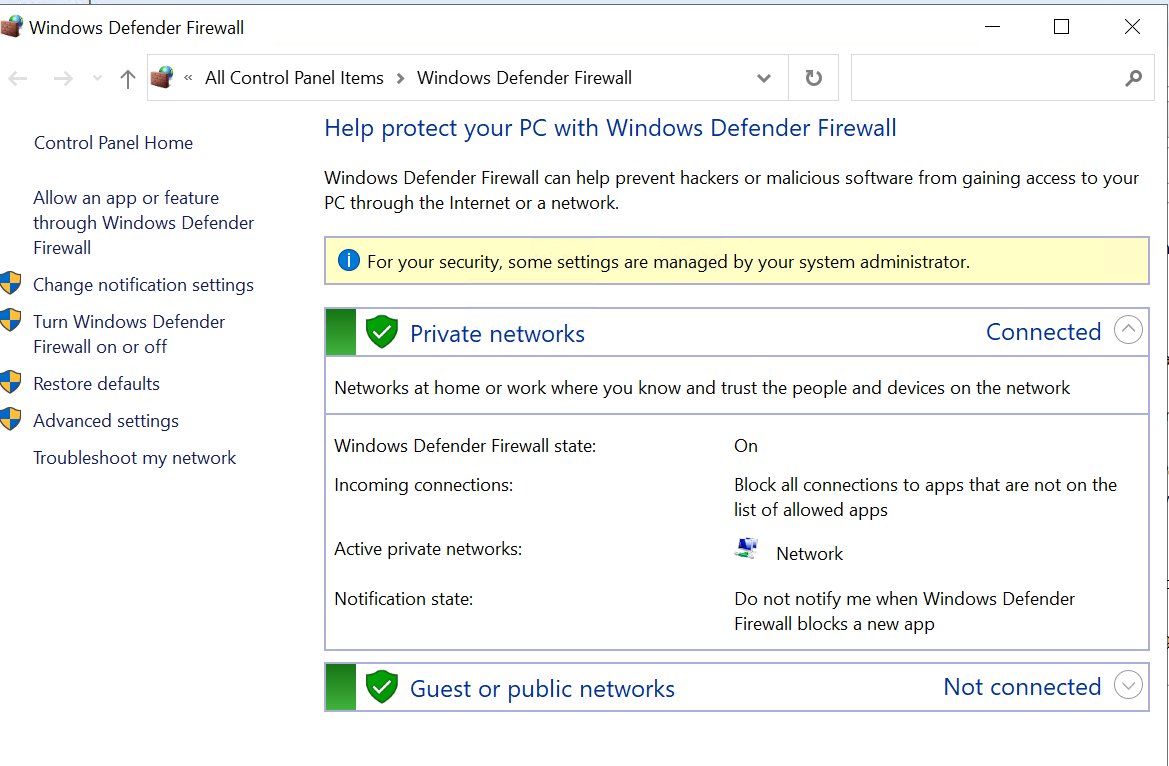
Turn Windows Firewall on or off in Windows 11 and 10 with Windows Security, Control Panel, netsh, PowerShell or Group Policy, and why leaving it off is risky.

Express VPN download for Windows 11, 10 and Mac: get the official app, install it from the dashboard, Microsoft Store or winget, and fix setup problems.
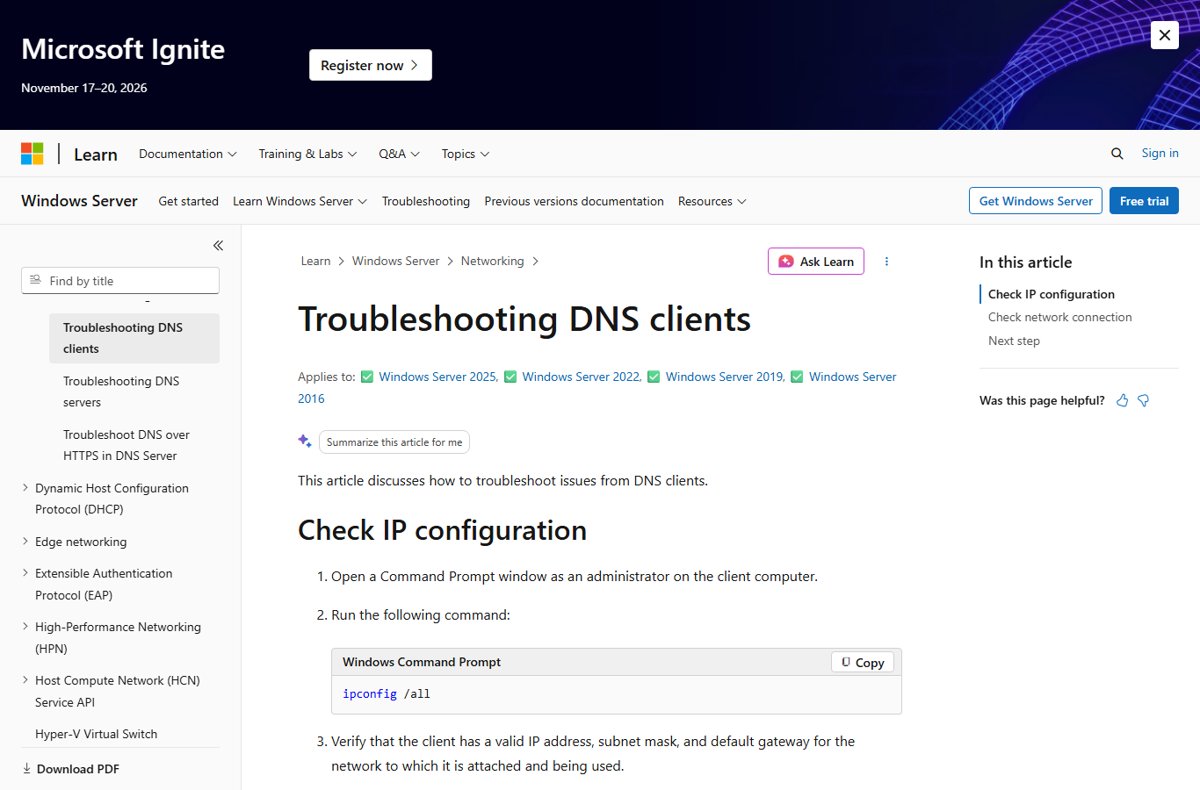
Use ipconfig /flushdns in an administrator Command Prompt to clear the Windows DNS cache. Exact syntax, PowerShell equivalent, how to verify, and error fixes.
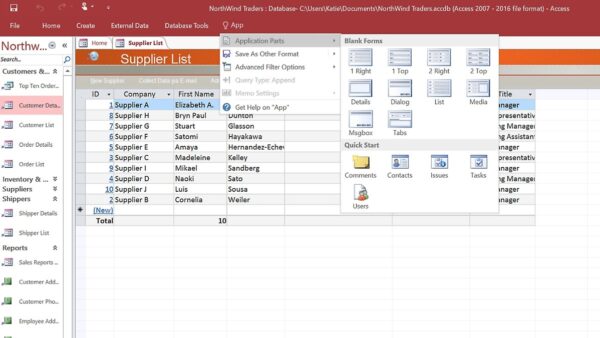
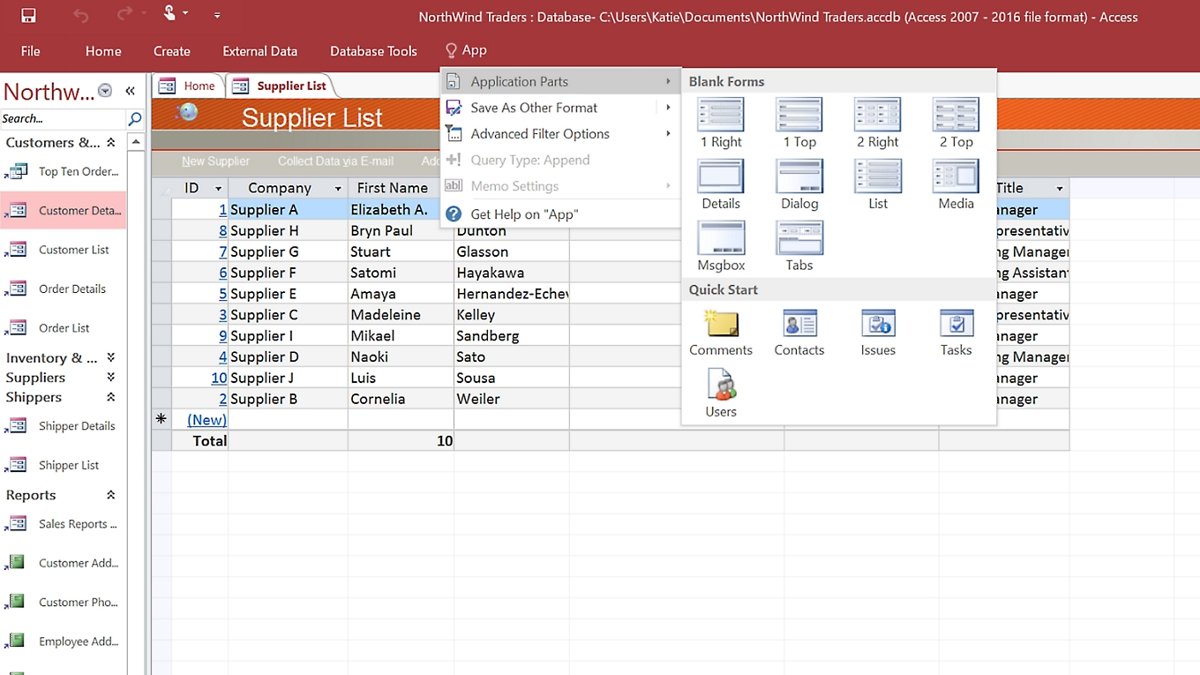
Access Microsoft Access in Office 365 from the Start menu on a Windows PC. Plans that include it, how to install it, and fixes when Access is missing.
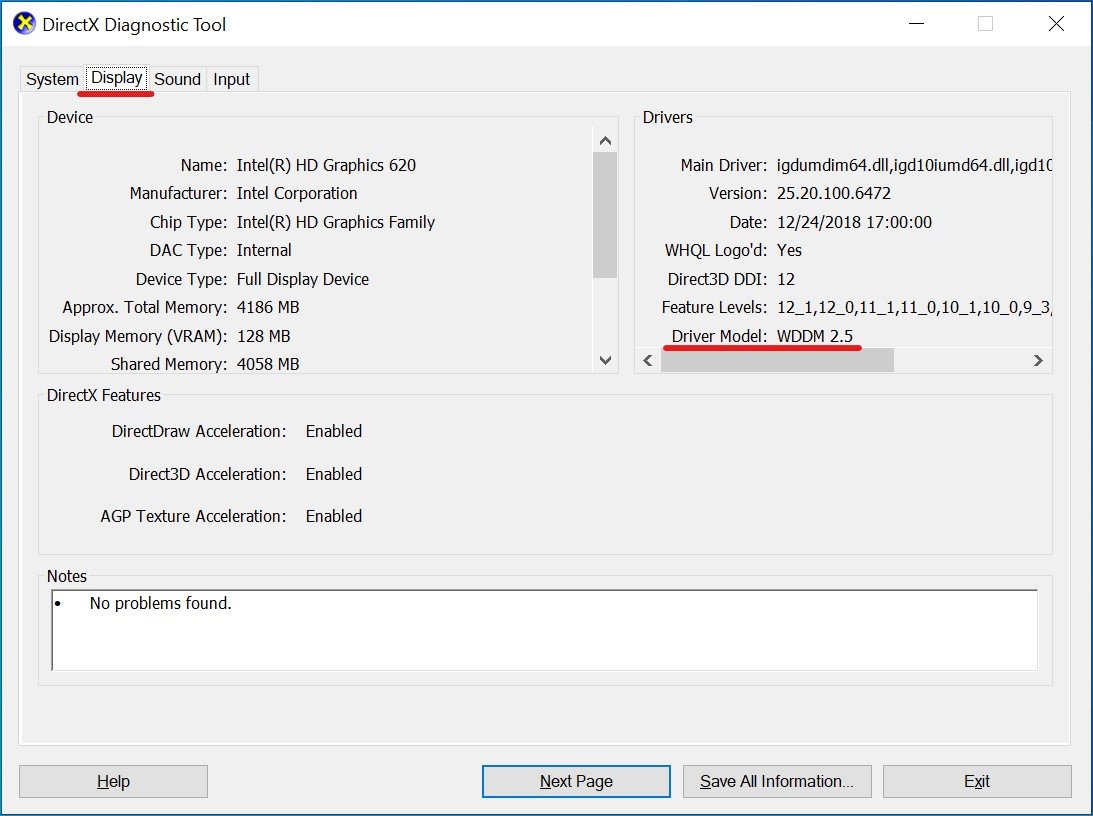
Open dxdiag on Windows 11 or 10 by pressing Win + R, typing dxdiag and pressing Enter. Read each tab, save a report, and fix DirectX problems it reveals.
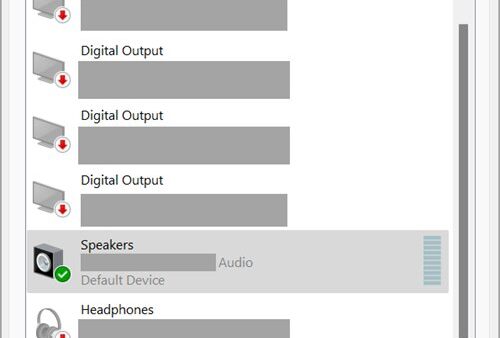
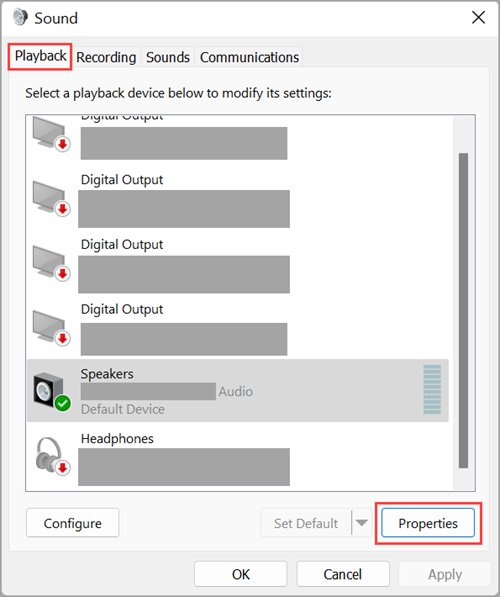
Open old Sound settings in Windows 11 by pressing Win + R and running mmsys.cpl. Five documented routes, what each tab does, and fixes when it won’t open.
DuckDuckGo browser download for Windows 11/10 and Mac: get the free browser from duckduckgo.com or the Microsoft Store, plus the offline MSIX setup.
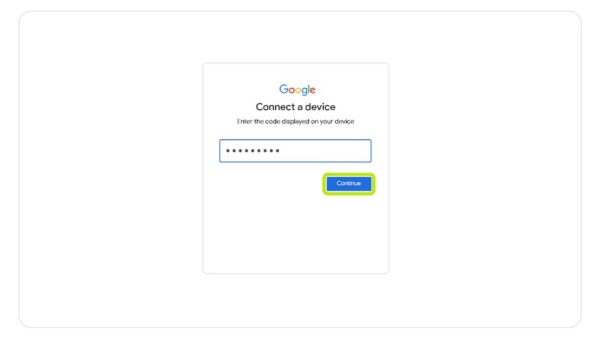
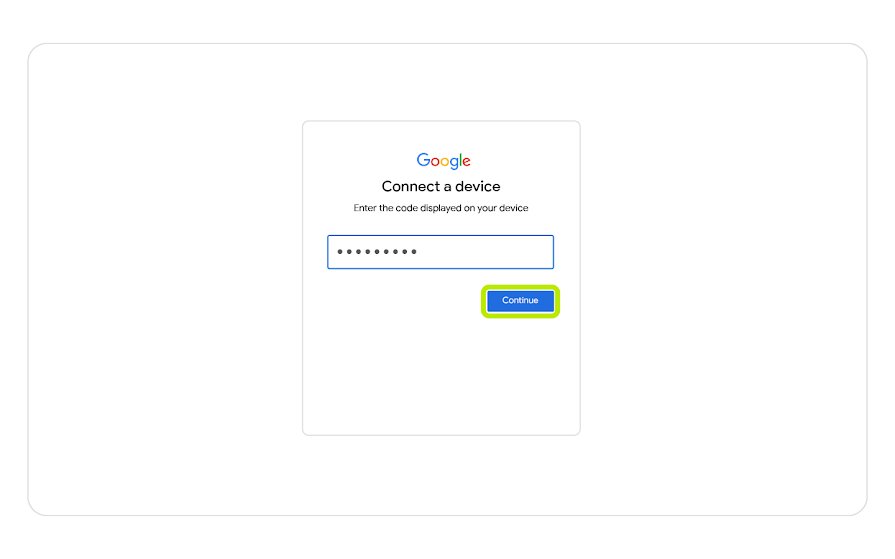
Activate YouTube TV via tv.youtube.com/start: open the app on your TV, enter the code on your phone, and tap Allow. Device steps and fixes for failed codes.
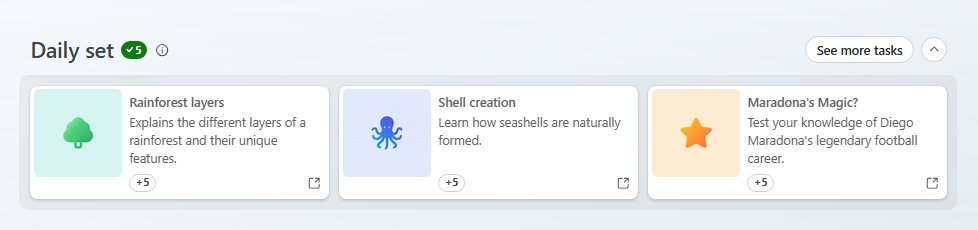
Play the Bing homepage quiz from your Microsoft Rewards dashboard, finish every question, and get the points credited. Levels, streaks, and fixes included.
Docker download for PC and Mac: get the official Docker Desktop installer for Windows 11/10 and Apple silicon or Intel Macs, plus install steps and fixes.
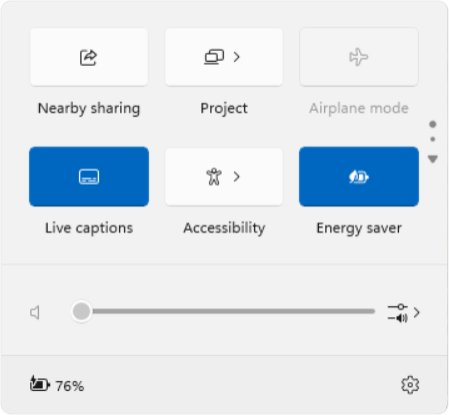
Customize Quick Settings in Windows 11 24H2: press Windows + A, scroll the tile pages and drag tiles into order. What changed from 23H2, every tile, and fixes.