Windows 11 September 2026 update: KB, build and fixes
The Windows 11 September 2026 update is KB5124008, builds 26200.9445 and 26100.9445. Every September KB, what it fixed, known issues and how to install.
2,078 articles

The Windows 11 September 2026 update is KB5124008, builds 26200.9445 and 26100.9445. Every September KB, what it fixed, known issues and how to install.
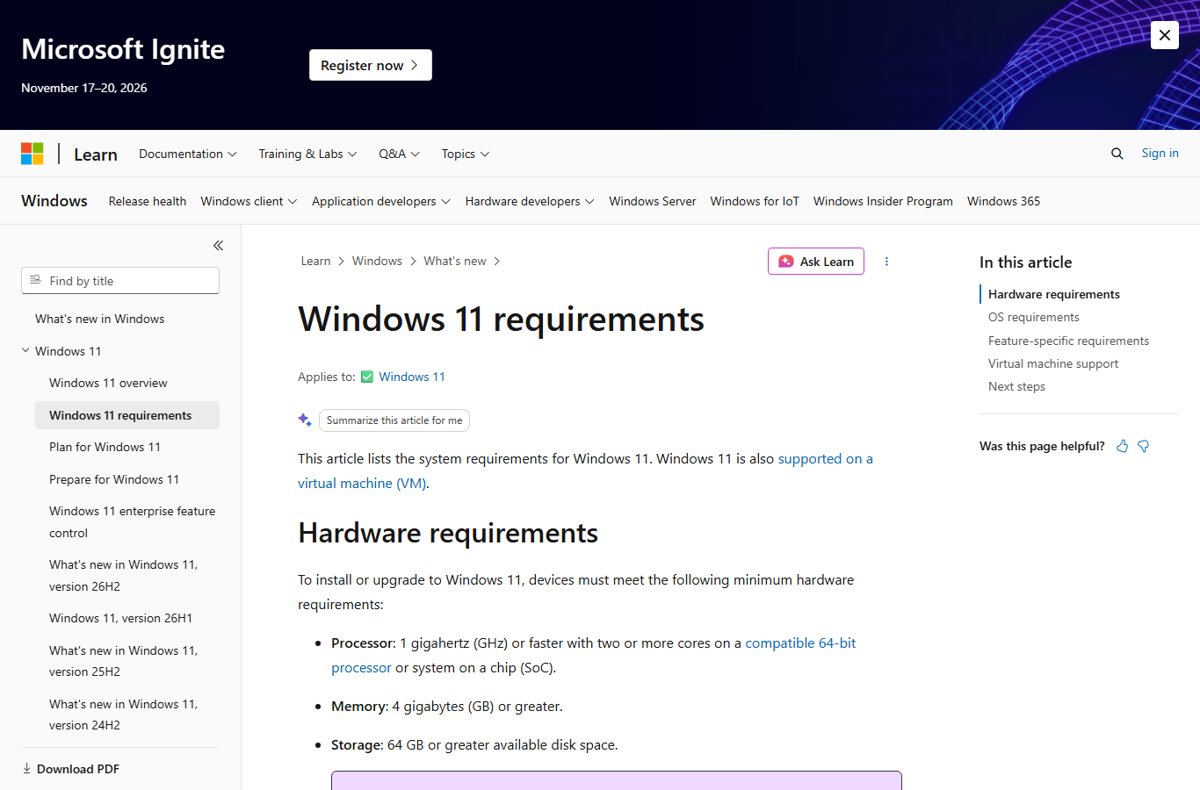
Windows 11 26H2 system requirements are the standard Windows 11 minimums: TPM 2.0, Secure Boot, 4 GB RAM, 64 GB storage. Supported CPUs, Copilot+ specs and dates.
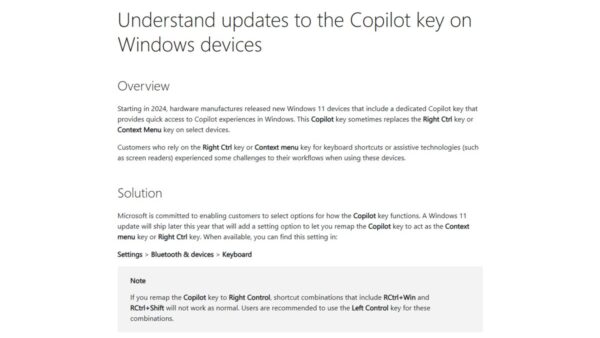
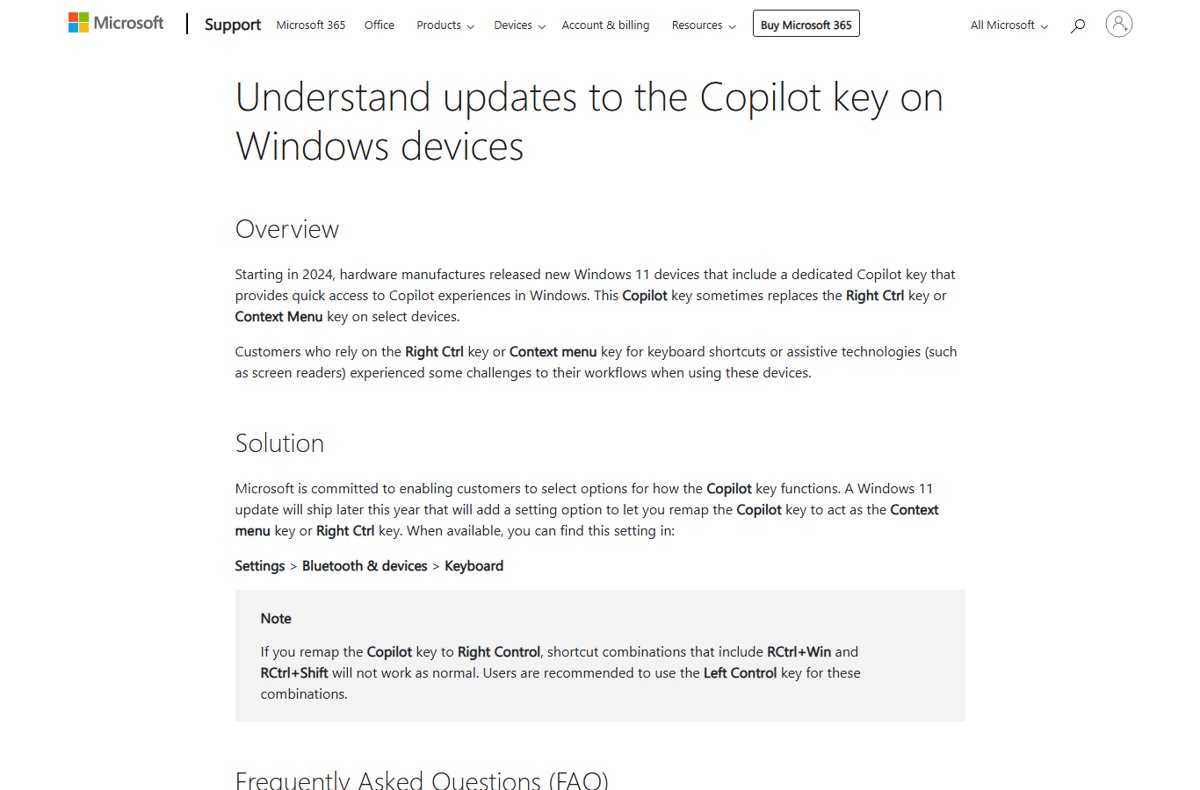
Windows 11 26H2 Copilot key changes: remap the key to Right Ctrl or Context Menu in Settings > Bluetooth & devices > Keyboard, plus the other Copilot changes.
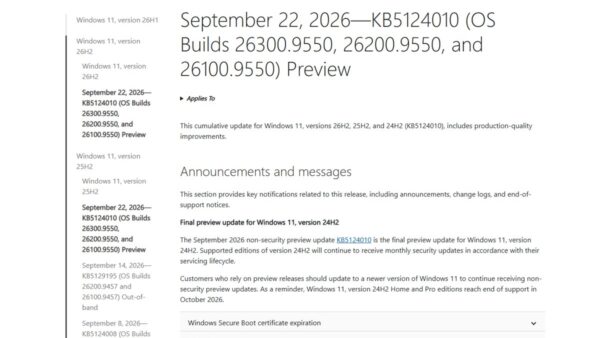
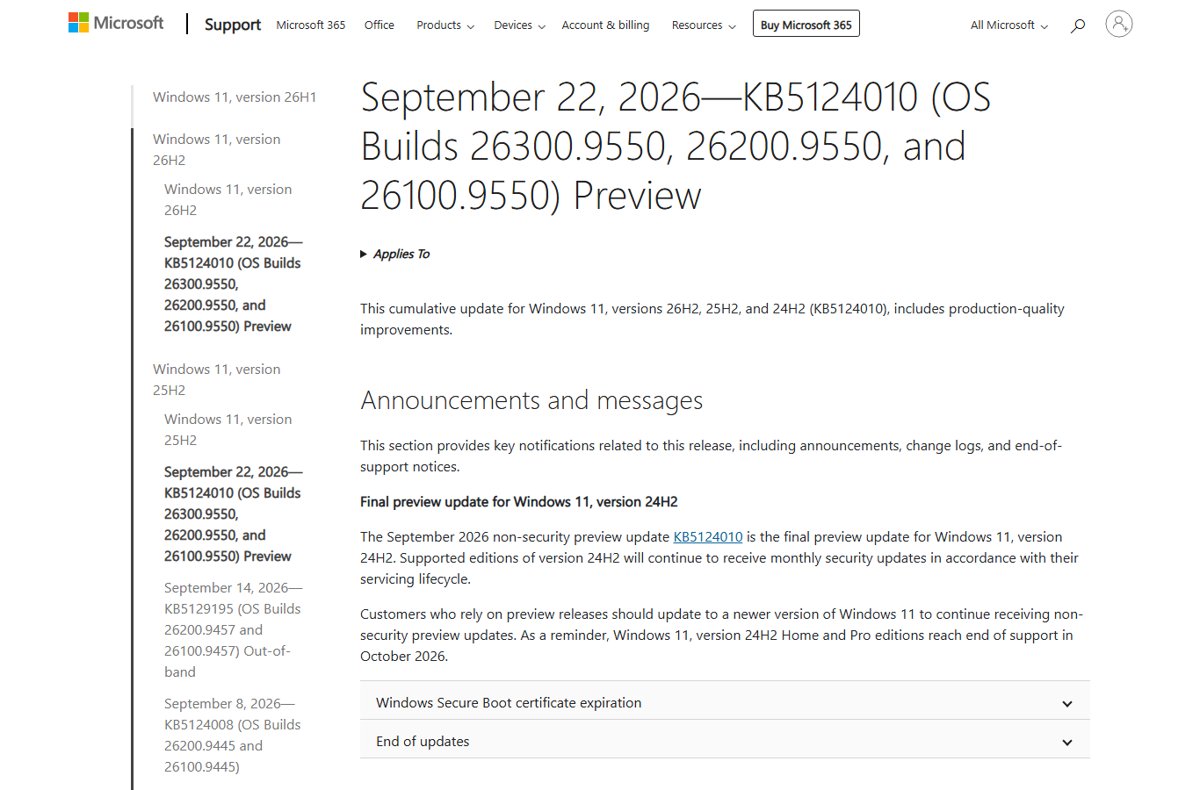
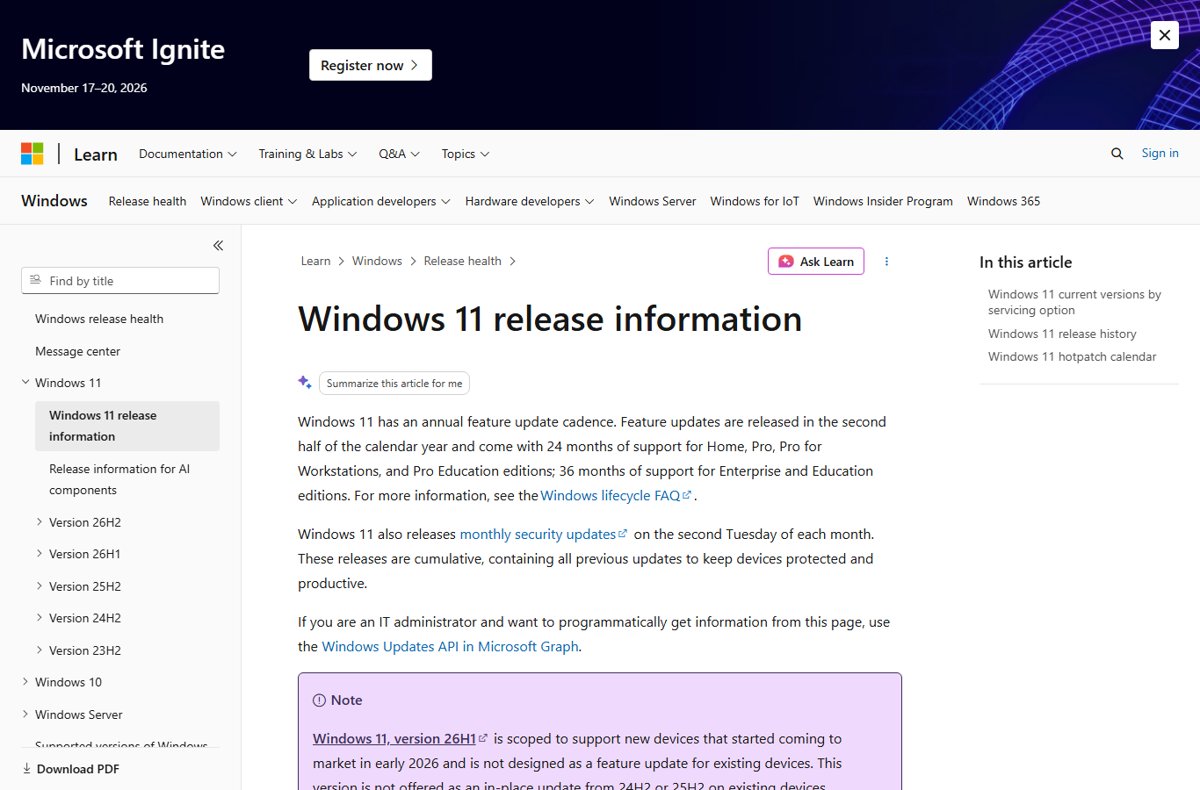
Windows 11 26H2 build numbers explained: 26300 is 26H2, 26200 is 25H2 and 26100 is 24H2. How to check yours, the GA build, KB5124010 and preview builds.
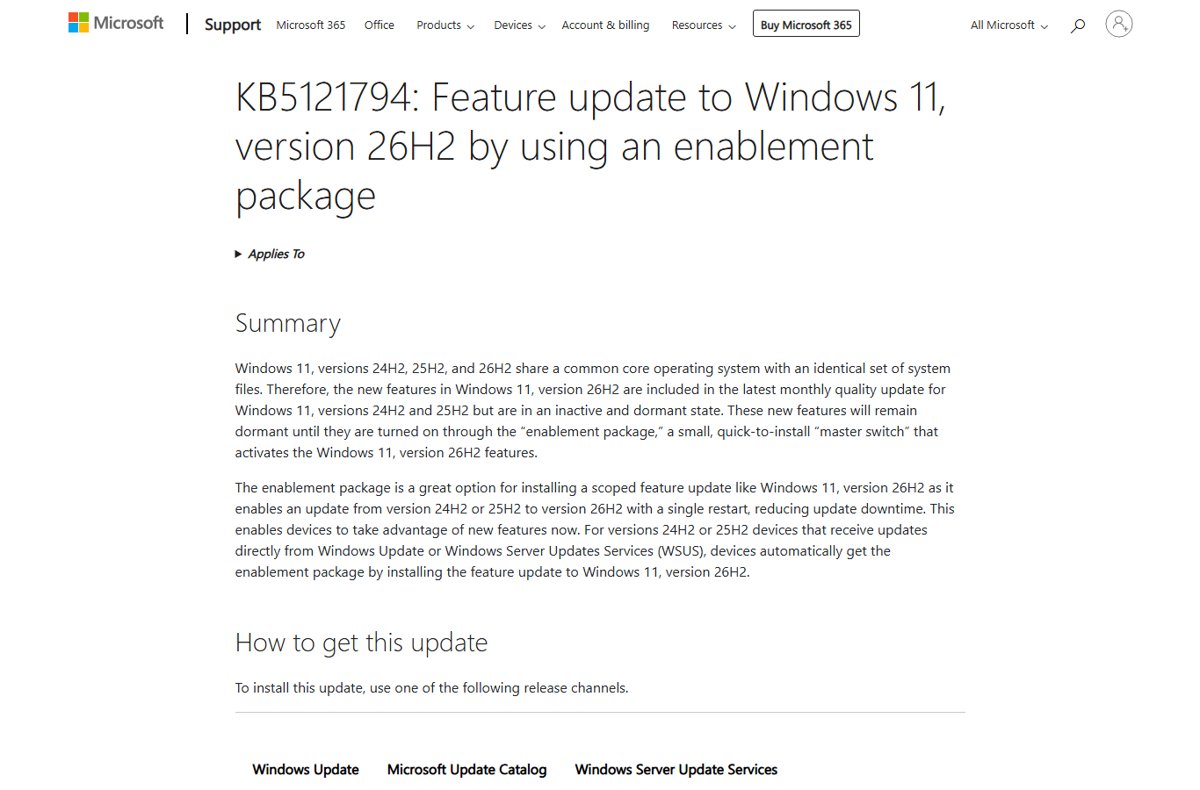
The Windows 11 26H2 enablement package, KB5121794, switches on 26H2 features already on 24H2 and 25H2 PCs with one restart. Paths, prerequisites and fixes.
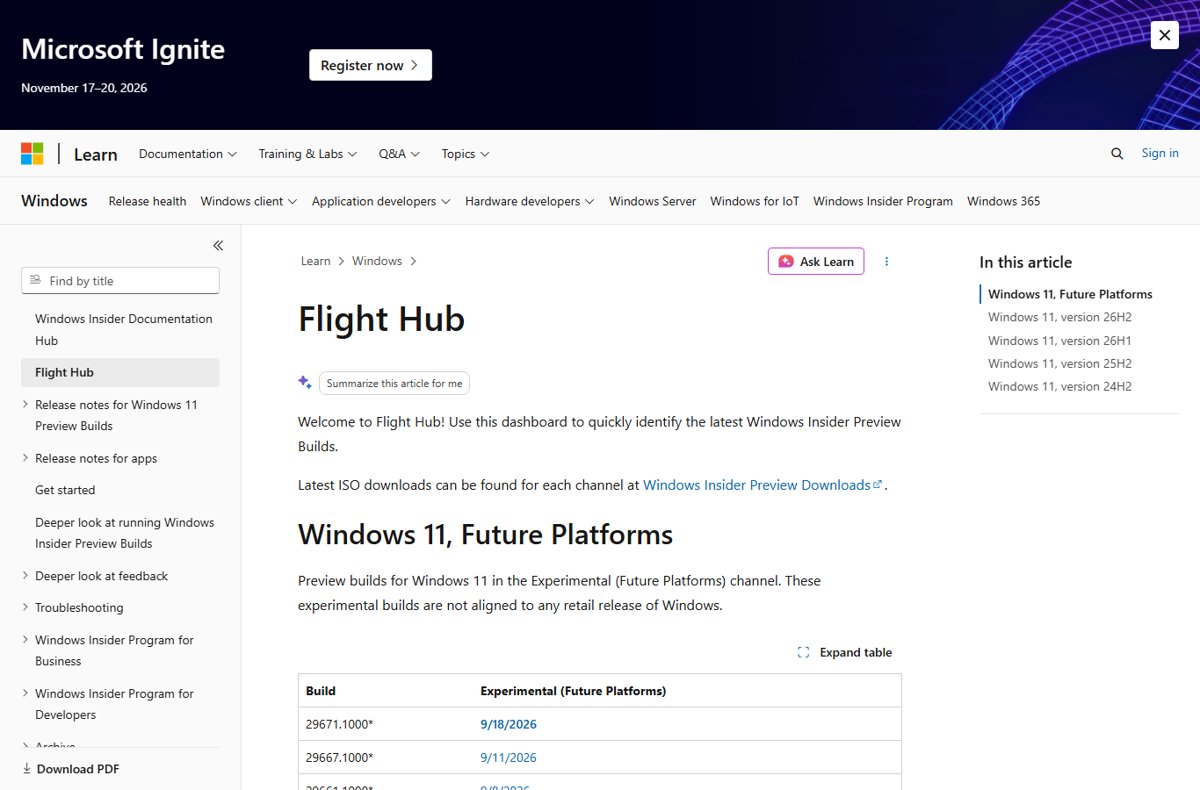
Windows 11 26H2 Insider builds by channel: Experimental gets 26340, Release Preview 26300, Beta stays on 26220. How to join, switch channels and leave safely.
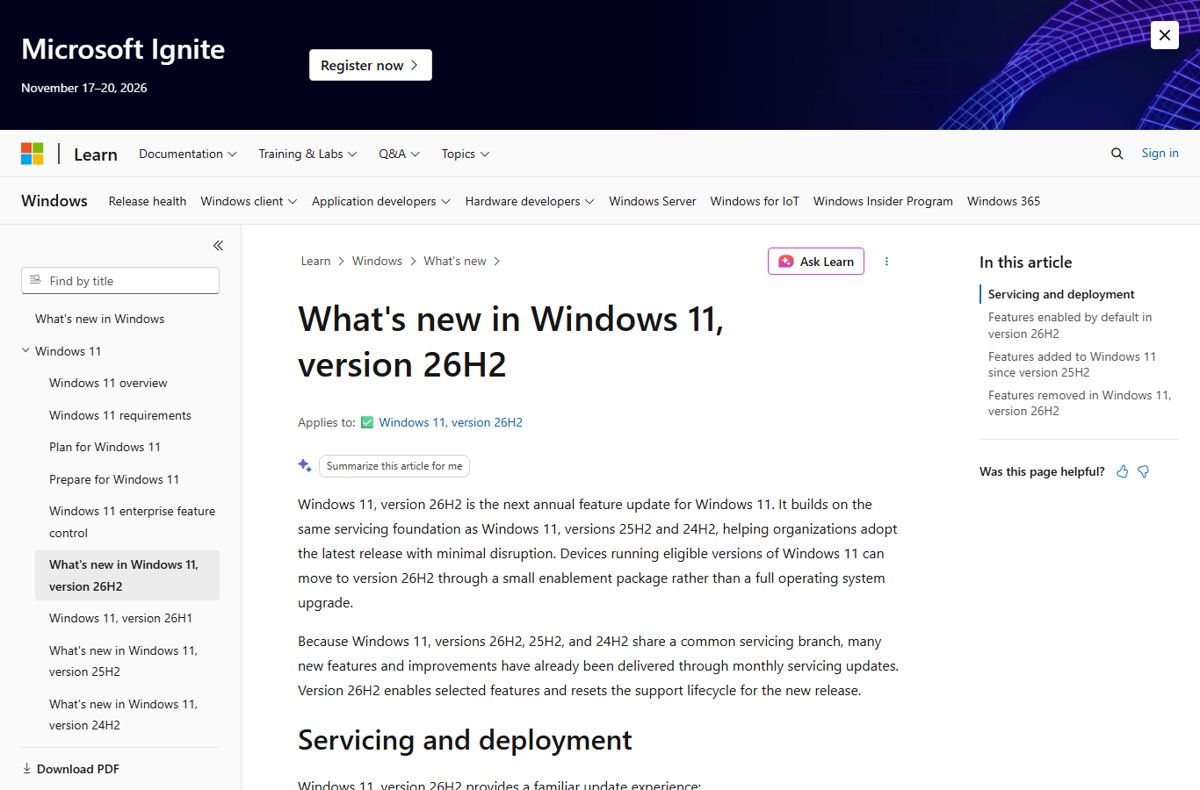
Windows 11 26H2 new features explained: movable taskbar, redesigned Start, clearer Search, Administrator protection, fewer restarts and what is still in preview.
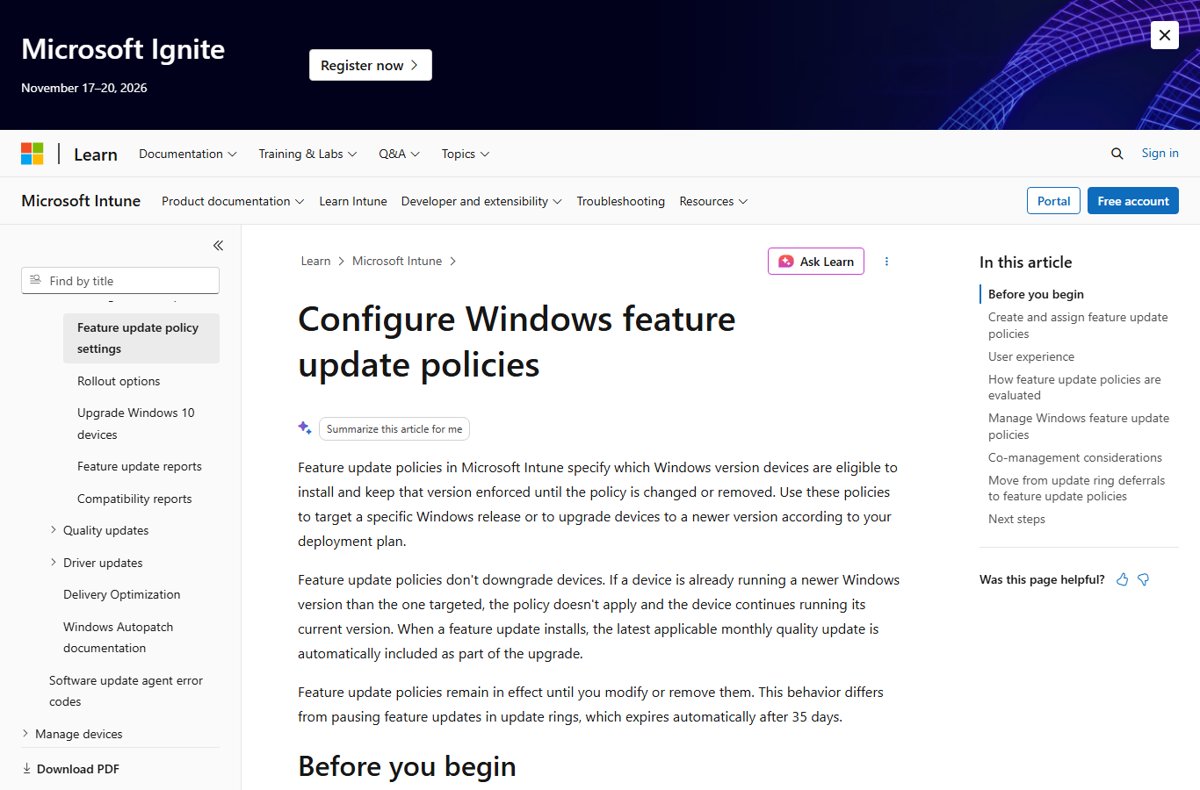
Windows 11 26H2 enterprise deployment: approve KB5121794 in WSUS, target 26H2 with an Intune feature update policy or Autopatch, and check known issues first.
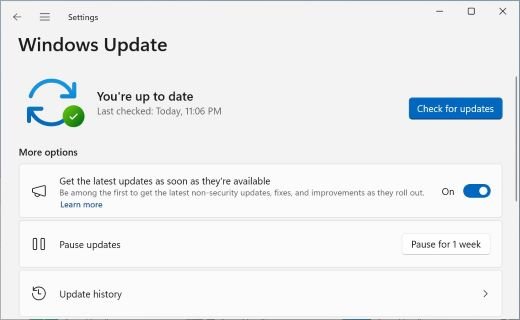
Windows 11 26H2 not showing in Windows Update? Turn on the early-updates toggle, install KB5124010, check for a safeguard hold, or use the Installation Assistant.
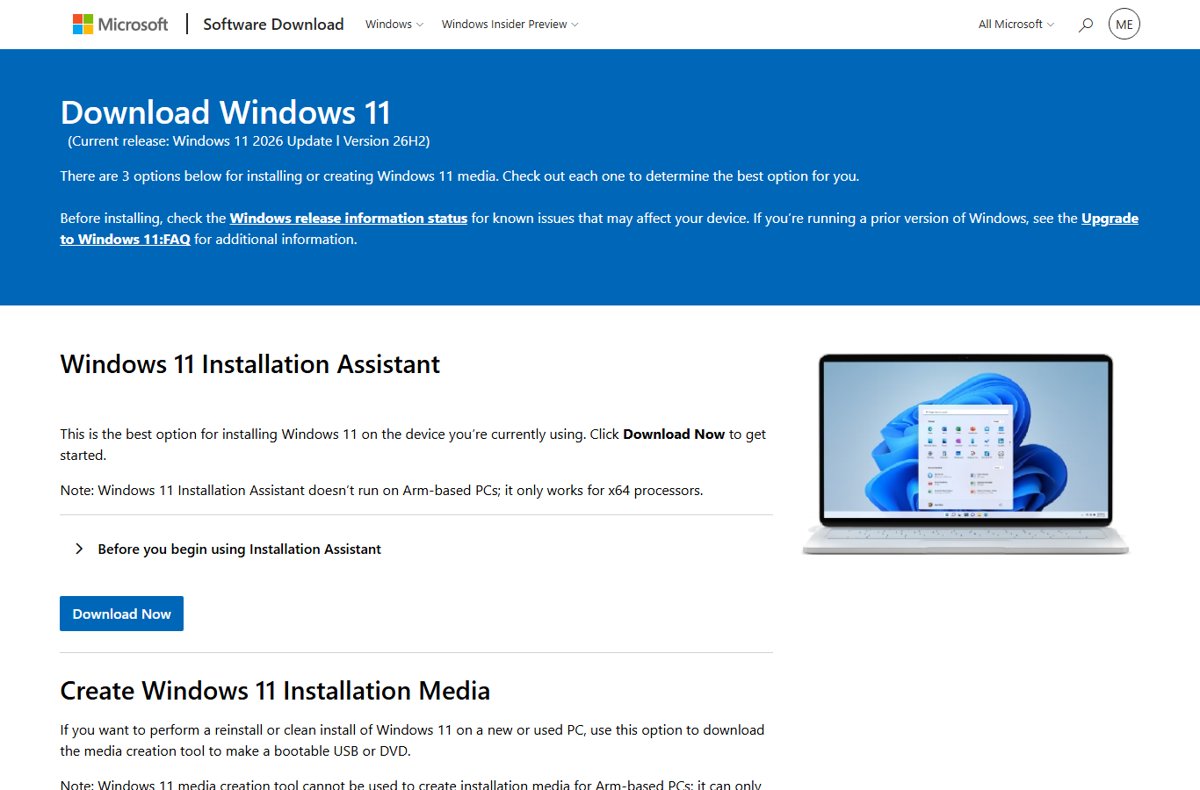
Windows 11 26H2 ISO download from Microsoft’s own page: the x64 multi-edition ISO, the Enterprise evaluation and Insider ISOs, Arm64 status and SHA256 checks.
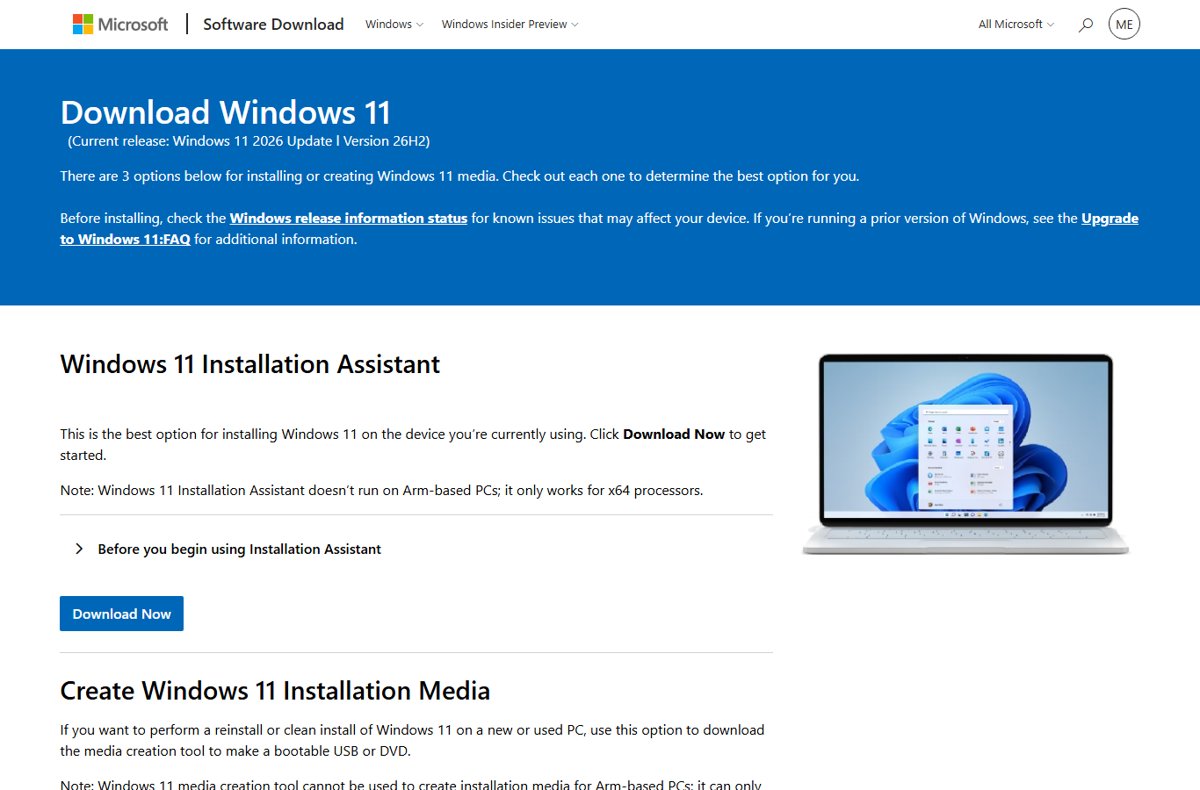
Windows 11 26H2 download and install guide: Windows Update, the enablement package, Installation Assistant, ISO, Media Creation Tool, Insider and WSUS routes.
What comes after Windows 11 26H2: monthly and hotpatch updates now, the next annual feature update in the second half of 2027, and support until October 2028.