Does Windows 11 26H2 need a new product key?
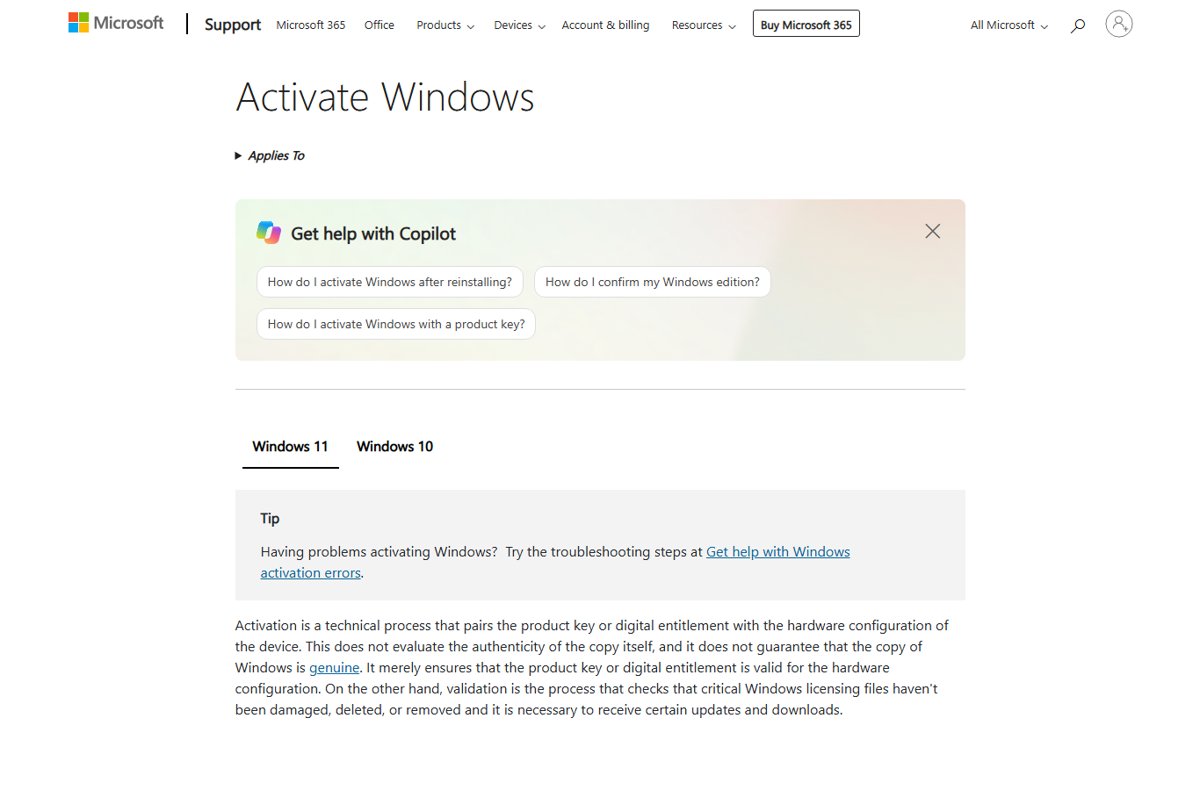
Windows 11 26H2 does not need a new product key. It is a free update that keeps your digital license or key. When a key is needed and how to check activation.
2,080 articles

Windows 11 26H2 does not need a new product key. It is a free update that keeps your digital license or key. When a key is needed and how to check activation.
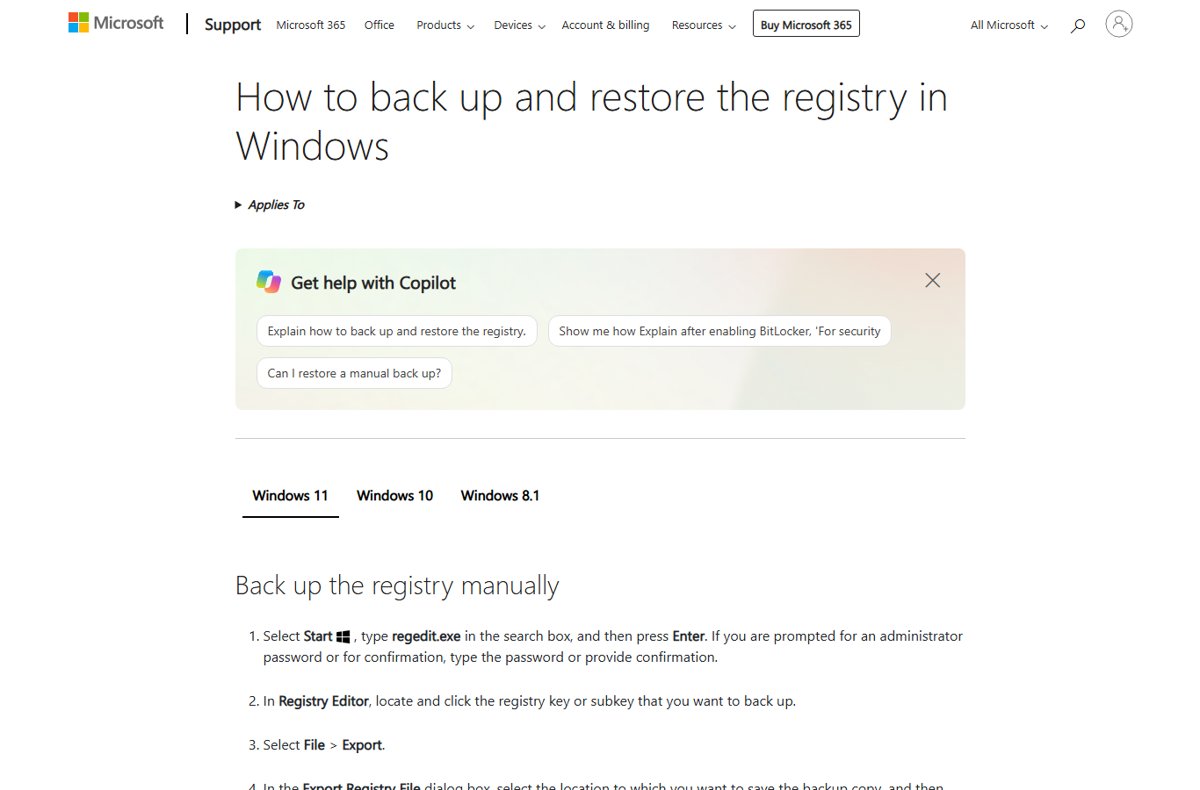
Windows 11 26H2 registry tweaks Microsoft documents: fix the Machine Identity Isolation sign-in issue, control update behavior, UAC values, and how to undo each.
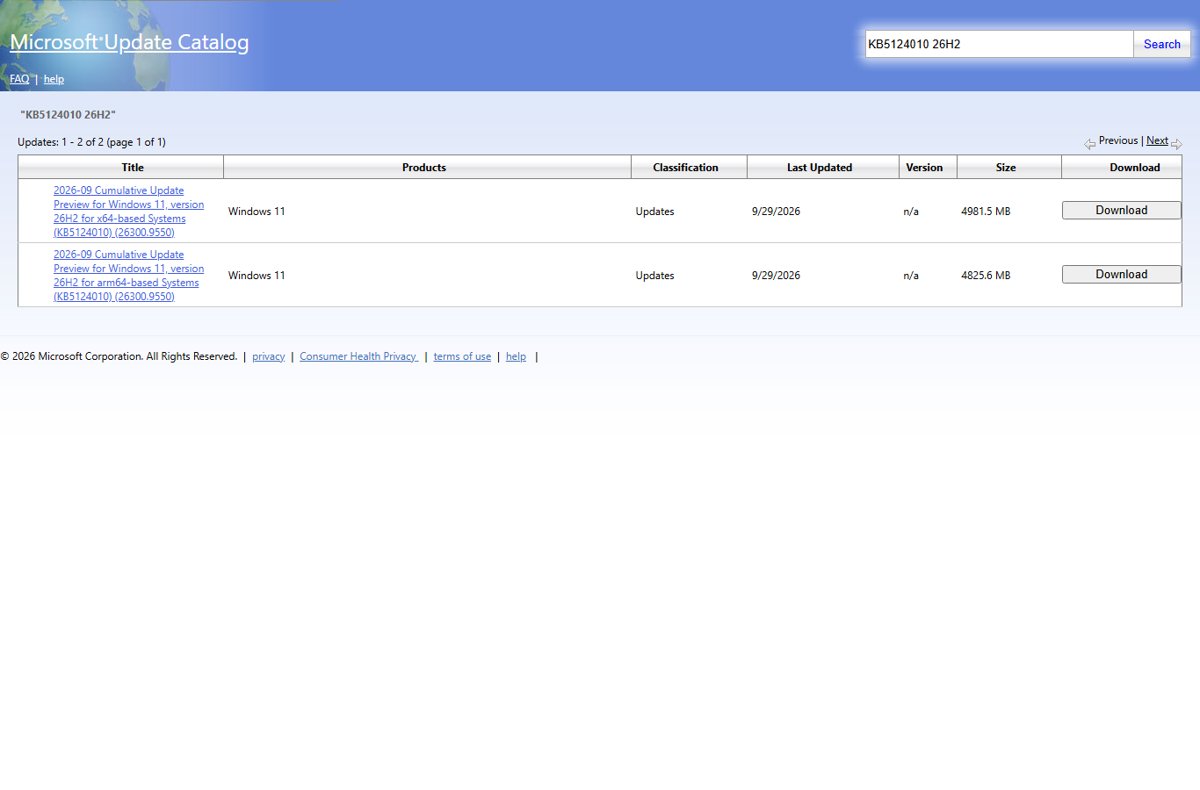
Windows 11 26H2 in the Microsoft Update Catalog: which 26H2 packages you can get, why the KB5121794 enablement package is missing, and how to install .msu files.
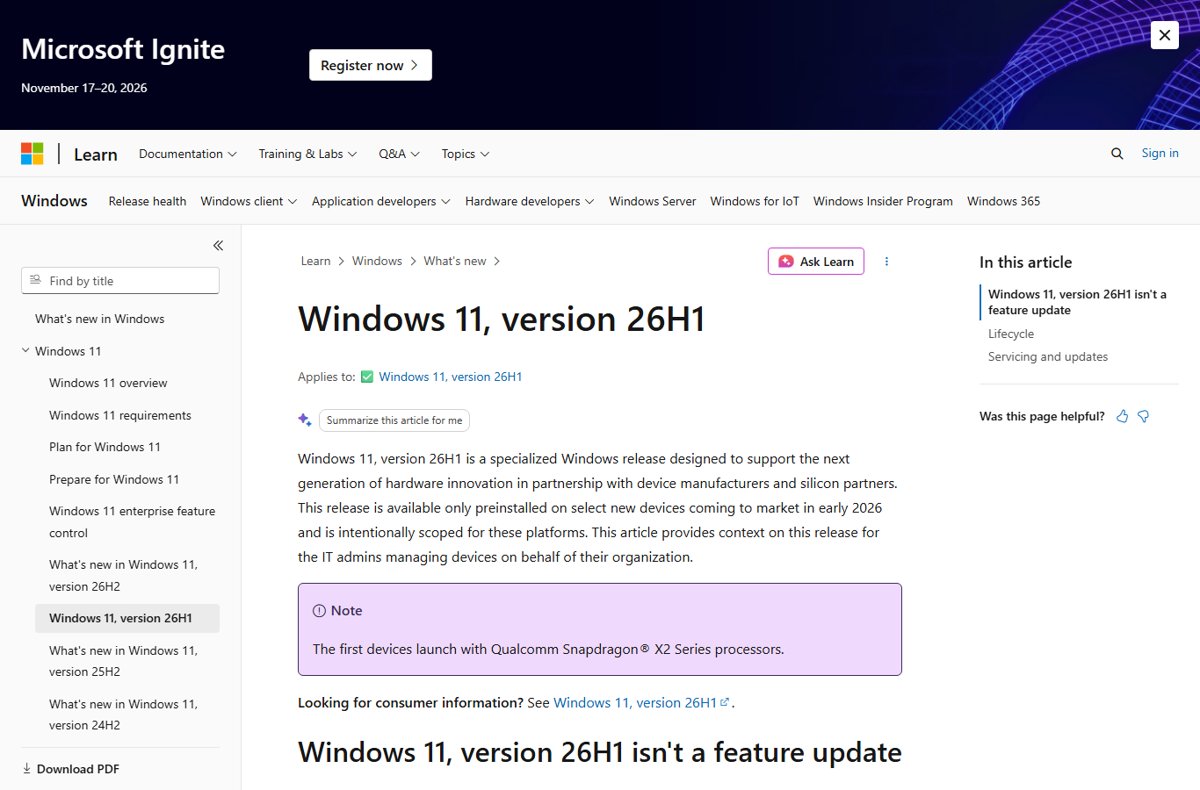
Windows 11 26H2 is still Germanium: it shares the 24H2 core with 25H2. What the codename means, how 26H1 and Future Platforms differ, and how to check your build.
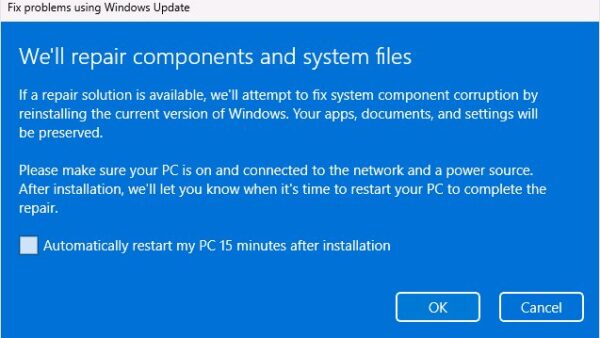
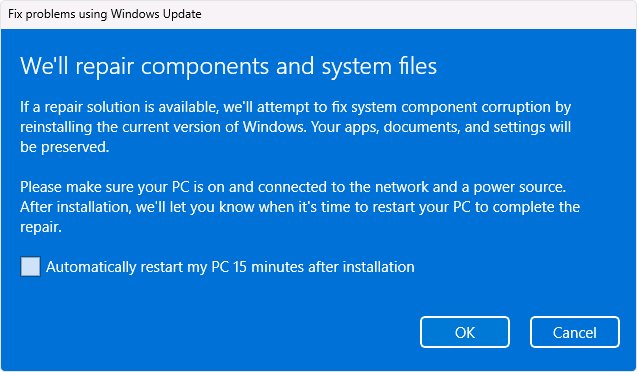
Repair Windows 11 26H2 without losing files: use Fix problems using Windows Update, Reset this PC with Keep my files, and know why Cloud rebuild erases your data.
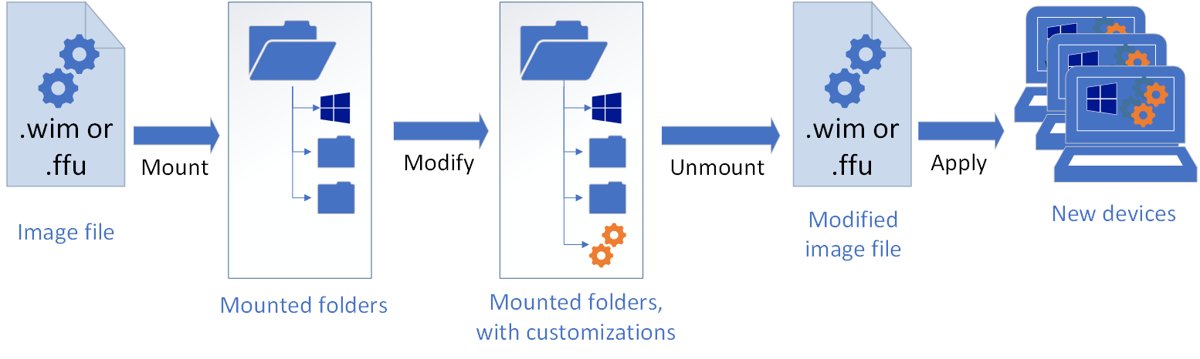
KB5121794 offline installer: direct .msu links for x64 and ARM64, the KB5124010 prerequisite, and how to install it with a double-click, wusa.exe or DISM.
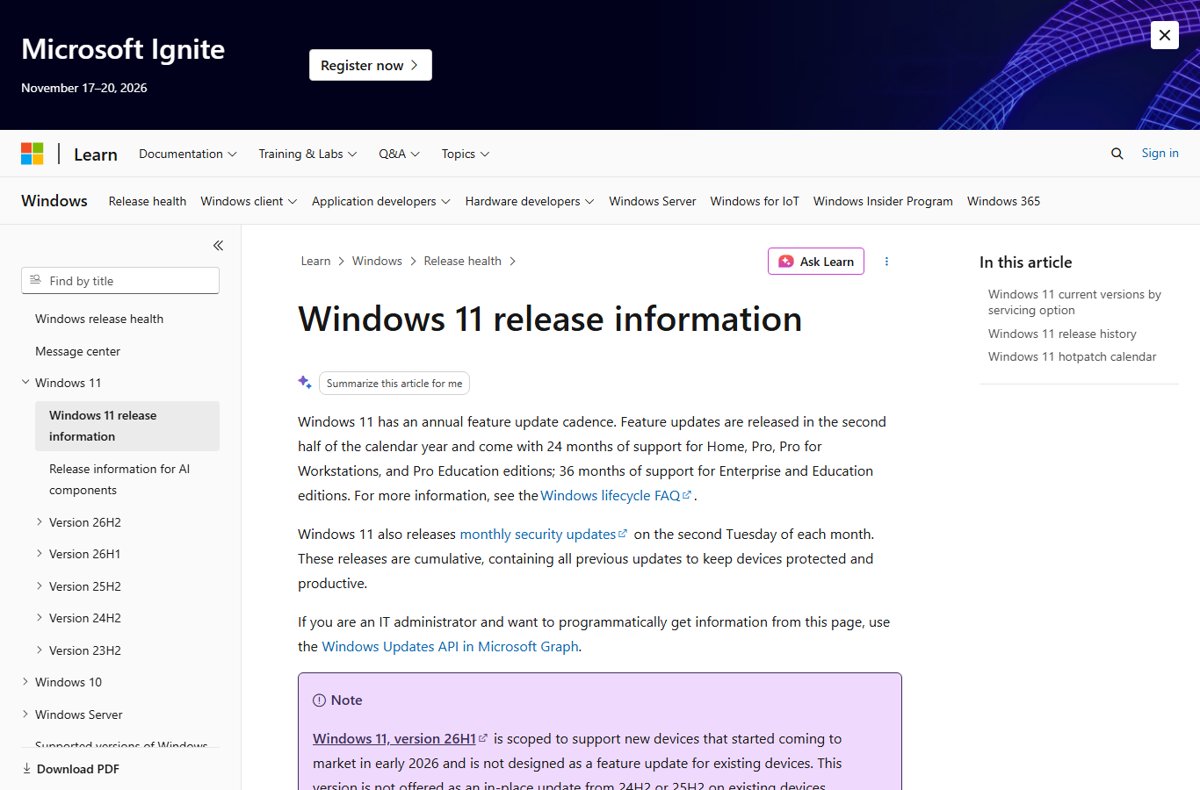
Download the Windows 11 26H2 enablement package, KB5121794, through Windows Update, WSUS or Intune, or as a direct .msu file for x64 and ARM64 PCs.
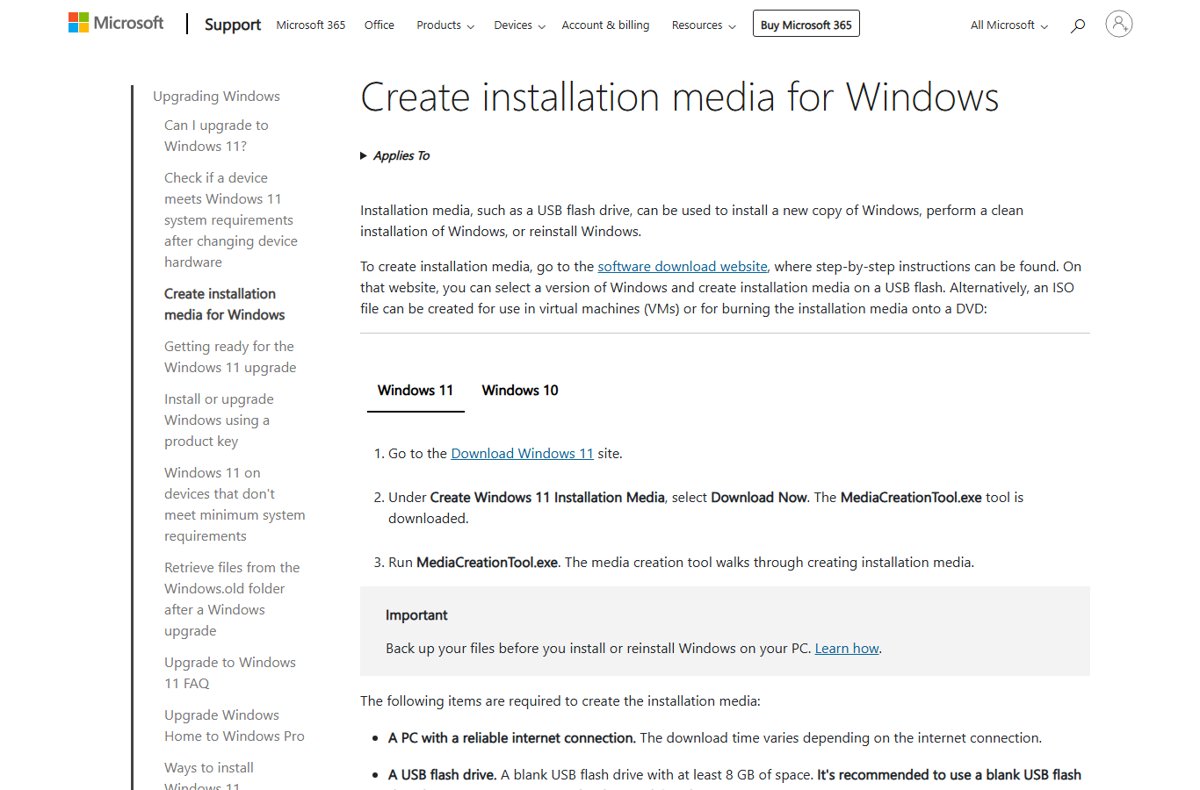
Windows 11 26H2 clean install with the Media Creation Tool: make an 8 GB bootable USB, boot from it, delete the Disk 0 partitions and reinstall. Steps and fixes.
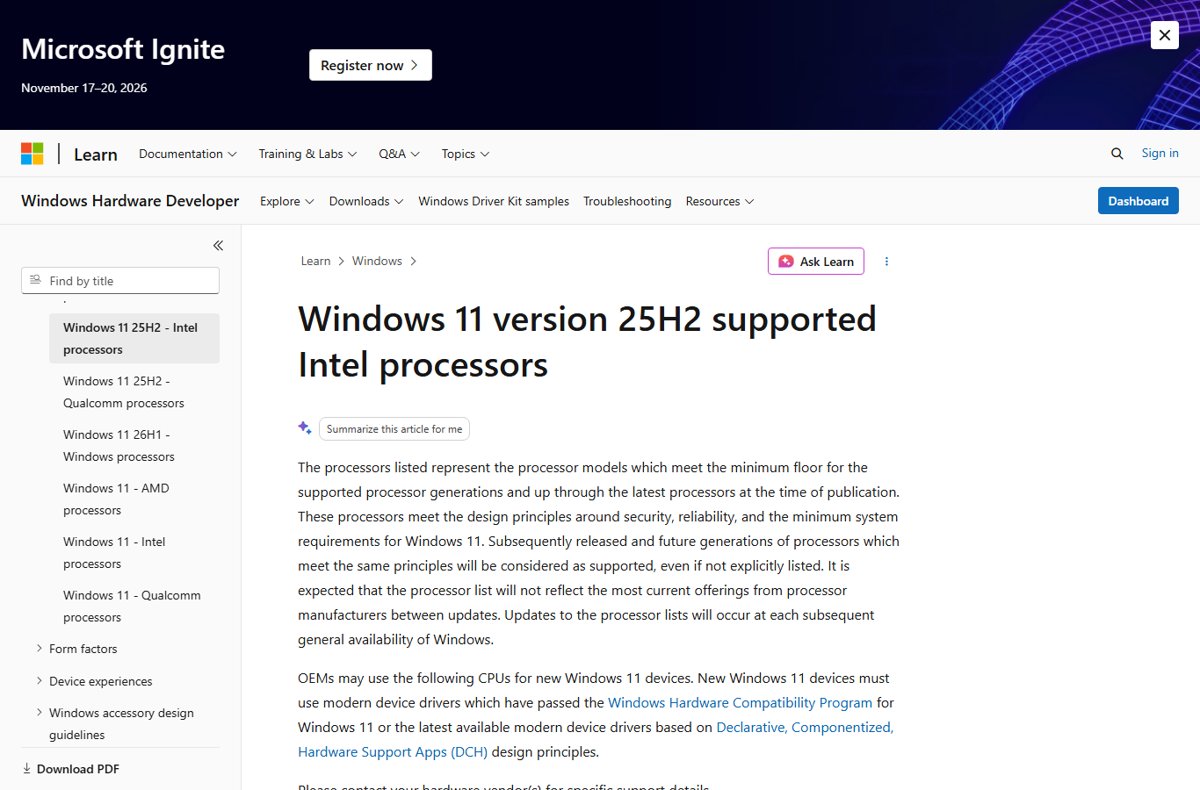
Windows 11 26H2 supported CPU list: Microsoft has no separate 26H2 list yet, so the 25H2 Intel, AMD and Qualcomm lists apply. Full tables and how to check yours.
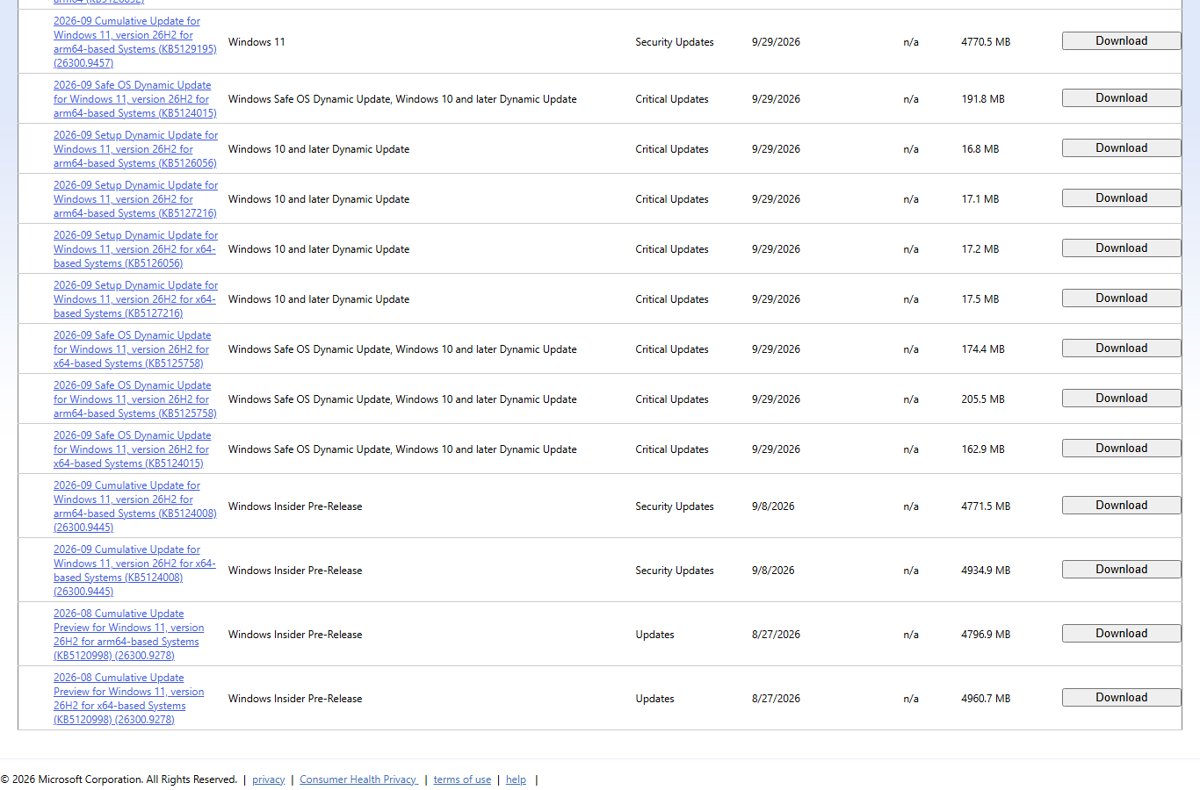
Windows 11 26H2 update history: every build and KB since the September 29, 2026 release, Insider preview builds, known issues and servicing dates.
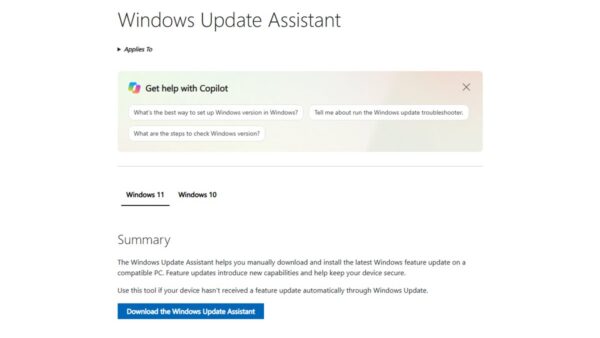
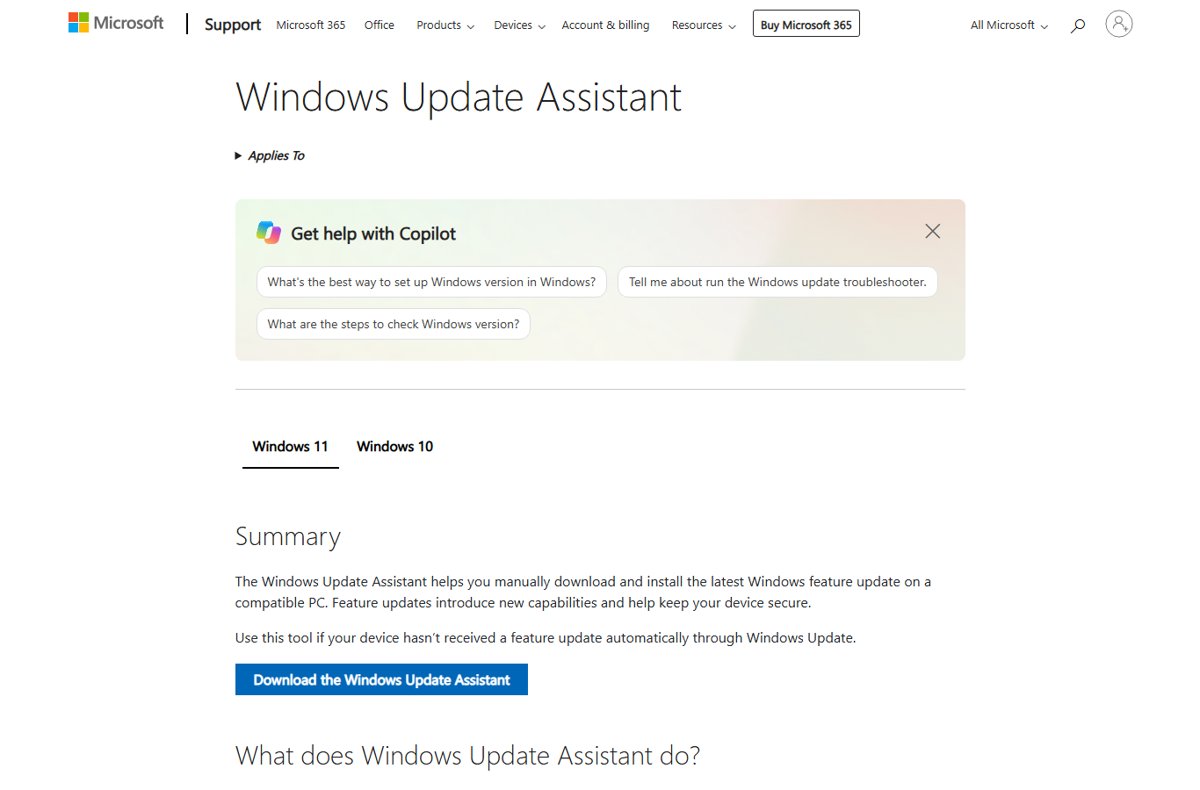
Windows 11 26H2 Installation Assistant: download it from Microsoft, select Accept and Install, then Restart Now. Requirements, limits and how to go back.
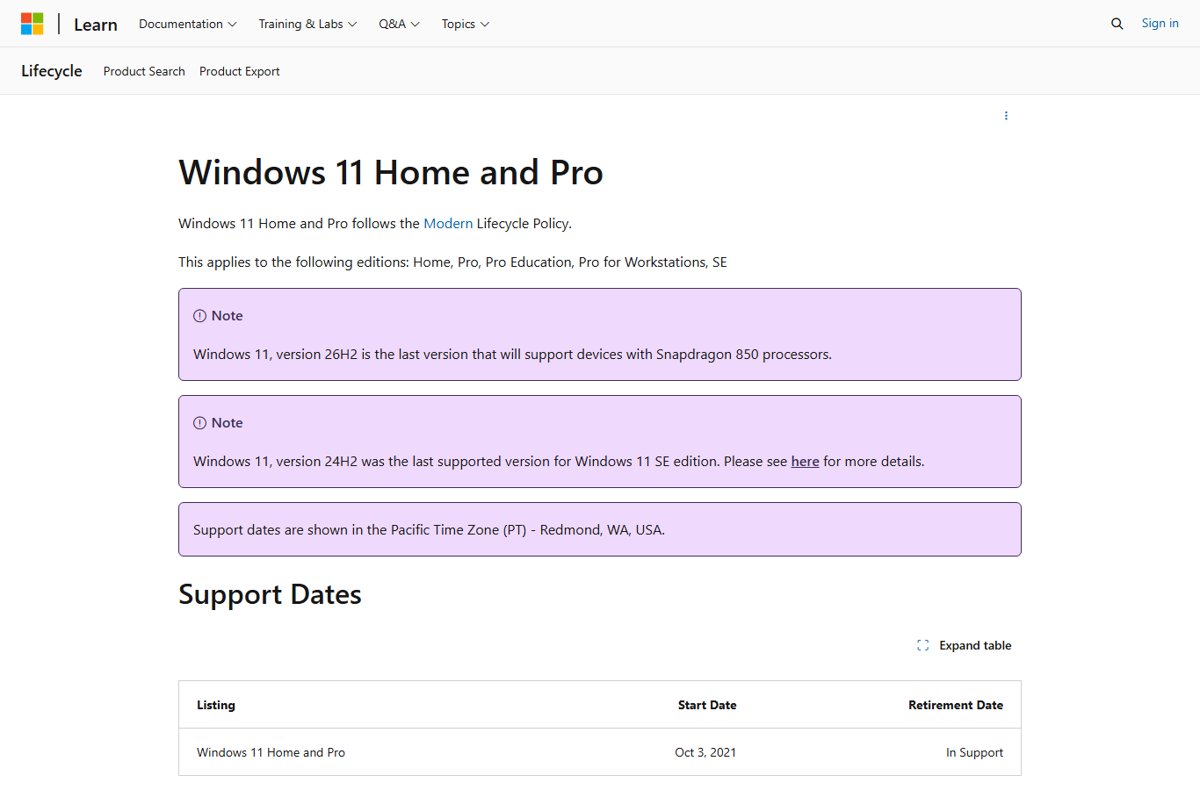
Windows 11 26H2 end of support: October 10, 2028 for Home and Pro, October 9, 2029 for Enterprise and Education. Full servicing timeline and what to do next.