How to install Windows 11 26H2 with a local account
Windows 11 26H2 local account setup: finish setup with a Microsoft account, then switch in Settings, or use an answer file for Pro deployments. Steps and limits.
2,085 articles

Windows 11 26H2 local account setup: finish setup with a Microsoft account, then switch in Settings, or use an answer file for Pro deployments. Steps and limits.
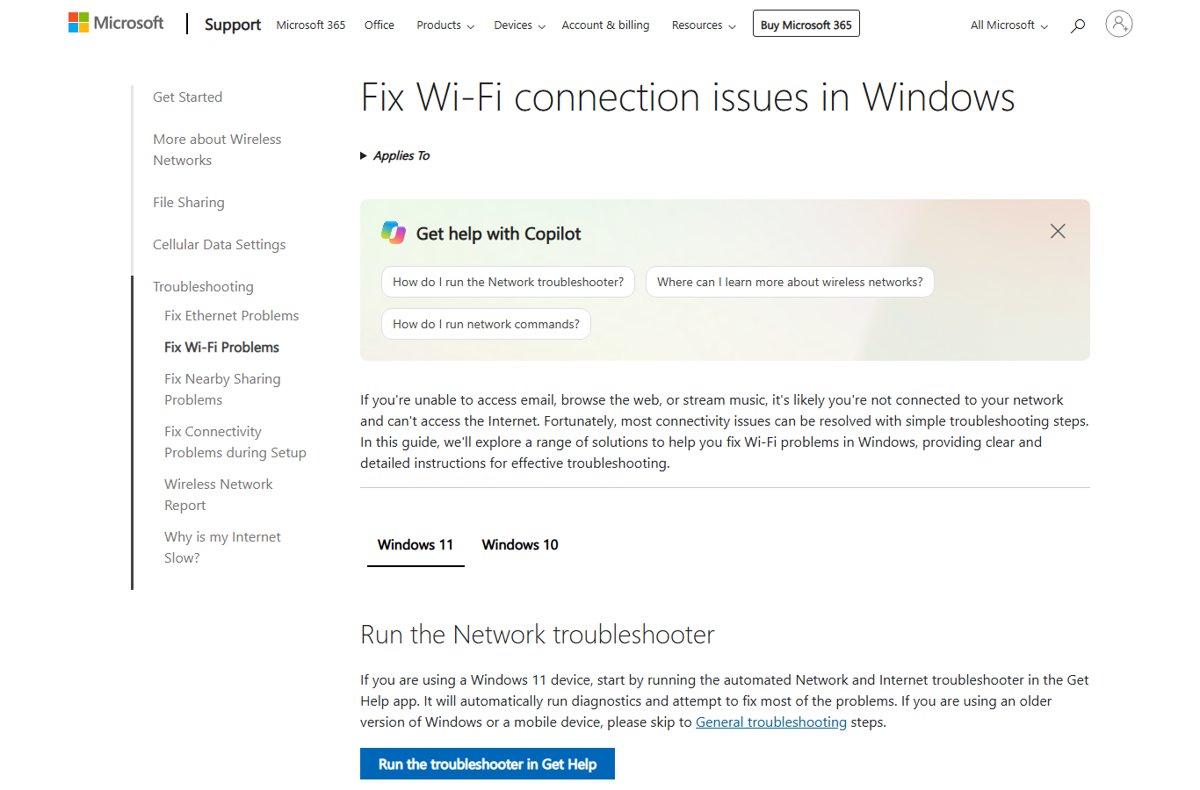
Windows 11 26H2 network problems and no internet: run the Network and Internet troubleshooter, reset TCP/IP, renew the IP address, fix or roll back the driver.
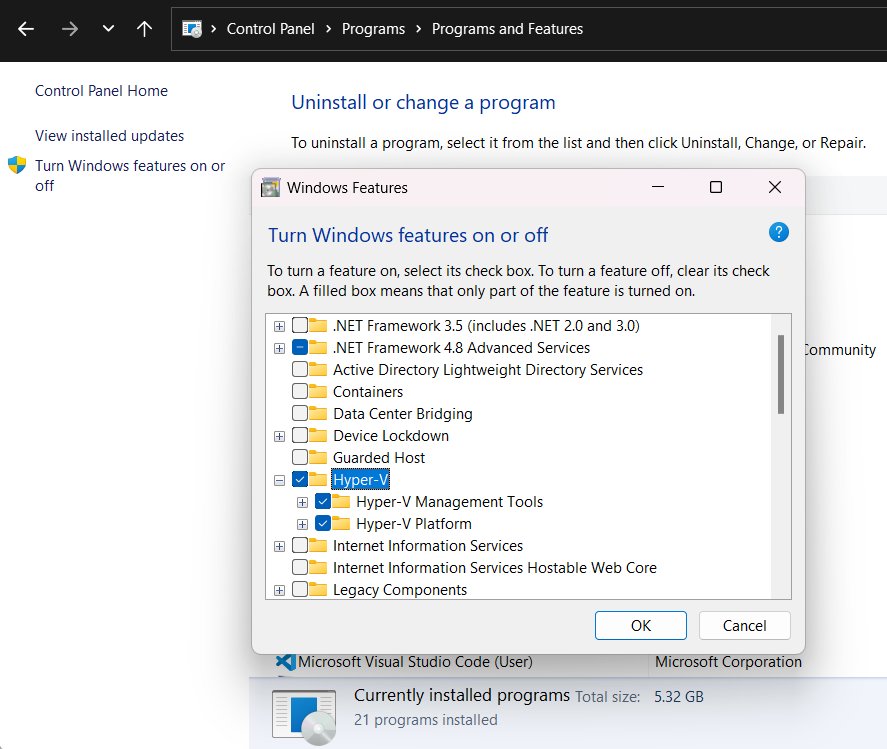
Enable Hyper-V in Windows 11 26H2 through Windows Features, PowerShell or DISM on Pro and Enterprise PCs, check requirements, and turn it off when you need to.
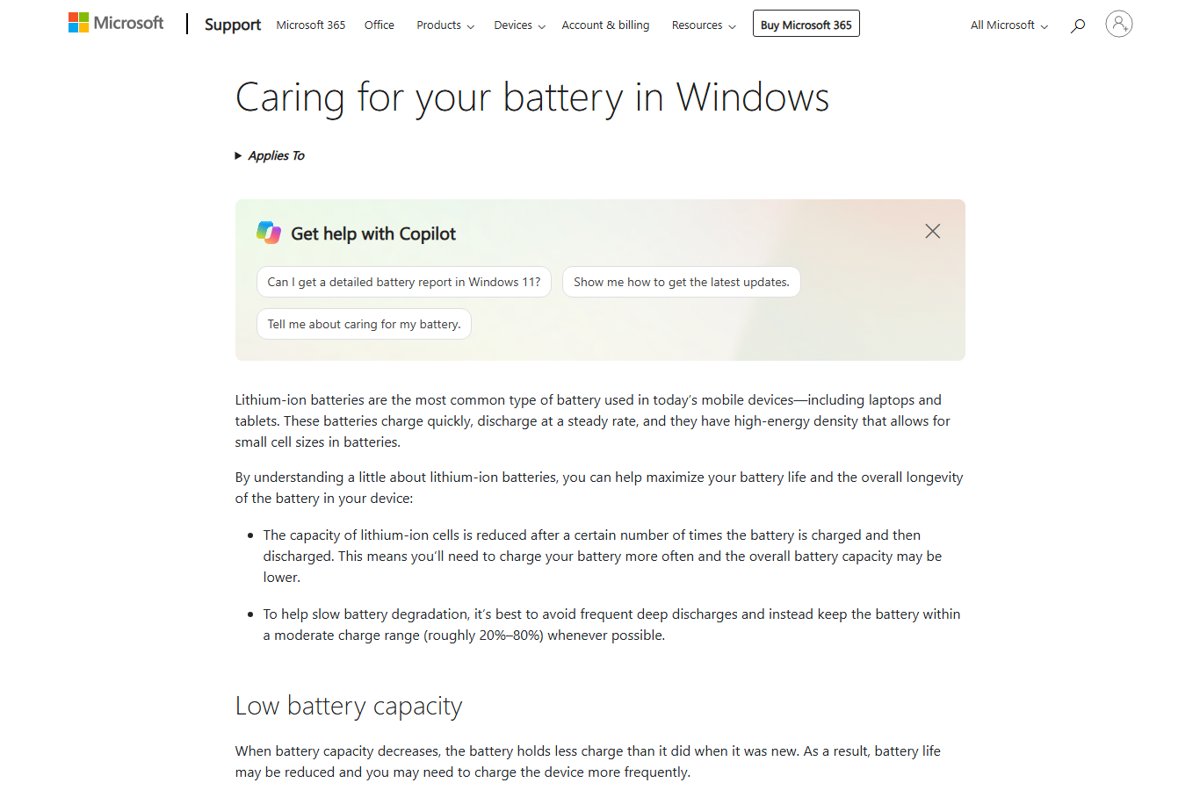
Show battery percentage in Windows 11 26H2 from Settings > System > Power & battery. Turn it on, what the icon colours mean, and why ViveTool is not needed.
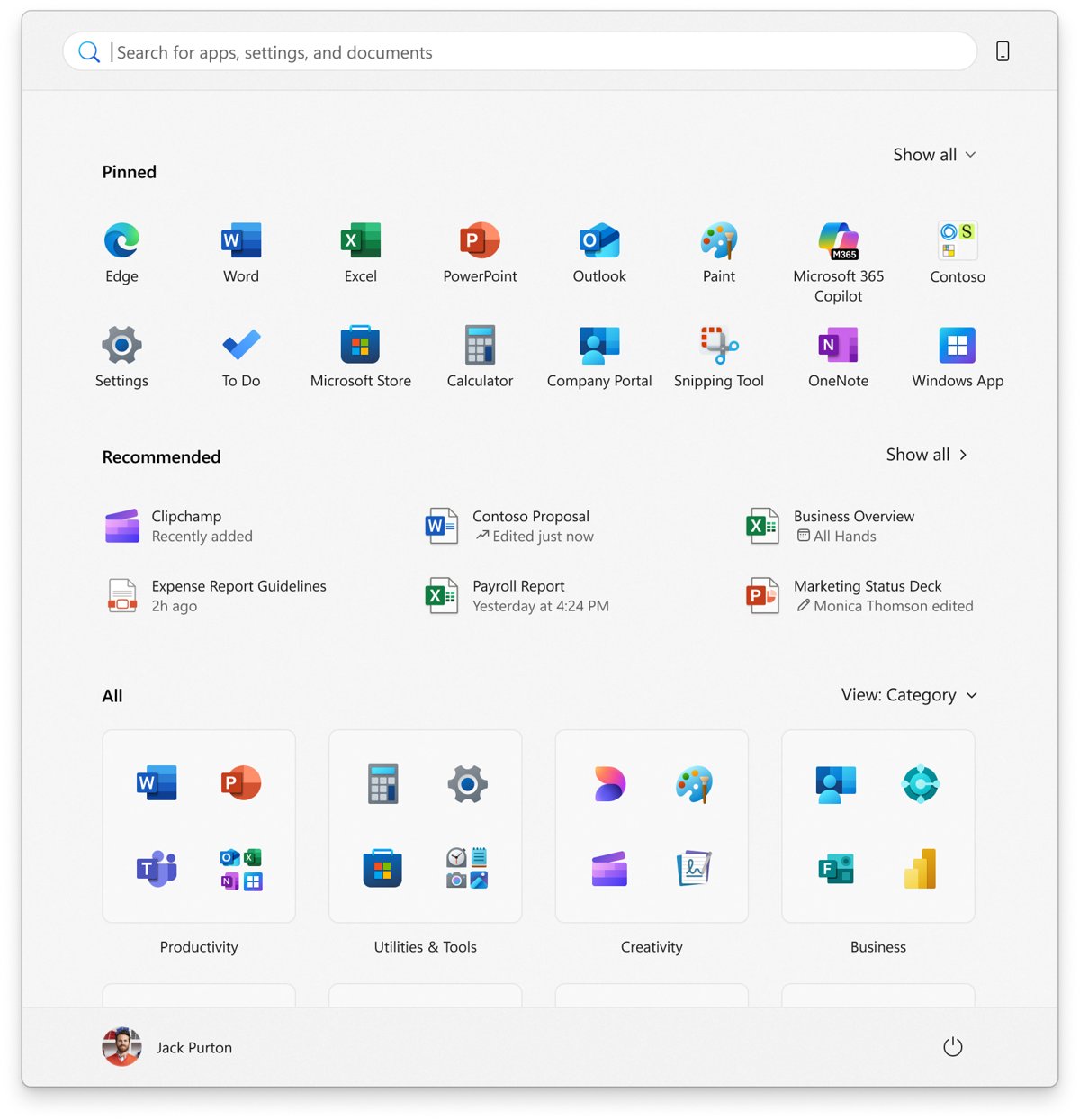
Get the old Start menu back in Windows 11 26H2 as closely as Microsoft allows: hide the All list, shrink Start and use policies. No official off switch exists.
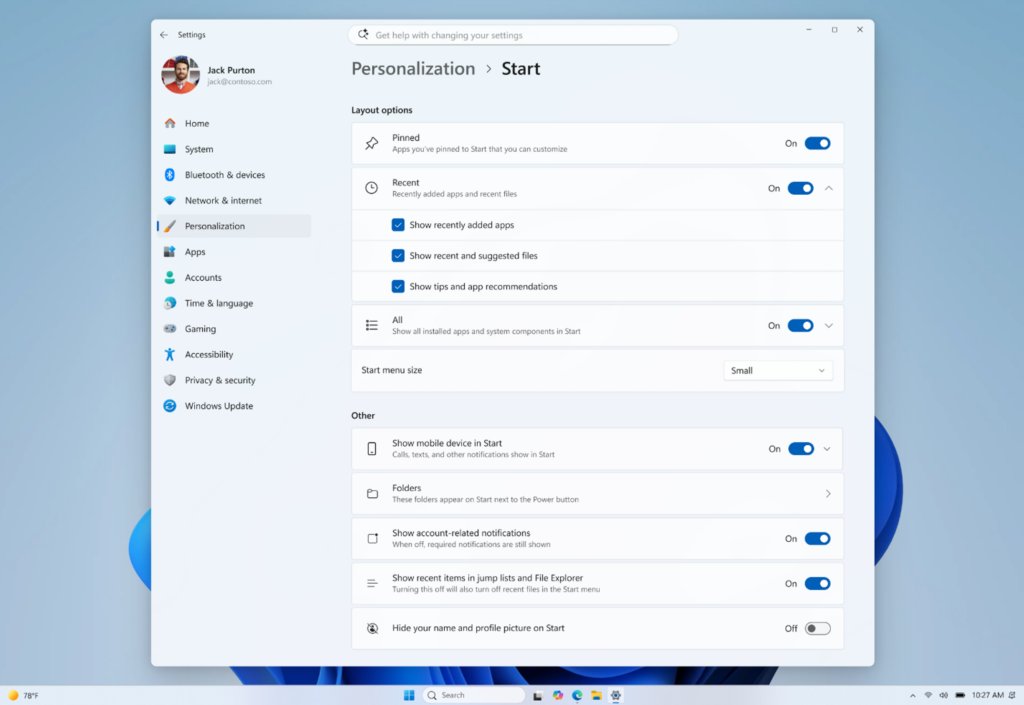
Enable the new Start menu in Windows 11 26H2: install the update, then set its size and the Pinned, Recent and All toggles in Settings > Personalization > Start.
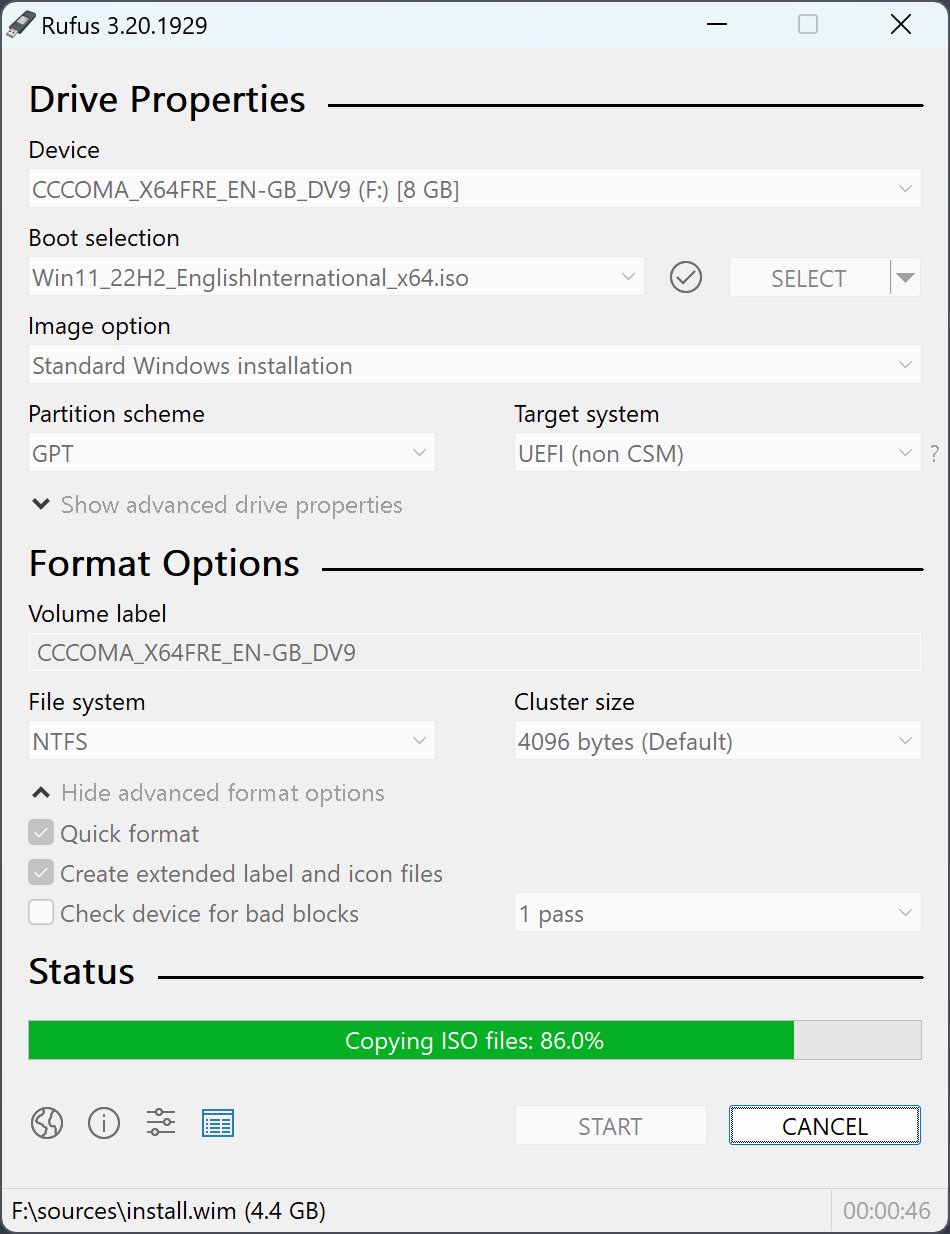
Use Rufus to create a bootable Windows 11 26H2 USB: get the official ISO from Microsoft, write it to an 8 GB drive, then boot the PC and install.
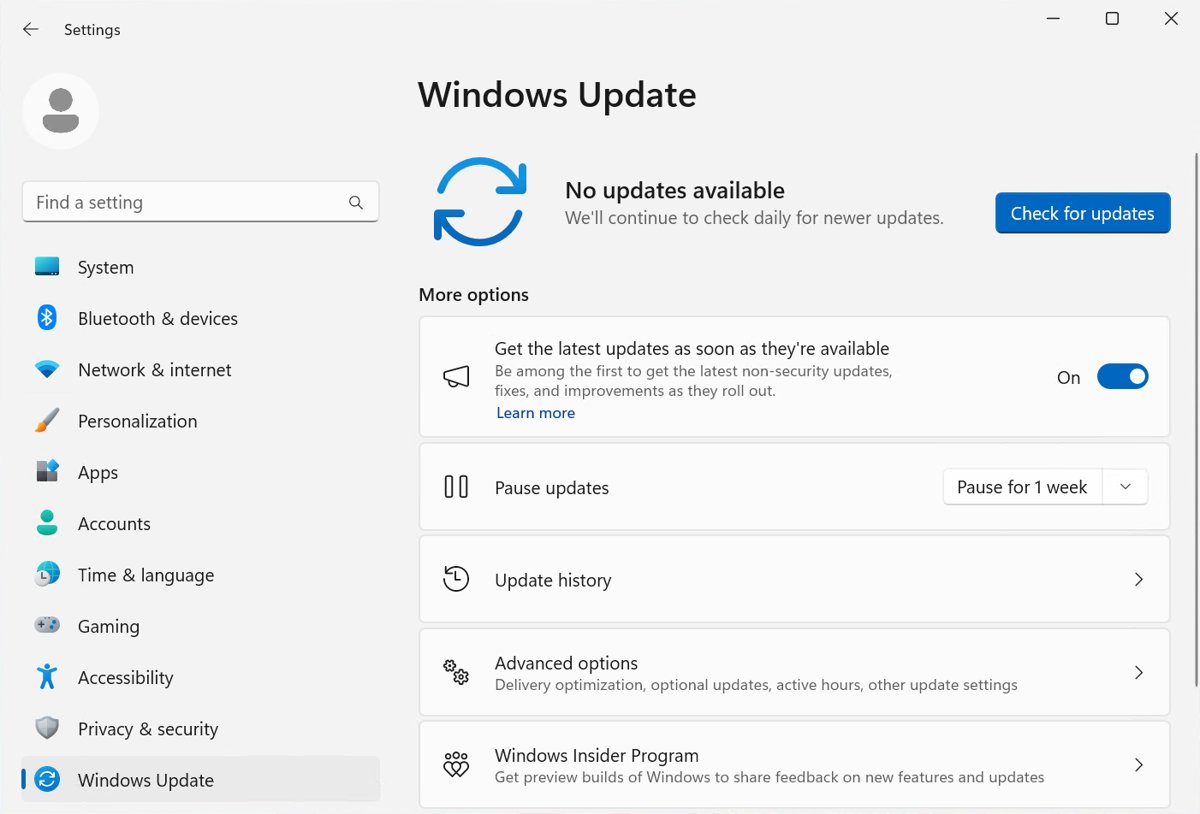
Block the Windows 11 26H2 update with the Select the target Feature Update version policy, Intune or WSUS, or delay it on Home with Pause updates. Steps inside.
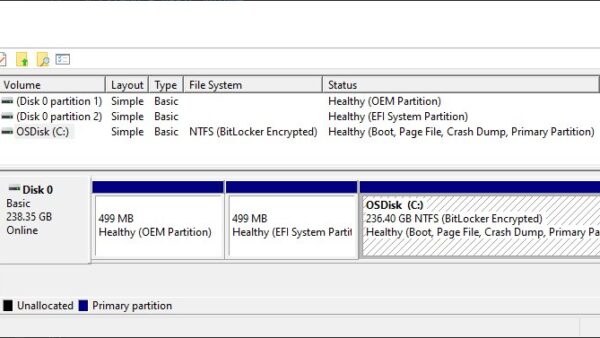
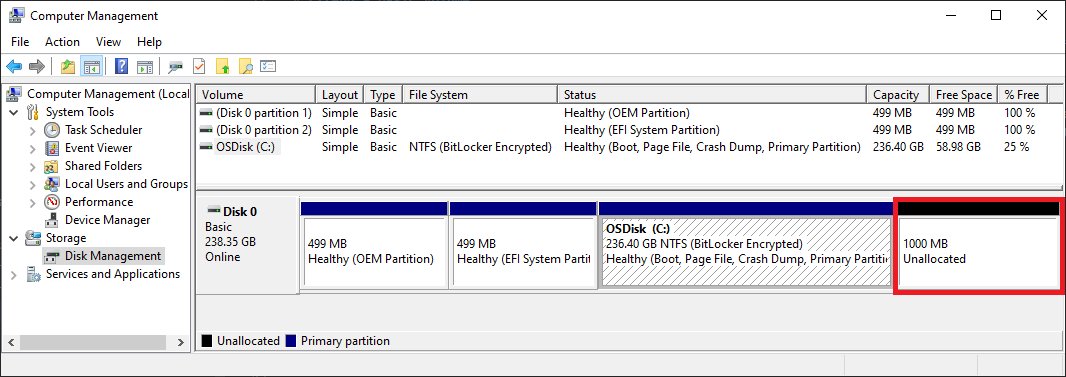
Yes, you can dual boot Windows 11 26H2 and 25H2 by giving each its own partition. How to set it up, keep 25H2 from updating, and remove it later.
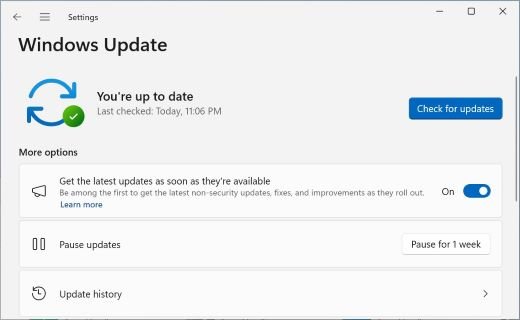
Windows 11 26H2 keeps failing to install? Fix the usual causes: a missing KB5124010 prerequisite, low disk space, driver errors like 0xC1900101 and a broken cache.
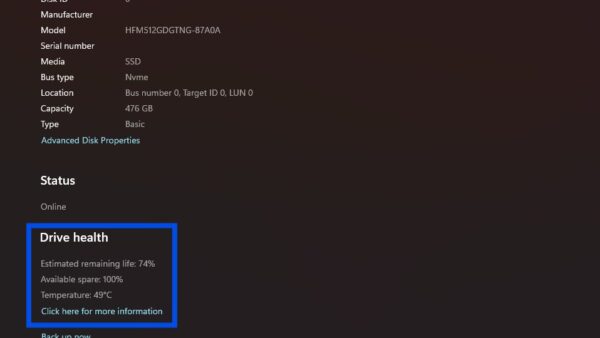
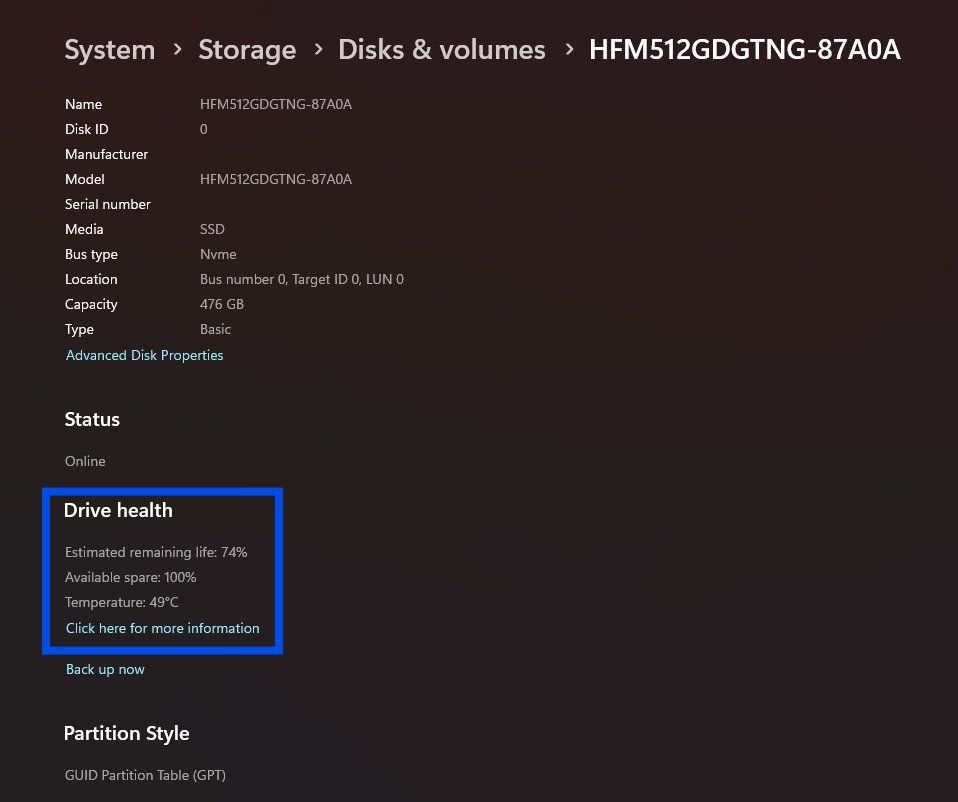
Does Windows 11 26H2 corrupt SSDs? Microsoft lists no SSD or storage issue for 26H2. Check drive health, back up, and fix a missing or failing drive after updating.
Windows 11 26H2 keeps your Group Policy settings, but it changes some defaults and starts honouring Machine Identity Isolation. What changes and how to check.