You do not need an iCloud email address to use an iPhone, iCloud Photos or the App Store, because your Apple Account can sign in with the email address you already have.
An @icloud.com address is only required to use iCloud Mail, and this guide explains when that matters, how to create one on each device, and what iCloud does for you without it.
Do you need an iCloud email address if you already have an email?
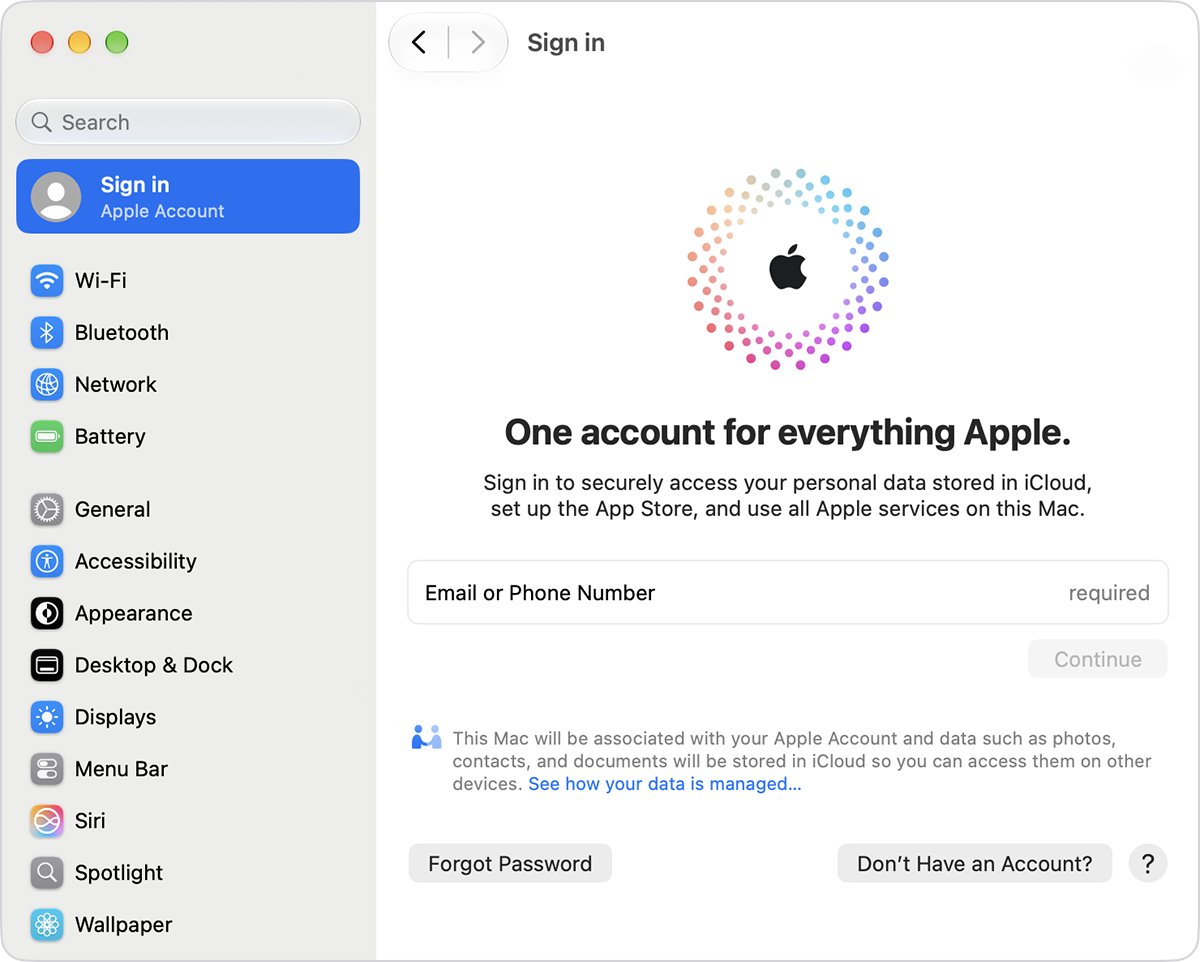
Your Apple Account signs in with an email address or phone number and a password. That email can be your existing Gmail, an Outlook email account or a work address.
Keep your current email as your Apple Account sign-in and skip the @icloud.com address unless you want to send and receive mail through iCloud Mail. Apple only requires a primary @icloud.com address before you can use iCloud Mail. Photos, iCloud Drive, backups, Find My and the App Store all work with the Apple Account you already have.
If a setup screen keeps offering an @icloud.com address, it is the iCloud Mail prompt. Leave iCloud Mail off and the prompt has no effect on anything else.
Apple Account email vs iCloud email address
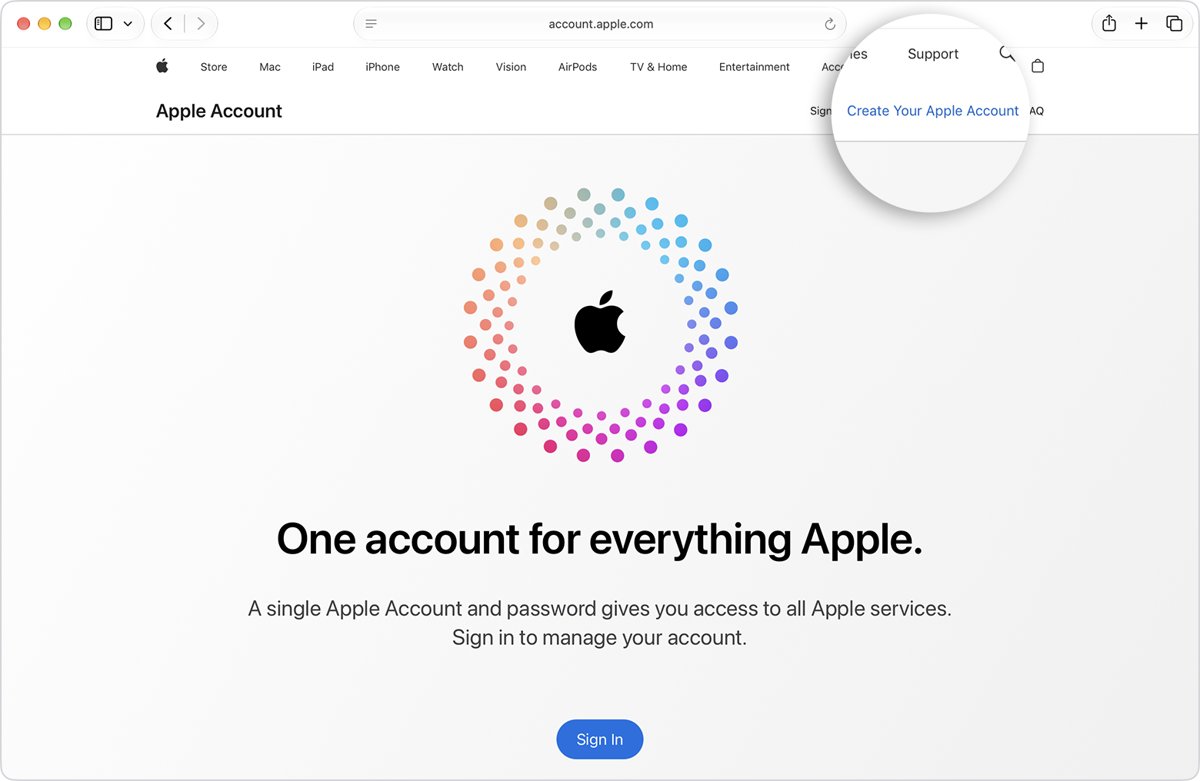
Apple renamed Apple ID to Apple Account, but you still sign in with the same email address or phone number and Apple Account password.
| Question | Apple Account email | iCloud Mail address (@icloud.com) |
|---|---|---|
| What it is | The primary email you sign in to Apple services with | A free mailbox hosted by Apple |
| Can it be Gmail, Outlook or Yahoo? | Yes, any address you can verify | No, it always ends in @icloud.com |
| Required to use an iPhone or Mac? | Yes, to use iCloud and the App Store | No |
| Required for iCloud Mail? | No | Yes, you create it before iCloud Mail works |
| Can you sign in with it? | Yes | Yes, once it exists, alongside your Apple Account |
| Uses iCloud storage? | No | Yes, stored mail counts toward your iCloud storage |
| Can you rename it later? | Apple lets you manage it at account.apple.com | No, the primary address cannot be renamed |
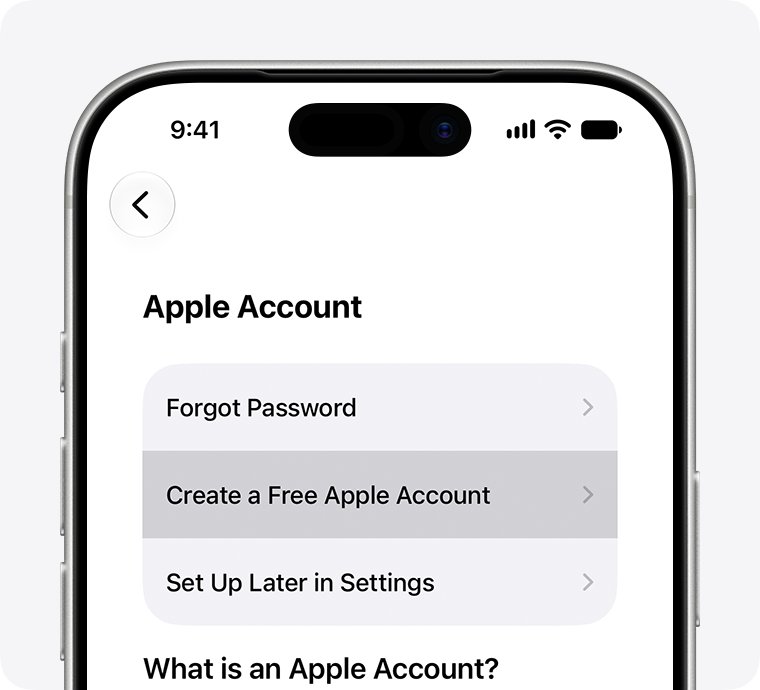
On iPhone, iPad or Apple Vision Pro, the account setup screen shows Don't have an email address? for people with no email at all. Tapping it creates a free iCloud email address for the Apple Account.
When do you need an iCloud email address?
| Your situation | Do you need @icloud.com? | Why |
|---|---|---|
| You want iCloud Photos, iCloud Drive or iCloud Backup | No | These run on your Apple Account, not on a mailbox |
| You want Find My, Contacts, Calendars or Reminders to sync | No | Sync uses the Apple Account you sign in with |
| You want a second address to keep Apple mail apart from personal mail | Yes | iCloud Mail gives you a separate inbox on every Apple device |
| You want to send mail from up to nine throwaway aliases | Yes | Aliases are added to an iCloud Mail account |
| You only want to hide your address on sign-up forms | No | Hide My Email in iCloud+ can forward to any email linked to your Apple Account |
| You have no email address at all | Yes | Choose Don't have an email address? to get a free iCloud address during Apple Account setup |
How to create an iCloud email address on iPhone or iPad
Skip this if your iCloud Mail inbox already opens, because you already have an address.
- Open Settings on your iPhone or iPad.
- Tap your name at the top of the screen.
- Tap iCloud.
- Tap iCloud Mail (or Mail).
- Follow the onscreen instructions and pick an address from the suggestions, or edit one.
- Confirm the address to finish.
How to create an iCloud email address on a Mac
- Choose the Apple menu, then System Settings.
- Click your name at the top of the sidebar. If it is missing, click Sign in and enter your Apple Account email or phone number.
- Click iCloud, then click Mail (or iCloud Mail).
- On macOS 13.3 or later, turn on Sync this Mac. On macOS 13 to 13.2, click Turn On.
- Follow the onscreen instructions to choose your @icloud.com address.
How to create an iCloud email address on iCloud.com
This route works from any browser, including a Windows PC or an Android phone.
- Go to icloud.com/mail.
- Sign in with your Apple Account if you are asked.
- Select Create Email Address.
- Follow the onscreen instructions to pick and confirm the address.
iCloud suggests addresses based on your Apple Account and name. An edited address must be longer than three characters and not already taken.
What does iCloud do for me without iCloud Mail?
Every feature below runs on your Apple Account. None of them needs an @icloud.com address.
| iCloud feature | What it does for you |
|---|---|
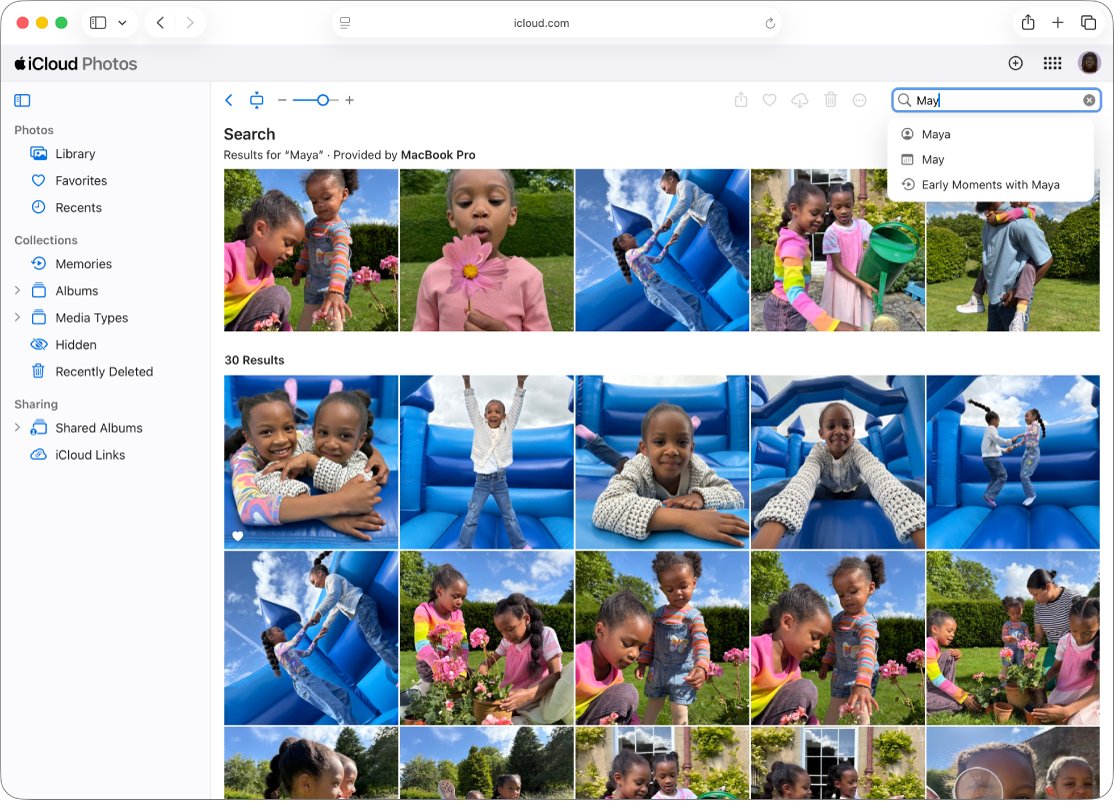
| iCloud Photos | Keeps your photo and video library the same on iPhone, iPad, Mac and iCloud.com |
| iCloud Drive | Stores files and folders you can open and share from any signed-in device |
| iCloud Backup | Backs up your iPhone or iPad so you can restore it to a new device |
| Find My | Locates, locks or erases a lost device from another device or iCloud.com |
| iCloud Keychain and Passwords | Fills saved passwords and passkeys across your devices |
| Contacts, Calendars, Reminders, Notes | Keeps the same records on every device you sign in to |
| Messages in iCloud | Stores your message history so it appears on each device |
Apple notes that many iCloud features need two-factor authentication on your Apple Account.
Why do I need iCloud storage?
| Fact | Detail |
|---|---|
| Free storage | Every Apple Account gets 5 GB of iCloud storage at no cost |
| What uses it | Photos and videos, iCloud Drive files, iPhone and iPad backups, and iCloud Mail |
| Effect on iCloud Mail when full | You cannot receive new email at your iCloud address until you free up space |
| Getting more space | Upgrade to an iCloud+ plan, which also adds Hide My Email and Custom Email Domain |
A mailbox you never use still costs nothing. Mail only uses storage once messages arrive.
How to add an iCloud email alias
An alias gives you another @icloud.com address that lands in the same inbox. You can create up to nine, each 3 to 20 characters long.
- Go to icloud.com/mail and sign in.
- Select the Settings button at the top of the Mailboxes list, then choose Settings.
- Select Add Alias.
- Enter the Alias Address, a Label and a Full Name.
- Select Create.
An alias cannot be used to create a separate Apple Account.
Can you change or delete an iCloud email address?
Pick your primary @icloud.com address carefully, because Apple does not let you rename it later; add an alias if you want a different address. Aliases can be turned off for a while or deleted for good. Mail sent to a disabled or deleted alias is returned to the sender, and after deleting one you must wait 7 days before creating a new alias.
To turn an alias off, open Settings in iCloud Mail, select the alias, tick Disable alias and select Save Changes. To remove it, select Delete alias, then Delete.
Can iCloud+ hide your email address or use a custom domain?
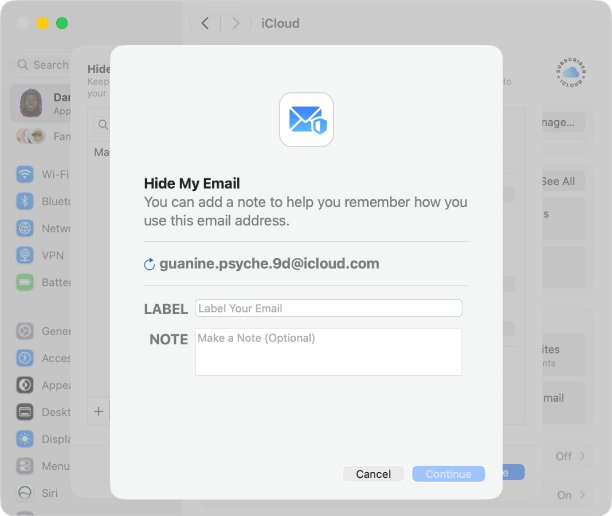
Both features need an iCloud+ subscription. Hide My Email is the one that works well with an email address you already have.
| Feature | What it does | Needs an @icloud.com inbox? |
|---|---|---|
| Hide My Email | Creates random, unique addresses for sign-up forms and forwards their mail to you | No, mail can go to any email address linked to your Apple Account |
| Custom Email Domain | Lets you send and receive iCloud Mail at a domain you own or buy | It uses iCloud Mail |
| Email aliases | Up to nine extra @icloud.com addresses in one inbox | Yes |
Hide My Email works in Safari, Mail, Apple Pay and supported apps on iOS 15, iPadOS 15, macOS 12 or later, and on iCloud.com. Replies you send keep your personal address private.
Do I need iCloud for Windows?
You need iCloud for Windows only if you want your iCloud data on a PC. It uses the same Apple Account and needs no @icloud.com address for the features below.
| What you want on the PC | What iCloud for Windows provides |
|---|---|
| Your photo library | iCloud Photos and Shared Albums |
| Your files | iCloud Drive in File Explorer, with sharing |
| Calendars and contacts | Shown in Microsoft Outlook |
| Saved passwords | iCloud Passwords to fill and manage web passwords |
| Browser bookmarks | iCloud Bookmarks in a browser on the PC |
Set up iCloud on an iPhone, iPad or Mac first. iCloud Mail is also available in any browser at icloud.com/mail.
iPhone keeps asking for an iCloud email address
Setup asks you to create an @icloud.com address you do not want
The prompt belongs to iCloud Mail, which needs a primary @icloud.com address before it can turn on.
- Open Settings, tap your name, then tap iCloud.
- Leave iCloud Mail (or Mail) turned off.
- Turn on the features you want, such as Photos or iCloud Drive, which use your existing Apple Account.
iCloud Mail stopped receiving new email
Mail counts toward iCloud storage, and a full account blocks incoming mail.
- Open Settings, tap your name, then tap iCloud to see the storage bar.
- Delete old mail, large attachments or old device backups to free space.
- Upgrade to iCloud+ if you need more than the free 5 GB.
You cannot get the iCloud address you wanted
The address is taken, too short, or the primary address was already created and cannot be renamed.
- Try one of the suggestions iCloud offers based on your name.
- Make the edited address longer than three characters.
- If you already have a primary address, add an alias in iCloud Mail Settings instead.
iCloud email address FAQ
Why do I need an iCloud account?
You need an Apple Account to use iCloud, the App Store and Find My on Apple devices. The account signs in with an email you already have, so an @icloud.com address is optional unless you want iCloud Mail.
Why do I need an iCloud email address?
You only need one to use iCloud Mail. Apple asks you to create a primary @icloud.com address before iCloud Mail turns on. Photos, iCloud Drive, backups and Find My work without it.
Why do I need an Apple ID and an iCloud ID?
You do not need two. Apple ID is now called Apple Account, and that single account signs you in to iCloud. An @icloud.com address, if you create one, is an extra sign-in name for the same account.
Why do I need an iCloud subscription?
You only need iCloud+ if 5 GB of free storage is not enough, or if you want Hide My Email, Custom Email Domain or Private Relay. iCloud itself is free with every Apple Account.
What does iCloud do for me?
iCloud keeps your photos, files, contacts, calendars, passwords and device backups the same on every Apple device you sign in to. It also powers Find My, which can locate, lock or erase a lost iPhone or Mac.
What is the purpose of iCloud?
iCloud stores your data on Apple's servers so it stays in sync across iPhone, iPad, Mac, Windows and iCloud.com. Changes made on one device show up on the others signed in to the same Apple Account.
Do I need iCloud for my iPhone?
No, an iPhone works without iCloud, but you lose iCloud Backup, iCloud Photos sync and Find My. You still need to sign in to the App Store with an Apple Account to download apps.
Is iCloud necessary on iPhone?
iCloud is optional on iPhone. Keeping at least iCloud Backup and Find My on is the simplest way to recover your data and track the phone if it is lost or replaced.
How important is iCloud storage?
It matters once your backups, photos and mail grow past the free 5 GB. When storage is full, backups stop and iCloud Mail cannot receive new email until you free space or upgrade to iCloud+.
Do I need iCloud for Windows?
Only if you want your iCloud Photos, iCloud Drive files, passwords, bookmarks, or Outlook calendars and contacts on a PC. Set up iCloud on an Apple device first, then sign in on Windows with the same Apple Account.
Can I use my Gmail address as my Apple Account?
Yes. When you create an Apple Account you provide an email address, verify it, and use it to sign in. Only people without any email need the free iCloud address offered during setup.
Can I sign in with my iCloud email address?
Yes. Once you create an @icloud.com address, you can use it to sign in to iCloud.com and your devices in addition to your original Apple Account email.