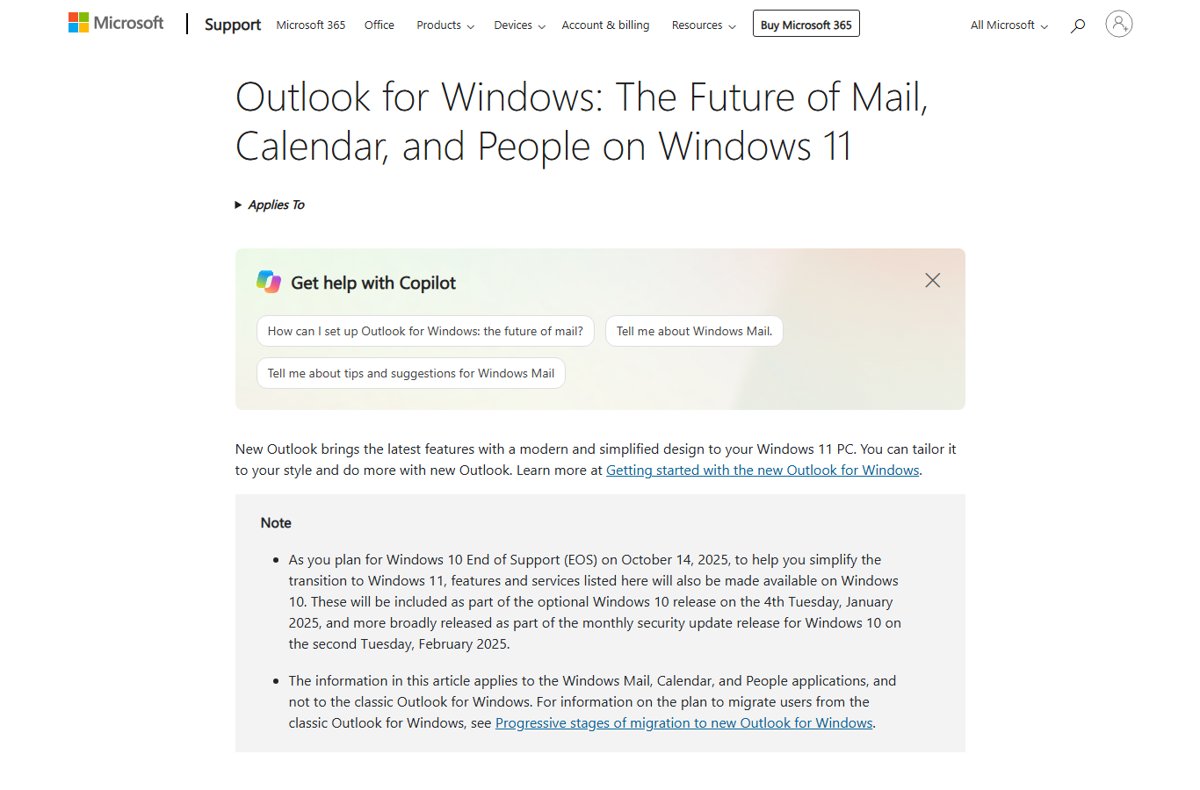
You can no longer install a working Windows Mail app on Windows 11, because Microsoft ended support for Mail and Calendar on December 31, 2024, and it can no longer send or receive email.
This guide explains what happened to Mail, what removing new Outlook does and does not bring back, how to move to new Outlook, and how to export the emails, events and contacts still stored in Mail.
Can you install the Windows Mail app again on Windows 11?
No working version of Windows Mail exists any more, so install new Outlook for Windows instead; it is free, needs no subscription, and Microsoft names it as the replacement for Mail, Calendar and People. Since December 31, 2024, Mail and Calendar cannot send or receive email or events. Opening it now shows only a "Windows Mail and Calendar are no longer supported" dialog with Export Data and Open Outlook.
Emails, events and contacts already stored on your PC are not lost. They stay exportable, and new Outlook can import them.
What happened to the Windows Mail app?
| Date or change | What it means for you |
|---|---|
| Windows 11 builds later than 23H2 | New Outlook comes preinstalled for all users |
| December 31, 2024 | Support for Windows Mail, Calendar and People ended; sending and receiving stopped |
| January 28 and February 11, 2025 | Windows 10 updates installed new Outlook on Windows 10 PCs too |
| After support ended | Microsoft switches active Mail users to new Outlook automatically |
| Today | Mail opens only to export local data or to open new Outlook |
This change covers the free Mail, Calendar and People apps that came with Windows. Classic Outlook, the desktop app in Microsoft 365, follows its own migration plan.
How to find the Windows 11 Mail app
Many PCs still have the old app installed even though it no longer syncs. Finding it matters only if you need to export the messages, events and contacts stored in it.
- Select Start and type Mail.
- If Mail appears in the results, select it to open the app.
- If nothing appears, open Settings > Apps > Installed apps and search the list for Mail and Calendar.
- If Mail and Calendar is not listed either, the app has been removed from this PC; add your account to new Outlook to reach the mail kept on your email server.
- When Mail opens, the Windows Mail and Calendar are no longer supported dialog appears with Export Data and Open Outlook.
Uninstall Outlook new and install the Mail app again on Windows 11
Removing new Outlook is possible, but it does not restore Mail. Even if the Mail and Calendar app is still on your PC, it cannot connect to any email account, so uninstall new Outlook only if you plan to use another email app.
Microsoft publishes this command to remove new Outlook for all users. Run it in Windows PowerShell opened as administrator.
Remove-AppxPackage -AllUsers -Package (Get-AppxPackage Microsoft.OutlookForWindows).PackageFullNameGet-AppxPackage finds the installed new Outlook package, Microsoft.OutlookForWindows, and Remove-AppxPackage removes it for every user account on the PC.
You should see: PowerShell returns to the prompt with no error, and new Outlook no longer appears in the Start menu app list.
A pinned Outlook icon can stay in Start as a placeholder; selecting it installs new Outlook again. To stop Windows from adding it back for new users, Microsoft documents a second command: Remove-AppxProvisionedPackage -AllUsers -Online -PackageName (Get-AppxPackage Microsoft.OutlookForWindows).PackageFullName.
Install new Outlook, the Windows Mail app replacement
New Outlook handles Outlook.com, Microsoft 365, Gmail, Yahoo and other accounts in one app, with a calendar and contacts built in.
- Open the Start menu and look for Outlook. On Windows 11 builds later than 23H2 it is already installed.
- If it is missing, open Microsoft Store, search for Outlook for Windows and install it.
- Alternatively, open the old Mail app and select Open Outlook in the dialog that appears.
- In classic Outlook, select the Try the new Outlook toggle in the upper corner instead.
- Open new Outlook and follow the on-screen prompts to add your email accounts.
Adding emails into new Outlook, the Windows 11 Mail app replacement
New Outlook keeps multiple accounts in one place, much like Mail did. You can add Outlook.com and Hotmail.com addresses, work or school Microsoft 365 accounts, Gmail, Yahoo, iCloud and Exchange accounts, then switch between their inboxes and calendars in one app.
- In new Outlook, select View > View settings, or select File > Account info.
- Select Accounts > Your accounts.
- Under Email accounts, select Add Account.
- Pick a suggested account from the dropdown menu or type a different email address, then select Continue.
- Enter the password if prompted and select Done.
- Repeat for every address you used in Mail. To choose which one is the default, select Manage beside it and then Set as primary account.
Gmail, Yahoo and iCloud may ask you to change a setting on their own website before Outlook can connect.
Export emails and contacts from Windows Mail to new Outlook
Only items stored locally are exported. Anything that was never fully downloaded stays in your POP or IMAP account and appears once you add that email account to new Outlook.
Microsoft's export article supplies a PowerShell script that starts the export. Run it, then continue below.
- When the Windows Mail and Calendar are no longer supported dialog opens, select Export Data.
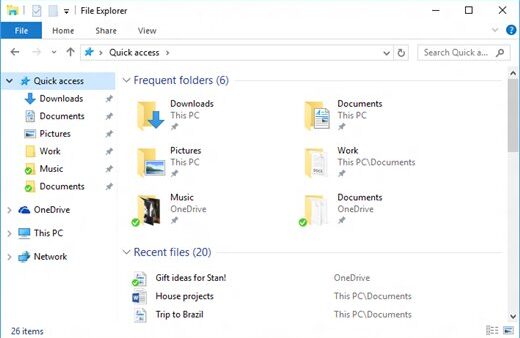
- Note the folder File Explorer opens: it holds an .ics file with your events and folders of .eml messages.
- In the People app that opens next, select Download, then Export in Export all, choose a location and select Save.
- In new Outlook, go to Settings > General > Import, select Start import, pick an .eml folder, select Upload, choose the account and folder, then select Import. Repeat for each folder.
- Open Calendar, select Add calendar > Upload from file > Browse, pick the .ics file and select Import.
- Select People, choose the account, then Manage contacts > Import contacts, browse to the .csv file and confirm.
Windows Mail app vs Outlook: which email app to use now
| Option | Works today? | Best for |
|---|---|---|
| Windows Mail and Calendar | No; export and Open Outlook only | Getting old local data out |
| New Outlook for Windows | Yes, free with no subscription | Anyone who used Mail, including Gmail and Yahoo users |
| Outlook.com in a browser | Yes, free | Microsoft account mail without installing anything |
| Classic Outlook | Yes, as a separate desktop app | Workplaces that rely on COM add-ins, which new Outlook does not support |
How to reset the Mail app on Windows 10/11
Repair or Reset can get a Mail app that crashes on launch to open again, so you can reach Export Data. Neither brings back sending and receiving, which ended with support.
- Select Start > Settings > Apps > Installed apps.
- Find Mail and Calendar and select the More (three dots) icon next to it.
- Select Advanced options.
- Select Repair and try opening Mail again.
- If Mail still fails to open, return to the same page and select Reset.
Remove the old Mail and Calendar app with PowerShell
After exporting your data, you can remove the leftover Mail and Calendar app. Windows lists it as the package microsoft.windowscommunicationsapps.
Remove-AppxPackage -AllUsers -Package (Get-AppxPackage microsoft.windowscommunicationsapps).PackageFullNameRemoves the Mail and Calendar package for every user on the PC. Run it in Windows PowerShell opened as administrator.
You should see: The prompt returns without an error, and Mail no longer opens from the Start menu.
Export first: once the package is gone, the Export Data route goes with it.
Uninstalling and reinstalling Mail does not fix it either. Any copy of Mail and Calendar, old or reinstalled, is past end of support and cannot send or receive email.
How to check new Outlook has your old Mail data
- Open new Outlook and confirm each email account appears in the folder pane.
- Open the folder you imported the .eml files into and check a few older messages.
- Select Calendar and confirm past events from the .ics file appear on their dates.
- Select People and search for a contact you know was in the old app.
Windows Mail app not working: fixes
Mail app won't open or keeps closing on Windows 10 or 11
Mail and Calendar reached end of support on December 31, 2024, so it no longer runs as an email app.
- Open Mail once more and wait for the Windows Mail and Calendar are no longer supported dialog.
- Select Export Data if you still need local messages, events or contacts.
- Select Open Outlook to move to new Outlook and add your accounts there.
Mail opens but no new emails arrive
Mail can no longer send or receive mail for any account.
- Add the same account to new Outlook or sign in at Outlook.com.
- Check the new inbox; messages stored on the mail server appear there.
- Export local-only items from Mail using the steps above.
Windows Mail app FAQ
What is the Windows Mail app?
Windows Mail, part of the Mail and Calendar app, was the free email app built into Windows 10 and Windows 11. It worked with People for contacts. Microsoft ended support on December 31, 2024, and replaced it with new Outlook for Windows.
What happened to the Windows Mail app?
Microsoft retired Mail, Calendar and People on December 31, 2024. The apps can no longer send or receive email or events, and Microsoft moves active users to new Outlook, which is free and preinstalled on Windows 11 builds later than 23H2.
Why do I have both the Mail and Outlook apps?
Windows installed new Outlook as Mail's replacement, while the old Mail and Calendar app stayed on many PCs. Mail now only exports local data or opens Outlook, so you can remove it once your data is safe.
How do I download the Windows Mail app?
A working Windows Mail app is no longer available to download. Install Outlook for Windows from the Microsoft Store app, or open the old Mail app and select Open Outlook. New Outlook is free and needs no subscription.
Where is the Windows Mail app located?
If it is still installed, search the Start menu for Mail; the Microsoft Store lists it as Mail and Calendar. Windows stores it as the package microsoft.windowscommunicationsapps, which can be removed with PowerShell after you export your data.
Is new Outlook free on Windows 11?
Yes. Microsoft states that everyone with Windows gets new Outlook for free, with no subscription needed. It supports Outlook.com, Gmail, Yahoo and other accounts in one inbox, and includes a calendar and contacts.
Can I still get my old emails out of Windows Mail?
Yes. Local emails, events and contacts remain exportable. Open Mail, select Export Data to save .eml messages and an .ics calendar file, then import them into new Outlook from Settings > General > Import.